


One creative loop
Research, strategy, image, video, voice, and complete ad workflows live in one plugin.
Research what is winning, build the strategy, and create or clone short-form ads from the task where your work already lives.
/goal Read adant.ai/chatgpt-plugin to install the AdAnt plugin and set up a new task for me.Add the public marketplace, install the plugin, and let OAuth connect the AdAnt account you already use.
In the ChatGPT desktop app, open Plugins from the left sidebar.
Choose Create, then select Add marketplace from the menu.
Add AdAnt’s public plugin marketplace from GitHub — leave the ref on main.
https://github.com/anyloop/agent-plugin.gitFind AdAnt in Personal, install it, and authorize your account with OAuth.
Ask your agent for the outcome. AdAnt carries the context from research through strategy, generation, refinement, and delivery — all inside the task you are already in.
Turn a product URL and notes into a grounded client profile with audience, positioning, and creative constraints.
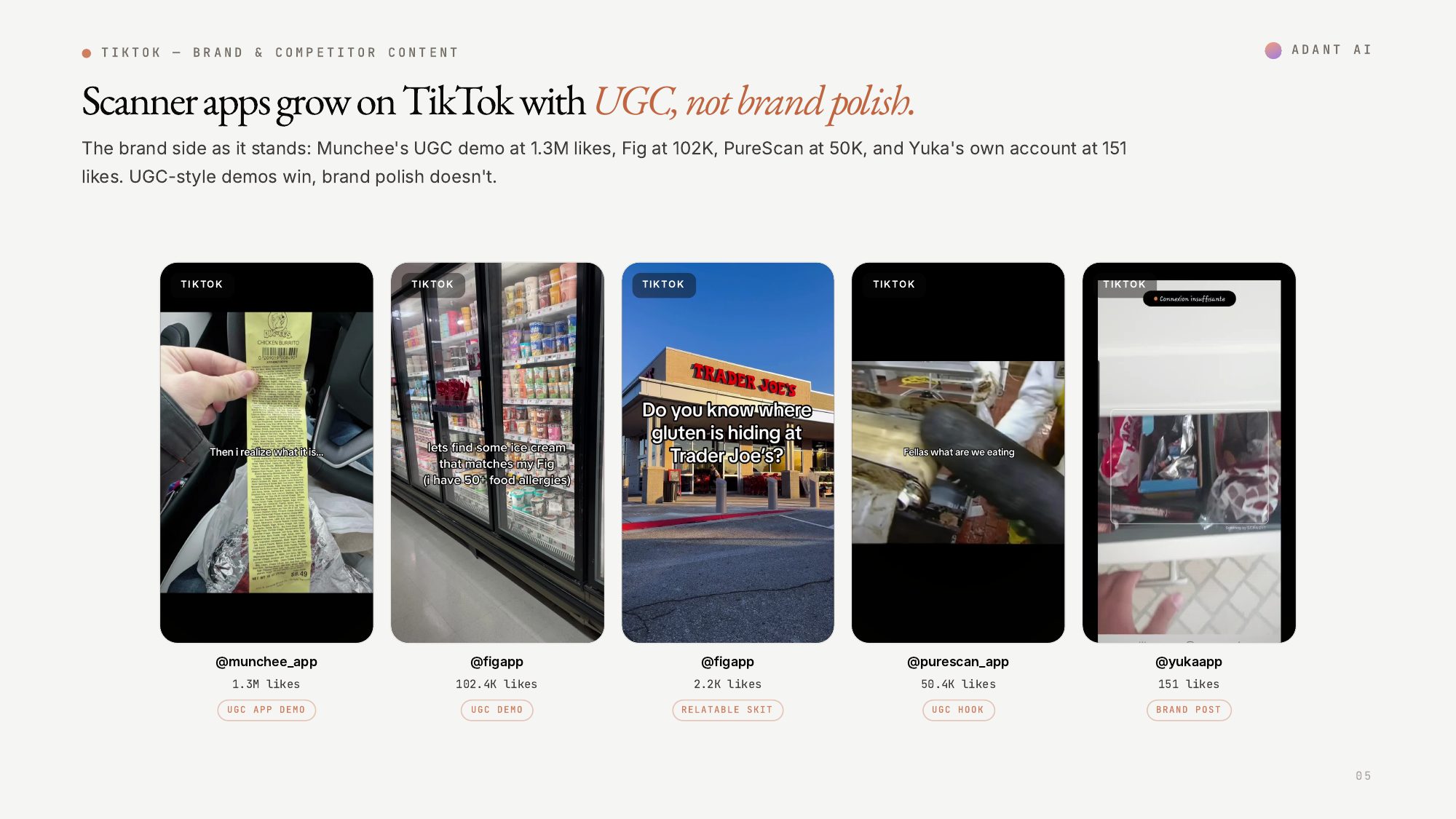
Study TikTok, Instagram, Meta Ads, and YouTube to find current hooks, formats, and competitor patterns.
Convert evidence into distinct, product-specific content strategies and a presentation-ready research report.
Plan, approve, generate, and refine a durable short-form ad project without losing progress between tasks.
Preserve the hook, pacing, and visual grammar of a reference while replacing the product, brand, or audience.
Make campaign images, video clips, and voice tracks with model discovery, cost visibility, and job tracking.
Research, strategy, image, video, voice, and complete ad workflows live in one plugin.
OAuth keeps projects, products, templates, avatars, credits, and generated media scoped to you.
AdAnt shows the proposed model and indicative credit cost before credit-spending generation.
Long-running creative projects keep their state, approvals, jobs, and artifacts when you reconnect.
The plugin uses the same owner-scoped AdAnt workspace as Studio. There are no provider keys to paste into a task.
It adds AdAnt’s research, strategy, media generation, and complete ad workflows to plugin-enabled tasks in the ChatGPT desktop app.
Add the public anyloop/agent-plugin marketplace from the Plugins screen, install AdAnt from the Personal tab, and complete the OAuth sign-in flow.
Yes. Image, video, voice, and complete ad workflows use your AdAnt credits. The plugin asks for confirmation before it submits credit-spending work.
Yes. The plugin can work with owner-scoped products, avatars, templates, and completed uploads, then carry those inputs through a durable create or clone workflow.
Some social platforms may ask you to sign in through a browser before research begins. The plugin guides you through any connection it needs.
Yes. Update the marketplace and AdAnt from the Plugins screen, then start a new task to use the latest features.
Paste one command. ChatGPT will open this guide, install the public marketplace, and start a fresh AdAnt-powered task with you.
/goal Read adant.ai/chatgpt-plugin to install the AdAnt plugin and set up a new task for me.