Small business behind the scenes
Put viewers in the owner's shoes: opening the shop, packing an order, closing up.
Finish the sentence “POV: …” and pick a feel, and get a 5-second first-person clip with your hands in frame and natural sound.

Free account needed: new accounts get free credits.
An AI POV video generator makes the first-person “POV:” format from one sentence: a moment seen through the viewer's eyes, with their hands in frame. AdAnt makes a 5-second vertical clip with natural sound in the feel you pick: cozy, rushed, dreamy or late night.
Put viewers in the owner's shoes: opening the shop, packing an order, closing up.
Show the moment your customer knows well, like the first coffee before a deadline.
Start an ad on a POV of the problem, then cut to your product solving it.
Try several POV ideas and post the one that feels most like your audience.
Free to try. New accounts get free credits, and one 5-second POV clip with sound uses about 6 credits.
Yes. Follow each platform's rules on labeling AI-generated content. Free accounts download a watermarked preview; paid plans remove the watermark.
A clip captioned “POV: …” that shows a situation from the viewer's point of view, so they imagine themselves in it.
No. The clip has no text, so you can add the caption in TikTok or Instagram, or in AdAnt Studio.
You can describe it in the scenario, but the clip shows something that looks like it, not your exact product. AdAnt Studio can build videos from your real product photos.
 AI Video
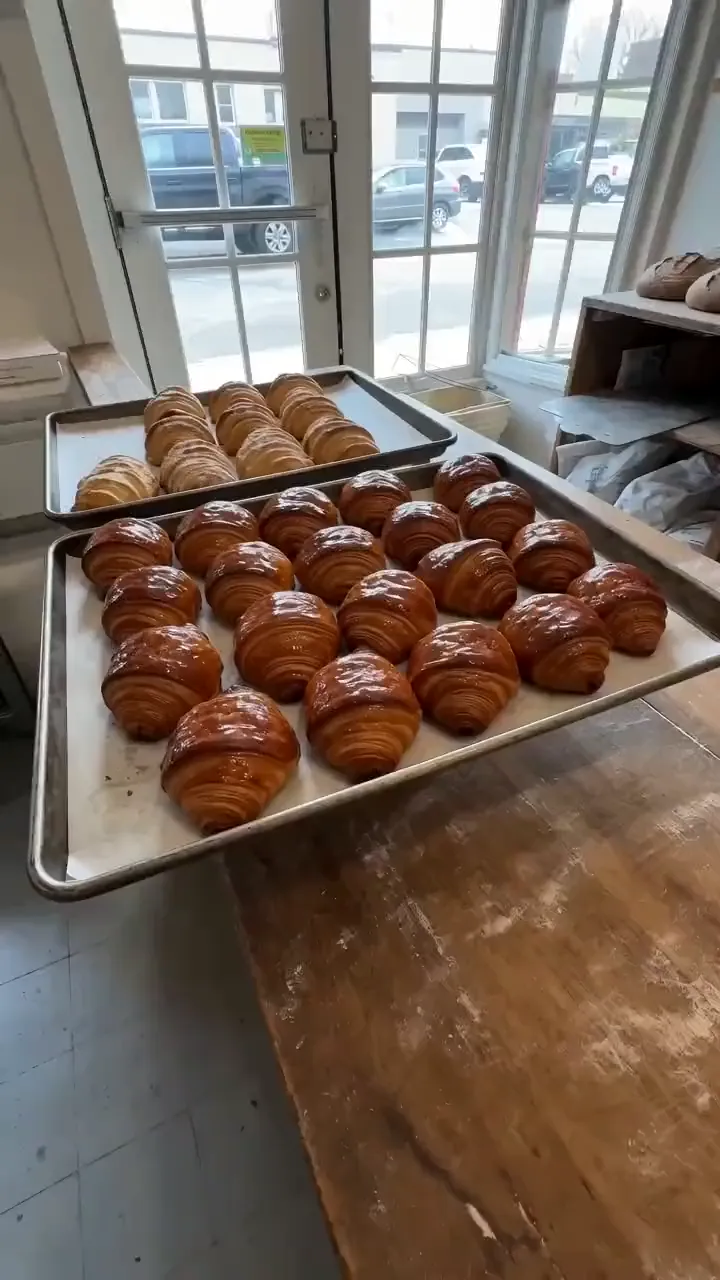
An idea in, a phone-style TikTok clip out
 AI Ads
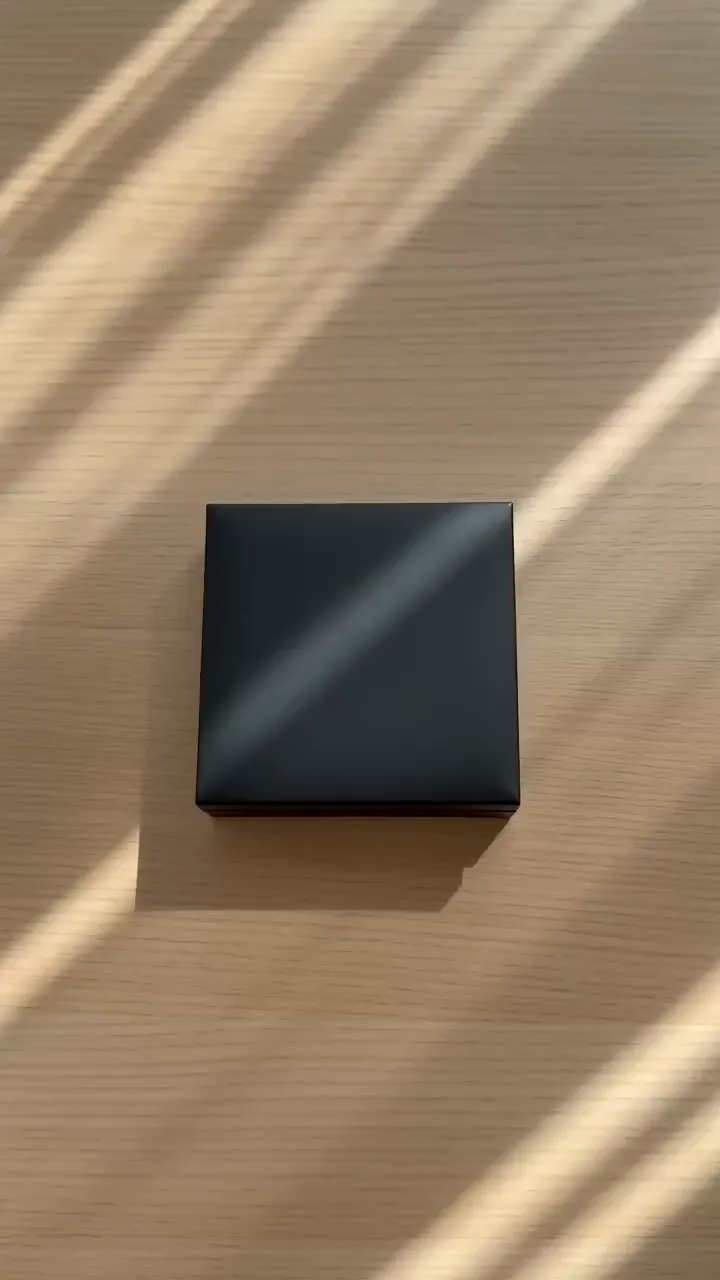
Describe your product and its packaging and get a 5-second hands-only POV unboxing video with crisp packaging sounds, for ads, listings and social posts.
 AI Ads
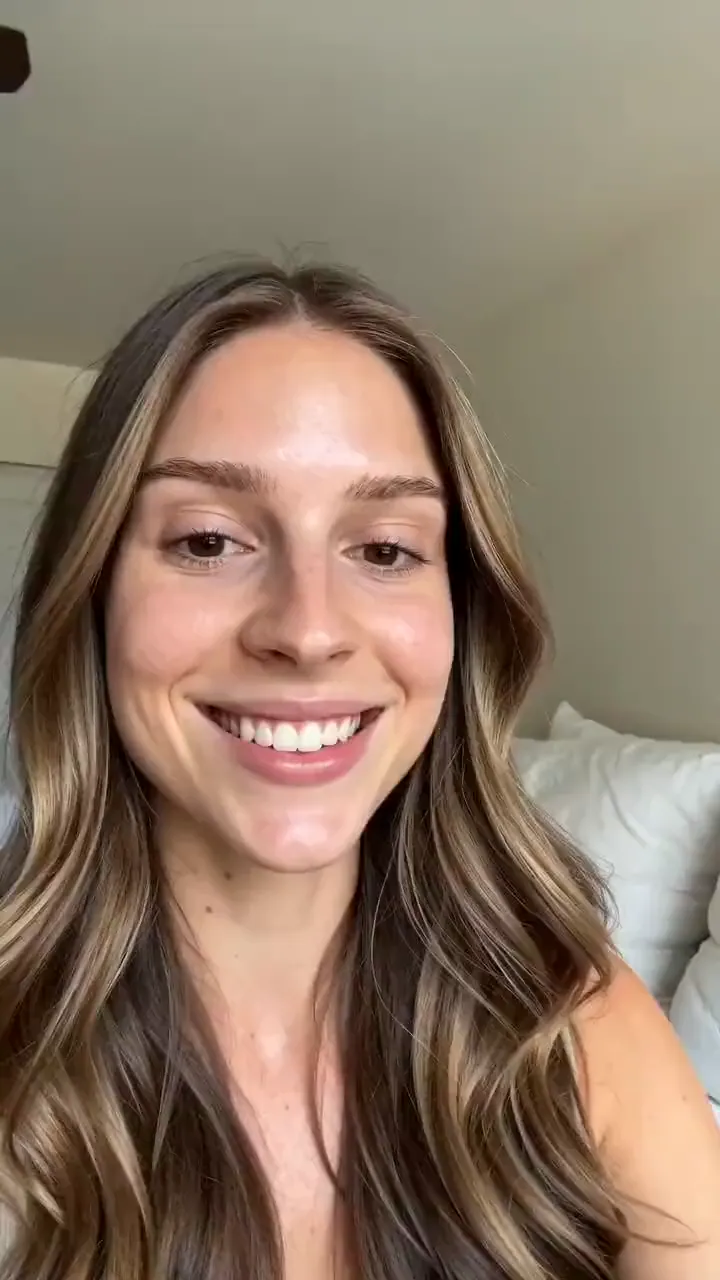
Describe your product and the line you want said, and get a selfie-style UGC video of a creator holding it up and saying it to camera.
 Research
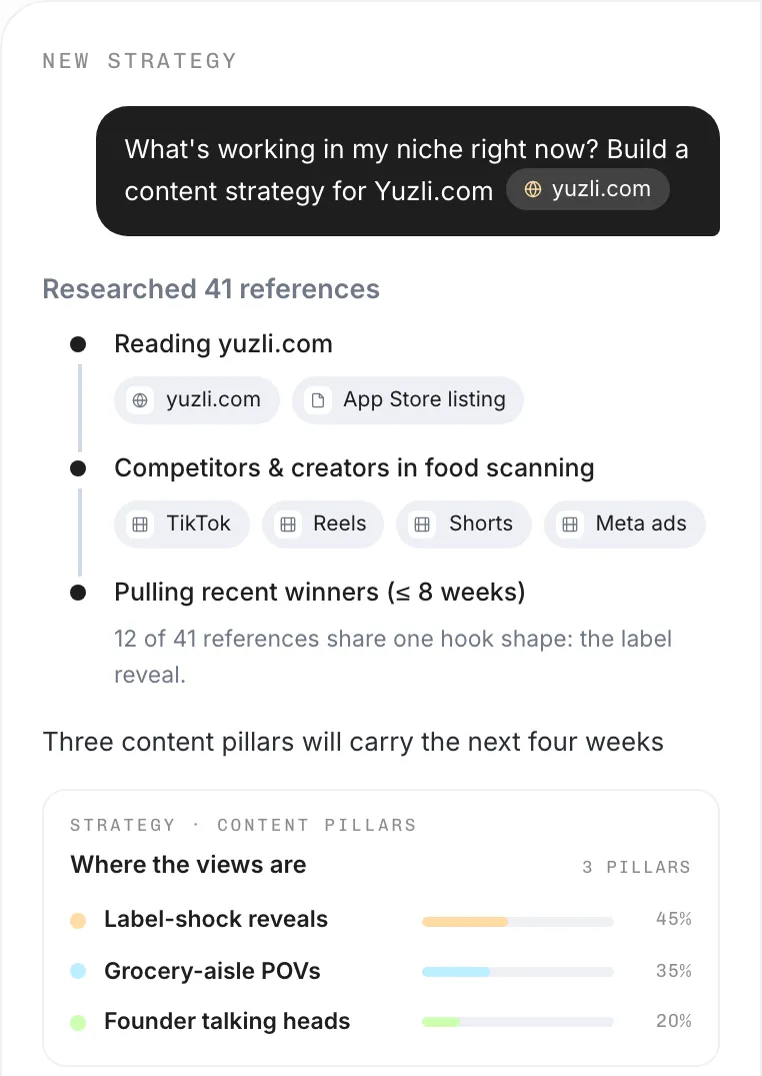
Name your niche and goal, and AdAnt's agents find what is trending on TikTok, Reels and Shorts right now, the hooks behind it, and video ideas you can make.
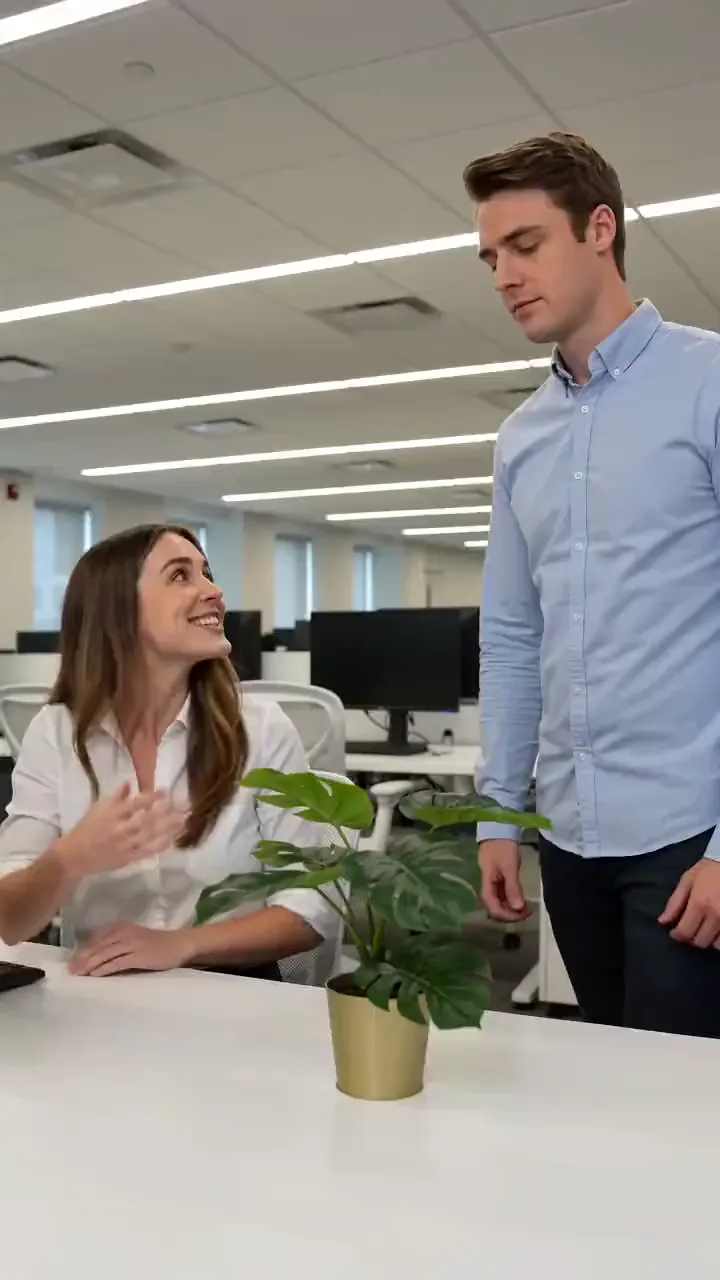 AI Video
Write the setup and the punchline and get a 5-second comedy skit with two people, filmed like a TikTok sketch, with the line spoken out loud.
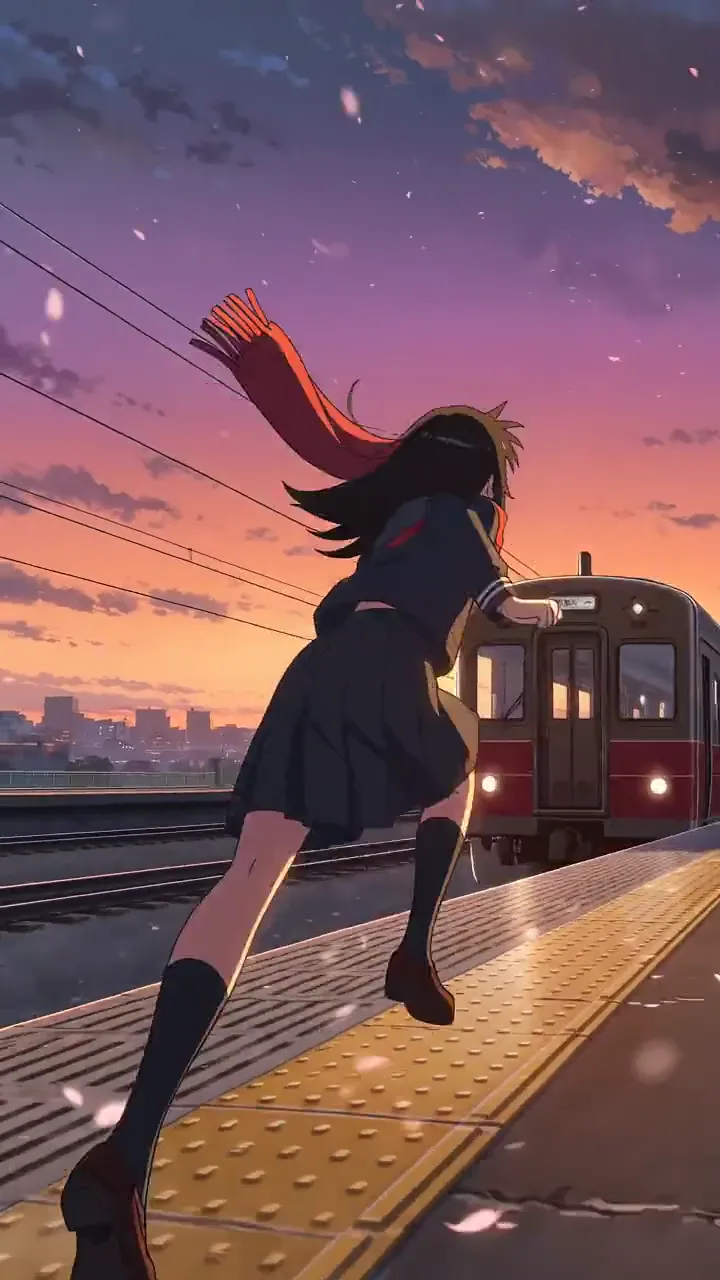 AI Video
Cel-shaded scenes and anime fights
AdAnt's agents research your market, write the script, cast the avatar and make the video in one chat.
Start with AdAnt