Hooks for Reels and Shorts
Open with a person saying the first line, then cut to your product or b-roll.
Type a short line, pick a presenter, and get a 5-second talking-head video of a generated person saying it to camera.

Free account needed: new accounts get free credits.
An AI talking head video generator makes the most common video format online, one person speaking to camera, without filming anyone. AdAnt makes a 5-second clip in which a generated presenter says your line with matching lip movement and voice, vertical, wide or square. In AdAnt Studio you can use one AI avatar across longer videos.
Open with a person saying the first line, then cut to your product or b-roll.
Put a friendly presenter at the top of a feature video or website section.
Introduce a lesson or program with a teacher or coach before you film yourself.
Show a client how a spokesperson ad will play before casting.
Free to try. New accounts get free credits, and one 5-second clip with voice uses about 6 credits.
Yes. The presenter is fictional, so don't present them as a real customer or expert, and follow each platform's AI-content rules. Free accounts download a watermarked preview; paid plans remove the watermark.
Usually, word for word. A generated voice can occasionally change or drop a word, so watch the clip before you publish.
Not on this page; the presenter is always fictional. AdAnt Studio can build a consistent AI avatar for your videos.
Yes. AdAnt Studio writes longer scripts, adds the voiceover, lip-syncs your avatar and adds captions and b-roll.
 AI Avatar
A realistic presenter from one sentence
 AI Avatar
A realistic presenter for your brand
 AI Ads
Describe your product and the line you want said, and get a selfie-style UGC video of a creator holding it up and saying it to camera.
 AI Video
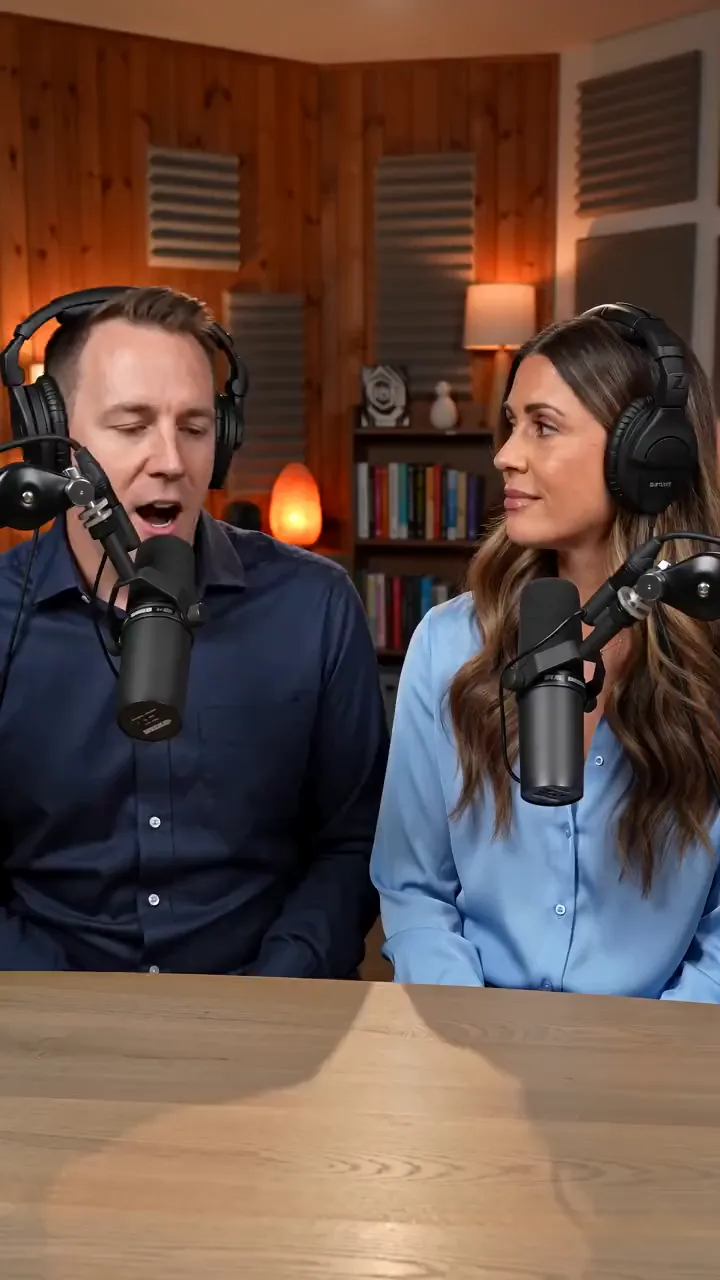
Two hosts at mics, one says your line
 AI Avatar
A presenter holding your product
 AI Video
Cel-shaded scenes and anime fights
AdAnt's agents research your market, write the script, cast the avatar and make the video in one chat.
Start with AdAnt