
About this skill
Brag is an open-source skill from Latent Spaces. It reads your project's code, picks the angle, and makes the video. On Opus 5.5 it uses its lighter /brag-slim workflow, and /brag --full keeps the HyperFrames one. Because it is about 16 MB with its audio, AdAnt's ZIP is a small installer pinned to one upstream commit.
You say
/brag Make a launch video for what I just shipped.
How it works
- The installer asks first, then clones Brag at one pinned commit and links it into your skills folder.
- Run /brag in your project. It reads the code and what you just shipped to pick an angle.
- It builds the video with music and writes the copy to post with it.
Getting a good result
- Run it in the real project, with the change you want to announce already committed, so it has something specific to say.
- Check every claim in the video and the post against what the product really does before you share it.
- Keep the music credit when you post. The track is CC BY 4.0.
What you get
- An installer skill pinned to one upstream commit
- Steps for Claude Code, with a confirmation before installing
- Credit for the project and its CC BY 4.0 music
Good fit
- Solo builders launching on X
- Anyone with a project to show
Not for
- Videos with real people
- Long product tours
How to install it
- Download the ZIP and unzip it.
- Move the folder holding
SKILL.mdinto your agent's skills folder, such as~/.claude/skills/for Claude Code. - Start a new session and ask for what you want to make.
Needs: An agent that reads skills, git, Node.js 22 or newer, FFmpeg.
Popular on X
Posts showing demand for this kind of video, with views measured on 31 October 2026. Unless a post names this tool, it wasn't made with it.
- 20 open-source motion skills for Opus 5.5 292,448 views on X
FAQ
Is it really free?
Yes. Create a free AdAnt account to download the ZIP. There is no card and no trial timer.
Do I need a live URL?
No. It reads the project's code directly.
Related skills
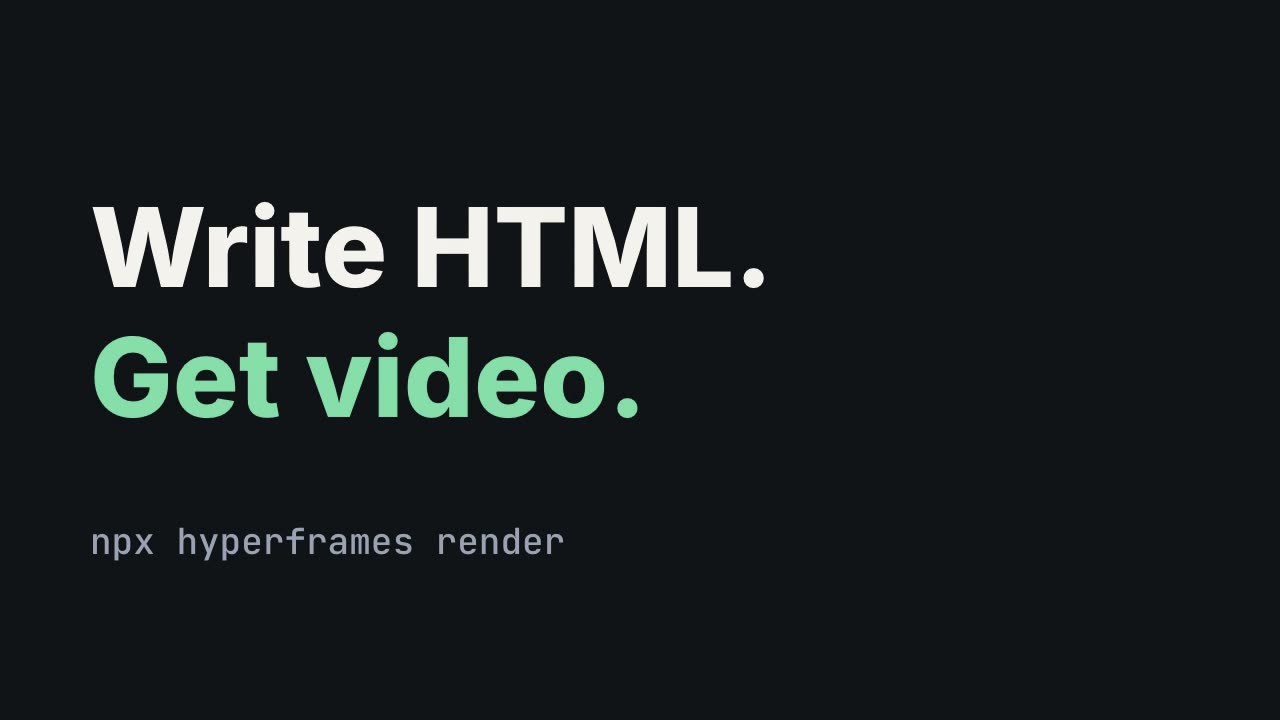
HyperFrames: HTML to Video
Have Claude write launch films, explainers and title cards as HTML, then render them to MP4.
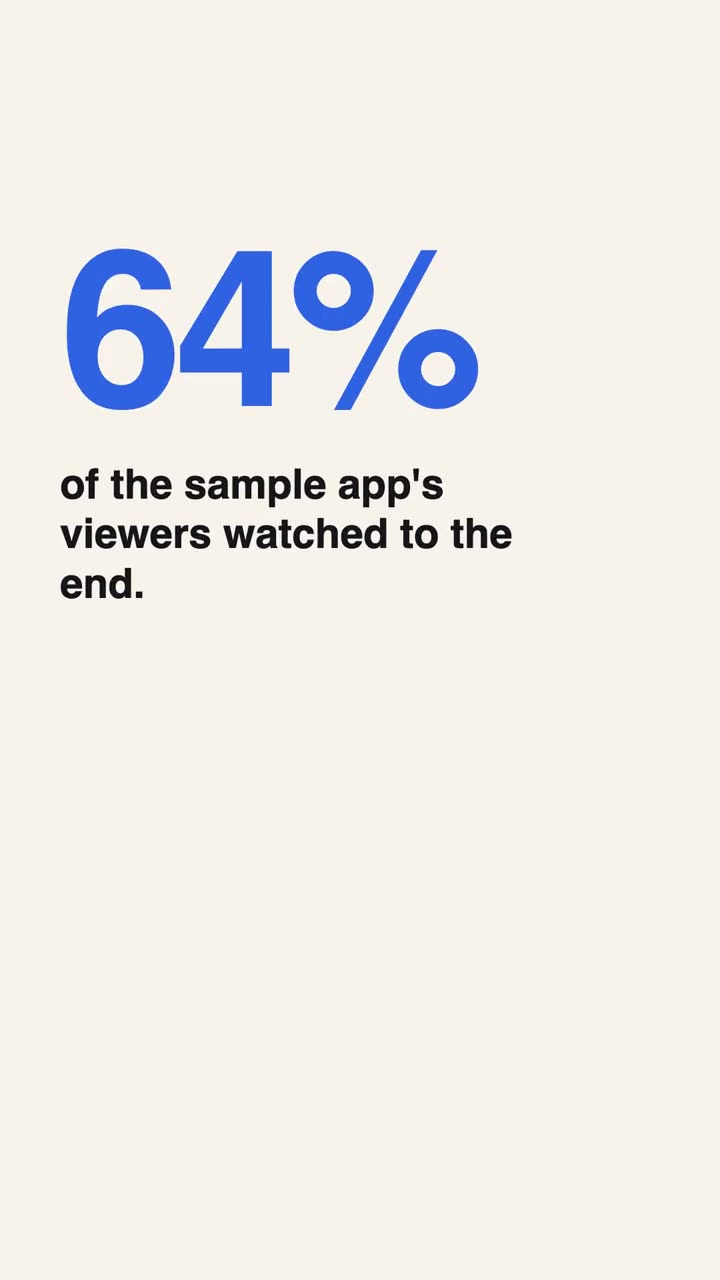
Vertical Ad Motion Graphics
Direct and build a 9:16 motion graphics ad that works on mute, with no footage.
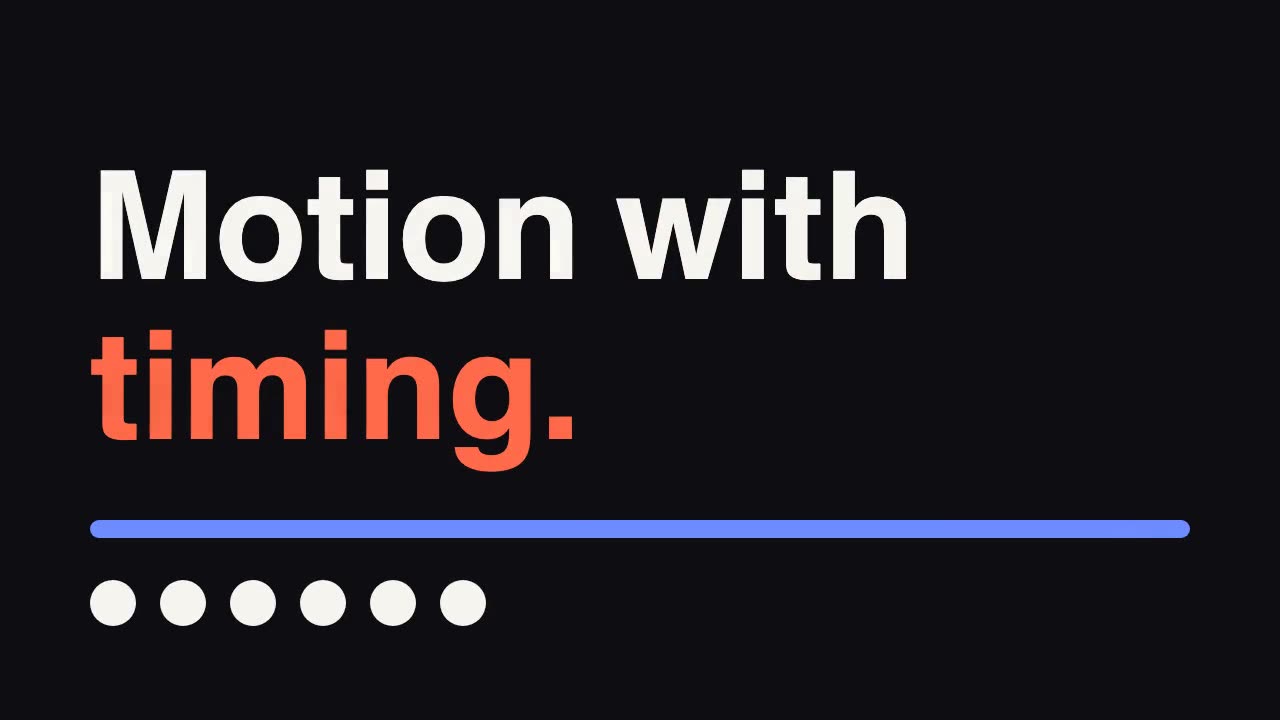
GSAP Animation Core
Give your agent GreenSock's official guidance for timing, easing and stagger.