UGC-style paid social
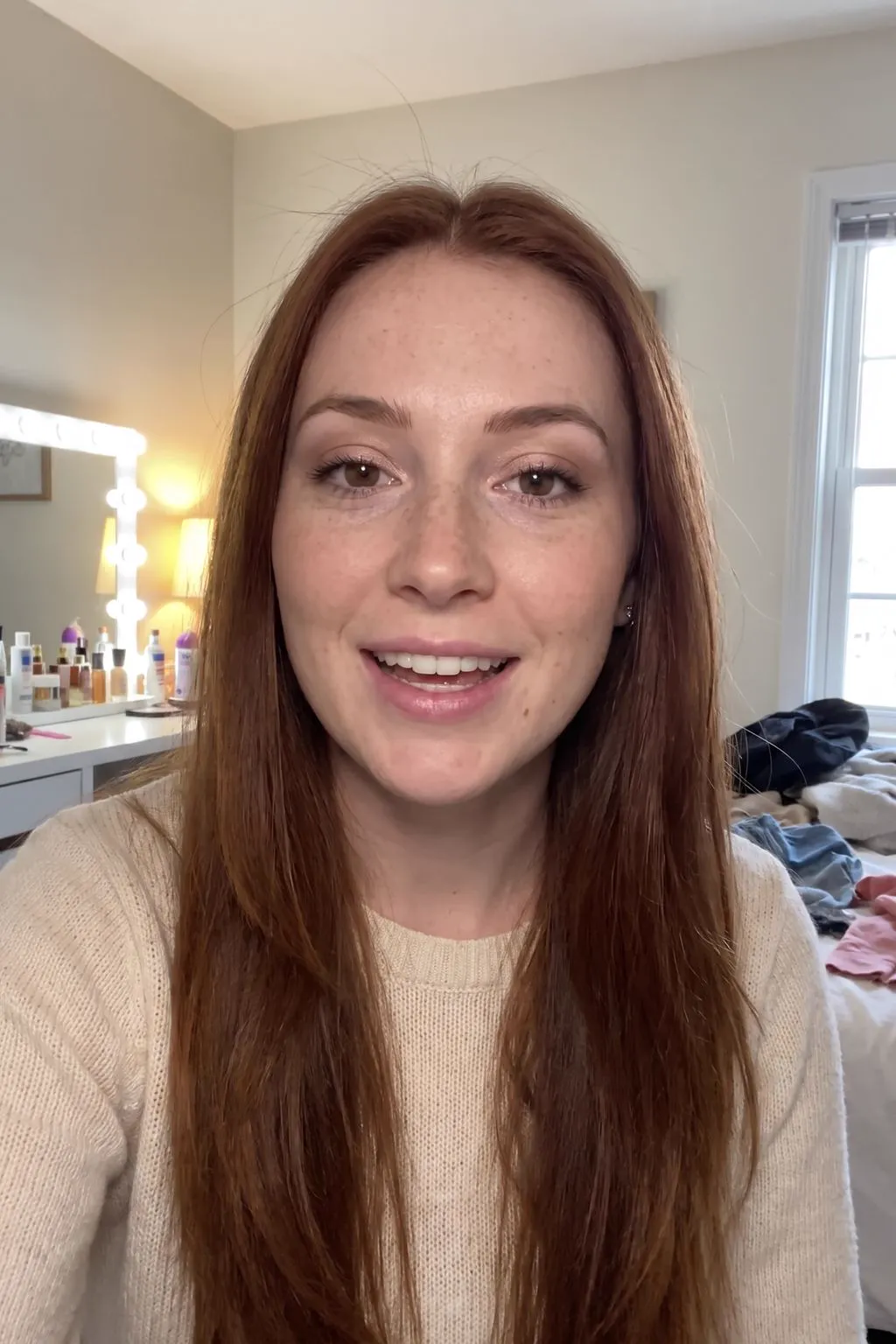
Run ads that look like a customer's post in the Instagram and TikTok feed, so they sit naturally among the posts around them rather than reading as polished brand creative.
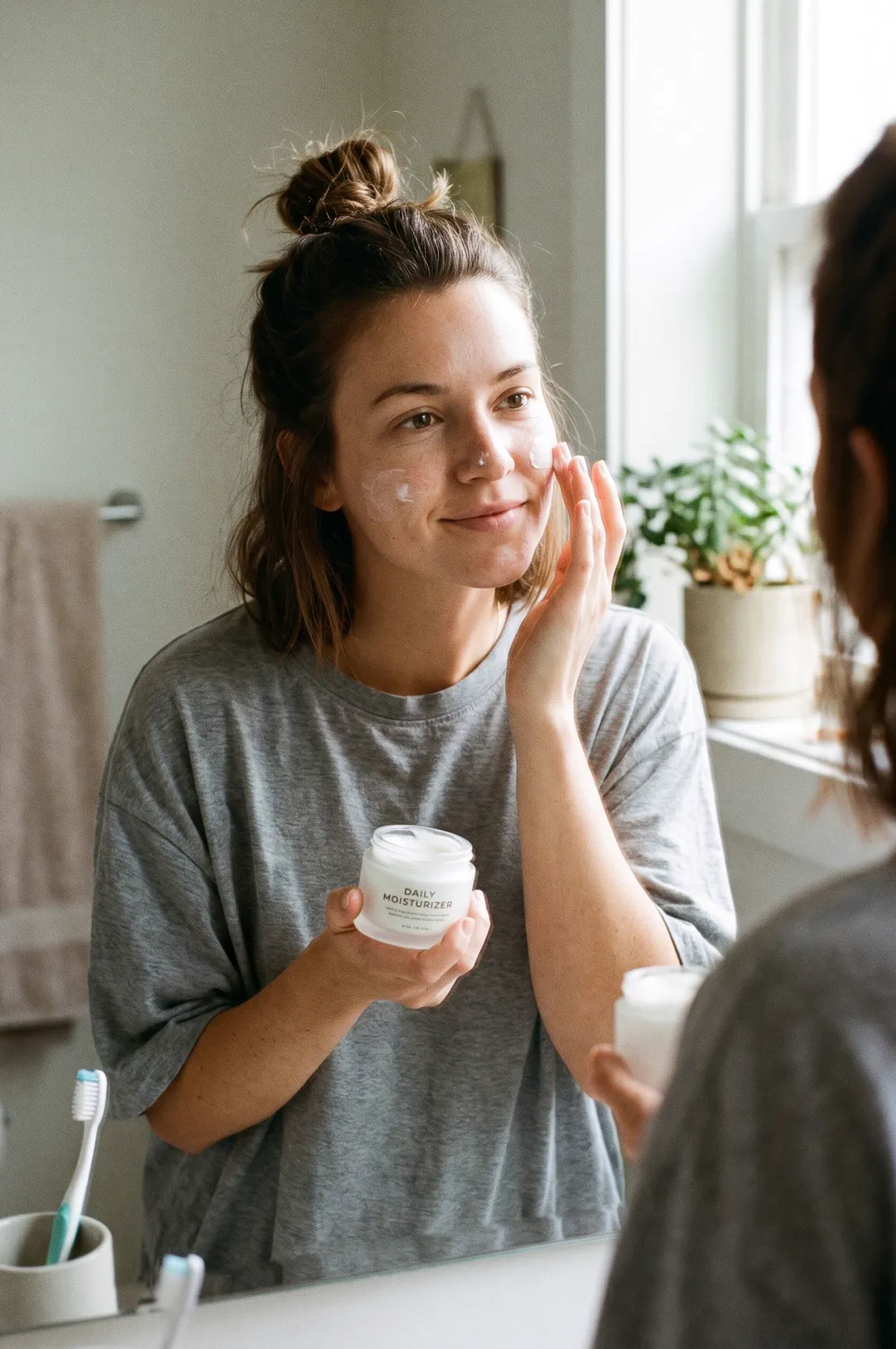
Describe your product and a person, pick a moment, and get a candid smartphone-style photo of someone using it, the look of a real customer post.

Free account needed: new accounts get free credits.
An AI UGC photo generator creates images that look like user-generated content: a real customer's casual phone photo of a product in daily life. AdAnt's generator puts a fictional person in an everyday moment with your product in hand, with the framing, light and grain of a phone camera rather than a studio. In AdAnt Studio the same person and product can become UGC video ads with a voiceover.
Run ads that look like a customer's post in the Instagram and TikTok feed, so they sit naturally among the posts around them rather than reading as polished brand creative.
Show the product in real hands and real rooms on a Shopify or Amazon listing, next to the clean studio shots.
Make the same product shot with different people and moments to see which audience and use case your ads land with.
Show a creator or agency the exact shot you want before they film, so the first delivery is closer to the brief.
Yes, you can try it free. A new AdAnt account comes with free credits, and one UGC photo uses less than one credit.
Yes. The person is generated and does not exist, and you can use the images in your own ads. Don't present them as real customer reviews, and follow each platform's rules on AI-generated content.
Phone-camera framing, natural light, a real-life setting and an unposed person. The prompt asks for all of these and for no studio polish.
This page draws the product from your description. In AdAnt Studio you can upload product photos so the item matches your real one.
Yes. Use the AI UGC video generator, or open AdAnt Studio to turn the person into an avatar who talks about your product.
 AI Ads
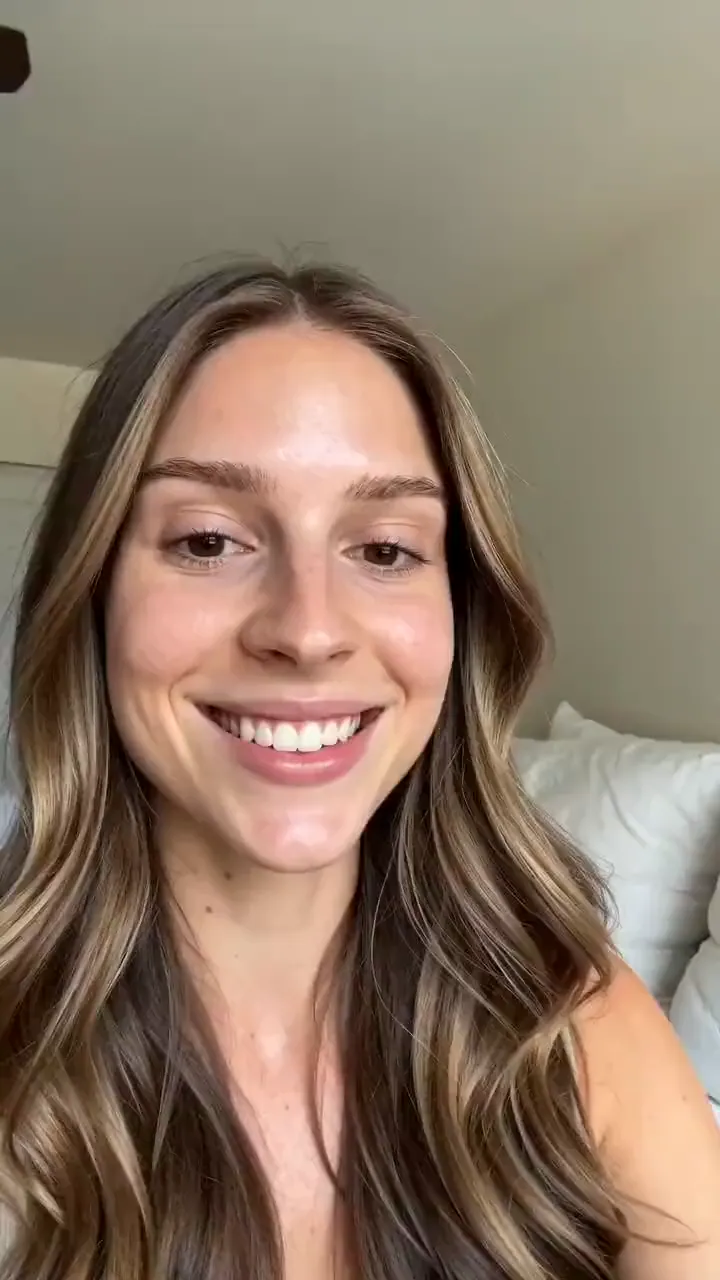
Describe your product and the line you want said, and get a selfie-style UGC video of a creator holding it up and saying it to camera.
 AI Image
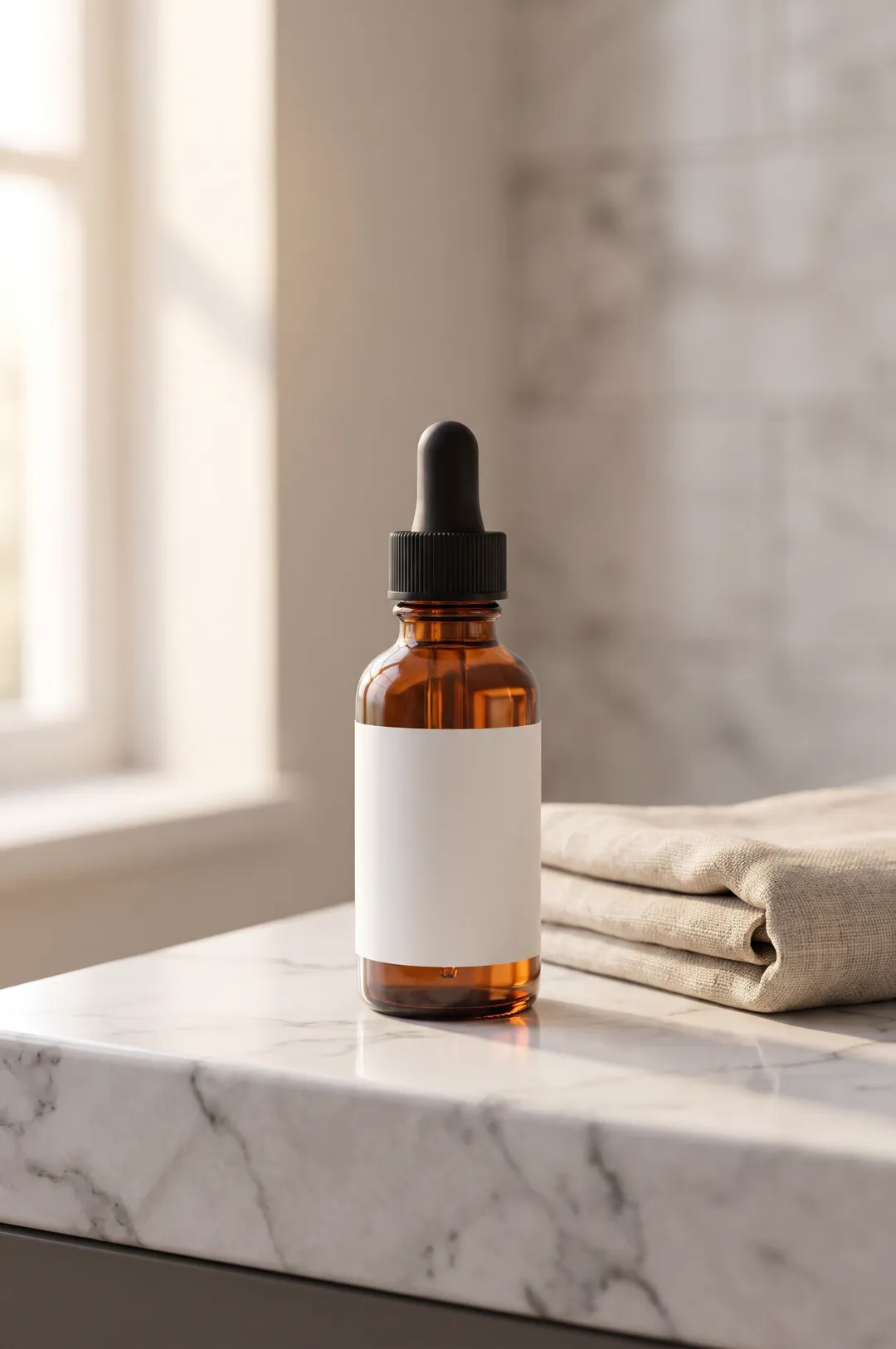
Describe your product or upload a photo of it, pick a scene, and get a styled, photorealistic product photo for your store, ads and social posts.
 AI Ads
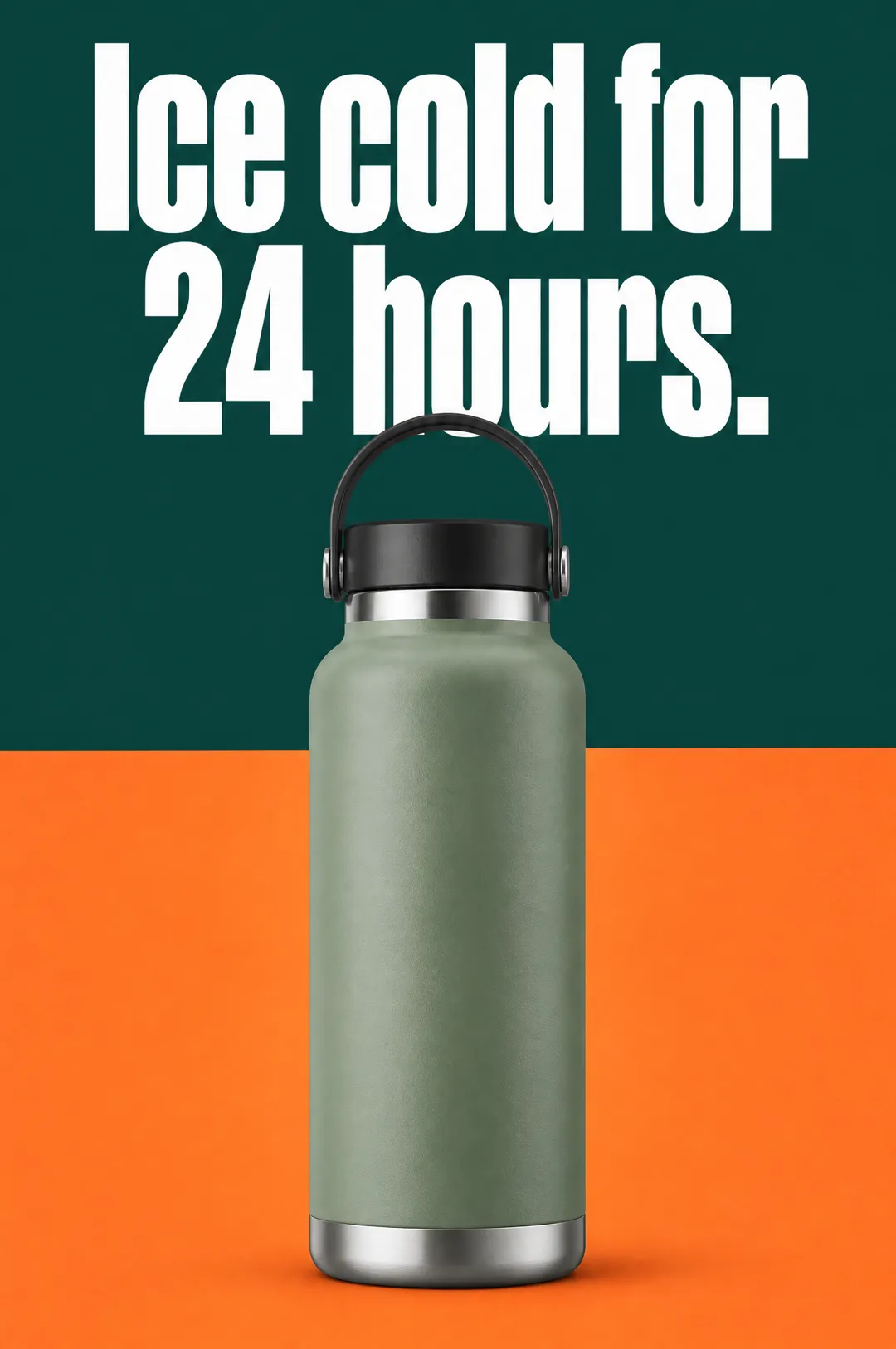
Describe your product, write a headline, pick a style, and get a vertical static ad with the headline set on the image, ready for Meta, TikTok and Pinterest.
 AI Avatar
Describe a person, pick a niche, and get a photorealistic virtual influencer dressed and placed for beauty, fitness, tech, food or travel content.
 AI Ads
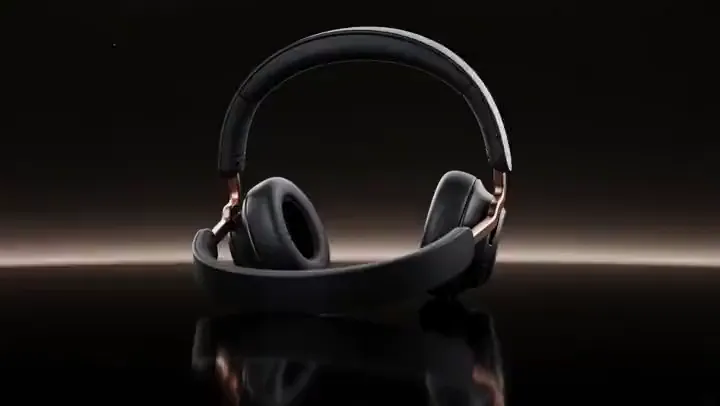
Cinematic TV-style product spots
 AI Ads
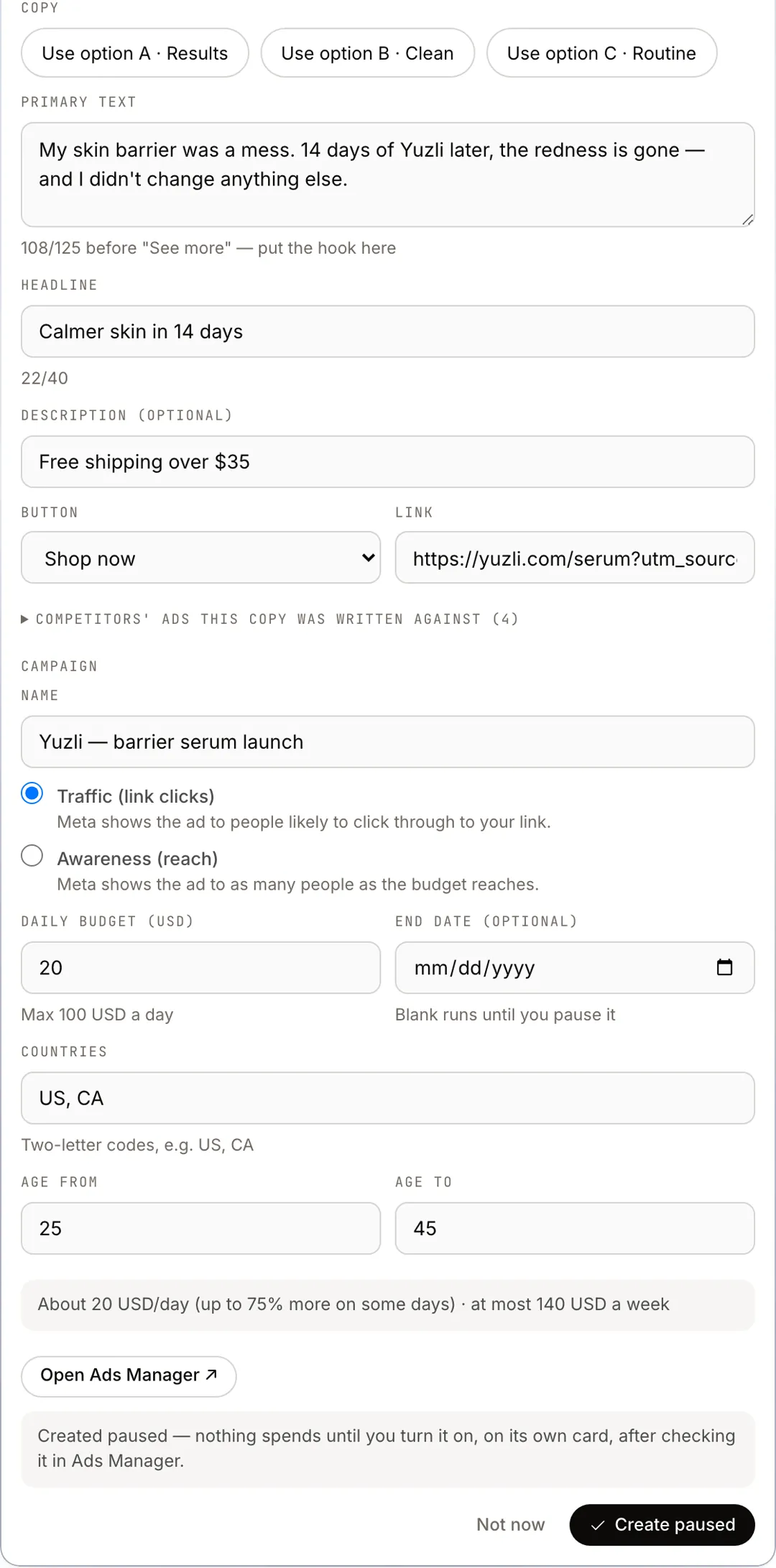
Tell AdAnt's Ads Buyer which video to run and what you sell, and it studies your competitors' ads, writes the copy and sets up a Facebook and Instagram campaign on your own Meta ad account, created paused until you approve the spend.
AdAnt's agents research your market, write the script, cast the avatar and make the video in one chat.
Start with AdAnt