Lifestyle shots for listings
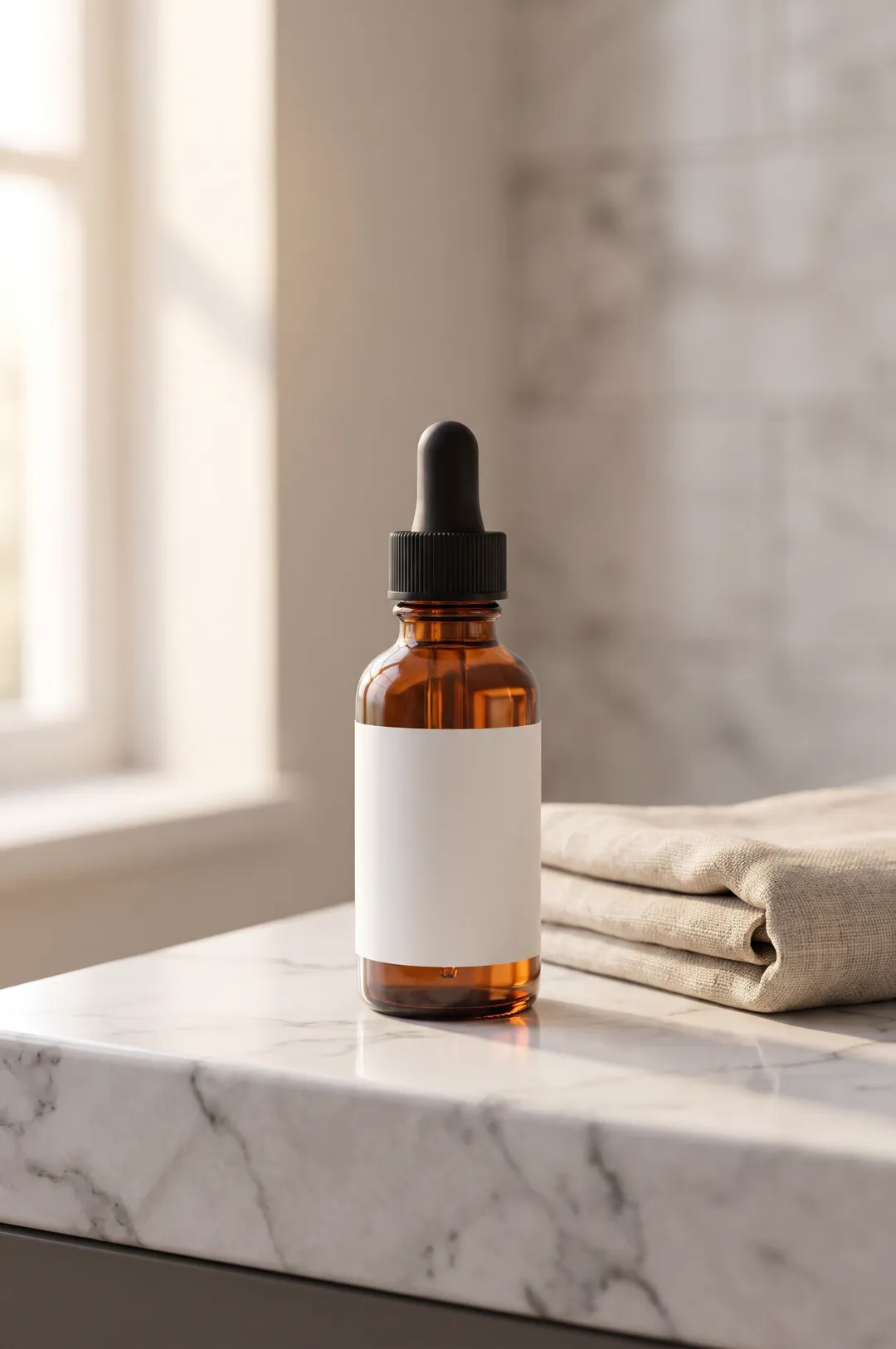
Add in-context photos to an Amazon, Shopify or Etsy listing next to the plain white-background shot, so shoppers see the product where they would use it.
Describe your product or upload a photo of it, pick a scene, and get a styled, photorealistic product photo for your store, ads and social posts.

Free account needed: new accounts get free credits.
AI product photography creates styled product photos from a description or an existing photo, without a studio, props or a photographer. AdAnt's tool places your product in a scene you pick, with realistic light, reflections and shadows, and keeps the product as it looks in your reference photo when you add one. The photos can go straight onto a product page or become the first frame of a product video in AdAnt Studio.
Add in-context photos to an Amazon, Shopify or Etsy listing next to the plain white-background shot, so shoppers see the product where they would use it.
Put the same product into a new scene for a launch, a holiday or a sale without booking another shoot.
Make a set of on-brand product photos for Instagram, TikTok and paid social, then turn the best one into a video ad.
Show a product that is still at the sample stage on a pre-order page or crowdfunding campaign, from a description or a prototype photo.
Yes, you can try it free. A new AdAnt account comes with free credits, and one product photo uses less than one credit.
Yes. You can use the images you generate in your own listings, ads and social posts. Use a reference photo of a product you own or sell.
With a clear reference photo, the shape, colors and label usually stay close to the original. Fine print can shift, so check small text before publishing.
No. Without a photo, the tool creates the product from your description, which works well for mockups and pre-launch products. Upload one when it must match a real product.
This page makes styled scenes and a colored studio backdrop. In AdAnt Studio you can ask for a plain white-background shot of the same product.
 AI Ads
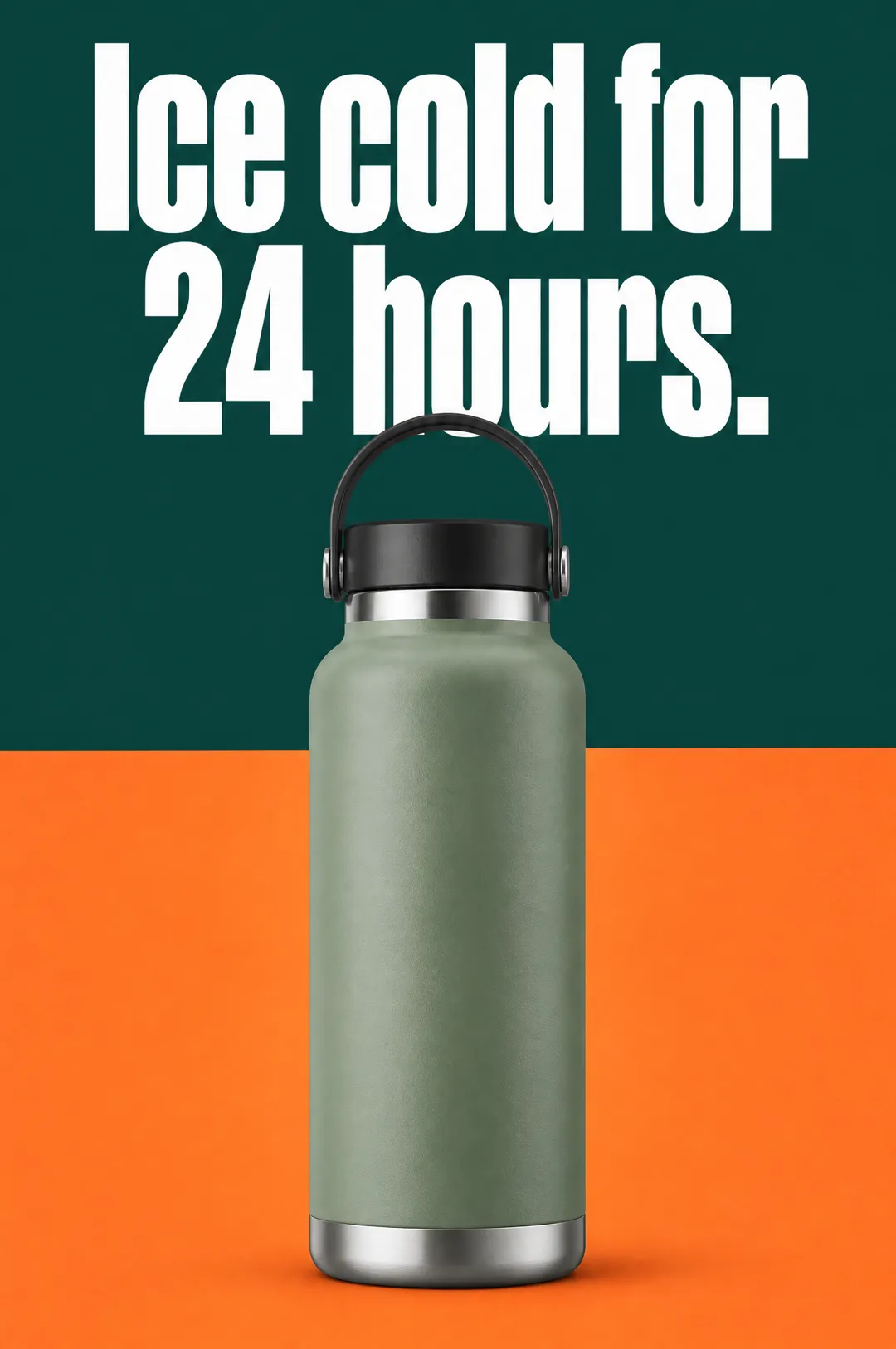
Describe your product, write a headline, pick a style, and get a vertical static ad with the headline set on the image, ready for Meta, TikTok and Pinterest.
 AI Ads
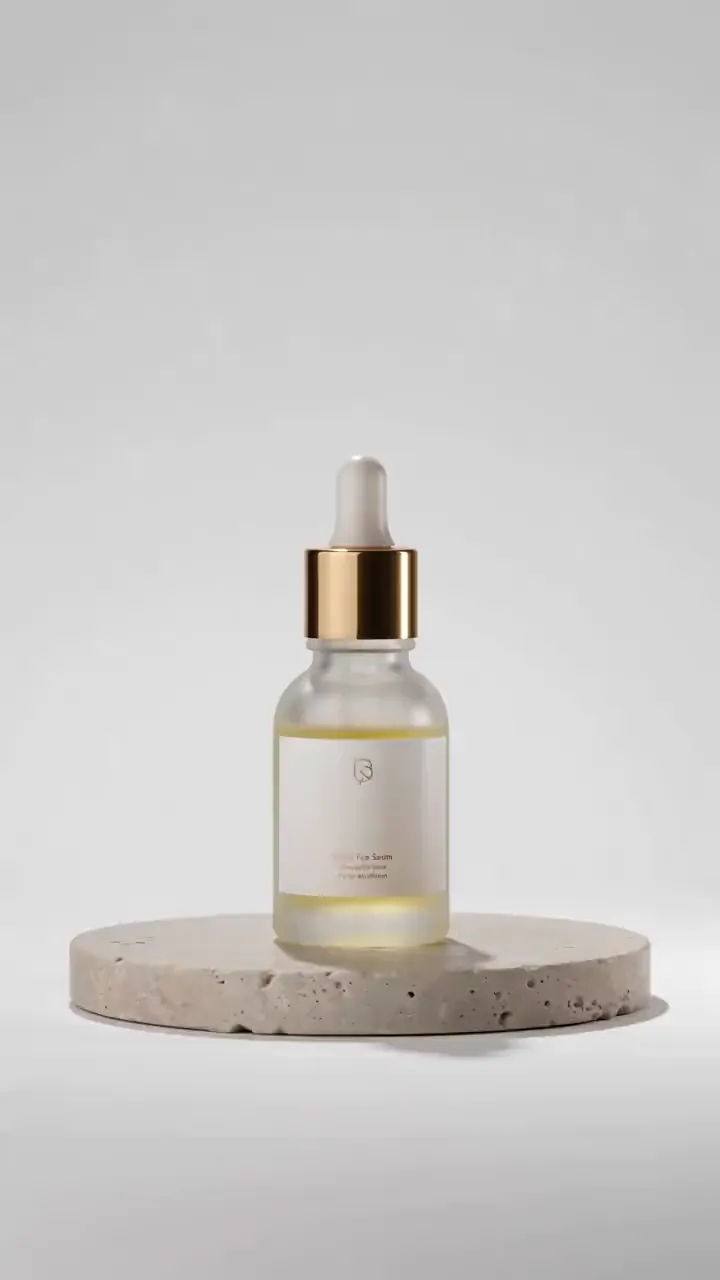
Describe your product, or start from its photo, and get a short studio-lit product video with motion and sound for ads, listings and social posts.
 AI Ads
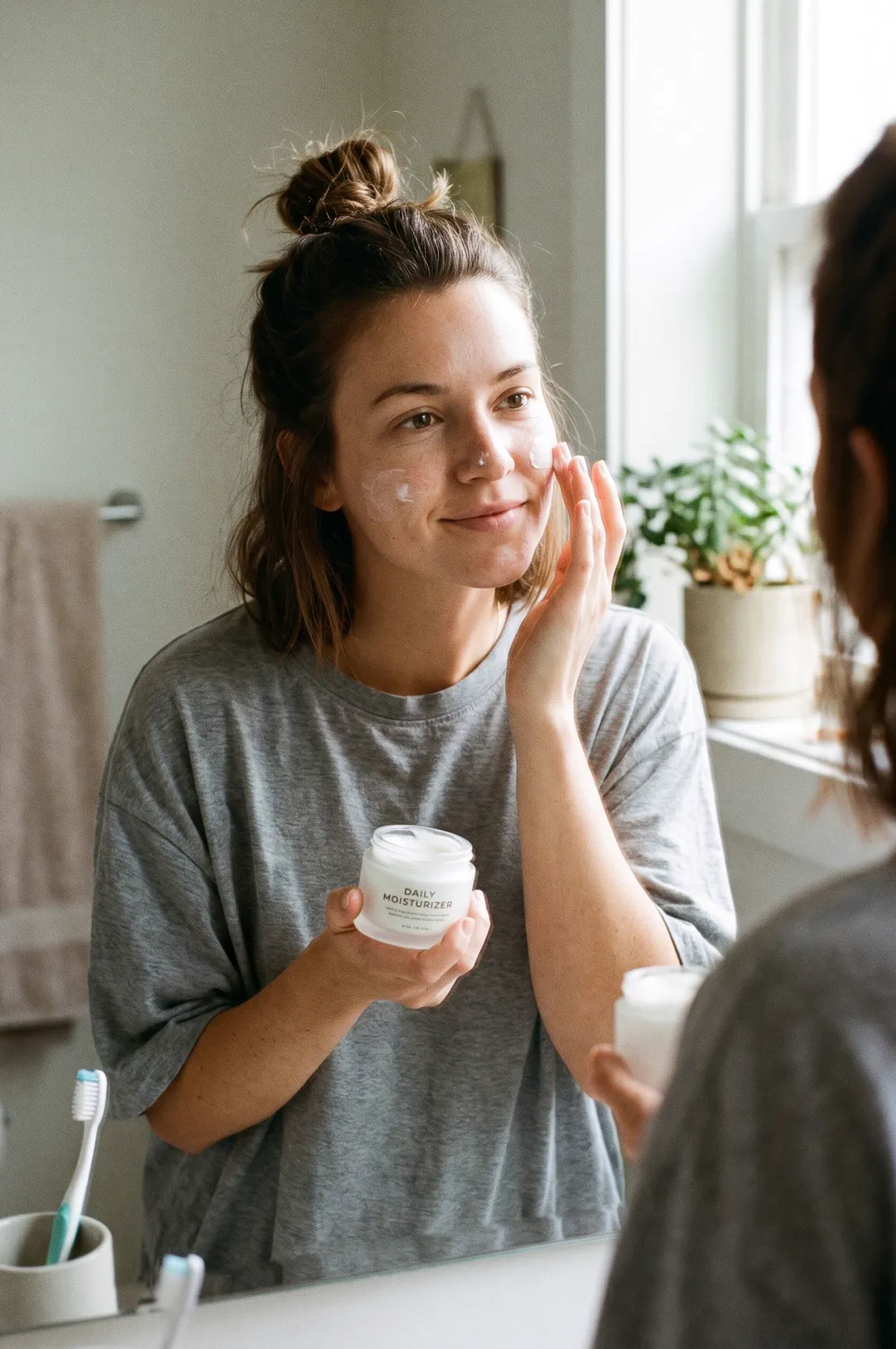
Describe your product and a person, pick a moment, and get a candid smartphone-style photo of someone using it, the look of a real customer post.
 AI Image
Describe the image you want, pick a style, and get a detailed square image for posts, ads, blogs and product pages.
 AI Image
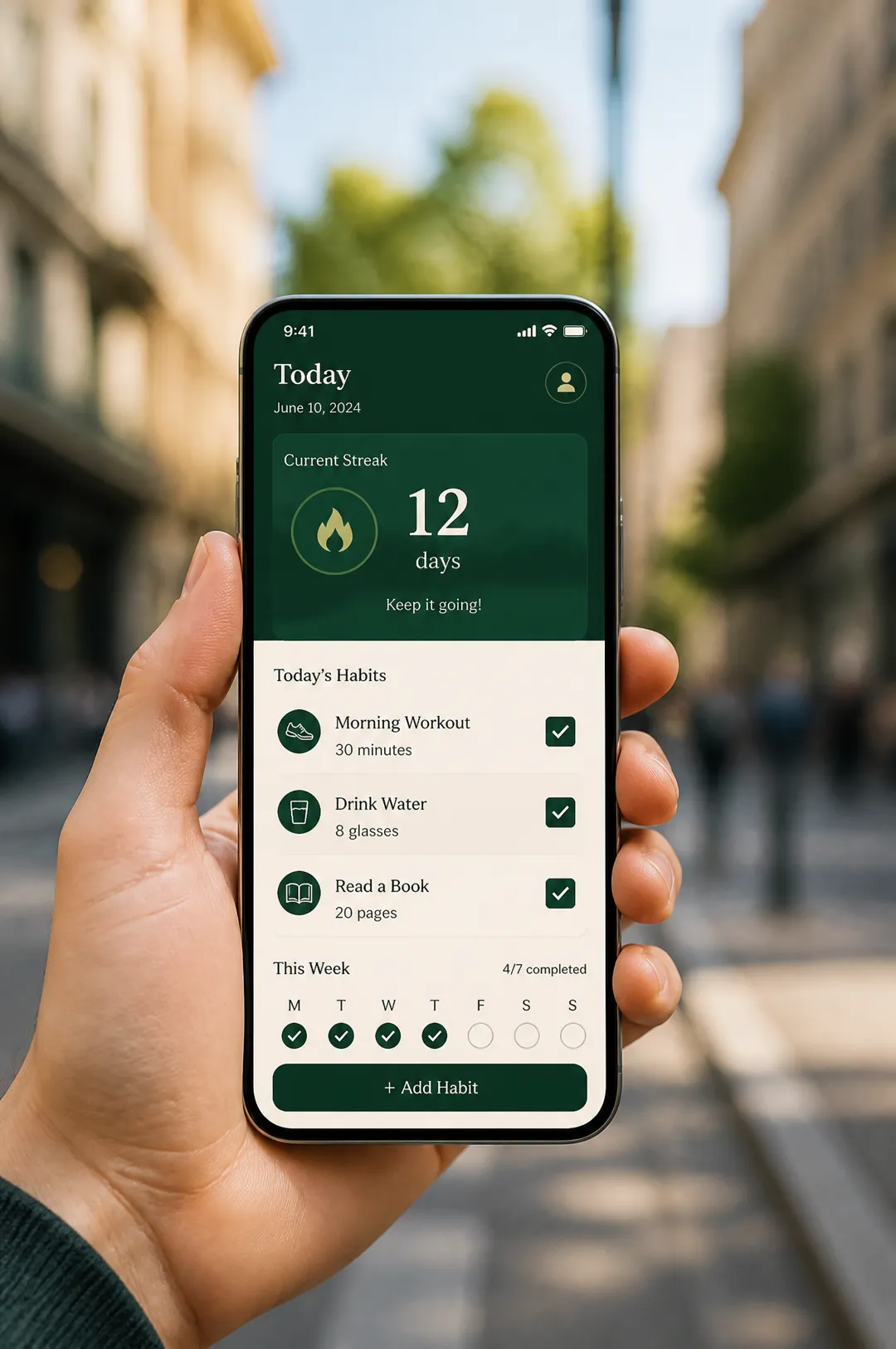
Describe your app and the screen to show, pick a setting, and get a photorealistic phone mockup for store listings, landing pages and ads.
 AI Image
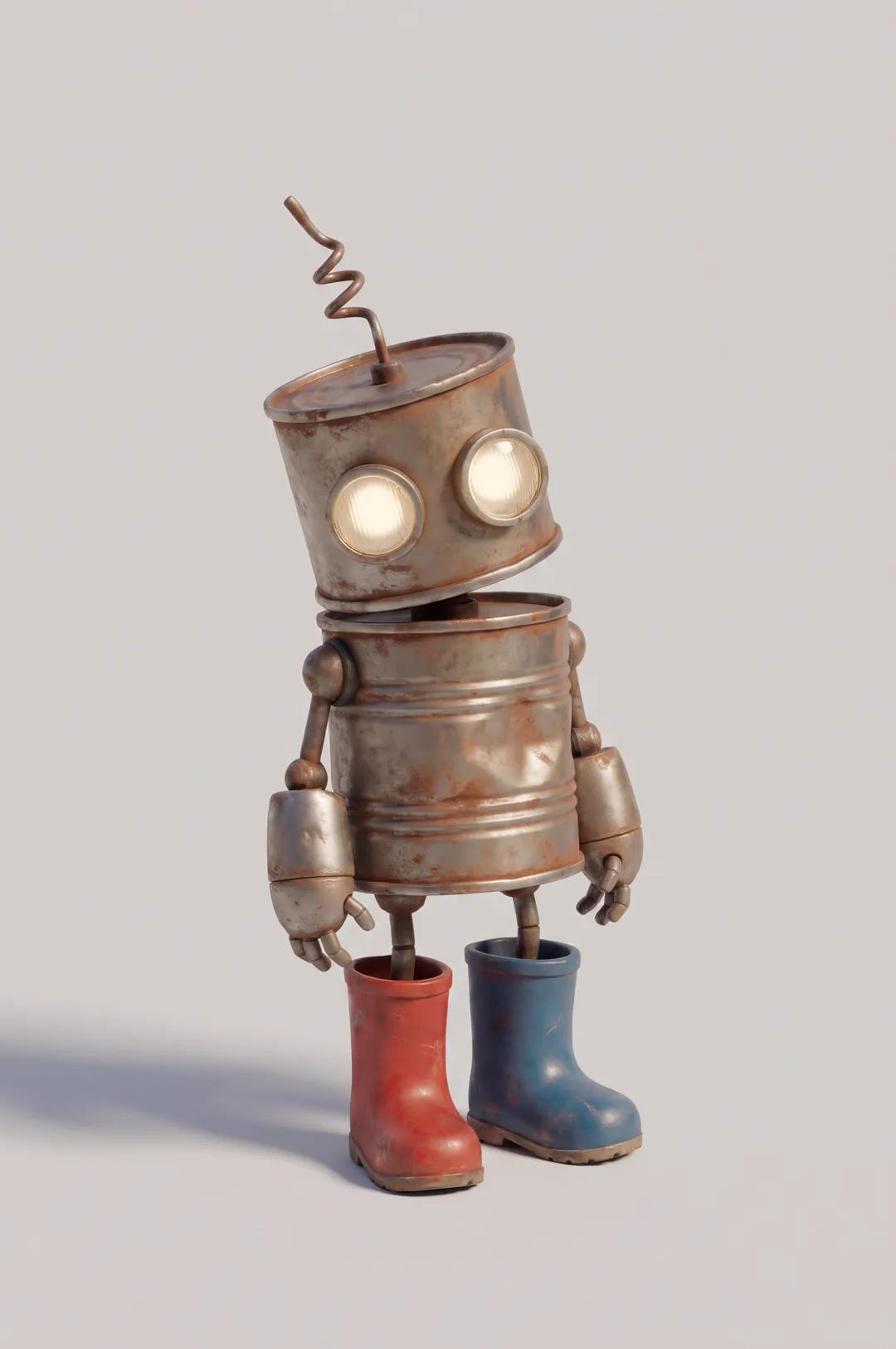
Original cartoon and 3D characters
AdAnt's agents research your market, write the script, cast the avatar and make the video in one chat.
Start with AdAnt