Brand voice
Find a voice that sounds like your brand, such as a dry, witty narrator for a SaaS tool or a warm grandmother for a bakery, and keep the description so every ad starts from the same voice.
Describe the voice you want in plain words, give it a line to say, and hear your description read it.

Free account needed: new accounts get free credits.
An AI voice designer turns a written description of a voice into speech. AdAnt's designer starts from a male or female base voice and shapes the accent, texture, tone and pace from your words, then reads your test line so you hear it before you use it. It suits brand voices, characters in skits and ad reads where no listed voice fits, and the same description can voice videos and AI avatars in AdAnt Studio.
Find a voice that sounds like your brand, such as a dry, witty narrator for a SaaS tool or a warm grandmother for a bakery, and keep the description so every ad starts from the same voice.
Give each character in a comedy skit or story ad a distinct voice, so viewers can tell who is talking without seeing a face.
Design two or three voices for the same ad, such as younger and older or local and neutral, and see which one your audience responds to.
Give a brand mascot, game character or in-app guide a voice that matches its personality, and hear it before you commit to a script.
Yes, you can try it free. A free AdAnt account comes with credits, and one designed voice clip uses about a tenth of a credit or less.
Yes. The voice is generated from your description, and you can use the audio in your own ads and videos.
No. Describe the qualities of a voice, not a real person. Making someone's voice without their written consent is not allowed on AdAnt.
Each run builds the voice from your description, so two runs can sound a little different. Keep the take you like, and reuse the exact description for the closest match.
A voice generator reads with a voice you pick from a list. A voice designer shapes the voice from your description, which helps when no listed voice fits.
 AI Voice
Text to natural speech in one click
 AI Voice
Ad and video voiceovers in four deliveries
 AI Voice
Documentary, story and true-crime narration
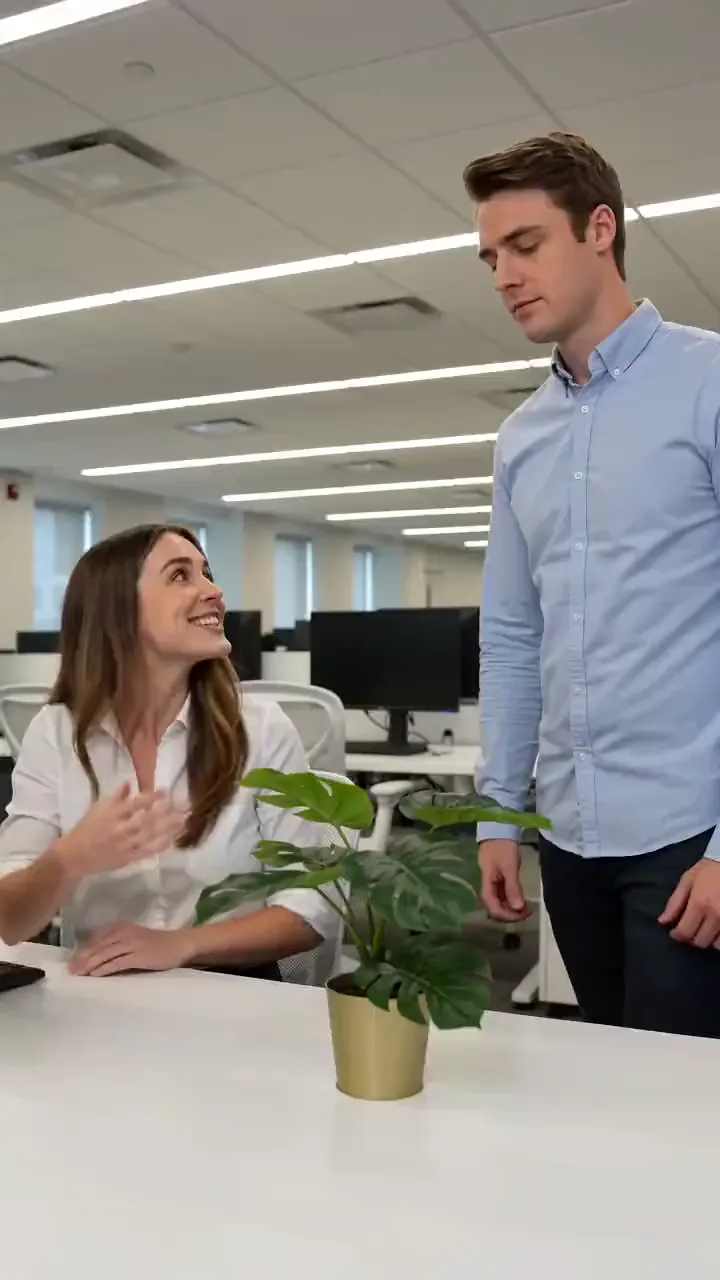 AI Video
Write the setup and the punchline and get a 5-second comedy skit with two people, filmed like a TikTok sketch, with the line spoken out loud.
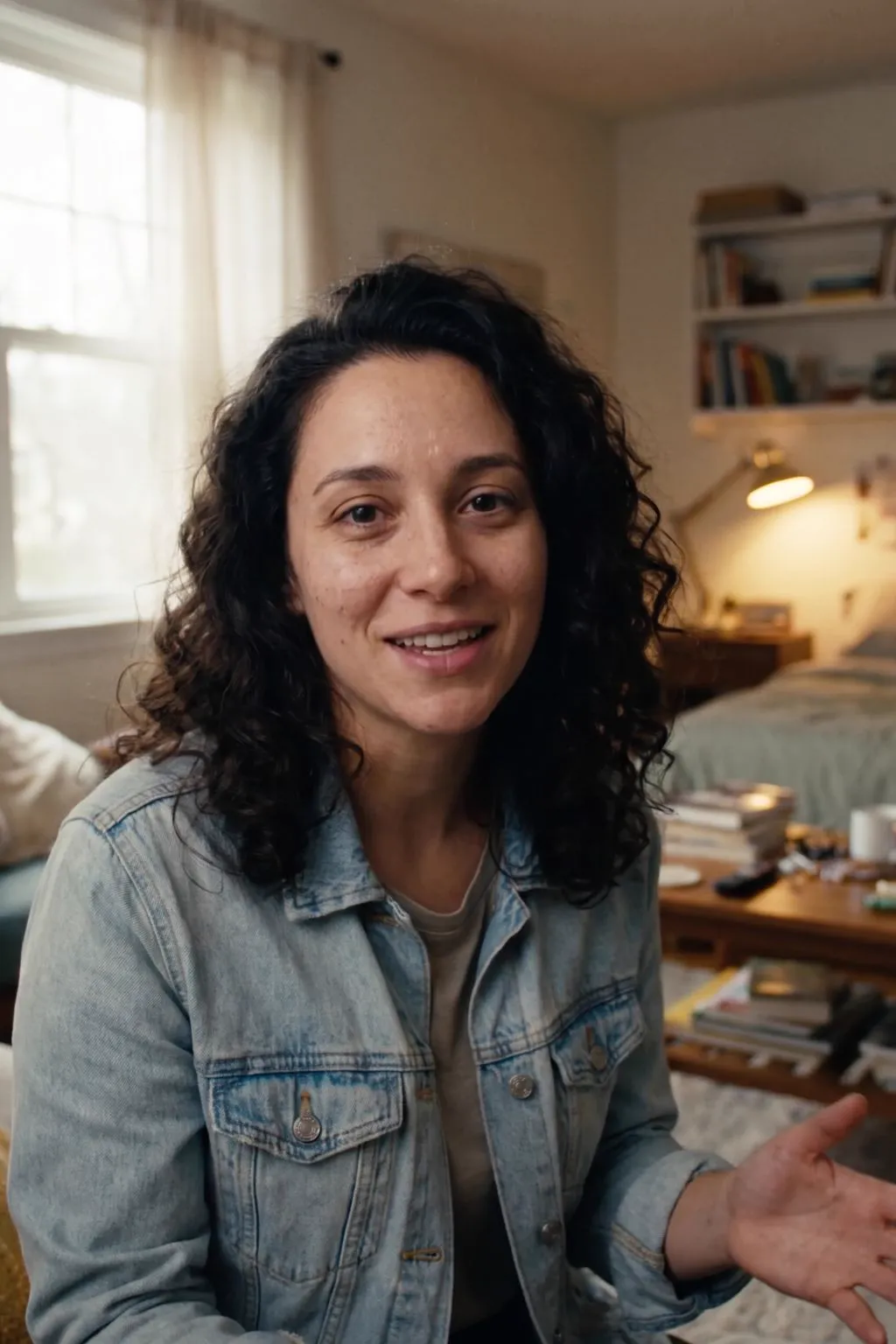 AI Avatar
A realistic presenter from one sentence
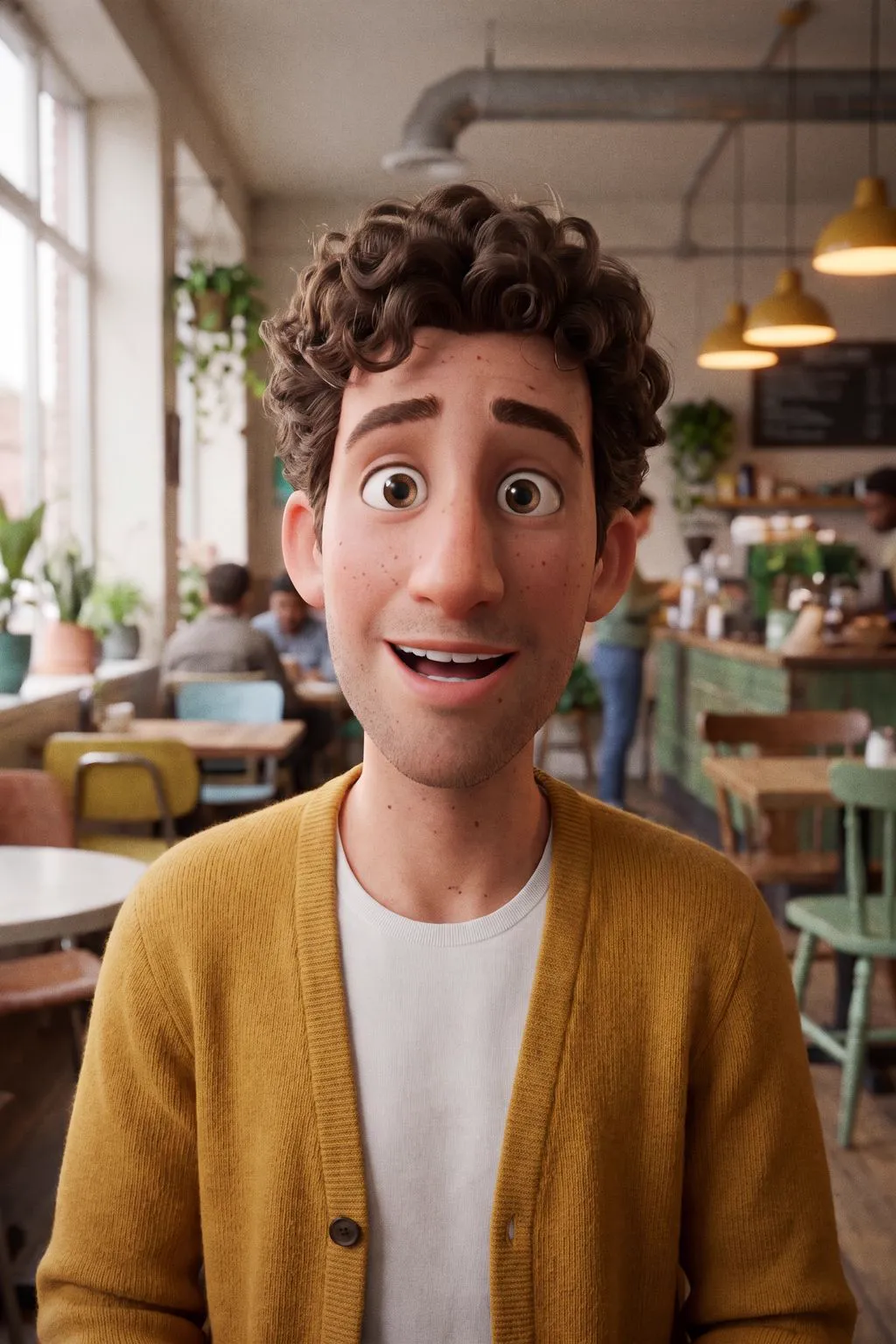 AI Avatar
Animated-film 3D characters
AdAnt's agents research your market, write the script, cast the avatar and make the video in one chat.
Start with AdAnt