Short-form video ads
Put an energetic read under a TikTok or Reels ad, then make a calm version of the same script and test which one converts.
Paste your ad or video script, pick a delivery style, and get a voiceover ready to lay under TikToks, Reels, Shorts and product videos.
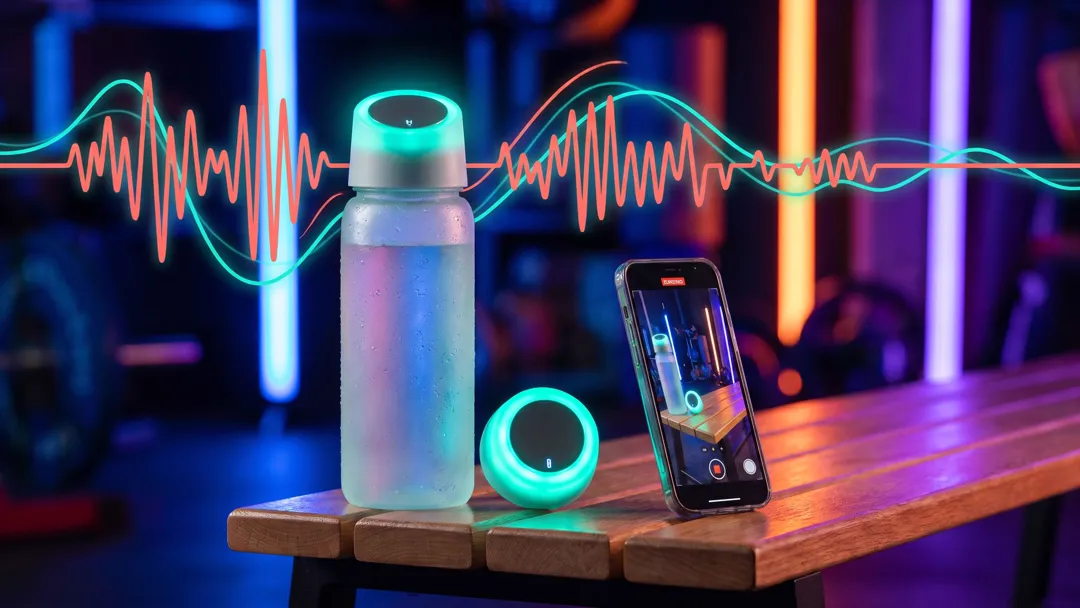

Free account needed: new accounts get free credits.
An AI voiceover generator reads a video or ad script aloud in a voice suited to the piece, so you don't have to record one yourself. AdAnt's version lets you choose the delivery, from a punchy TikTok hook to a calm explainer, a premium brand read or a sale announcement, and reads the script with that delivery. In AdAnt Studio the voiceover can go straight onto a product video, a UGC ad or a talking AI avatar.
Put an energetic read under a TikTok or Reels ad, then make a calm version of the same script and test which one converts.
Give silent product footage a spoken pitch with the price and offer in it, for TikTok Shop, Instagram and product pages.
Turn one script into several deliveries in minutes, so a client sees options before anything is booked or shot.
Record a fresh read for each promotion, launch or holiday sale without waiting on a voice actor's schedule.
Yes, you can try it free. A free AdAnt account comes with credits, and one voiceover uses well under one credit: about a tenth for a short script, at most a quarter at the 500-character limit.
Yes. You can use the voiceovers you generate in your own ads and videos on TikTok, Instagram, YouTube and elsewhere. Don't use it to imitate a real person's voice.
Download the audio and drop it on your editing timeline, or open AdAnt Studio, which can place the voiceover on a product video or have an AI avatar speak it with lip sync.
Text to speech is the technology. A voiceover is a read written and delivered for a specific video, so this tool asks for the delivery style as well as the words.
This page sets the delivery, not the exact voice. To choose a specific voice from AdAnt's catalog, use the AI voice generator.
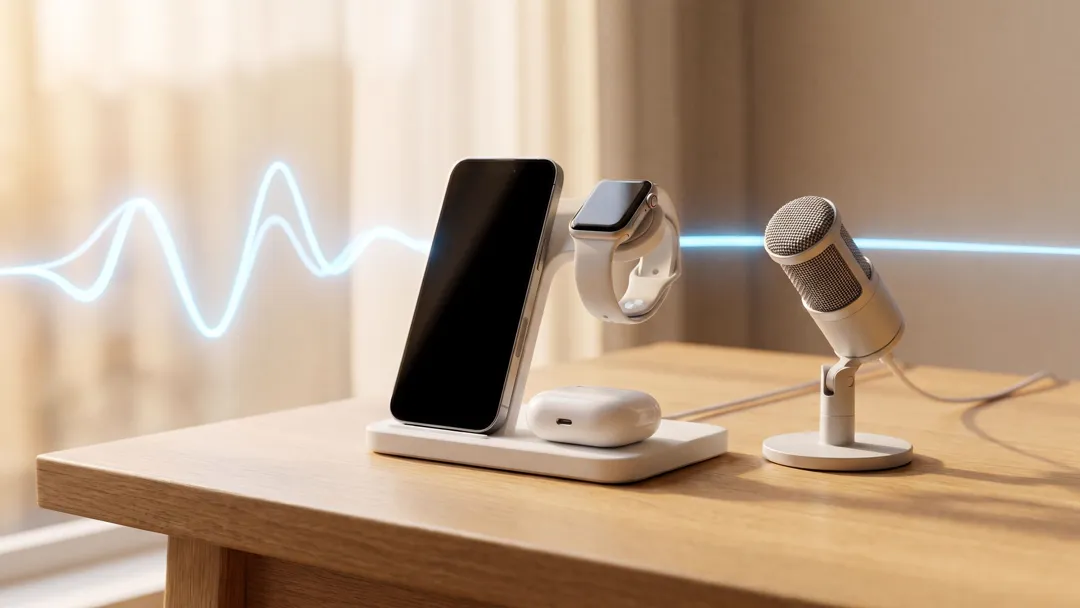 AI Voice
Text to natural speech in one click
 AI Voice
Documentary, story and true-crime narration
 AI Voice
Describe a voice, hear it read your line
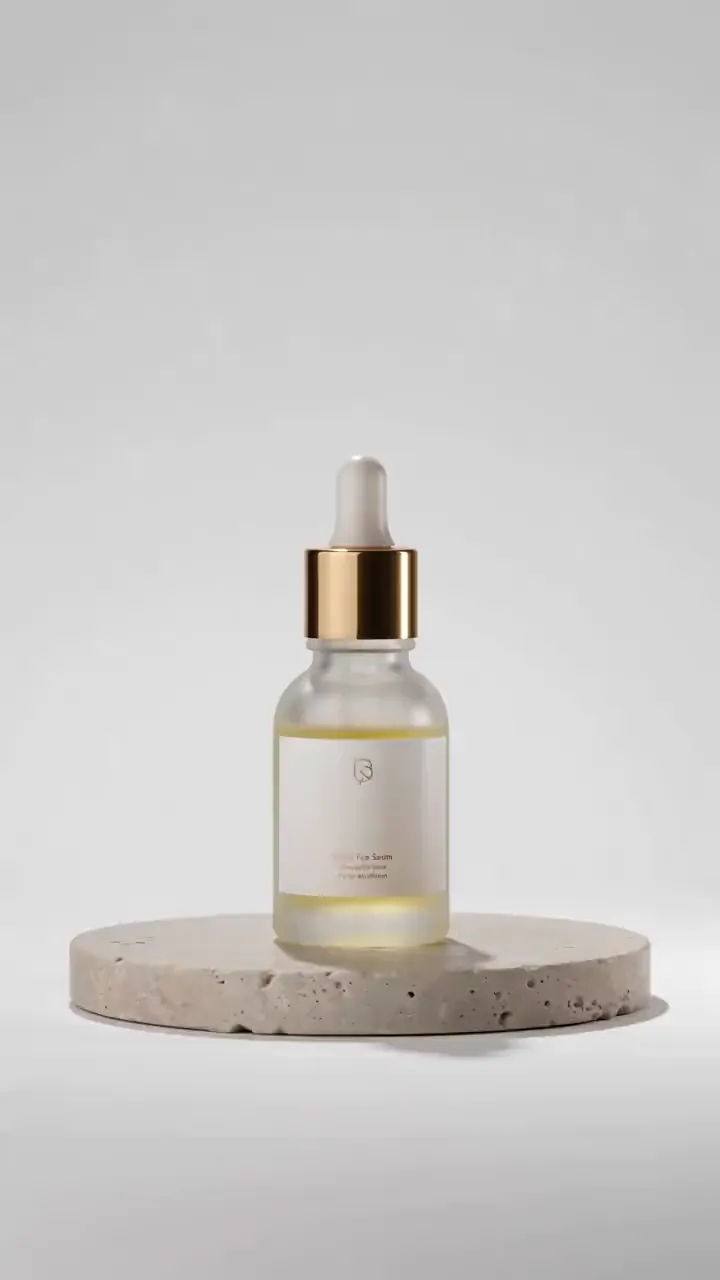 AI Ads
Describe your product, or start from its photo, and get a short studio-lit product video with motion and sound for ads, listings and social posts.
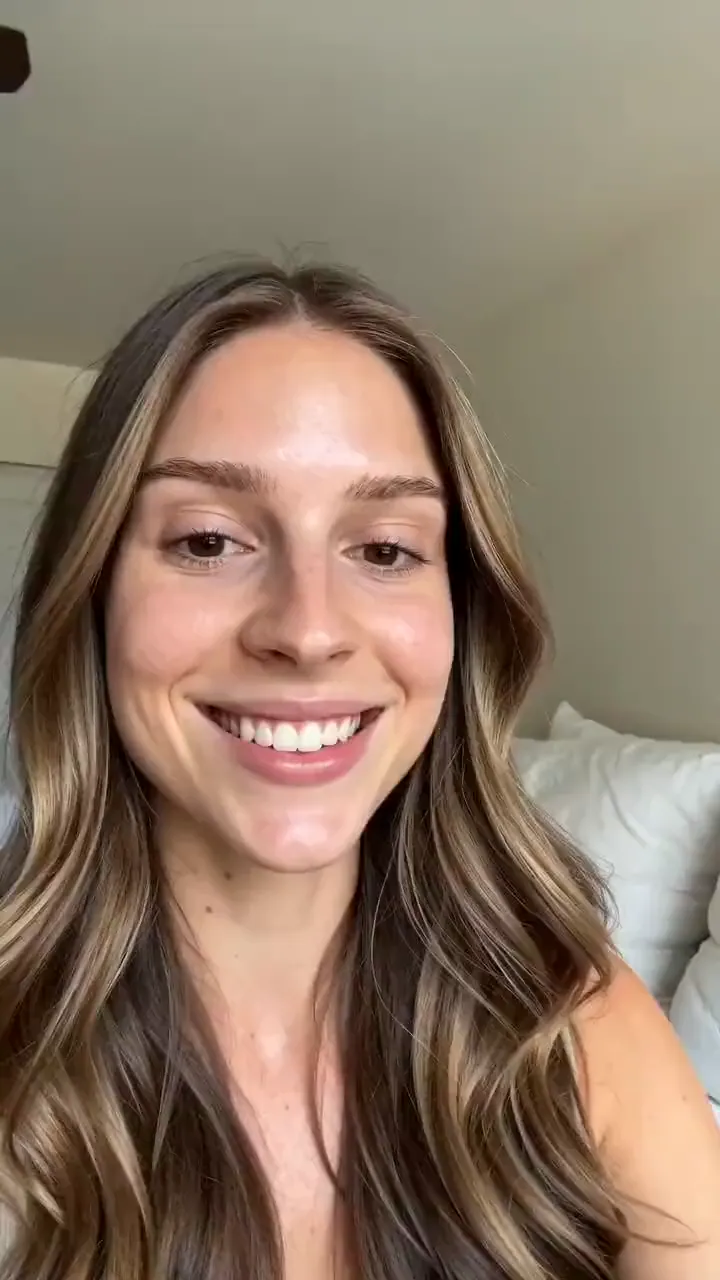 AI Ads
Describe your product and the line you want said, and get a selfie-style UGC video of a creator holding it up and saying it to camera.
 AI Avatar
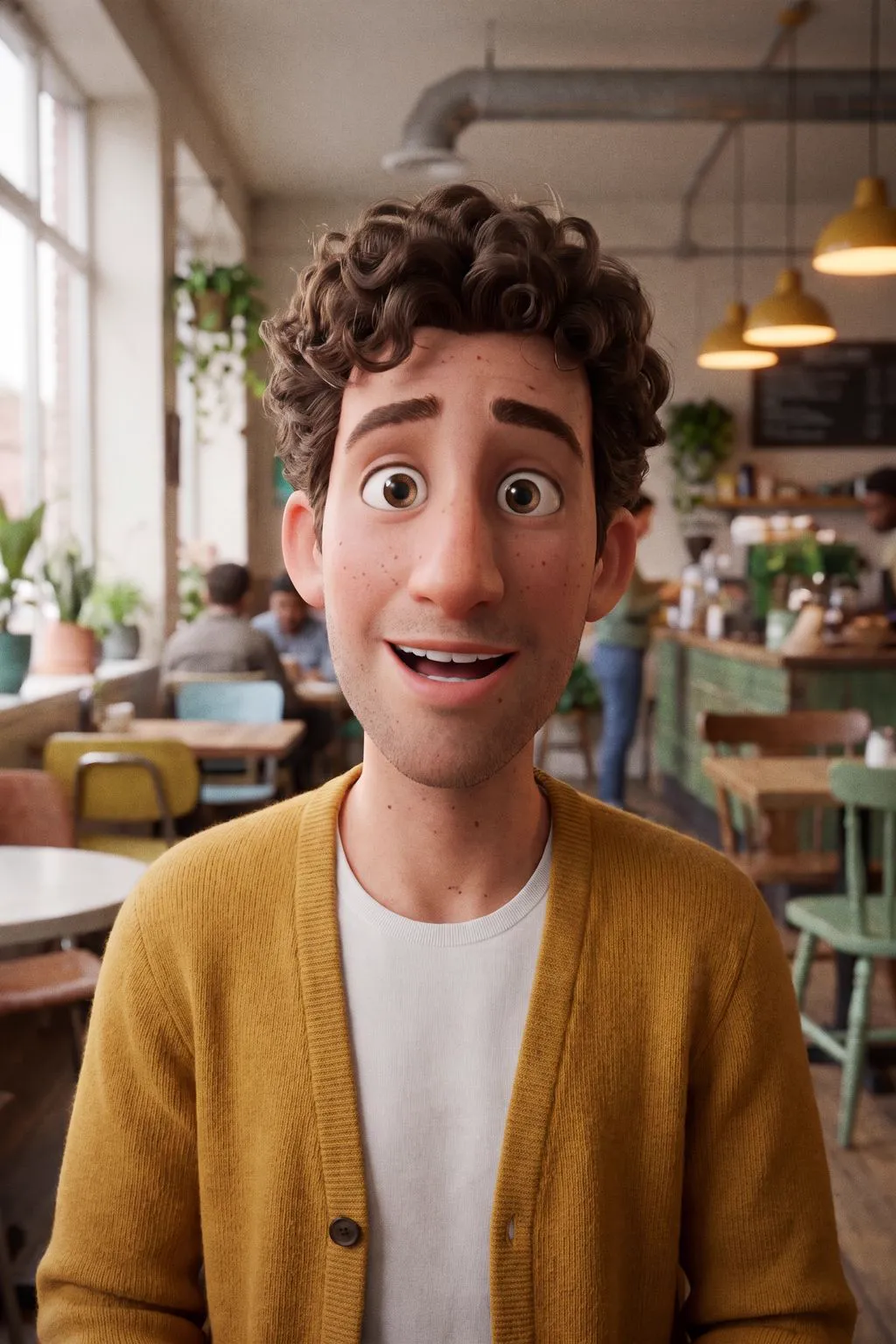
Animated-film 3D characters
AdAnt's agents research your market, write the script, cast the avatar and make the video in one chat.
Start with AdAnt