Ecommerce launches
Before you spend on ads for a new product, see how the established brands in your category pitch theirs and which offers they keep running.
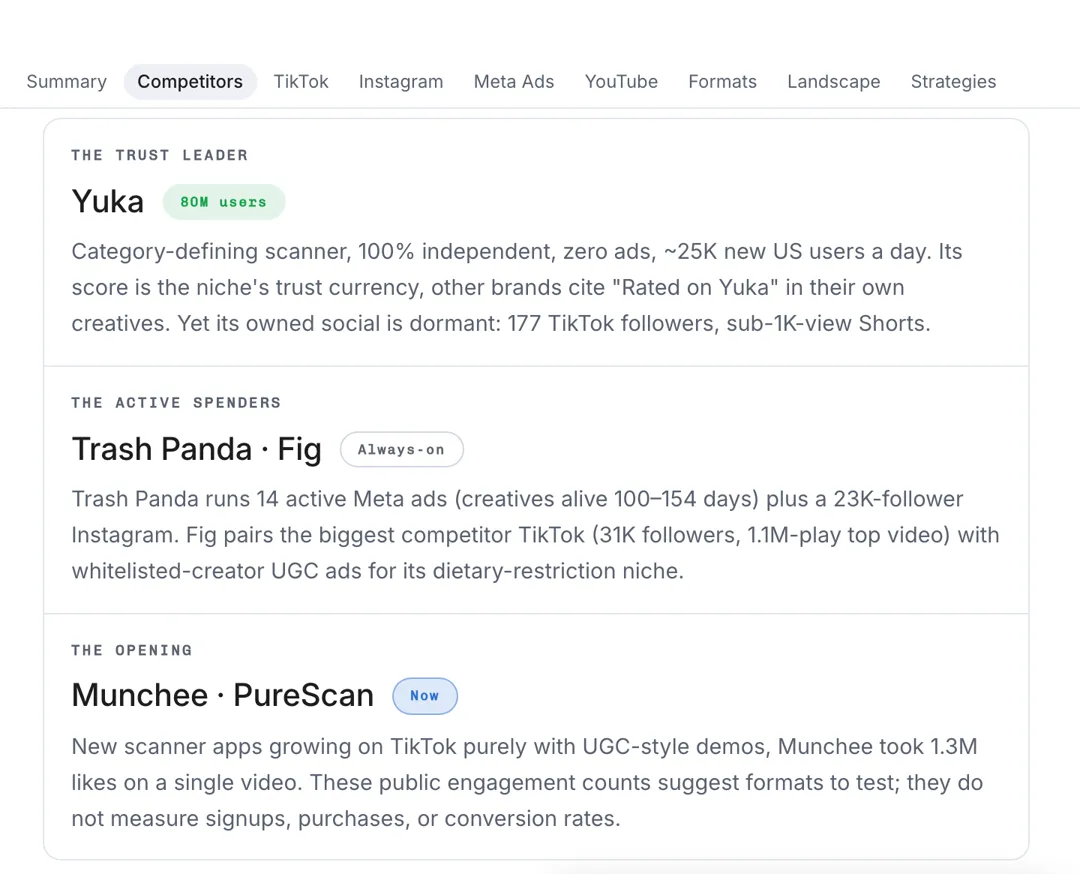
Name a competitor and your product, and AdAnt's agents study their ads in Meta Ads Library and their TikTok, Instagram and YouTube videos, then report the hooks, offers and angles you can test.

Free account needed. It continues in AdAnt Studio.
Competitor ad research is the study of the ads another brand runs, to learn which hooks, offers and formats win attention in your market. AdAnt's tool hands your brief to AdAnt Studio's agents, which look through the competitor's ads in Meta Ads Library and their TikTok, Instagram and YouTube videos, then write a report on what they run, what seems to work and which angles to test for your own product. The report is saved in your Studio task, where the same agents can turn an angle into a video ad.
Before you spend on ads for a new product, see how the established brands in your category pitch theirs and which offers they keep running.
Bring a client a clear picture of what their competitors run on Meta and TikTok, with angles to test, before the first meeting.
See which pain points, demos and testimonials a rival app leads with, and find the angle they are not using.
When your ads stop performing, mine a competitor's longest-running ads for hooks and formats you have not tried yet.
Yes, you can try it free with the credits a new AdAnt account gets. A research report uses roughly 20 credits, and AdAnt Studio shows the cost before anything is generated.
From public sources: Meta Ads Library for Facebook and Instagram ads, and the brand's public TikTok, Instagram and YouTube posts. View and like counts show attention, not sales, and the report says so.
AdAnt Studio opens with your brief as a new task, and its agents run the research there. The report lands in that task, so you can leave and come back to it.
Use the report for angles, hooks and formats, not to copy someone's ad. AdAnt makes new ads with your own product, script and AI presenters.
Yes. The report and any ads you make from it in AdAnt Studio are yours to use for your own product.
 Research
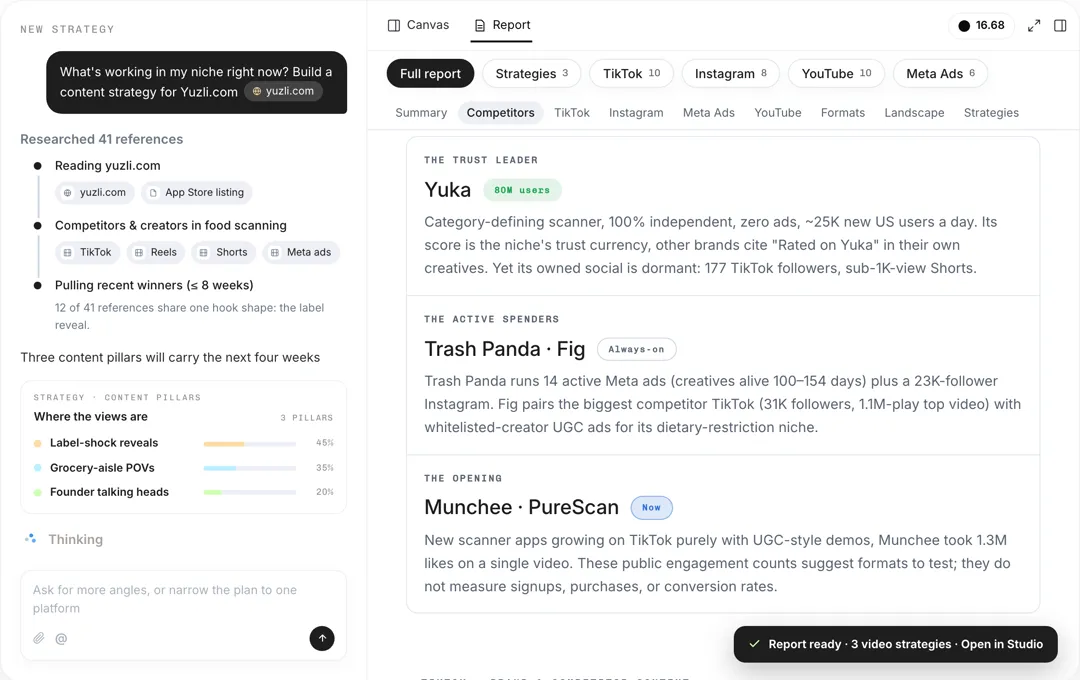
Give your product and platforms, and AdAnt's agents research your audience, competitors and what is working now, then write a content strategy with content pillars, formats, hooks and video ideas.
 Research
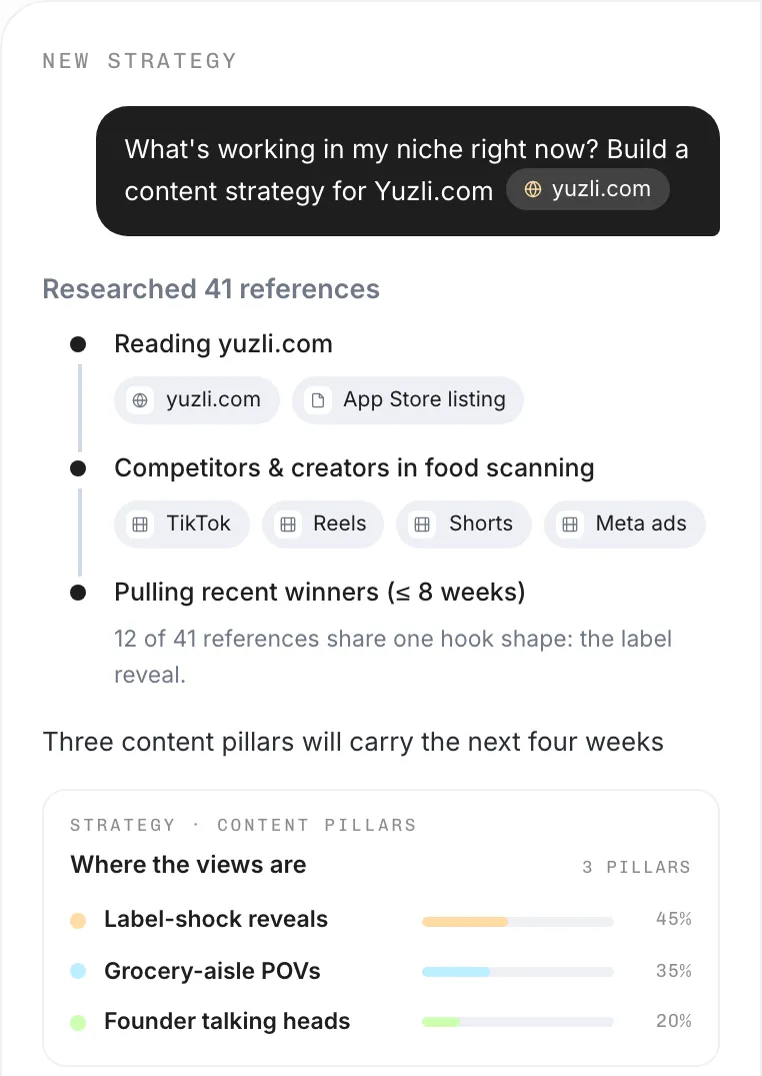
Name your niche and goal, and AdAnt's agents find what is trending on TikTok, Reels and Shorts right now, the hooks behind it, and video ideas you can make.
 AI Video
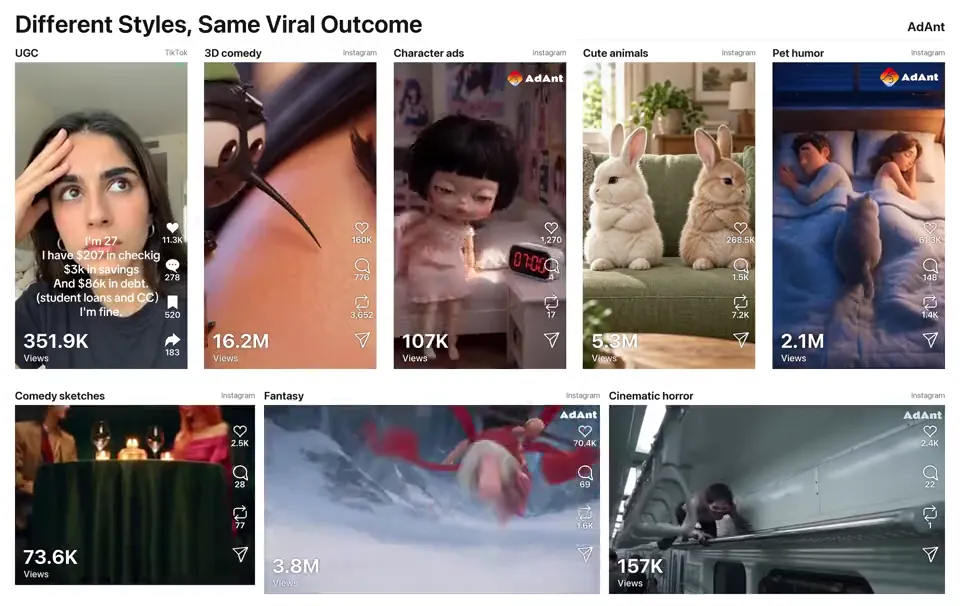
Remake any viral video for your product
 AI Ads
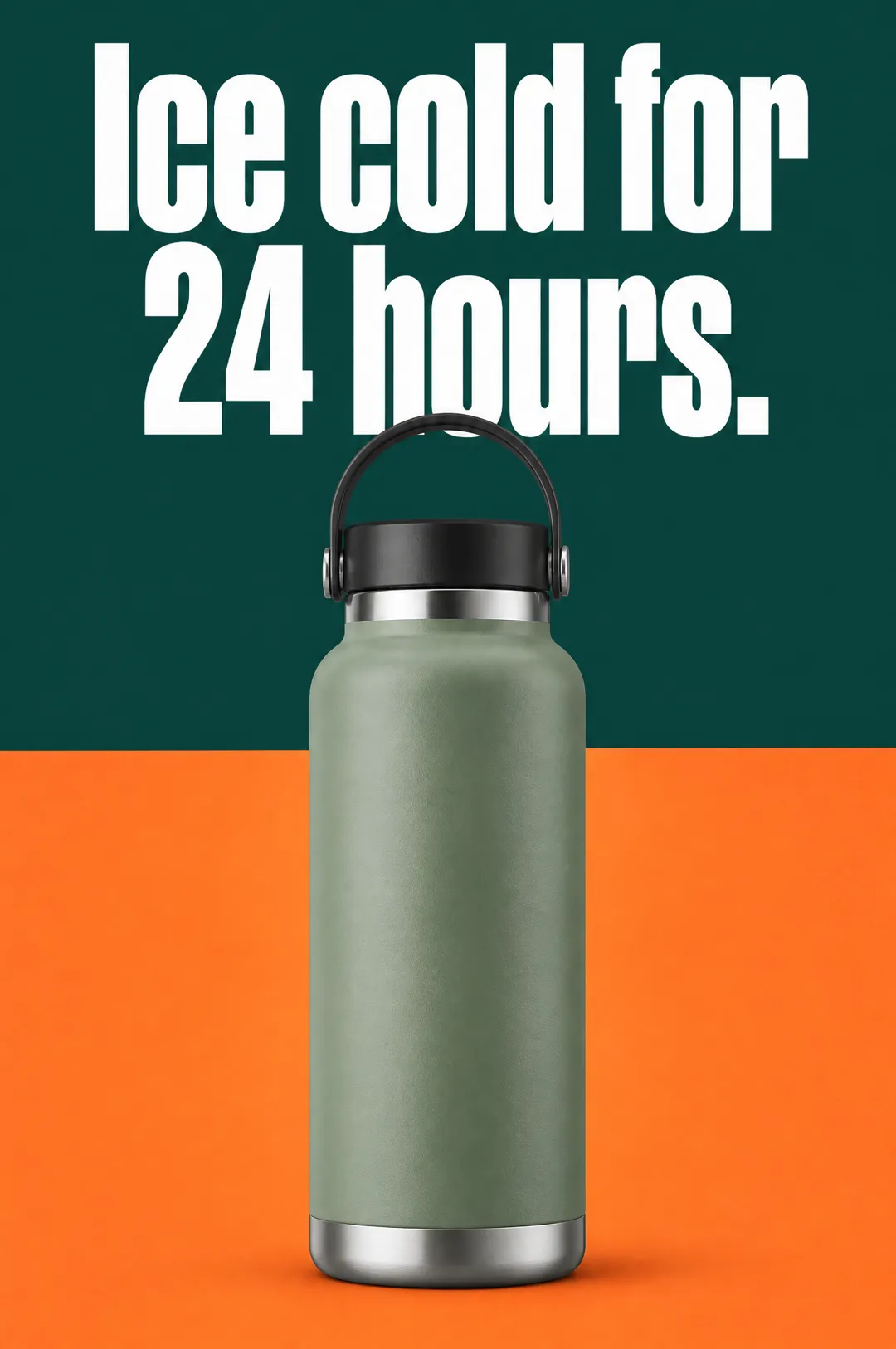
Describe your product, write a headline, pick a style, and get a vertical static ad with the headline set on the image, ready for Meta, TikTok and Pinterest.
 Social Listening
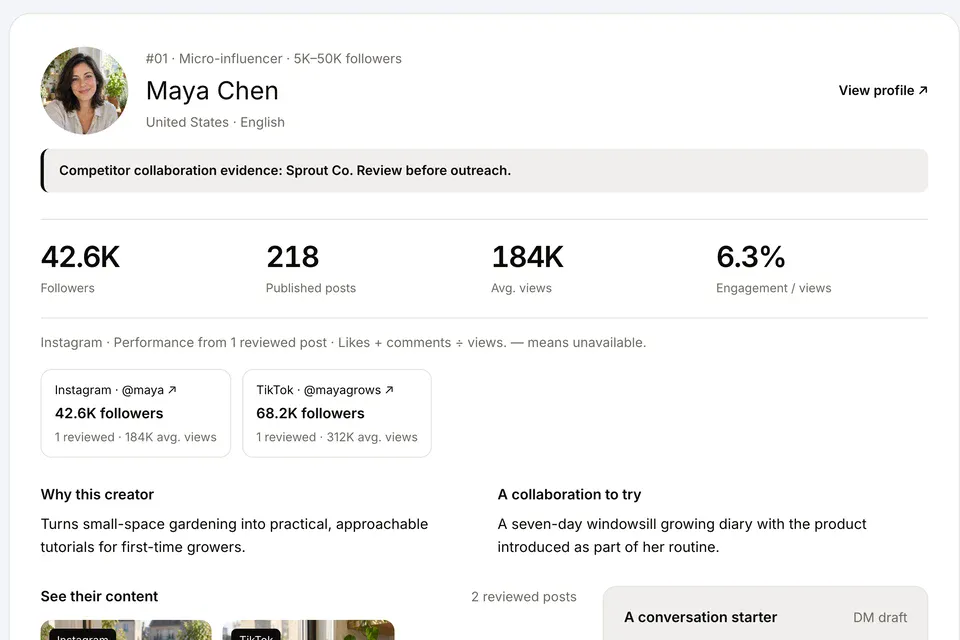
Describe your product and the creators you want, and AdAnt's agents find influencers of every size on TikTok, Instagram and YouTube who fit, with the posts and numbers that show why.
 Research
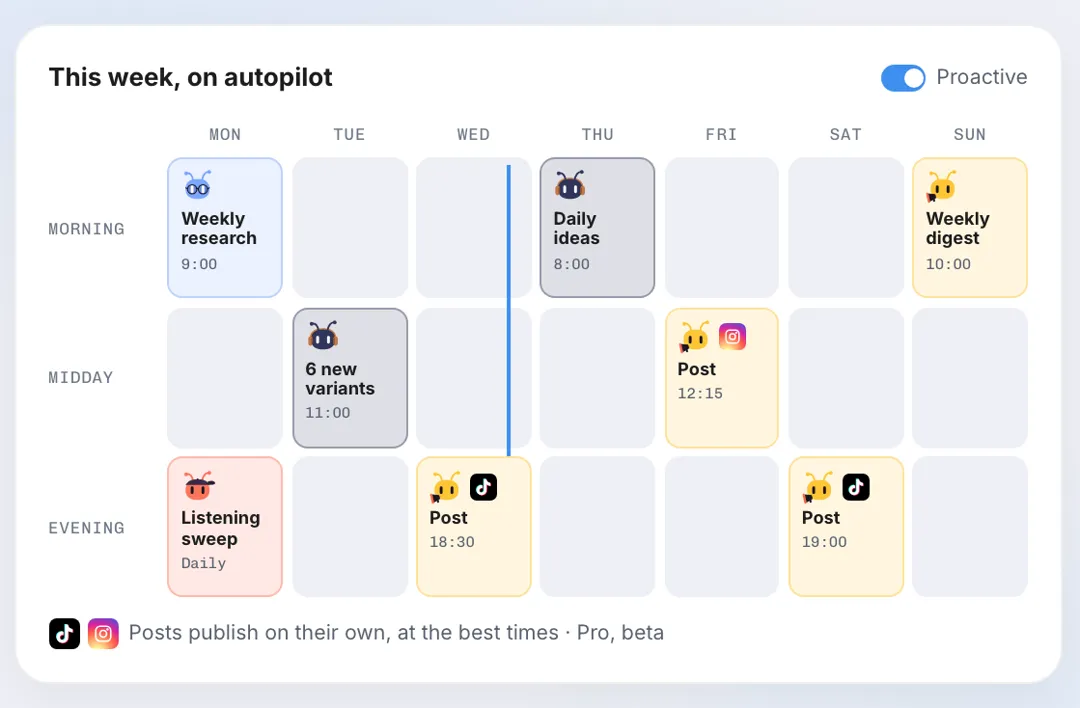
Name your competitors, and AdAnt's agents check their TikTok, Instagram, YouTube and Meta ads, report what is new and what is working, and can repeat the check every week by email.
AdAnt's agents research your market, write the script, cast the avatar and make the video in one chat.
Start with AdAnt