Small brands without a social manager
Turn the videos you have into a week of posts with captions and hashtags.
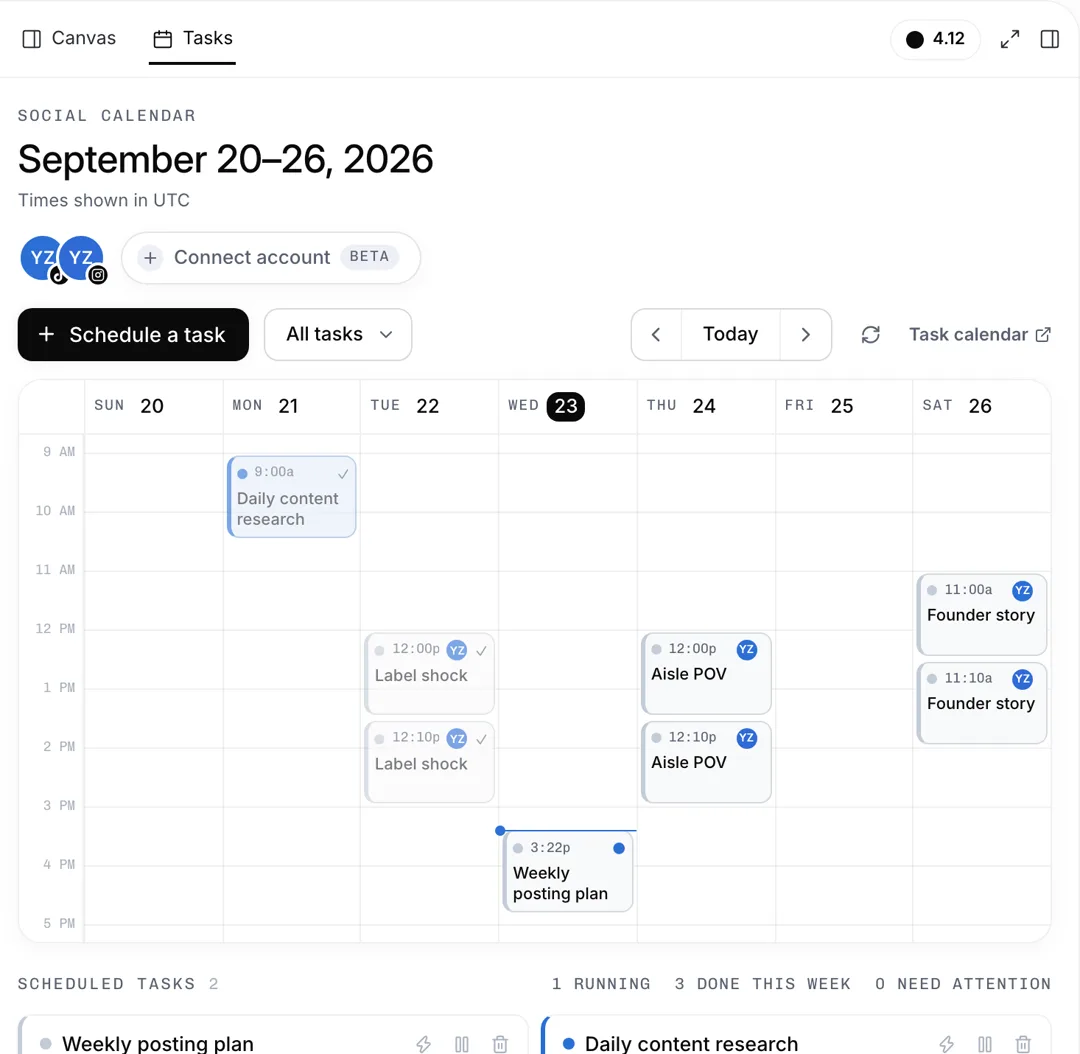
Describe your product and how often to post. AdAnt's Social Manager plans the week, writes captions and hashtags, and schedules posts to TikTok and Instagram once you connect an account and approve each one.

Free account needed. It continues in AdAnt Studio.
A social media scheduler plans what you post and when, and publishes each post on time so you don't have to be online. AdAnt hands your brief to the Social Manager in AdAnt Studio, which plans a week of slots, writes captions and hashtags, and schedules your library videos to TikTok and Instagram. Nothing is posted until you connect an account and approve that post.
Turn the videos you have into a week of posts with captions and hashtags.
Plan teasers before launch day, the reveal on the day, and demos after.
Keep a steady rhythm on TikTok and Reels, with every post queued in one sitting.
Draft a client's week, review each caption together, and schedule only what they sign off.
Yes, you can try it free with the credits a new AdAnt account gets. Planning a week uses roughly 10 credits, and AdAnt Studio shows the cost first.
No. Each post shows a confirmation card and is scheduled only when you approve it. For TikTok you also set who can watch and the comment, duet and stitch options.
TikTok and Instagram, once you connect an account in the Studio. For YouTube, X or Facebook it can write the plan and captions for you to post yourself.
The Social Manager still writes the plan, captions and hashtags, and tells you how to connect. Nothing can be scheduled until you do.
AdAnt Studio opens your brief as a new task. The plan and approved posts appear on the Tasks calendar, where you can move or cancel them.
Yes. You can schedule videos for your own product or a client's from their connected account, and mark a post as branded or commercial content in TikTok's posting options.
 Research
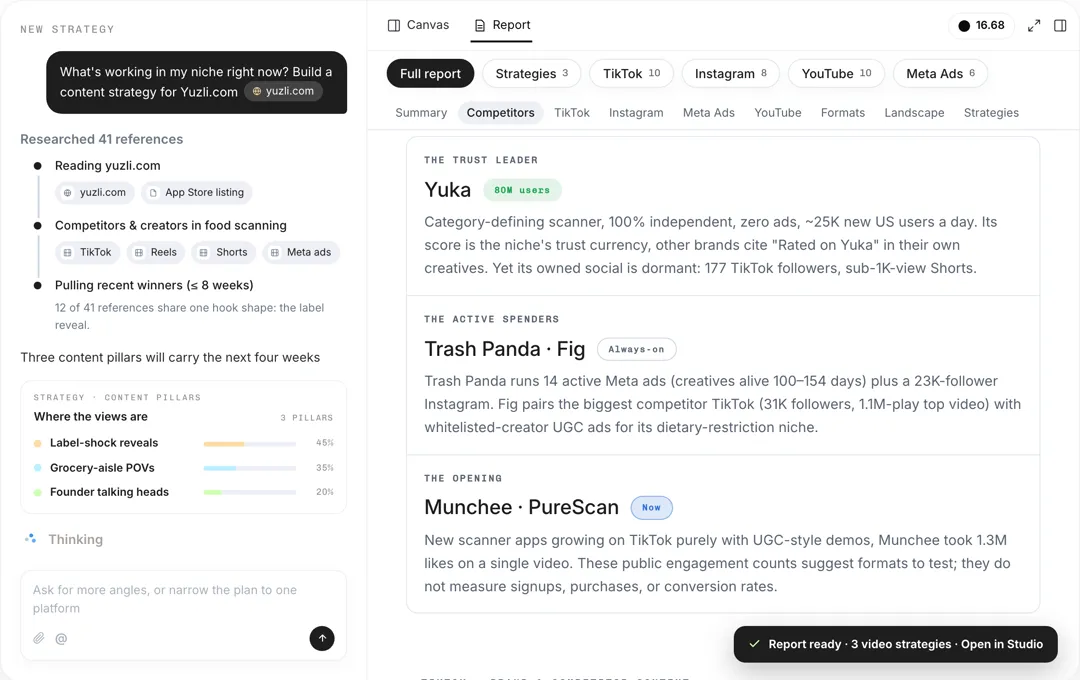
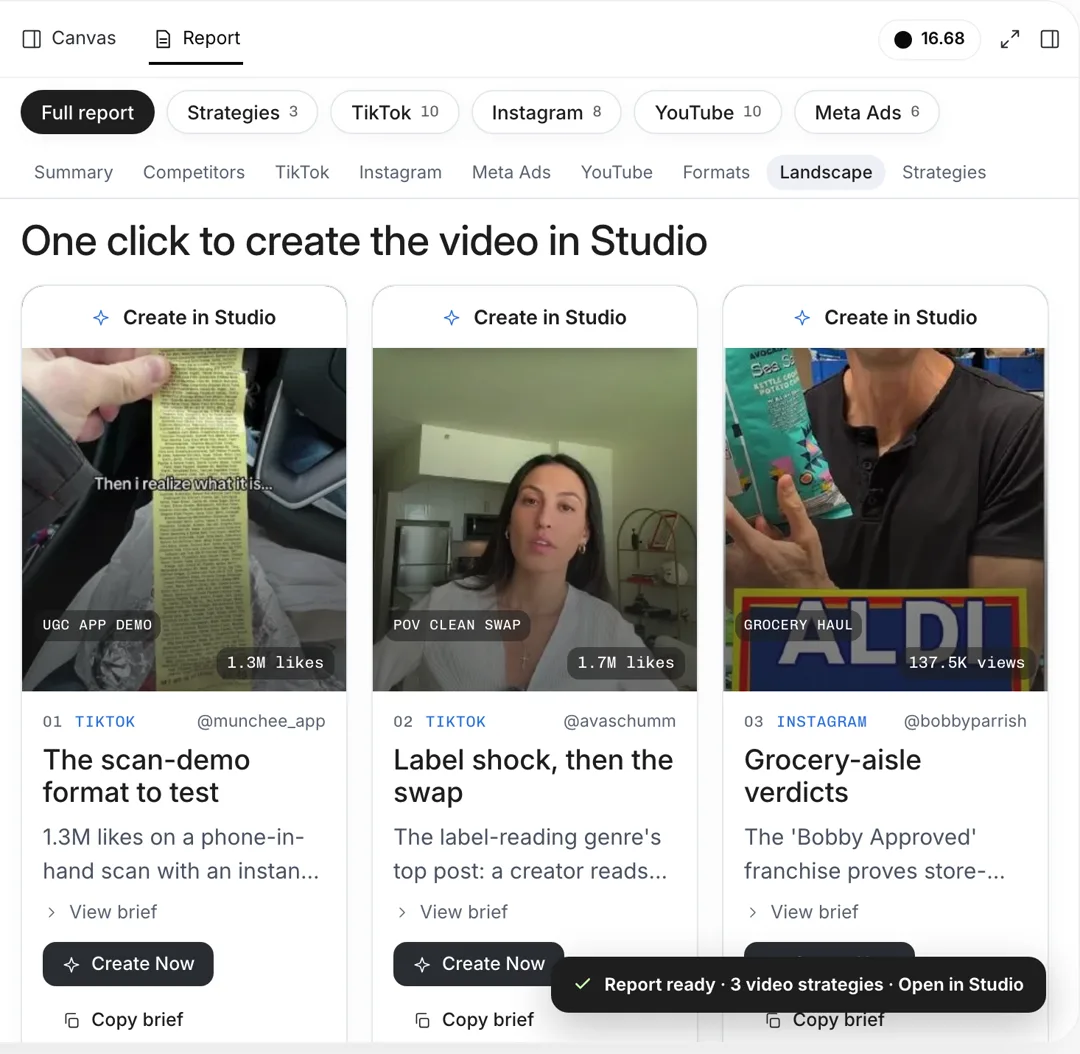
Give your product and platforms, and AdAnt's agents research your audience, competitors and what is working now, then write a content strategy with content pillars, formats, hooks and video ideas.
 Research
ed TikTok ideas with hooks and formats
 AI Image
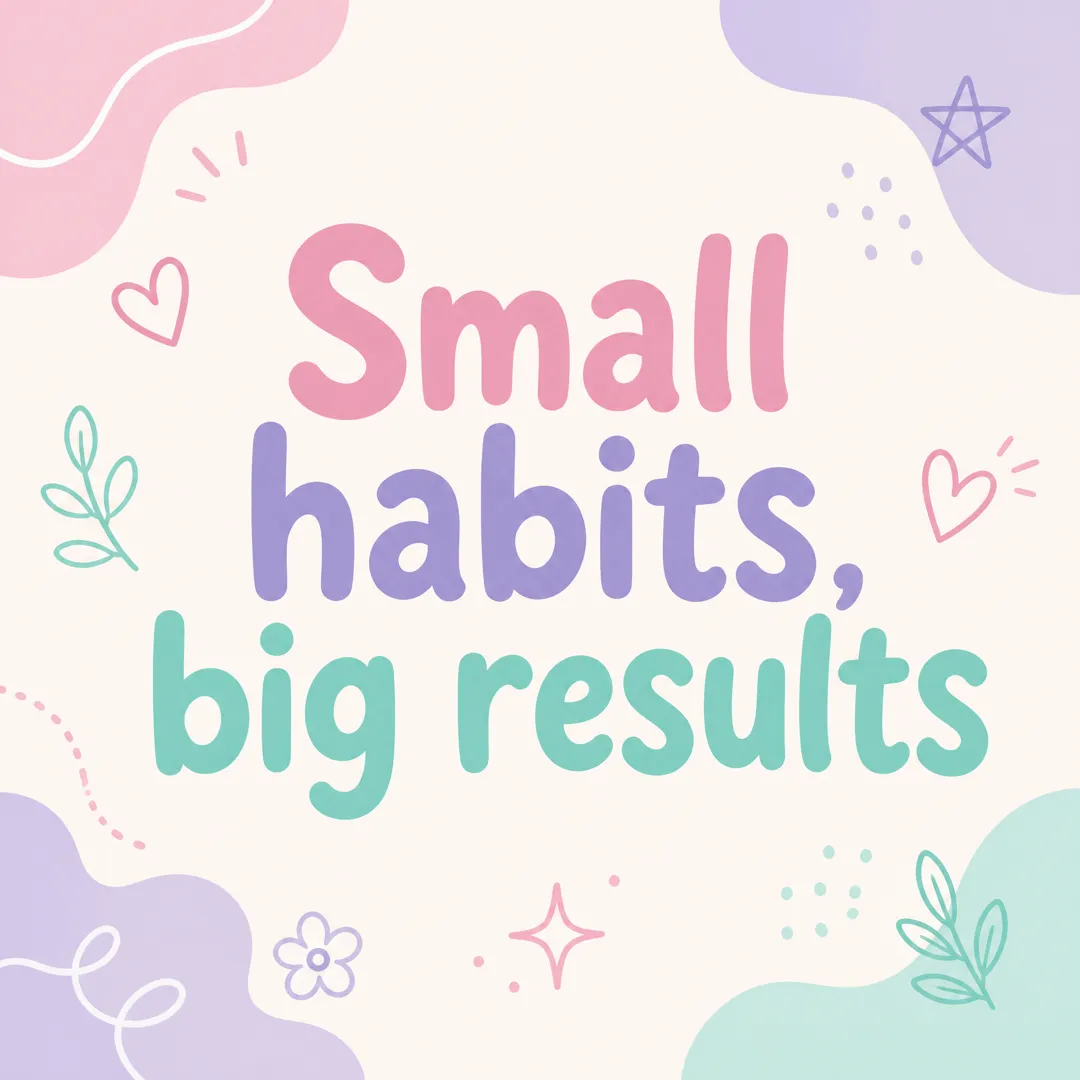
Type a short message, pick a brand vibe, and get a square Instagram post graphic with your words set large and legible, ready to post.
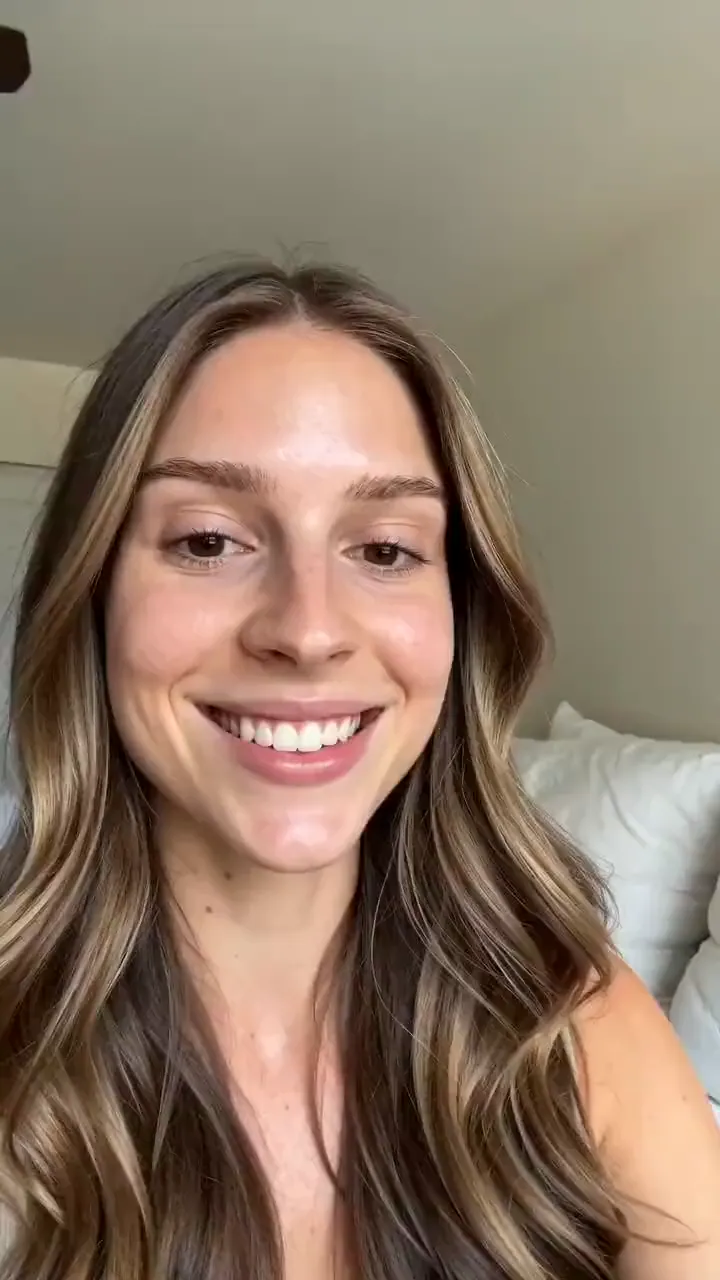 AI Ads
Describe your product and the line you want said, and get a selfie-style UGC video of a creator holding it up and saying it to camera.
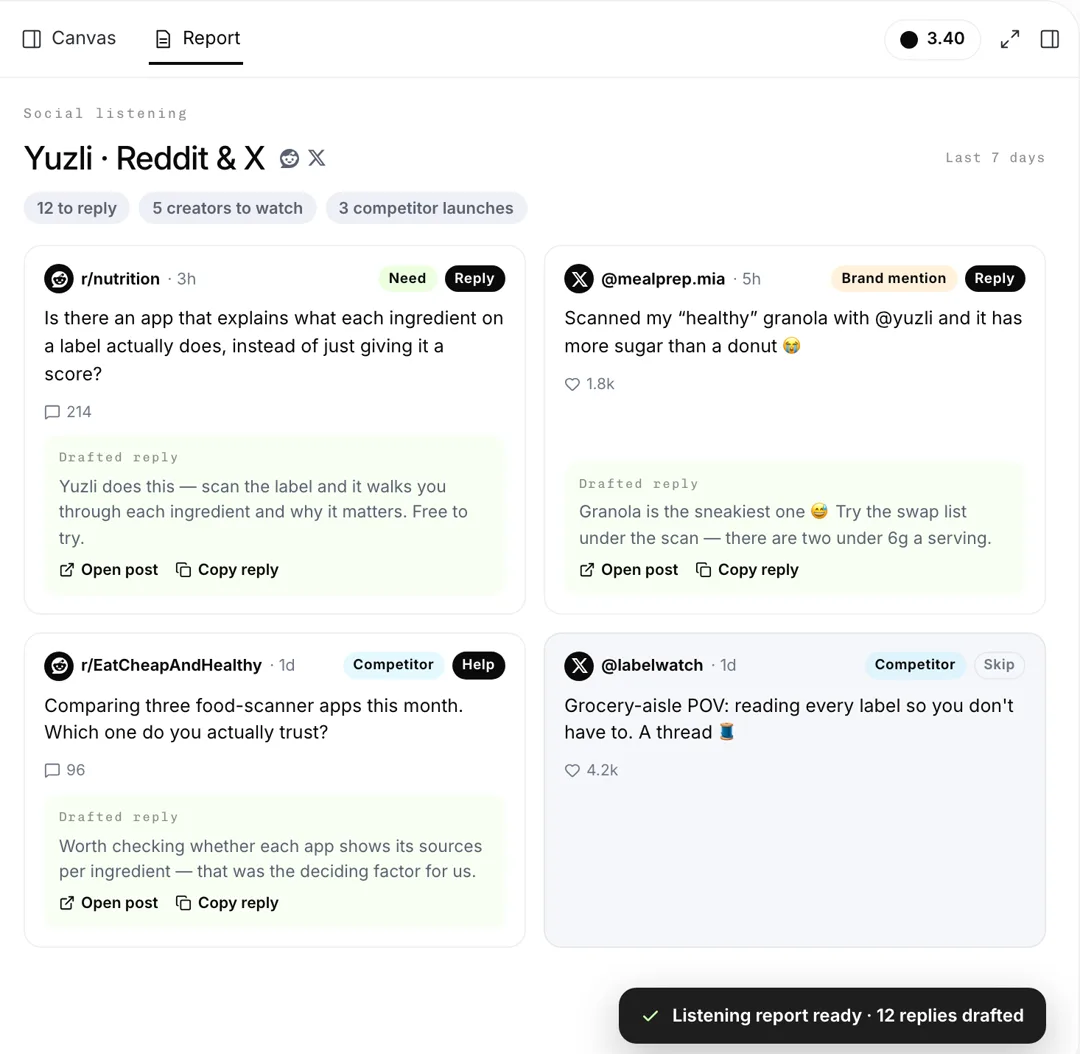 Social Listening
Brand and competitor mentions on X and Reddit
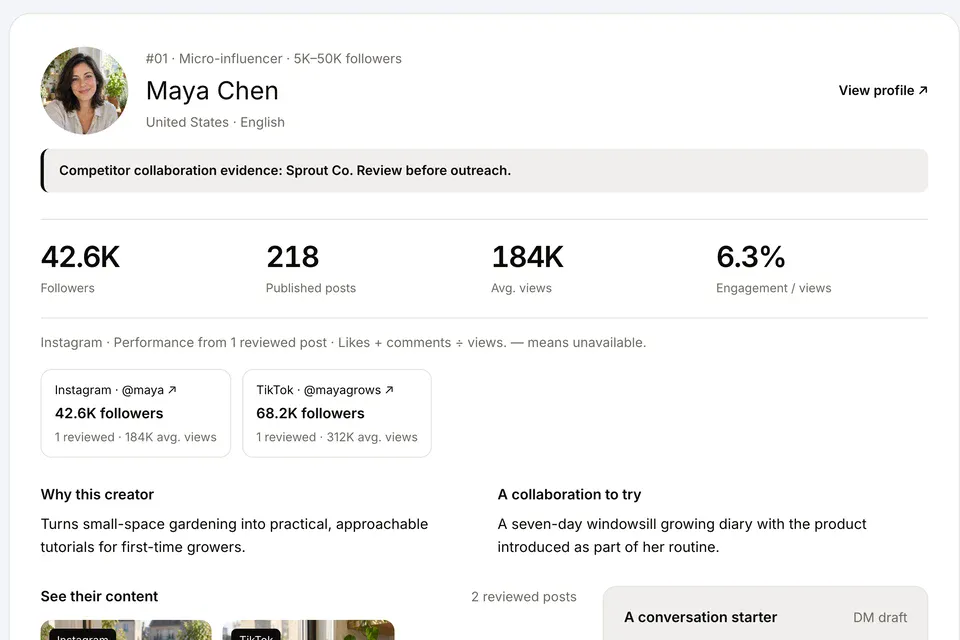 Social Listening
Describe your product and the creators you want, and AdAnt's agents find influencers of every size on TikTok, Instagram and YouTube who fit, with the posts and numbers that show why.
AdAnt's agents research your market, write the script, cast the avatar and make the video in one chat.
Start with AdAnt