
Creator runs this job
Paste a link.
Get your version.
Drop a TikTok, Reel, Short or ad. Creator breaks it down shot by shot, remakes it with your product and your avatar, and shows the credit price before anything renders.
Every render shows its credit price first.

How the job runs
You hand it over. Creator does the rest.
You hand over
A TikTok, Reel or Short link, or a template, plus your product.
Creator does
- Breaks the source into shots, camera moves and lines
- Casts your product and your avatar into every shot
- Shows the storyboard and the price, then generates
You get
The video remade with your product and your avatar, storyboarded and checked with you before it renders.
Inside AdAnt
The real screens. Not a mockup.
Captured from AdAnt's Studio with sample data: where you hand Creator the job, and what comes back.
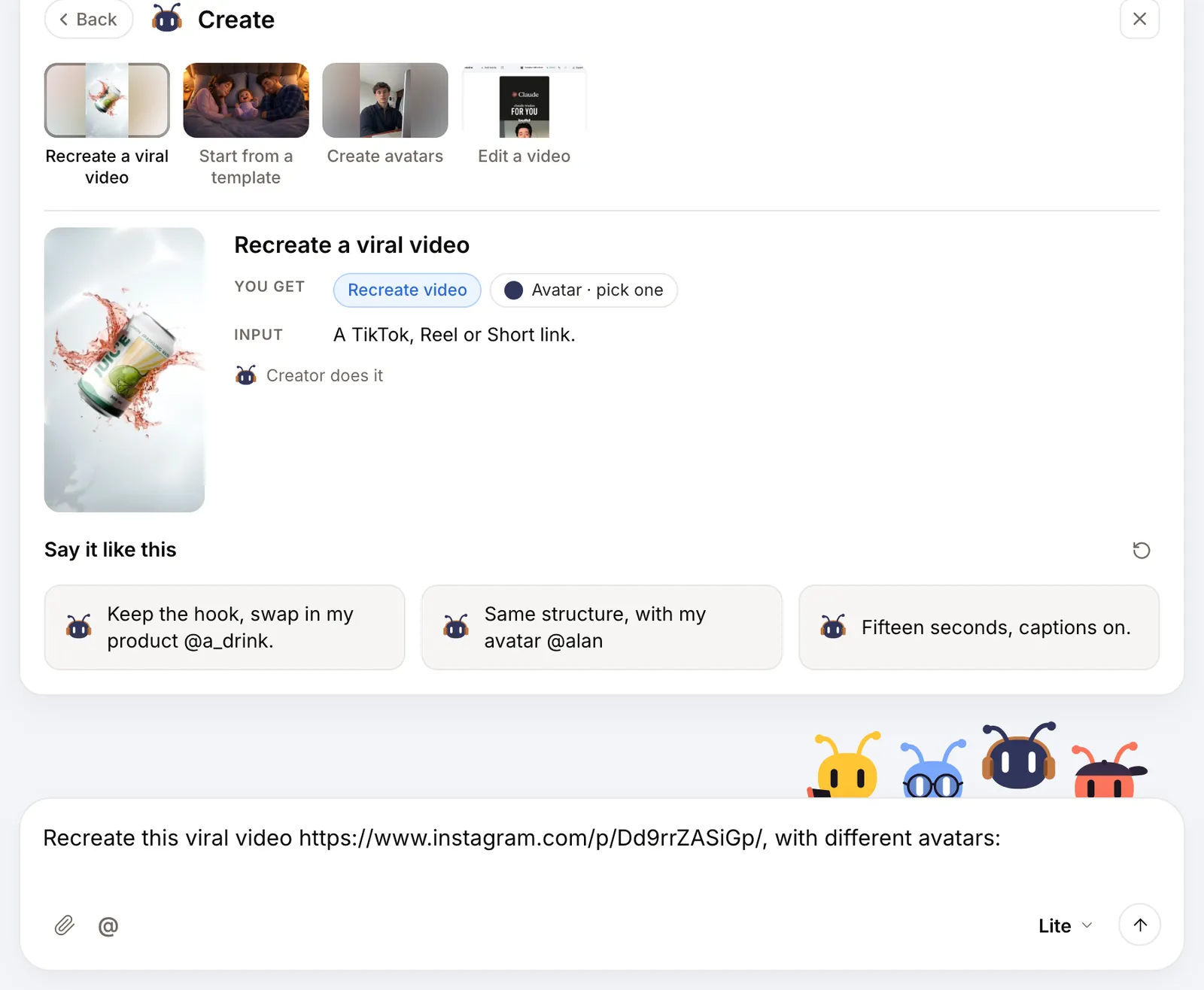
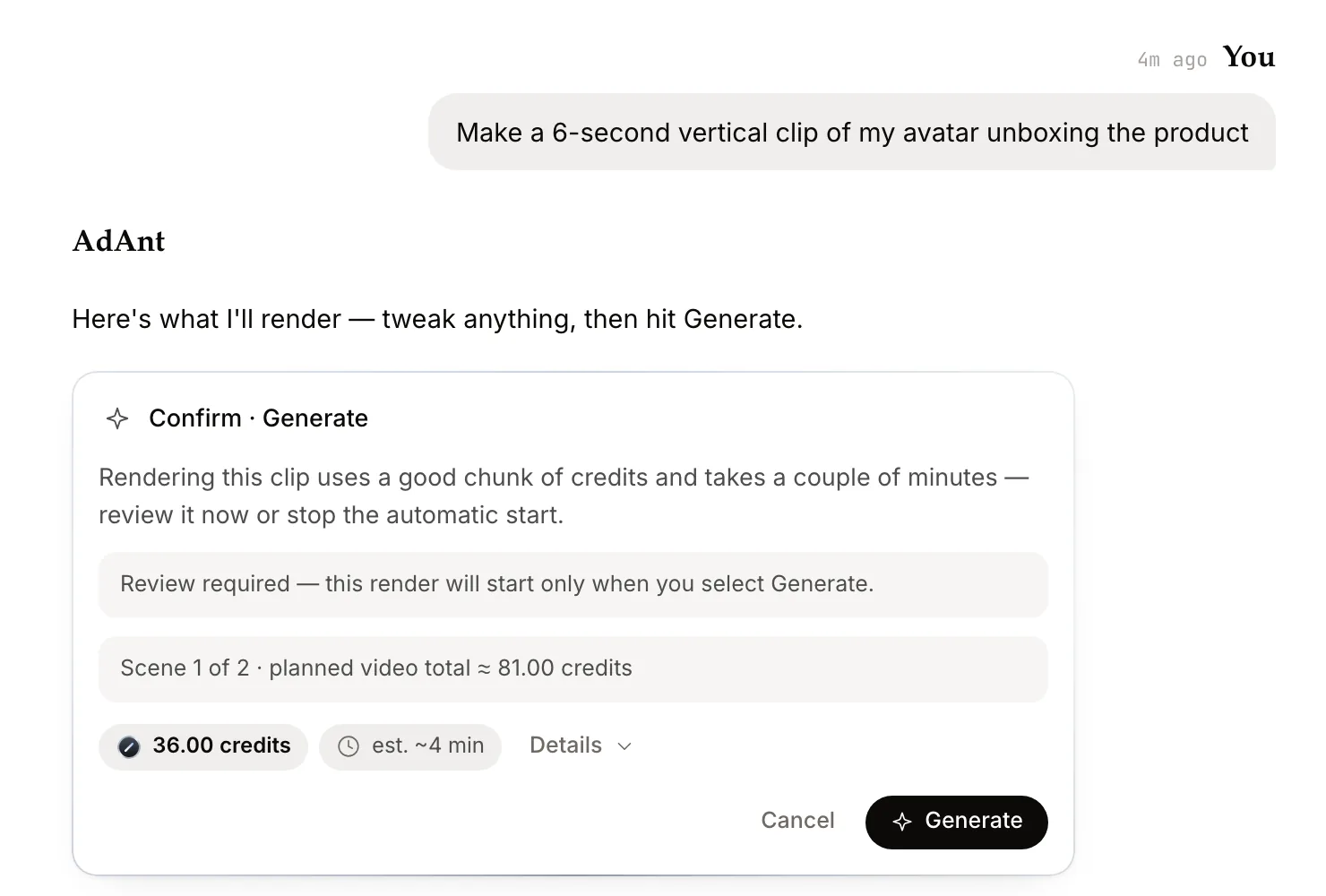
The real thing
Start from a real template
Four of the templates in AdAnt's library. Pick one with @ in the chat and Creator remakes it with your product.
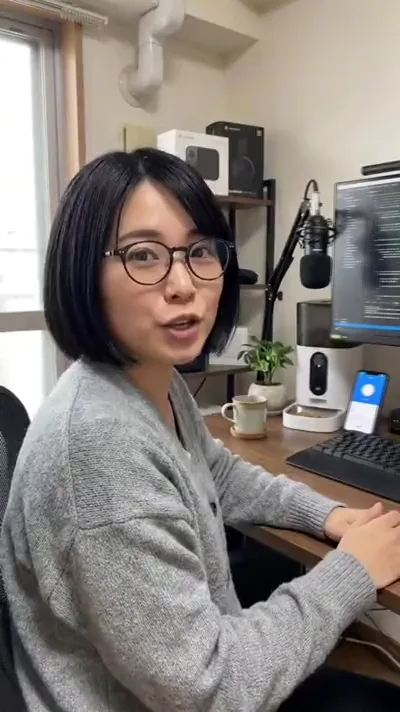 UGC01
UGC01Desk Direct-to-Camera Pitch
Someone pitching to camera from their desk. Swap in your product and your avatar.
 UGC · Founder02
Cafe POV Meltdown
A founder's POV: start a business, and now you're a content creator too.
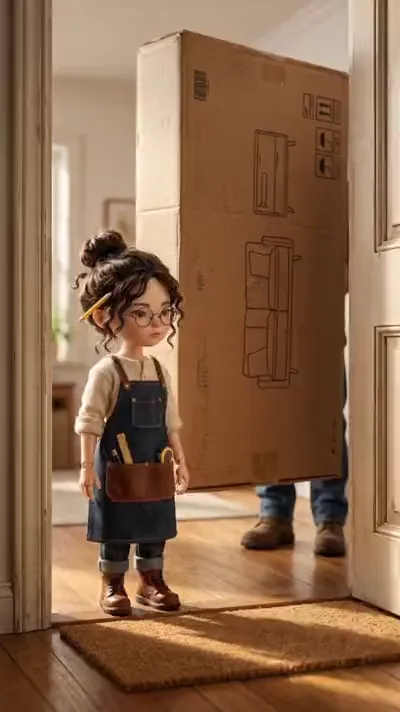 Animation03
Miniature Builder Bookshelf
A miniature builder unboxes and assembles it, step by step.
 Mascot04
Hedgehog Supermarket Date
A character your brand can bring back in every video.
Make it yours
One link.
The task, ready to send.
Add the video to recreate and a note if you like. It opens the same task as the New task page, as a draft you review before sending.
See the full workflow ↗Free brief builder
Your video brief
One link, an optional note. No signup to copy.
Preview your brief
AdAnt opens this as a draft for you to review and send.
Good to know.
Do I have to write prompts?
No. Paste a link or pick a template and describe your product. Creator writes the shot-by-shot plan and shows it to you before generating.
Which video models does it use?
Creator picks from the models in the catalog, including Seedance 2.5 and Google Veo 3.1, and names the model on the confirmation card before anything renders.
How much does a video cost?
It depends on length and model. A Confirm · Generate card shows the credit price for every render, and longer builds show the planned total across scenes.