
Creator runs this job
Say the edit.
See the cut.
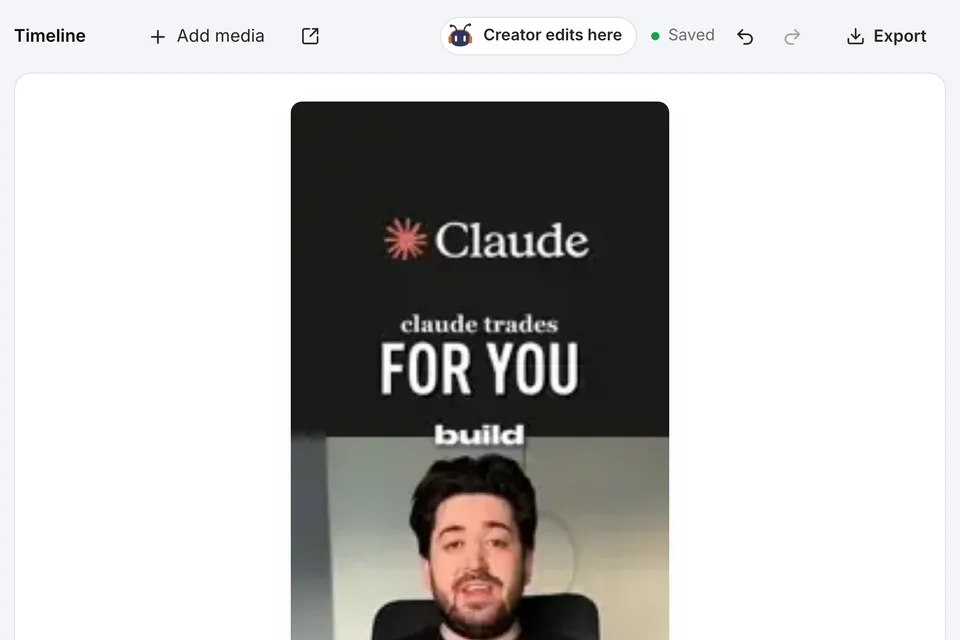
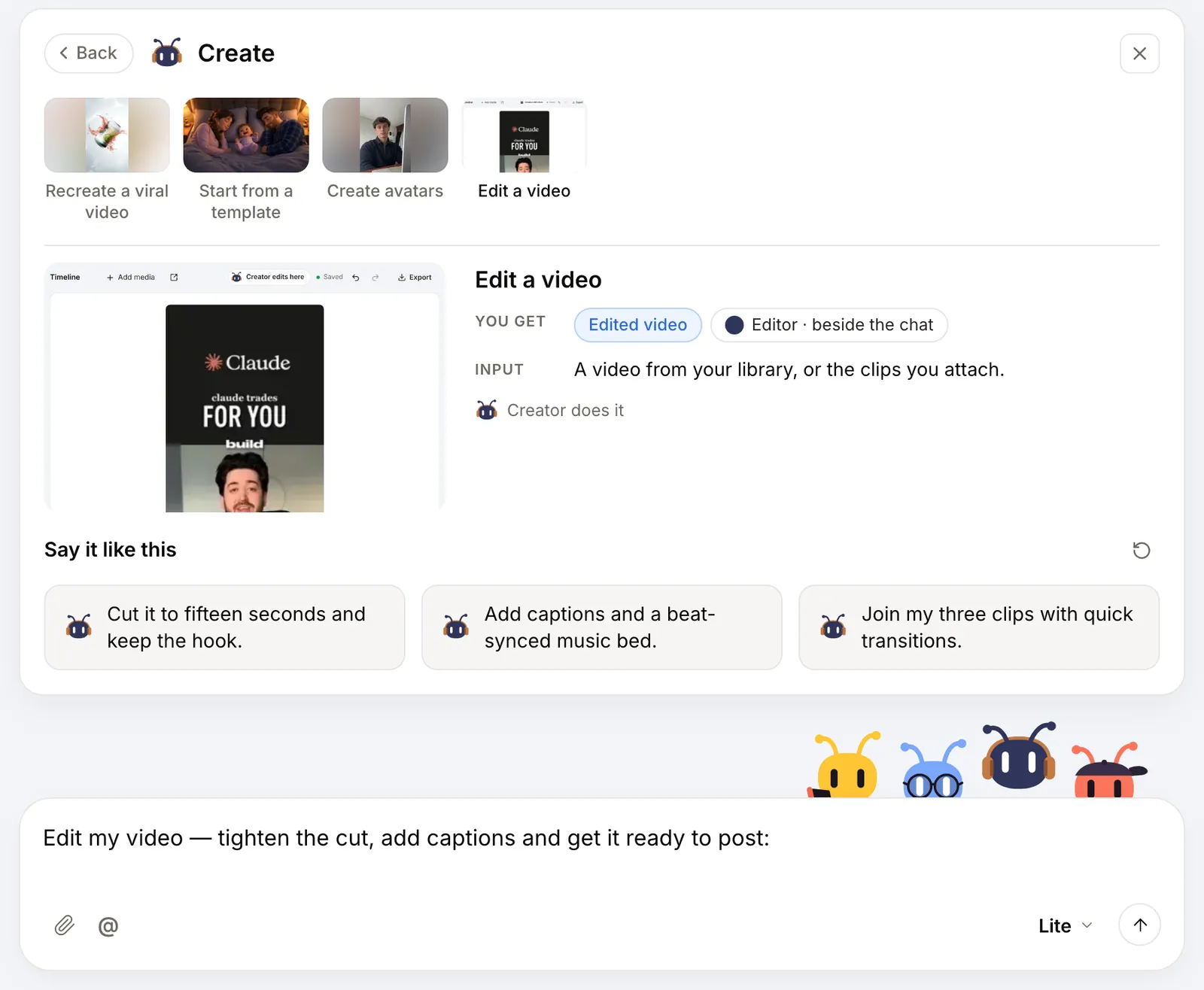
Tell Creator what to change and it edits on a timeline right beside the chat: trims, captions, music and transitions. Every video from the chat arrives whole, ready to cut.
The editor is rolling out by account. Clean 720p and 1080p exports come with Pro.
How the job runs
You hand it over. Creator does the rest.
You hand over
Videos from your chat, a file you upload or a link.
Creator does
- Lays every video on the timeline at full length
- Trims, splits, captions and scores it from your words
- Previews against TikTok, Shorts and Reels guides
You get
Your video cut on a timeline beside the chat, ready to polish by hand and export.
Inside AdAnt
The real screens. Not a mockup.
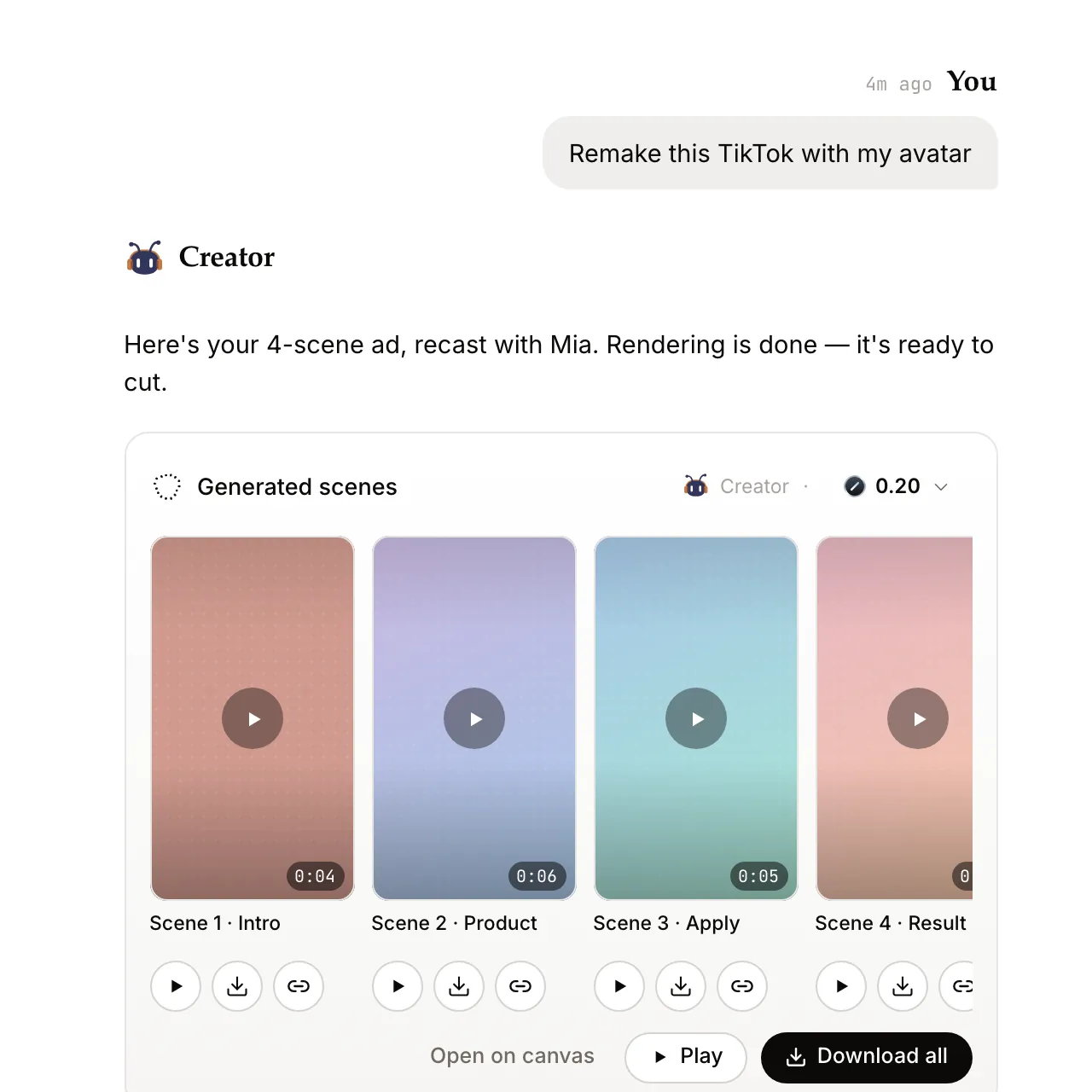
Captured from AdAnt's Studio with sample data: where you hand Creator the job, and what comes back.
A starting point
Three edits worth asking for
Sample asks. Say them in your own words.
- Tighten01
“Cut the first two seconds”
Open on motion, not on a logo. Most viewers decide in the first second.
- Caption02
“Add captions, bold the price”
Most feeds start muted. Let the words carry the offer.
- Score03
“Music under, voice on top”
Duck the track under the voiceover and end on the beat.
Make it yours
One link.
The task, ready to send.
Add your video link and a note if you like. It opens the same task as the New task page, as a draft you review before sending.
See the full workflow ↗Free brief builder
Your editing brief
One link, an optional note. No signup to copy.
Preview your brief
AdAnt opens this as a draft for you to review and send.
Good to know.
Do I need AI-generated clips to use it?
No. Bring your own footage by upload or link, or start from videos made in the chat. Use only media you have the rights to.
What can the editor do?
Trim, split, captions and subtitles, text, audio and transitions, with more under More tools. The preview shows TikTok, Shorts and Reels guides, and exports come in Source, 720p or 1080p at Draft, Standard or High quality.
Can I still edit by hand?
Yes. Creator makes the first cut from your words; the timeline stays yours to drag, trim and polish before you export.