Same inputs, every motion control model: one photo, one motion clip
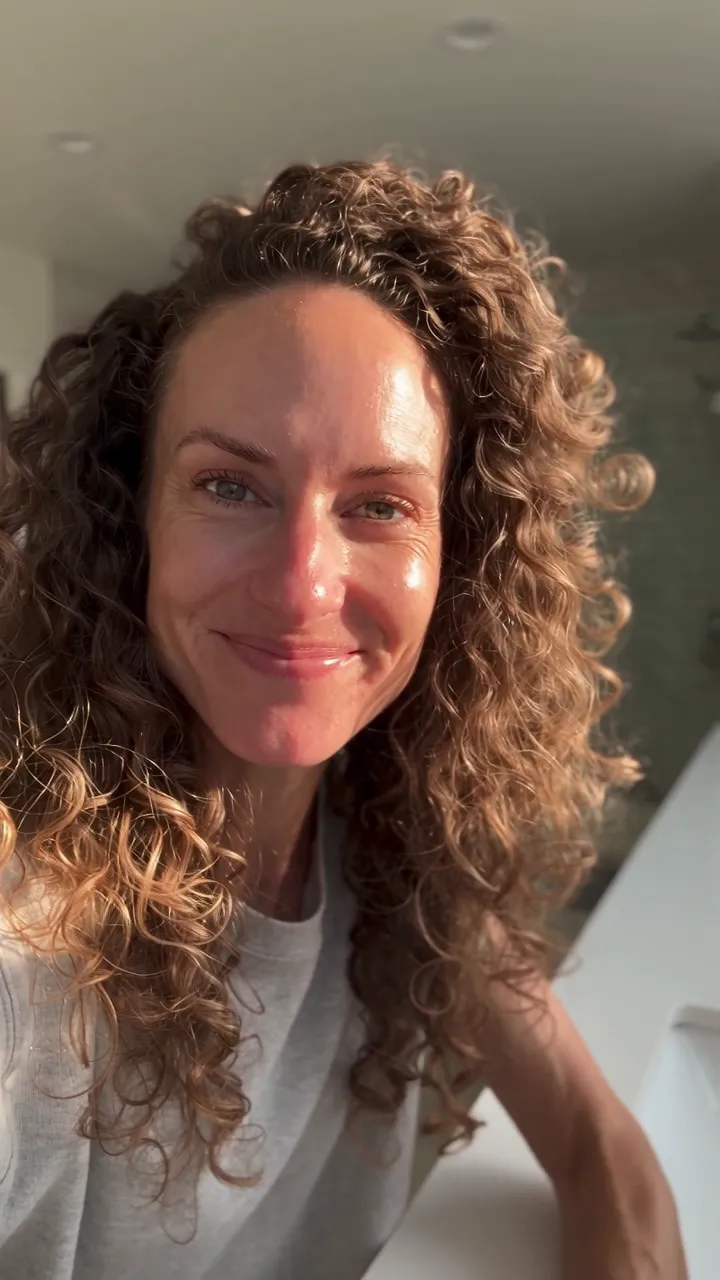
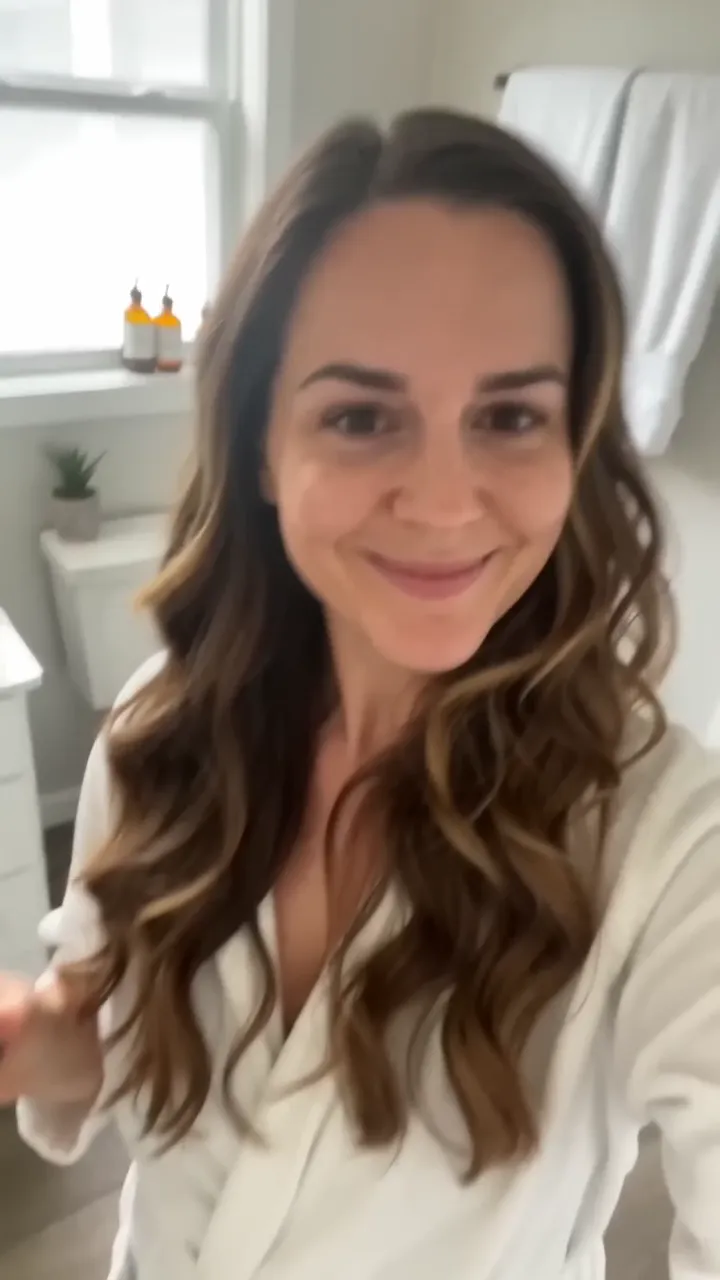
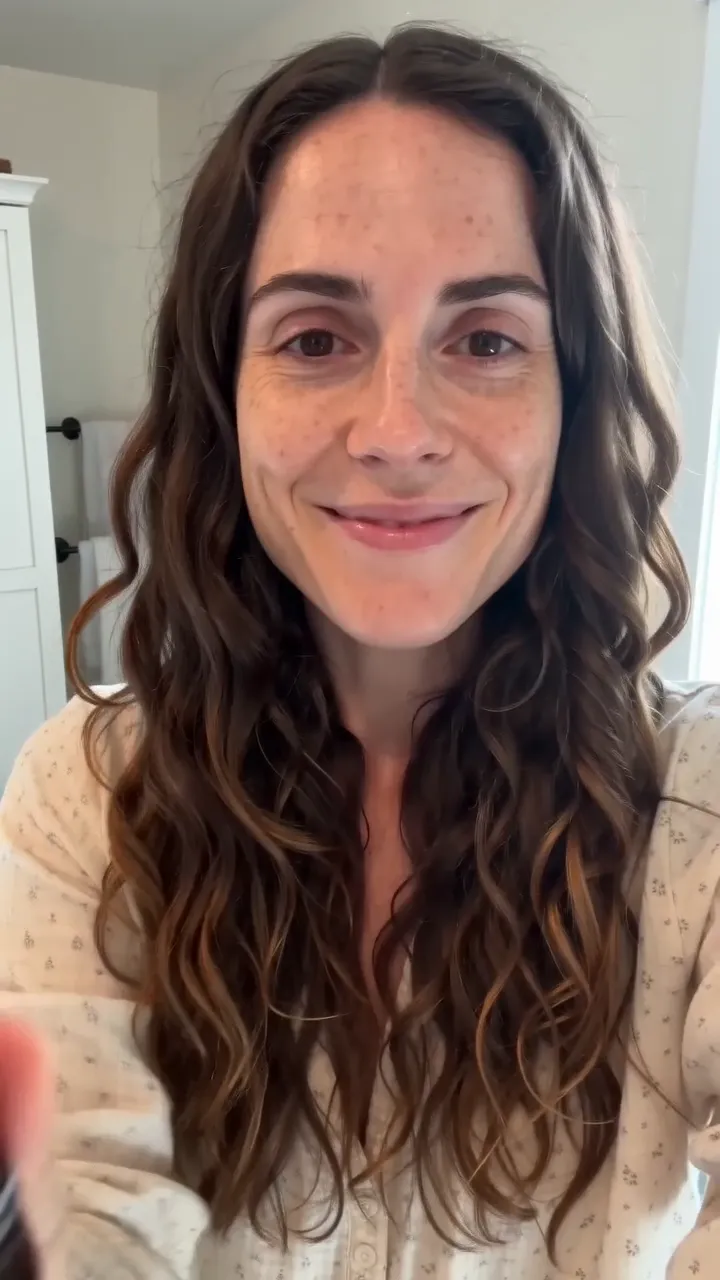
We ran these inputs once on each model on AdAnt, with no retries and no edits: the same photo and the same 6-second clip for every model. Whether the face stays the photo's face, whether the gestures and timing follow the clip, and how the hands and the bottle hold up.
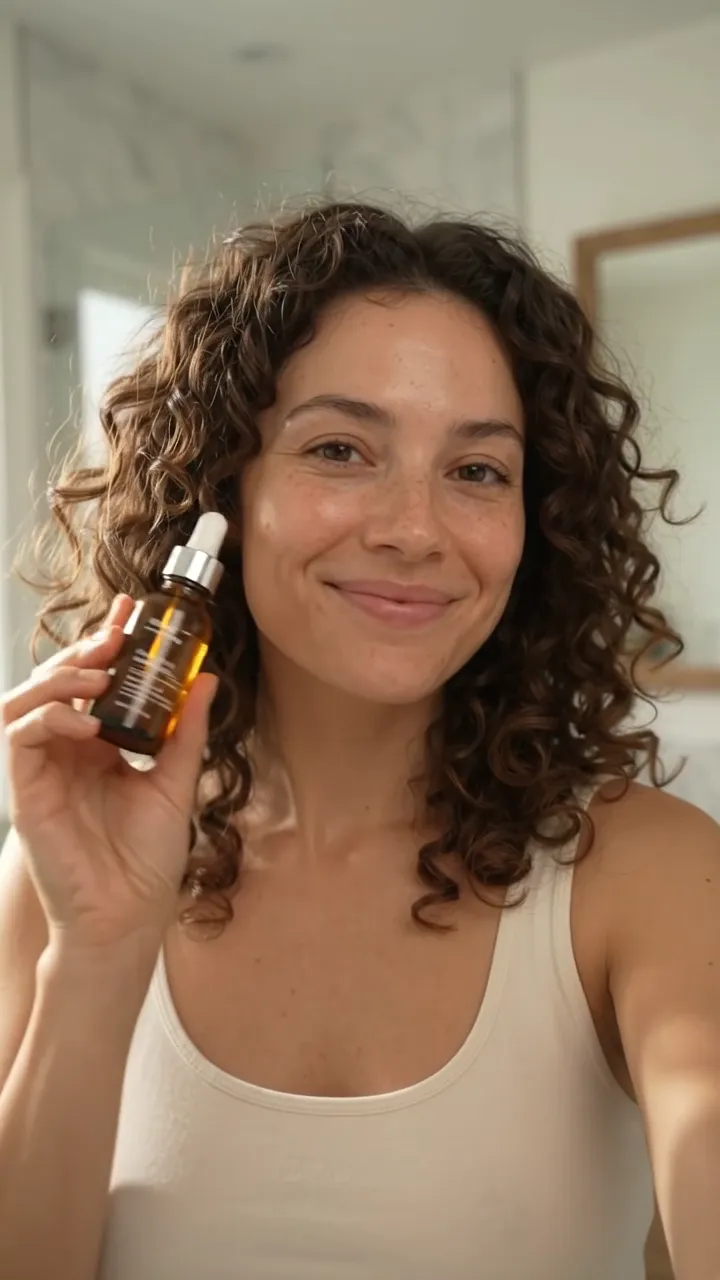
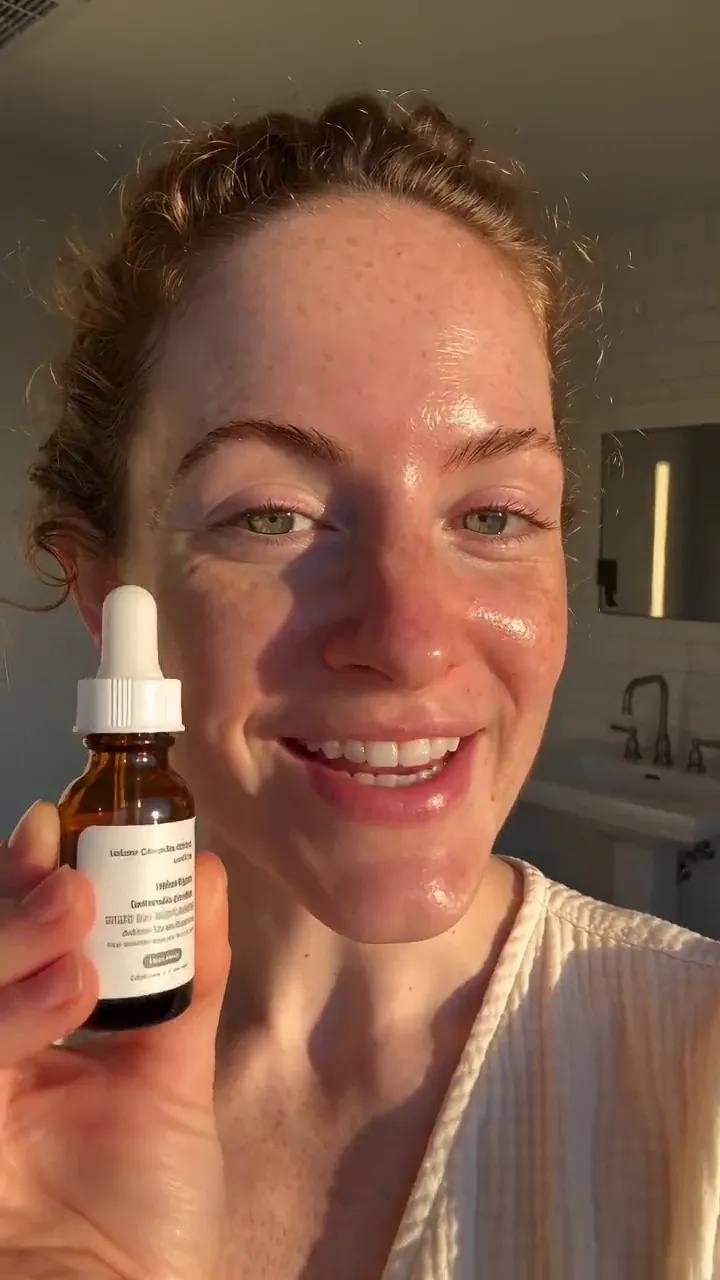
Character photo: the curly-haired woman from the Gemini Omni Flash test still. Motion reference: the 6-second Seedance 2.0 Fast test clip of a woman talking to her phone and holding up a serum bottle. Prompt: A woman in a sunlit bathroom talks to her phone camera and smiles, natural handheld UGC style. Character orientation follows the video.
Motion control models compared
| Model | Made by | Modes | Longest clip | Resolution | Inputs | Test run | Test cost | Best for |
|---|
| Kling Motion Control 3.0 | Kuaishou (Kling AI) | Motion transfer, Std and Pro | 30 s (follows the clip) | 1080p (Pro), 720p (Std) | 1 character photo, 1 motion clip | 5 min 21 s | about 5 credits | putting a consistent character into a proven performance |
|---|
Test run and cost come from the same-prompt run above, measured on AdAnt. Longer clips and higher resolutions cost more; the try-it panel shows the price before you run.
Kling Motion Control 3.0 key features
Motion from a clip, face from a photo
The clip decides every gesture, head turn and beat; the photo decides who performs them. In our test the curly hair, the tank top and the face all came from the photo, and the talking and the bottle came from the clip.
Std and Pro
Pro rendered our 6-second test at 1080p for about 5 credits; Std at 720p for about 4. Both took a little over 5 minutes.
The clip's sound comes along
The motion clip's audio stays on the result, so a talking clip keeps its line. Turn it off in AdAnt Studio when you will add a voiceover.
Up to 30 seconds
The result is as long as the motion clip, from 3 to 30 seconds, and costs by the second.
- 1Upload a clear photo of the person who should appear in the video.
- 2Upload a short clip of someone doing the moves you want: talking, dancing, showing a product.
- 3Press Create. The video plays here when it is ready, usually in about 5 minutes.
A Kling Motion Control setup for a UGC ad
Photo: your AI presenter, front-facing, in the outfit and place you want. Motion clip: a 5 to 10-second phone video of someone talking to camera and holding up a product. Scene: [the room], natural handheld UGC style.
Kling Motion Control 3.0: Animate a Photo with Any Motion Clip
Kling Motion Control 3.0 is Kling AI's motion transfer model from Kuaishou. It takes a photo of a person and a reference video, and makes a new video where the person in the photo performs the reference's motion, from body movement and gestures to facial expressions. On AdAnt it runs in a Std tier and a Pro tier, with clips up to 30 seconds that follow the reference.
Recreate a proven ad with your presenter
Keep a winning ad's timing and gestures and swap in your own AI presenter or creator.
Consistent AI influencers
Give one character many performances from different reference clips without the face drifting.
Dances and trends
Put your mascot or presenter into a trending dance or gesture from a reference clip.
Kling Motion Control AI Video Generator FAQ
Tips for a better result
- Match the framing: a head-and-shoulders photo works best with a head-and-shoulders clip.
- Use a clip with one person and a steady camera.
- Cost follows the clip's length, so trim it to the moves you need.
What is Kling Motion Control?
Kling Motion Control 3.0 is Kling AI's motion transfer model. You give it a photo of a person and a reference video, and it makes the person in the photo perform the video's motion: gestures, head turns, expressions and timing. On AdAnt our 6-second test took about 5 minutes and 5 credits on Pro.
Is Kling Motion Control free?
Running this model uses paid credits from an AdAnt plan. Creating an account is free. It costs by the second of output: about 0.84 credits a second on Pro and 0.63 on Std, so our 6-second clip cost about 5 credits. A run first holds credits for a 30-second clip and refunds what a shorter clip doesn't use.
What's the difference between Kling Motion Control Std and Pro?
Pro renders at 1080p for about 0.84 credits a second; Std renders at 720p for about 0.63. Both copy the same motion: on our same photo and clip, Pro cost 5.04 credits and Std 3.78, and both took a little over 5 minutes. Use Std for drafts and Pro for the ad you will run.
How long can a Kling Motion Control video be?
As long as the motion clip, from 3 to 30 seconds on AdAnt. For a longer ad, AdAnt's agents join several clips.
Does the video keep the motion clip's sound?
Yes, by default Kling Motion Control keeps the reference clip's audio, so a talking clip keeps its line. You can turn that off in AdAnt Studio and add your own voiceover.
Is there a Kling Motion Control API?
Kling AI offers its models to developers through its own API and through providers. On AdAnt you can run it without your own provider key, from the adant-cli media command or the AdAnt plugin for Claude, paying in AdAnt credits. Our 6-second Pro test cost about 5 credits.
Use Kling Motion Control 3.0 for
Want the whole ad, not one clip?
AdAnt's agents research your market, write the script, pick the right model for each shot and make the video in one chat.
Start with AdAnt