YouTube videos and explainers
Cover a voiceover with footage that matches each sentence, instead of searching stock sites for something close enough.
Describe a scene and a camera move and get a 5-second cinematic b-roll clip with natural sound, ready to cut into ads, YouTube videos and Reels.

Free account needed: new accounts get free credits.
An AI b-roll generator makes supporting footage, the cutaway shots that play under a voiceover or between talking-head clips, from a written description instead of a shoot or a stock library. AdAnt's generator makes a 5-second, 720p cinematic clip with natural ambient sound and the camera move you choose: a push-in, a drone pull-back, a handheld follow or a locked-off tripod shot. In AdAnt Studio the clips drop straight into the video editor beside your avatars, voiceovers and captions.
Cover a voiceover with footage that matches each sentence, instead of searching stock sites for something close enough.
Cut a lifestyle shot between UGC talking clips so a product ad breathes and shows the setting it is used in.
Show a café, salon or gym with cinematic footage for a Reel or a website header without booking a videographer.
Build a moodboard in motion for a client so the look of a campaign is agreed before the shoot.
Yes, you can try it free. A free AdAnt account comes with credits, and one 5-second b-roll clip with sound uses about 6 credits.
Yes. Use the clips in your own ads, YouTube videos and posts, and follow each platform's rules on labeling AI-generated content. Videos made on a free account are watermarked previews; paid plans download them without the watermark.
It is made to your exact description and framing, so it fits the line it plays under. Stock footage is real camera footage; use whichever matches the shot you need.
Yes. Each clip comes with natural ambient sound of the place, such as café noise or wind, which you can keep low under a voiceover.
Yes. Pick Vertical 9:16 for TikTok, Reels and Shorts, or Square 1:1 for feed posts.
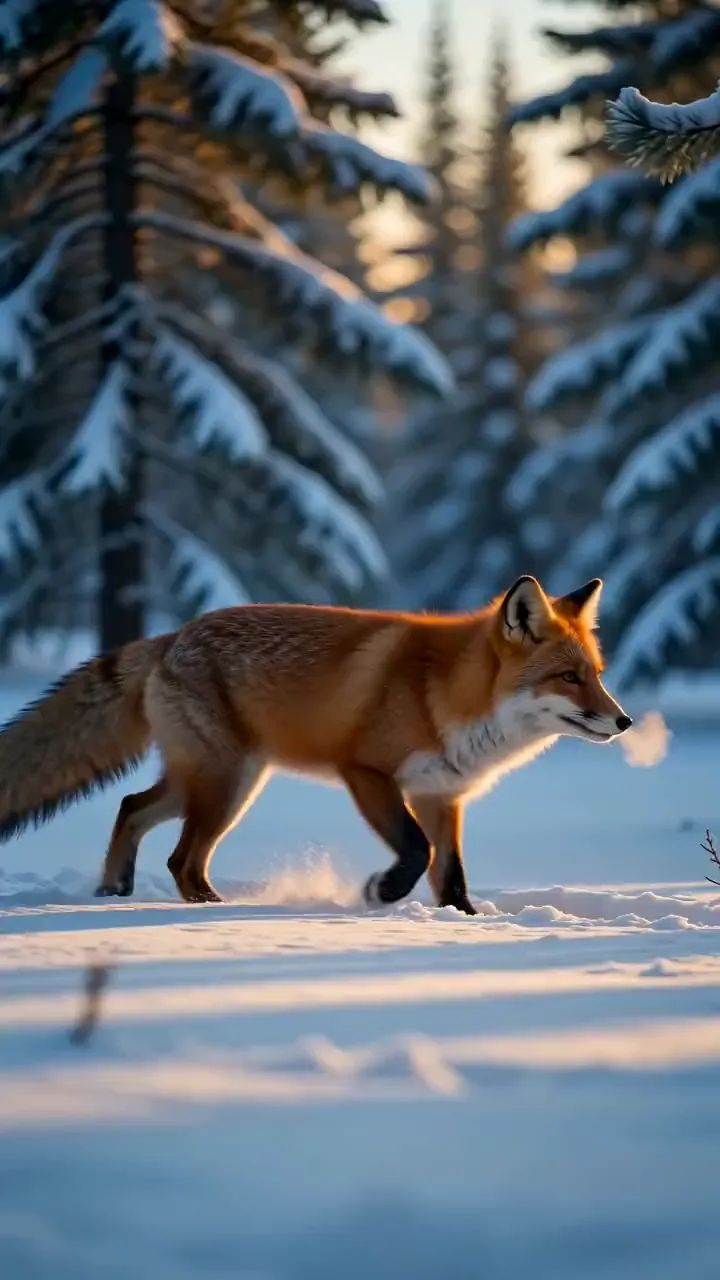 AI Video
Describe a scene in a sentence and get a 5-second video clip with matching sound, in the style and shape you pick.
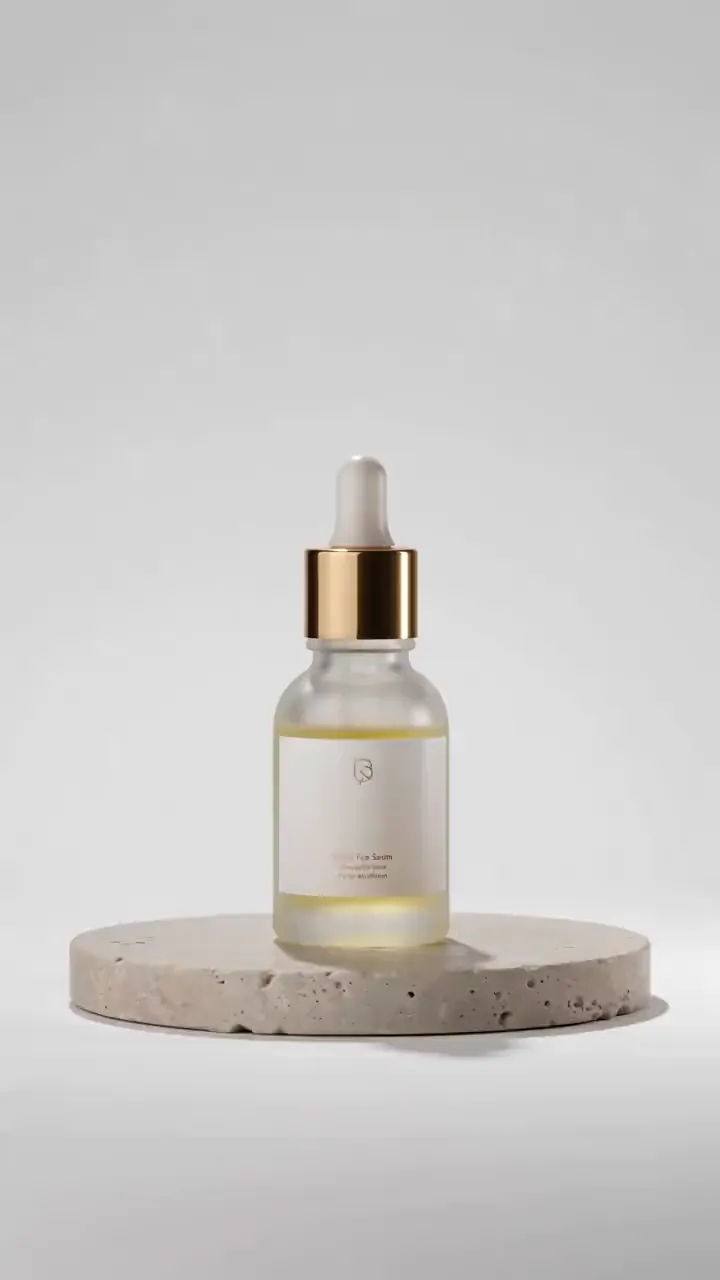 AI Ads
Describe your product, or start from its photo, and get a short studio-lit product video with motion and sound for ads, listings and social posts.
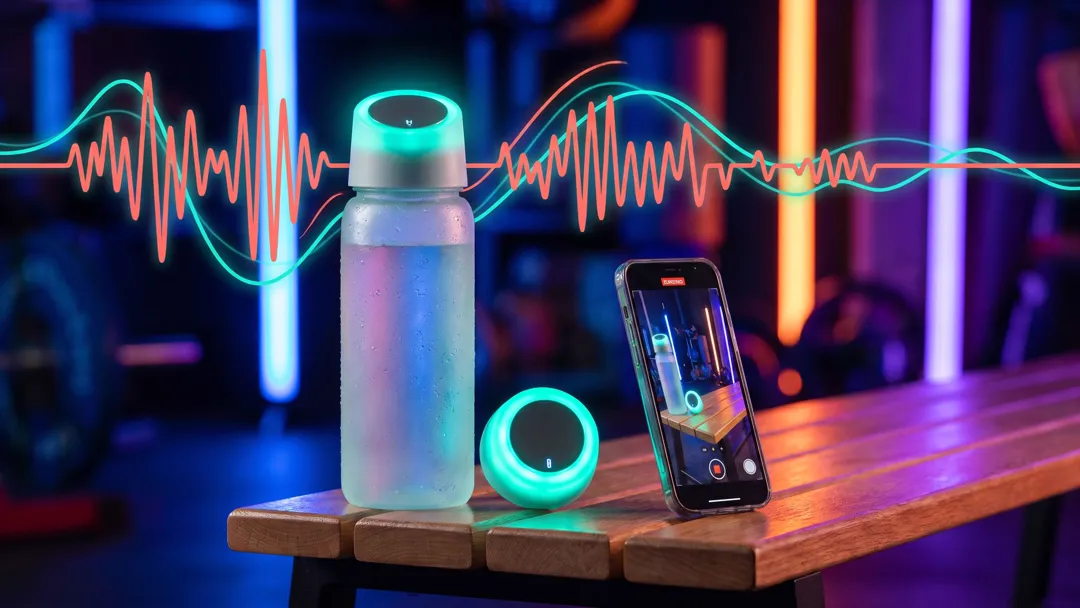 AI Voice
Ad and video voiceovers in four deliveries
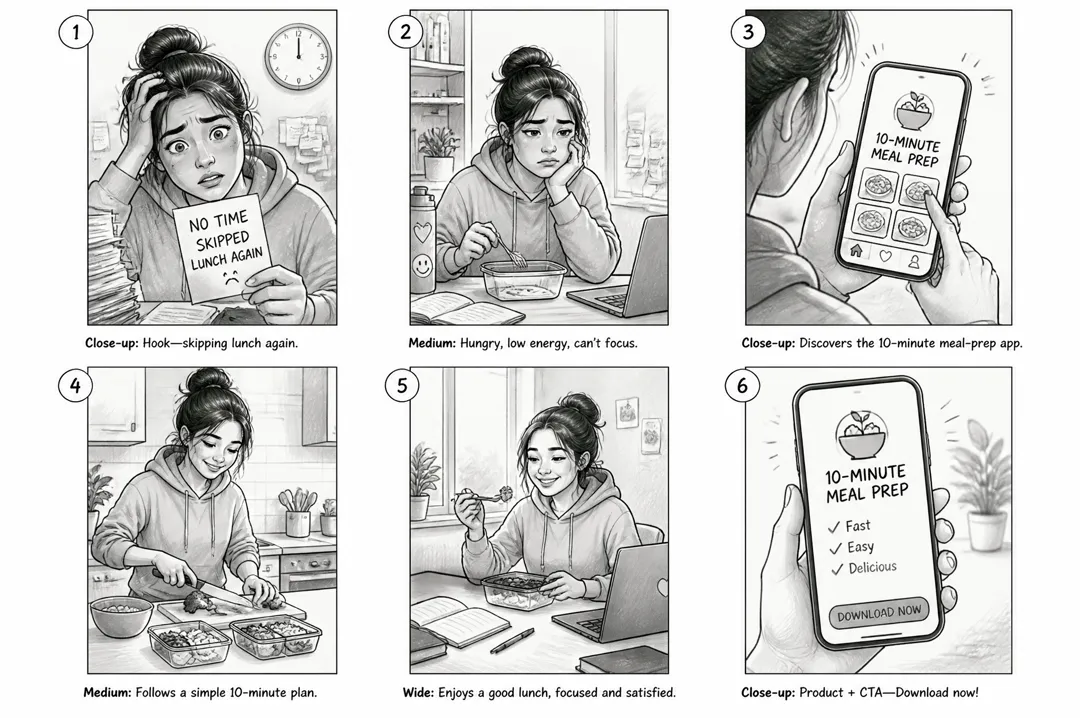 AI Ads
Describe your ad idea, pick a format, and get a six-panel storyboard sheet with numbered shots and a caption under each, ready to brief or film.
 AI Video
Cel-shaded scenes and anime fights
 AI Video
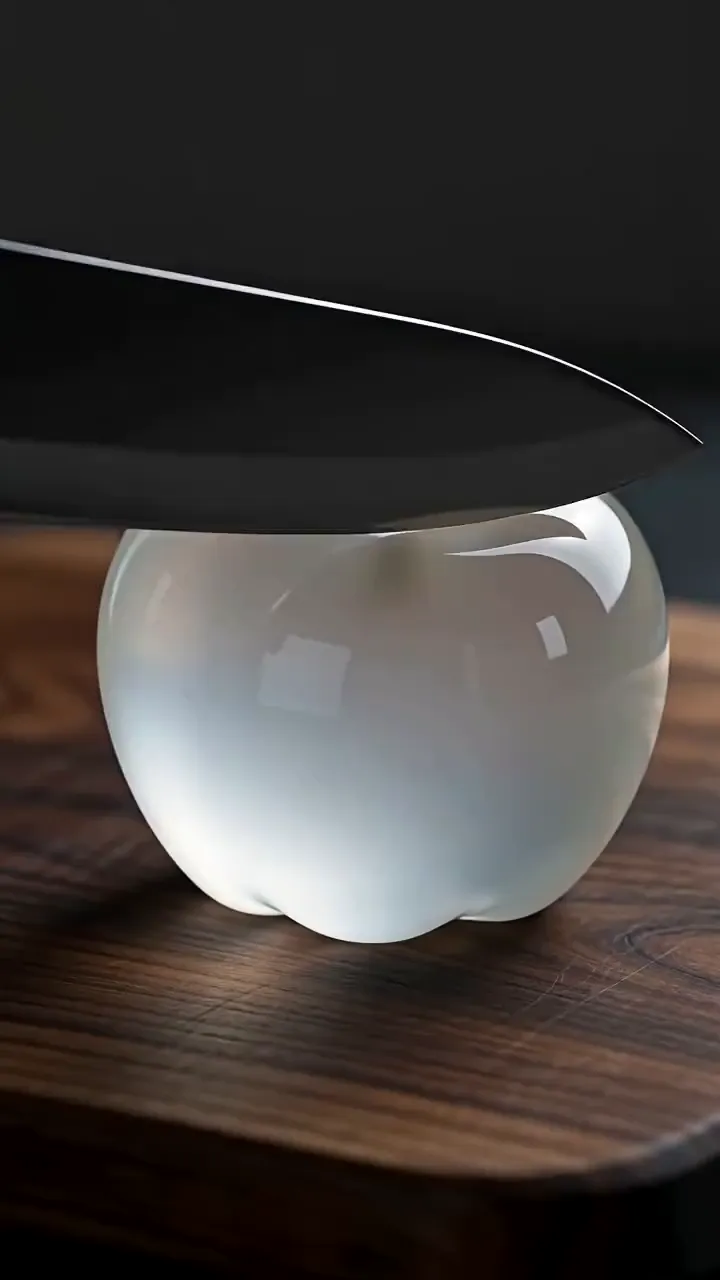
Describe something being cut, poured or crushed and get a 5-second macro ASMR clip with close, crisp sound in sync with every movement.
AdAnt's agents research your market, write the script, cast the avatar and make the video in one chat.
Start with AdAnt