Hooks for short-form ads
Make an eye-catching opening shot for a TikTok or Reels ad, then test a few versions of it before you spend on a shoot.
Describe a scene in a sentence and get a 5-second video clip with matching sound, in the style and shape you pick.

Free account needed: new accounts get free credits.
An AI video generator turns a written description into a video clip, inventing the scene, the motion and the camera work from your words. AdAnt's generator makes a 5-second, 720p clip with sound that matches the scene, in a realistic, cinematic, anime or 3D style, vertical for TikTok and Reels or wide for YouTube. In AdAnt Studio the same clips become scenes in full video ads, with voiceover, avatars and captions added around them.
Make an eye-catching opening shot for a TikTok or Reels ad, then test a few versions of it before you spend on a shoot.
Show a snowy forest, a city at night or a fantasy world without a location, a crew or a permit.
Keep a TikTok, Instagram or YouTube Shorts account posting with short visual clips in a consistent style.
Agencies and founders can show a client or investor what an idea looks like in motion before it is produced.
Yes, you can try it free. A free AdAnt account comes with credits, and one 5-second clip with sound uses about 6 credits.
Yes. You can use the clips you generate in your own ads, posts and product pages. Videos made on a free account are watermarked previews; paid plans download them without the watermark.
Yes. Each clip is generated with sound that matches the scene, such as wind, footsteps or traffic. Add a voiceover or music in AdAnt Studio.
This page makes 5-second clips at 720p. AdAnt Studio can make longer clips and join several scenes into one video.
Yes. AdAnt Studio animates a photo you upload. This page makes a video from a text description.
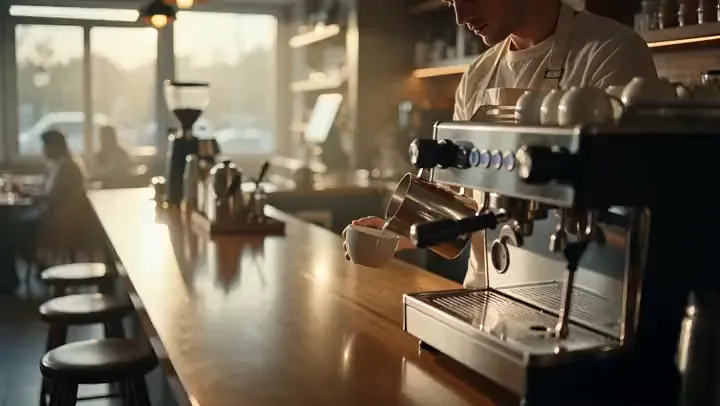 AI Video
Describe a scene and a camera move and get a 5-second cinematic b-roll clip with natural sound, ready to cut into ads, YouTube videos and Reels.
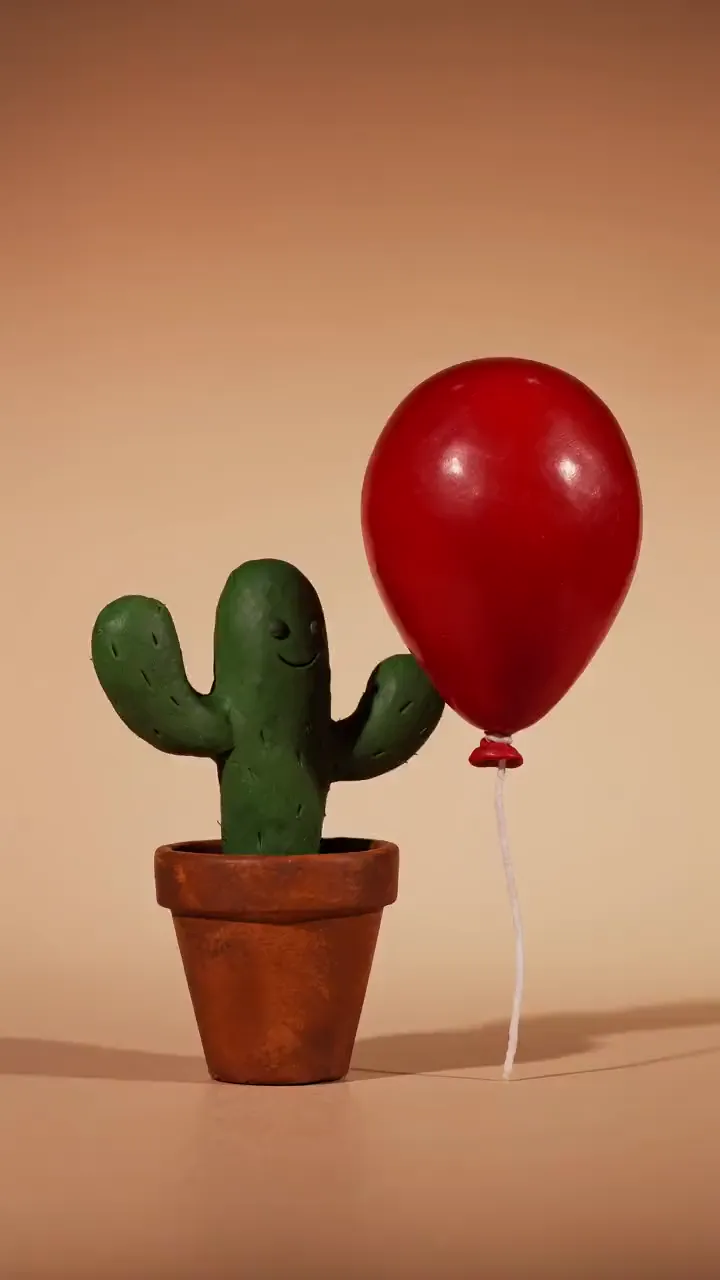 AI Video
Describe a funny little moment and get a 5-second animated clip with sound effects, in claymation, 3D cartoon, 2D cartoon or paper cut-out style.
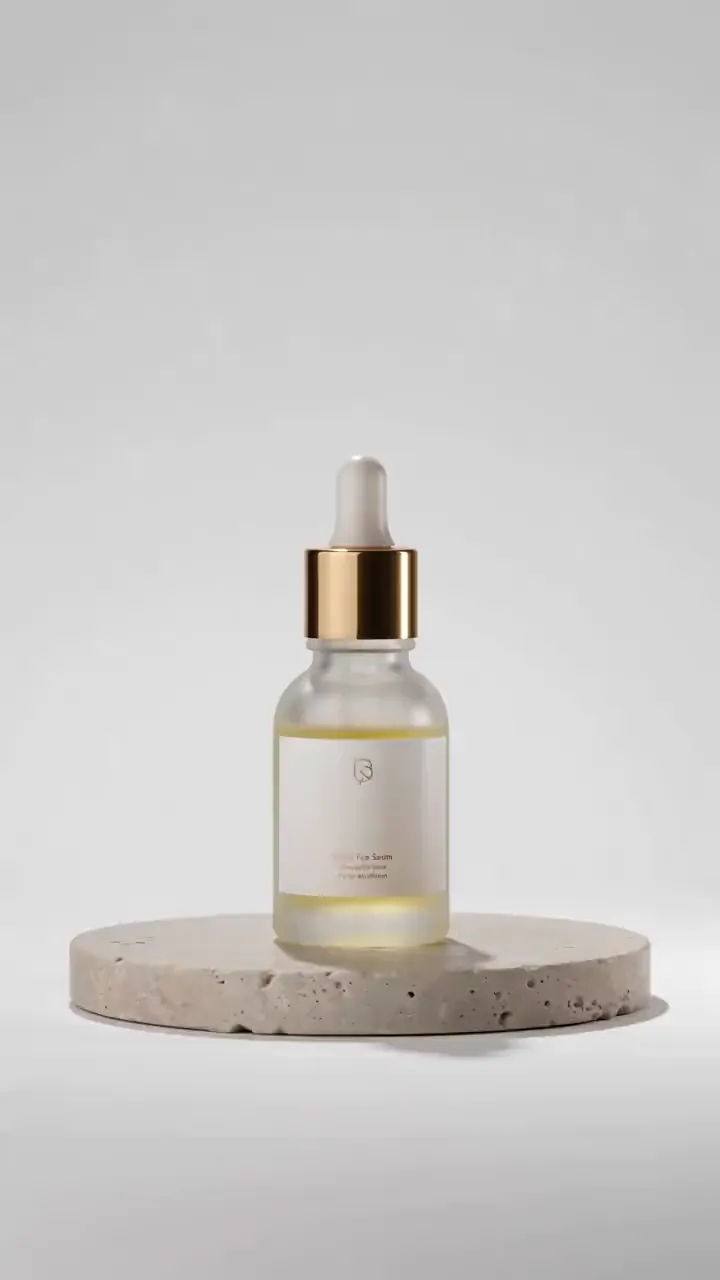 AI Ads
Describe your product, or start from its photo, and get a short studio-lit product video with motion and sound for ads, listings and social posts.
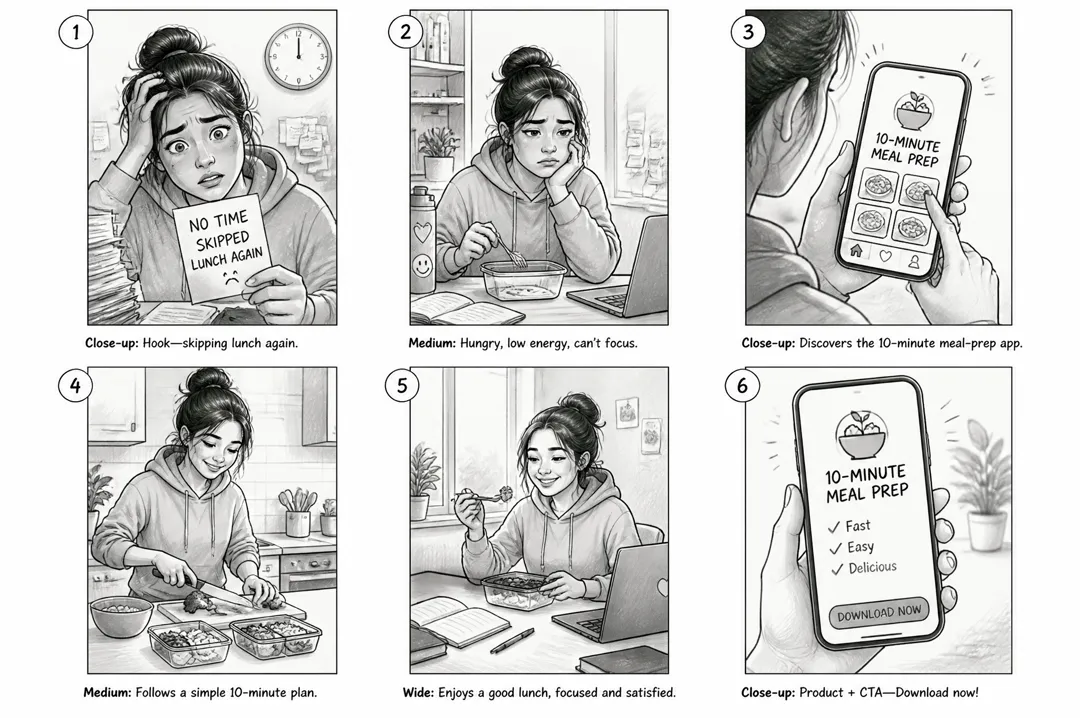 AI Ads
Describe your ad idea, pick a format, and get a six-panel storyboard sheet with numbered shots and a caption under each, ready to brief or film.
 AI Image
Describe the image you want, pick a style, and get a detailed square image for posts, ads, blogs and product pages.
 AI Video
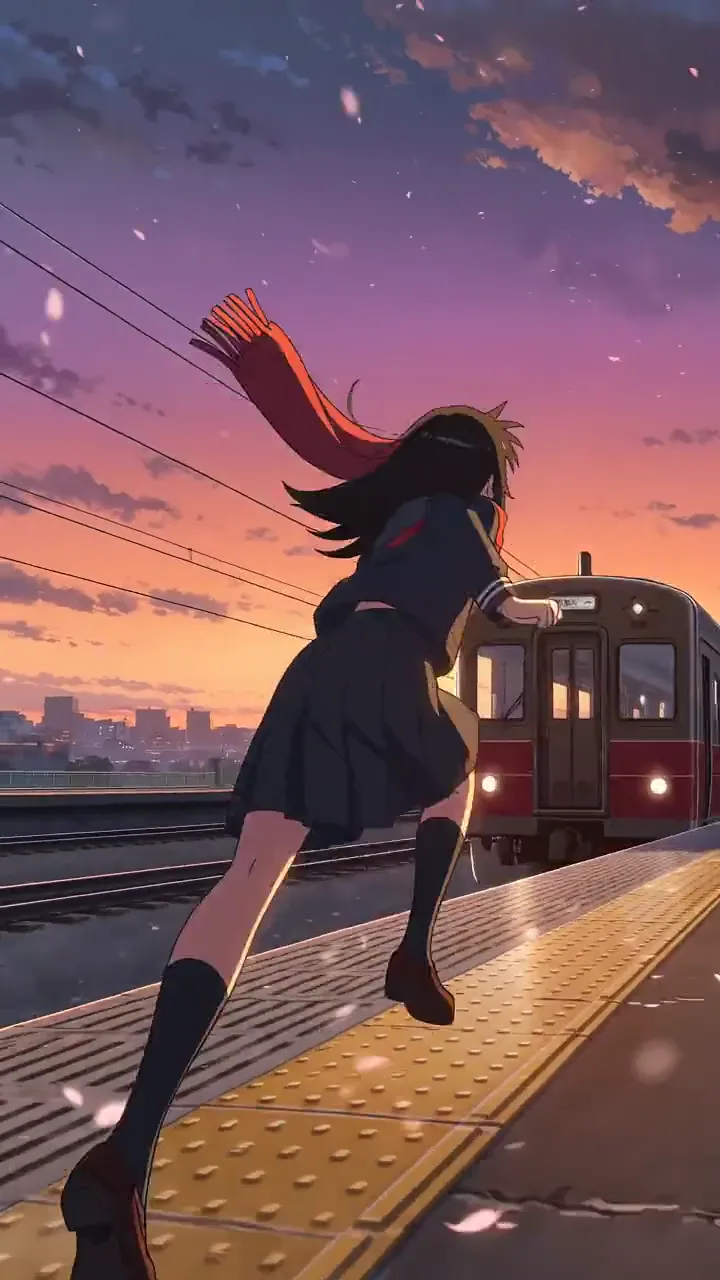
Cel-shaded scenes and anime fights
AdAnt's agents research your market, write the script, cast the avatar and make the video in one chat.
Start with AdAnt