Podcasts and interviews
Pull the sharpest answer or the funniest exchange out of a long episode as a vertical short.
Attach a long video in the Studio, and AdAnt's Video Editor watches it, finds the strongest standalone moments and joins the best ones into a vertical short on a real timeline you can adjust.

Free account needed. It continues in AdAnt Studio.
An AI clip maker turns a long video into short clips by finding the moments worth keeping. AdAnt's Video Editor watches your video, scores the moments that stand on their own, such as a hook, a punchline or a strong product shot, and joins the best ones into a vertical short on a real timeline in AdAnt Studio. It tells you which moments it picked and where they sit in the source, so you can swap one, trim it, add captions or ask for another version, then export the MP4.
Pull the sharpest answer or the funniest exchange out of a long episode as a vertical short.
Turn a recorded walkthrough into short clips of the moments that show the product working.
Find the best takes in a long UGC or product shoot and join them into a tight ad.
Ask for a second short on a new timeline built around a different moment or topic.
Yes, you can try it free with the credits a new AdAnt account gets. The example run, which watched an 85-second video, picked three moments and joined them, used 2.13 credits before export; exporting the MP4 is charged on top. Longer videos take more to watch, and the Studio shows what each step used.
No. The page only writes the brief. You attach the video in AdAnt Studio, where the clip is made, so nothing uploads until you choose the file there.
It watches the whole video (a recording over 45 minutes in overlapping half-hour parts), scores each moment that stands on its own, and keeps the strongest ones for the length you asked for. It lists each pick with its time in the source, and you can swap any of them.
Yes. The short is a normal timeline in AdAnt's editor: trim, reorder or delete clips yourself, and the Video Editor reads your version before its next step.
AdAnt Studio opens with your brief as a new task. Attach your long video there, and the Video Editor finds the moments, joins them on a timeline beside the chat and exports the MP4.
 AI Video
Describe the edit in plain words, attach your video in the Studio, and AdAnt's Video Editor trims, reorders, captions and titles it on a real timeline beside the chat, then exports the MP4.
 AI Video
Tell AdAnt how your captions should look, attach your video in the Studio, and its Video Editor writes captions that follow the spoken words, places them on the timeline and exports the captioned MP4.
 AI Video
An idea in, a phone-style TikTok clip out
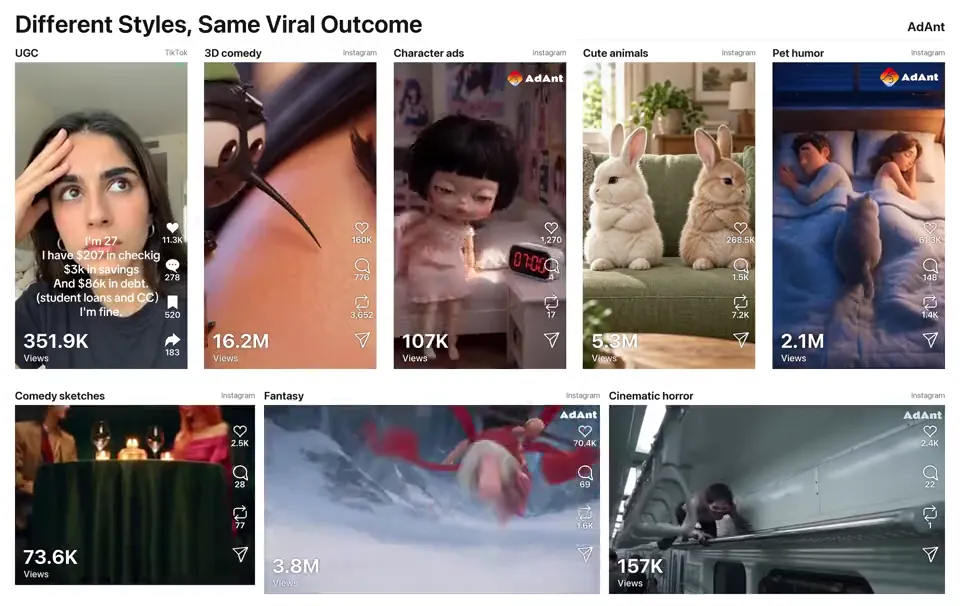 AI Video
Remake any viral video for your product
 AI Video
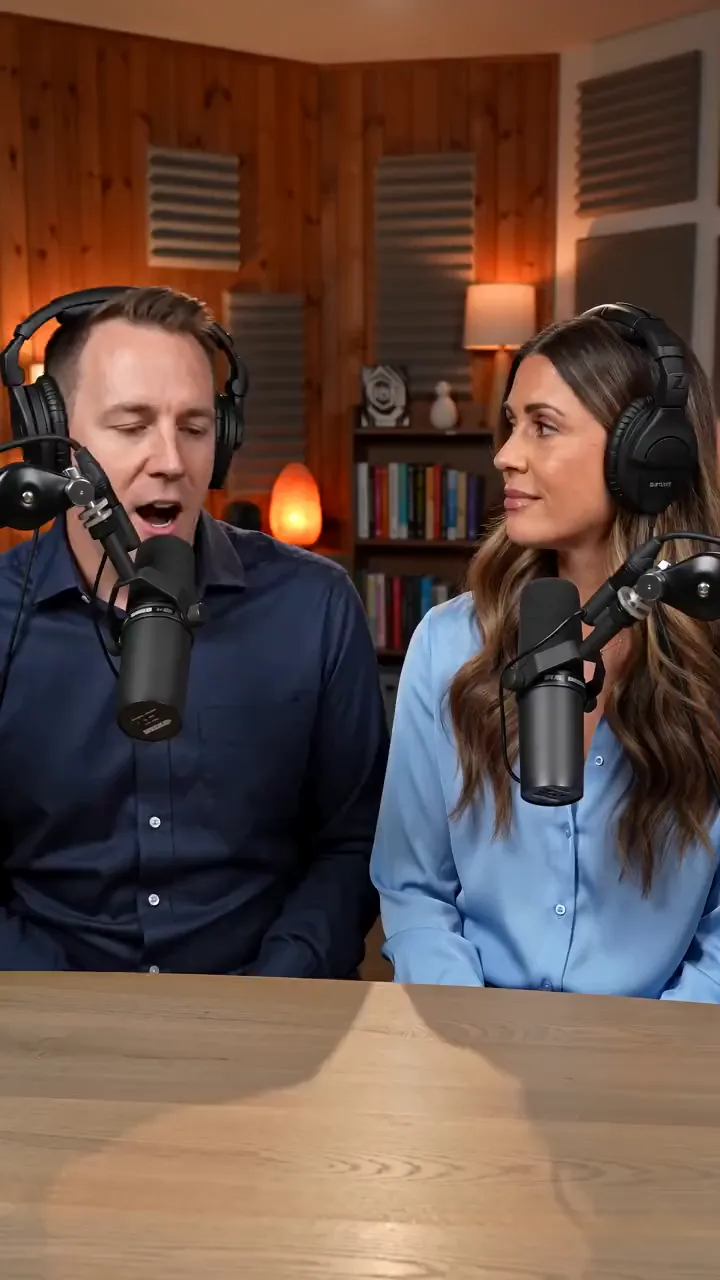
Two hosts at mics, one says your line
 AI Video
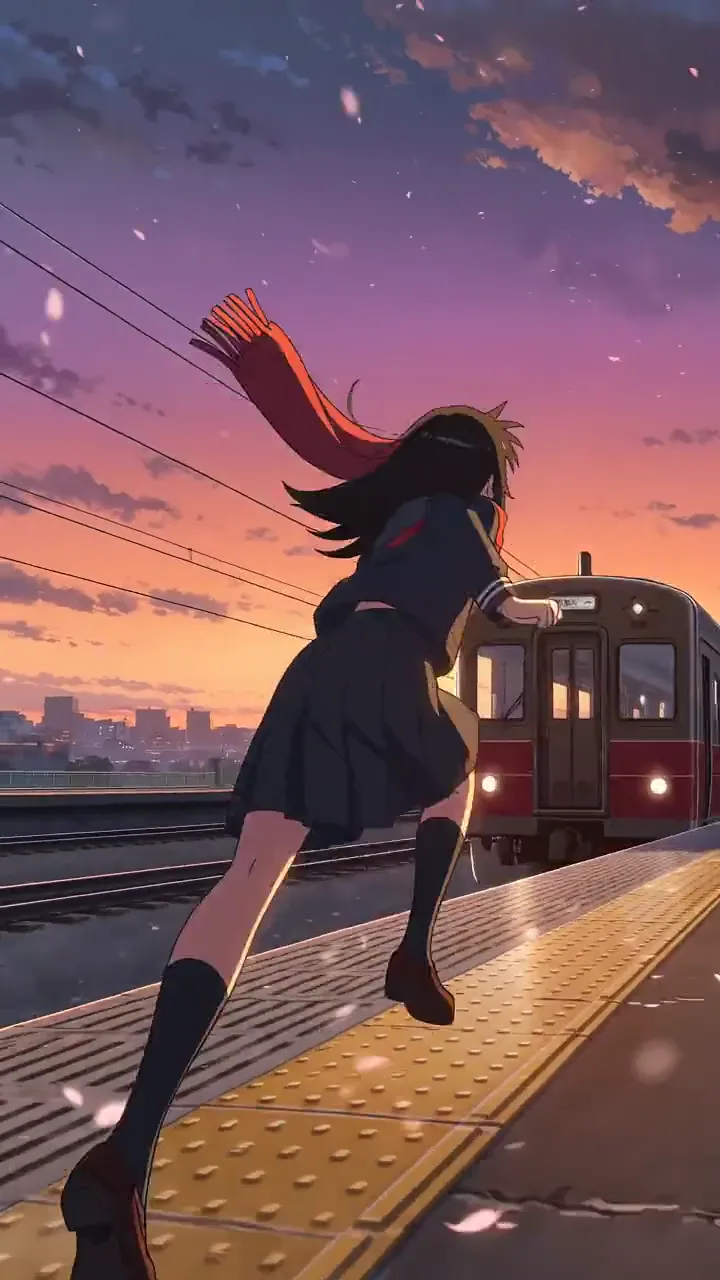
Cel-shaded scenes and anime fights
AdAnt's agents research your market, write the script, cast the avatar and make the video in one chat.
Start with AdAnt