TikTok and Reels
Most short videos are watched on mute. Captions keep the message when the sound is off.
Tell AdAnt how your captions should look, attach your video in the Studio, and its Video Editor writes captions that follow the spoken words, places them on the timeline and exports the captioned MP4.

Free account needed. It continues in AdAnt Studio.
An auto caption generator adds text captions that follow what is said in a video, so people can follow it with the sound off. AdAnt's version hands your caption style to AdAnt Studio's Video Editor: you attach the video, and the editor listens to the video, writes the captions and times each cue on the timeline in the style you asked for, and exports a new MP4 with the captions burned in. The cut stays open in the Studio's editor, so you can fix a word or move a cue before exporting again.
Most short videos are watched on mute. Captions keep the message when the sound is off.
Caption a creator's video so the claim and the offer read in the first seconds of an ad.
Turn a phone recording into a post that reads cleanly, without opening an editing app.
Captions let people who are deaf or hard of hearing follow your videos.
Yes, you can try it free with the credits a new AdAnt account gets. The example run used 3.43 credits for a 5-second clip; longer videos use more, and the Studio shows what each run used.
No. The page only writes the brief. You attach the video in AdAnt Studio, where the edit happens, so nothing uploads until you choose the file there.
Yes. The exported MP4 has the captions drawn on the video, so they show on every platform without a separate subtitle file.
Yes. The cut stays on a timeline in the Studio's editor. Change a word or a cue there, or ask the Video Editor in the chat, then export again. Each export uses credits.
AdAnt Studio opens with your instructions as a new task. Attach your video there, and the Video Editor cuts it on a timeline beside the chat, then exports the MP4.
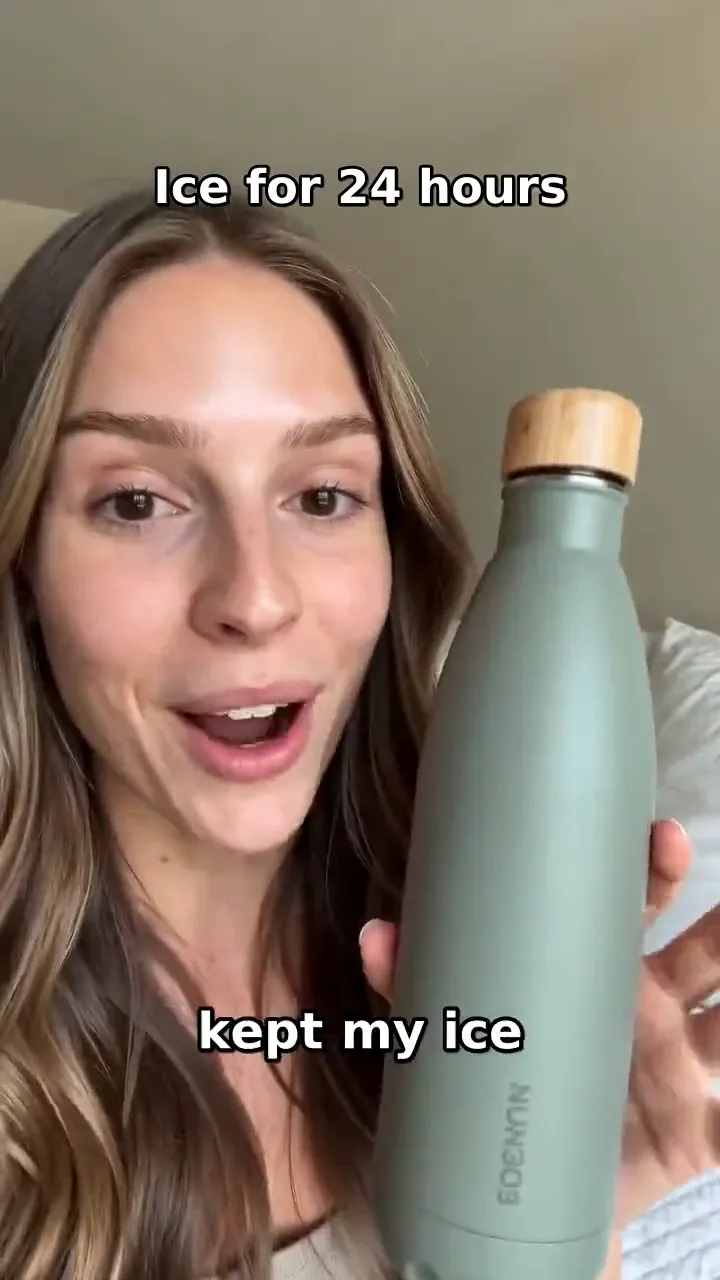 AI Video
Describe the edit in plain words, attach your video in the Studio, and AdAnt's Video Editor trims, reorders, captions and titles it on a real timeline beside the chat, then exports the MP4.
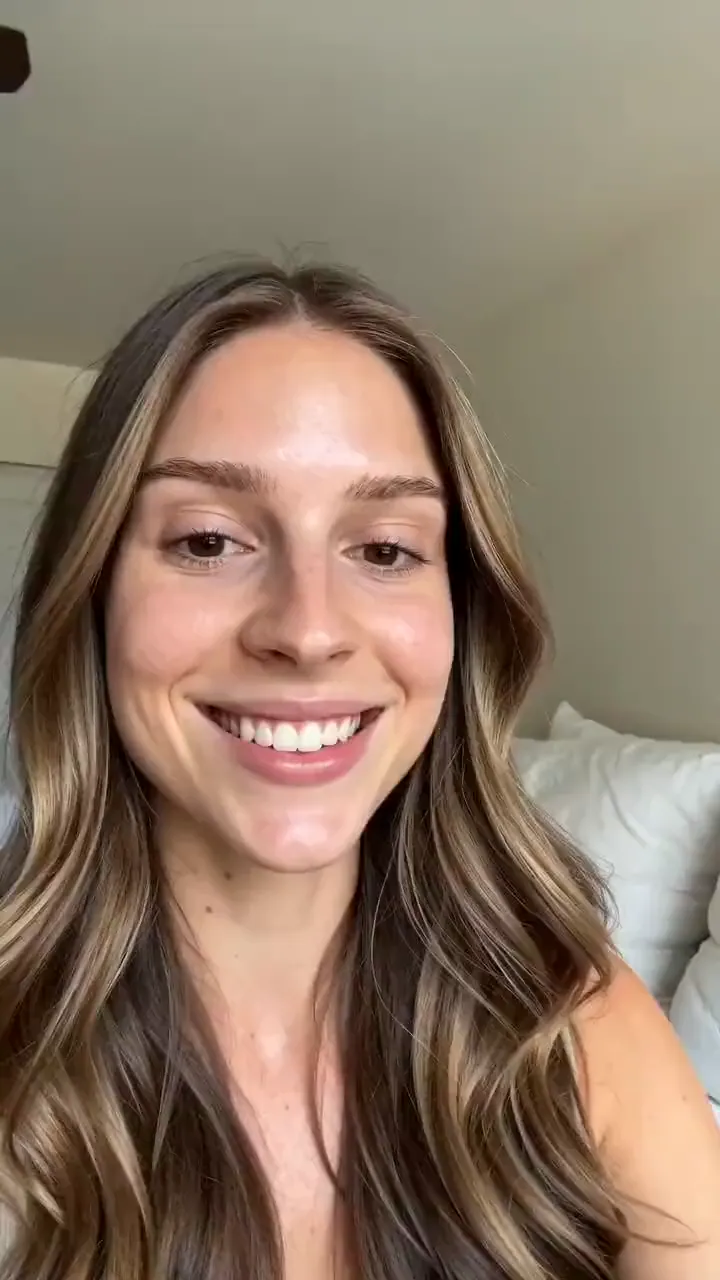 AI Ads
Describe your product and the line you want said, and get a selfie-style UGC video of a creator holding it up and saying it to camera.
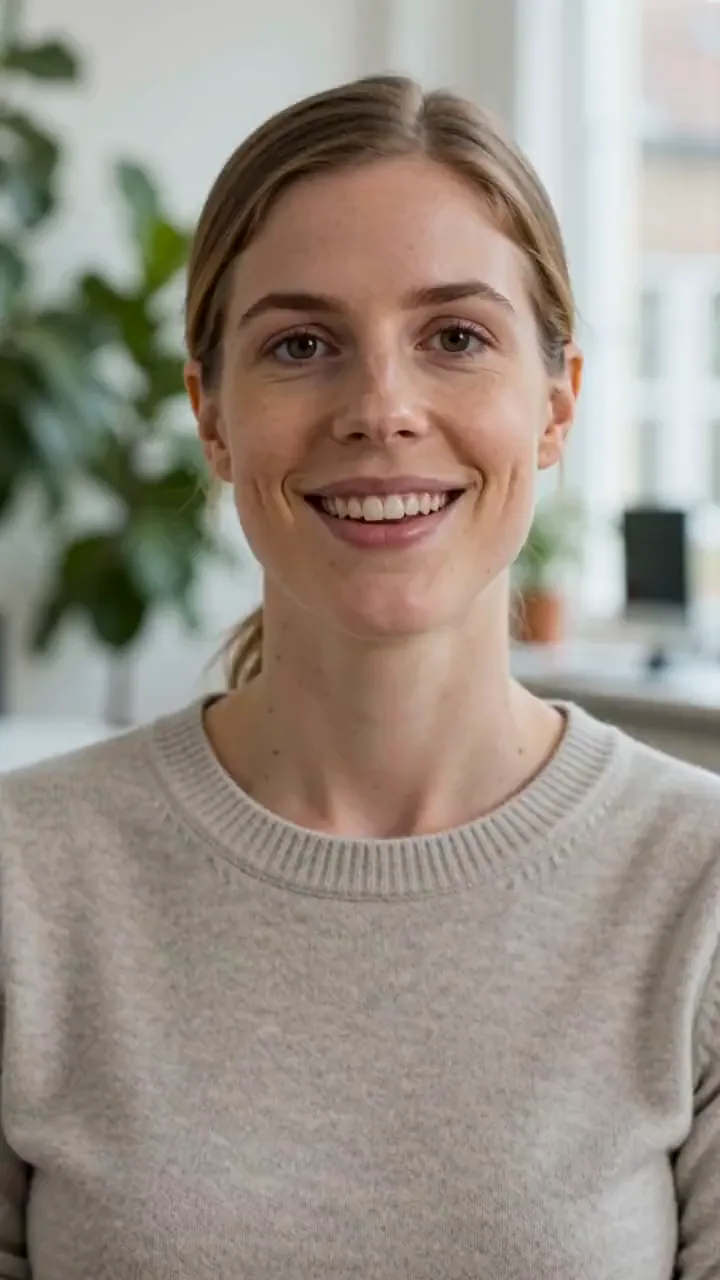 AI Video
A presenter says your line to camera
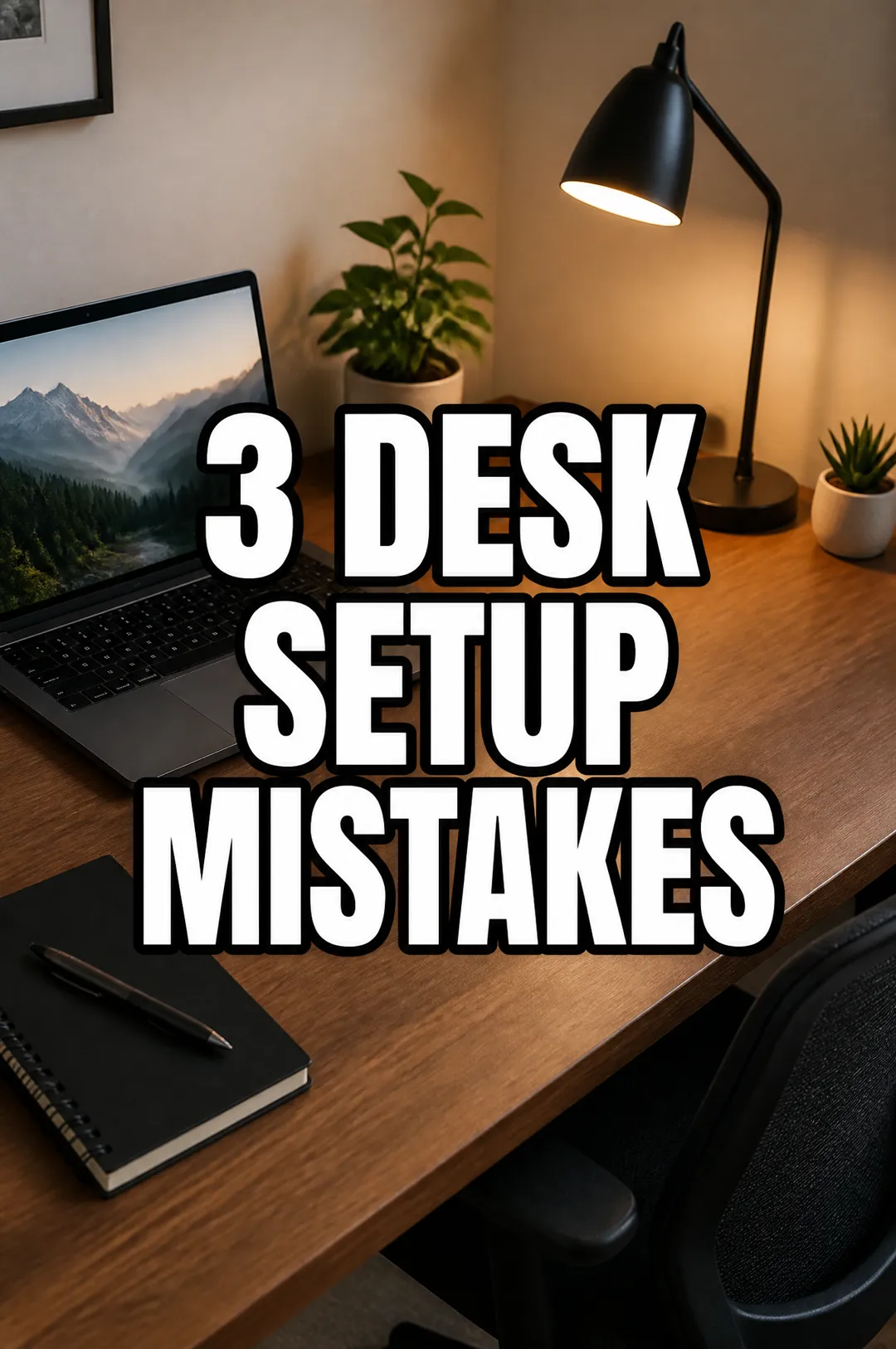 AI Image
Vertical covers with a big title
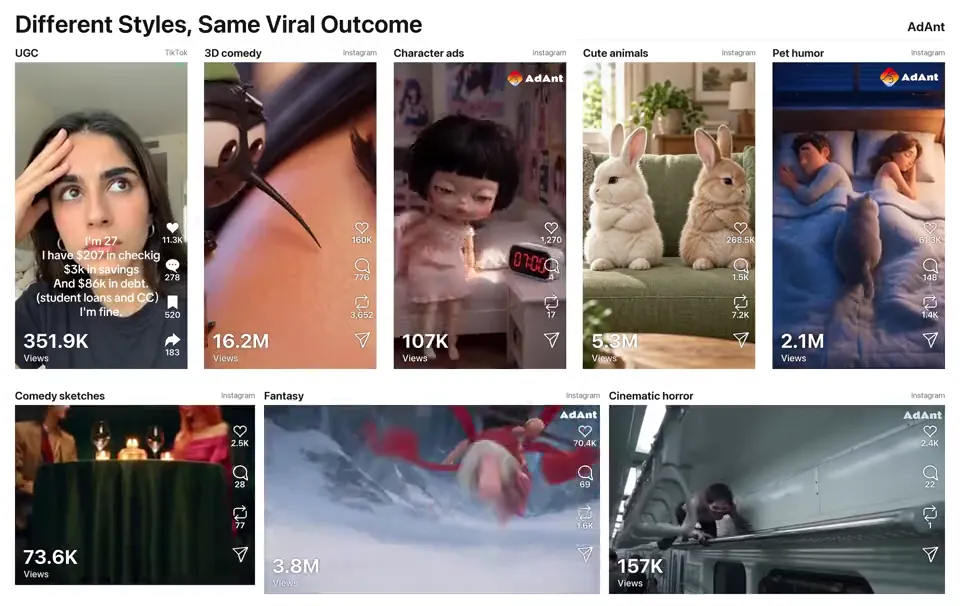 AI Video
Remake any viral video for your product
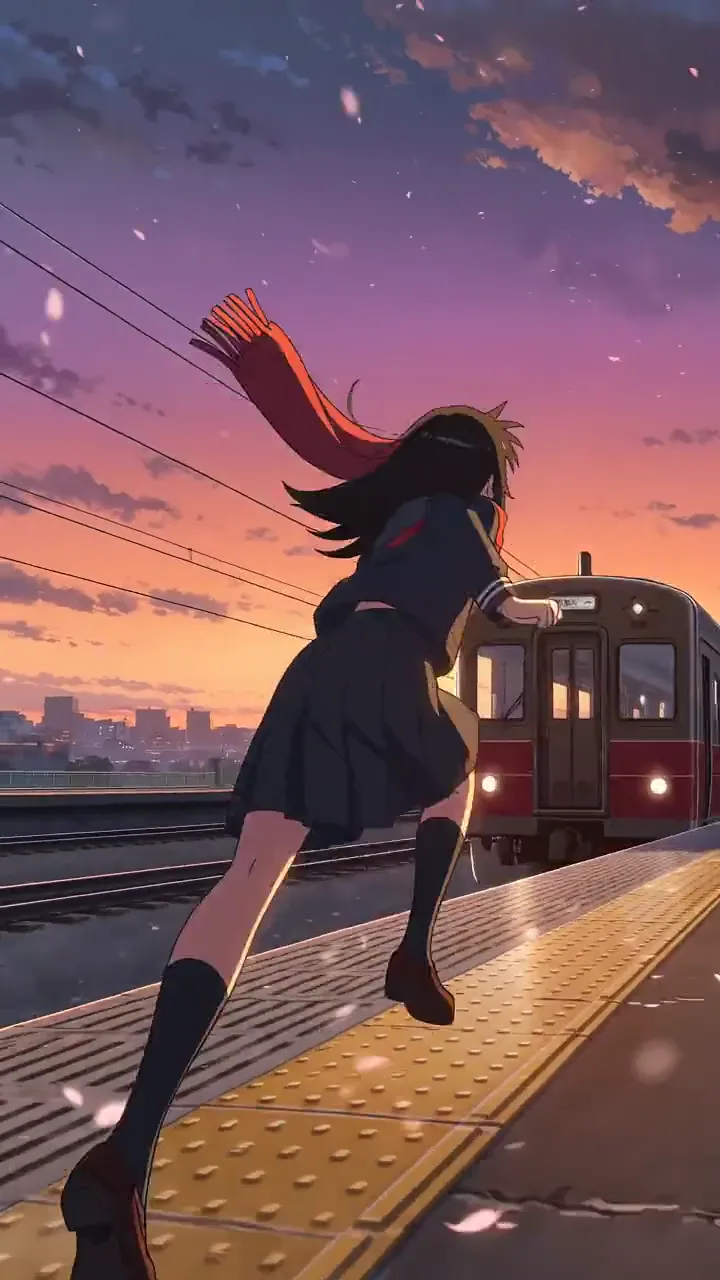 AI Video
Cel-shaded scenes and anime fights
AdAnt's agents research your market, write the script, cast the avatar and make the video in one chat.
Start with AdAnt