Tightening ads
Cut a slow intro, open on the product shot and add a title, without learning an editing app.
Describe the edit in plain words, attach your video in the Studio, and AdAnt's Video Editor trims, reorders, captions and titles it on a real timeline beside the chat, then exports the MP4.

Free account needed. It continues in AdAnt Studio.
An AI video editor lets you edit by describing the change instead of cutting by hand. AdAnt's Video Editor works on a real timeline in AdAnt Studio, beside the chat: it can trim, split, reorder and delete clips, add captions, text and titles, transitions, speed changes, fades and audio levels, change the format, and export an MP4. You see every change on the timeline and can adjust it yourself; the editor picks up from your version.
Cut a slow intro, open on the product shot and add a title, without learning an editing app.
Ask for a second cut on a new timeline with a different hook or title, and keep the first as it is.
Make a square or wide version on a new timeline, best from wide footage.
Videos made in AdAnt open in the same editor, so the last trims and captions happen in one place.
Yes, you can try it free with the credits a new AdAnt account gets. The example follow-up edit used 2.02 credits; a first edit that also placed the clip and wrote captions used 3.43. The Studio shows what each edit used.
No. The page only writes the brief. You attach the video in AdAnt Studio, where the edit happens, so nothing uploads until you choose the file there.
Trims, splits, order, deletes, captions, text and titles, transitions, speed, fades and audio levels, and the format. It edits footage that exists; it does not generate new clips, images or voice.
Yes. Change anything on the timeline yourself; the Video Editor reads the timeline again before its next step and keeps your changes.
AdAnt Studio opens with your instructions as a new task. Attach your video there, and the Video Editor cuts it on a timeline beside the chat, then exports the MP4.
 AI Video
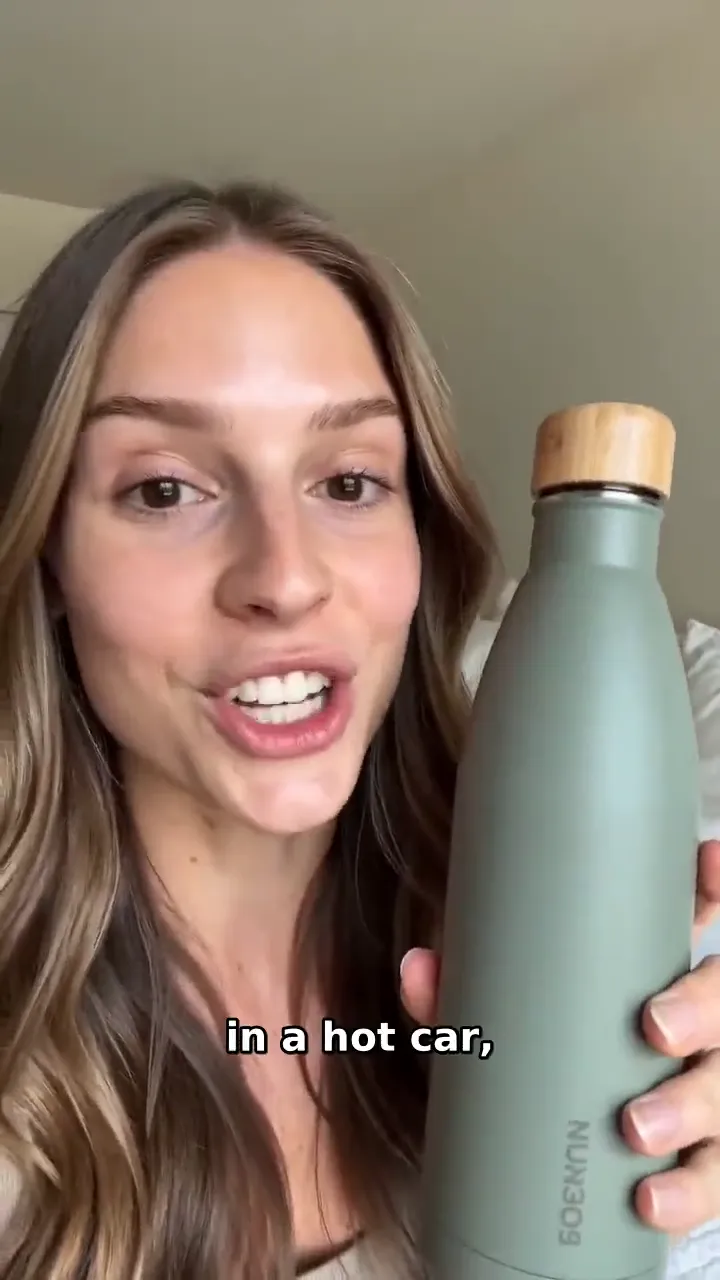
Tell AdAnt how your captions should look, attach your video in the Studio, and its Video Editor writes captions that follow the spoken words, places them on the timeline and exports the captioned MP4.
 AI Video
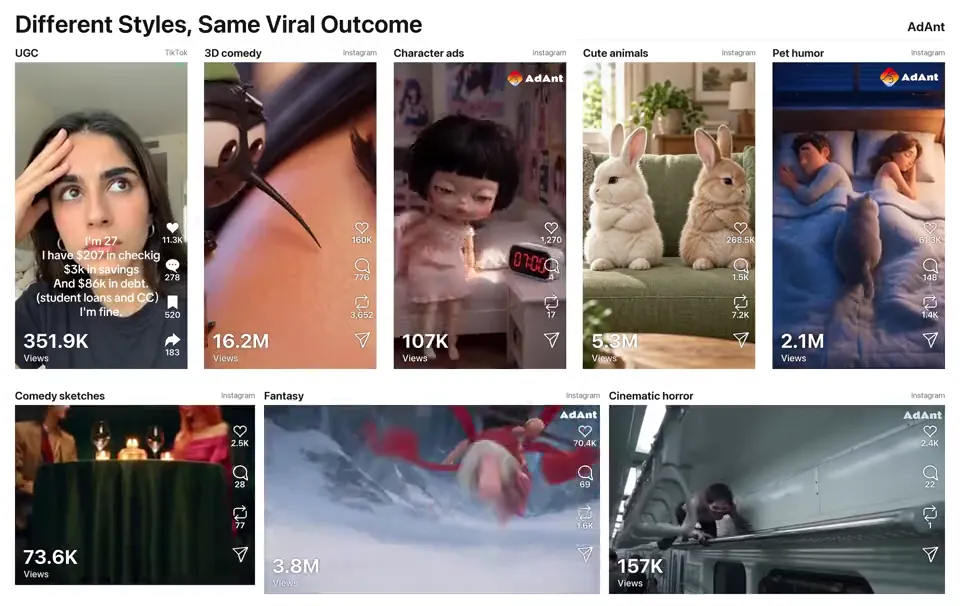
Remake any viral video for your product
 AI Ads
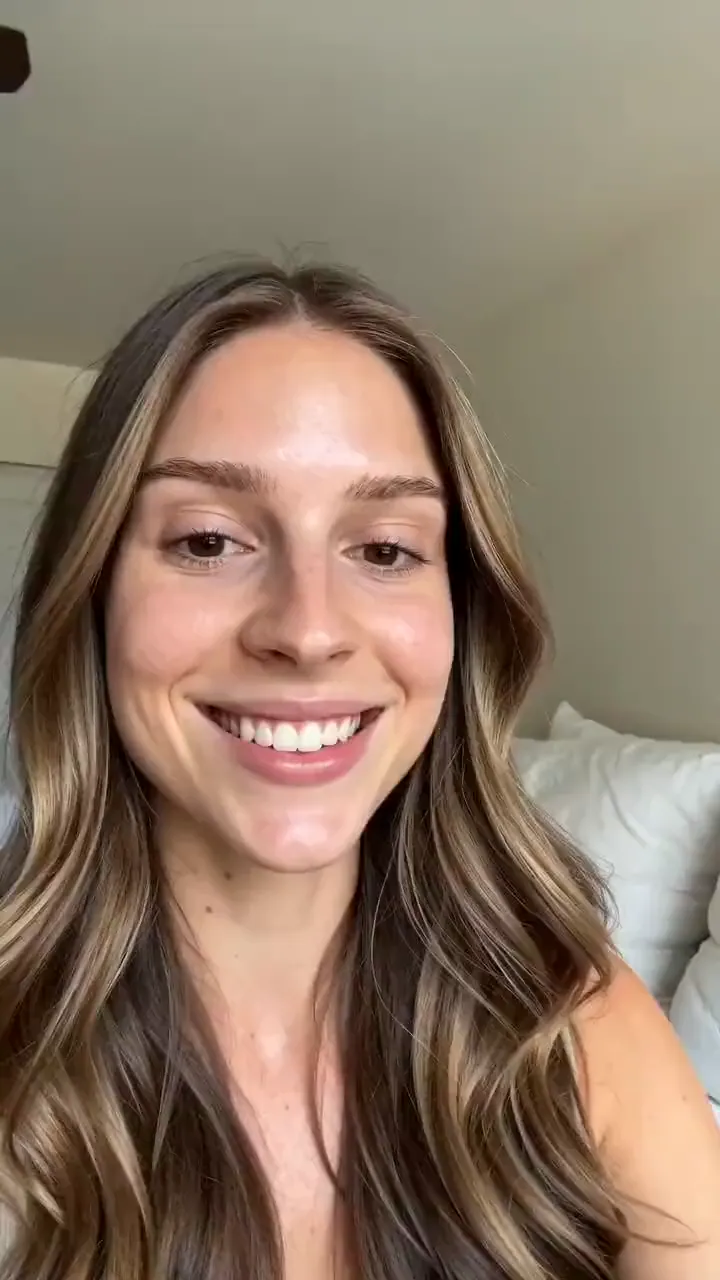
Describe your product and the line you want said, and get a selfie-style UGC video of a creator holding it up and saying it to camera.
 AI Video
Describe a scene in a sentence and get a 5-second video clip with matching sound, in the style and shape you pick.
 AI Video
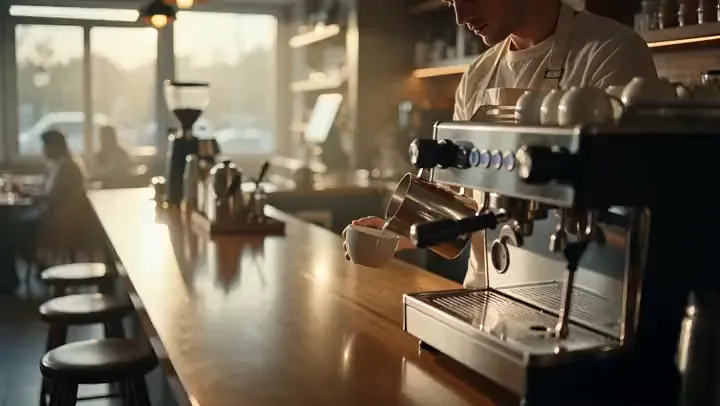
Describe a scene and a camera move and get a 5-second cinematic b-roll clip with natural sound, ready to cut into ads, YouTube videos and Reels.
 AI Video
Cel-shaded scenes and anime fights
AdAnt's agents research your market, write the script, cast the avatar and make the video in one chat.
Start with AdAnt