Sales and seasonal offers
Print a weekend-sale flyer for a boutique, garden center or bike shop, and post the same image online.
Describe your business, write a headline and one line of details, and get a portrait flyer with your words set clearly.
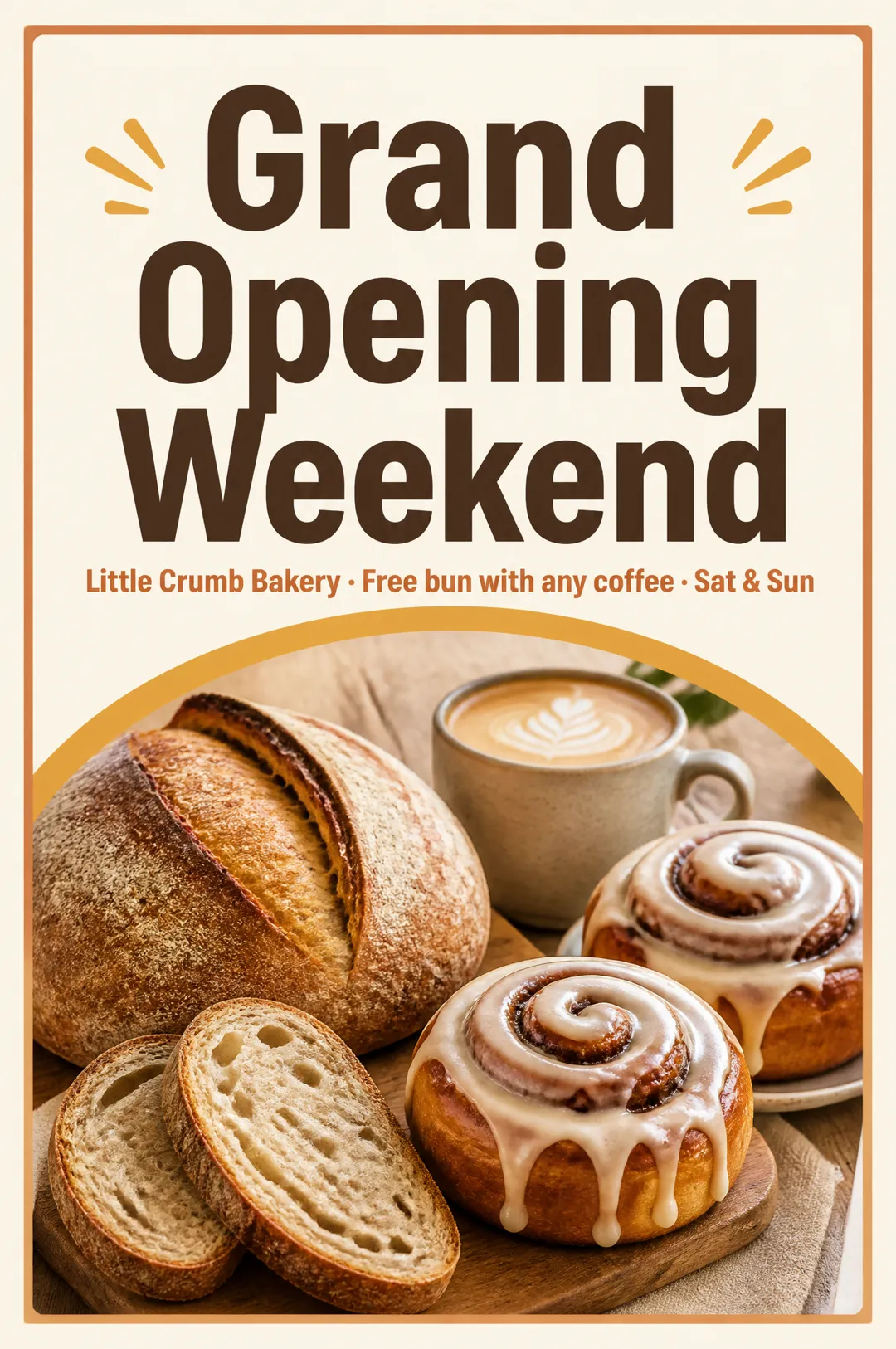

Free account needed: new accounts get free credits.
An AI flyer generator designs a finished flyer from a short description of your business and the words you want on it. AdAnt's sets your headline and details line exactly as typed on a portrait 2:3 flyer with a picture that fits what you sell. In AdAnt Studio the same announcement can become an Instagram post, a short video and a scheduled post.
Print a weekend-sale flyer for a boutique, garden center or bike shop, and post the same image online.
Announce a café, salon or studio opening on flyers for neighbors and community boards.
Fill a yoga class, pottery workshop or kids' coding camp with a flyer that names the class and start date.
Turn around a first flyer draft for a restaurant or gym client in minutes.
Free to try. New AdAnt accounts get free credits, and one flyer uses less than a tenth of a credit.
Yes. They are yours to print, post and use in promotions for your own business.
Yes. It is a portrait 2:3 image, 1024 by 1536 pixels, with a margin for trimming. That prints well at small flyer sizes; upscale it for larger ones.
The model is chosen for legible text and told to spell your words exactly. Short lines are the most reliable, so check before you print.
This page keeps the flyer to a headline and one line so the text stays clean. Add an address or QR code in any editor, or ask AdAnt Studio for a fuller layout.
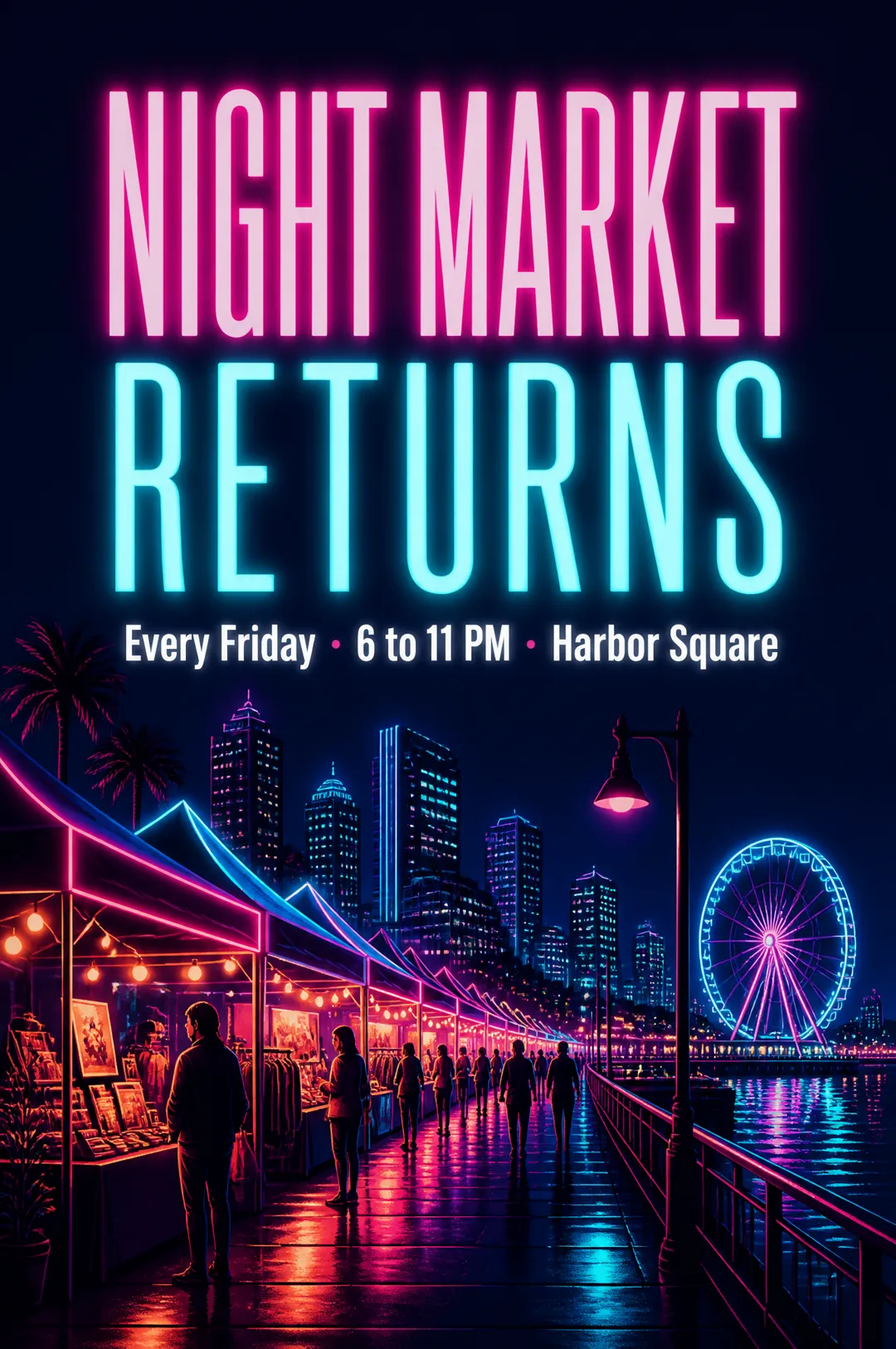 AI Image
A poster with your headline, ready to post or print
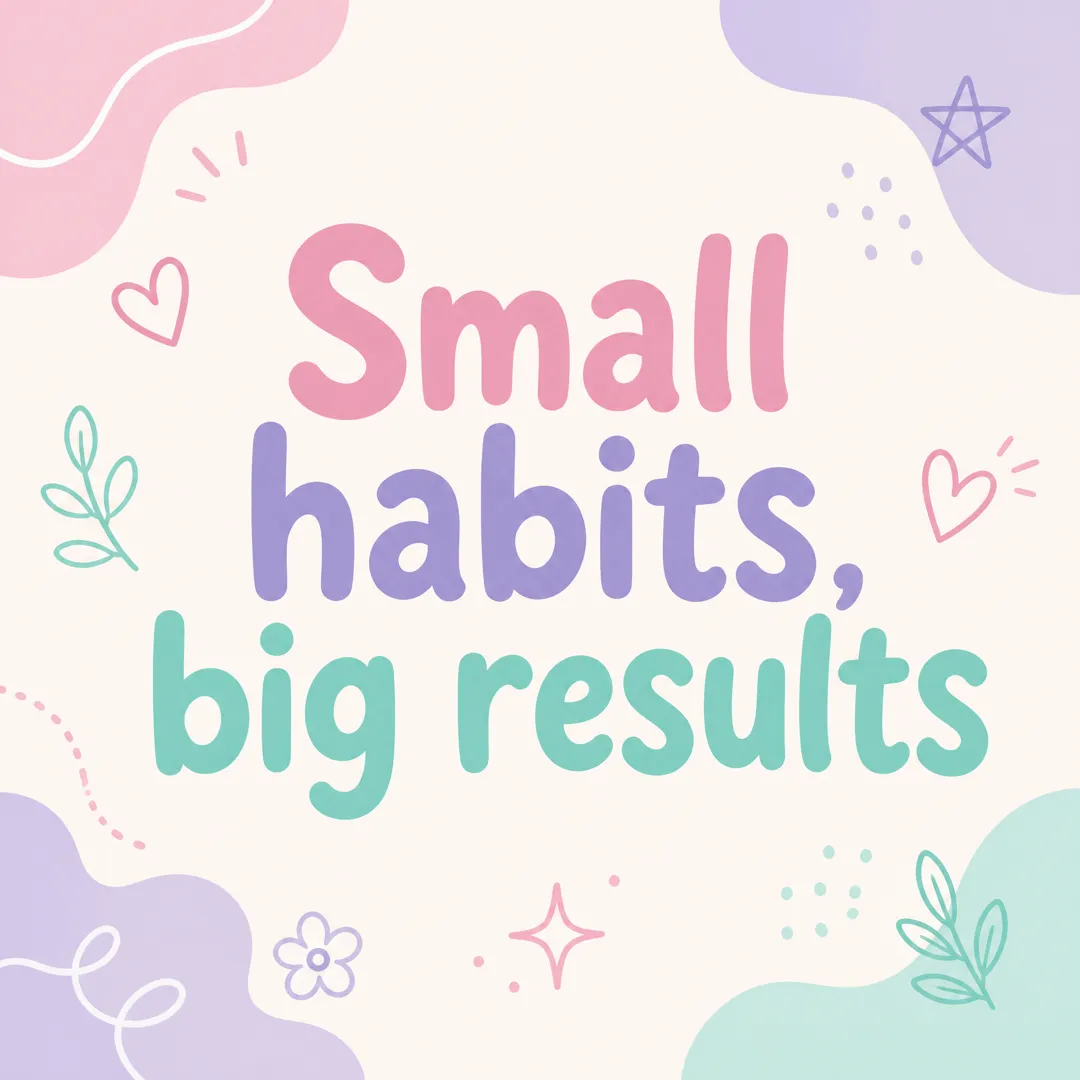 AI Image
Type a short message, pick a brand vibe, and get a square Instagram post graphic with your words set large and legible, ready to post.
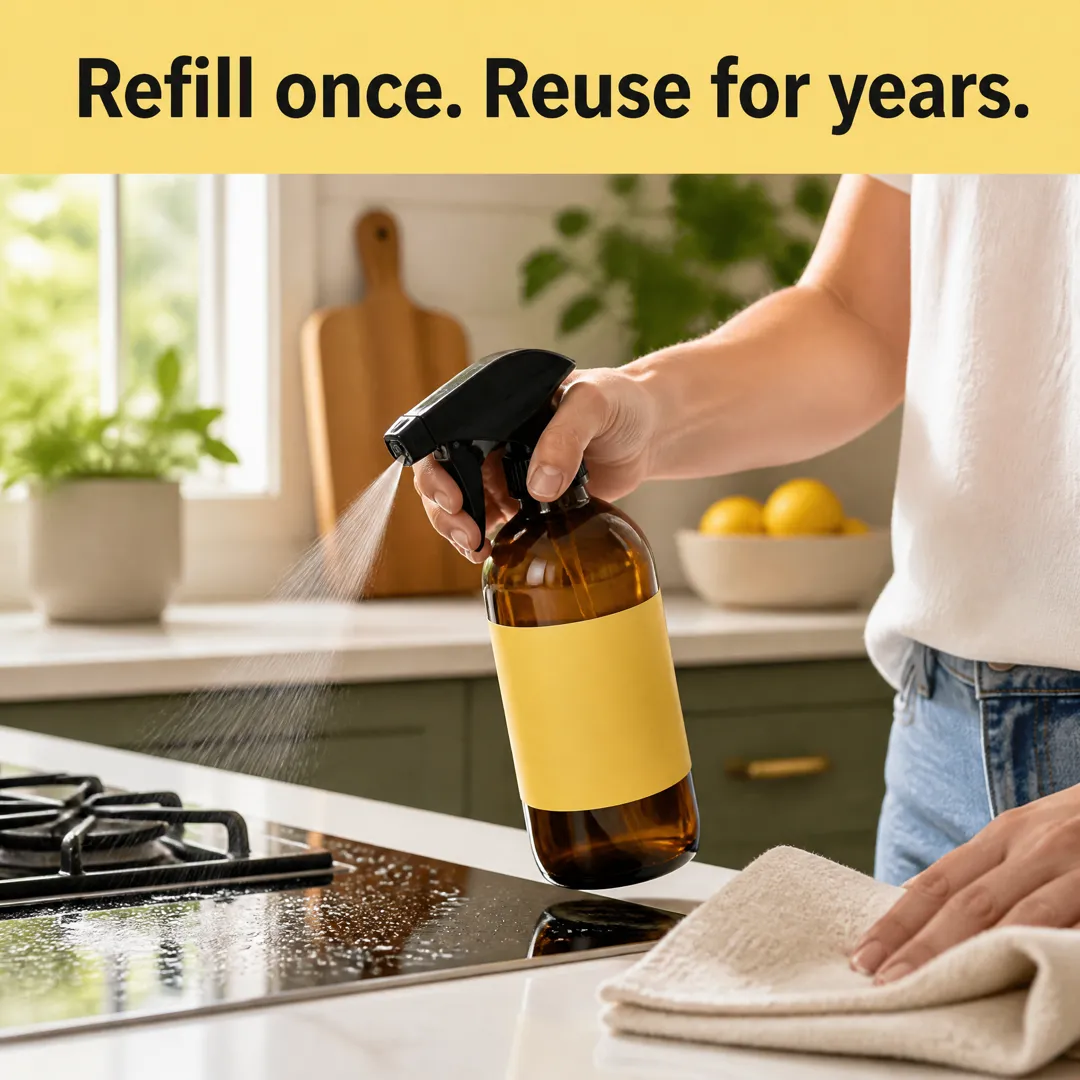 AI Ads
Square Meta feed ads with your headline
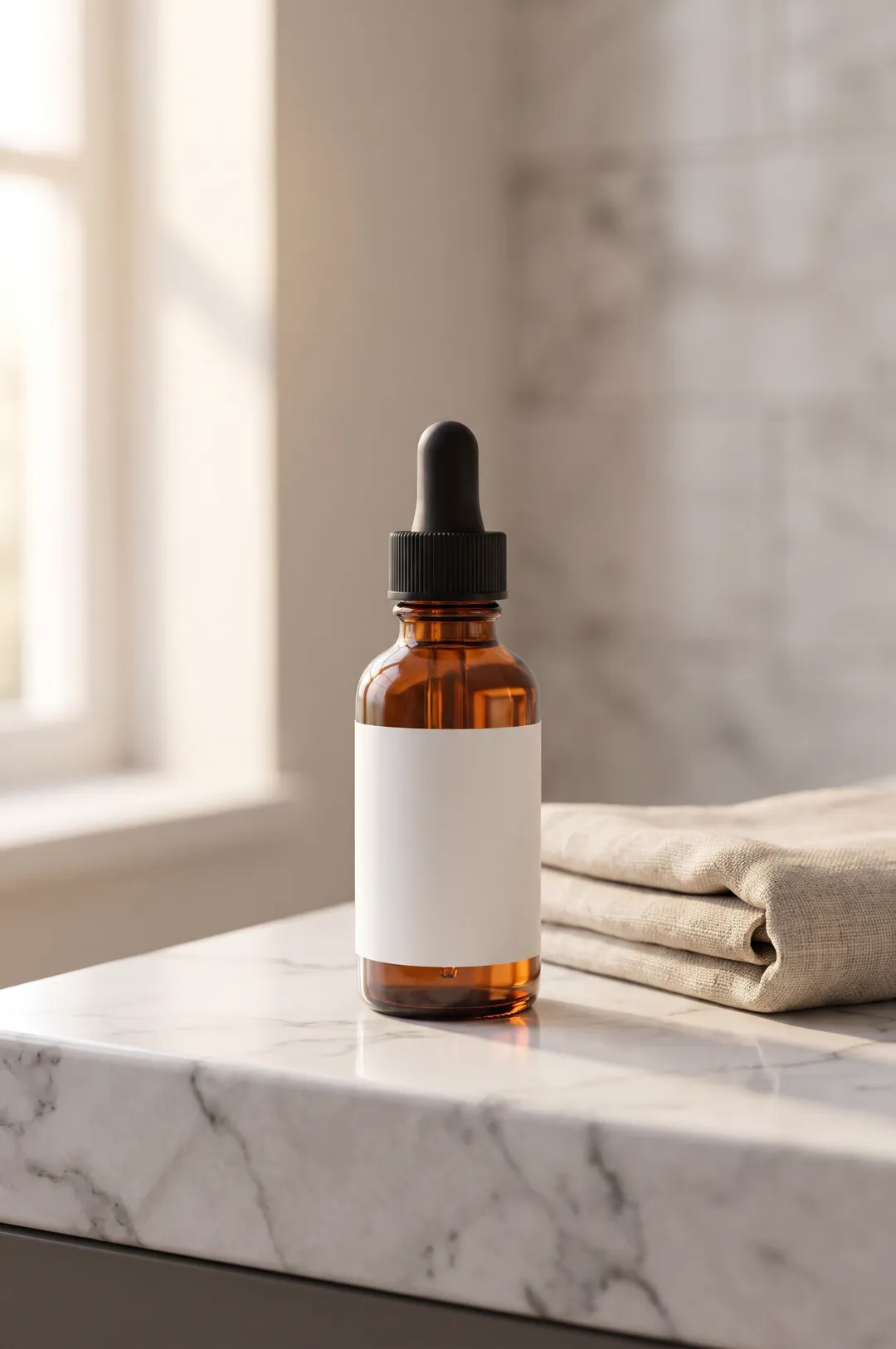 AI Image
Describe your product or upload a photo of it, pick a scene, and get a styled, photorealistic product photo for your store, ads and social posts.
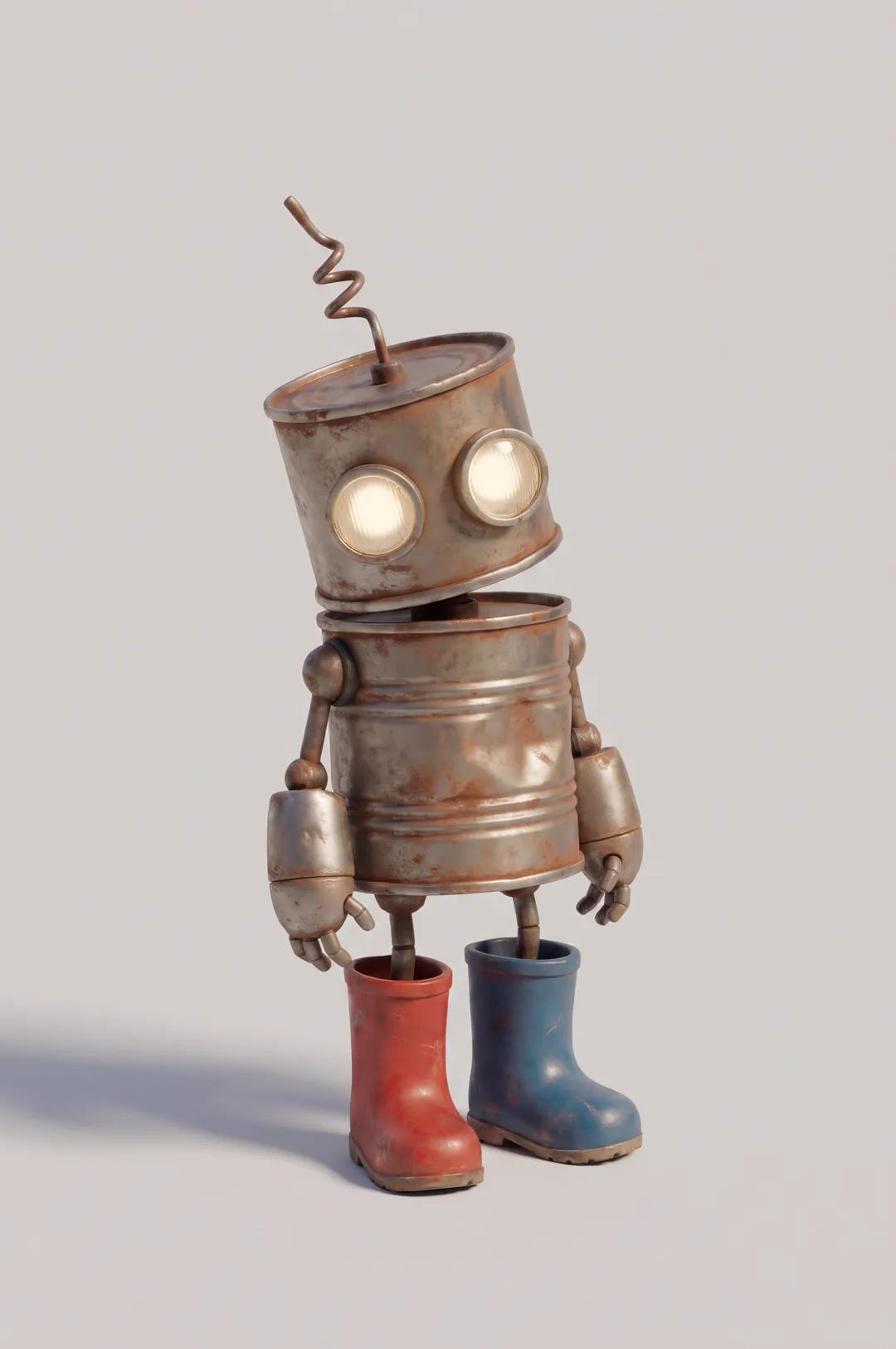 AI Image
Original cartoon and 3D characters
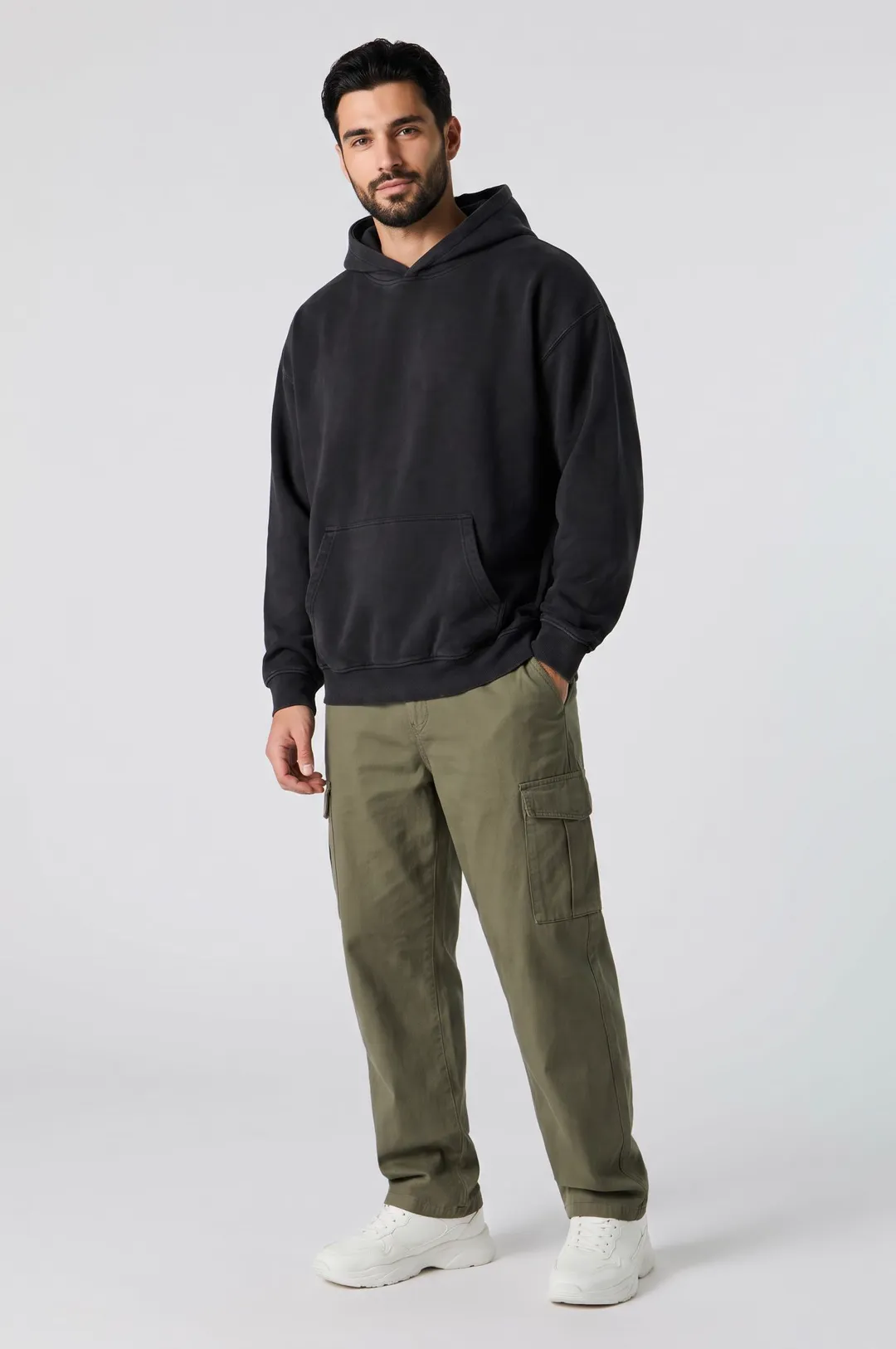 AI Image
Describe a model and pick a style, and get a photorealistic AI fashion model posed for apparel listings, lookbooks and clothing ads.
AdAnt's agents research your market, write the script, cast the avatar and make the video in one chat.
Start with AdAnt