Casting a listing model
Try out the age, look and styling of the model for your Shopify, Etsy or Amazon store before a shoot, then dress the same model in your own garment photos in AdAnt Studio.
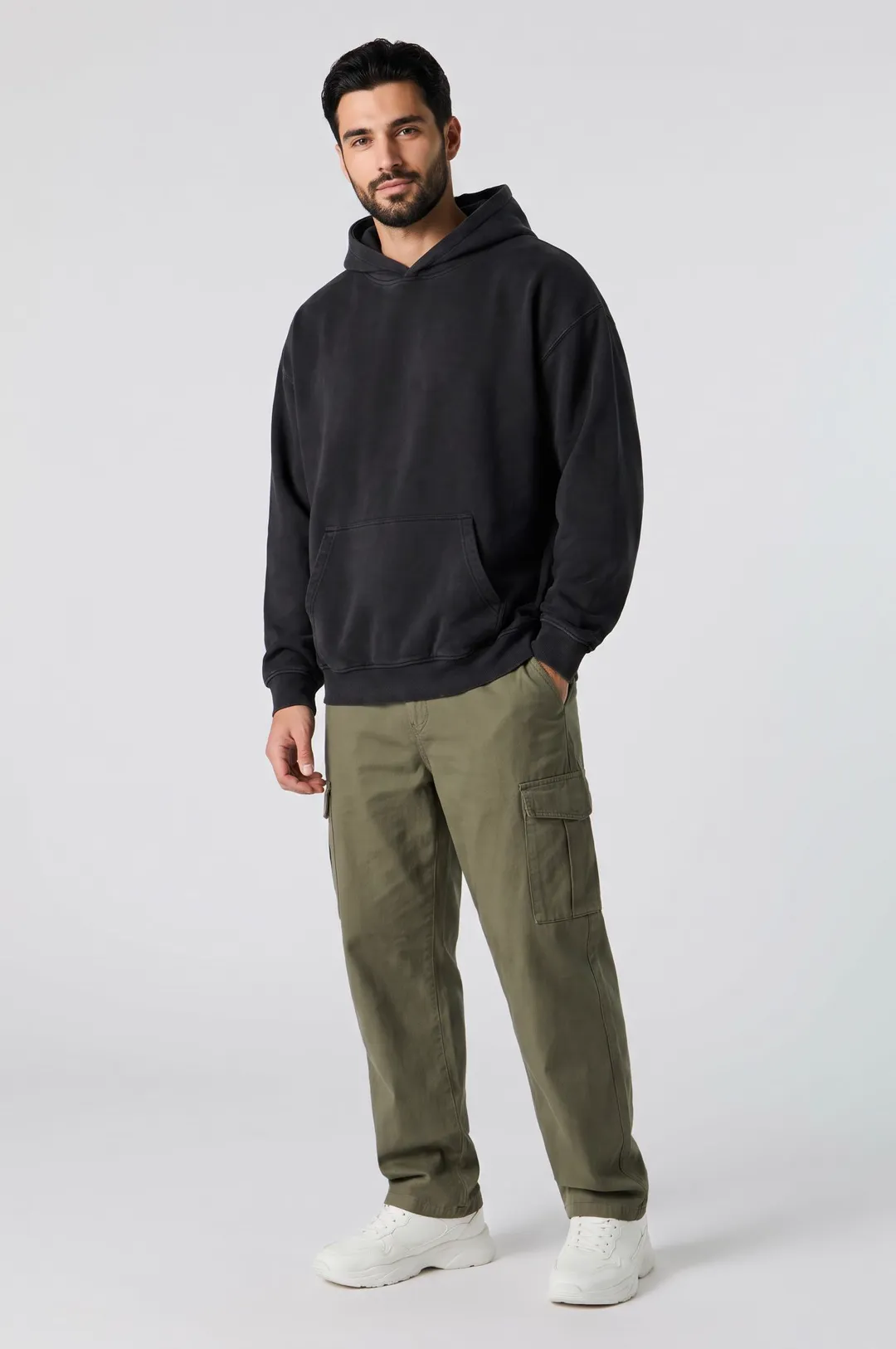
Describe a model and pick a style, and get a photorealistic AI fashion model posed for apparel listings, lookbooks and clothing ads.

Free account needed: new accounts get free credits.
An AI fashion model generator creates a photorealistic model who does not exist, styled and posed for clothing photography. AdAnt's generator dresses your model in the style you pick and lights them like a catalog shoot, framed to show the outfit and the face. The picture is saved to your AdAnt library, and in AdAnt Studio you can turn the model into an avatar so the same person appears across a whole collection, a lookbook and try-on style video ads.
Try out the age, look and styling of the model for your Shopify, Etsy or Amazon store before a shoot, then dress the same model in your own garment photos in AdAnt Studio.
Keep one model across a season's lookbook so buyers and shoppers compare the clothes, not different faces.
Make models of different ages, sizes and styles so each collection page looks like the people who actually buy from you.
Use the model as the presenter in short outfit videos and try-on style ads made in AdAnt Studio.
Yes, you can try it free. A new AdAnt account comes with free credits, and one model shot uses less than one credit.
Yes. The model is a generated person who does not exist, and you can use the images on your own product pages, lookbooks and ads.
Not on this page, which styles the model in a generic outfit. In AdAnt Studio you can give the saved model your garment photos as references for new images and videos.
Yes. Open the picture in AdAnt Studio and save the model as an avatar; the Studio then uses it as the reference so the same face appears across a collection.
Yes. Describe any person you want, of any gender, age or build, and pick the style. The description decides who the model is.
 AI Avatar
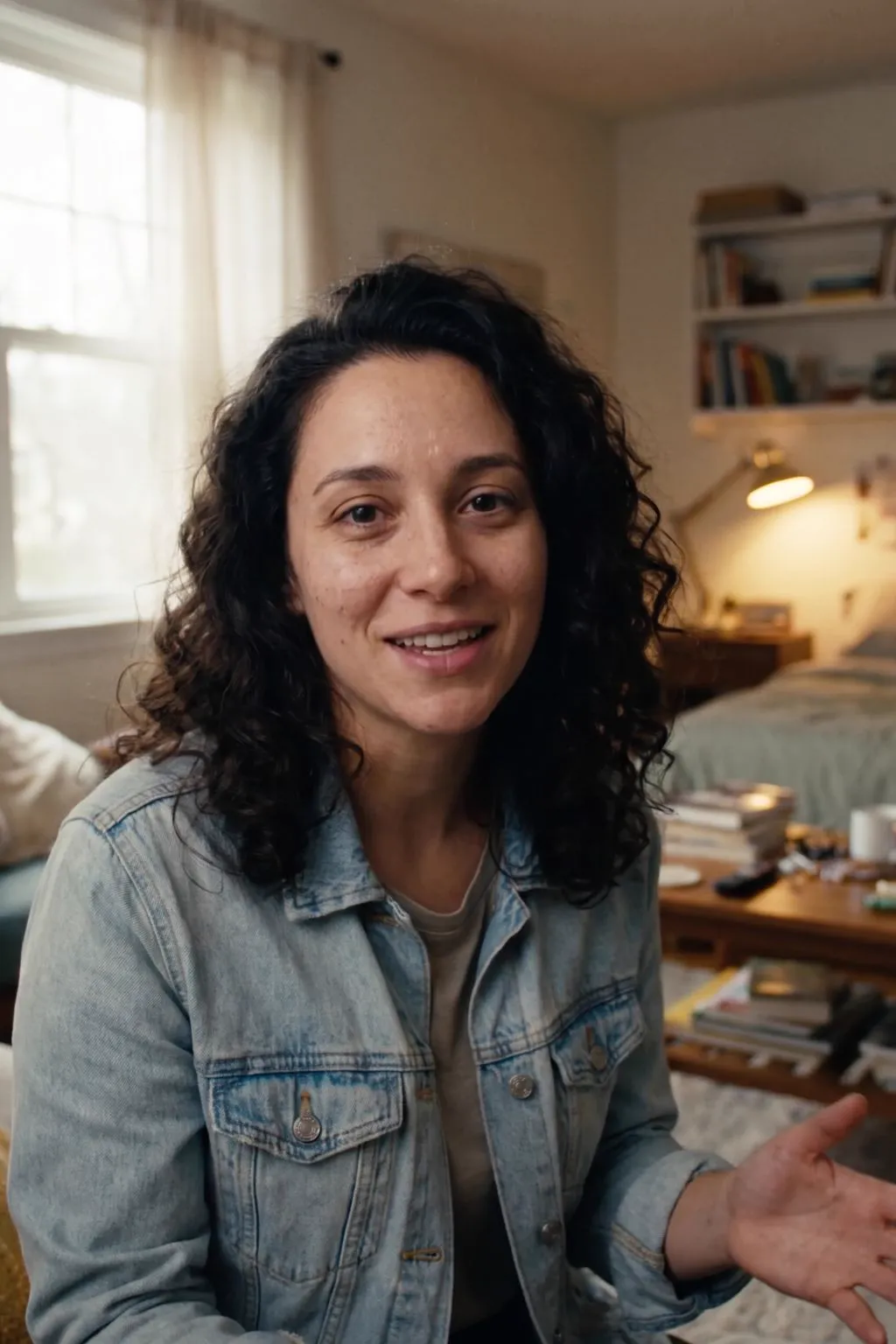
A realistic presenter from one sentence
 AI Avatar
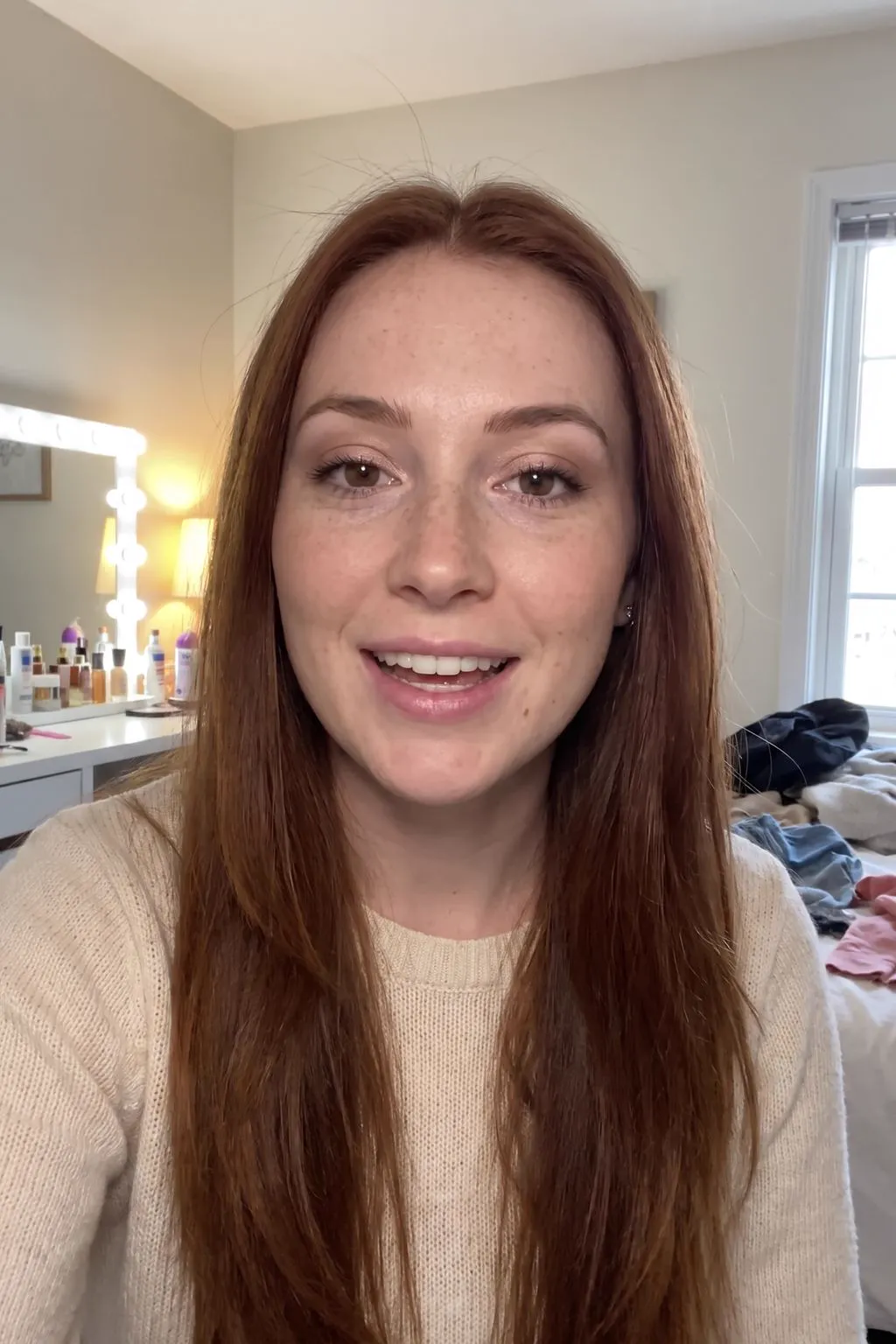
Describe a person, pick a niche, and get a photorealistic virtual influencer dressed and placed for beauty, fitness, tech, food or travel content.
 AI Image
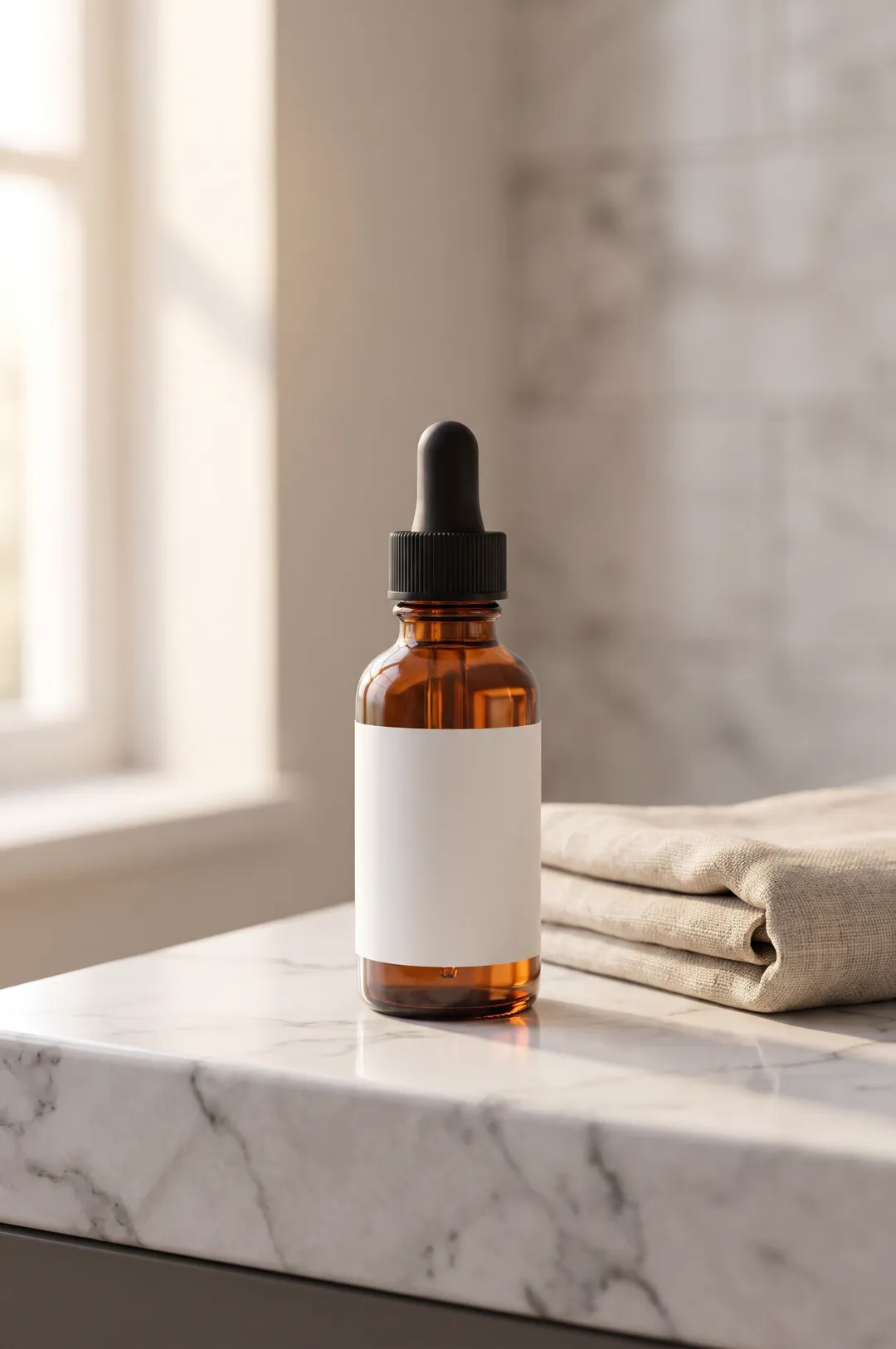
Describe your product or upload a photo of it, pick a scene, and get a styled, photorealistic product photo for your store, ads and social posts.
 AI Ads
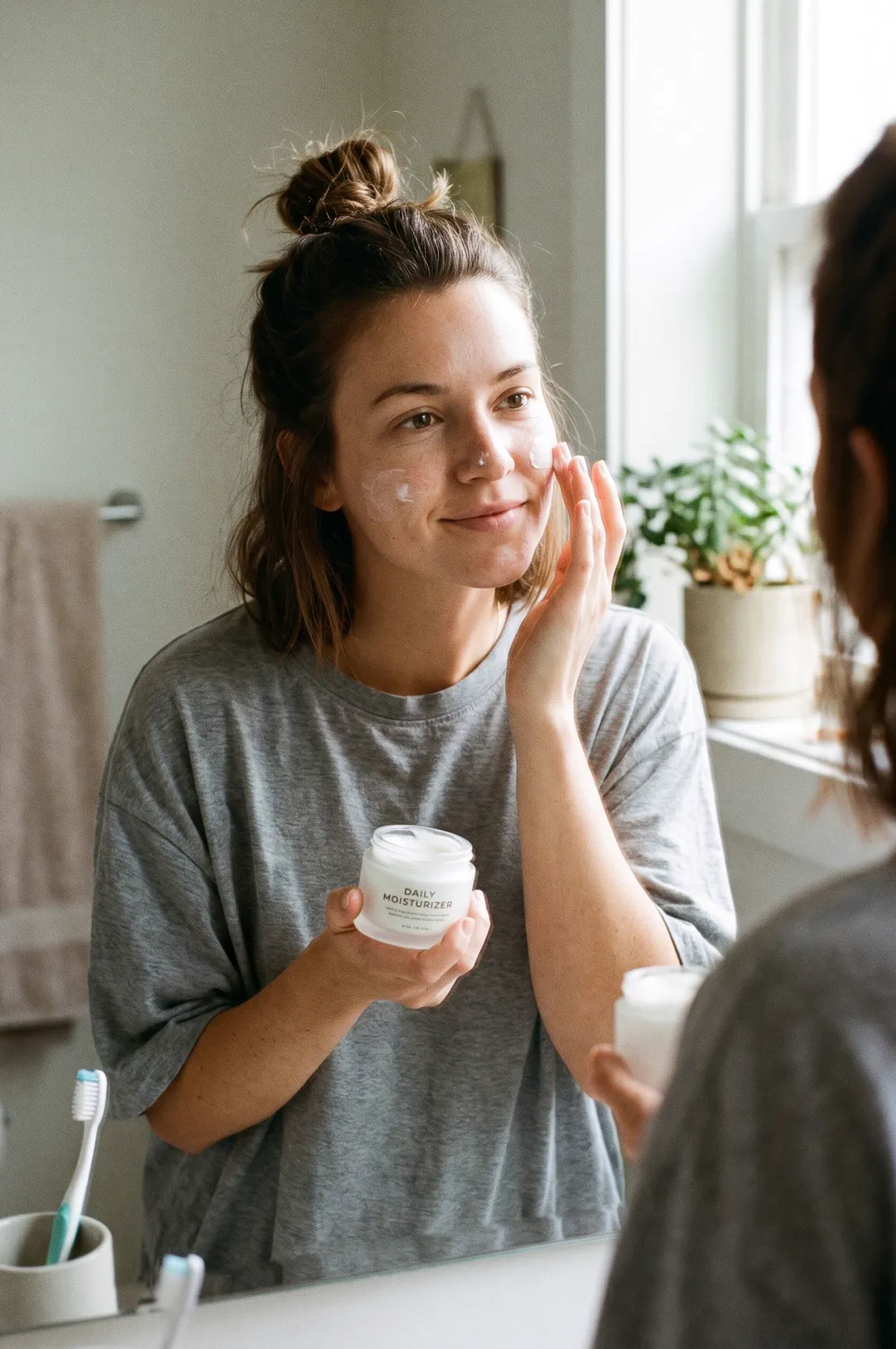
Describe your product and a person, pick a moment, and get a candid smartphone-style photo of someone using it, the look of a real customer post.
 AI Image
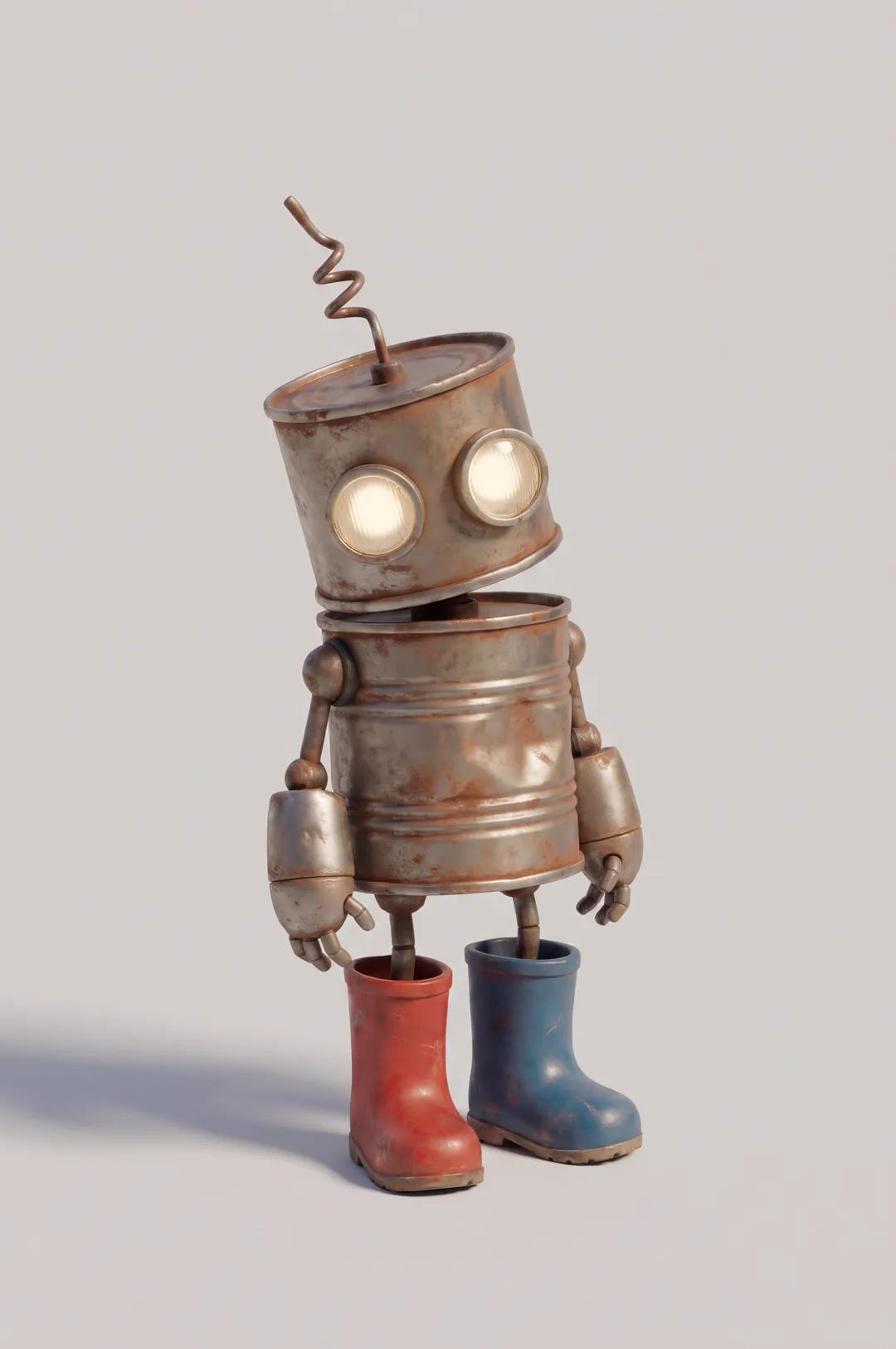
Original cartoon and 3D characters
 AI Image
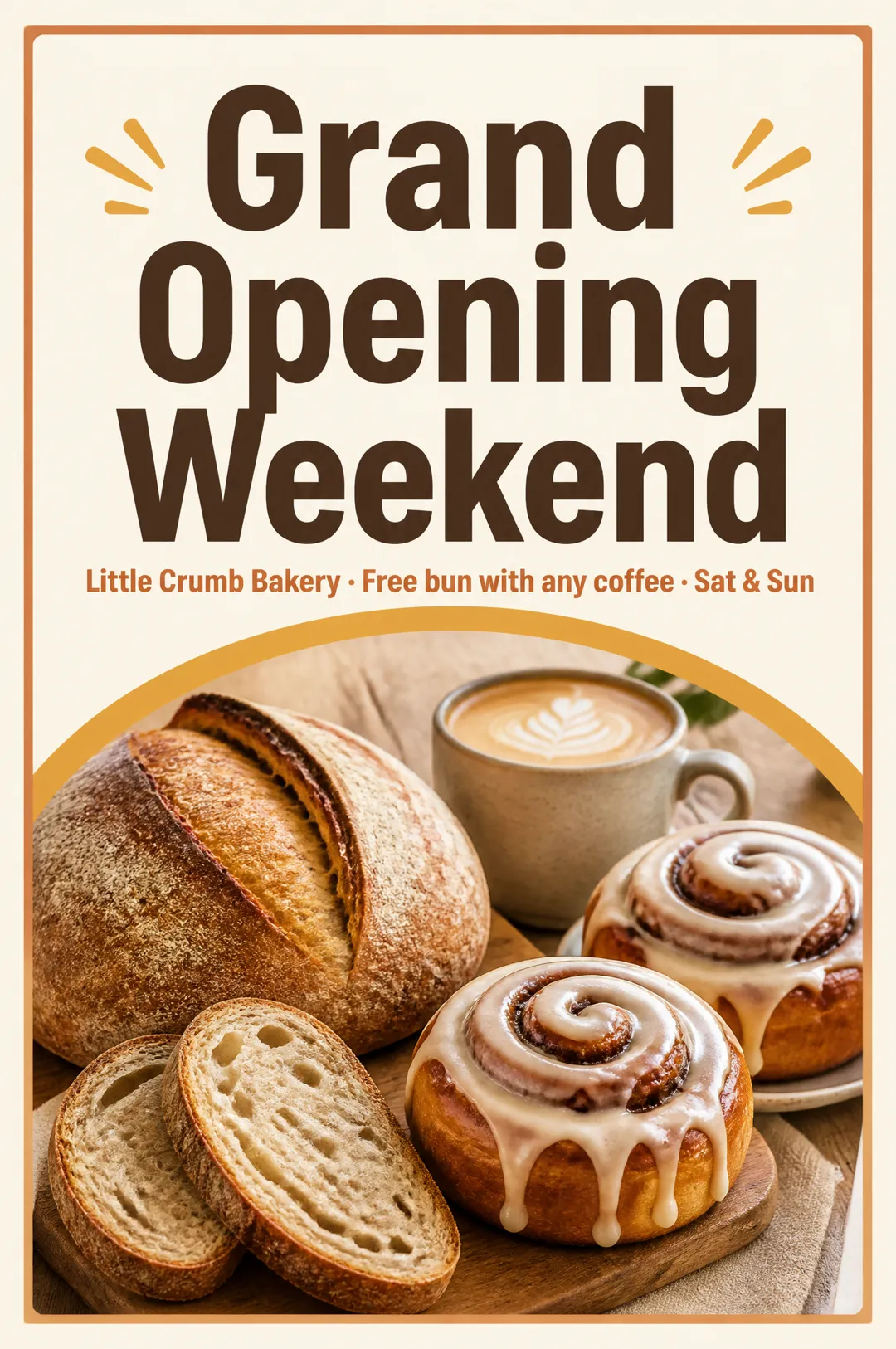
Flyers for sales, openings and classes
AdAnt's agents research your market, write the script, cast the avatar and make the video in one chat.
Start with AdAnt