Social media posts
Make on-theme images for Instagram, LinkedIn and Pinterest posts when stock photos look generic and a shoot is too much for one post.
Describe the image you want, pick a style, and get a detailed square image for posts, ads, blogs and product pages.
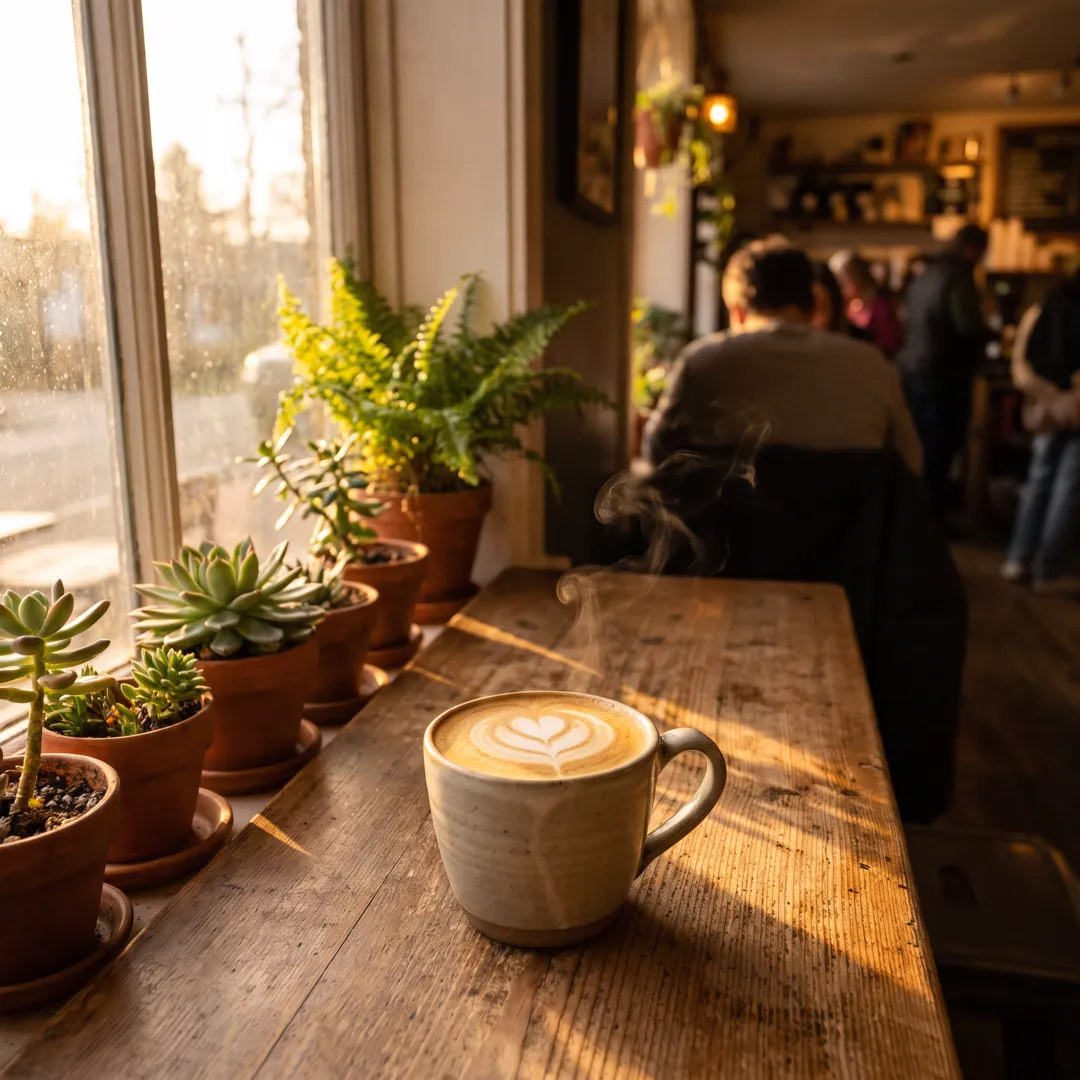

Free account needed: new accounts get free credits.
An AI image generator turns a written description into a new image. AdAnt's generator makes a square, detailed image in the style you pick, from photorealistic to 3D, illustration or cinematic, for posts, ads, blogs and product pages. The image is saved to your AdAnt library, where AdAnt Studio can edit it, animate it into a video or use it in an ad.
Make on-theme images for Instagram, LinkedIn and Pinterest posts when stock photos look generic and a shoot is too much for one post.
Give every article, feature section and email header its own image that matches what the copy is about.
Try visual directions for a campaign before committing a budget to production, then build the winner in AdAnt Studio.
Generate the opening shot you want, then animate it into a short clip for TikTok, Reels or Shorts.
Yes, you can try it free. A new AdAnt account comes with free credits, and one image uses less than one credit.
Yes. You can use the images you generate in your own ads, posts, websites and products. Avoid prompts for real people's likeness or other brands' logos.
This page makes square 1024 by 1024 images, which fit feeds and most layouts. AdAnt Studio makes portrait and landscape images too.
Be concrete: say what is in the frame, where it is, what the light is like and how close the camera is. Short lists of specific details beat long strings of adjectives.
Yes. Open it in AdAnt Studio and ask for a short clip: the image becomes the first frame of an AI video.
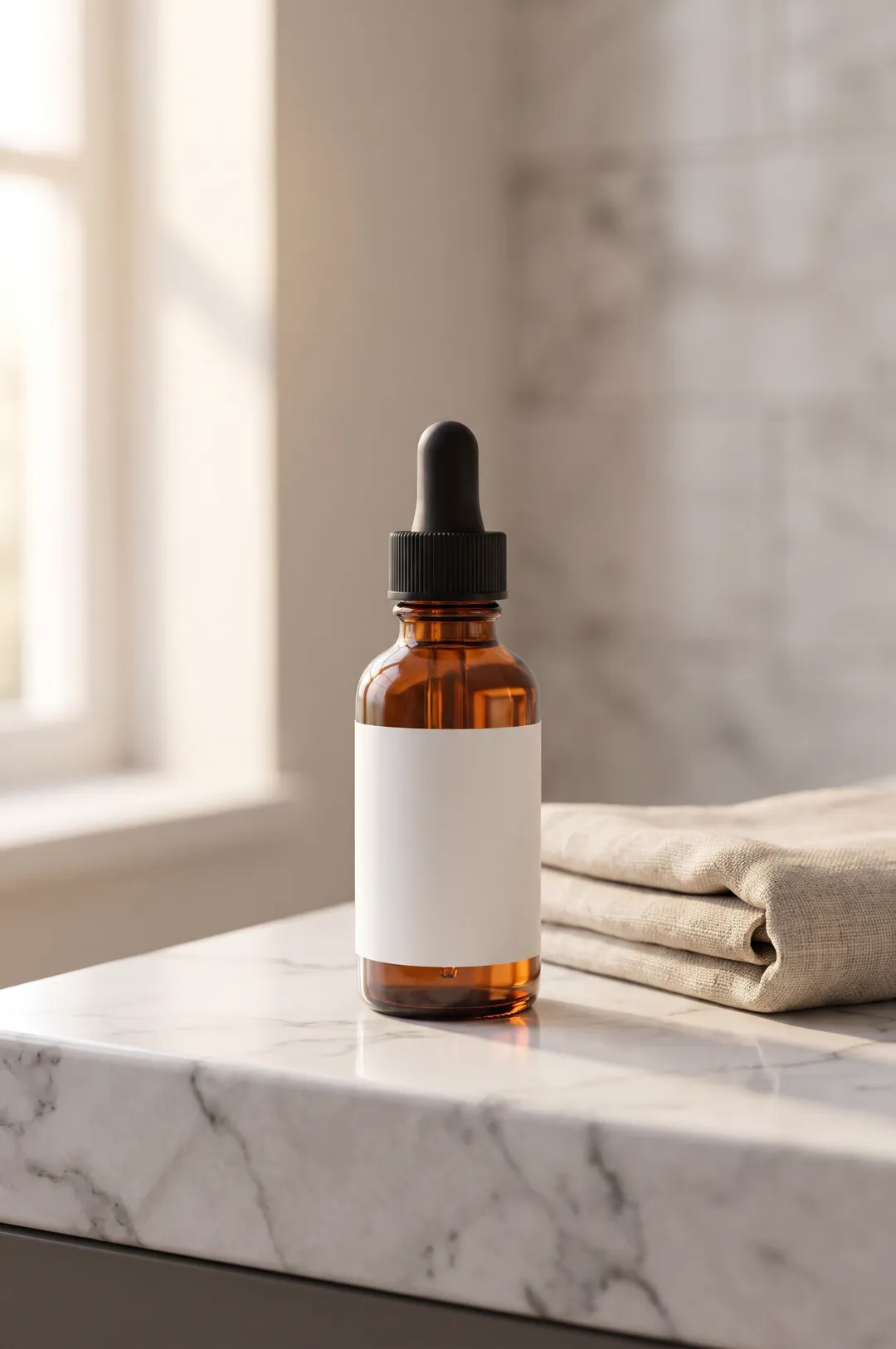 AI Image
Describe your product or upload a photo of it, pick a scene, and get a styled, photorealistic product photo for your store, ads and social posts.
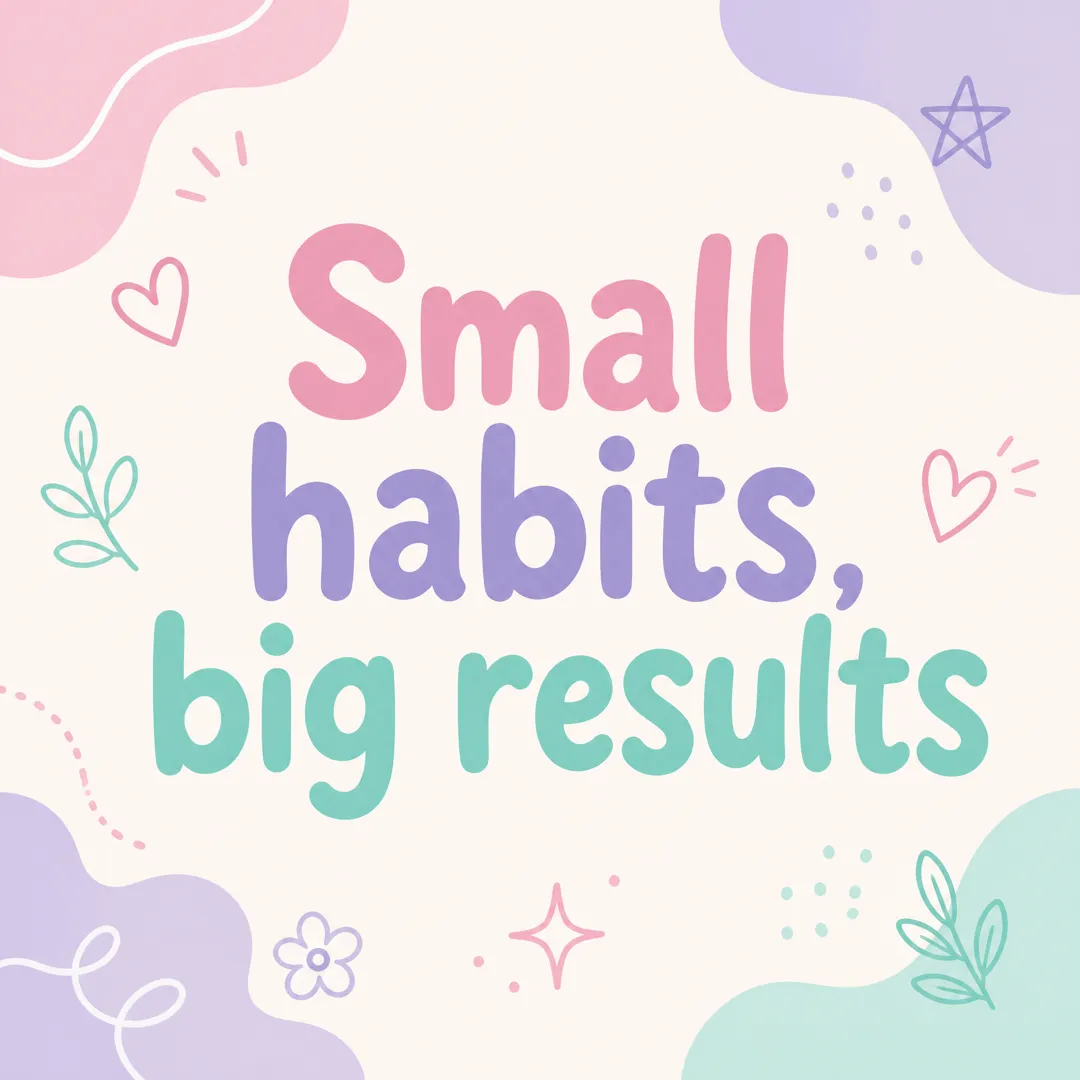 AI Image
Type a short message, pick a brand vibe, and get a square Instagram post graphic with your words set large and legible, ready to post.
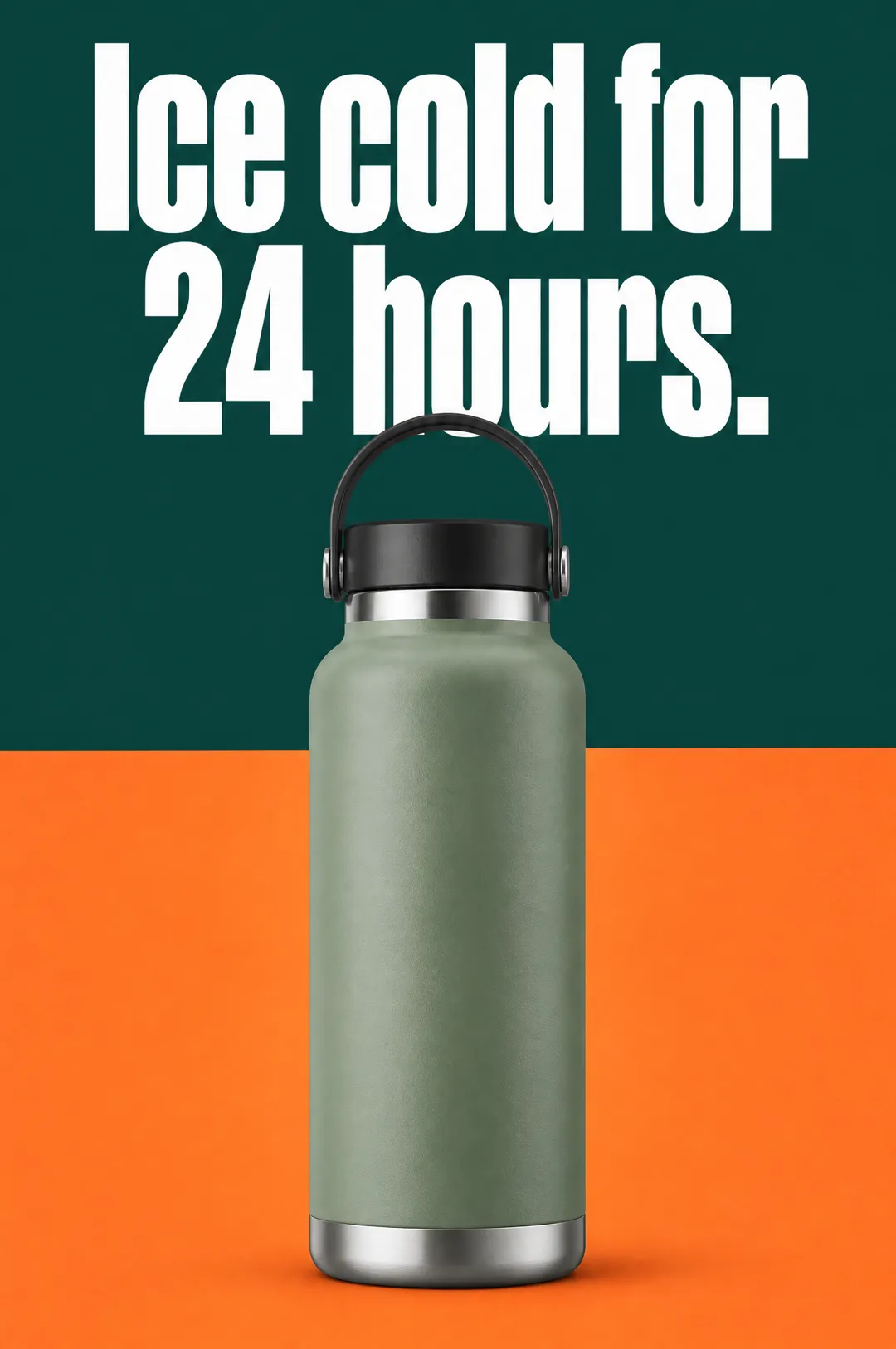 AI Ads
Describe your product, write a headline, pick a style, and get a vertical static ad with the headline set on the image, ready for Meta, TikTok and Pinterest.
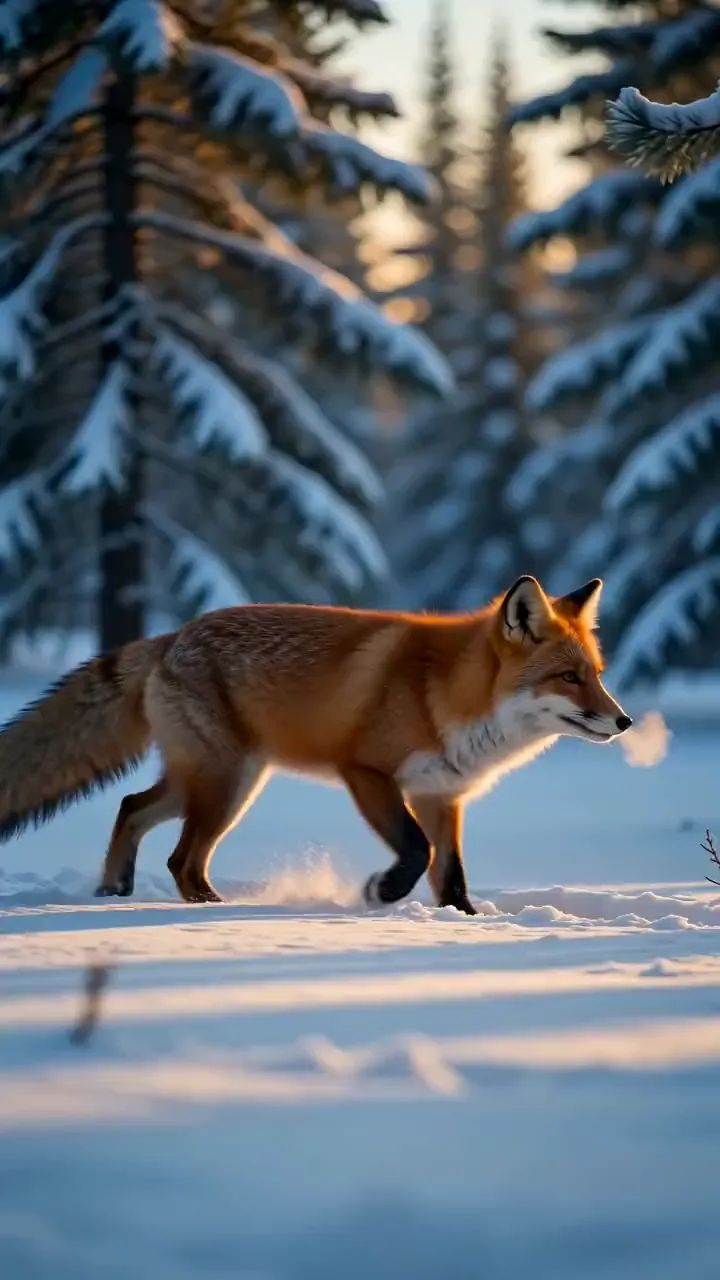 AI Video
Describe a scene in a sentence and get a 5-second video clip with matching sound, in the style and shape you pick.
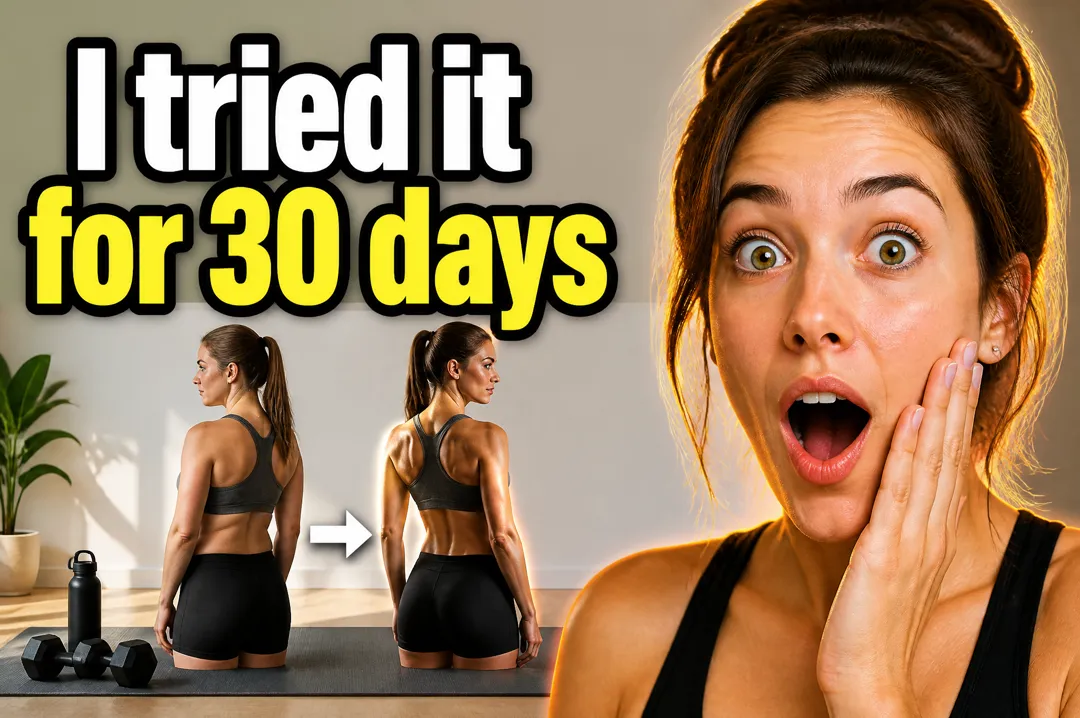 AI Image
Type the words for your thumbnail, say what the video is about, pick a style, and get a landscape YouTube thumbnail with your text set large and legible.
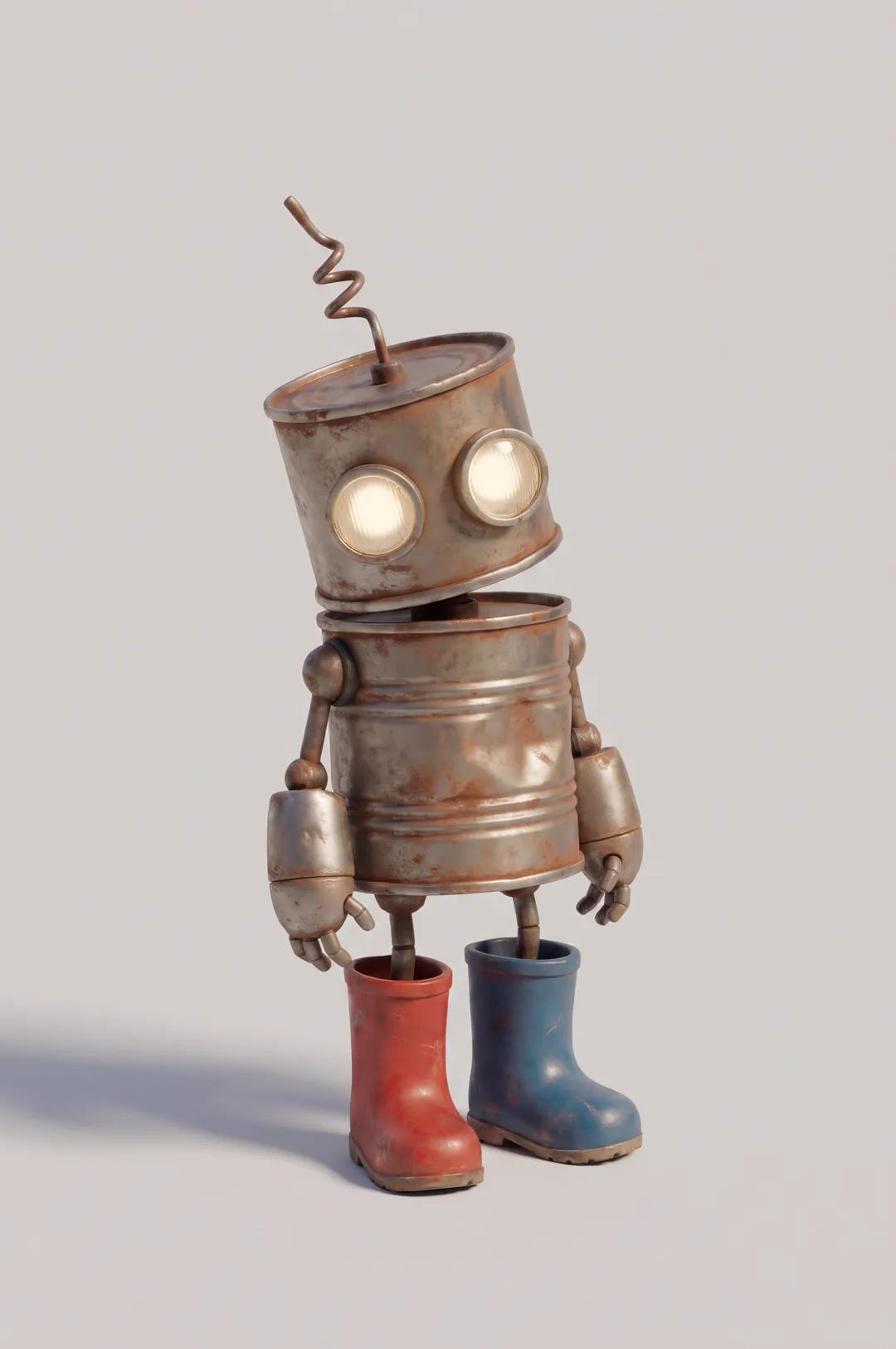 AI Image
Original cartoon and 3D characters
AdAnt's agents research your market, write the script, cast the avatar and make the video in one chat.
Start with AdAnt