App Store and Google Play listings
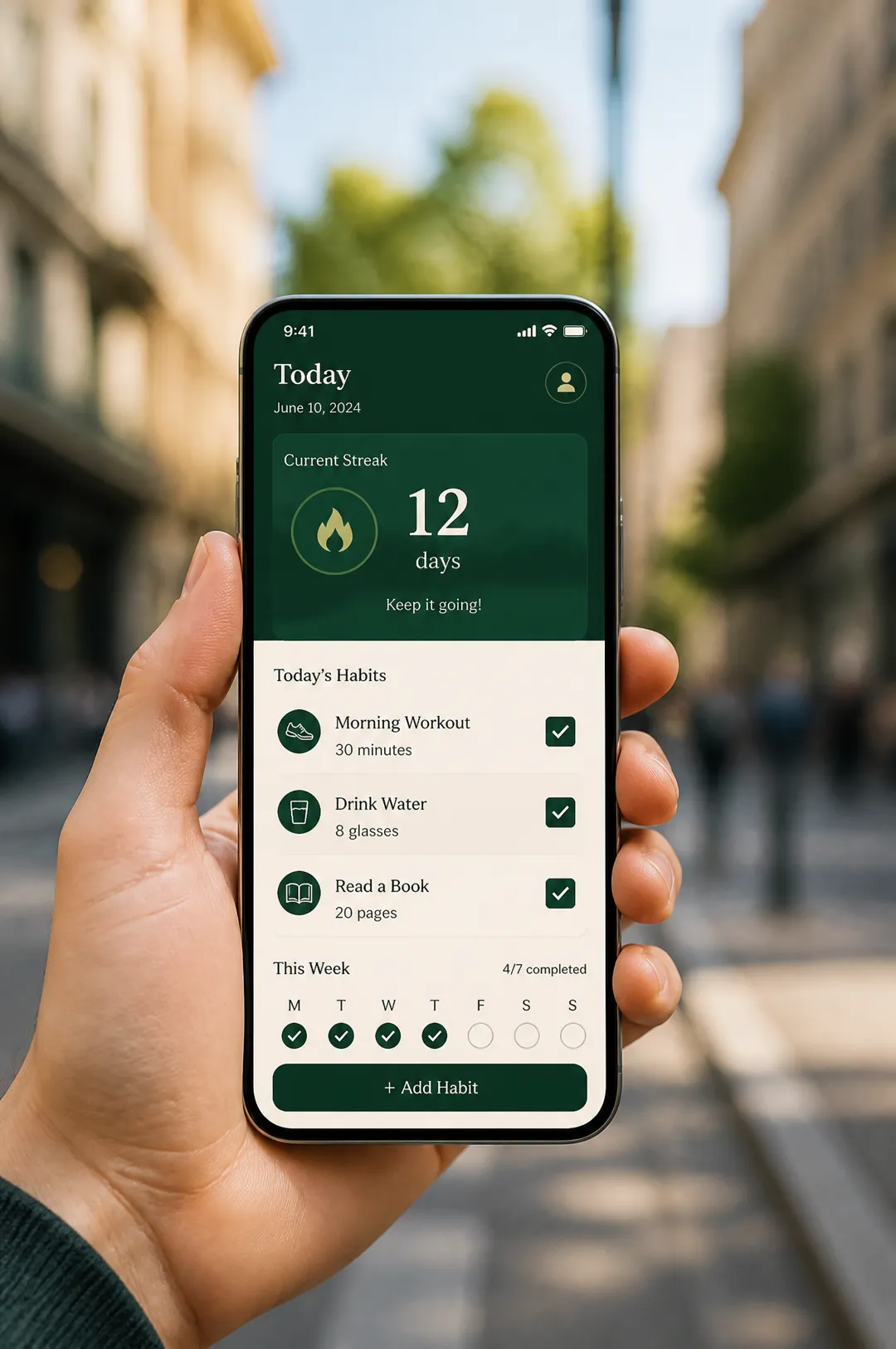
Give your screenshots a lifestyle shot of the app in use, the kind that shows people where the app fits in their day.
Describe your app and the screen to show, pick a setting, and get a photorealistic phone mockup for store listings, landing pages and ads.

Free account needed: new accounts get free credits.
An app mockup generator shows an app screen on a real-looking phone, the image that sells an app on a store page, a landing page or in an ad. AdAnt's generator designs the screen you describe and places the phone in a photorealistic setting, held in a hand, on a desk or floating on a gradient. For app and SaaS builders, AdAnt Studio carries on from there with app promo videos, UGC ads and scheduled posts.
Give your screenshots a lifestyle shot of the app in use, the kind that shows people where the app fits in their day.
Put a polished phone mockup above the fold of a SaaS or app landing page before the product is pixel-final.
Use the mockup as the visual in Meta, TikTok and Apple Search Ads creatives, with the benefit as the headline.
Show a concept app on a waitlist page or in a pitch deck and measure interest before building the screen.
Yes, you can try it free. A new AdAnt account comes with free credits, and one mockup uses less than a tenth of a credit.
Yes. The images are yours to use on your store listing, website and ads. Store guidelines ask that screenshots reflect the real app, so match the screen to what your app shows.
Not on this page, which designs the screen from your description. In AdAnt Studio you can attach your real screenshots for app promo videos and ads.
A modern unbranded bezel-less smartphone, so the mockup works for iOS and Android apps alike.
Yes. Use the app promo video generator, or open AdAnt Studio to make a short video ad with a presenter, your screens and a voiceover.
 AI Ads
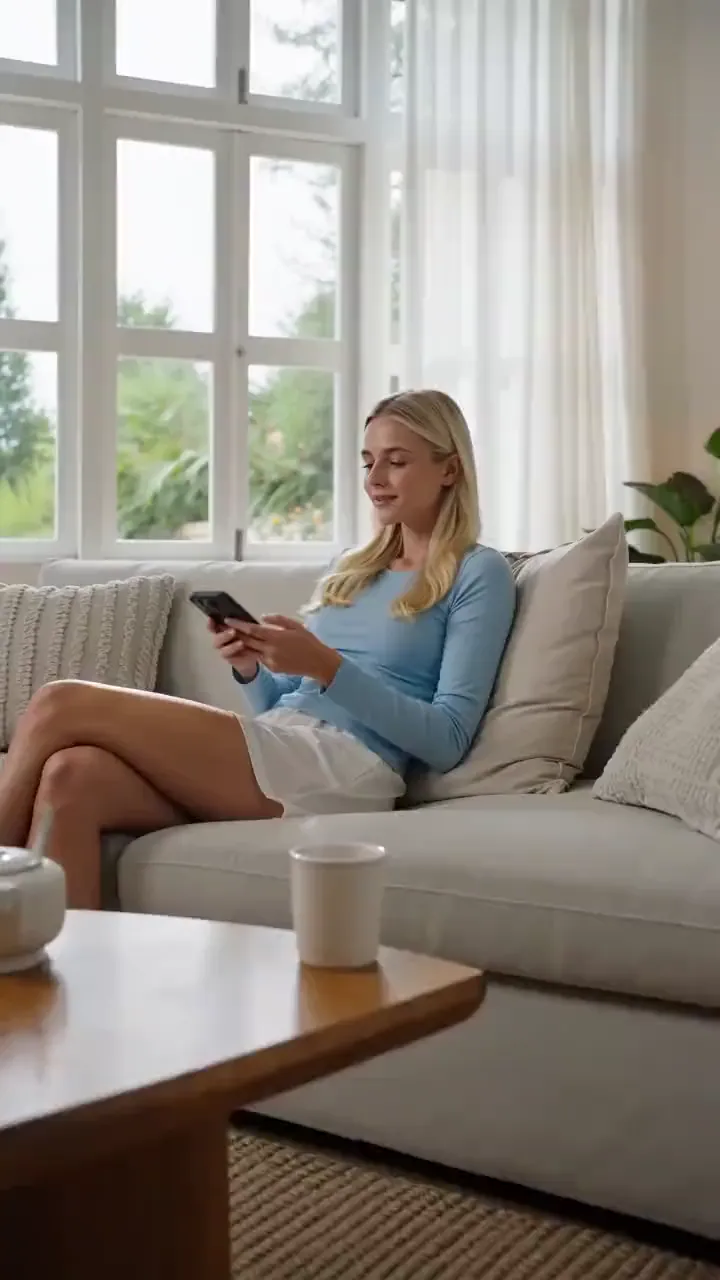
Say what your app does and the moment to show, and get a 5-second vertical promo clip for launch posts, landing pages and install ads.
 AI Ads
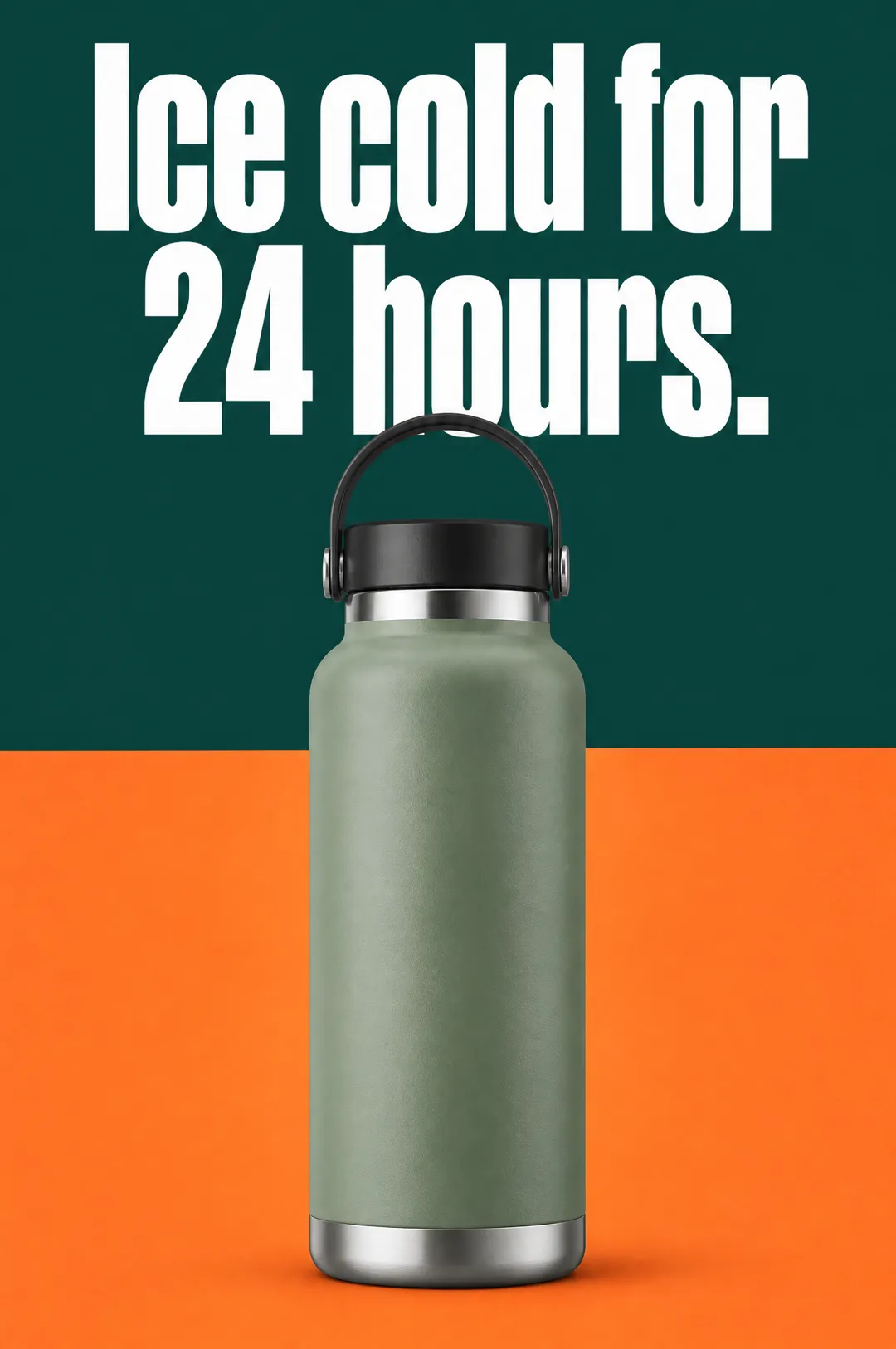
Describe your product, write a headline, pick a style, and get a vertical static ad with the headline set on the image, ready for Meta, TikTok and Pinterest.
 AI Image
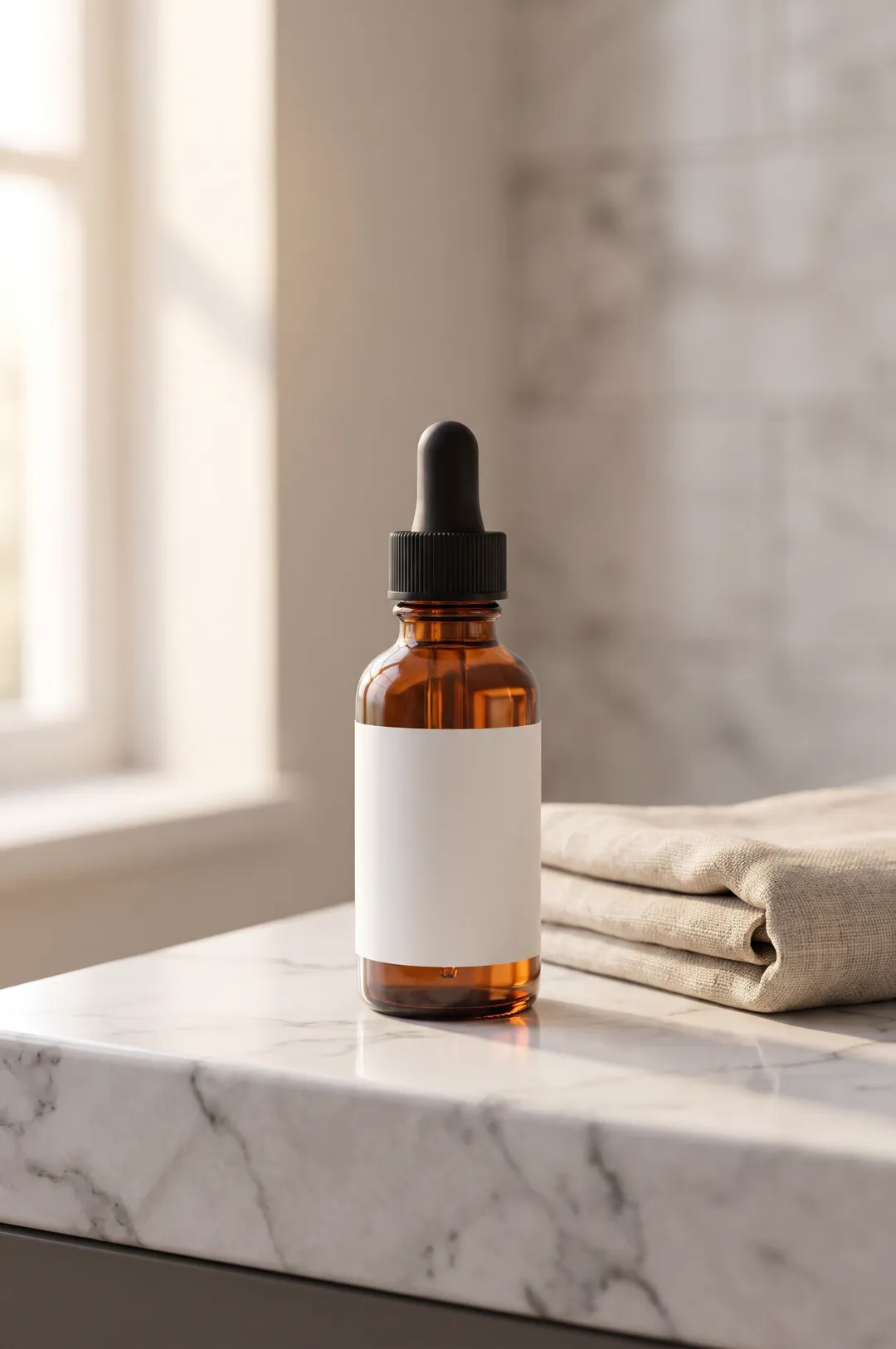
Describe your product or upload a photo of it, pick a scene, and get a styled, photorealistic product photo for your store, ads and social posts.
 AI Image
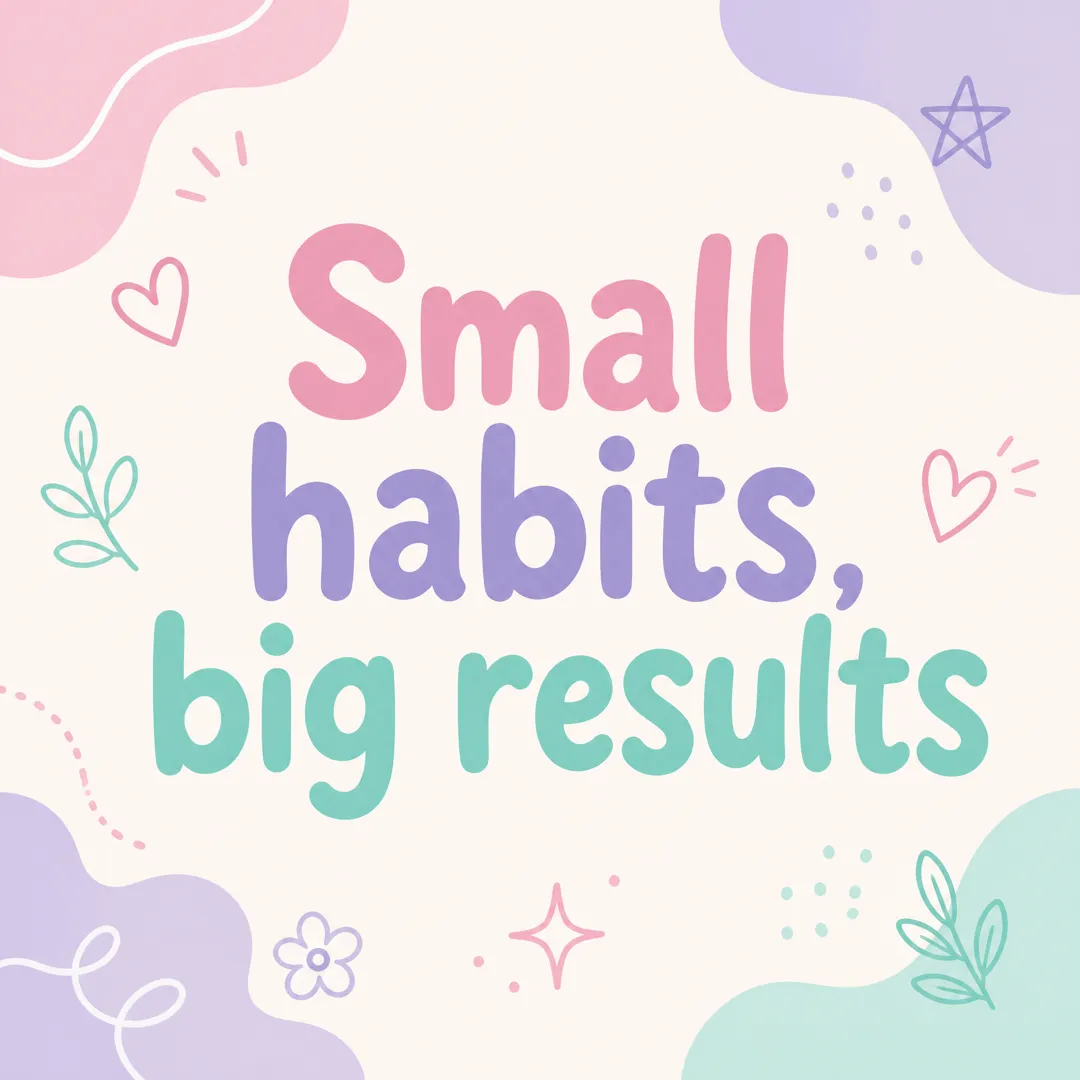
Type a short message, pick a brand vibe, and get a square Instagram post graphic with your words set large and legible, ready to post.
 AI Image
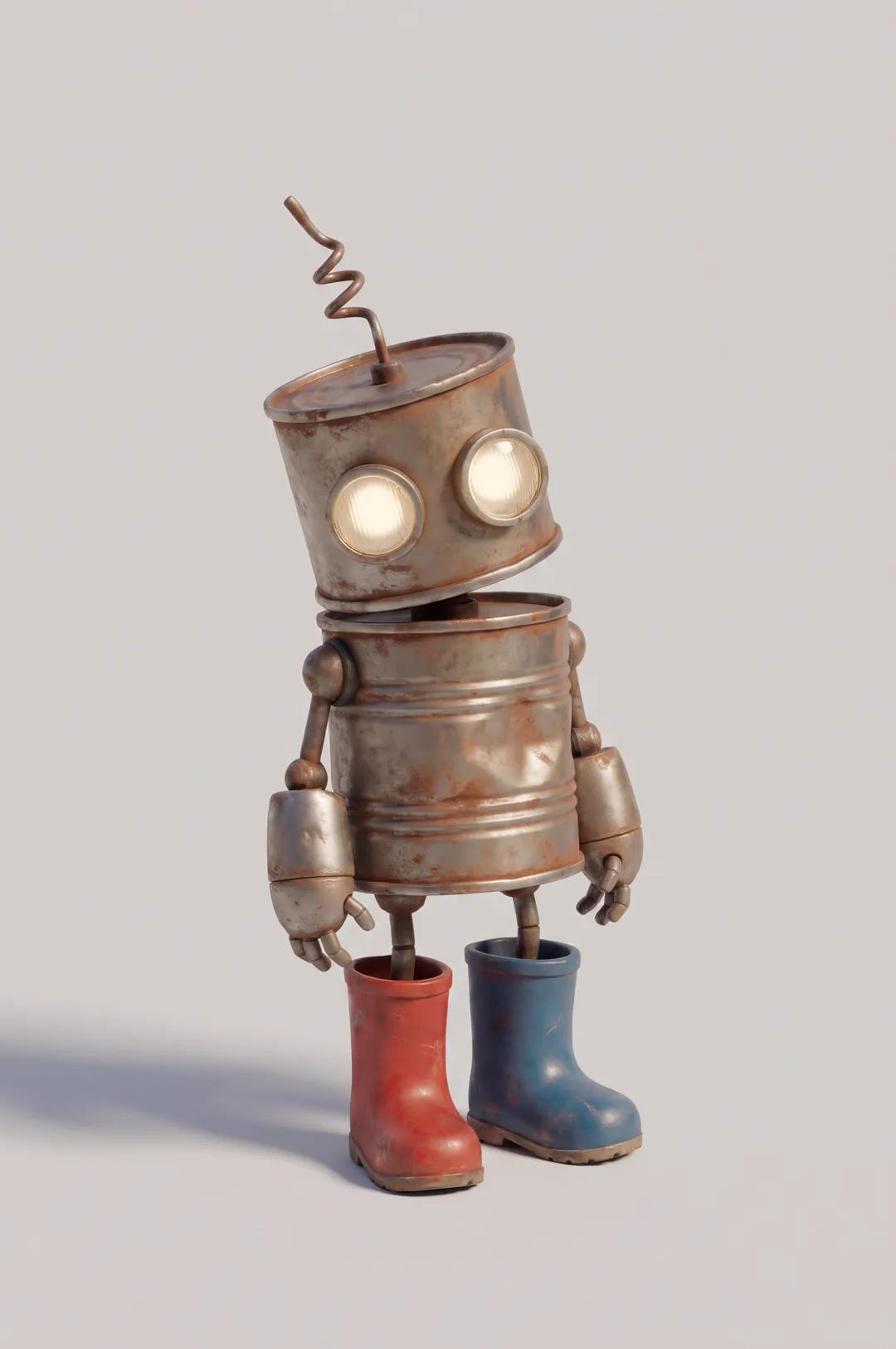
Original cartoon and 3D characters
 AI Image
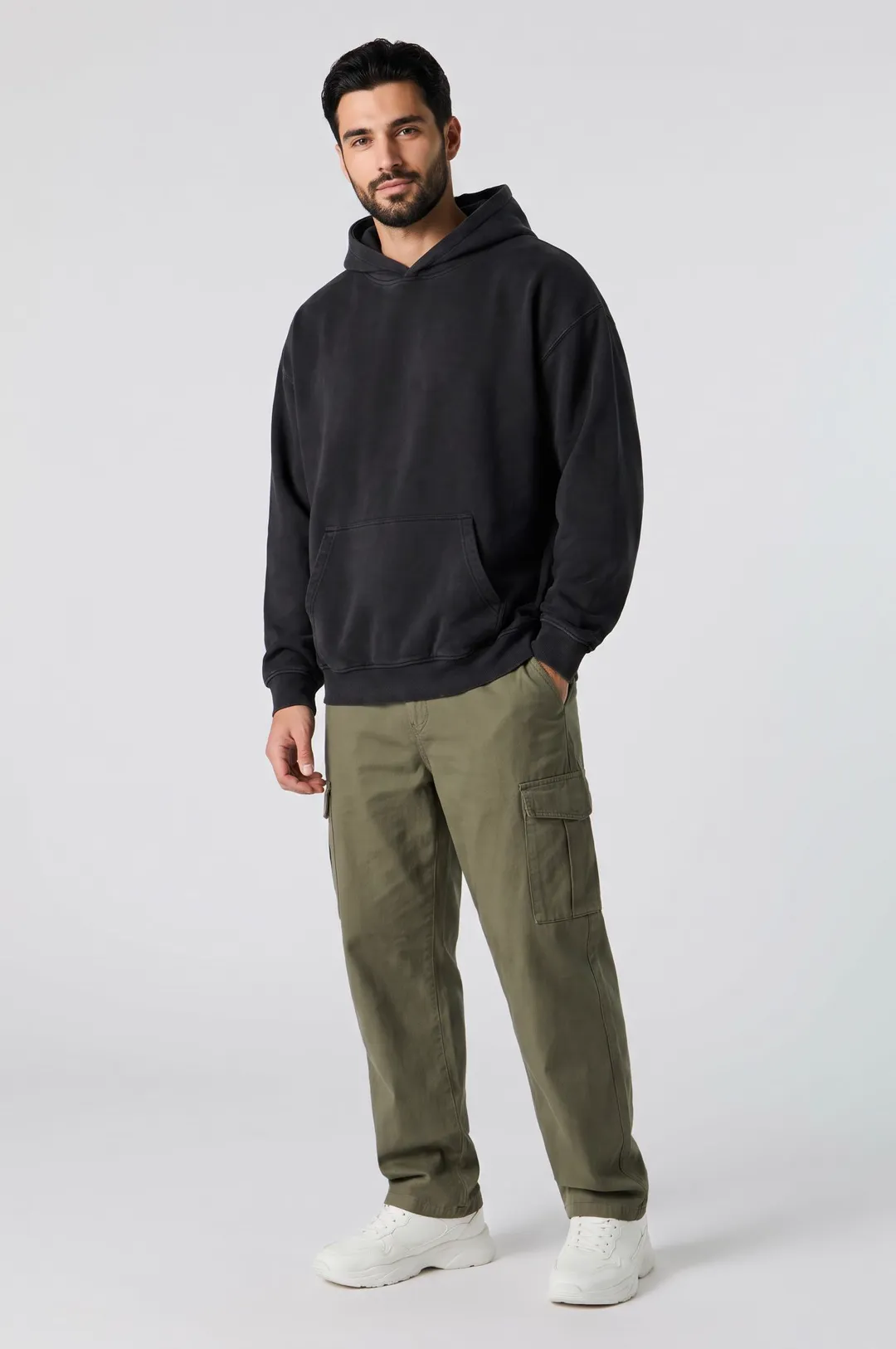
Describe a model and pick a style, and get a photorealistic AI fashion model posed for apparel listings, lookbooks and clothing ads.
AdAnt's agents research your market, write the script, cast the avatar and make the video in one chat.
Start with AdAnt