A tidy profile grid
Give every video a cover in one text style, so your profile reads like a menu of topics.
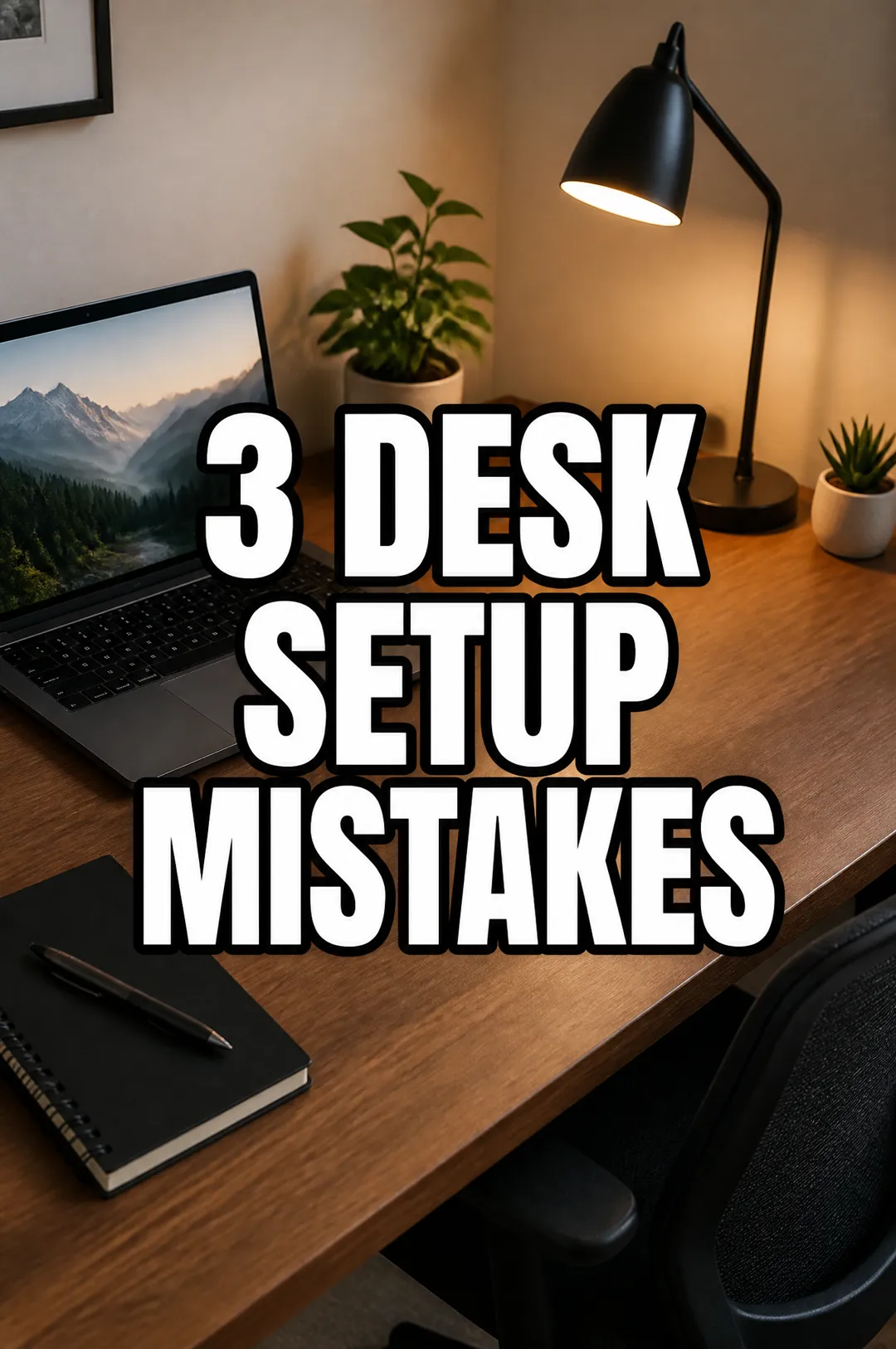
Write a short title, describe the shot, pick a text style, and get a vertical cover with the title placed in the safe area, clear of the app's buttons and captions.

Free account needed: new accounts get free credits.
A TikTok cover maker designs the still frame people see on your profile grid and before a video plays, with a big title that says what the video is about. AdAnt sets your title on a vertical frame and keeps it in the center, clear of the buttons, captions and grid crop. In AdAnt Studio the same idea can become the video itself, with AI avatars and scheduled posting to TikTok and Instagram.
Give every video a cover in one text style, so your profile reads like a menu of topics.
Title each part, like 'Part 2: Lighting', so new viewers can find the start.
Name the product or problem, so shoppers know which video to open.
Label each how-to with its task, like 'Export in 1 Click'.
Yes, you can try it free. A new AdAnt account comes with free credits, and one cover uses less than a tenth of a credit.
A vertical 2:3 image, 1024 by 1536 pixels. TikTok and Reels play at 9:16, which trims a little from the sides, and the profile grid shows a shorter crop. The title sits in the center to survive both.
When you post, TikTok and Instagram let you choose a cover. Use the image as the first frame of your video, or upload it where the app offers that option.
Yes, they are yours to use on your own accounts, including business accounts and promoted posts.
Yes, Shorts use the same vertical frame. For landscape thumbnails, use the YouTube thumbnail maker.
 AI Image
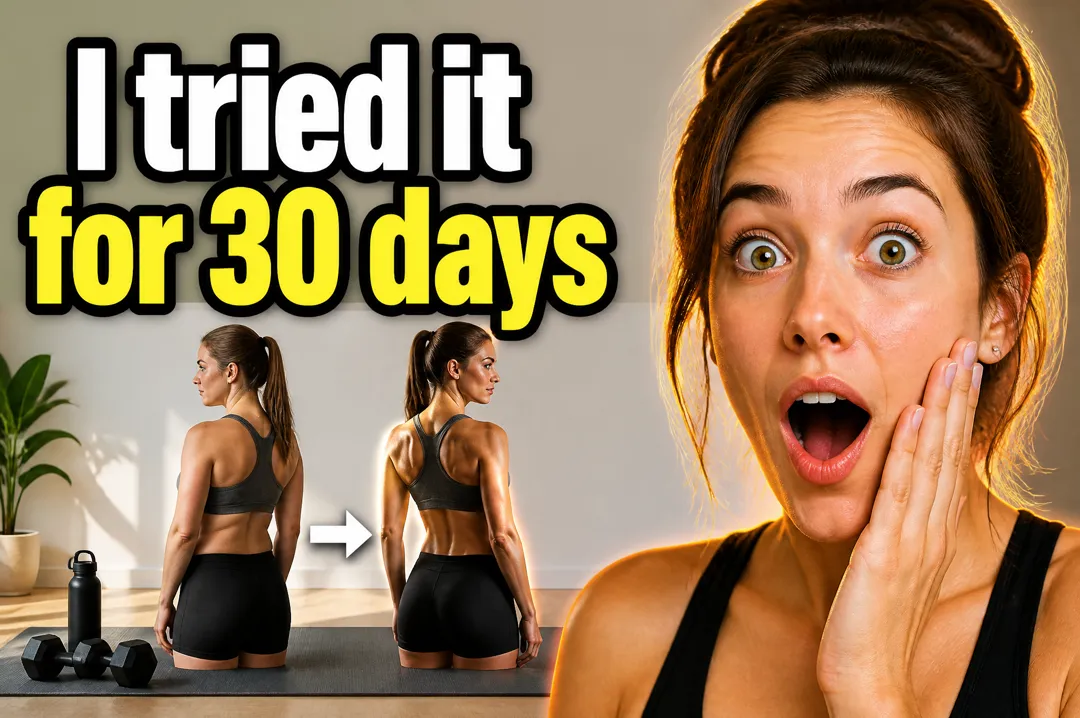
Type the words for your thumbnail, say what the video is about, pick a style, and get a landscape YouTube thumbnail with your text set large and legible.
 AI Image
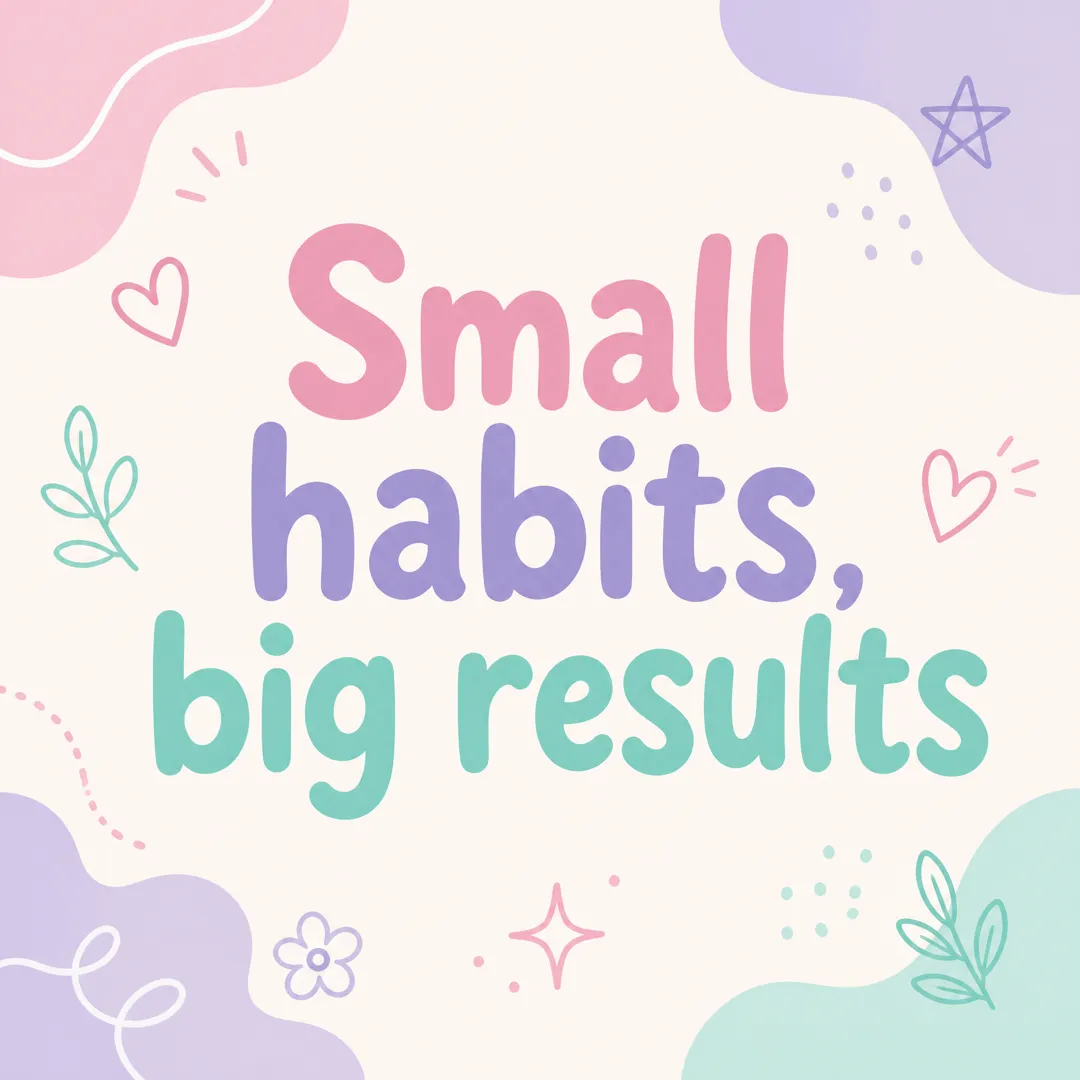
Type a short message, pick a brand vibe, and get a square Instagram post graphic with your words set large and legible, ready to post.
 Research
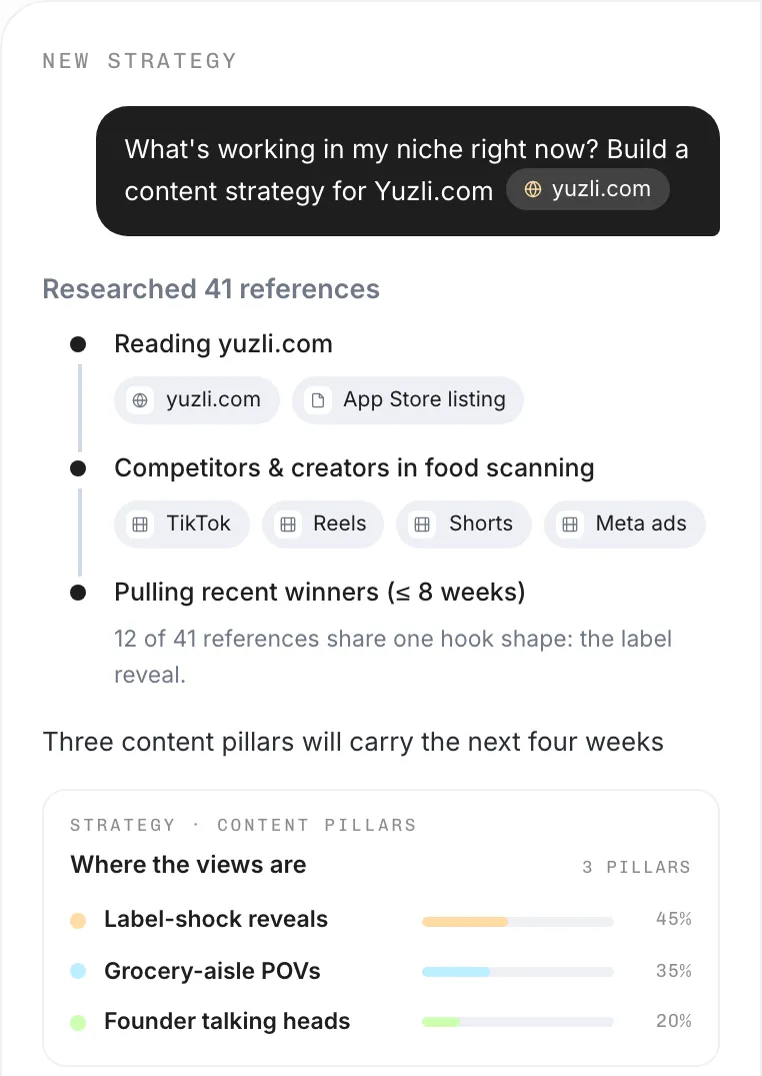
Name your niche and goal, and AdAnt's agents find what is trending on TikTok, Reels and Shorts right now, the hooks behind it, and video ideas you can make.
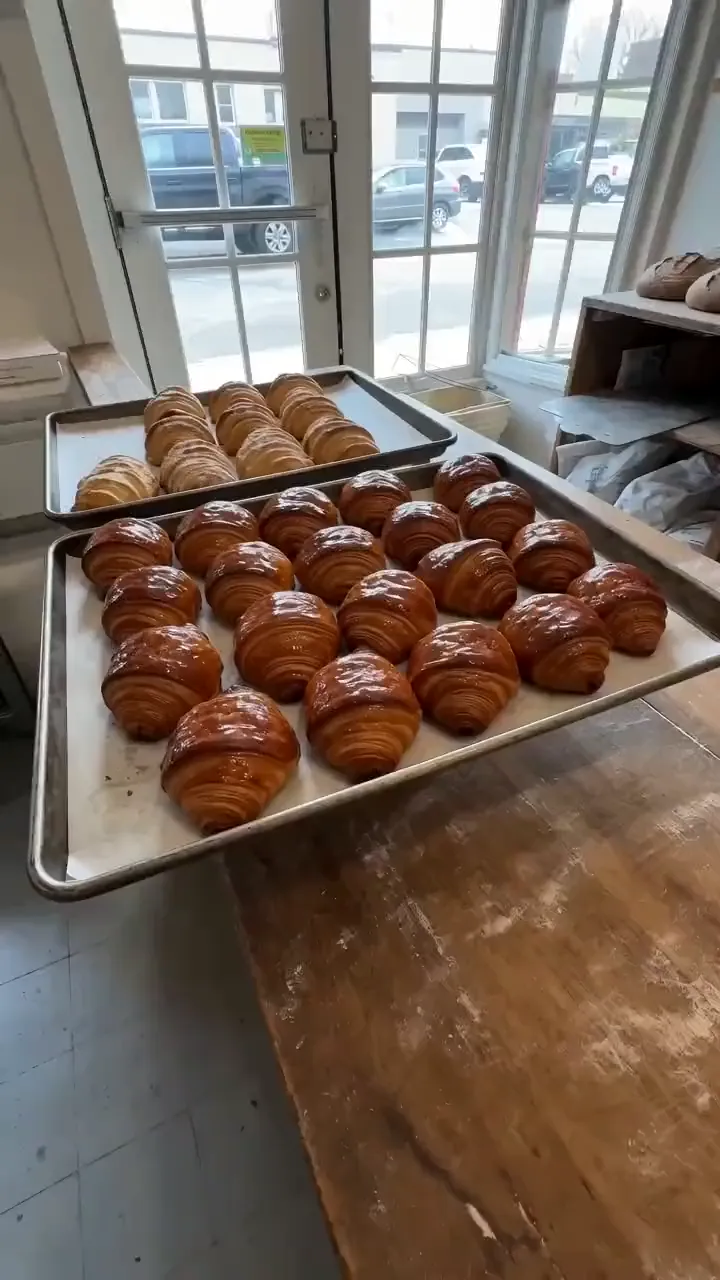 AI Video
An idea in, a phone-style TikTok clip out
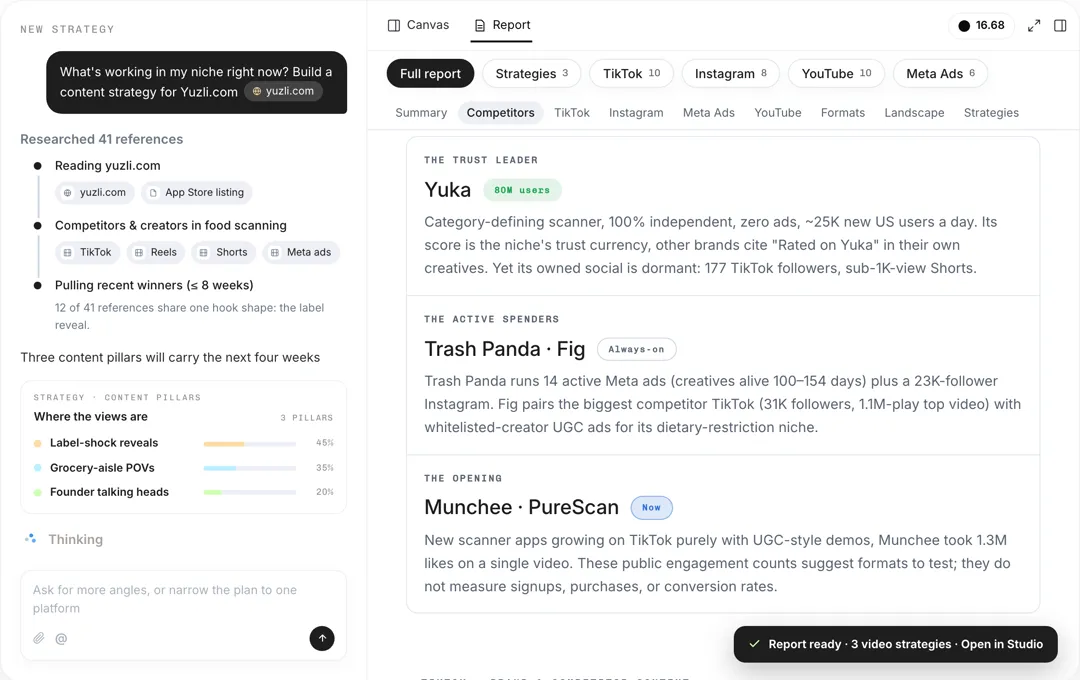 Research
Give your product and platforms, and AdAnt's agents research your audience, competitors and what is working now, then write a content strategy with content pillars, formats, hooks and video ideas.
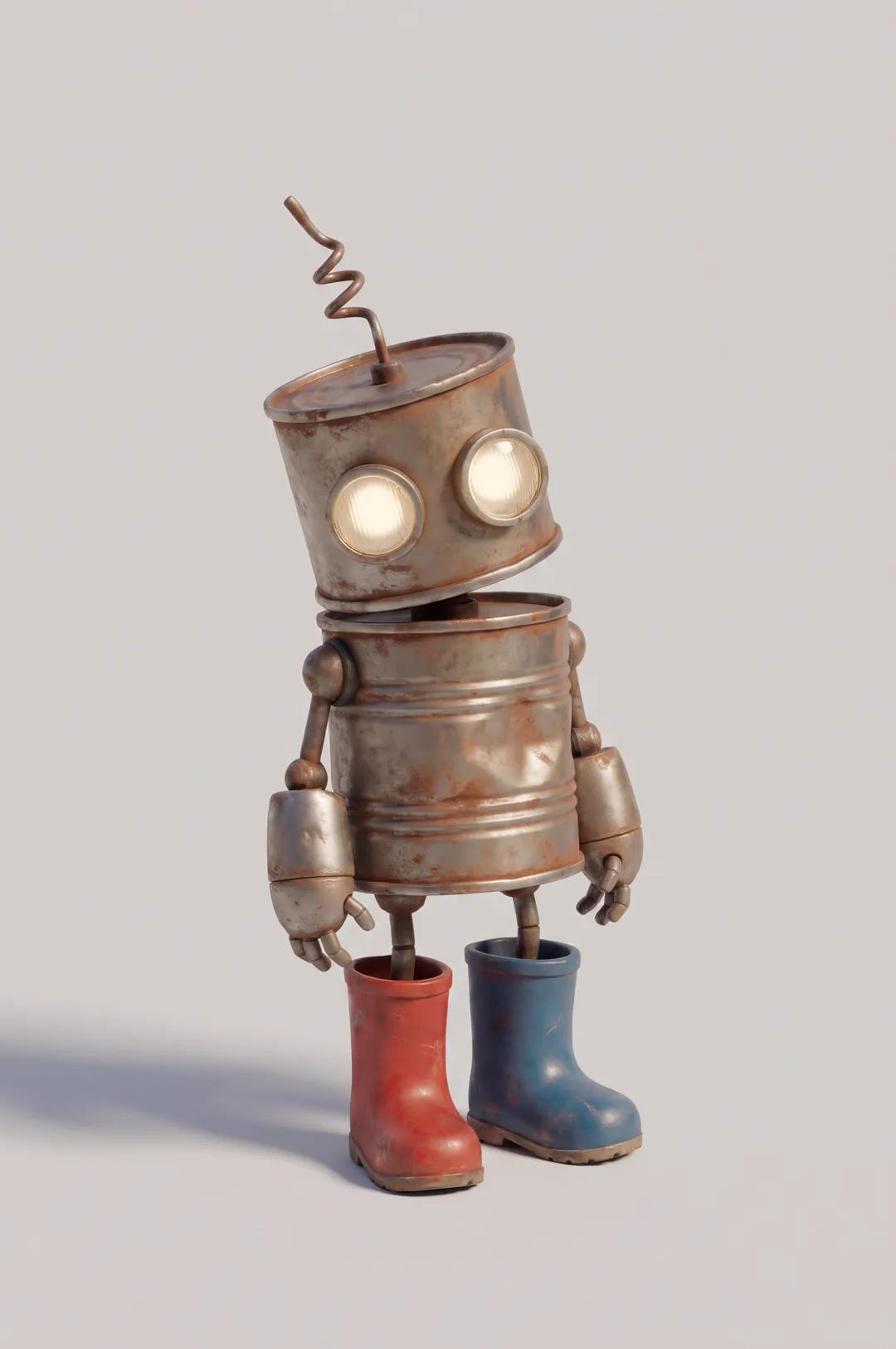 AI Image
Original cartoon and 3D characters
AdAnt's agents research your market, write the script, cast the avatar and make the video in one chat.
Start with AdAnt