Creator channels
Make a clean, high-contrast thumbnail for every upload without opening a design tool, and keep a consistent look across the channel.
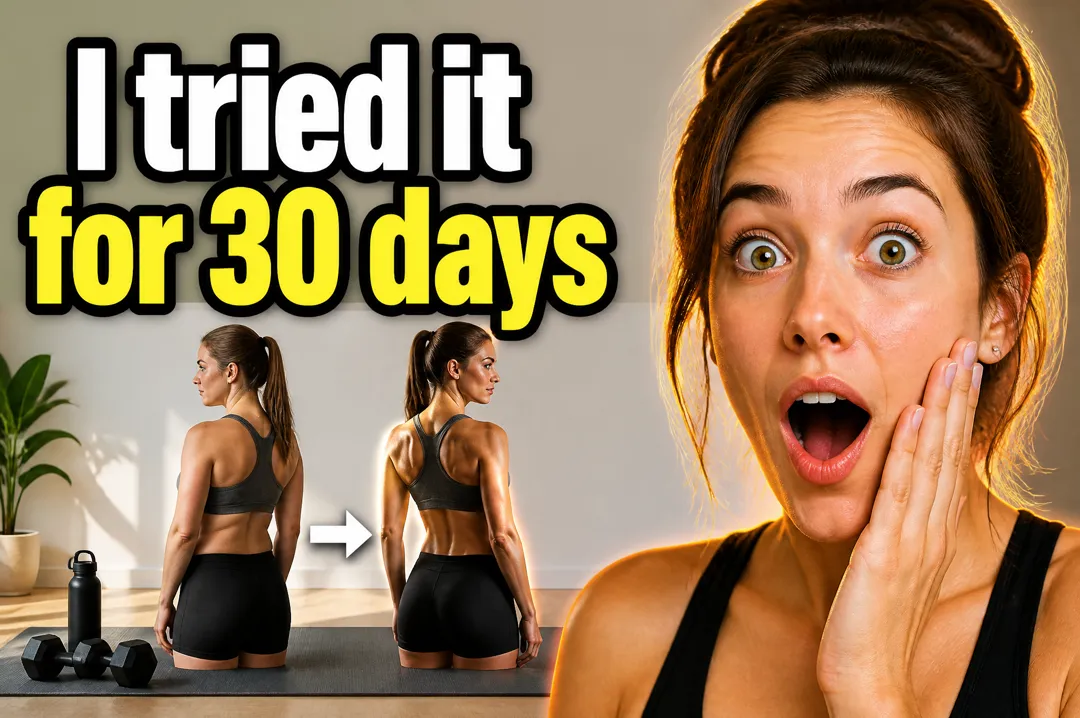
Type the words for your thumbnail, say what the video is about, pick a style, and get a landscape YouTube thumbnail with your text set large and legible.

Free account needed: new accounts get free credits.
A YouTube thumbnail maker designs the still image viewers see before they click a video. AdAnt's AI thumbnail maker builds a landscape thumbnail from your video topic in a common layout, such as a reaction face or a before/after split, with your text rendered large and legible. Creators and brands use AdAnt Studio for the rest of the video workflow too: scripts, voiceovers, B-roll and short-form cut-downs.
Make a clean, high-contrast thumbnail for every upload without opening a design tool, and keep a consistent look across the channel.
Make two or three versions with different styles or text and use YouTube's thumbnail test to keep the one viewers click.
Give tutorials, demos and review videos a thumbnail that shows the result a viewer gets, not just the product.
Turn a long recording into a video people actually click, with the episode's hook as the thumbnail text.
Yes, you can try it free. A new AdAnt account comes with free credits, and one thumbnail uses less than a tenth of a credit.
A landscape 3:2 image, 1536 by 1024. YouTube recommends 16:9 at 1280 by 720, so crop a little from the top and bottom before uploading; the layout keeps the text and faces clear of those edges.
Yes. The images are yours to use on your own videos, including monetized ones and sponsored content.
This page creates a fictional person. In AdAnt Studio you can build an avatar from a photo of yourself and use it in thumbnails and videos.
The model is chosen for legible text and is told to spell your words exactly. Short text is the most reliable, so check it before you upload.
 AI Image
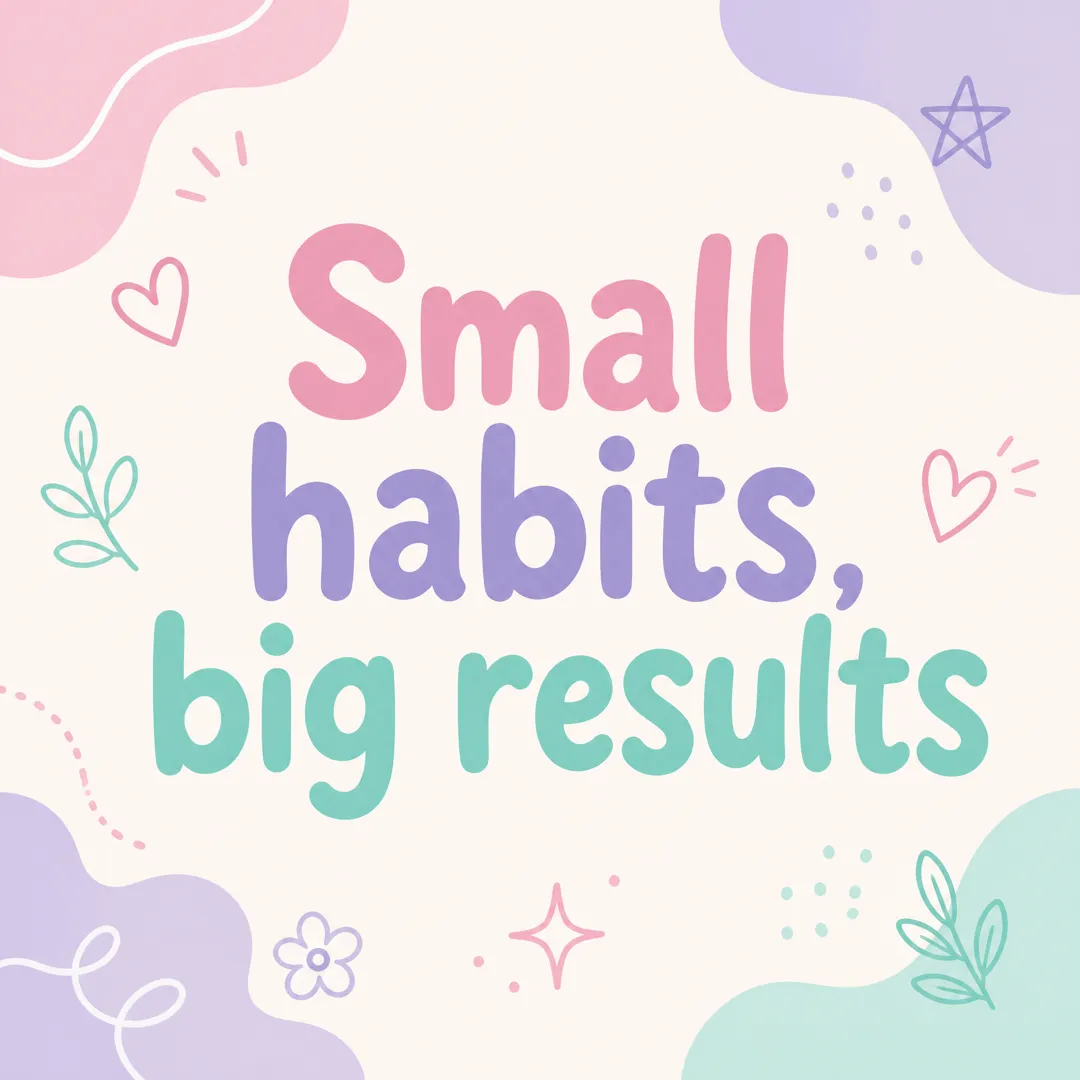
Type a short message, pick a brand vibe, and get a square Instagram post graphic with your words set large and legible, ready to post.
 AI Image
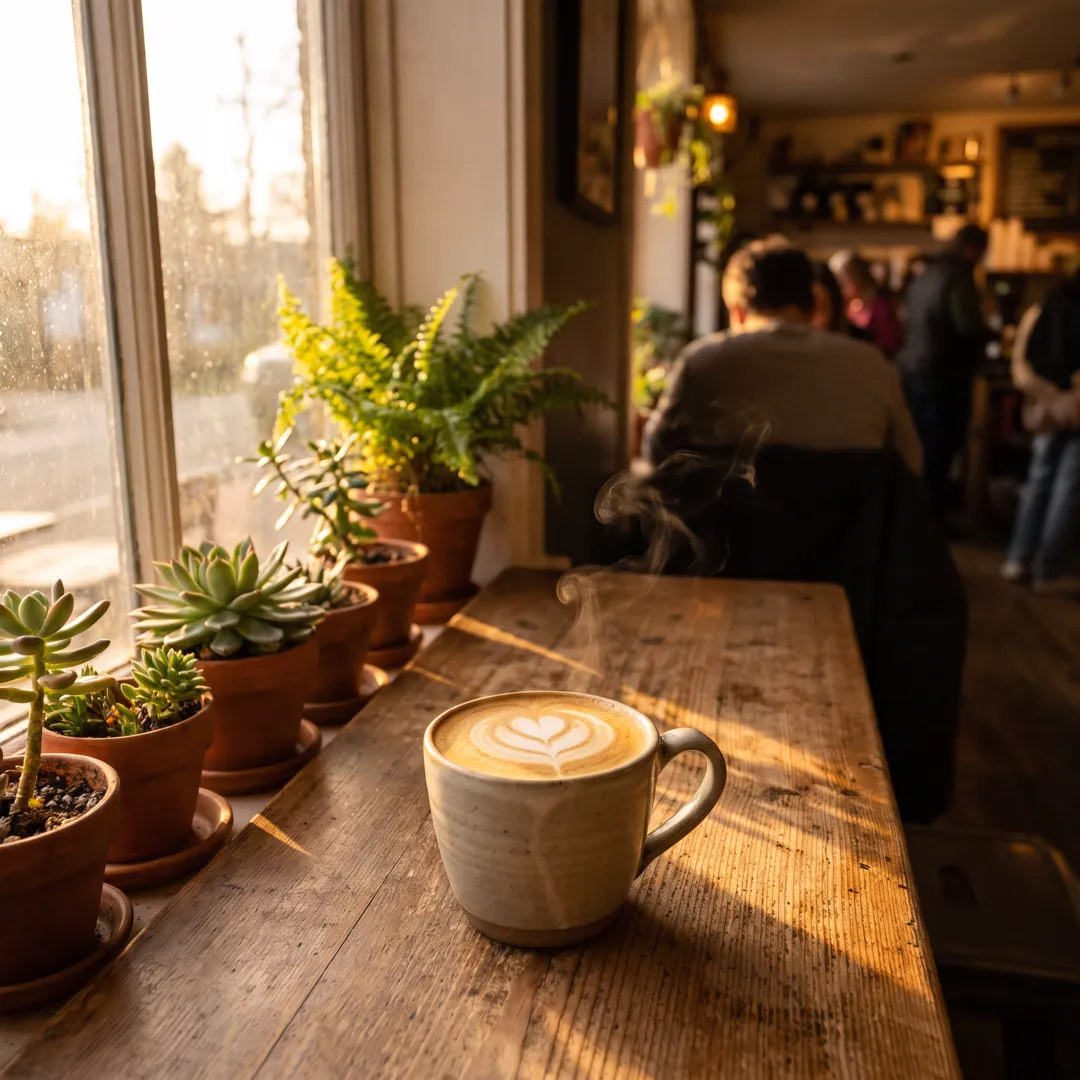
Describe the image you want, pick a style, and get a detailed square image for posts, ads, blogs and product pages.
 AI Ads
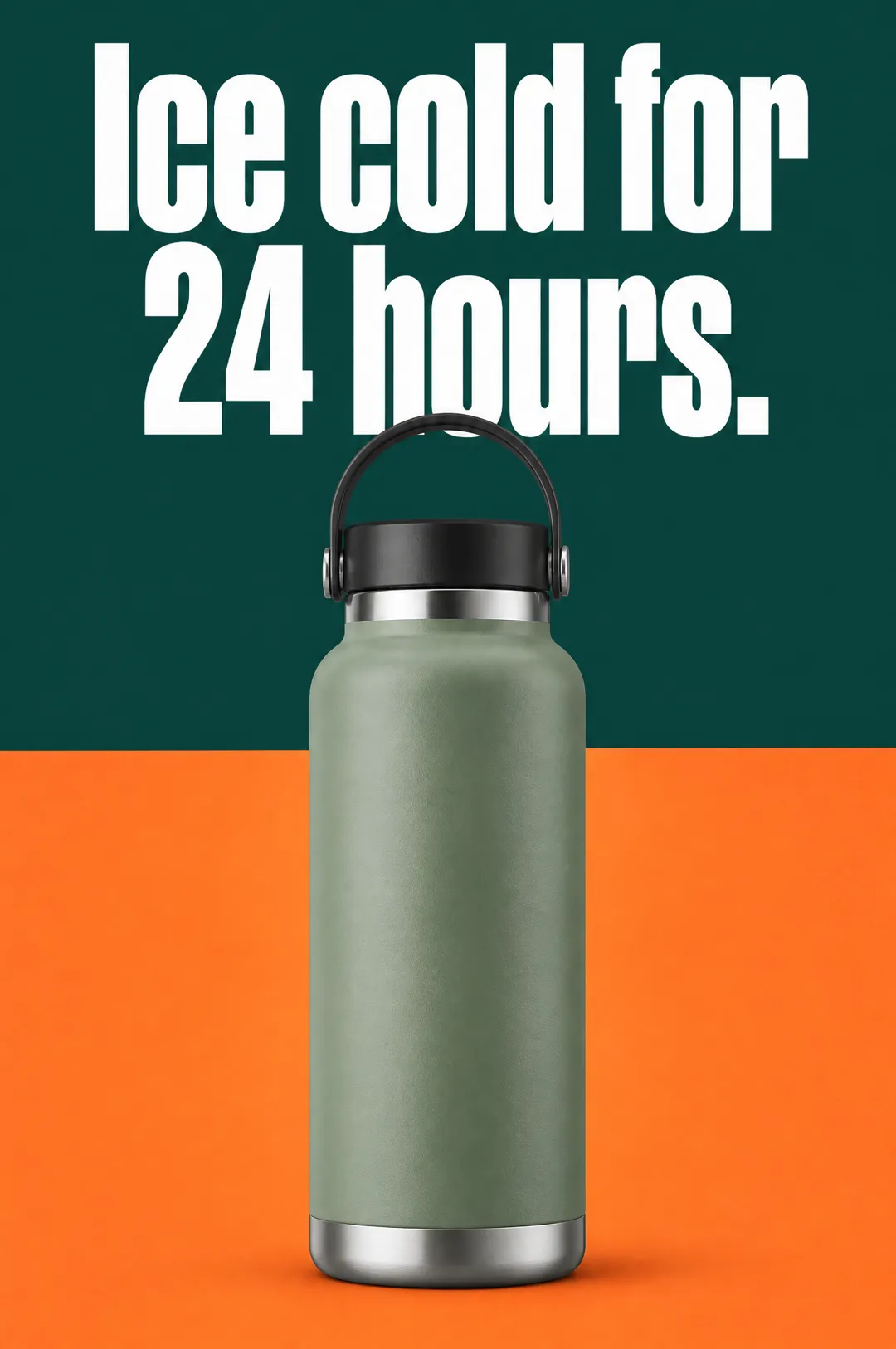
Describe your product, write a headline, pick a style, and get a vertical static ad with the headline set on the image, ready for Meta, TikTok and Pinterest.
 AI Video
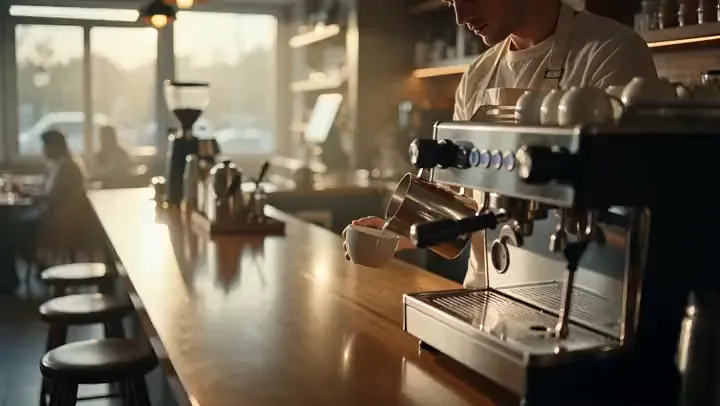
Describe a scene and a camera move and get a 5-second cinematic b-roll clip with natural sound, ready to cut into ads, YouTube videos and Reels.
 AI Image
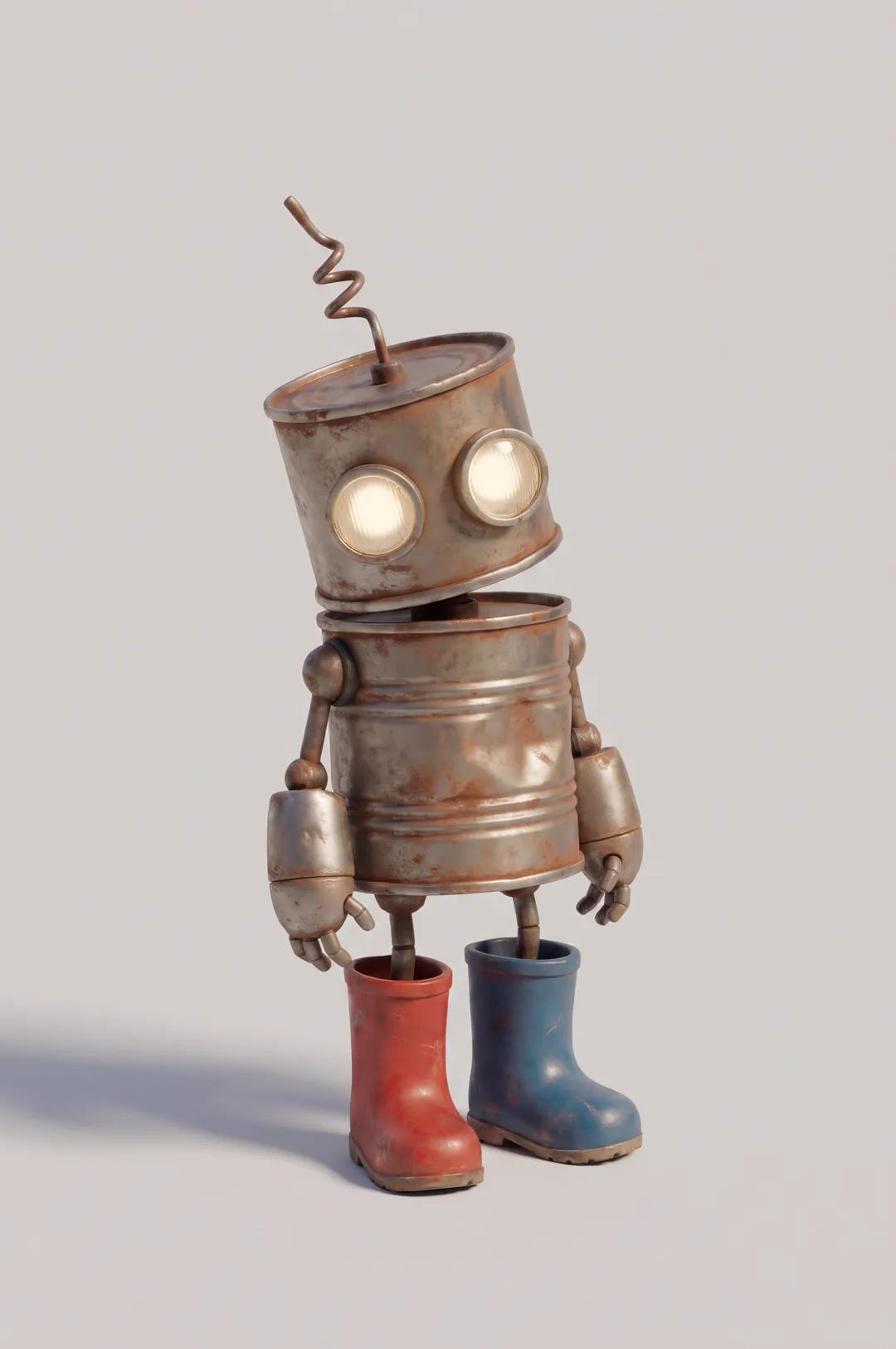
Original cartoon and 3D characters
 AI Image
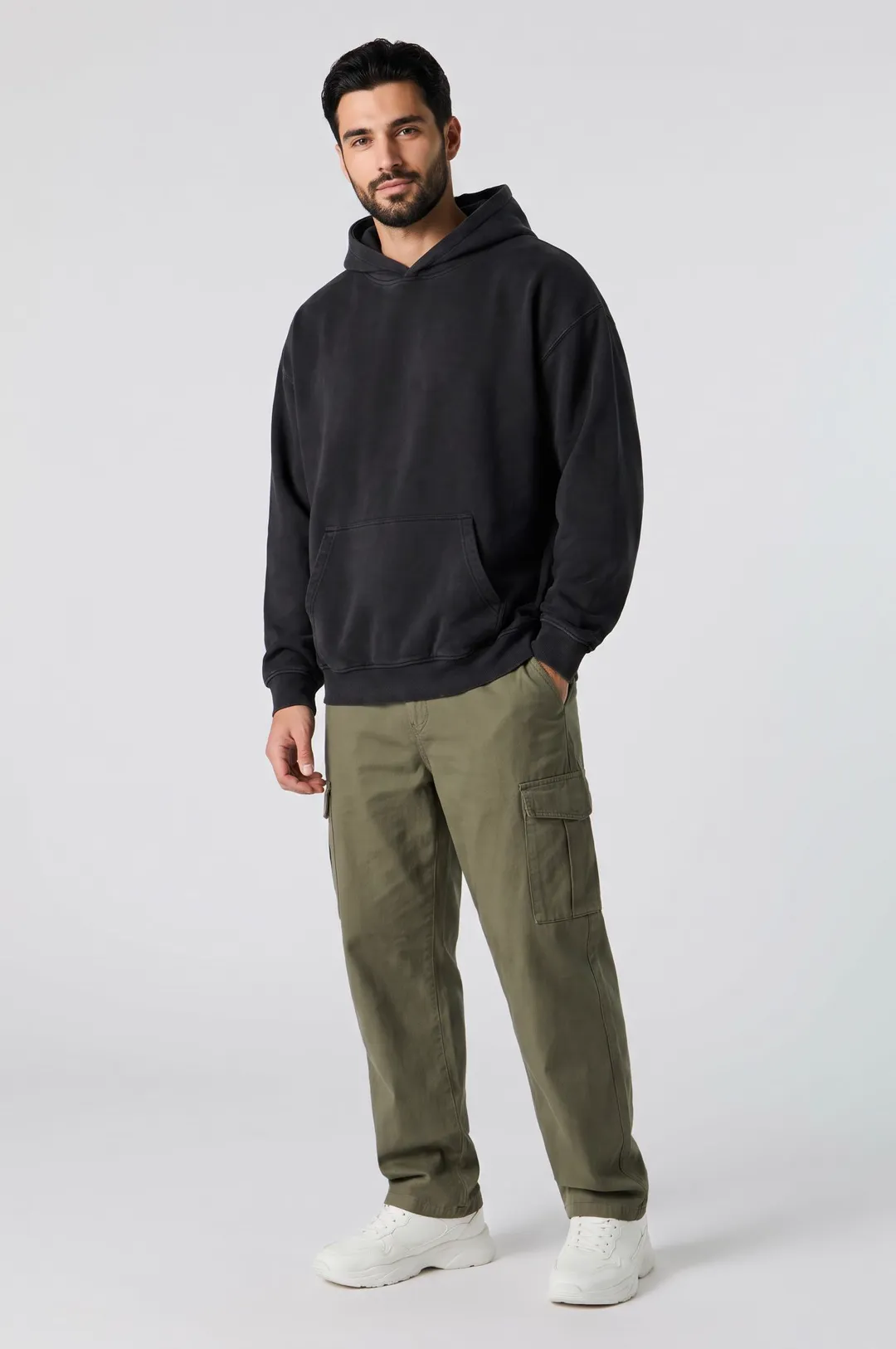
Describe a model and pick a style, and get a photorealistic AI fashion model posed for apparel listings, lookbooks and clothing ads.
AdAnt's agents research your market, write the script, cast the avatar and make the video in one chat.
Start with AdAnt