Blog and newsletter summaries
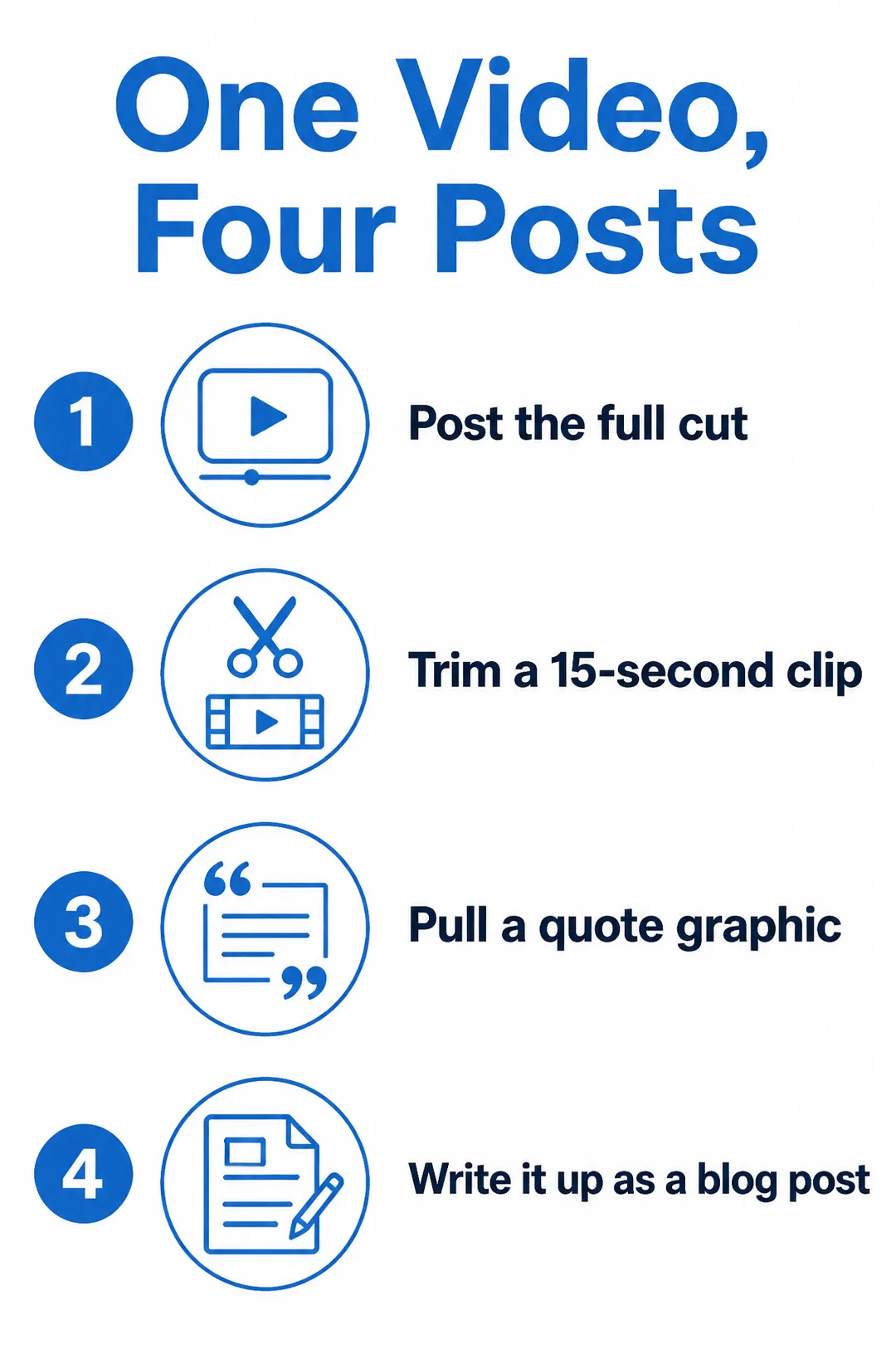
Sum up a post in four steps on one tall image readers save and share on Pinterest.
Write a title and three or four short points, pick a style, and get a vertical infographic with an icon for each point.

Free account needed: new accounts get free credits.
An AI infographic generator turns a title and a short list of points into a designed graphic with icons, numbering and a clear layout. AdAnt's sets your title and points exactly as typed on a tall 2:3 infographic in the style you pick, ready for Pinterest, Instagram or a blog post. In AdAnt Studio the same points can become a carousel, a short explainer video or a scheduled post.
Sum up a post in four steps on one tall image readers save and share on Pinterest.
Show the three steps to set up a feature as a clean graphic for a help article or launch post.
Explain how to use, wash or store a product in a few labelled steps for the product page or Instagram.
Turn a tip from a video or client report into a shareable graphic.
Free to try. New AdAnt accounts get free credits, and one infographic uses less than a tenth of a credit.
Yes. They are yours to use on your site, in posts and in paid promotions.
Three or four short points work best, in one simple column so labels stay large. For a longer list, split it across two infographics.
The model is chosen for legible text and told to use your title and points exactly, with no added statistics. Short labels are most reliable, so check before sharing.
A tall 2:3 image, 1024 by 1536 pixels, which suits Pinterest and a blog column. AdAnt Studio can make square and landscape versions.
 AI Image
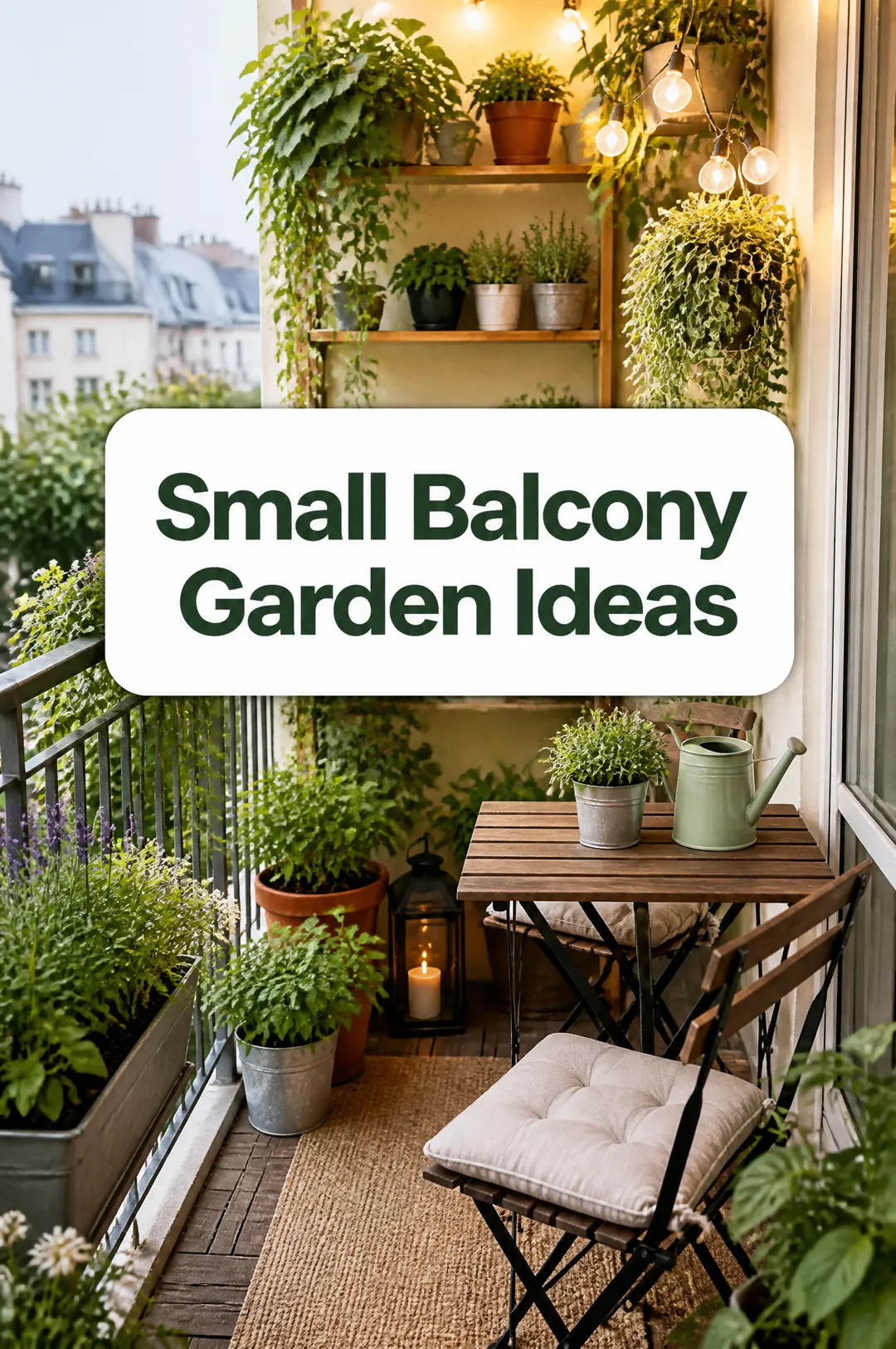
Tall pins with your title on them
 AI Image
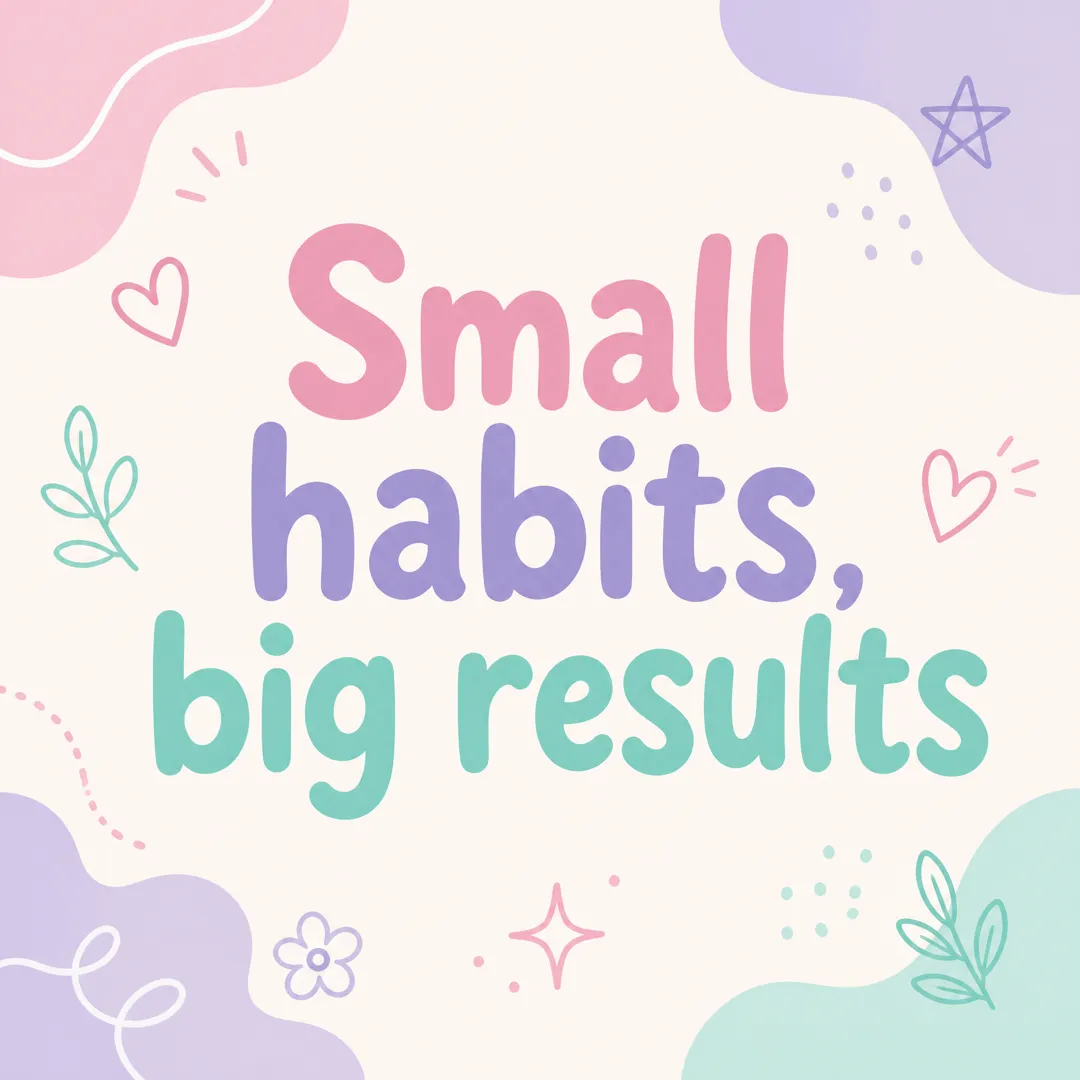
Type a short message, pick a brand vibe, and get a square Instagram post graphic with your words set large and legible, ready to post.
 AI Image
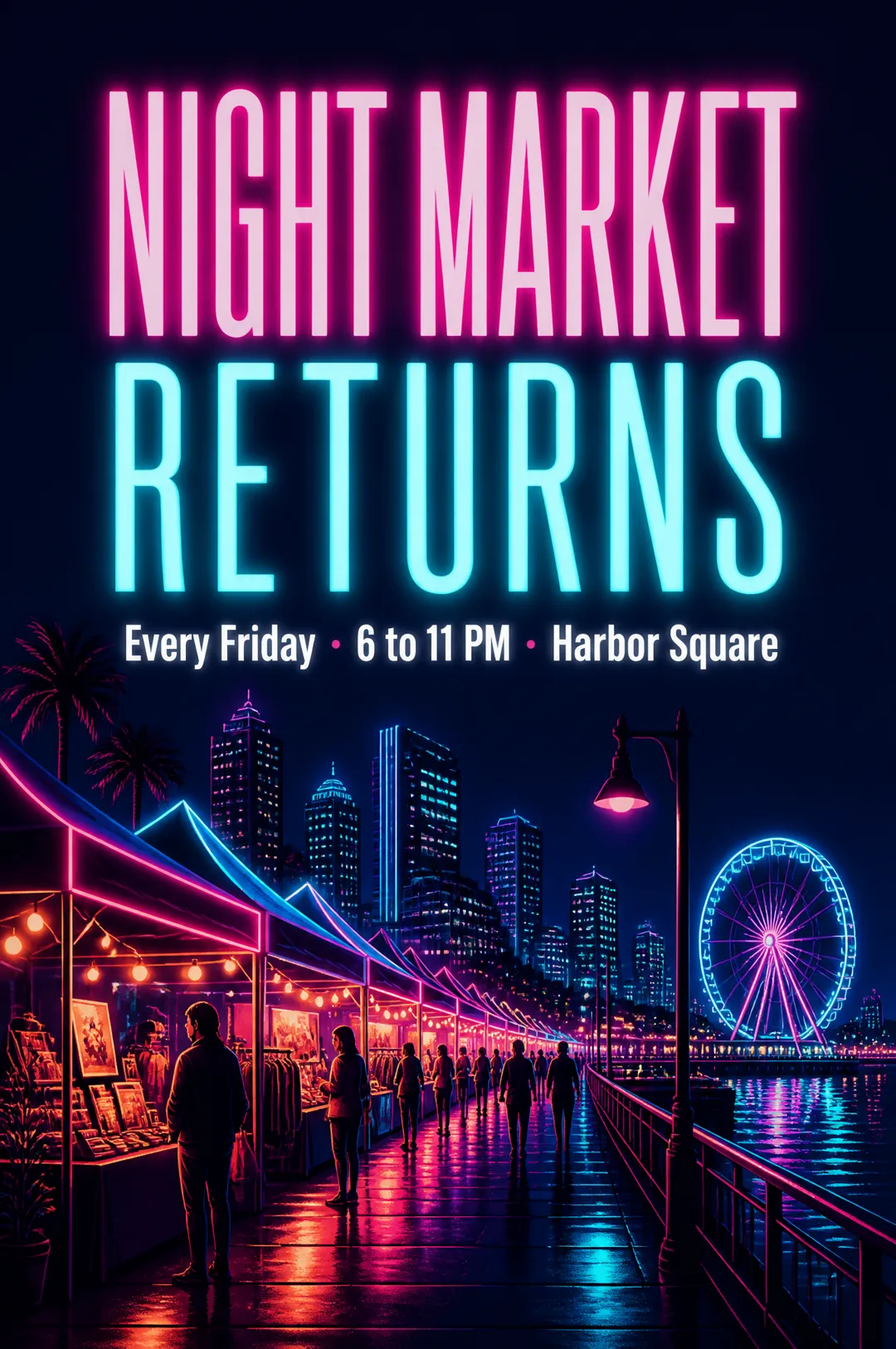
A poster with your headline, ready to post or print
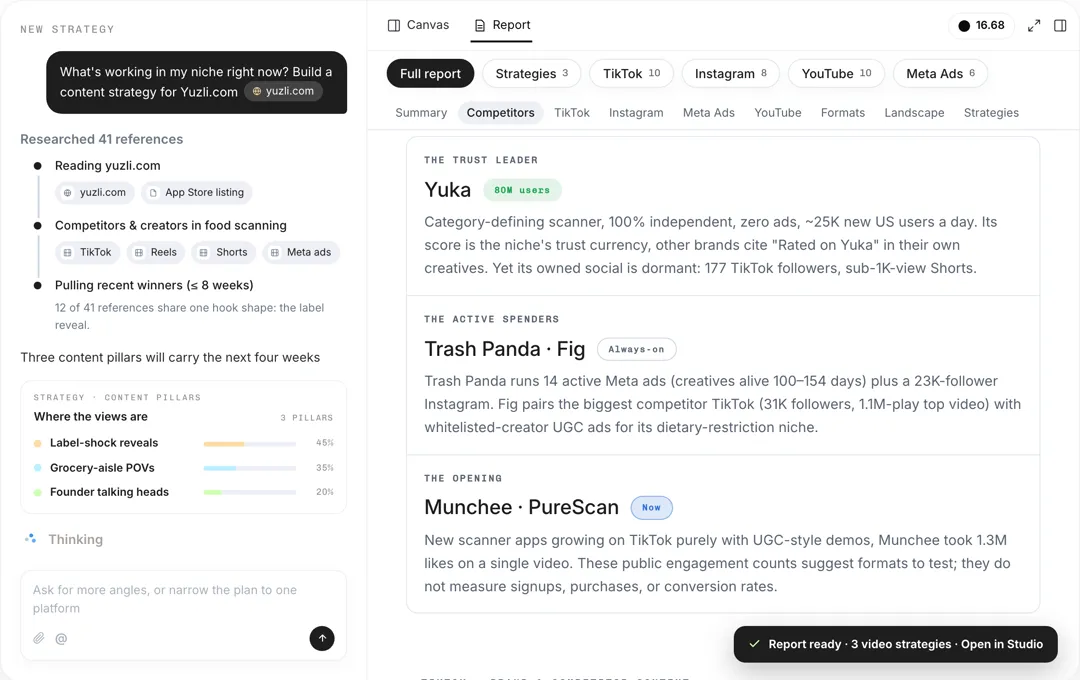 Research
Give your product and platforms, and AdAnt's agents research your audience, competitors and what is working now, then write a content strategy with content pillars, formats, hooks and video ideas.
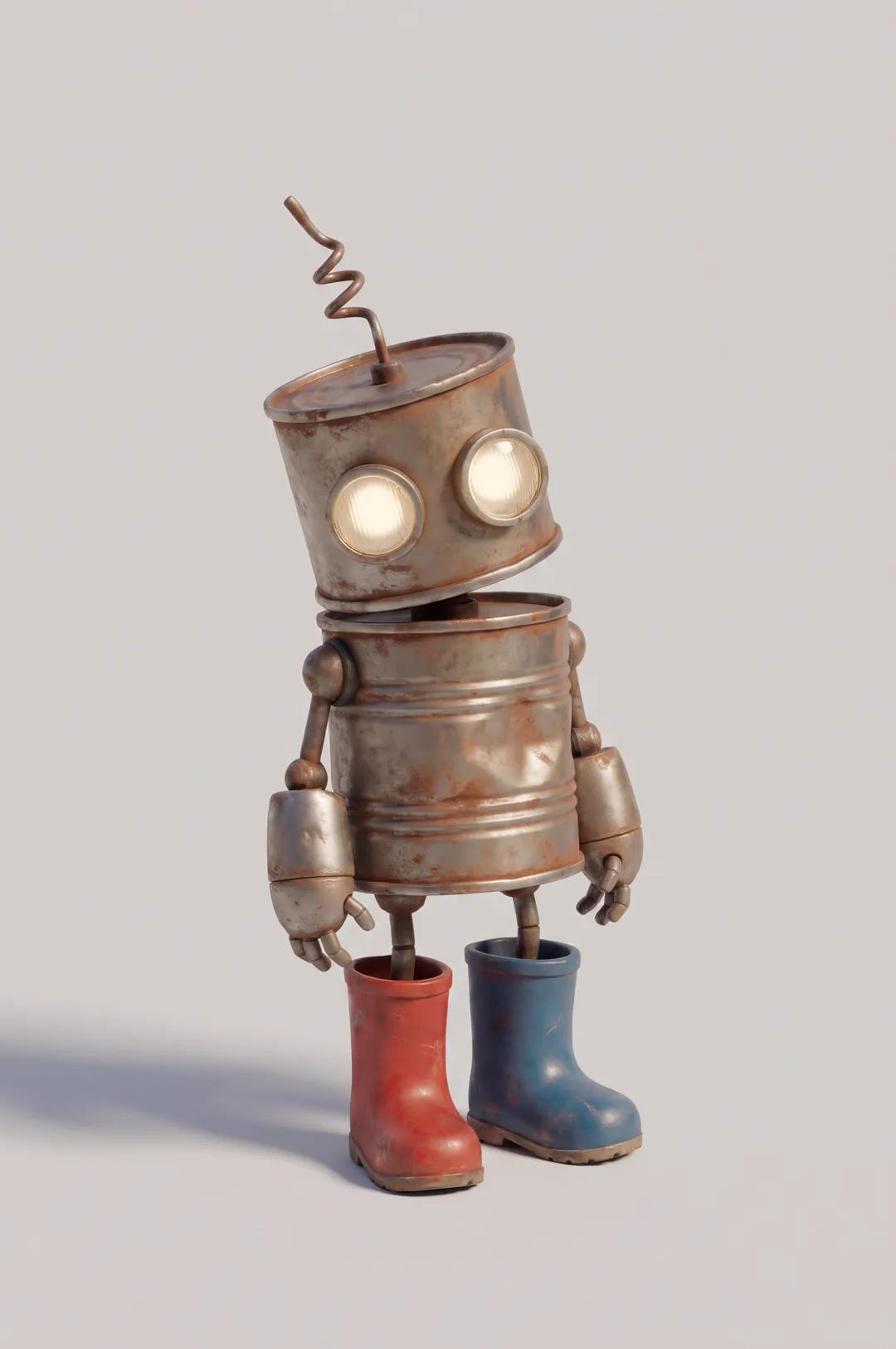 AI Image
Original cartoon and 3D characters
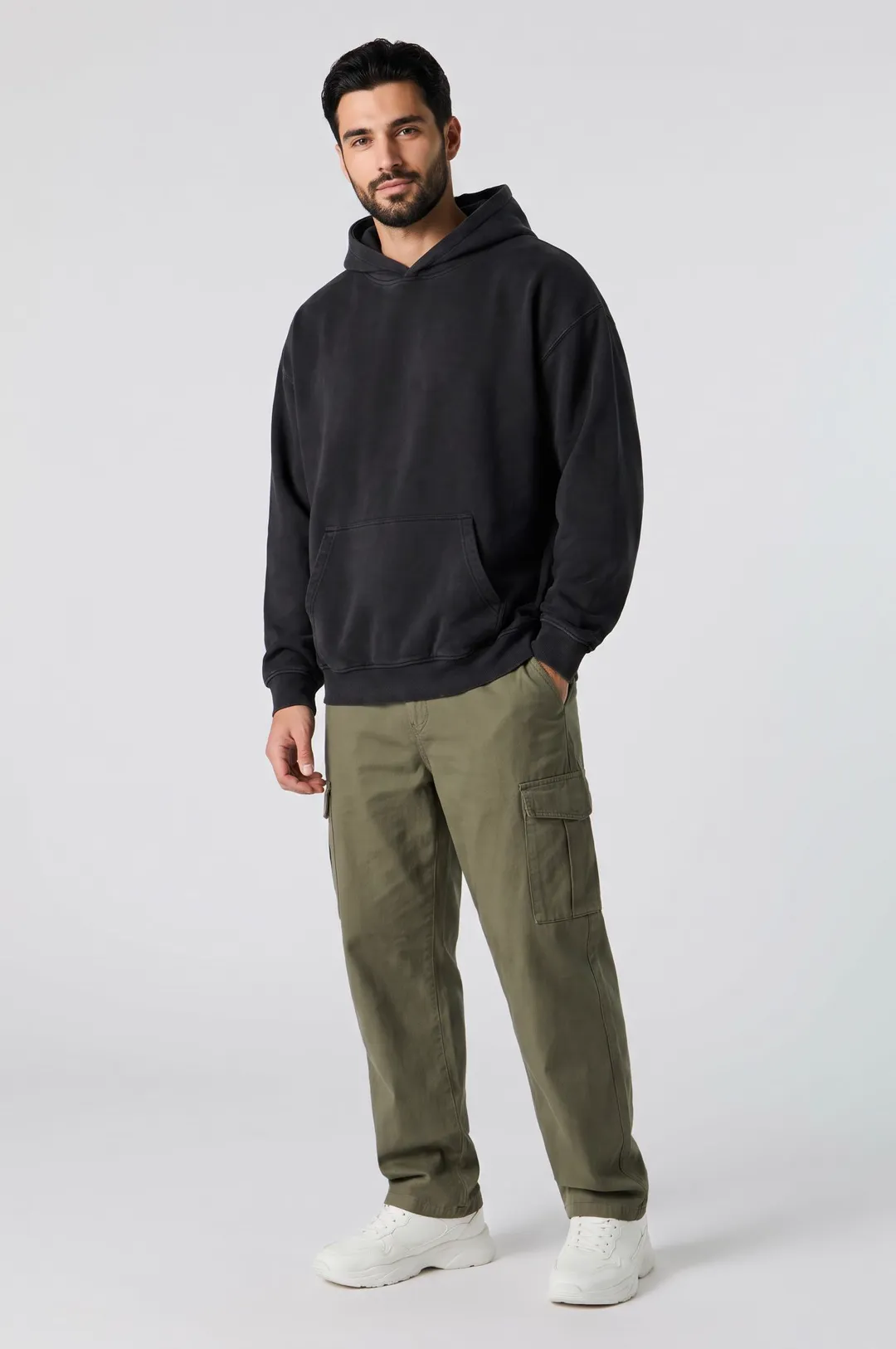 AI Image
Describe a model and pick a style, and get a photorealistic AI fashion model posed for apparel listings, lookbooks and clothing ads.
AdAnt's agents research your market, write the script, cast the avatar and make the video in one chat.
Start with AdAnt