Blog and recipe posts
Give every post its own titled pin to share and link back.
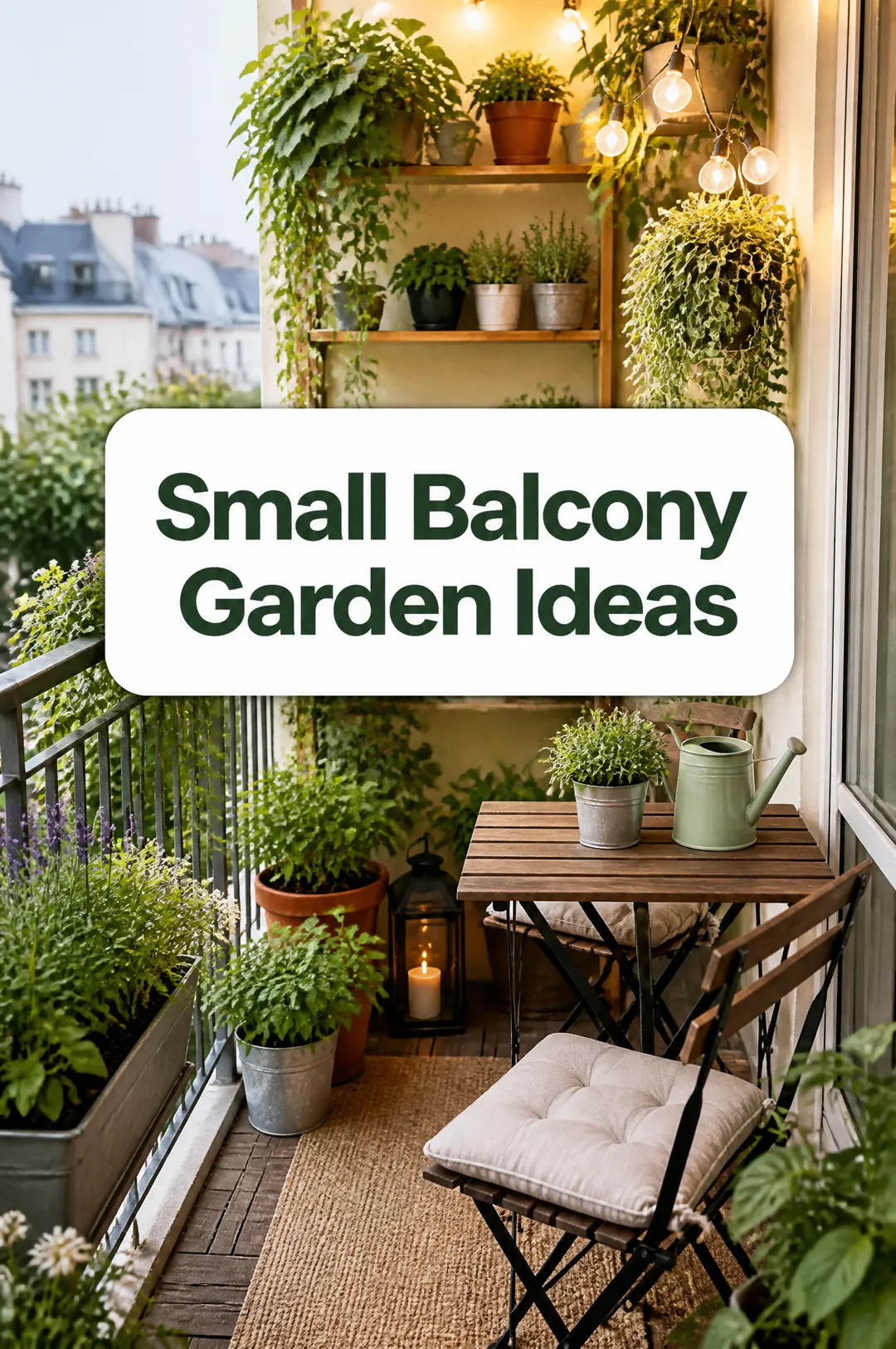
Write a pin title, describe the picture, pick a style, and get a tall 2:3 Pinterest pin with the title on it, ready to pin.

Free account needed: new accounts get free credits.
A Pinterest pin generator makes a tall pin image with a title on it, the format that stands out in Pinterest's grid. AdAnt sets your title on a picture you describe, as a 2:3 pin in the style you pick, so a blog post, product or idea is ready to pin. In AdAnt Studio the same idea can become Instagram posts, short videos and a content plan.
Give every post its own titled pin to share and link back.
Show a product in a styled scene with a short title, like 'Gift Ideas for Plant Lovers'.
Give a florist, interior designer or venue idea pins that show their style.
Turn a tip or free guide into a pin with a clear title, so it gets saved and found.
Yes, you can try it free. A new AdAnt account comes with free credits, and one pin uses less than a tenth of a credit.
A tall 2:3 image, 1024 by 1536 pixels, the shape Pinterest recommends for standard pins.
Yes. They are yours to use on your boards and in promoted pins. Check the image matches what you sell first.
No. Download the pin and upload it in Pinterest with your link. AdAnt Studio schedules and publishes to TikTok and Instagram.
This page makes the picture from your description. In AdAnt Studio you can upload your own photos and build pins from them.
 AI Image
Type a short message, pick a brand vibe, and get a square Instagram post graphic with your words set large and legible, ready to post.
 AI Image
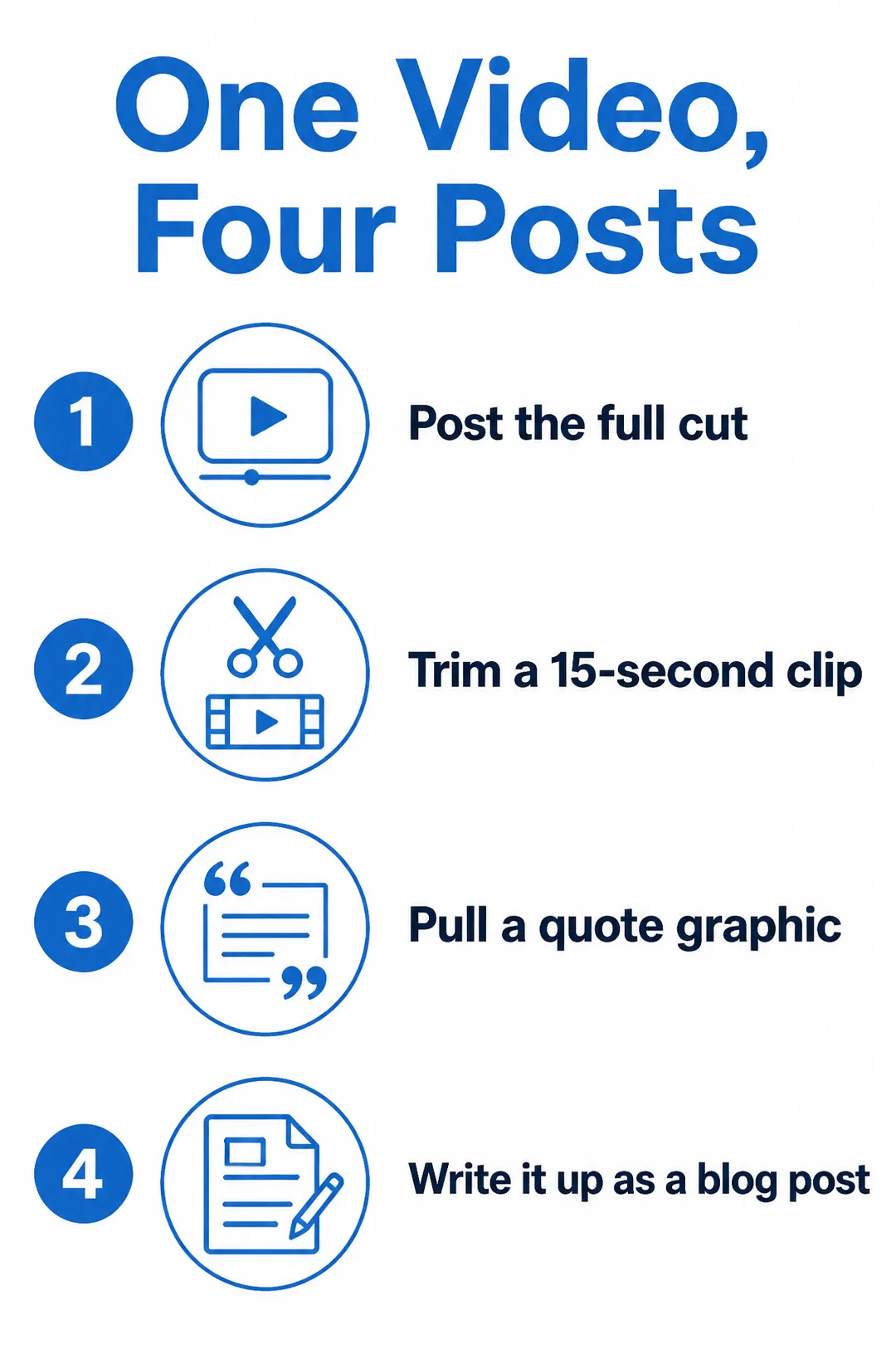
A title and a few points, designed
 AI Image
Describe the image you want, pick a style, and get a detailed square image for posts, ads, blogs and product pages.
 AI Image
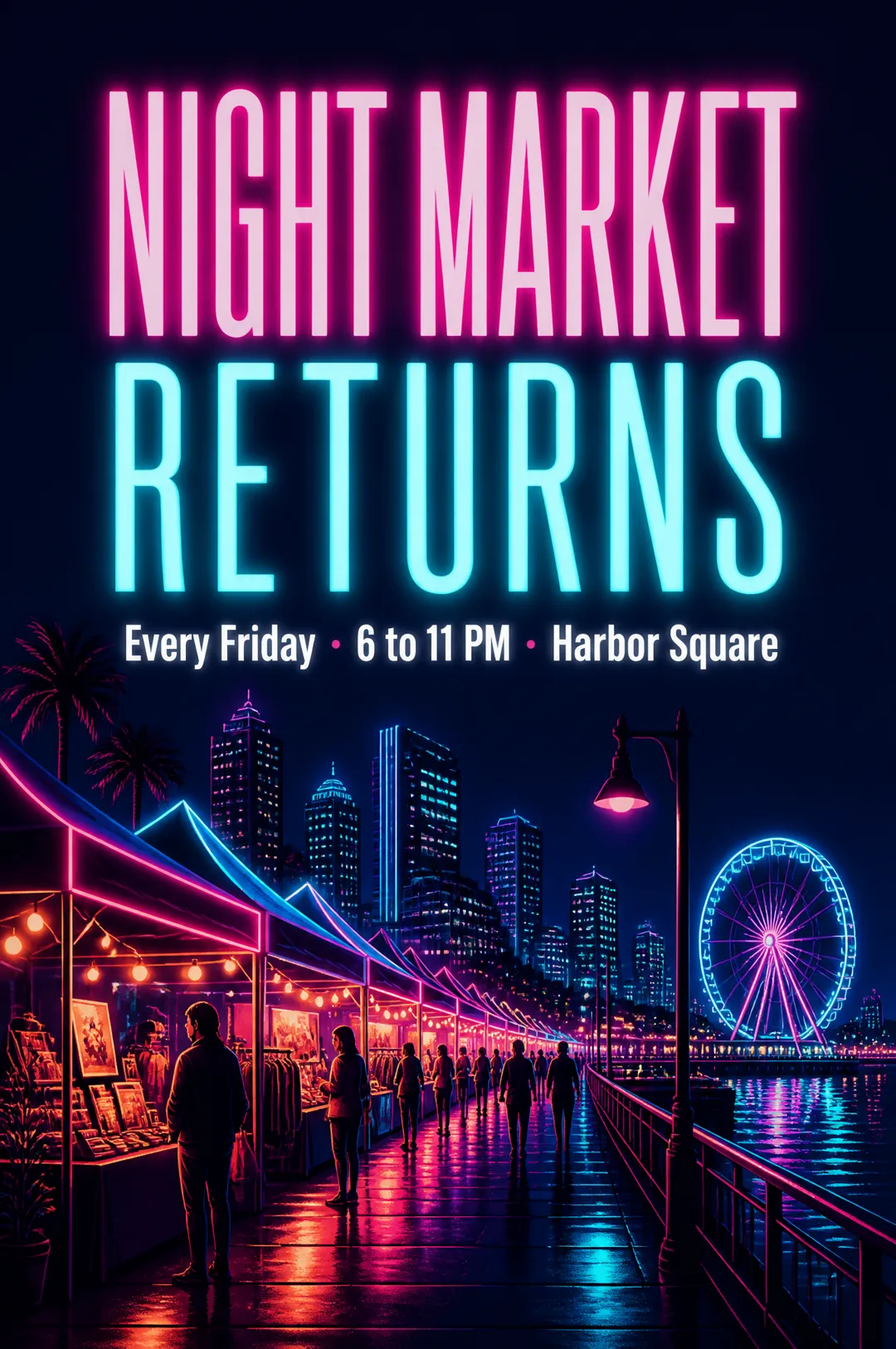
A poster with your headline, ready to post or print
 AI Image
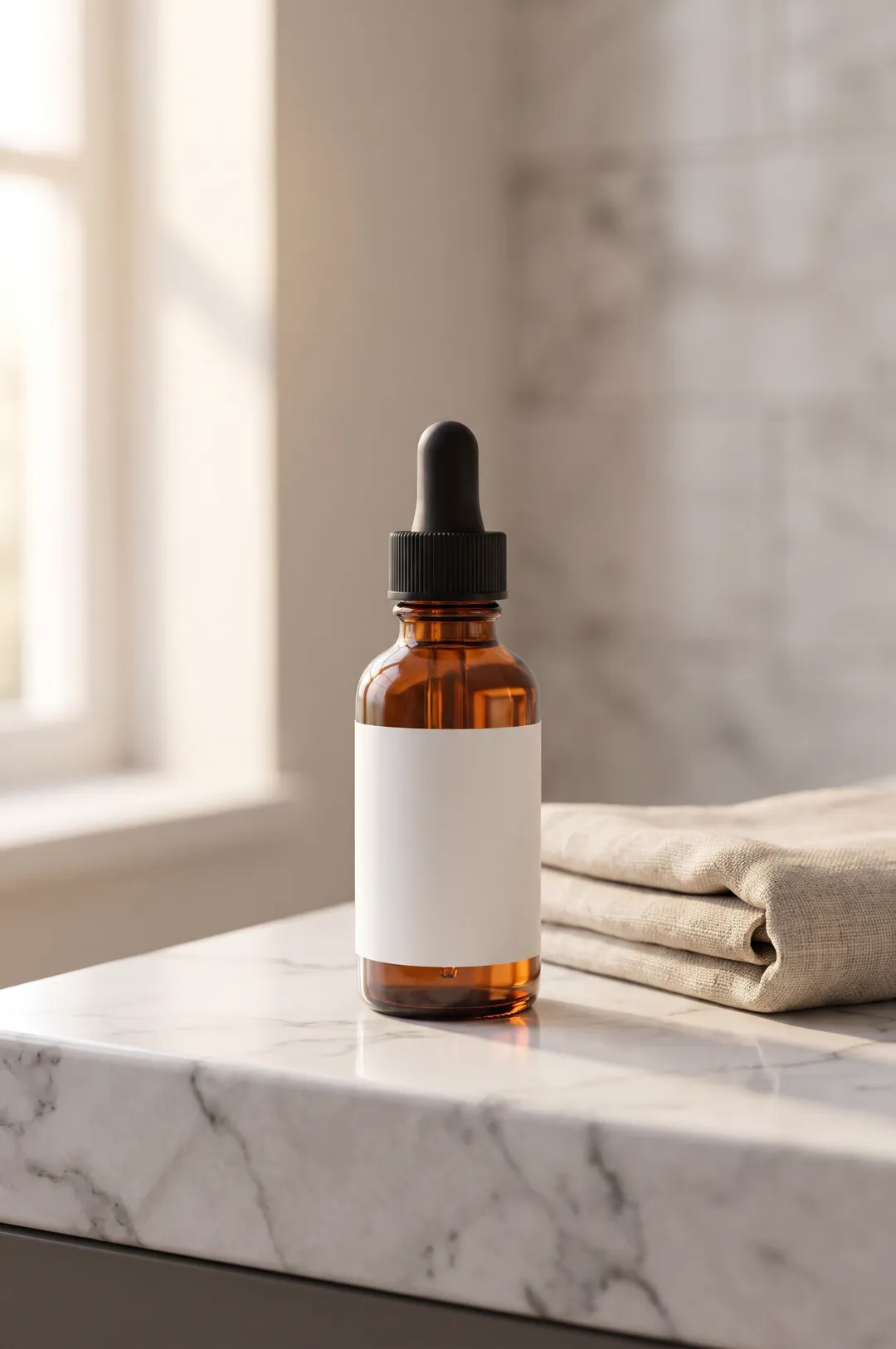
Describe your product or upload a photo of it, pick a scene, and get a styled, photorealistic product photo for your store, ads and social posts.
 AI Image
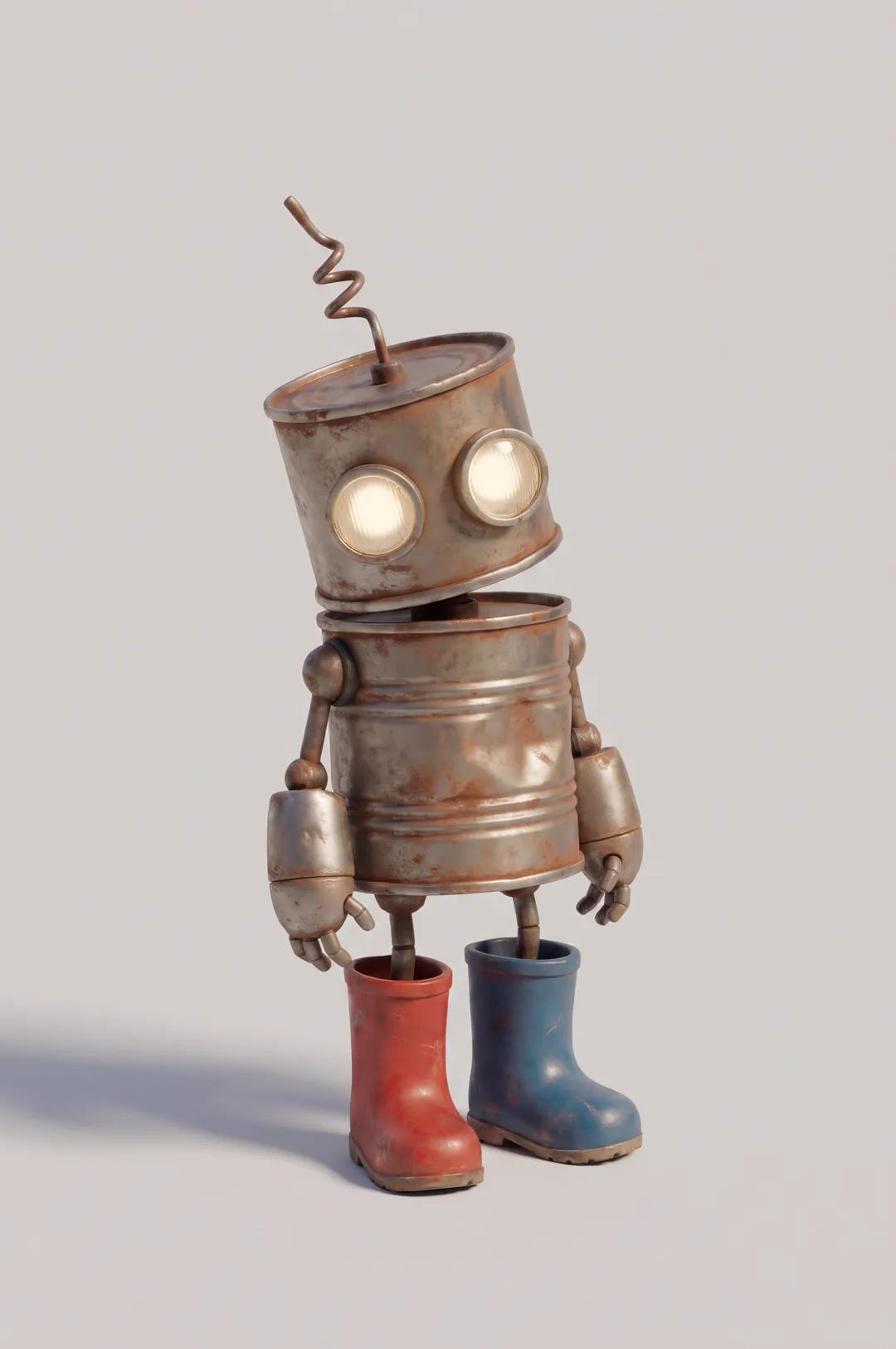
Original cartoon and 3D characters
AdAnt's agents research your market, write the script, cast the avatar and make the video in one chat.
Start with AdAnt