Agent social media
Keep an account posting design-led Reels and TikToks between listings, labeled as AI-generated.
Describe a room or exterior, pick a camera move, and get a 5-second walkthrough shot of an imagined space, wide or vertical.

Free account needed: new accounts get free credits.
An AI real estate video generator makes the smooth, wide shots of property marketing, a walkthrough glide, a slow pan or a drone pull-back, from a description instead of a shoot. AdAnt makes a 5-second clip of an imagined room or exterior with natural sound. It is not a client's real property, so use it for branding and social content, not the listing itself.
Keep an account posting design-led Reels and TikToks between listings, labeled as AI-generated.
Use a wide drone or walkthrough shot behind a homepage headline or agent intro.
Show the intended style of a project in motion before it is built, as a concept.
Pitch a look as a moving moodboard before a client commits.
Free to try. New accounts get free credits, and one 5-second clip with sound uses about 6 credits.
No. It shows an imagined space, so presenting it as the real property would mislead buyers. Use real footage for the listing.
Yes, for branding, social posts and concept content, labeled as AI-generated, within your local advertising rules. Free accounts download a watermarked preview; paid plans remove the watermark.
Not on this page, which works from text. AdAnt Studio can animate a photo; check the result, since a camera move can invent parts of a room.
Yes. Describe the exterior and pick Drone exterior.
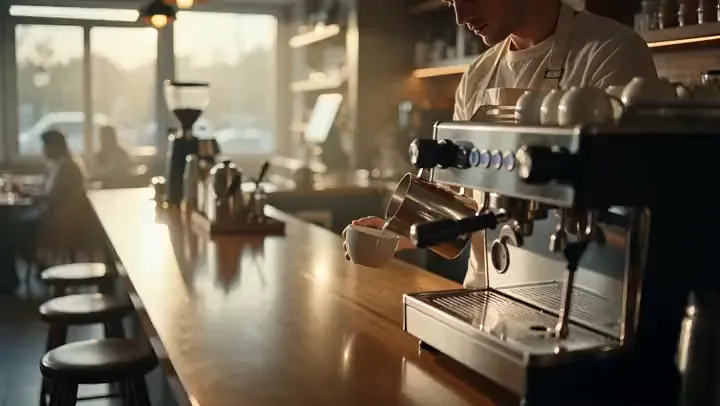 AI Video
Describe a scene and a camera move and get a 5-second cinematic b-roll clip with natural sound, ready to cut into ads, YouTube videos and Reels.
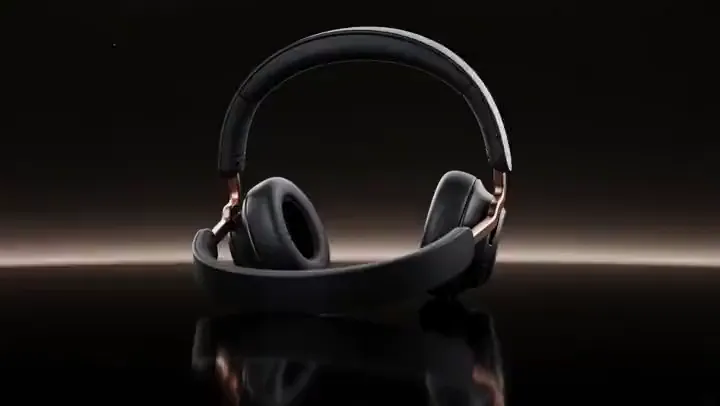 AI Ads
Cinematic TV-style product spots
 AI Video
Describe a scene in a sentence and get a 5-second video clip with matching sound, in the style and shape you pick.
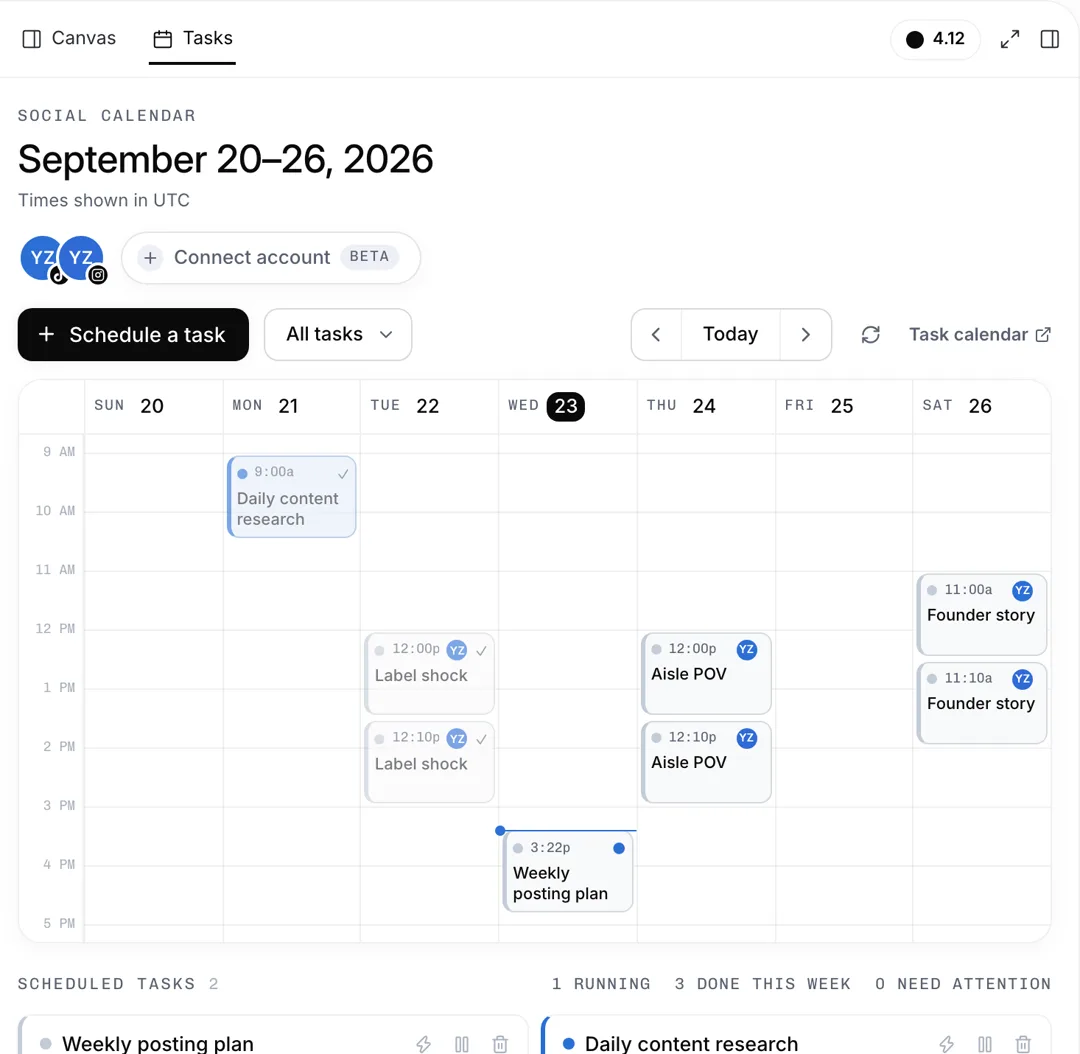 Social Listening
A week of TikTok and Instagram posts, planned
 AI Video
Cel-shaded scenes and anime fights
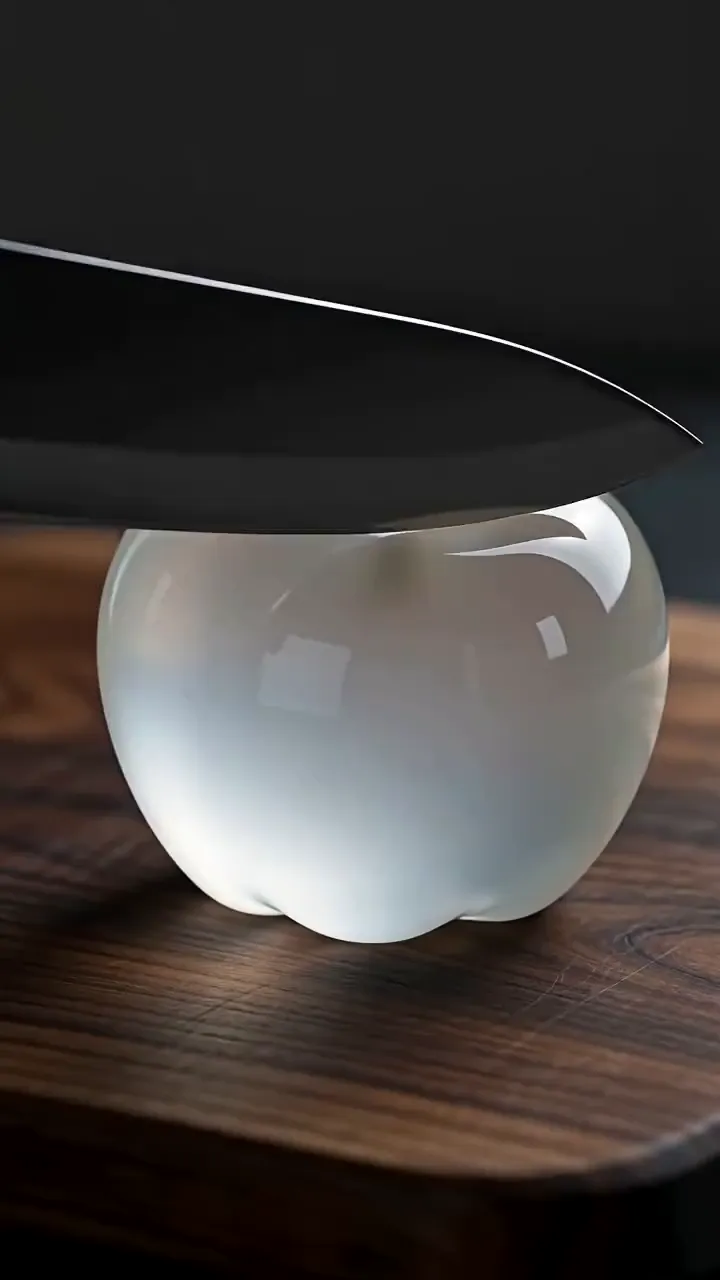 AI Video
Describe something being cut, poured or crushed and get a 5-second macro ASMR clip with close, crisp sound in sync with every movement.
AdAnt's agents research your market, write the script, cast the avatar and make the video in one chat.
Start with AdAnt