Deciding whether to invest in Shorts
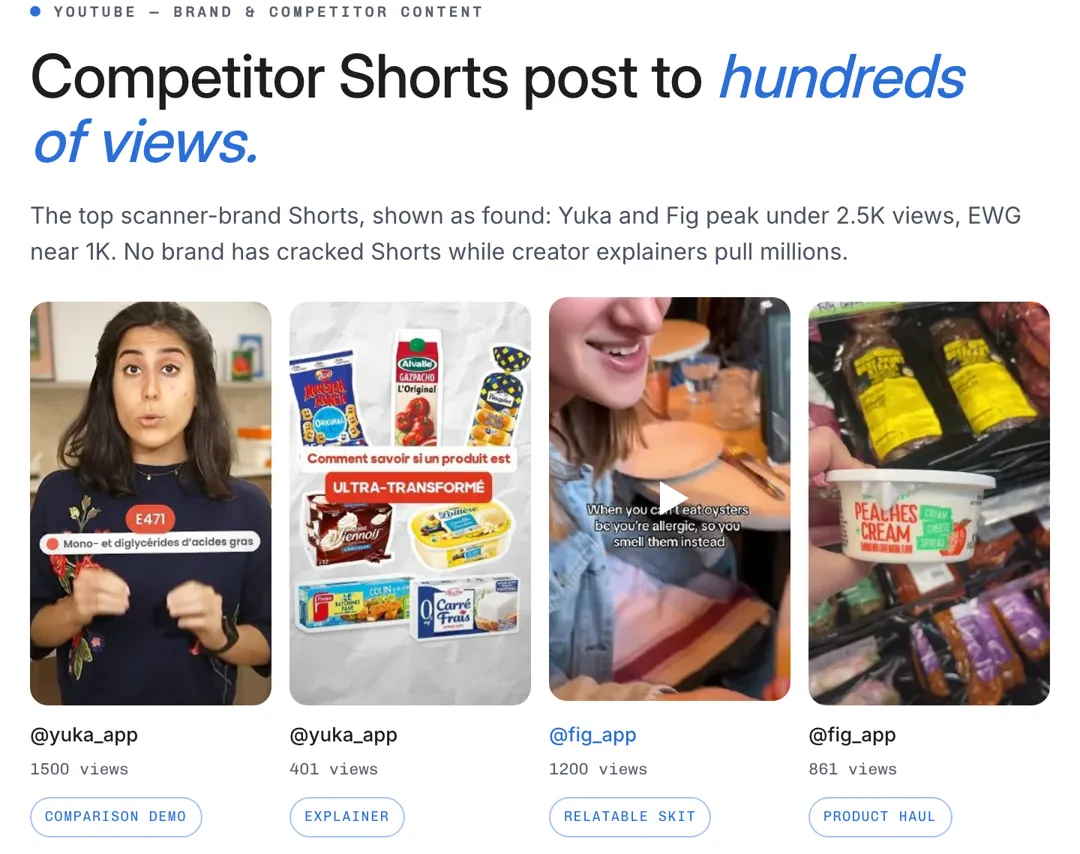
If competitors get few views while creators pull millions, the report shows the gap you can fill.
Name your competitors, and AdAnt's agents study their YouTube channels and Shorts next to the creators in your niche, then show what works and the angles you can take.

Free account needed. It continues in AdAnt Studio.
YouTube competitor analysis is the study of what rival brands post on YouTube and how it performs, to see where they win and where they leave room. AdAnt's tool sends your competitors to AdAnt Studio's agents, which find their channels, pull their most-viewed Shorts, and compare them with the creator Shorts that win in the same niche. The report shows what each competitor does, where the opening is, and Shorts ideas for your product.
If competitors get few views while creators pull millions, the report shows the gap you can fill.
See which demos, explainers and reviews of rival products get watched on YouTube.
Give a client a clear picture of their competitors' YouTube presence and the plan to beat it.
The creators who outperform the brands are often the right partners for your launch.
Yes, you can try it free with the credits a new AdAnt account gets. A research run uses roughly 20 credits, and AdAnt Studio shows the cost before anything is generated. On the Free plan a report shows its summary and top strategy; the full report is part of a paid plan.
It covers Shorts. Long videos are outside the research.
Public YouTube channels and Shorts: views, titles and what is on screen. YouTube gives no upload dates, so ages are marked unverified. Views show attention, not sales, and the report says so.
AdAnt Studio opens with your brief as a new task, and its agents run the research there. The report lands in that task, so you can leave and come back to it.
Yes. Use the Competitor Tracker, which repeats a competitor check on a schedule and emails each report.
 Research
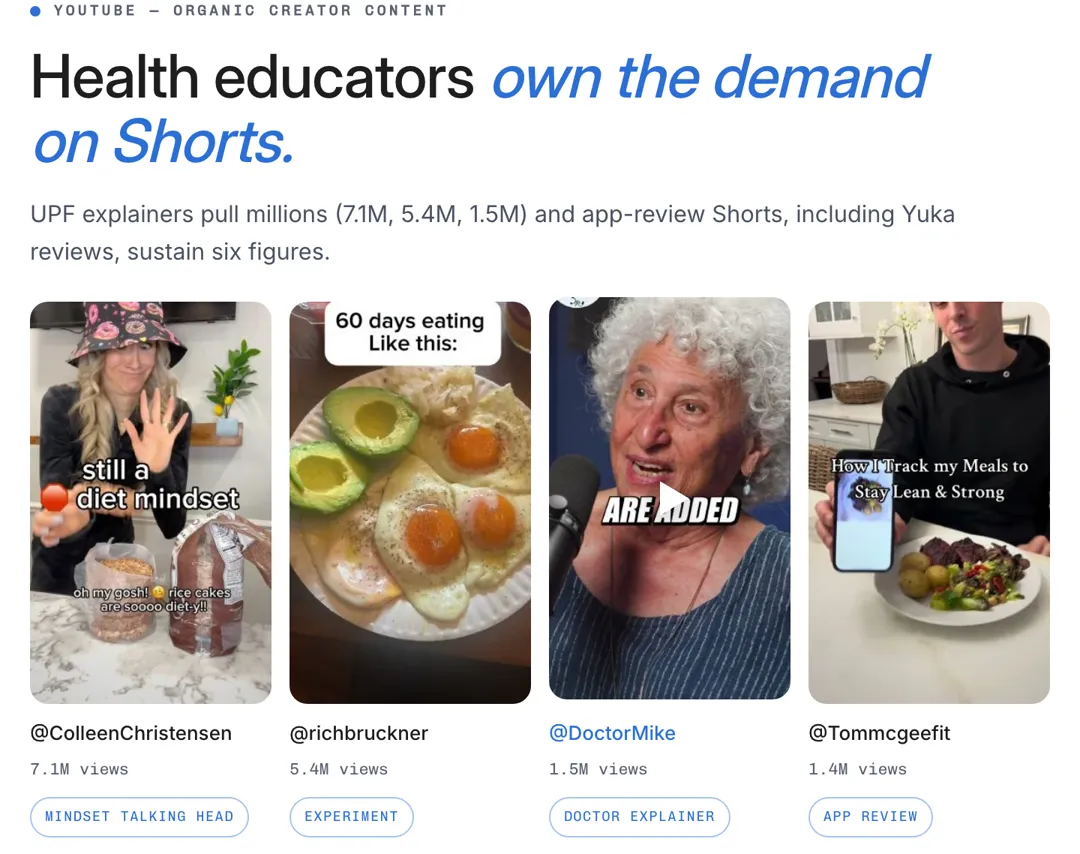
Describe your niche, and AdAnt's agents search YouTube Shorts for the videos with the most views in your niche, then show the channels, formats and hooks behind them.
 Research
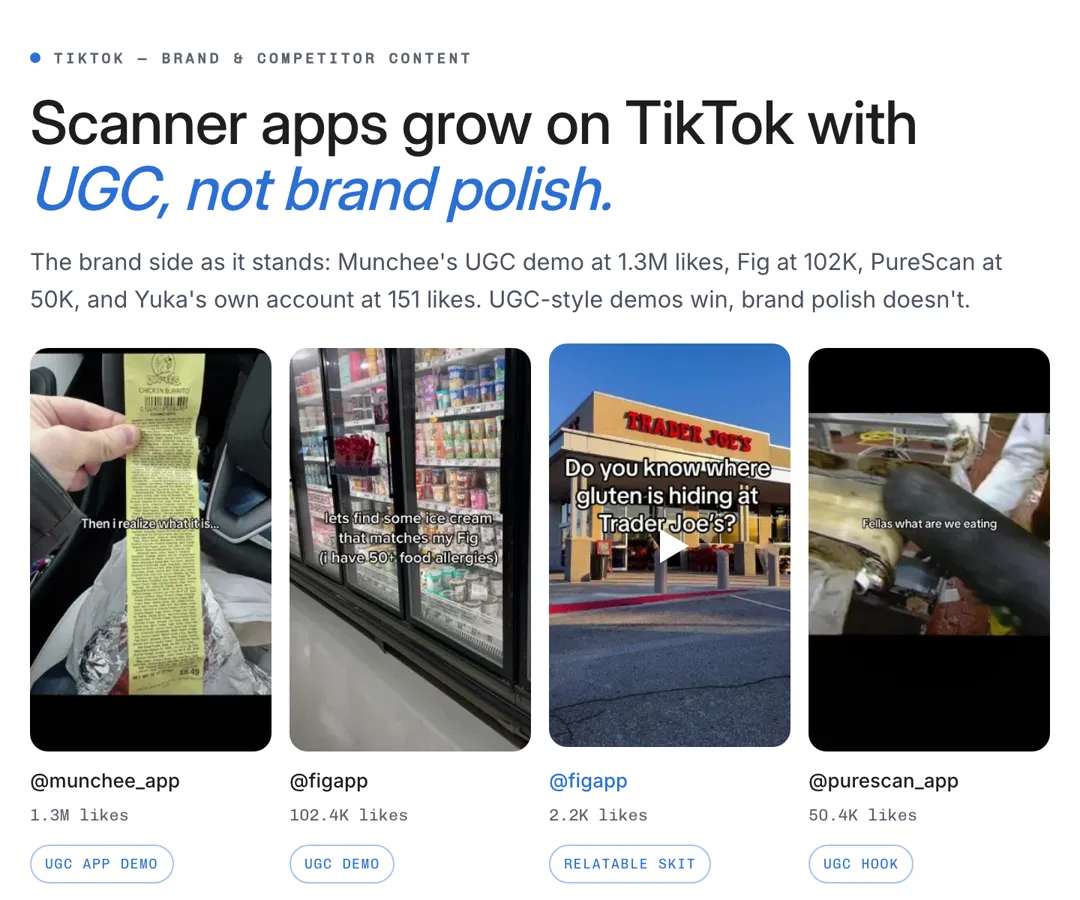
Name your competitors, and AdAnt's agents study their TikTok accounts next to the creators in your niche, then show what each posts, what gets views and the angles you can take.
 Research
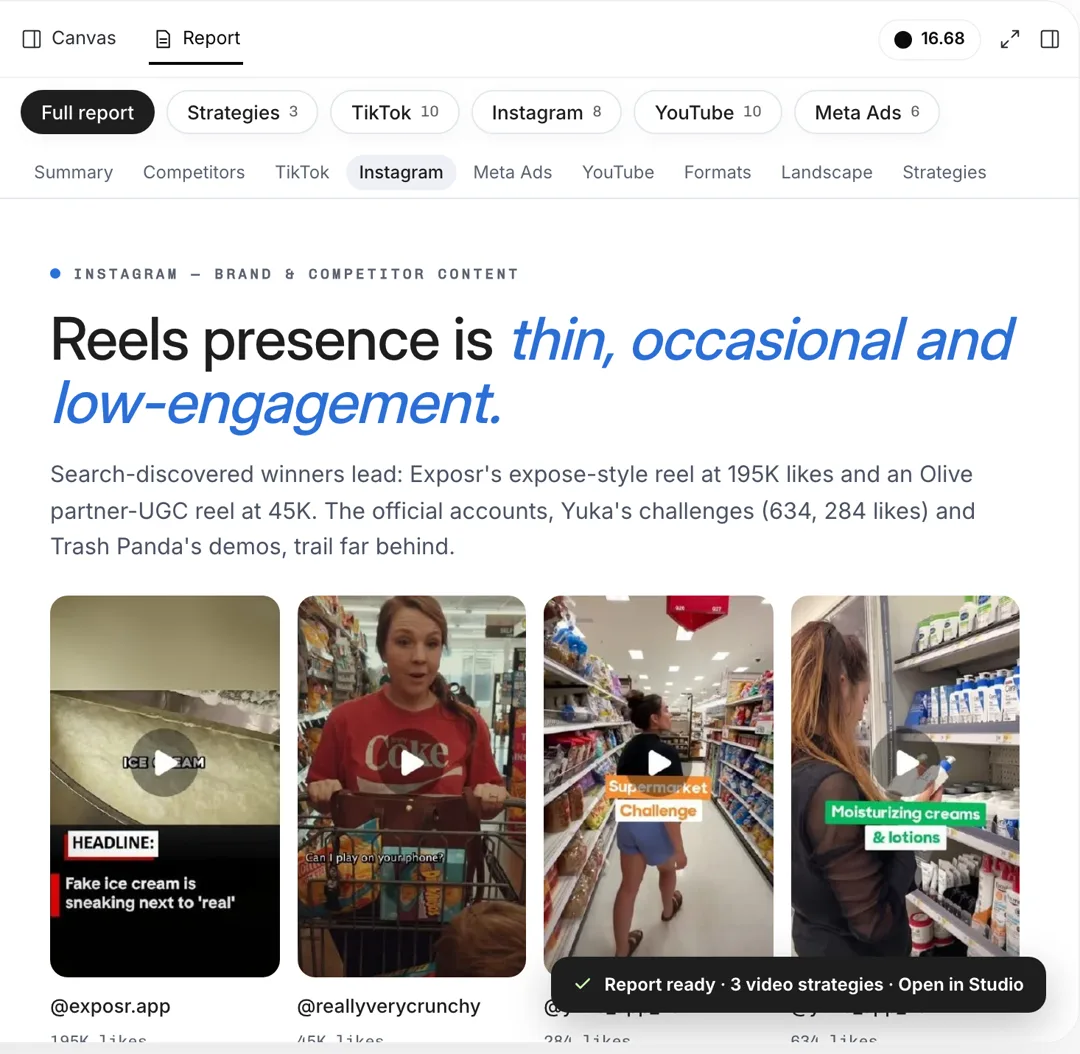
What a competitor's Reels do well, and what to test
 Research
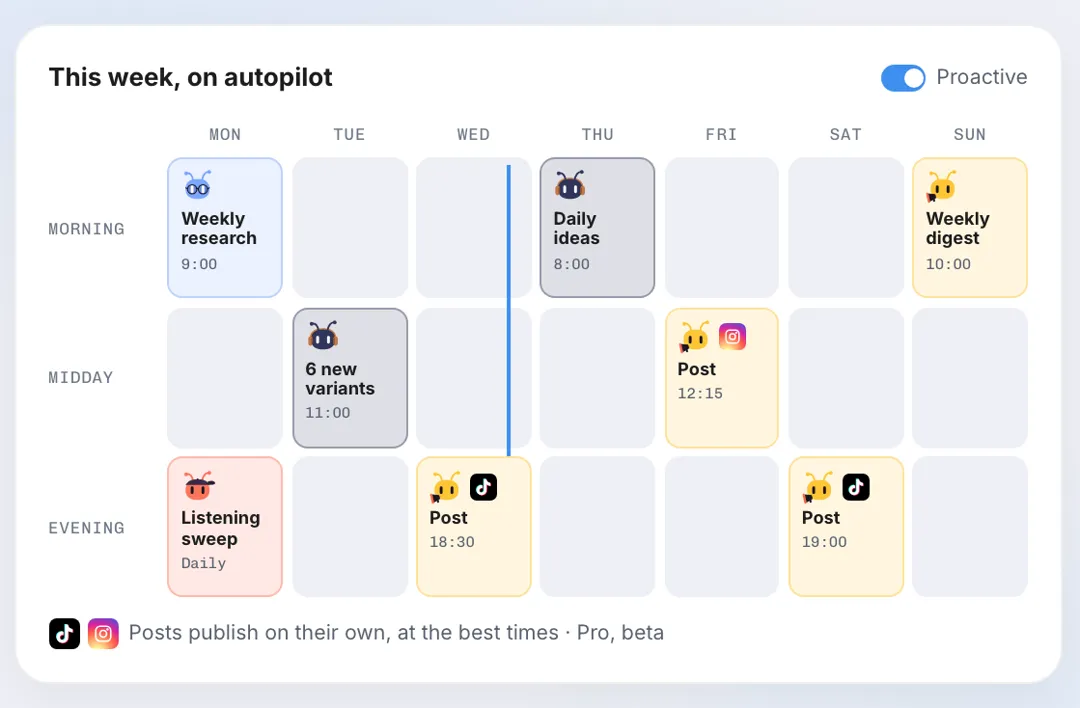
Name your competitors, and AdAnt's agents check their TikTok, Instagram, YouTube and Meta ads, report what is new and what is working, and can repeat the check every week by email.
 AI Image
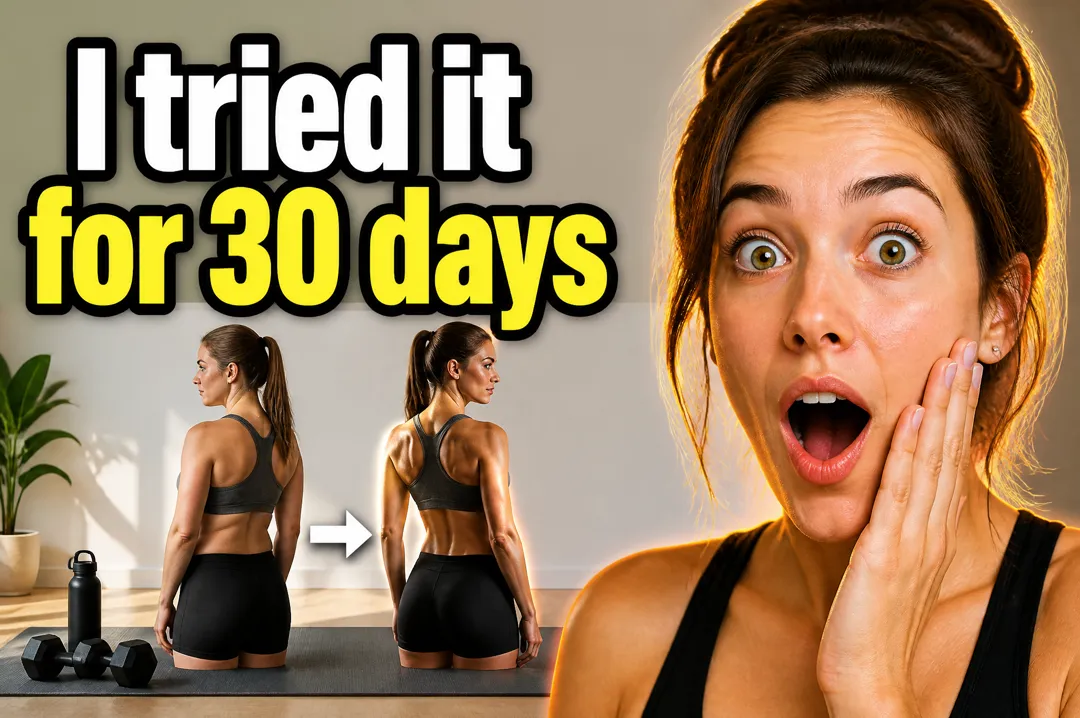
Type the words for your thumbnail, say what the video is about, pick a style, and get a landscape YouTube thumbnail with your text set large and legible.
 Research
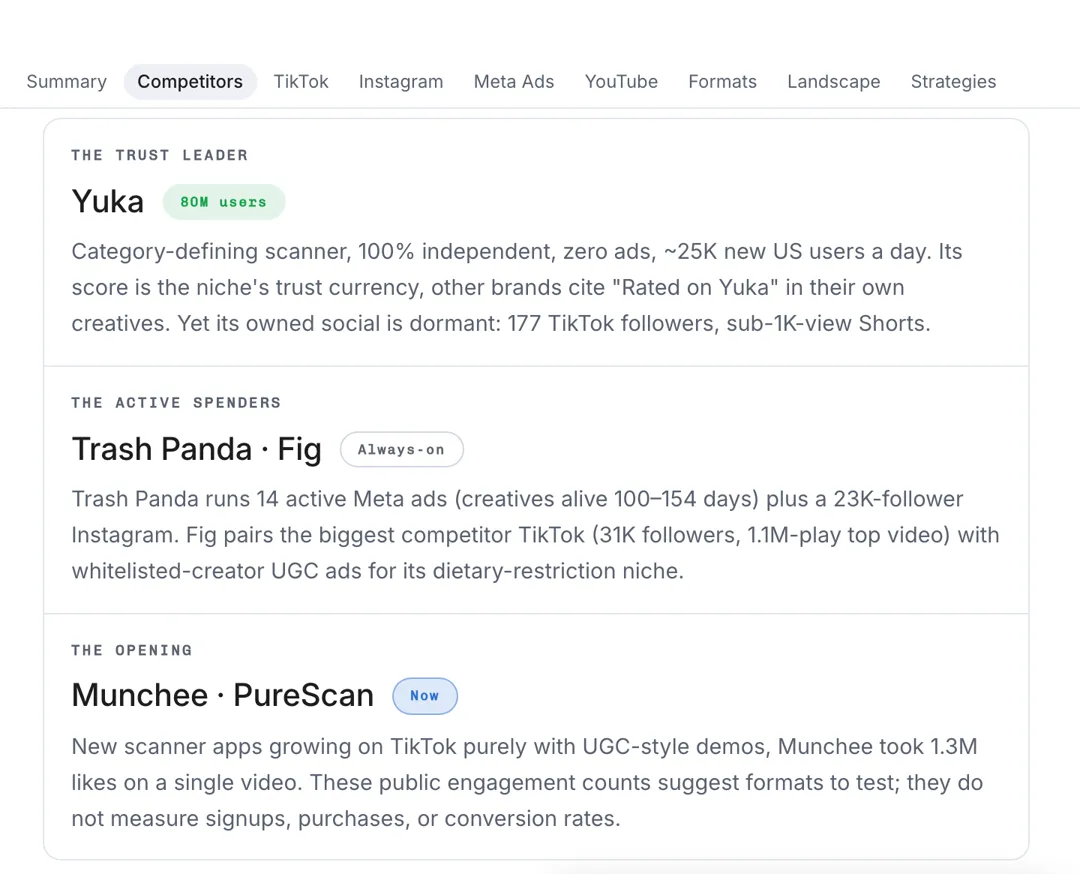
Name a competitor and your product, and AdAnt's agents study their ads in Meta Ads Library and their TikTok, Instagram and YouTube videos, then report the hooks, offers and angles you can test.
AdAnt's agents research your market, write the script, cast the avatar and make the video in one chat.
Start with AdAnt