Starting on Shorts
See what wins on Shorts in your niche before you post.
YEARLY50Limited time — ends in 50% off yearly plans · ends in Paste your product link, a brand or your niche. See the most-viewed Shorts, with their channels, formats and hooks.

Free account needed. It continues in AdAnt Studio.
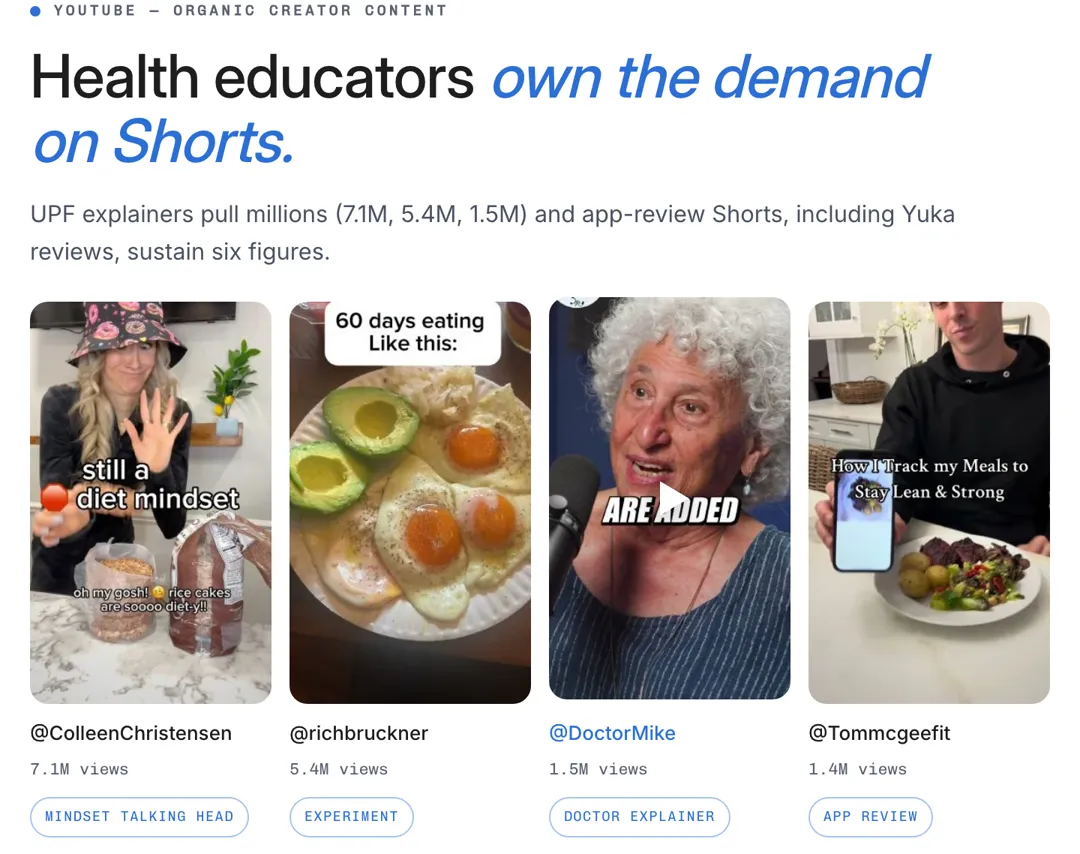
AdAnt's agents search YouTube Shorts for the most-viewed videos in your niche and report the channel, views, format and hook behind each. YouTube gives no upload dates, so ages are marked unverified.
See what wins on Shorts in your niche before you post.
Check which TikTok formats have a Shorts audience.
Find the explainer channels your buyers already watch.
The account is free. A run uses about 20 credits from a plan, and Studio shows the cost first. The Free plan shows a report's summary and top strategy.
YouTube gives no upload dates, so each Short shows its views and an unverified age.
It searches Shorts. Ask in your Studio task if you want long videos too.
AdAnt Studio opens with your brief as a new task. The report lands there.
 Research
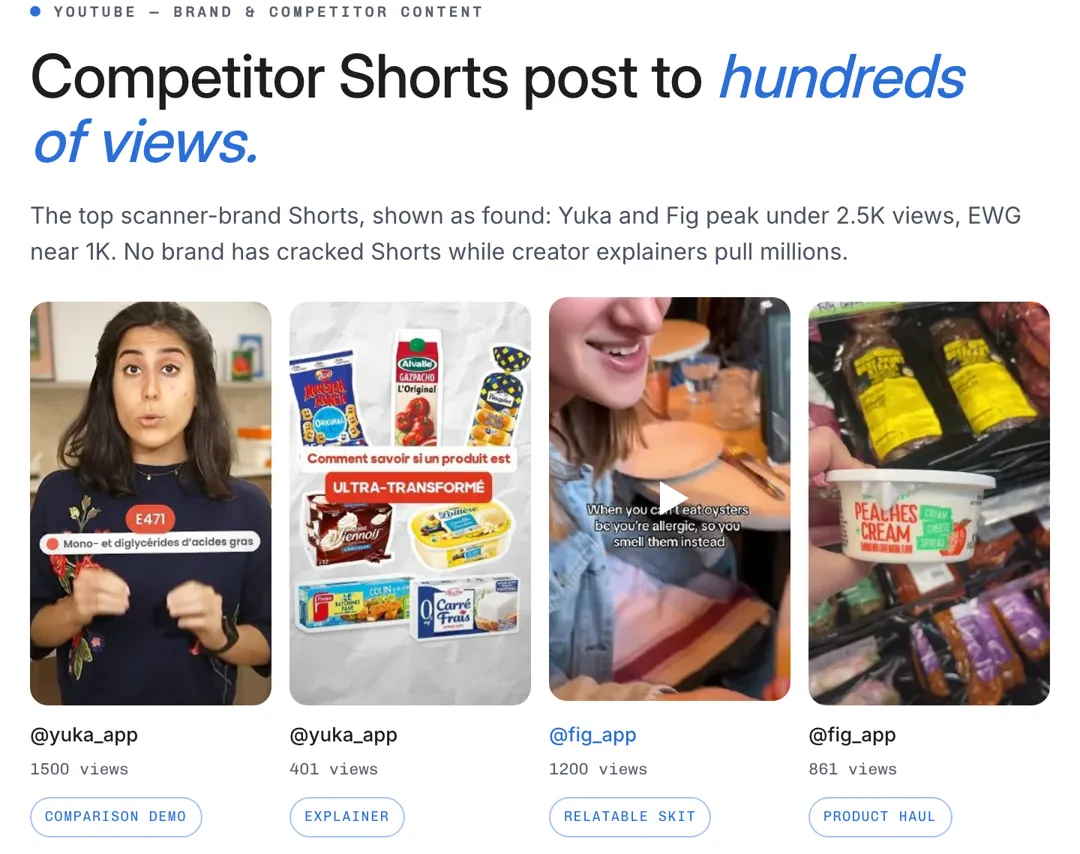
How rival brands do on YouTube Shorts
 Research
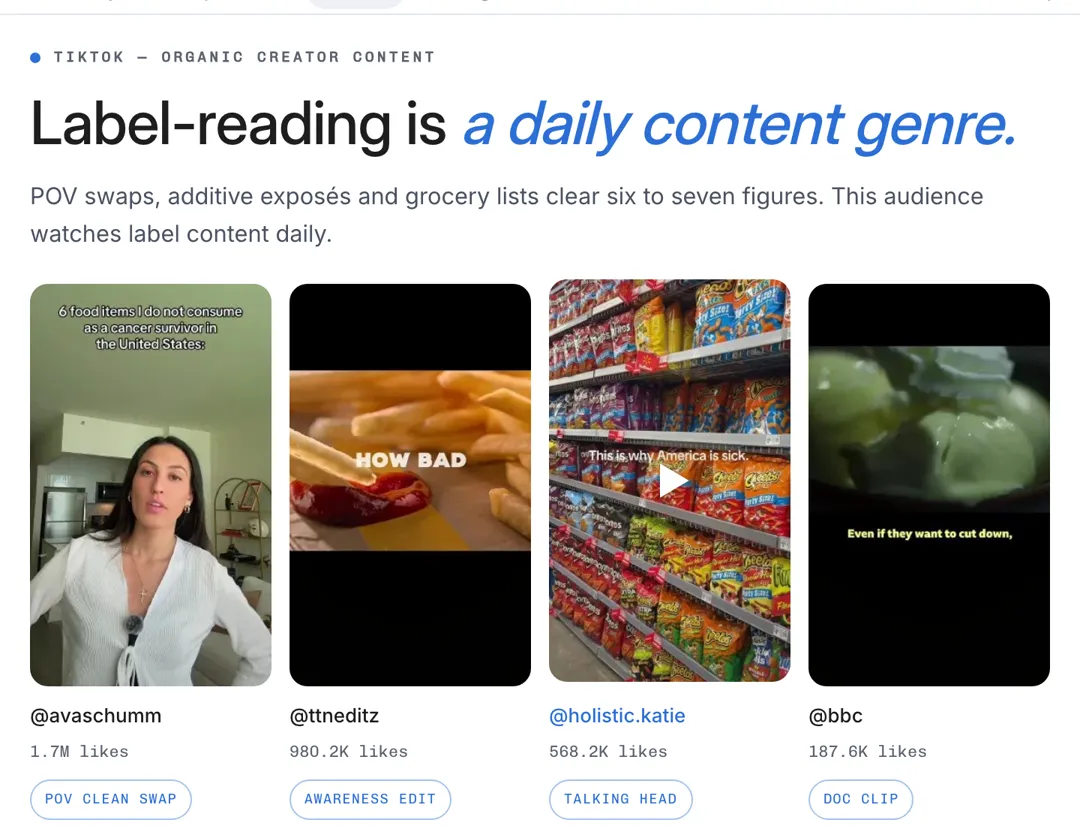
The viral TikToks in your niche
 Research
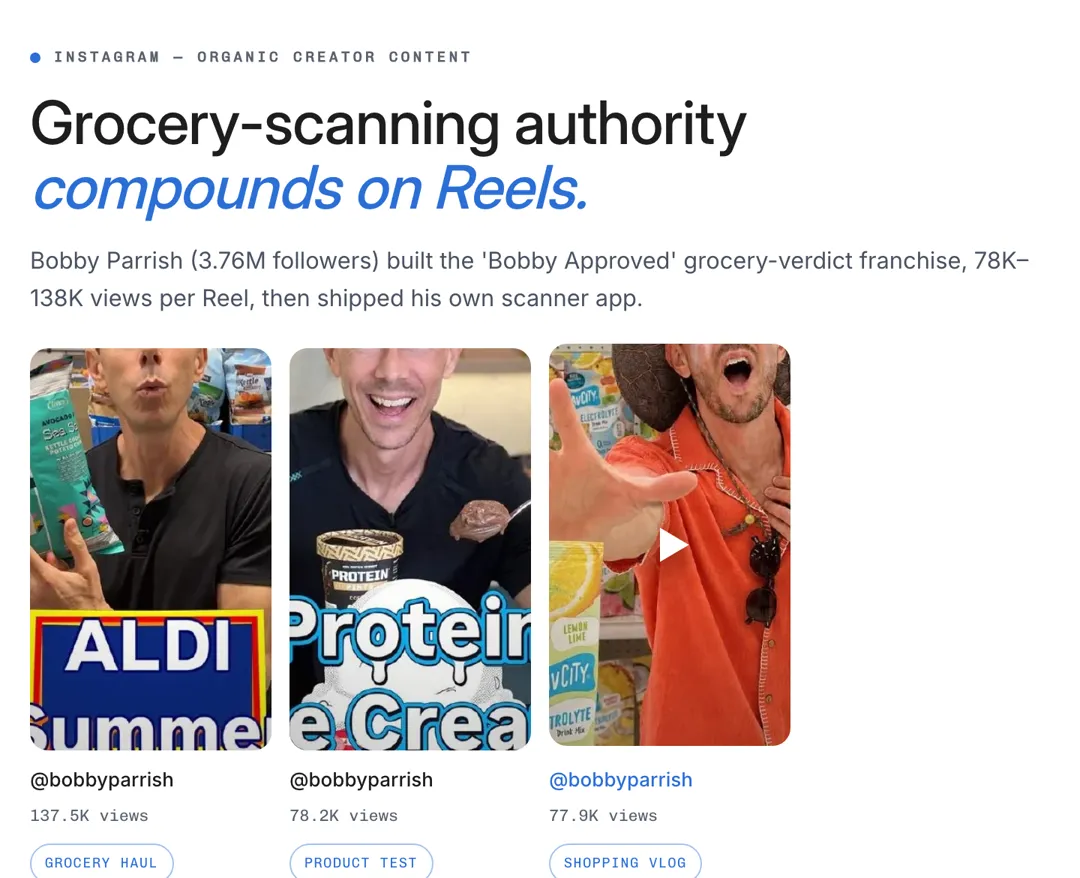
The Reels getting views in your niche
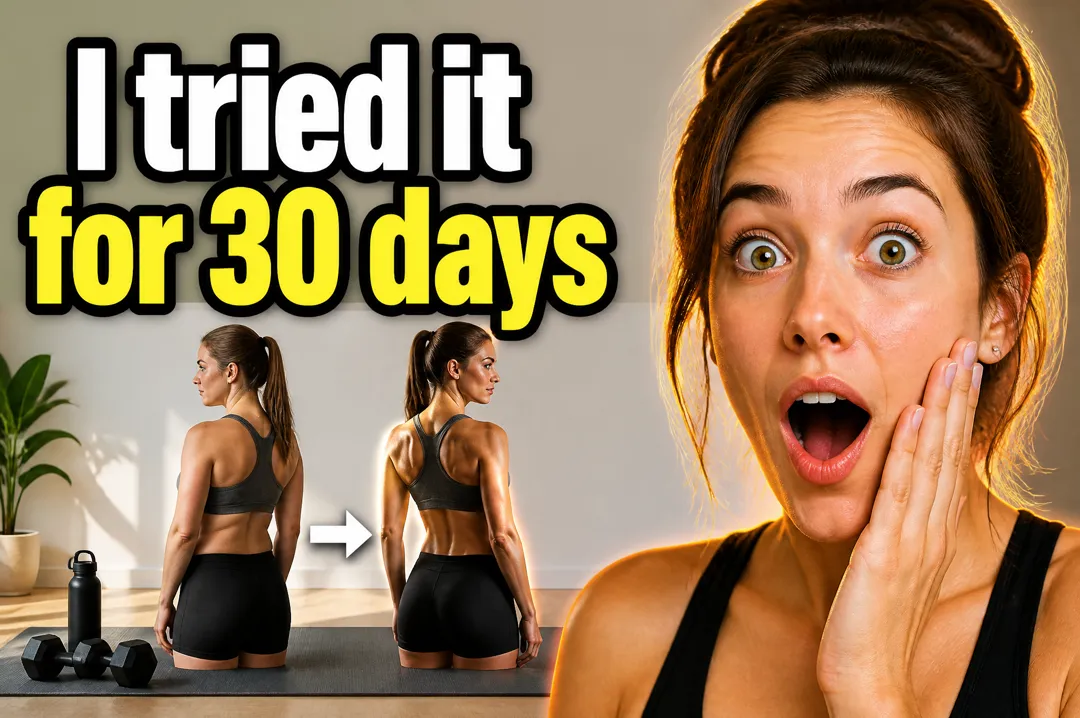 AI Image
Bold YouTube thumbnails with your text
Research, script, avatar and video in one chat.
Start with AdAnt