How to Write Perfect AI Video Prompts: A Complete Guide
Consistent AI video starts with the prompt. Prompt structure, controllable variables, and reusable templates for repeatable, high-quality output.
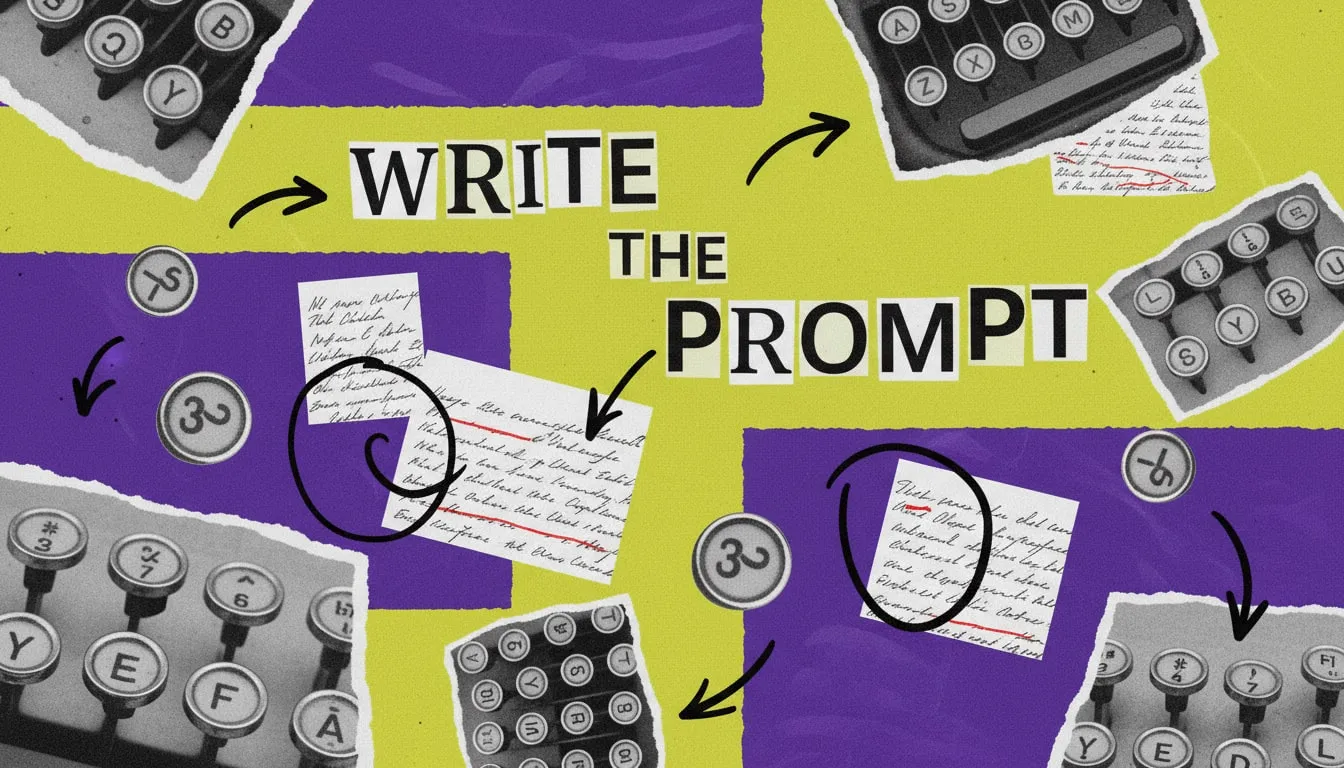
A good AI video prompt isn't a wish — it's a brief. The difference between "a woman drinking coffee" and a usable shot is the same difference between texting a director "film something nice" and handing them a shot list. The model will fill any gap you leave, and it rarely fills it the way you hoped.
The Anatomy of a Reliable Prompt
Strong prompts almost always carry the same five parts, in roughly this order:
- Subject — who or what, described specifically. Age, wardrobe, expression.
- Action — what they do, in plain verbs. One clear action beats three vague ones.
- Setting — where, and the light. "Morning kitchen, soft window light from the left."
- Camera — shot size and movement. "Medium close-up, slow push-in."
- Mood / style — the feeling and the look. "Warm, editorial, shallow depth of field."
Leave any one out and the model improvises it. Name all five and you've removed most of the randomness.
Control the Variables That Drift
Faces, hands, text, and brand marks are where AI video wanders. Pin them down:
- Describe the face once, precisely, and reuse the exact wording across shots.
- Avoid asking for readable on-screen text — add it in the edit instead.
- Keep actions inside a single beat; complex choreography invites artifacts.
Templates Beat Inspiration
Inspiration doesn't scale. Templates do. Build a few reusable skeletons and swap the variables:
[Subject] [action] in [setting with light], [shot size] [camera move], [mood], [style].
Fill that in for "founder talking to camera," "product hero on a surface," "lifestyle B-roll," and you have a repeatable system instead of a fresh gamble every render.
Iterate Like an Editor, Not a Gambler
Change one variable per generation. If you rewrite the whole prompt every time, you learn nothing about what actually moved the result. Adjust the camera move, regenerate, compare. Then the light. This is slower for one shot and far faster across a hundred — because you're building knowledge of how your model responds, which is the only prompt guide that truly transfers.
The prompt is the cheapest part of the pipeline to fix and the most expensive to ignore. Spend your effort there before you spend credits anywhere else.
Once the prompt is right, the settings decide the cost: see our AI video quality settings guide, or the complete guide to AI video for the whole workflow.
Guides from the team behind AdAnt, the AI social media marketing team. Platform documentation, our own data, and recommendations are labeled separately. Contact AdAnt for corrections.