Complete Guide to AI Video Creation in 2026
How AI video generation works, how to choose a model, how to write prompts, and how to build a finished video from short clips.
AI video models can now turn a written description, an image, or a reference clip into a short video in minutes. Models such as Google's Veo, ByteDance's Seedance and Kuaishou's Kling are used for ads, social content and product videos. This guide covers how AI video generation works, how to choose a model, how to write prompts, and how to build a finished video from short clips.
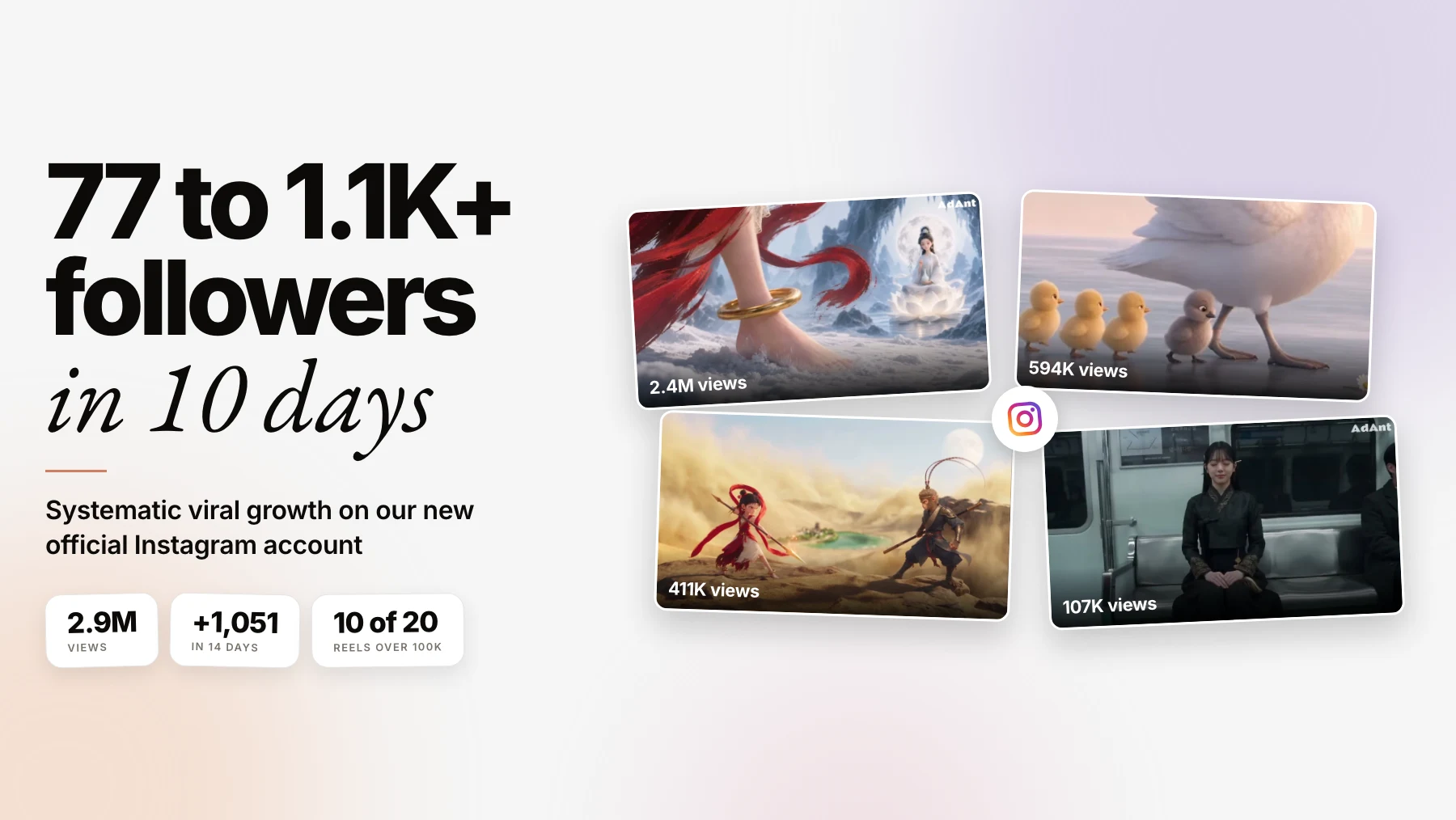
Can AI-generated videos actually perform? See our 49.9M-view social media experiment.
What Is AI Video Generation?
AI video models learn from very large collections of video how motion, light, physics and camera movement behave. When you describe a scene, the model generates new footage that matches the description, rather than editing existing footage.
Most models accept one or more kinds of input:
- Text to video: a written description of the scene.
- Image to video: a still image that becomes the first frame, or a reference for a character or product.
- Reference or motion inputs: a clip whose movement, camera or style the new video follows.
Why Creators and Marketers Use It
- Speed: a clip in minutes rather than a shoot in days
- Cost: no crew, location or actors for every variation
- Iteration: many versions of an idea to test, cheaply
- Access: professional-looking footage without production skills
How to Choose a Model
Models change quickly, so judge them on what your video needs rather than on a ranking that will be out of date in a month:
| What you need | What to look for |
|---|---|
| Realistic people and products | Models known for realism; test faces, hands and product labels before committing |
| Stylized, animated or surreal work | Models built for stylized motion |
| A specific character or product across shots | Image-to-video or reference inputs that keep a subject consistent |
| Audio in the clip | Models that generate sound or dialogue with the video, such as Veo 3.1 |
| Drafting and testing ideas | Fast, cheaper modes for rough cuts before the final render |
| Longer scenes | The model's clip length and whether it can extend a clip |
Clip lengths are short and differ by model. Google's Veo 3.1, for example, generates 4, 6 or 8 seconds per clip, and the Gemini API can extend a generated video 7 seconds at a time (Google). Check the current limits of whatever model you use; in AdAnt the available durations show in each model's settings.
How to Write Effective Video Prompts
A prompt works best as a brief. Describe five things, in roughly this order:
- Scene: the setting, time of day and atmosphere. "A cozy coffee shop at golden hour, warm light through large windows."
- Subject: who or what, specifically. "A woman in her 20s with curly brown hair, cream sweater, at a wooden table."
- Action: one clear action. "She lifts a steaming cup, takes a sip, and smiles out the window."
- Camera: shot size and movement. "Medium shot, slow dolly in, shallow depth of field."
- Style: the look. "Warm color palette, soft film grain, indie film aesthetic."
A Reusable Prompt Template
[Scene with light], [subject described specifically] [one clear action], [shot size] [camera move], [mood], [style].
How long a prompt should be depends on the model, but detail generally beats brevity: a short prompt leaves the model to invent everything you didn't specify. Our AI video prompts guide goes deeper on templates and iteration.
Duration and Quality Settings
Resolution, duration and model choice decide both cost and quality:
- Draft before you finish. Test the idea at a lower resolution or on a fast model, then render the keeper at full quality.
- Generate short beats. Short clips drift less and are cheaper to retry than one long take.
- Match resolution to use. Higher resolution costs more and matters most when footage will be cropped or shown on a large screen.
Our quality settings guide covers each setting in detail.
Building Longer Videos
Because clips are short, a finished video is usually several clips edited together.
Keeping Scenes Consistent
- Match first and last frames. Use the last frame of one clip as the starting image of the next.
- Use reference images. Keep a character or product consistent with the same reference in every shot.
- Keep the style constant. Reuse the same style, lighting and color words in every prompt.
The secret to a professional result is consistency: the same references, style words and lighting across every scene.
Do and Don't
Do:
- Write specific, detailed descriptions
- Include camera and lighting
- Name an established visual style
- Test with short, cheap clips first
- Keep descriptions consistent across scenes
Don't:
- Use vague, generic prompts
- Ignore camera movement
- Mix styles that don't belong together
- Start with the longest, most expensive render
- Change a character's description mid-project
A Workflow for Content Creators
- Script first. Write the video before generating anything.
- Break it into scenes. Short beats, one action each.
- Design characters and products. Fix descriptions and reference images.
- Generate in one session. Keep settings and style consistent.
- Review every clip. Check faces, hands, text and product details.
- Finish in the edit. Add captions, music, sound and on-screen text.
Keeping Costs Down
- Draft on fast or lower-resolution settings, and render only the keepers at full quality.
- Generate short clips and retry the ones that fail, instead of one long take.
- Lock the prompt before you start varying settings.
- Check the cost estimate before each render; AdAnt shows the credit estimate before a video is generated.
Frequently Asked Questions
How long can an AI-generated video be?
A single clip runs from a few seconds to under half a minute, depending on the model. Longer videos are built from several clips, or by extending a clip where the model supports it.
Can AI video keep the same character across scenes?
Yes, with reference images and consistent descriptions. Expect some variation in faces and hands between takes, and review each clip.
Can I use AI-generated video in ads?
Yes, if you follow each platform's rules. Many platforms ask you to label AI-generated content, and an AI presenter shouldn't be presented as a real customer describing a personal experience.
Next Steps
- Try AdAnt. Describe the video in chat; AdAnt's team of AI agents can research what's working, write the brief and generate the video.
- Start small. Learn prompting with short test clips.
- Build templates. Save prompt templates for your content style.
- Join the community. Share techniques with other creators in AdAnt's Discord.
Ready to make your first AI video? Start with AdAnt.
Guides from the team behind AdAnt, the AI social media marketing team. Platform documentation, our own data, and recommendations are labeled separately. Contact AdAnt for corrections.