
About this skill
Reverse Any Video is HeyGen's official HyperFrames skill for remaking a video you have the right to use. Your agent probes the file, lists every cut to the frame, reads consecutive frames wherever something changes, and rebuilds each layer: text, cards and charts in HTML, photos and logos cut from the original, and people re-shot with HeyGen from a cleaned frame and the original shot's motion. It then renders and diffs the result against the original, fixes what the diff names, and stops after one more round. It is written for HyperFrames Pro, a paid plan on a HeyGen account.
You say
Reverse this 16-second vertical ad of ours into a HyperFrames project I can edit. Keep the timing frame-exact, then show me the side by side.
How it works
- Give your agent the video file. It runs reverse start, which checks your HyperFrames plan and prints the video's size, frame rate and length.
- It lists every cut to the frame and reads consecutive frames wherever something enters, leaves or changes.
- It rebuilds each layer: text and cards in HTML, photos and logos cut from the original, and people re-shot with HeyGen from the original shot's motion.
- It renders, diffs the render against the original, fixes what the diff names, renders once more and hands you the project with a side by side.
Getting a good result
- Start with a short clip you own. A clip under a minute takes 20 to 50 minutes; a longer one is worked in sections.
- Size text from its ink, as the skill says. A substitute font usually sets wider, so compare widths, not just heights.
- Read the worst frames the diff lists, not just its score. A wrong number in one frame barely moves the average.
What you get
- The official reverse-any-video skill at a pinned commit, with its Apache-2.0 license
- Its references for opening a run, re-shooting people, painted and 3D films, and matching drawn text and motion
- A method that measures cuts and timing from frames, not by eye
- A last render diffed against the original, with a side-by-side video
Good fit
- Turning your own finished ad into an editable template for new versions
- Rebuilding motion graphics whose project files are lost
- Learning how a video you are allowed to use was put together
Not for
- Videos you have no right to use
- Anyone without a HeyGen account on HyperFrames Pro: the skill asks for the plan before it starts
- A quick copy: it budgets 20 to 50 minutes for a clip under a minute
How to install it
- Download the ZIP and unzip it.
- Inside the ZIP's top folder, move the reverse-any-video folder that holds SKILL.md into your agent's skills folder, such as ~/.claude/skills/, next to the /hyperframes skill, and keep ATTRIBUTION.md with it. Leave the ZIP's hyperframes folder out unless you have no /hyperframes skill: it holds one page, not the skill. Then sign in with npx hyperframes auth login.
- Start a new session and ask for what you want to make.
Needs: An agent that reads skills and can look at images, Node.js, ffmpeg and Python, a HeyGen account on HyperFrames Pro, a paid plan whose HyperFrames credits pay for re-shooting people, the /hyperframes skill, which this download does not include.
Popular on X
Posts showing demand for this kind of video. Unless a post names this tool, it wasn't made with it.
- A post announcing /reverse-any-video in a 3D and video skill stack 66,535 views on X, measured 7 November 2026
FAQ
Is it really free?
The download is: create a free AdAnt account to get the ZIP, and the original is public on GitHub, linked on this page. Running it is not. The skill is written for HyperFrames Pro, a paid plan on a HeyGen account. Signed out, it asks you to sign in; on the free plan, it gives you the upgrade link and waits. Re-shooting the people in a video spends the plan's HyperFrames credits, which are not your HeyGen app credits, and the skill tells you when a step runs out. AdAnt sells none of this and takes no cut.
What did AdAnt run without an account?
We rebuilt the clip on this page with the CLI signed out, version 0.9.20. reverse start printed the video's probe and went on, and the measuring, check, diff and local render commands all ran. The skill itself would have stopped to ask for the sign-in, and the clip has no people, so nothing needed HeyGen. Cloud renders and re-shoots do need the sign-in.
How is it different from Viral Video Clone and Video Ad Analysis?
Reverse Any Video copies one video as closely as it can, as code you can edit, so it suits your own videos. Viral Video Clone, a premium AdAnt skill, keeps a viral video's hook, pacing and shots but makes a new video about your product on AdAnt's servers. Video Ad Analysis writes a report on a public video's hook, structure and offer, and rebuilds nothing.
Can AdAnt do the watching?
For the creative read, yes. AdAnt's adant_analyze_video tool, in the AdAnt MCP connection, watches a public video and reports its hook, beats, pacing and shots, which helps you decide what to keep before a rebuild. It does not give the frame-exact cuts, sizes and colours this skill measures, so the skill's own measuring still decides the timing. The tool is AdAnt's, not part of this skill, and uses AdAnt credits.
Does it send anything about me?
Its first step runs npx hyperframes events, which sends the skill's name with the CLI's usual telemetry, linked to your account when you are signed in. Set HYPERFRAMES_NO_TELEMETRY=1 or DO_NOT_TRACK=1 to turn it off. Re-shooting people sends frames, shots and the voice from your video to HeyGen, and a cloud render uploads the project, which holds the video. Rebuild only videos you are allowed to send there.
Anything else to know in this version?
The skill expects HeyGen's /hyperframes skill beside it, and its first line links to a page of that skill used only inside a HyperFrames plugin, which the ZIP carries in its own hyperframes folder so the link works. That folder is not the /hyperframes skill. Our HyperFrames download has an older copy of the full skill; npx hyperframes skills update installs the current one. Its commands fetch the HyperFrames CLI from npm, so pin a version in the project if you need the same result later. It never runs a billing command for you: buying a plan or credits is left to you.
Related skills
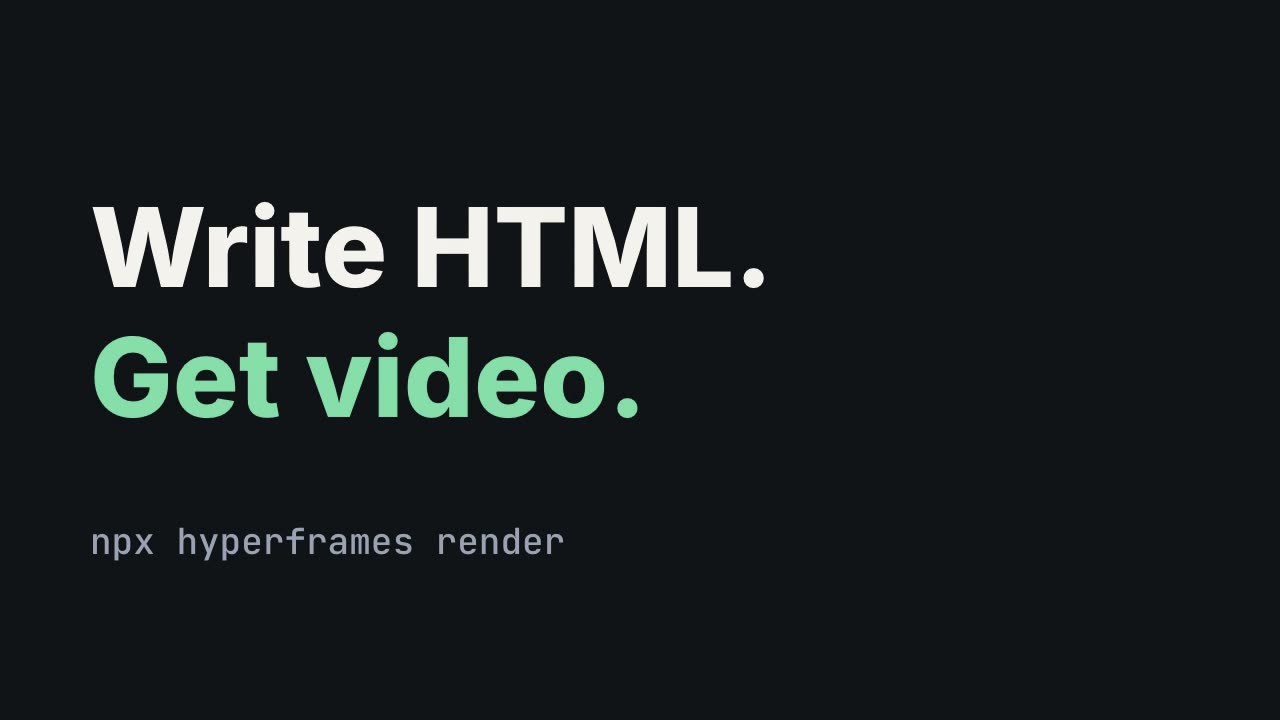
HyperFrames: HTML to Video
Have Claude write launch films, explainers and title cards as HTML, then render them to MP4.
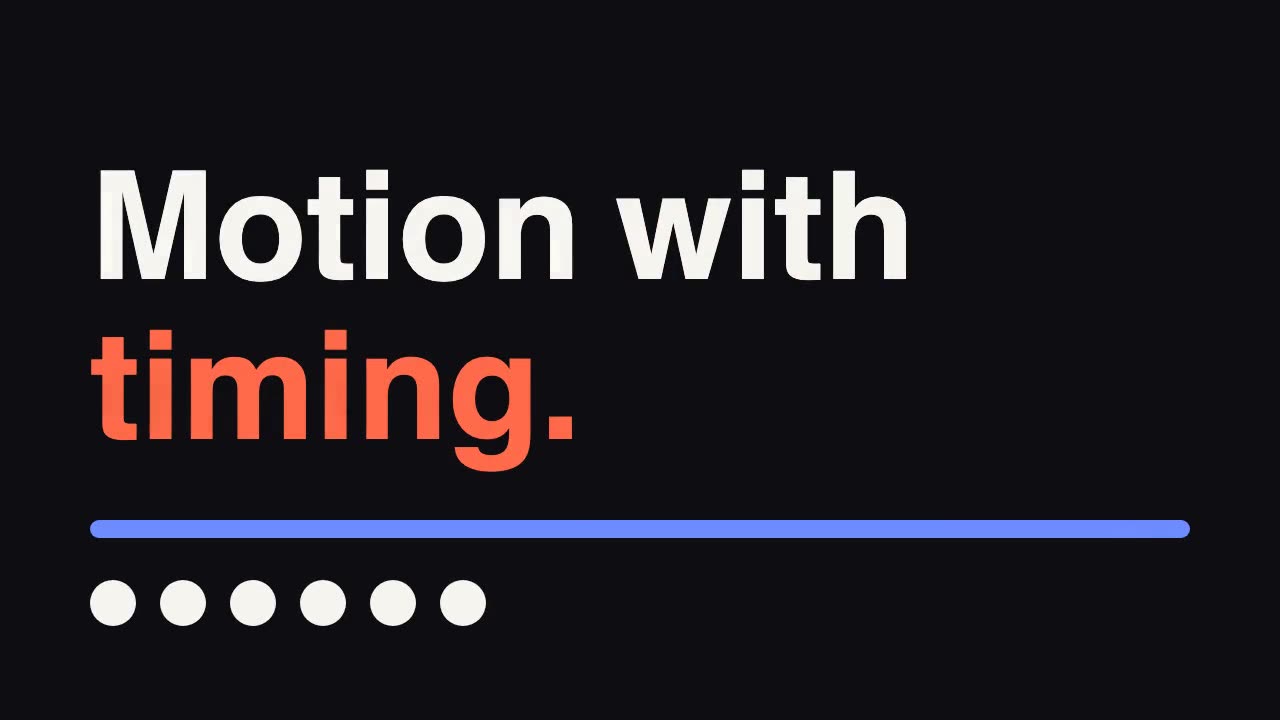
GSAP Animation Core
Give your agent GreenSock's official guidance for timing, easing and stagger.

Remotion Video
Make video as React components, where every frame comes from the frame number, and render one template for any data.

Hand-Painted Brushstroke 3D
Have your agent repaint a live three.js scene as brush strokes that stay on their surfaces when the camera moves, then measure it and record it.

Motion Review Loop
Build a film in code so any frame can be inspected, then repair it from measurements, one changed line at a time.

Blender Scenes through MCP
Have your agent build a Blender scene one step at a time, look at each result, and render the finished shot.
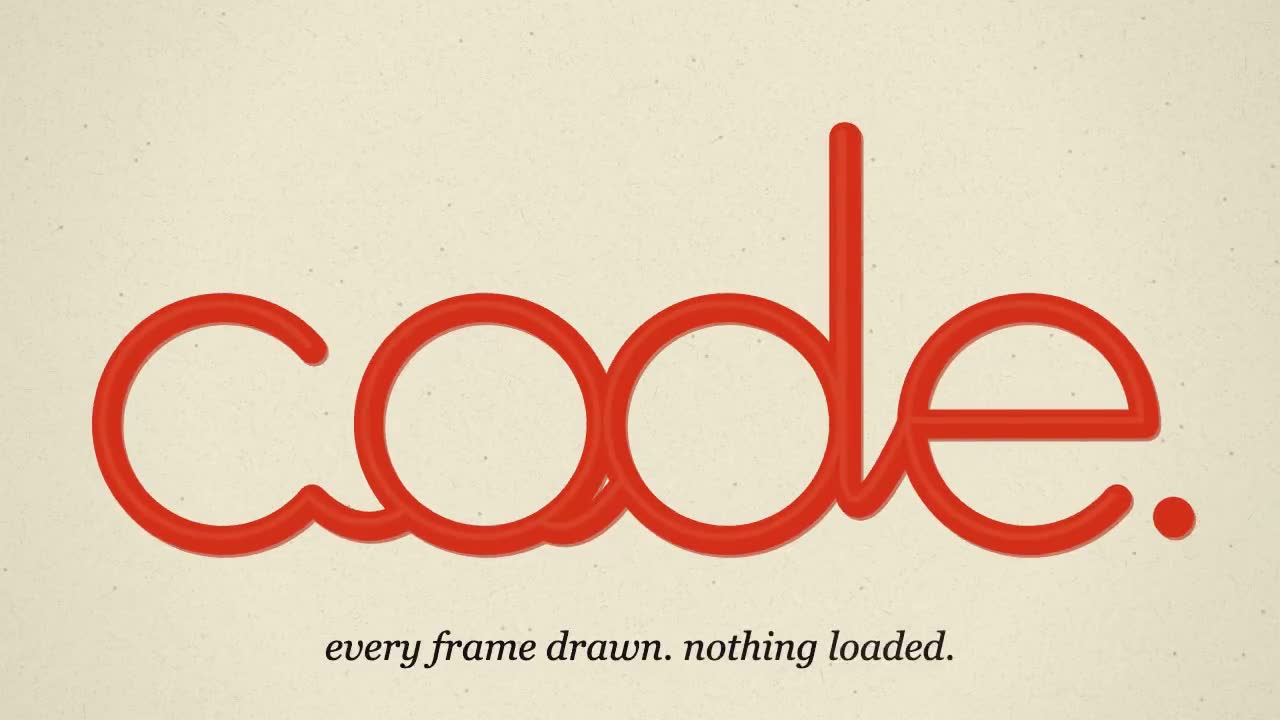
JavaScript Animation: Every Frame Drawn in Code
Have your agent draw a short film on an HTML canvas, write its music in code, and render an MP4 with no assets.
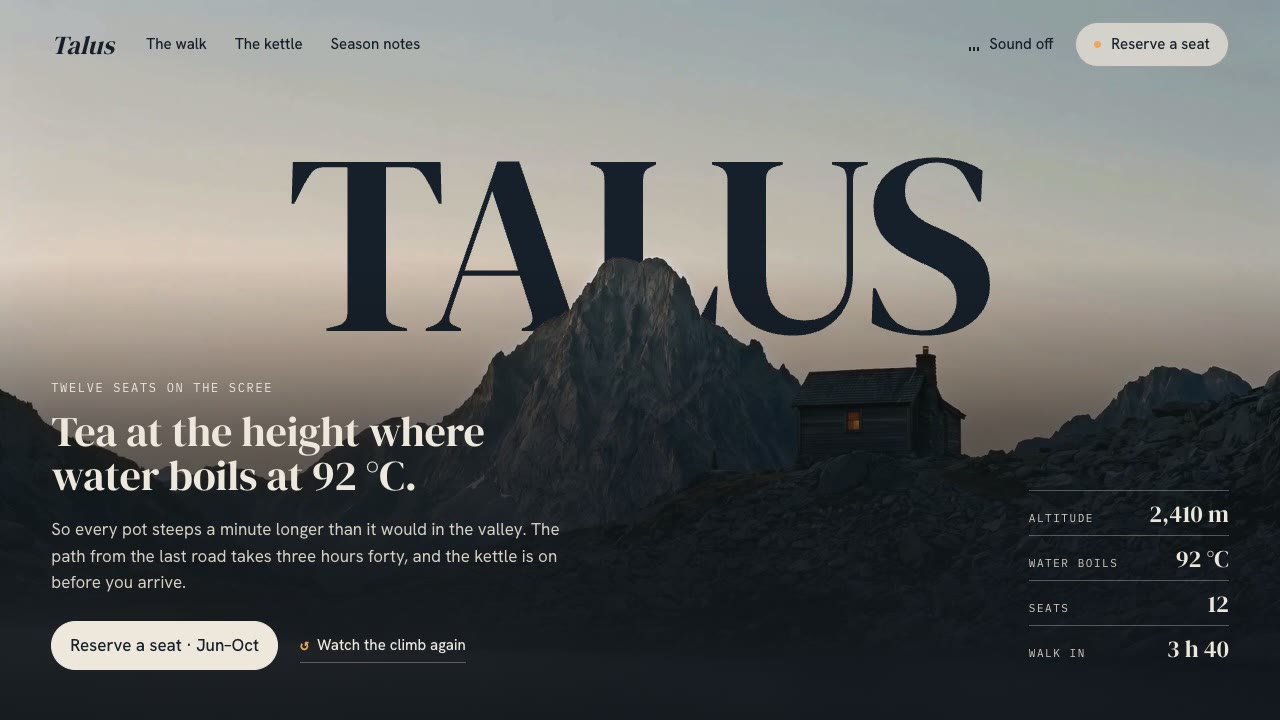
Cinematic Video Hero
Have your agent build a one-screen hero from footage and type, with a freeze frame, text behind the subject and a loop, then measure it in a real browser.
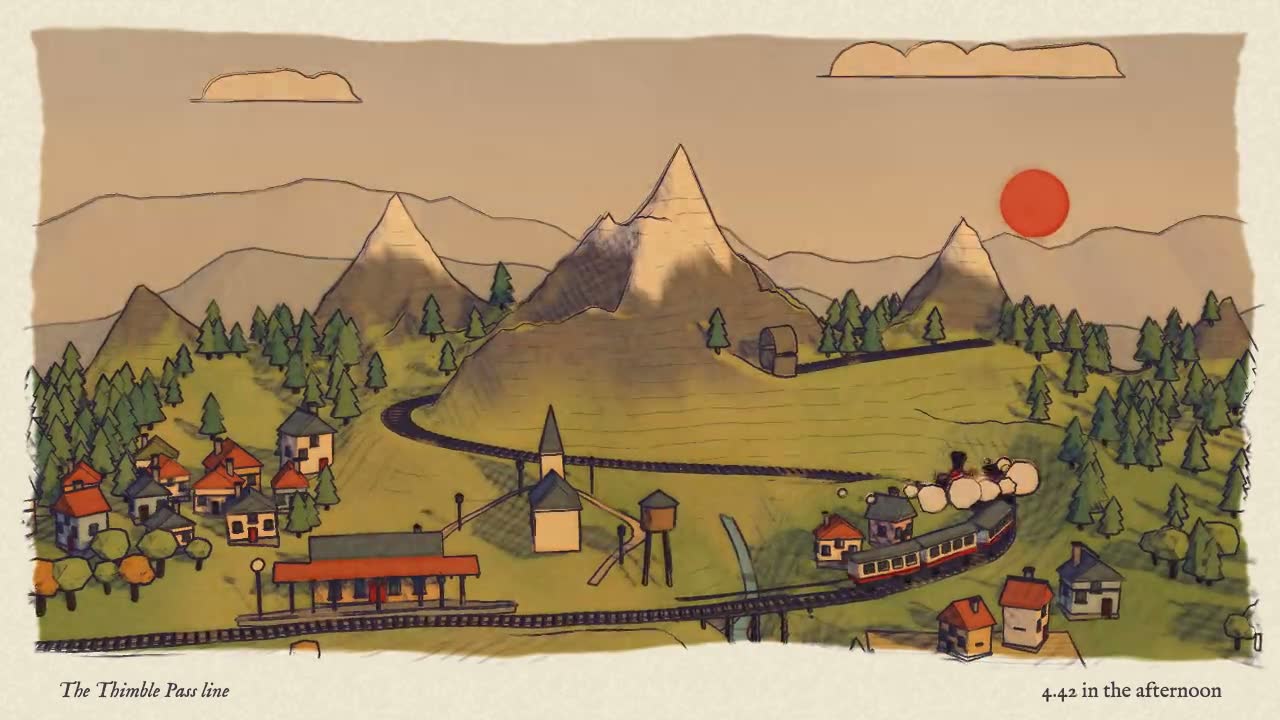
Blender to Web World
Have your agent build a stylized 3D world in Blender Python, then render it in Three.js with one hand-drawn look.
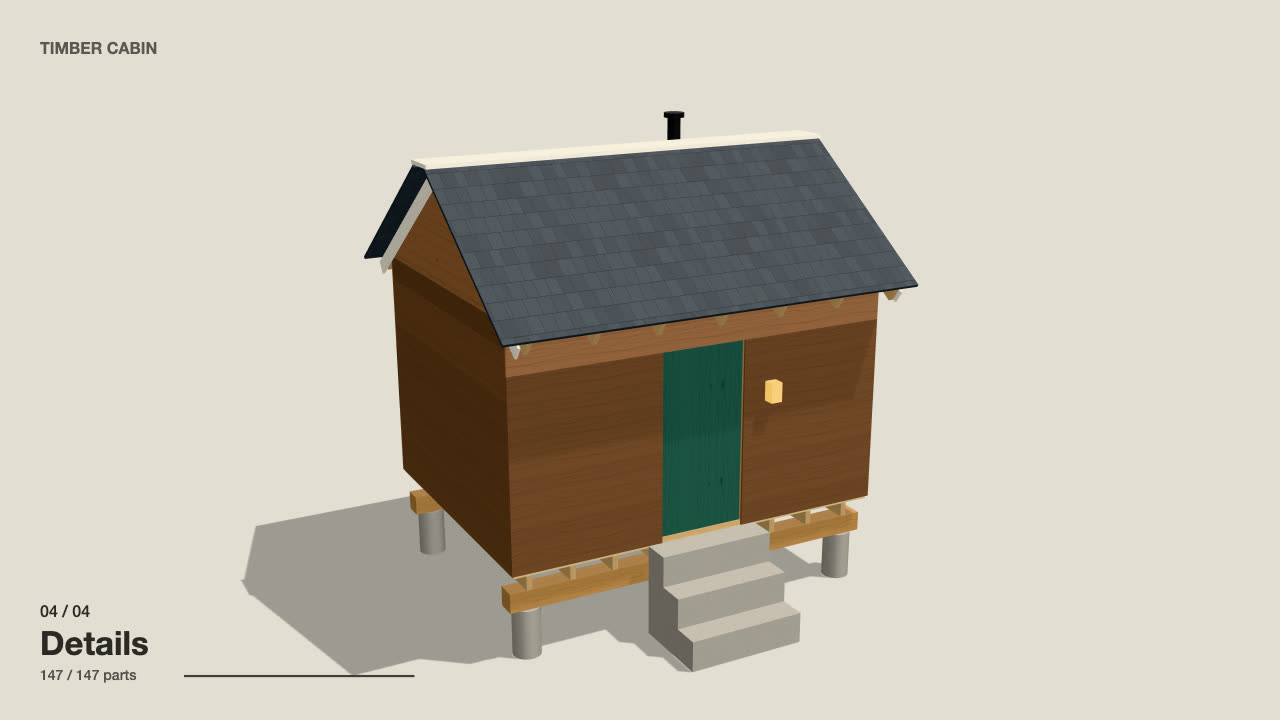
Self-Building 3D Construction
Have your agent make a 15 to 40 second three.js film in which a building or an object puts itself together in a believable order, then circles the finished piece.
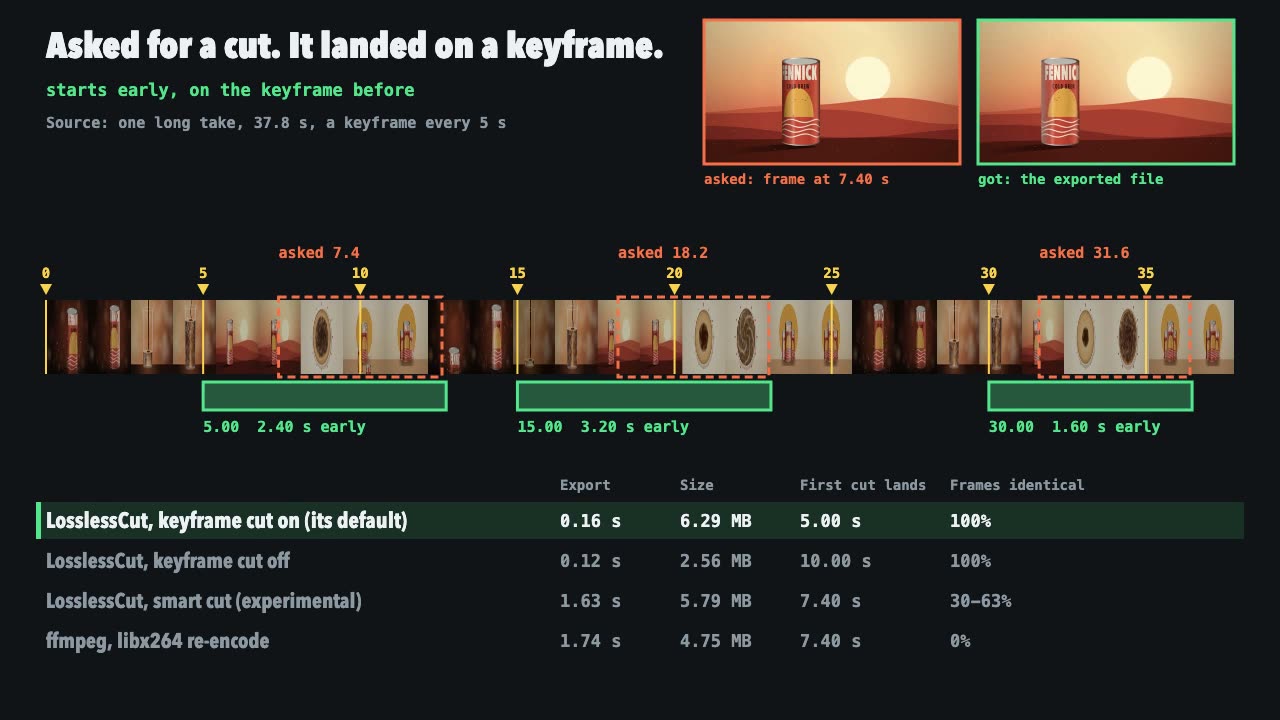
LosslessCut Trims
Cut long recordings fast without re-encoding, and measure where each cut really landed.
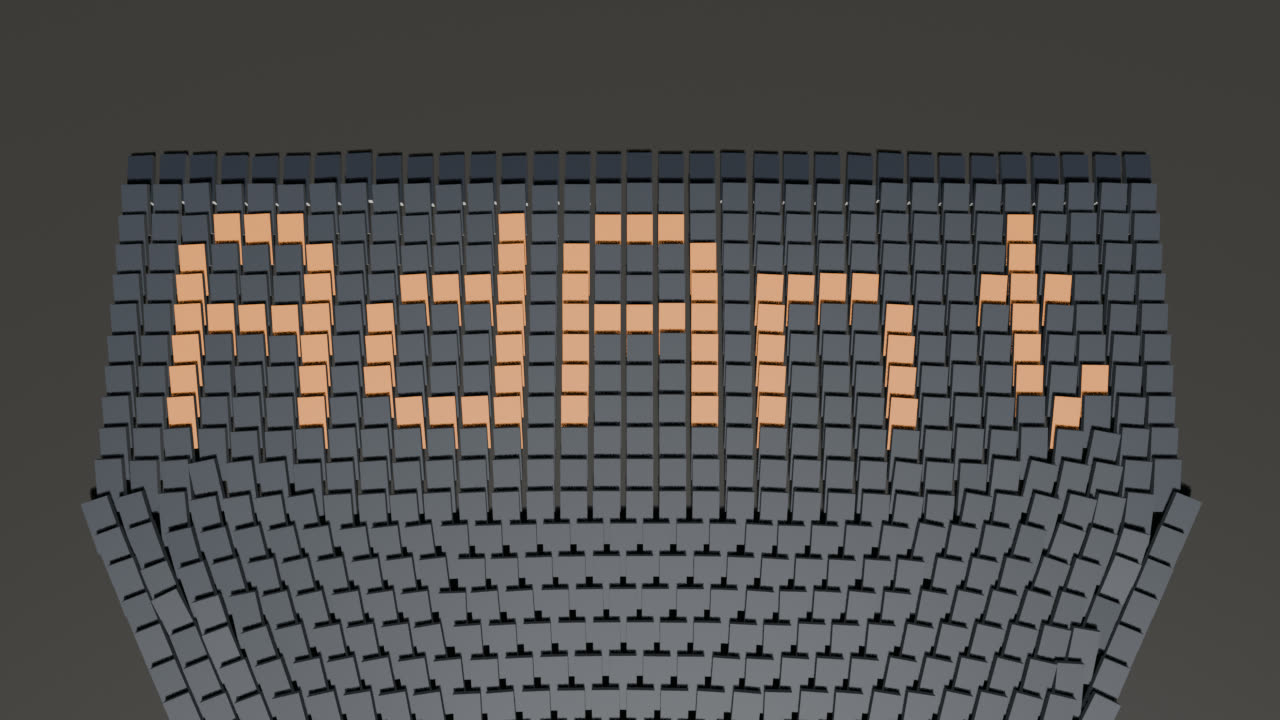
Blender Domino Chain Reaction
Have your agent build, bake and film a Blender domino run whose fallen dominoes spell your word or logo.