
About this skill
Trim long footage without re-encoding it. An agent writes the segments to a project file, opens the real LosslessCut app with its command line and HTTP API, exports, and quits. A stream copy can't start between keyframes, so the skill then compares decoded frames with the source and reports where each cut actually starts and ends. On our test file a cut asked for at 7.4 s started at 5.0 s. The clip on this page shows those landings next to smart cut and a full re-encode.
You say
Cut 7.4 to 12.6, 18.2 to 23 and 31.6 to 36.4 out of this recording with no re-encode. Tell me where each cut really starts, and which ones need a re-encode to be exact.
How it works
- Your agent lists the keyframes and tells you where each start will land.
- It writes the segments to a project file beside your video and opens LosslessCut with its HTTP API on.
- It starts the export over HTTP, waits for the export-complete event, and quits the app.
- It decodes each output and matches its first and last frames against the source.
- You get each cut's real start and end, and how far they are from what you asked.
Getting a good result
- The default keyframe mode starts early and keeps everything you asked for. That's the safe choice.
- Keyframe cut off can leave audio playing over no picture at the start of a clip.
- One unknown key makes LosslessCut ignore all of --settings-json. Read its log after launch.
- If cuts land too far off, record with more keyframes instead of fixing it later.
What you get
- A script that runs one export through LosslessCut's HTTP API, then quits the app
- A measuring script that reports each cut's real first and last frame, against the source
- Measured results for keyframe, normal and smart modes, beside a libx264 re-encode
- The settings and timing traps that left our export waiting silently
- A plain ffmpeg fallback for machines with no desktop session
Good fit
- Pulling pieces out of long screen recordings or raw takes
- Footage that must stay bit for bit as it was shot
- Rough cuts, where a little extra at the start of a clip is fine
Not for
- Cuts that must start on one exact frame, unless you re-encode that part
- Footage with few keyframes, if you can't re-record it
- Servers with no desktop: the app opens a window, so use the ffmpeg fallback
How to install it
- Download the ZIP and unzip it.
- Move the losslesscut-trims folder into your agent's skills folder, such as ~/.claude/skills/. The first time you use it, your agent asks before downloading LosslessCut 3.70.2 from GitHub. The app opens a window on your desktop while it runs.
- Start a new session and ask for what you want to make.
Needs: An agent that reads skills, A desktop session: the app opens a window while it runs, LosslessCut 3.70.2 from GitHub, tested on an Apple Silicon Mac, Node.js 22 or later, Chrome and ffmpeg for the scripts.
FAQ
What does it cost?
$2.99 once for this skill, or $99 once for every skill in the library. It also comes with every paid AdAnt plan, from $15 a month. It runs on your own computer and uses no AdAnt credits. LosslessCut's GitHub releases are free, and that's what this skill uses; the app is not in the ZIP. The Mac App Store and Microsoft Store editions are the same project's paid versions, and buying one supports the author. We didn't test them.
Can I use it in commercial work?
Yes. You can use the skill and what it makes in your own commercial work, including for clients. You can't resell the skill.
What does setup download and run?
With your approval, it downloads LosslessCut 3.70.2 from the project's GitHub release: a DMG of about 166 MB on a Mac, which is attached and run from a folder you can delete, with nothing added to Applications. The app carries its own ffmpeg and ffprobe, and runs them on your files. The scripts need no npm packages.
Can I use LosslessCut commercially?
LosslessCut is GPL-2.0, and running it as a separate program doesn't put your videos or your project under the GPL. Redistributing the app brings GPL duties with it. The ffmpeg inside the Mac build we ran reports --enable-gpl, --enable-version3 and --enable-nonfree in its configure line, which matters most if you redistribute it, and codec patents are a separate question. Ask a lawyer about your own case.
What did AdAnt run, and what not?
We ran the official v3.70.2 Mac arm64 app in keyframe, normal and smart modes, through its real HTTP API, and measured each output against the source. We ran it on one 720p H.264 test file of 37.8 s with a keyframe every 5 s. We did not run the store editions, the app on Windows or Linux, or other codecs, and the times will differ on your files.
Is the HTTP API safe to turn on?
Upstream says it listens on 127.0.0.1 only and rejects requests from browsers, but it has no authentication, so any program on your machine can control the app while it runs. The skill turns it on for one job and then quits. Upstream also calls the API experimental, which is one reason this skill pins a version.
Does it phone home, or leave anything behind?
The skill passes --disable-networking and turns off update checks, and we didn't measure the app's traffic ourselves. It keeps the app's data in a throwaway folder, but on our Mac it still wrote one file outside it, and no flag stopped that: ~/Library/Preferences/no.mifi.losslesscut-mac.plist. Your agent tells you first. If you don't run LosslessCut yourself, you can delete it. The script works on a link to your video in its own folder, and removes the link and the project file when it ends.
Related skills
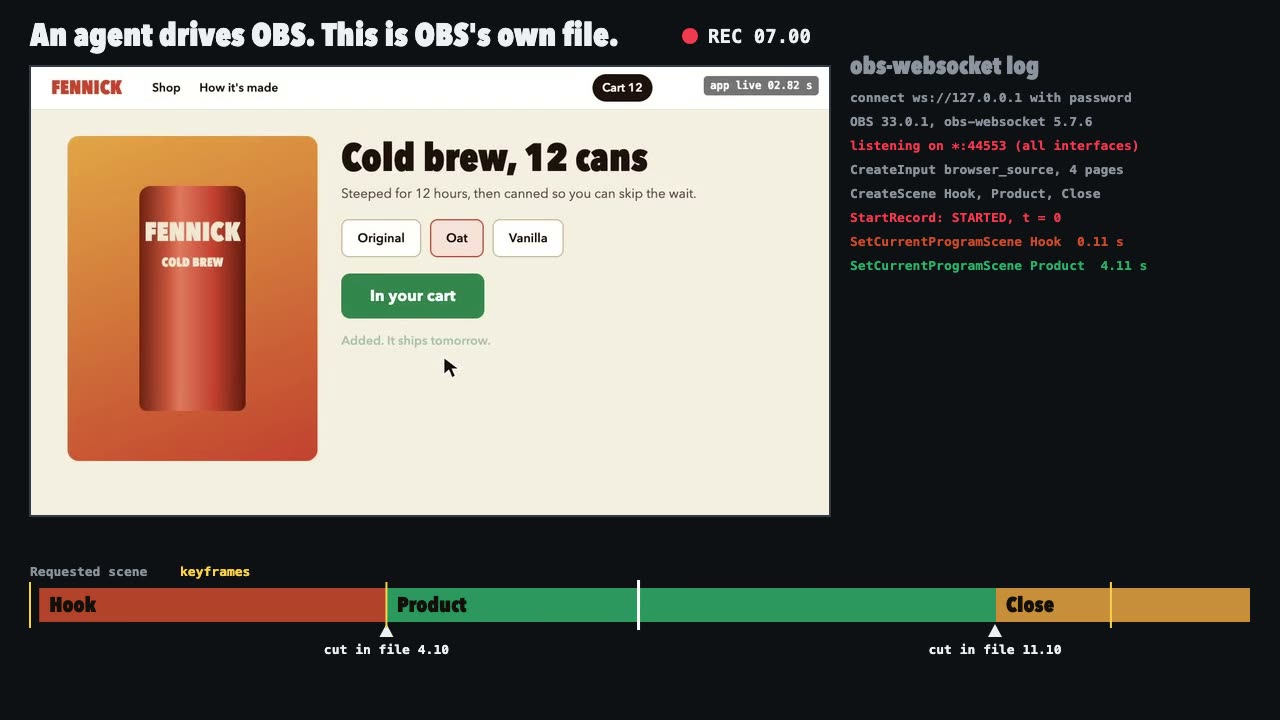
OBS Recording
Script a real OBS recording of a page with timed scene switches, then check the file it wrote.
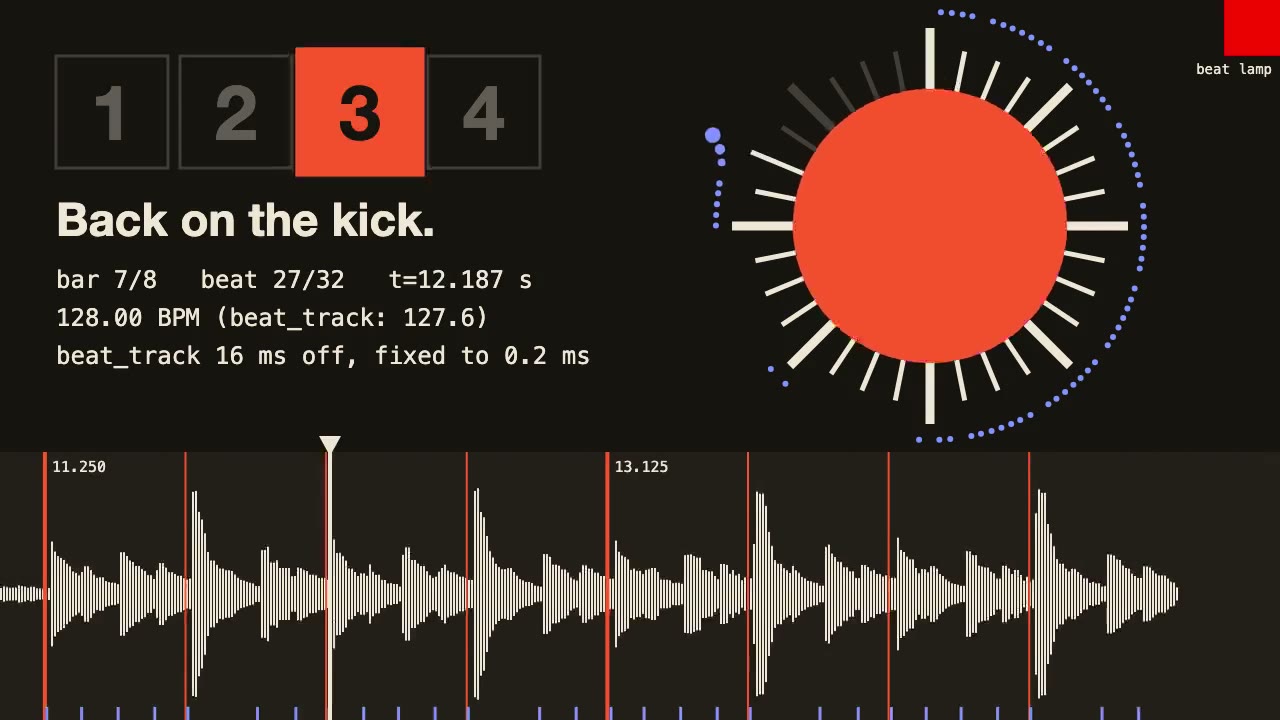
librosa Beat Sync
Measure a track's beats with librosa, drive an animation from the JSON it writes, and prove the sync by measuring the video.
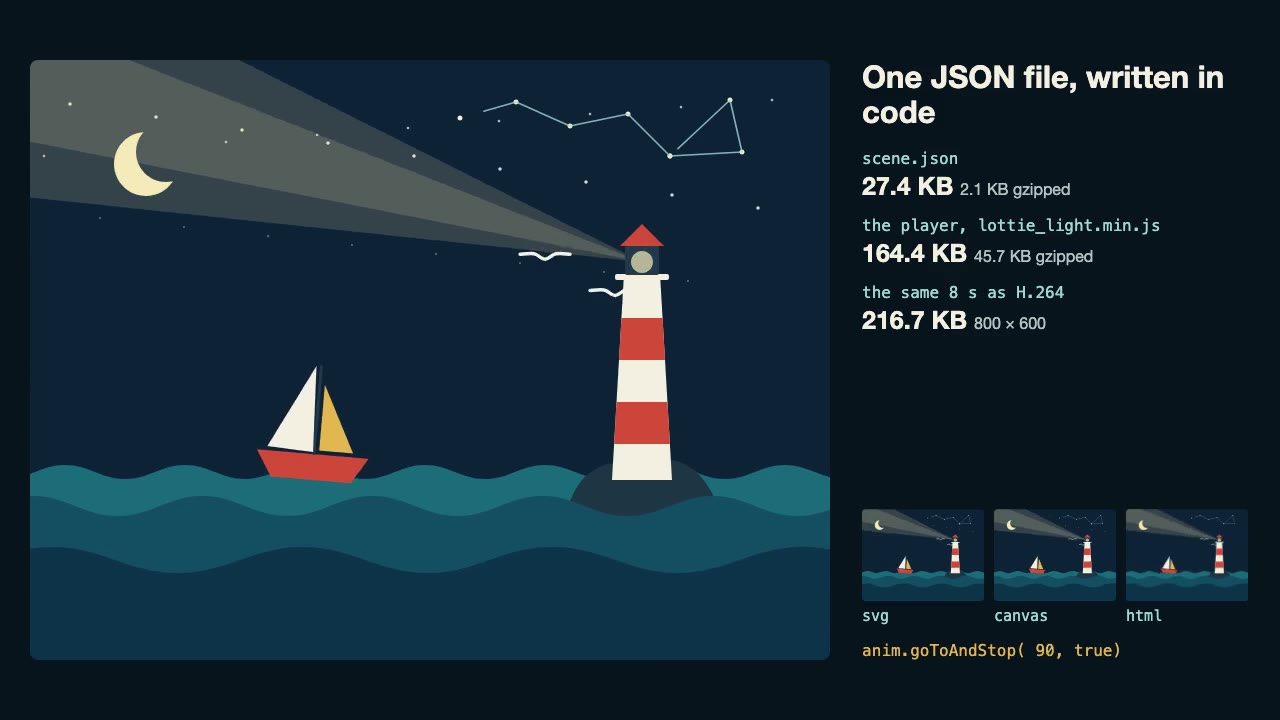
Lottie Animation
Write an original Lottie animation as JSON from a script, check that it's safe, and play it with lottie-web, with no After Effects.
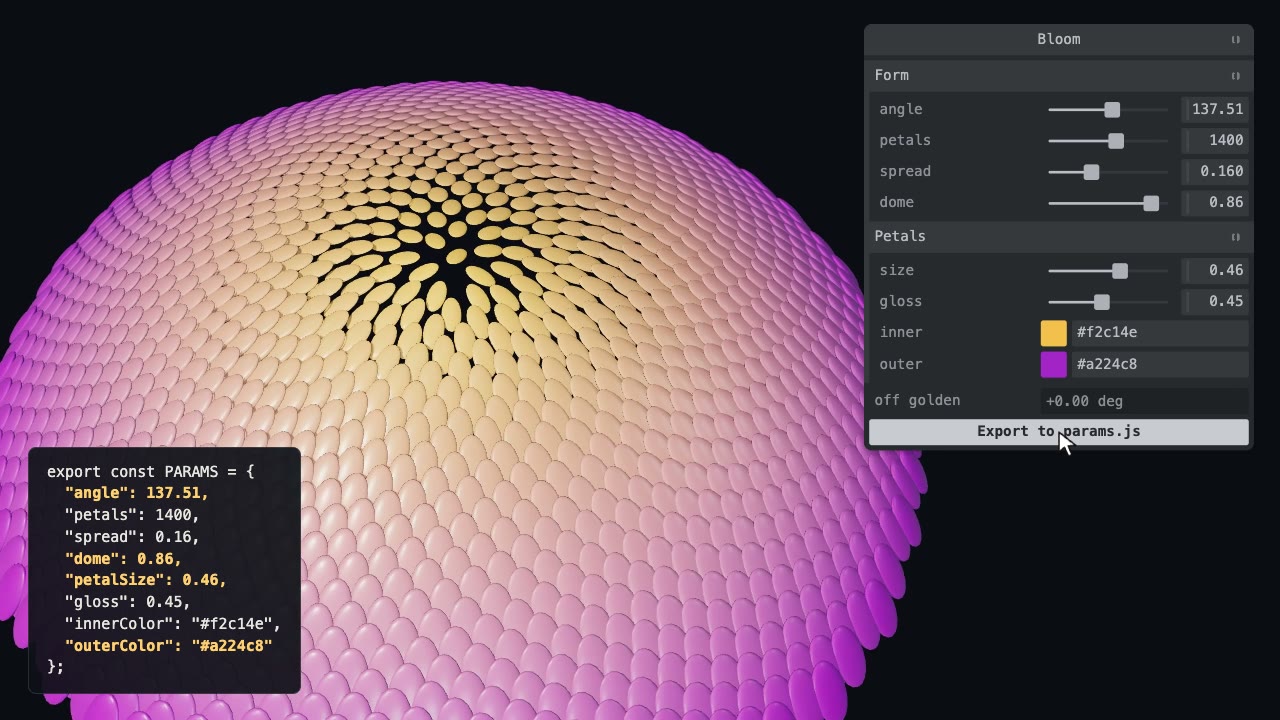
Tweakpane Live Tuning
Add a live panel to an animation so you can tune it by hand, then write the values you chose back to the code.
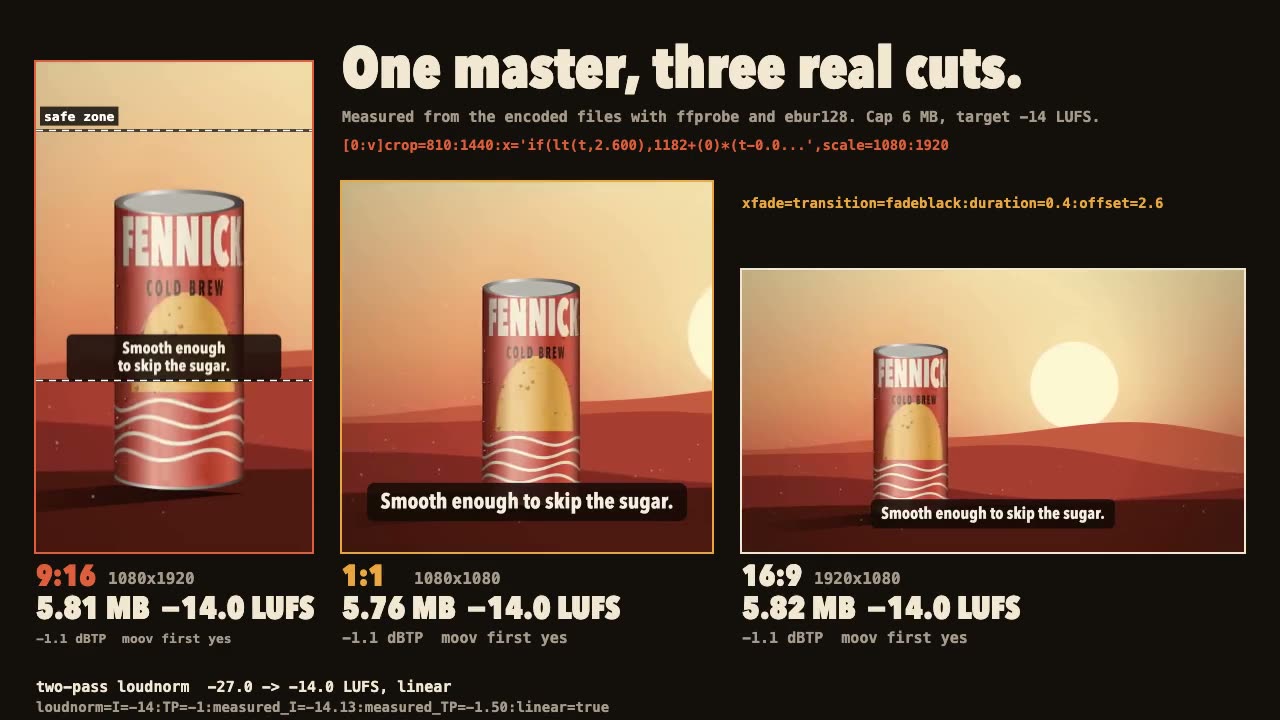
FFmpeg Finishing
Turn one master into 9:16, 1:1 and 16:9 files with safe-zone captions, measured loudness and a size cap.

Three.js Postprocessing
Give a flat three.js shot HDR bloom, depth of field, tone mapping and a color grade, in the right order.

Blender Scenes through MCP
Have your agent build a Blender scene one step at a time, look at each result, and render the finished shot.
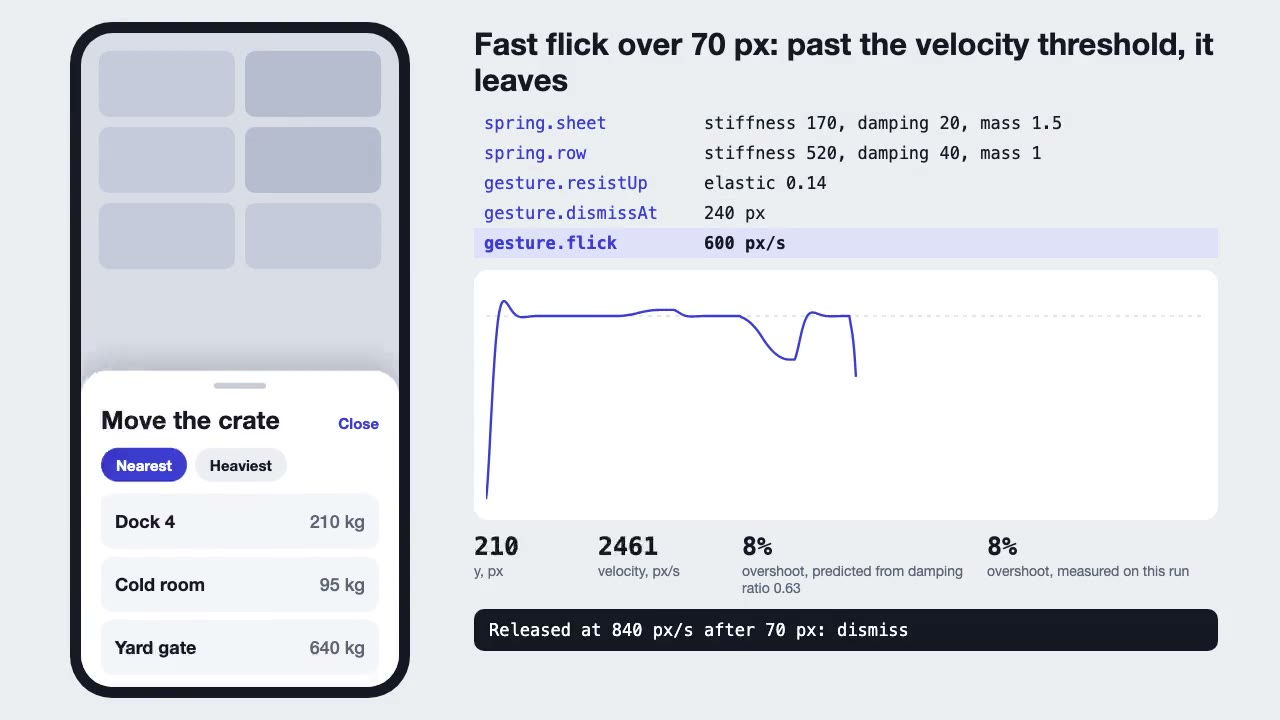
Motion UI Animation
Build UI animation with springs, layout transitions and gestures from one written motion language, with a linter that catches drift.
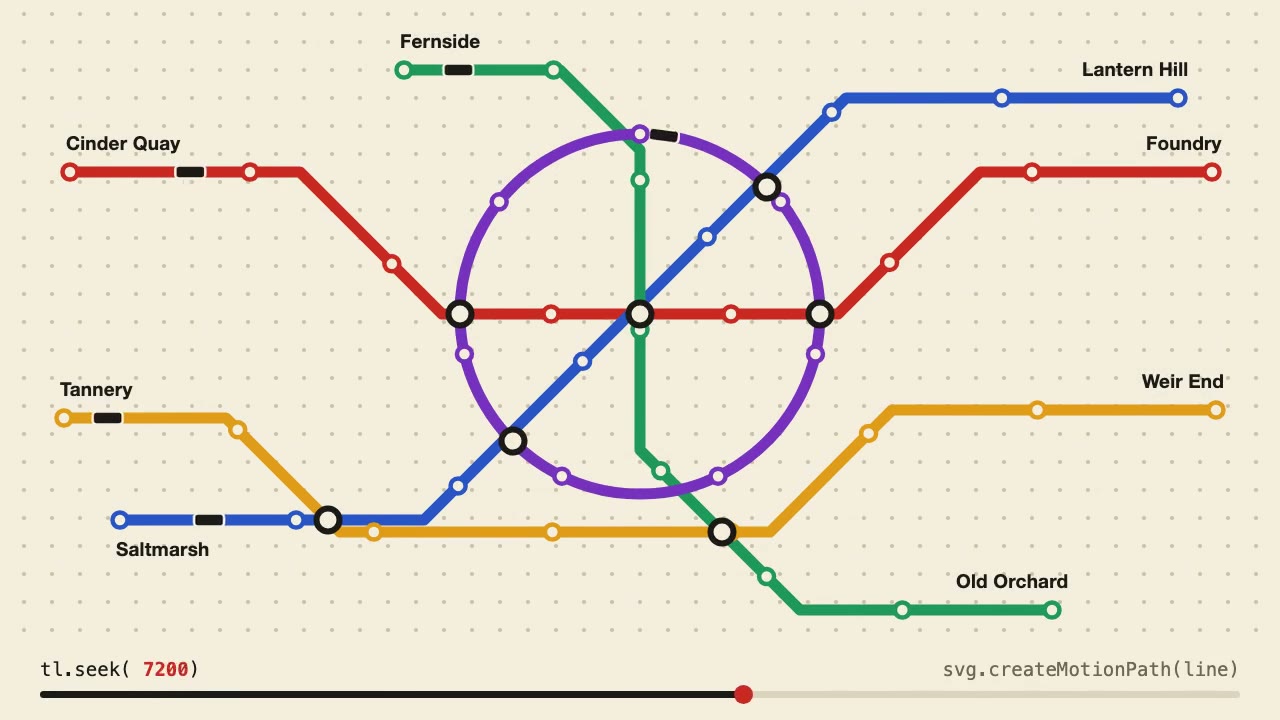
Anime.js Timelines
Choreograph grid staggers, self-drawing SVG lines and things that follow a path on one Anime.js timeline you can seek.
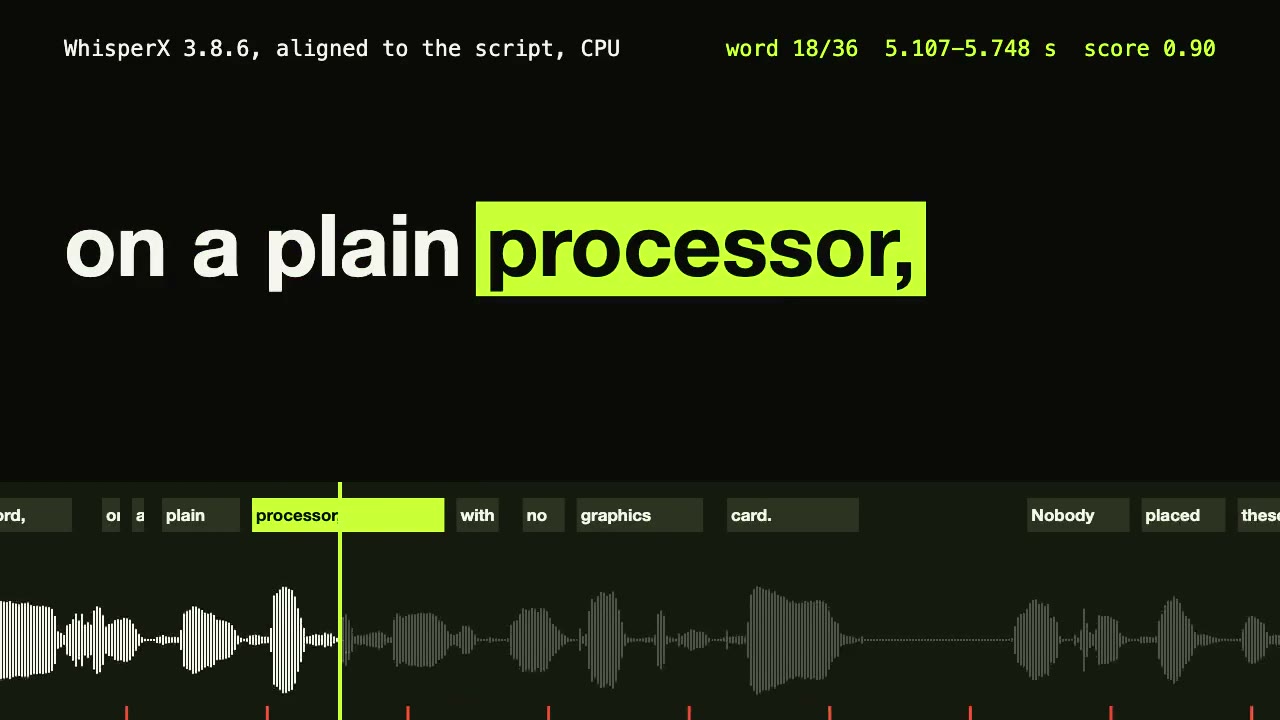
WhisperX Word Captions
Get a timestamp for every spoken word on a plain CPU, export SRT and VTT, and drive word-highlighted captions from the JSON.
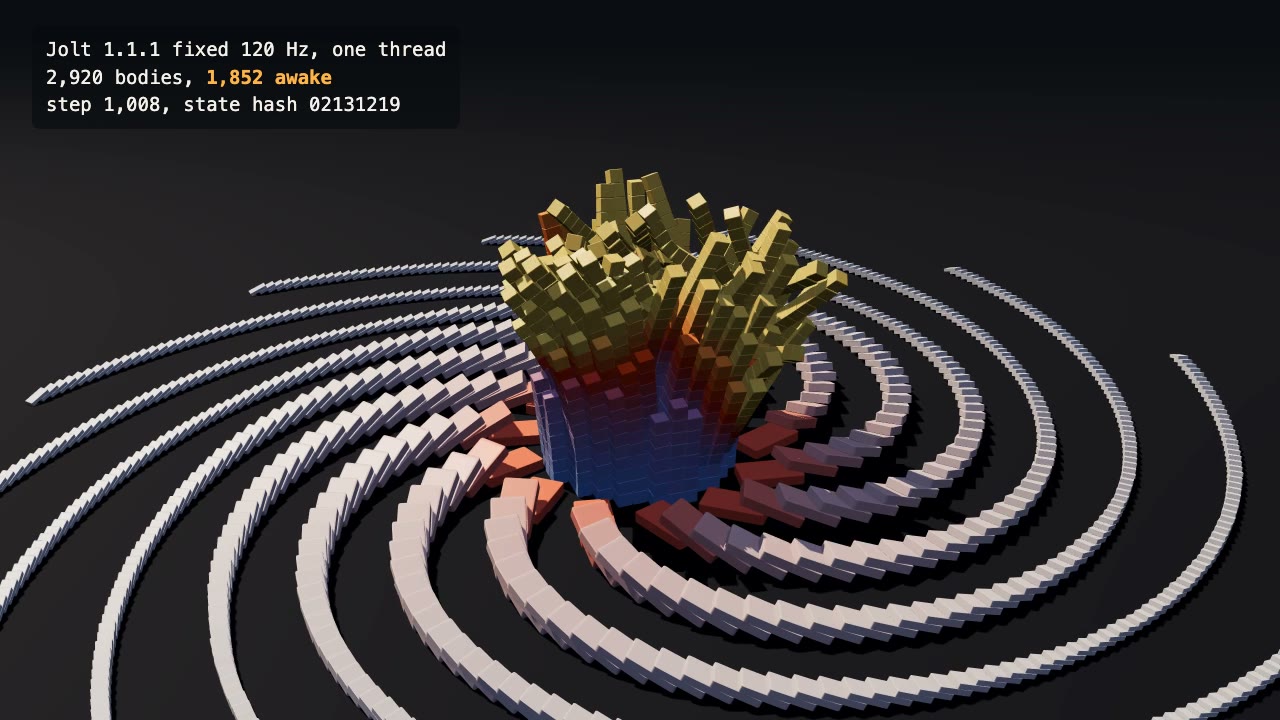
Jolt Physics Simulation
Simulate thousands of rigid bodies with Jolt and render the collapse, repeatably, frame by frame.

Remotion Video
Make video as React components, where every frame comes from the frame number, and render one template for any data.