
About this skill
A self-building film convinces when nothing lands before what holds it up. This skill turns that rule into tools. You describe the piece as a build sheet: boxes, cylinders and prisms, each with a stage and a motion. The scheduler finds what each part rests on from the geometry and times every stage so supports land first. The renderer draws each frame in headless Chrome as a pencil line drawing, grey clay, full materials, an x-ray or a cutaway, sweeping from one look to the next, and ends on a slow orbit. A checker fails the film before it renders if a part lands before its support, rests on nothing, overlaps another part, passes through one on its way in, or if a stage is too short to read. The example is a 147-part timber cabin.
You say
Using this skill, make an 18-second film of our garden studio building itself: concrete pad, timber frame, cladding and roof, then the glazed doors and a desk inside. Start as a line drawing, end in full materials with an x-ray pass during the orbit, and render it at 1080x1920 for Reels.
How it works
- Tell your agent what to build, its rough size, three to five stages in build order, the looks you want and the format.
- It writes a build sheet of boxes, cylinders and prisms, computing sloped parts such as rafters with a few lines of code.
- It prints the schedule and runs the checker, then fixes the sheet until every part lands after what holds it and nothing overlaps.
- It renders a contact sheet to check each stage reads, then the MP4, and reports the stages, timings and checker result.
Getting a good result
- Decide the build order before any geometry. A roof before its walls or glass before its frame looks fake however well it is lit.
- Make parts meet face to face, within the sheet's tolerance. Most failures are two numbers that are a few millimetres off.
- Mix motions by kind of part: heavy things drop, upright things grow, boards slide in from the side they are fixed on.
- Give each stage at least two seconds and end on the material look, so the last thing seen is the finished piece.
What you get
- A build sheet format for parts, stages, motions, materials and the film, with a starter to copy
- A scheduler that orders each stage by what holds each part up, then lower parts before higher ones
- Eight motions (drop, slide, hinge, fly, grow, pop, print, draw) and five looks (line, clay, material, x-ray, cutaway)
- A checker that names the part and the second for every order, contact, overlap, timing and framing failure
- A frame-by-frame renderer to MP4, contact sheet and stills, and a 147-part cabin example
Good fit
- Showing how a small building, a piece of furniture or a product is put together, in order
- Opening shots for architecture, joinery, construction and product videos
- Sketch-to-render reveals, where a line drawing turns into the finished object
Not for
- Taking a finished product apart into labelled pieces, which exploded-3d-story covers
- Organic shapes, scanned models or detailed CAD: every part is a box, cylinder or prism
- Engineering-accurate construction sequences; the order is plausible, not certified
How to install it
- Download the ZIP and unzip it.
- Move the folder holding
SKILL.mdinto your agent's skills folder, such as~/.claude/skills/for Claude Code. - Start a new session and ask for what you want to make.
Needs: An agent that reads skills, Node.js 20 or later, Playwright with Chrome or Chromium, ffmpeg, for the MP4, A network connection for three.js, or a local copy of three 0.170.0 to render offline.
Popular on X
Posts showing demand for this kind of video. Unless a post names this tool, it wasn't made with it.
- A three.js house built stage by stage on screen 68,513 views on X, measured 11 November 2026
FAQ
What does it cost?
$2.99 once for this skill, or $99 once for every skill in the library. It also comes with every paid AdAnt plan, from $15 a month. It runs on your own computer and uses no AdAnt credits.
Can I use it in commercial work?
Yes. The skill's code is MIT licensed: use it and what it makes in your own commercial work, including for clients, and keep the license file with any copy you pass on.
How is this different from Exploded 3D Story?
Exploded 3D Story starts from a finished machine and pulls it apart into labelled parts, as a scroll site and a video. This skill goes the other way: it starts from bare ground and builds the piece up in the order a builder would, and it checks that order. Use Exploded 3D Story to show how a finished product fits together; use this one to show something being made.
How does it know what holds each part up?
It tests every pair of parts at rest. A part whose underside meets another part's top face sits on it; a part fixed to the side of an earlier part is held by it. You can name supports the geometry can't show, such as a rafter leaning on the ridge, and order without contact, such as glass after its frame.
Can I use the film in my AdAnt ads?
Yes. Render it at 1080x1920 for vertical ads; the camera refits to the narrower frame, and the checker tests the framing at that size.
Did the post's author write this skill?
No. AdAnt watched short films of 3D buildings that put themselves together, including the post linked on this page, then wrote this skill, its engine and its scripts from scratch. Nothing from the post is copied, and its author did not write or review this skill. The film on this page was rendered by AdAnt with this skill.
Related skills
Sketch to Styled 3D Scene
Have your agent read a hand sketch of a place into a measured layout, build it in three.js, and show the same scene in sunlit, painted and night looks.
Parallax Plates Site
Have your agent split one picture into depth plates and build a page that flies through them on scroll, then prove in Chrome that no plate edge ever shows.
Motion Review Loop
Build a film in code so any frame can be inspected, then repair it from measurements, one changed line at a time.

Remotion Video
Make video as React components, where every frame comes from the frame number, and render one template for any data.
Scale Zoom One-Take
Make one continuous three.js zoom across many orders of magnitude, from a planet to an atom or out to a galaxy, with a scale readout that is right on every frame.
Logo Reveal and Ident
Have your agent turn your SVG logo into a 3 to 8 second reveal with a sound hit, as wide, vertical, square and transparent videos that end on your logo, checked against the SVG.

Era-Style Montage
Have your agent make a 30 to 60 second montage through time in which every era is drawn in its own period's look and scored with its own instruments.

Storybook Feature-Film Look
Have your agent give a three.js film the look of a finished animated feature, then sample random frames and fix them until every one passes a written reject list.

Shader Loop Backgrounds
Have your agent write animated WebGL backgrounds that loop with no seam, then ship each as a React component, an MP4 for your ads and a still.
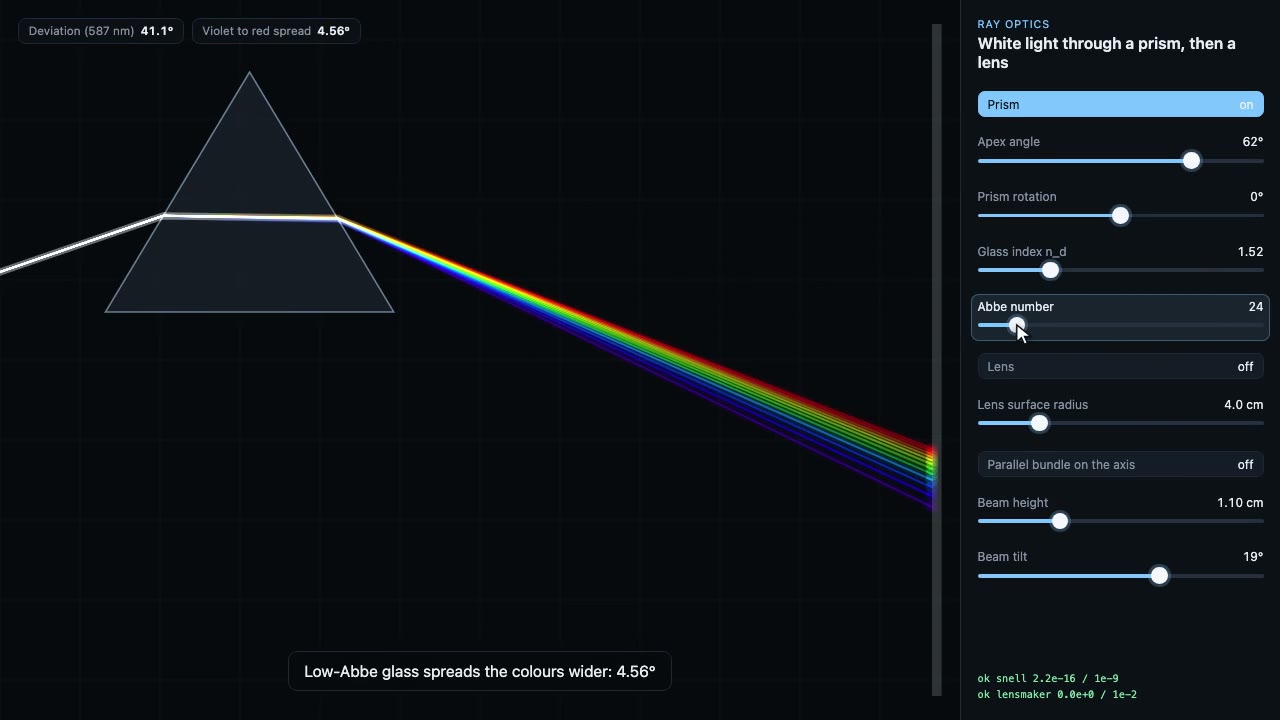
Science Simulation Lab
Build a live science sandbox with sliders, then record a scripted walk-through of it as a frame-exact MP4, with the physics checked on every frame.
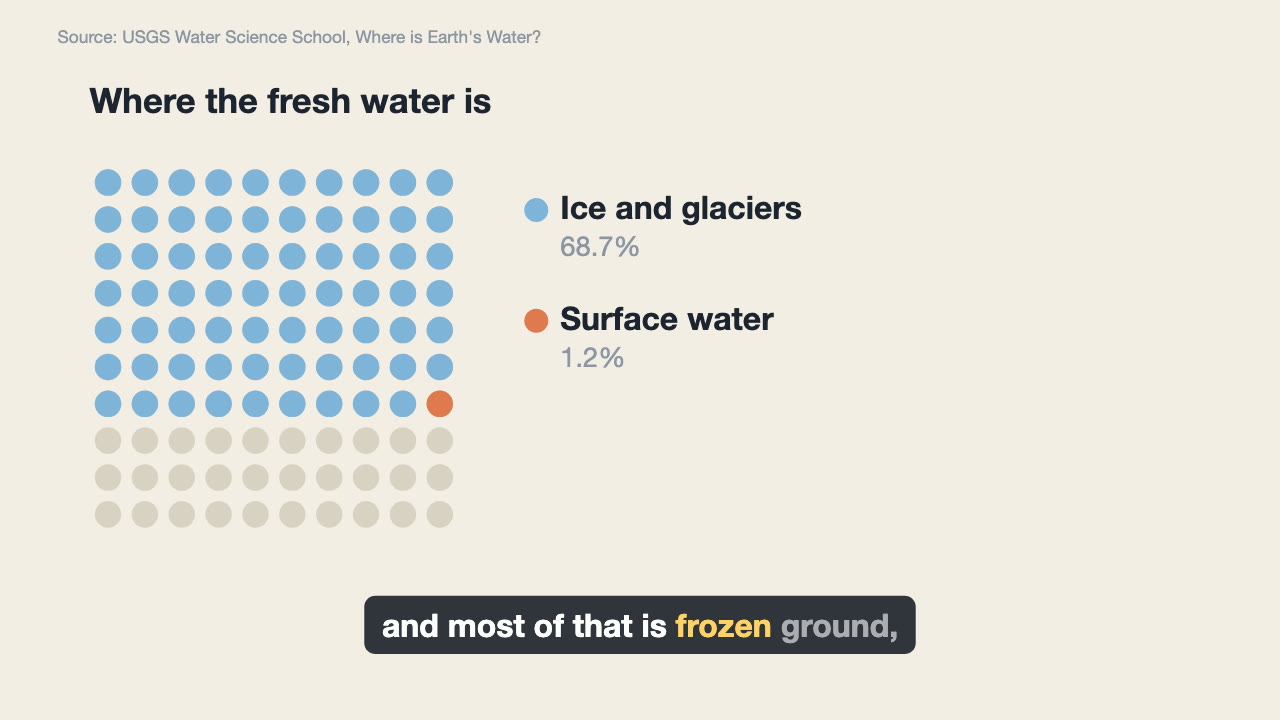
Narrated Explainer Video
Have your agent research a topic, write a script with a source for every figure, voice it, and animate scenes that land on the words that name them.
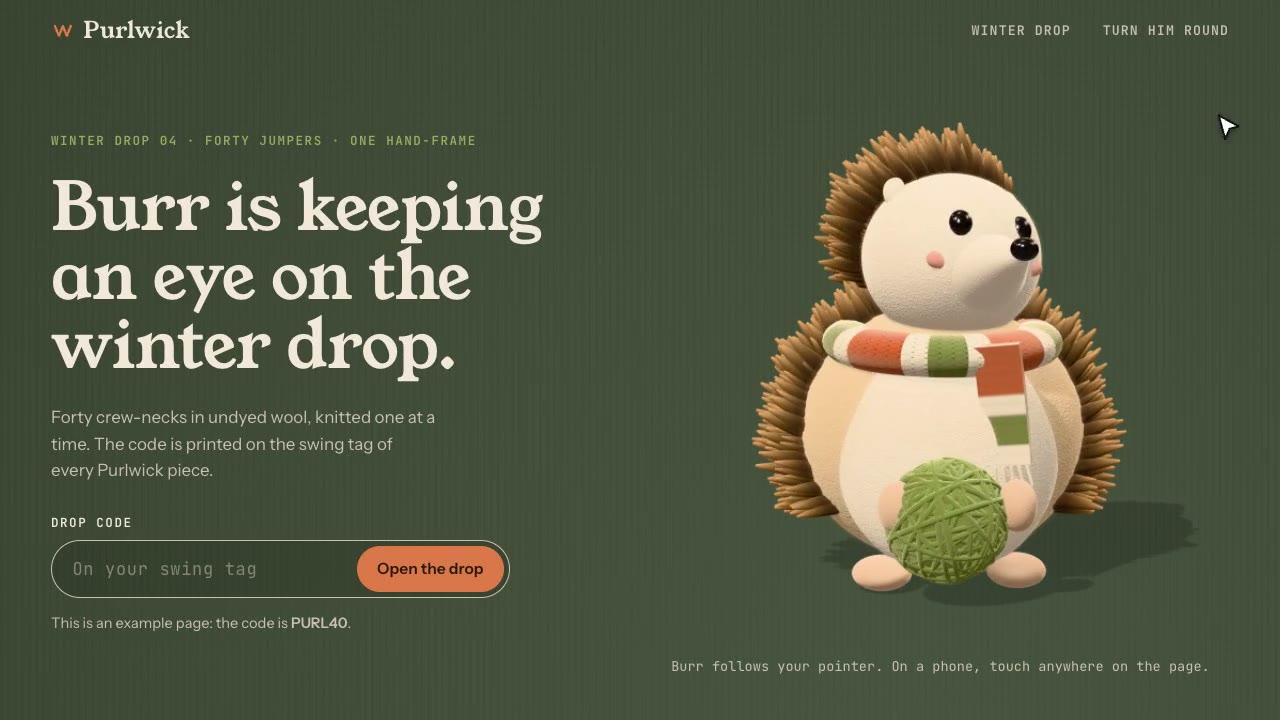
Cursor-Gaze Character
Have your agent build a landing page whose character turns its head to follow the pointer, from frames it renders once, then measure it in Chrome.