
About this skill
You build an ordinary 3D scene and this paints it, every frame. One pass keeps the lit colour, normal, depth and surface id of each pixel. Then every stroke, an instanced quad seeded once on a surface, decides in the vertex shader whether it is in view, how long it is on screen, which way the surface's flow pulls it and what colour it carries. Strokes are never re-seeded, so the paint stays on the wall it was put on instead of sliding over it. Broad strokes go down first and small ones only where the picture has detail, over a wash, with brush marks generated in code and ridges that catch the light. A checker measures the frame time, the strokes on screen and the flicker between consecutive frames, and a recorder writes a frame-exact MP4.
You say
Using this skill, paint my three.js scene of a harbour at dawn in thick, loaded paint: strokes that run along the planks and down the sails, small ones only on the rigging and the lamps. The camera drifts along the quay for 12 seconds. Hold 60 fps at 1080p on a laptop, check it, and give me the numbers and an MP4.
How it works
- Tell your agent the scene, the camera move, the look in plain words, where it runs and the frame time to hold.
- It writes the scene as one module, gives each surface a flow and a share of the stroke budget, and adds snow, sparks or smoke as free strokes.
- It runs the checker on a real GPU, reads the frame time, stroke counts and flicker, looks at the stills and fixes what failed.
- It records the move frame by frame to an MP4 and checks stills from the clip.
Getting a good result
- Give each surface its own stroke direction: down a roof, along a road, round a trunk. Forms then read even with the colour removed.
- Spend strokes along the camera's path. A wall the camera never approaches needs a tenth of the seeds.
- Light with a cool sky and warm lamps, or the reverse. Broken colour then looks like paint instead of noise.
What you get
- A WebGL2 painter for three.js: G-buffer pass, wash, instanced stroke sets and brush marks made in code
- Seeding that spreads strokes evenly at every scale, with weights that put them where the camera goes
- Five flow fields for stroke direction, and a hook that moves a surface and its strokes together
- A checker for frame time (GPU timer), strokes seeded and on screen, overdraw, flicker and repeatability
- A frame-exact MP4 recorder, a live preview with a frame counter, and five G-buffer debug views
- A worked example, a snowy street drawn with 34,000 to 58,000 strokes a frame, and references on the pipeline, stability, budget and look
Good fit
- A game, a 3D site section or an interactive scene that should look painted while it runs
- A painted clip of a 3D scene for an ad, a title or a music video
- Learning non-photorealistic rendering with measurements instead of guesses
Not for
- A painted look on video or photos: this paints 3D scenes it can read depth and surfaces from
- Browsers without WebGL2, or phones you have not measured it on
- A single raymarched subject or a flat looping background, which other skills here cover
How to install it
- Download the ZIP and unzip it.
- Move the folder holding
SKILL.mdinto your agent's skills folder, such as~/.claude/skills/for Claude Code. - Start a new session and ask for what you want to make.
Needs: An agent that reads skills, Node.js 20 or later, A browser with WebGL2 (there is no WebGPU path), three.js and Playwright, with Google Chrome for frame times on a real GPU, ffmpeg, for the MP4.
Popular on X
Posts showing demand for this kind of video. Unless a post names this tool, it wasn't made with it.
- A post of a game drawn as brush strokes in real time, built with Claude Fable 5.2 426,989 views on X, measured 13 November 2026
FAQ
What does it cost?
$2.99 once for this skill, or $99 once for every skill in the library. It also comes with every paid AdAnt plan, from $15 a month. It runs on your own computer and uses no AdAnt credits.
Can I use it in commercial work?
Yes. The skill's code is MIT licensed: use it and what it makes in your own commercial work, including for clients, and keep the license file with any copy you pass on.
How many strokes are on screen, and how fast?
In the example at 1280 x 720, 34,000 to 58,000 strokes reach the screen in each frame, about 11 layers deep. They are picked from a pool of 1,508,960 seeds that holds every stroke size the walk needs, from broad strokes for far walls to fine ones for a lamp a few metres away; at any moment most seeds are too big or too small for their distance and drop out in the vertex shader. Halving the stroke size puts up to 141,900 on screen at 1920 x 1080. On an Apple M4 Pro in Chrome a 1280 x 720 frame takes about 4 ms at the 95th percentile, by GPU timer queries. Those are one machine's numbers: the checker prints yours, and the reference explains what to change when they are too slow.
Why doesn't it shimmer when the camera moves?
Strokes are seeded once on the surfaces and keep their place, size, angle and colour shift for good; what changes with distance is only which of them are in the band of sizes being drawn, and they fade in and out of it. The checker carries each pixel to the next frame through the depth buffer and compares: the example adds 0.4 levels out of 255 over the plain scene, and the same scene with strokes re-rolled every frame adds 6.6.
How is this different from Procedural Shader Film?
Procedural Shader Film raymarches one subject inside a fragment shader and renders a cinematic shot slowly, offline. This skill paints a normal three.js scene made of meshes and lights, with a camera you can move, and it runs live.
How is it different from Shader Loop Backgrounds?
Shader Loop Backgrounds makes flat 2D backgrounds that loop with no seam. This one is for 3D scenes: its strokes sit on surfaces in depth, hide behind nearer things and follow the form.
Does it run on WebGPU?
No. The kit is WebGL2 only: it draws with three.js's WebGLRenderer and patches its built-in materials, so it does not run under three.js's WebGPU renderer or with node materials, and a browser without WebGL2 cannot run it. The performance reference sketches what a WebGPU port would change (a compute pass that culls strokes before they are drawn), but the ZIP has no WebGPU code.
Did the people whose posts are linked write this skill?
No. AdAnt saw a post showing a game drawn as brush strokes, built with Claude Fable 5.2, then wrote this skill, its painter, its scripts and its example from scratch without reading that project's code. Its author did not write or review this. The clip on this page was built by Claude Fable 5.2 with this skill.
Related skills

Parallax Plates Site
Have your agent split one picture into depth plates and build a page that flies through them on scroll, then prove in Chrome that no plate edge ever shows.

Shader Reveal Site
Have your agent build a page where the pointer or the scroll uncovers a second picture through a shader, then measure the trail, the GPU and every fallback in Chrome.
Sketch to Styled 3D Scene
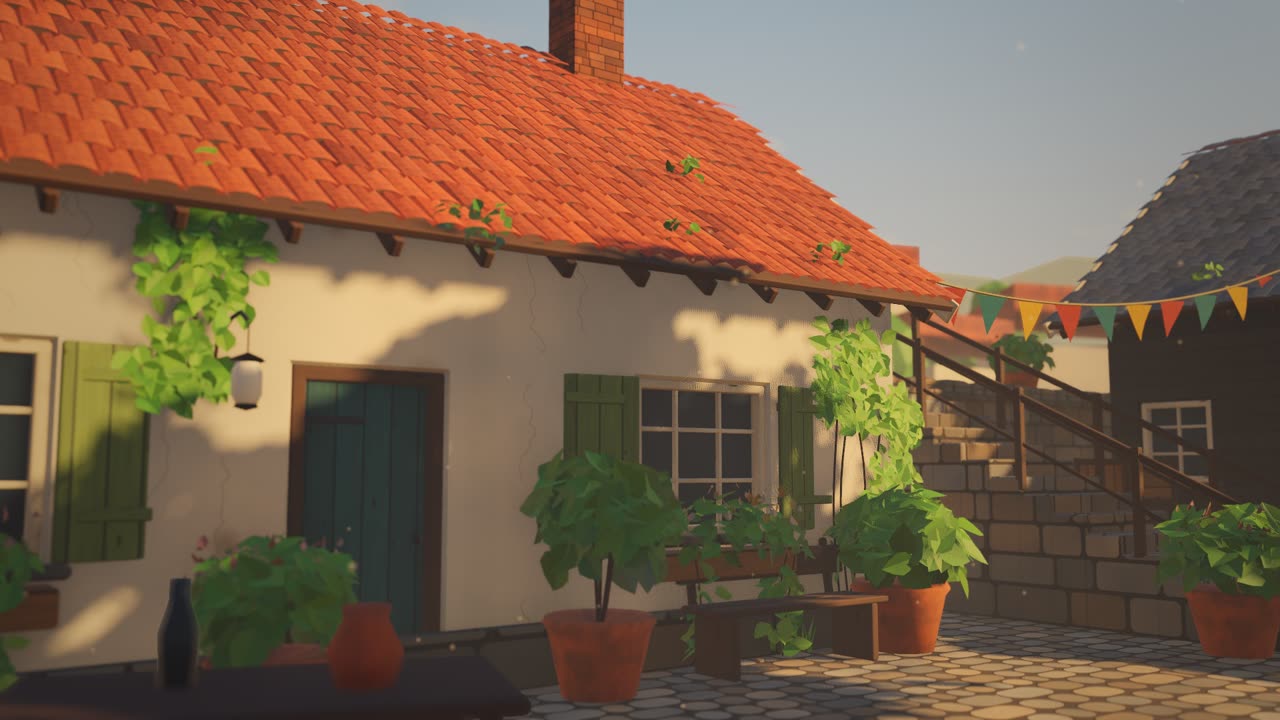
Have your agent read a hand sketch of a place into a measured layout, build it in three.js, and show the same scene in sunlit, painted and night looks.

Blender to Web World
Have your agent build a stylized 3D world in Blender Python, then render it in Three.js with one hand-drawn look.
Reverse Any Video: Rebuild a Video as an Editable HyperFrames Project
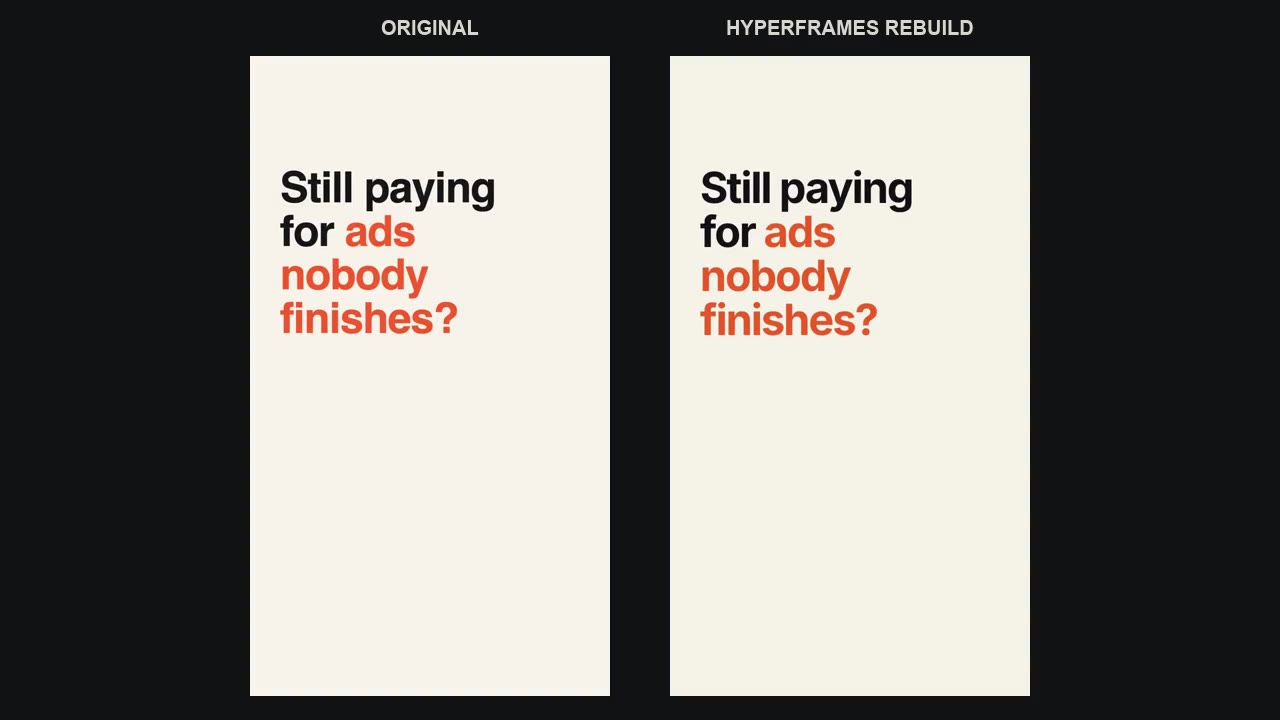
Have your agent rebuild a video file as an editable HyperFrames project, then check its render against the original frame by frame.

Cinematic Video Hero
Have your agent build a one-screen hero from footage and type, with a freeze frame, text behind the subject and a loop, then measure it in a real browser.

Particle Form Hero
Have your agent build a hero where GPU particles settle into your shape, morph to the next as the page scrolls, and part around the pointer.

Scroll-Scrubbed Film Site
Have your agent build a landing page where scrolling plays a film frame by frame, with chapters, callouts and a preloader, then check it in Chrome.
Dreamlike Voyage Browser Game
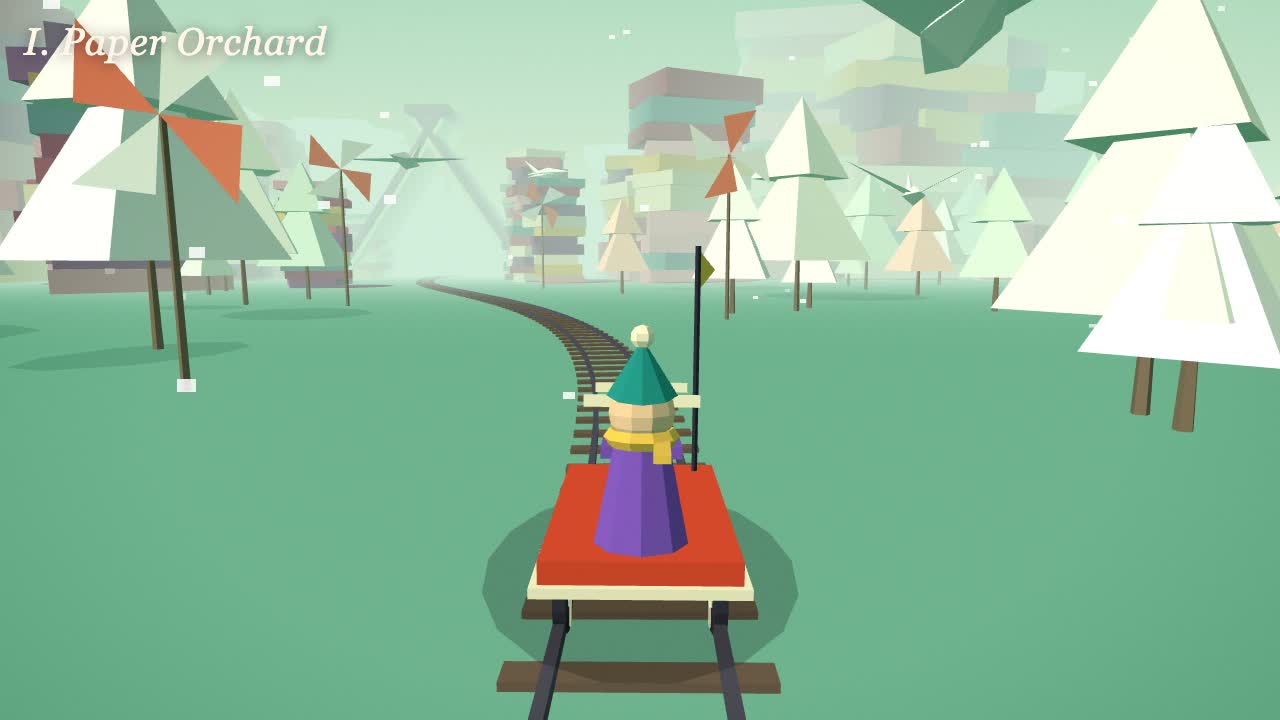
Have your agent build a calm ride through several invented worlds in three.js that plays in a browser tab and on a phone, check it, and record a clip of it.
Scroll-Driven Site
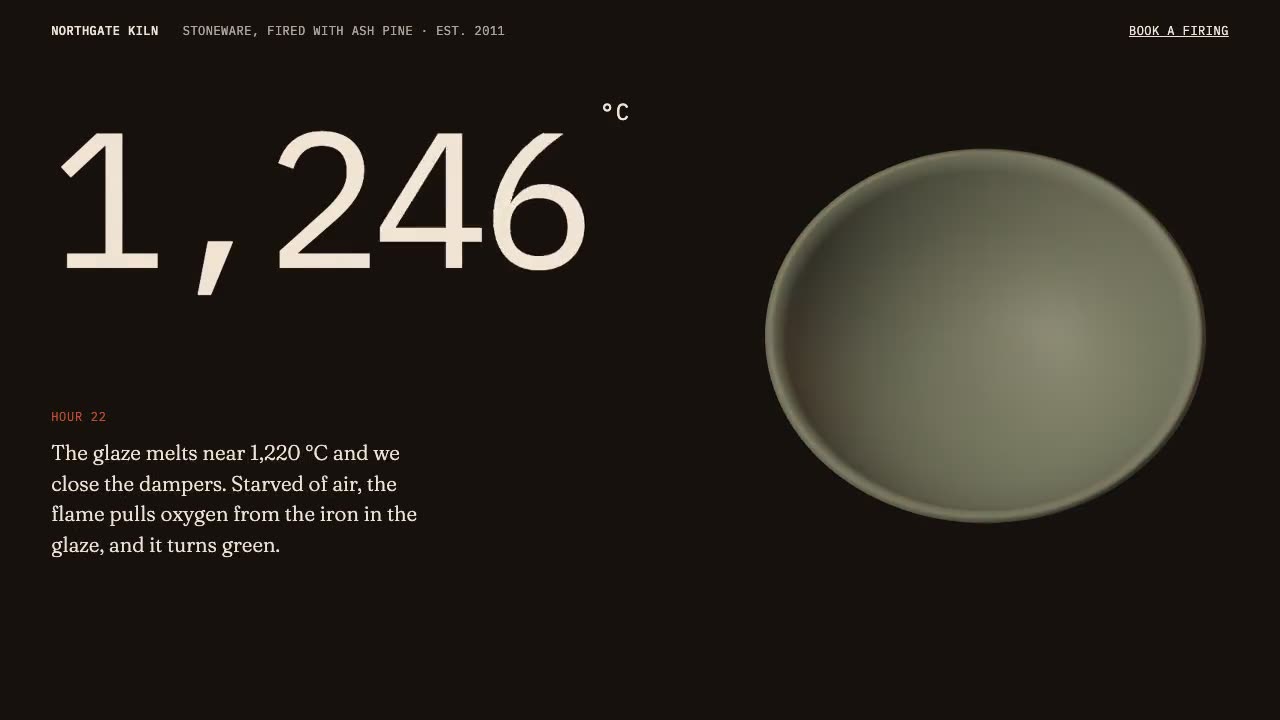
Have your agent build a landing page where scrolling pins, scrubs and reveals each scene, then measure it in a real browser.

Scroll-Posed 3D Product
Have your agent build a page where one 3D product holds the centre while the scroll poses it, section by section, until it docks into the buy box.

Cursor Playground Hero
Have your agent build a hero section visitors play with, on small simulations that behave the same on every screen and never blow up.