
About this skill
Remotion turns React components into video. Each frame is a page in headless Chrome, so anything a browser can draw can be a frame, and the same component with other props is another video. This skill sets Remotion up at one pinned version after telling you its license terms, teaches the one rule that keeps renders exact, and puts timing in plain data so picture and sound can't drift apart. Its example is the split-flap board on this page.
You say
Make a 15-second video from this JSON with Remotion, as one template I can render again for each city. Tell me the license terms and what it installs first.
How it works
- Your agent tells you Remotion's license terms and asks before it installs one pinned version in the project.
- It writes the video as React components, with timing in a plain data file and every frame worked out from the frame number.
- It renders stills first, reads them, and checks that the same frame rendered twice gives the same bytes.
- Remotion renders the MP4, and other props give you another version from the same template.
Getting a good result
- Avoid useState, setTimeout, CSS transitions and Math.random in a composition. They change between renders, and frames may render out of order.
- Keep the schedule in one module that both the picture and the sound script import, so they can't drift apart.
- Read one or two frames at full size as well as a contact sheet. Clipped letters don't show up at thumbnail size.
What you get
- Setup at one pinned Remotion version, which starts with the license terms
- The working pattern: compositions, useCurrentFrame, springs, props and audio on exact frames
- The source of the split-flap film on this page, with its sound script and a second set of props
- The mistakes we made building it, and the checks that caught them
- How to install Remotion's own agent skills, and why they aren't in this ZIP
Good fit
- The same video many times from data, per customer, city or language
- Captions, counters and charts that have to land on exact frames
- Teams that write React and want video in version control
Not for
- Companies of 4 or more that won't buy a Remotion license
- Footage of people or places: generate that elsewhere and bring it in
- One short motion graphic with no data, where a captured page is less machinery
How to install it
- Download the ZIP and unzip it.
- Move the remotion-video folder into your agent's skills folder, such as ~/.claude/skills/. Your agent tells you the license terms and asks before it installs Remotion in a project.
- Start a new session and ask for what you want to make.
Needs: An agent that reads skills, Node.js, About 900 MB of disk for each project, A Remotion Company License, if your company is not eligible for the free one.
FAQ
Is it really free?
The skill is. Create a free AdAnt account to download the ZIP, with no card and no trial timer. Remotion itself is free only for some users, and the next answer says who. AdAnt doesn't sell or include it.
Who has to pay for Remotion?
As Remotion's license page read on 6 November 2026: it is free, including for commercial work, for individuals, for-profit organizations of up to 3 people and non-profits, and for anyone evaluating it before commercial use. Remotion's FAQ excludes government bodies and educational institutions from "non-profit" unless it grants permission in writing. Any other company needs a Company License, and eligibility goes by the whole company's headcount, not by who uses it. The listed prices are $25 a month per seat for people making videos by hand or with an agent, or $0.01 per render with a $100 a month minimum for automation. Remotion counts code you own that calls its render APIs, npx remotion render or its Player as automation. Nobody may sell Remotion itself, or let their users upload their own Remotion projects for rendering. Check remotion.dev/docs/license/pricing and the LICENSE.md in Remotion's repository for current terms, since this is our summary and not legal advice.
What does setup download and run?
After asking, it installs five npm packages at exact versions, about 230 MB with their dependencies, which include Remotion's own FFmpeg build. It also downloads Chrome Headless Shell, 140 MB, which on a Mac with Apple Silicon comes from Remotion's host, remotion.media, and unpacks to 460 MB. The first render adds a bundler cache of about 220 MB. It all stays in the project's node_modules. esbuild runs one install script. A render starts that browser and FFmpeg on your machine, and the components you write run as code in it. You can pass your own Chrome instead of the download.
Why aren't Remotion's own skills in the ZIP?
Remotion publishes agent skills at remotion-dev/skills, but that repository states no license, so AdAnt copies nothing from it. You can install them with Remotion's own command, npx skills add remotion-dev/skills. That runs the skills package from npm and fetches the repository's current contents, so it isn't pinned, and that CLI's README says it collects anonymous usage data unless you set DO_NOT_TRACK=1. This skill doesn't need them, and we didn't run that command.
Does Remotion send telemetry?
Its telemetry page says CLI and server renders send an event only when a license key is set, and that browser rendering always sends one. An event holds the key, your IP address, still or video, and production or development, plus the page's domain for browser rendering, and no video content. It also says that from Remotion 5.0, companies on the automation plan must set a key. We set no key and did not inspect the traffic ourselves.
What did AdAnt run, and what didn't it?
We installed Remotion 4.0.541 in a clean folder on an Apple Silicon Mac, following this skill, and rendered the clip on this page. We rendered one frame twice and got identical bytes, rendered stills with a second set of props, and rendered with an installed Chrome. We didn't run Remotion Studio, the Player, Lambda, browser rendering, Linux, Windows or remotion-dev/skills. The cities and times are made up, and the sound is synthesized by the example's script.
Related skills
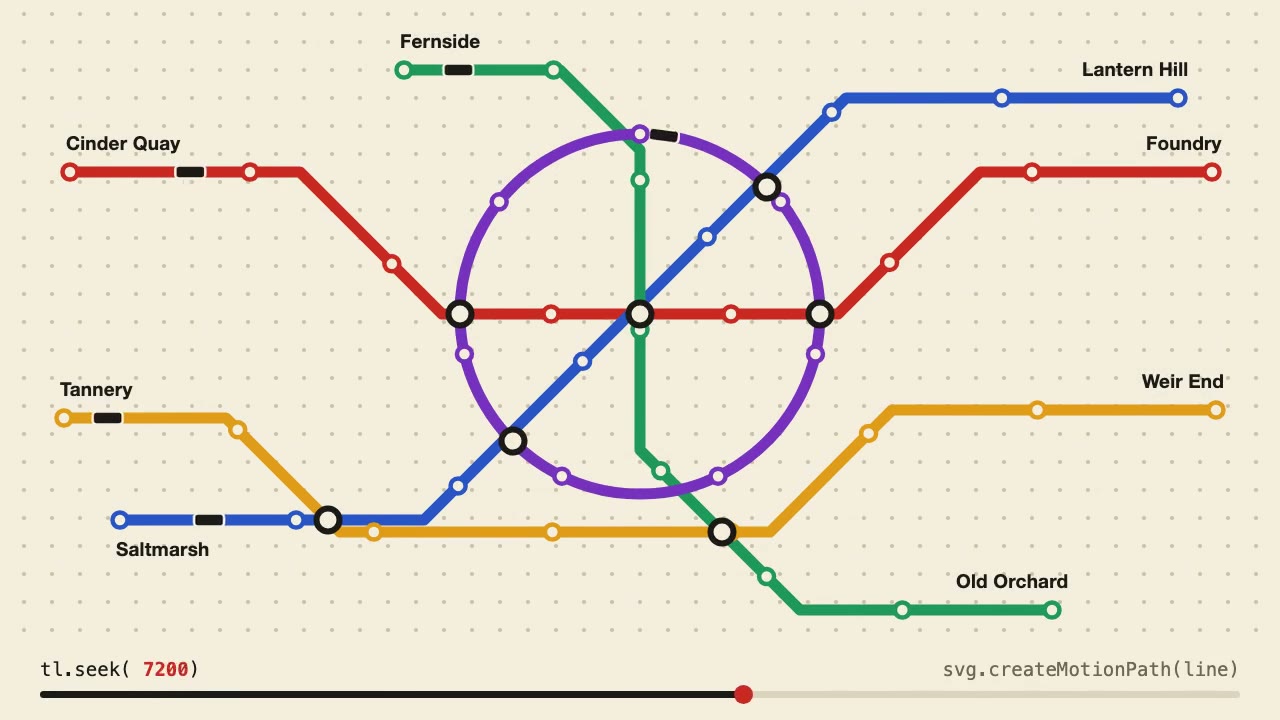
Anime.js Timelines
Choreograph grid staggers, self-drawing SVG lines and things that follow a path on one Anime.js timeline you can seek.
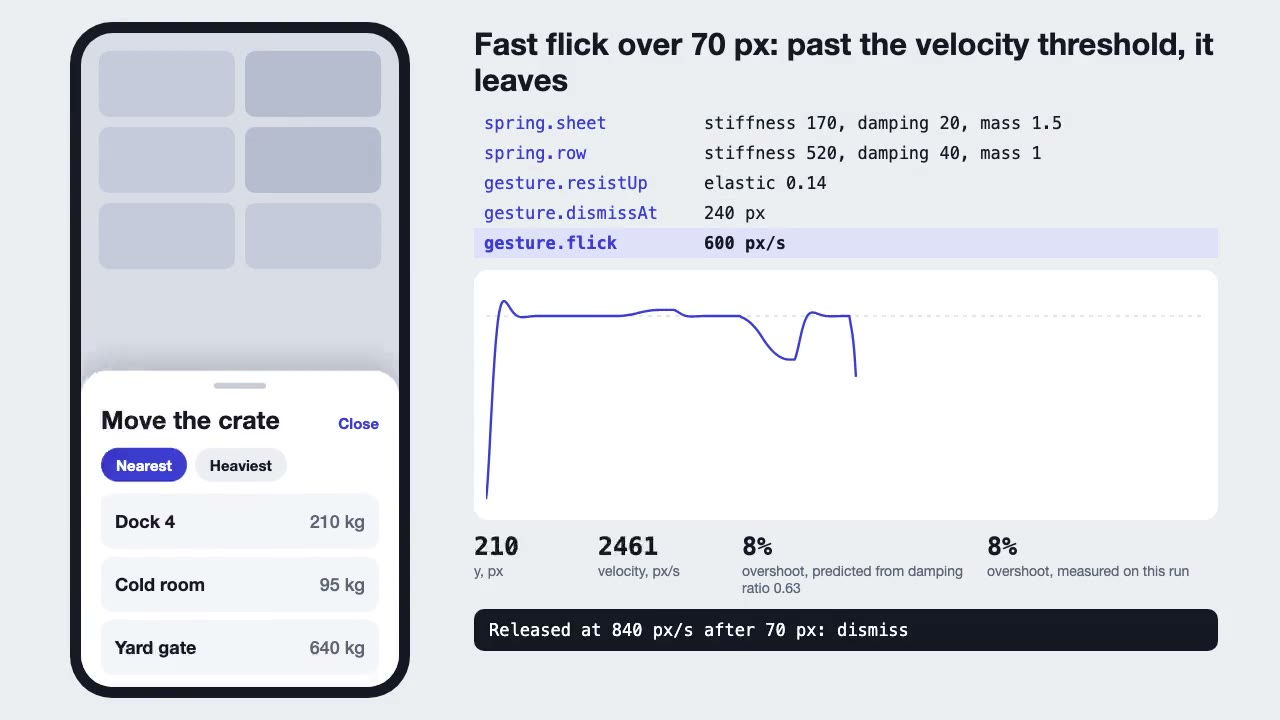
Motion UI Animation
Build UI animation with springs, layout transitions and gestures from one written motion language, with a linter that catches drift.
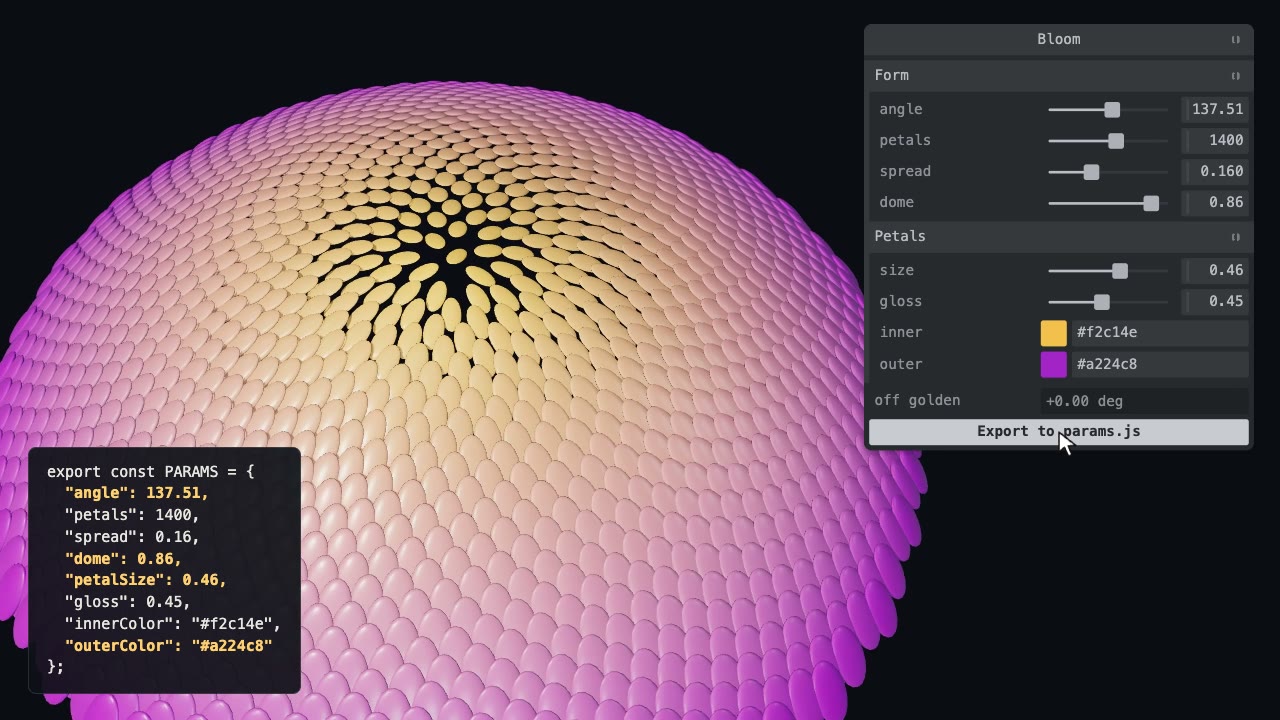
Tweakpane Live Tuning
Add a live panel to an animation so you can tune it by hand, then write the values you chose back to the code.
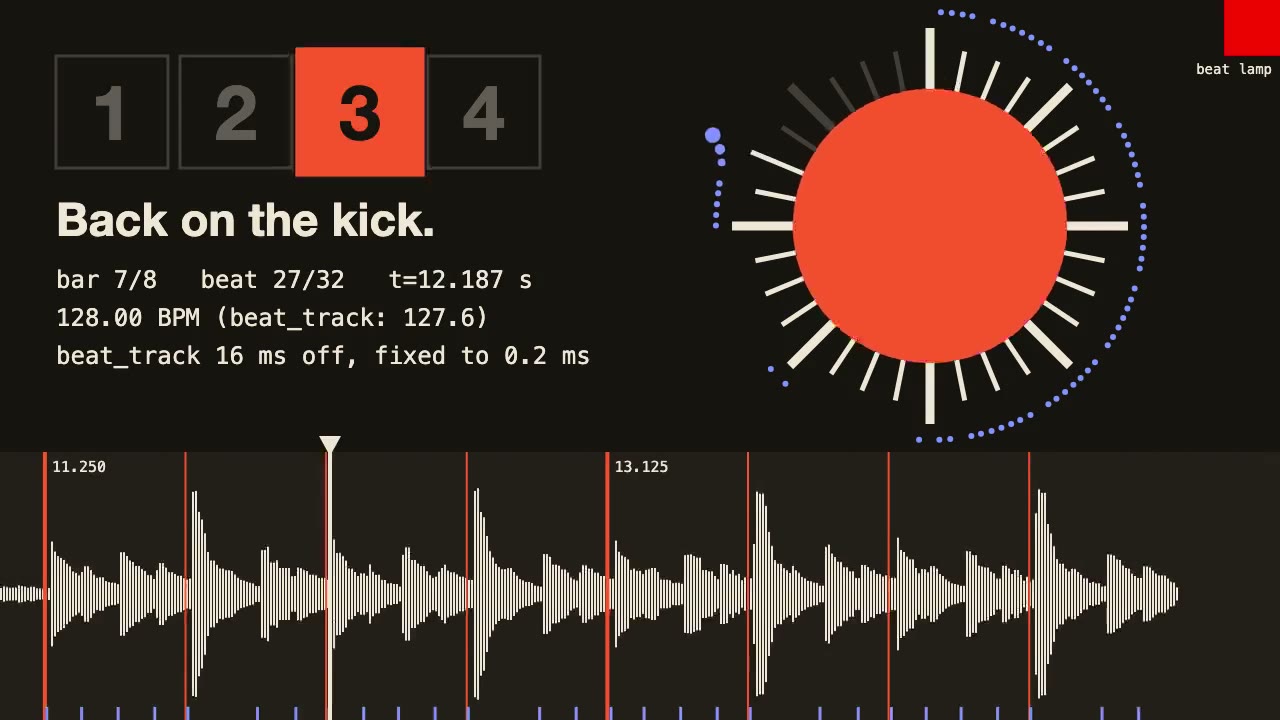
librosa Beat Sync
Measure a track's beats with librosa, drive an animation from the JSON it writes, and prove the sync by measuring the video.

Blender Scenes through MCP
Have your agent build a Blender scene one step at a time, look at each result, and render the finished shot.
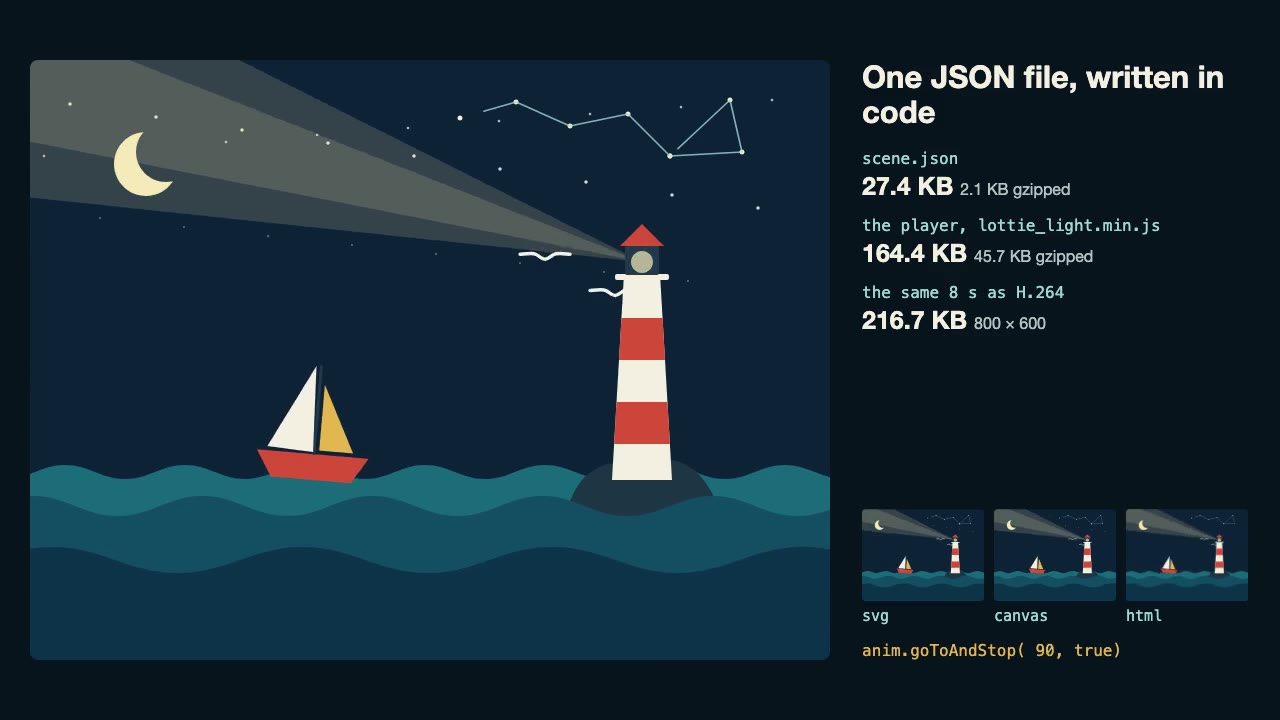
Lottie Animation
Write an original Lottie animation as JSON from a script, check that it's safe, and play it with lottie-web, with no After Effects.

Three.js Path Tracing
Render a three.js scene with real path tracing, so glass, chrome and soft light come out physically right.
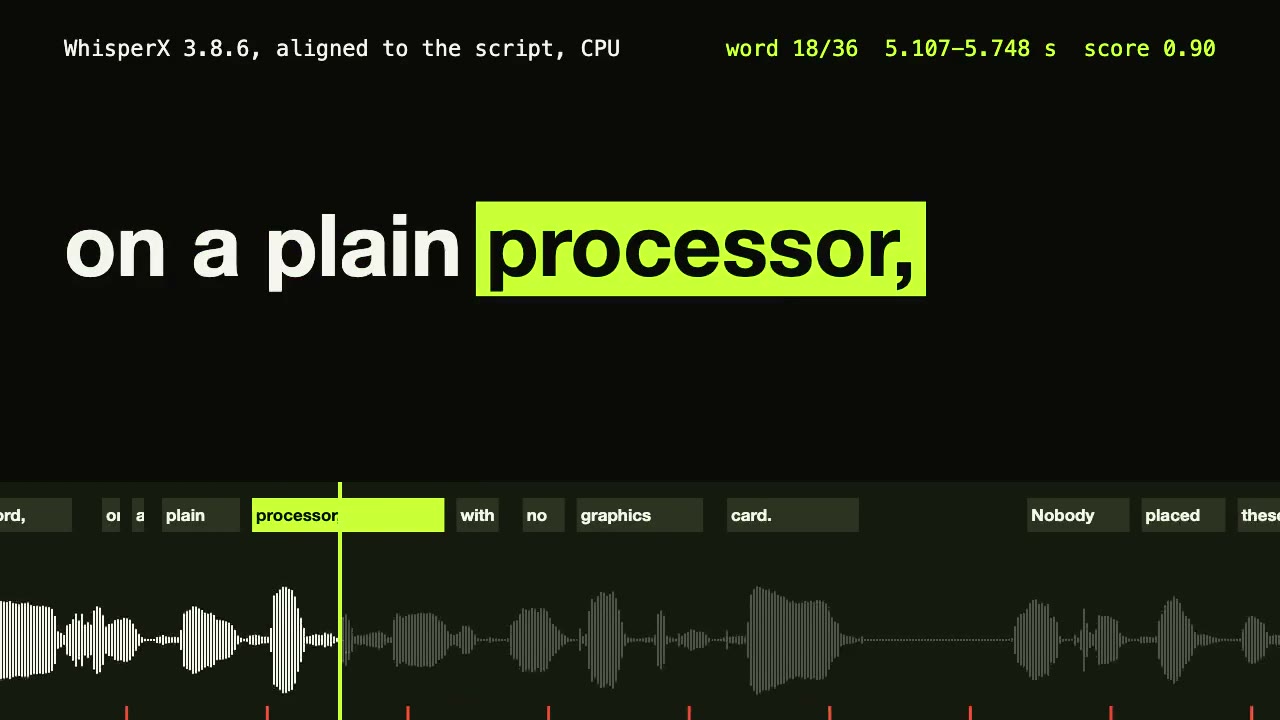
WhisperX Word Captions
Get a timestamp for every spoken word on a plain CPU, export SRT and VTT, and drive word-highlighted captions from the JSON.
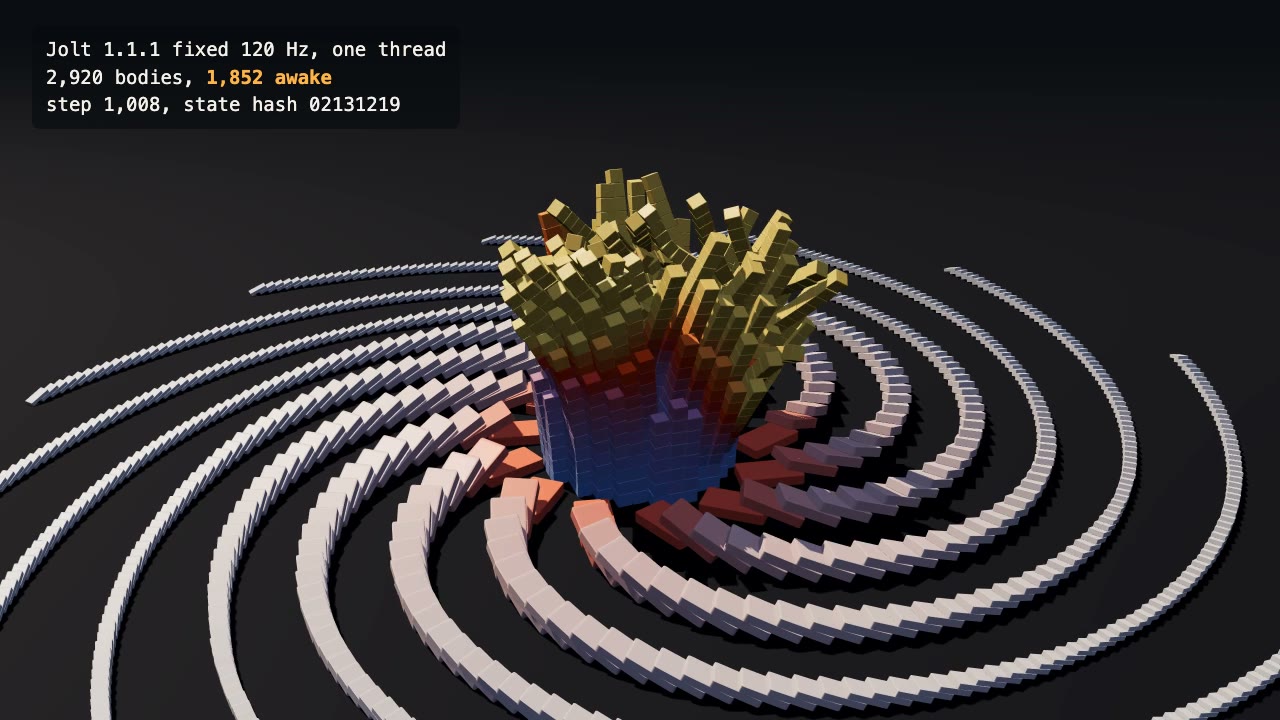
Jolt Physics Simulation
Simulate thousands of rigid bodies with Jolt and render the collapse, repeatably, frame by frame.
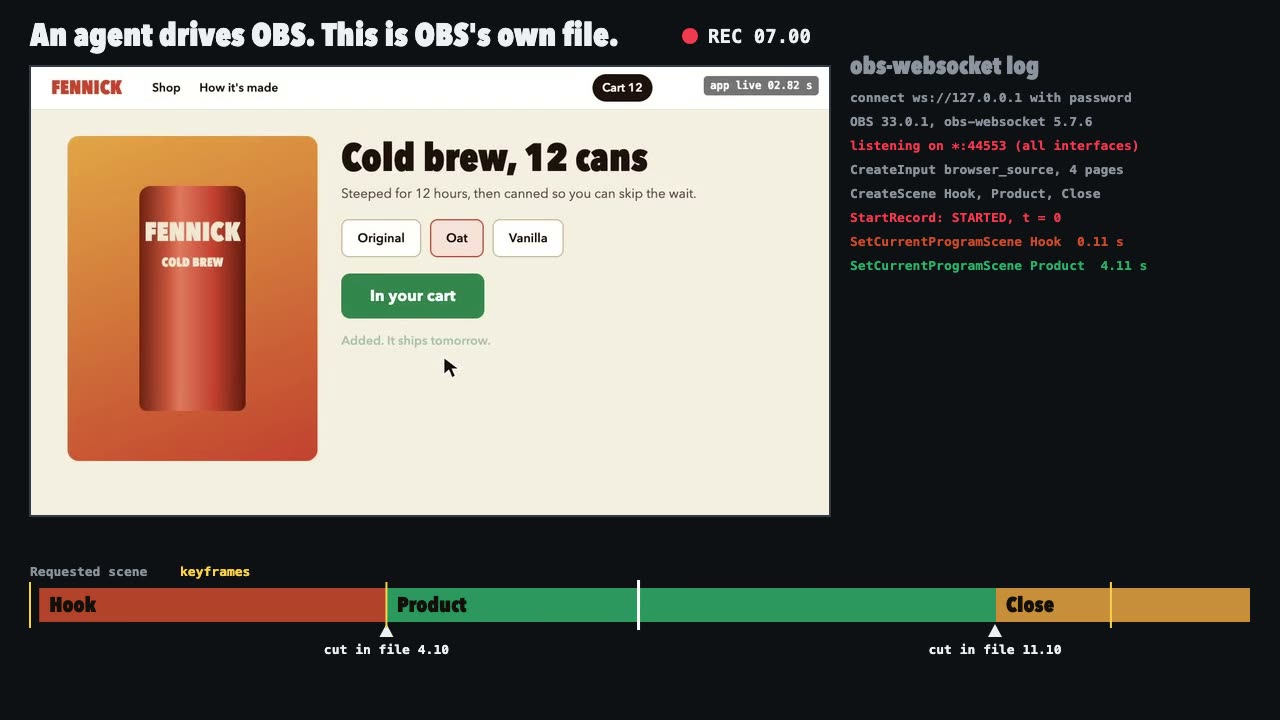
OBS Recording
Script a real OBS recording of a page with timed scene switches, then check the file it wrote.

Three.js Postprocessing
Give a flat three.js shot HDR bloom, depth of field, tone mapping and a color grade, in the right order.
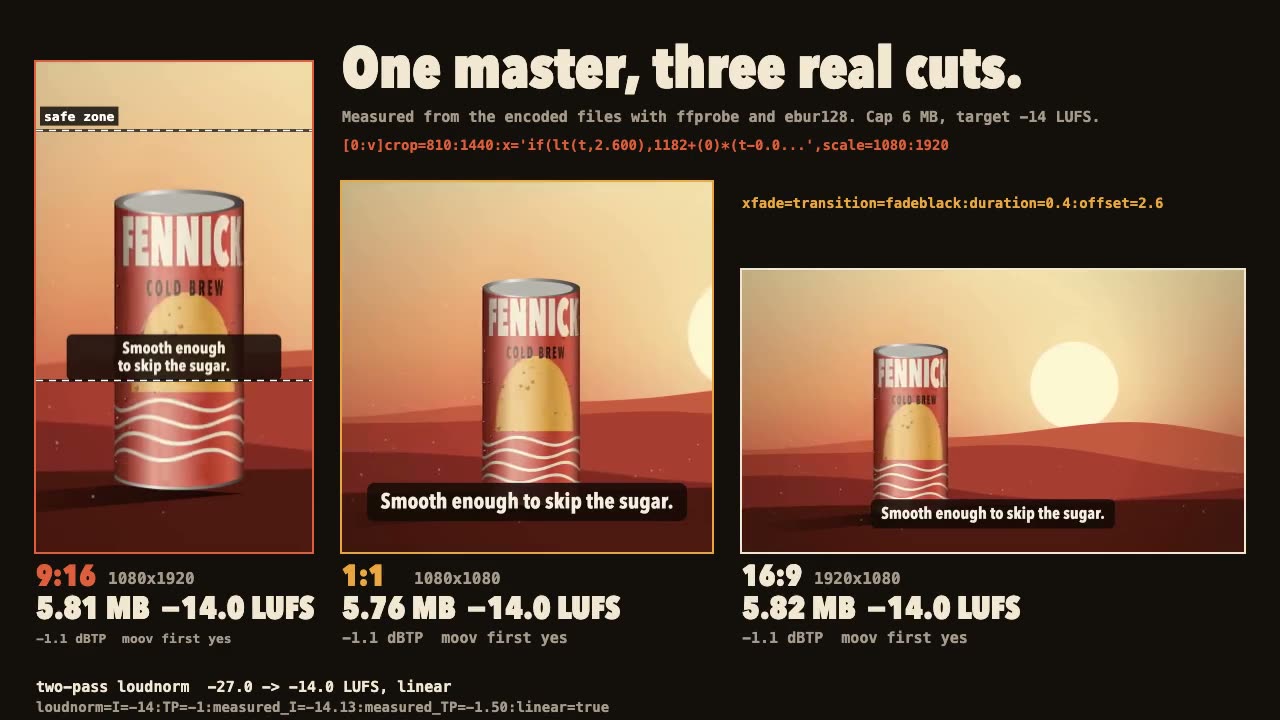
FFmpeg Finishing
Turn one master into 9:16, 1:1 and 16:9 files with safe-zone captions, measured loudness and a size cap.