
About this skill
MCP for Blender, by Siddharth Ahuja, connects an agent to a running Blender. This skill sets out how to use it well: one element per step, a real picture of the camera view after each step, and a final render with no window. It asks before installing, pins the server to one version and sets the variable that turns telemetry off. It also states what the tool can do to your computer: the agent runs arbitrary Python as you. Unlike blender-to-web-world, which bakes a GLB for a live Three.js site with no MCP, this skill ends in a Blender render.
You say
Build a lighthouse on a rock in a dusk sea in Blender, one element at a time. Show me the camera view after each step, then render 10 seconds with a slow push in.
How it works
- Your agent explains the risks and asks first. Then it installs one pinned server in a virtual environment and the addon in Blender.
- With Blender open, it sends one element at a time as Python: sea, rock, tower, light, camera.
- After each step it reads a real picture of the camera view, and fixes what it sees before moving on.
- It saves the file, renders a test frame without the window, then renders the whole shot.
Getting a good result
- Render one frame headless before you commit to all of them. At 5 seconds a frame, a 10-second shot is 20 minutes.
- Start in EEVEE. With a large haze volume, Cycles took 2 minutes a frame here, against about 5 seconds.
- Close Blender when you are done, so the local socket isn't left open.
What you get
- A setup that asks first and pins mcp-for-blender 2.2.7, with telemetry off
- A working method: one element per step, a viewport picture after each, then a headless render
- The complete lighthouse example on this page: five Python steps and the script that sends them
- A plain account of the risks: arbitrary code, the open local socket, telemetry and third-party services
- The traps we hit in Blender 5, in EEVEE's volumetrics and in the Ocean modifier
Good fit
- Shots that need Blender's own tools: ocean, volumes, modifiers, Cycles or EEVEE
- People who want to see a real picture at every step, and redirect it early
- Users comfortable reviewing the code an agent runs on their computer
Not for
- Machines holding data the agent must not reach: its Python runs as you, with no sandbox
- A site that renders live in the browser. Use blender-to-web-world
- Headless servers while building: the addon's socket needs Blender's window
How to install it
- Download the ZIP and unzip it.
- Move the blender-mcp-scenes folder into your agent's skills folder, such as ~/.claude/skills/. Your agent asks before it installs anything, and Blender has to be open with a window while it builds.
- Start a new session and ask for what you want to make.
Needs: An agent that reads skills and connects to MCP servers, Blender with a window (ran on 5.2.3), Python 3.10 or later and uv, ffmpeg, to join the frames.
FAQ
What does it cost?
$2.99 once for this skill, or $99 once for every skill in the library. It also comes with every paid AdAnt plan, from $15 a month. It runs on your own computer and uses no AdAnt credits. MCP for Blender and Blender are free and are not in the ZIP. Some optional outside services the tool can call are paid, and this skill uses none of them.
Can I use it in commercial work?
Yes. You can use the skill and what it makes in your own commercial work, including for clients. You can't resell the skill.
Can it run code on my computer?
Yes, and that is how it works. The execute_blender_code tool passes text to Python inside Blender, with no sandbox, and it runs as you, so it can read and write your files. The addon's socket on localhost:9876 has no password, and any process on your computer can send code to it. It listens on loopback only, unless you change its bind address and allow remote connections, which the skill tells the agent never to do. Upstream's safe mode filters code in the MCP server only, so it does not protect that socket. Read what the agent sends, and disable the addon when the project ends.
Does it send telemetry?
By default, yes. With no opt-in, MCP for Blender sends a minimal record for each tool call: a random install ID, session ID, tool name, success, duration, versions, OS and time. This skill sets DISABLE_TELEMETRY=true, which stops it, though a random ID file is still written locally. If you opt in, it also collects prompts, generated code and viewport screenshots, and its terms say these may be kept indefinitely, used to train AI models and released as datasets. The skill leaves that off.
Do I need API keys or outside services?
No. The tool can reach Poly Haven, Sketchfab, Poly Pizza, Hyper3D Rodin, Hunyuan3D, Meshy and Tripo, all off by default. Most need your own key, and some a paid plan. Each has its own terms, and assets have their own licenses. The example on this page uses none of them. The tool's own replies can promote a paid Premium plan, and the skill tells the agent to ignore that.
What does setup download and run?
With your approval, the mcp-for-blender 2.2.7 package from PyPI into a virtual environment, and its addon into a Blender user folder inside your project, so your own Blender settings are left alone. Blender itself comes from blender.org if you don't have it. The addon checks GitHub for a newer version when it starts, and installs nothing. The skill sets a variable that stops this check. It does not use upstream's curl-to-shell installer or its setup command, which edits your MCP client configs.
What are the license terms for commercial work?
MCP for Blender is MIT, so commercial use is allowed if you keep the notice. Blender is GPL, and the Blender project states that what you make with it is yours. Check any asset from an outside service separately, since each has its own license.
How is this different from blender-to-web-world?
blender-to-web-world runs bpy scripts without a window or MCP, and bakes a GLB for a Three.js site that renders in the browser. This skill drives an open Blender through MCP, looking at each step, and the result is a rendered video from Blender.
What did AdAnt run, and what not?
We ran the real path: Blender 5.2.3 from blender.org with a window, the addon, and the mcp-for-blender 2.2.7 server over stdio with telemetry off. A small Python MCP client stood in for the agent's client and sent each step. The pictures in the first 3 seconds of the clip are what the look tool returned, in material shading, which is why the light step isn't shown on its own. The rest was rendered headless in EEVEE. The step labels were added afterwards, drawn in Chrome and joined with ffmpeg, and that assembly script is not in the download. We ran it on an Apple M4 only. We did not try safe mode's limits, Cycles for the final film, Windows, Linux, or any outside service.
Related skills
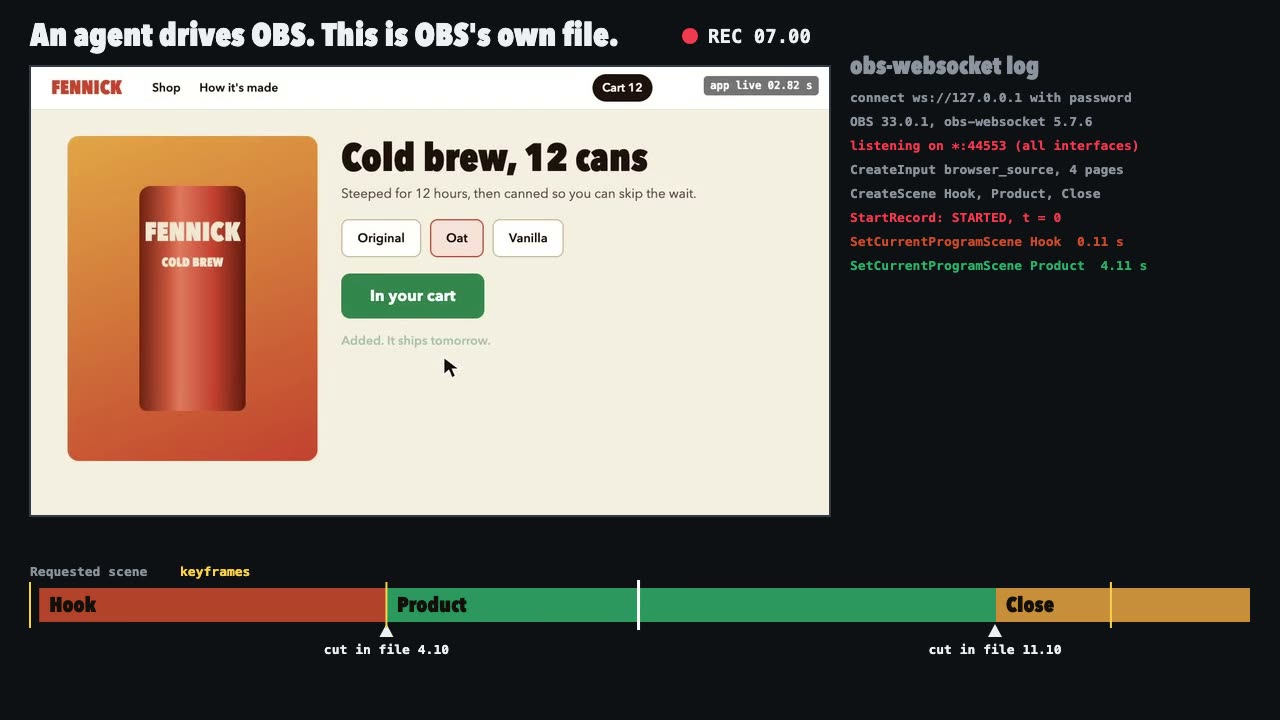
OBS Recording
Script a real OBS recording of a page with timed scene switches, then check the file it wrote.
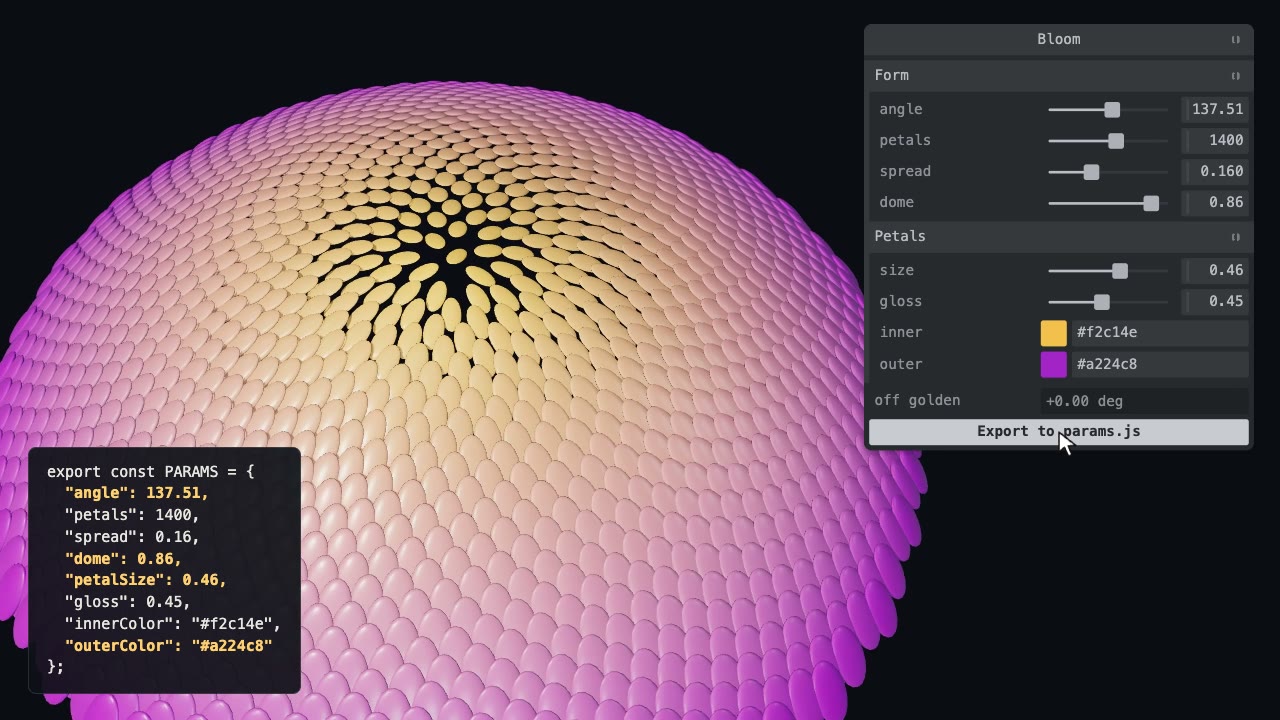
Tweakpane Live Tuning
Add a live panel to an animation so you can tune it by hand, then write the values you chose back to the code.

Remotion Video
Make video as React components, where every frame comes from the frame number, and render one template for any data.
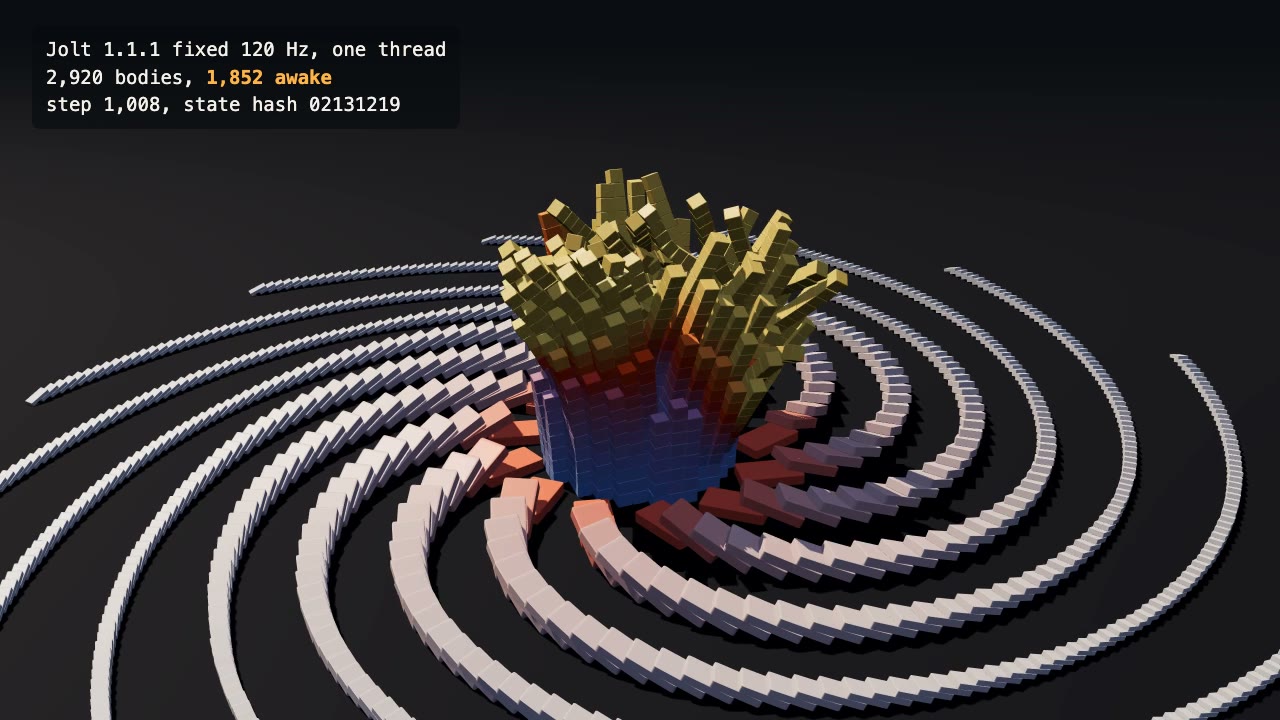
Jolt Physics Simulation
Simulate thousands of rigid bodies with Jolt and render the collapse, repeatably, frame by frame.
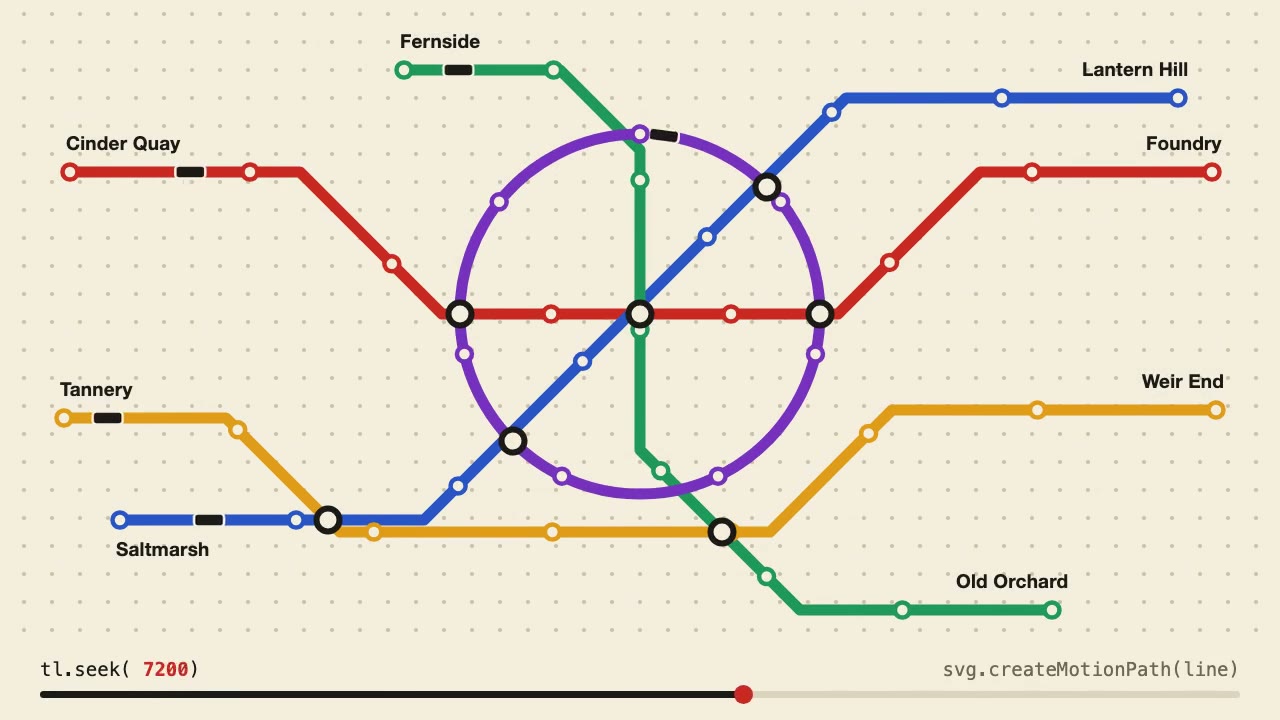
Anime.js Timelines
Choreograph grid staggers, self-drawing SVG lines and things that follow a path on one Anime.js timeline you can seek.
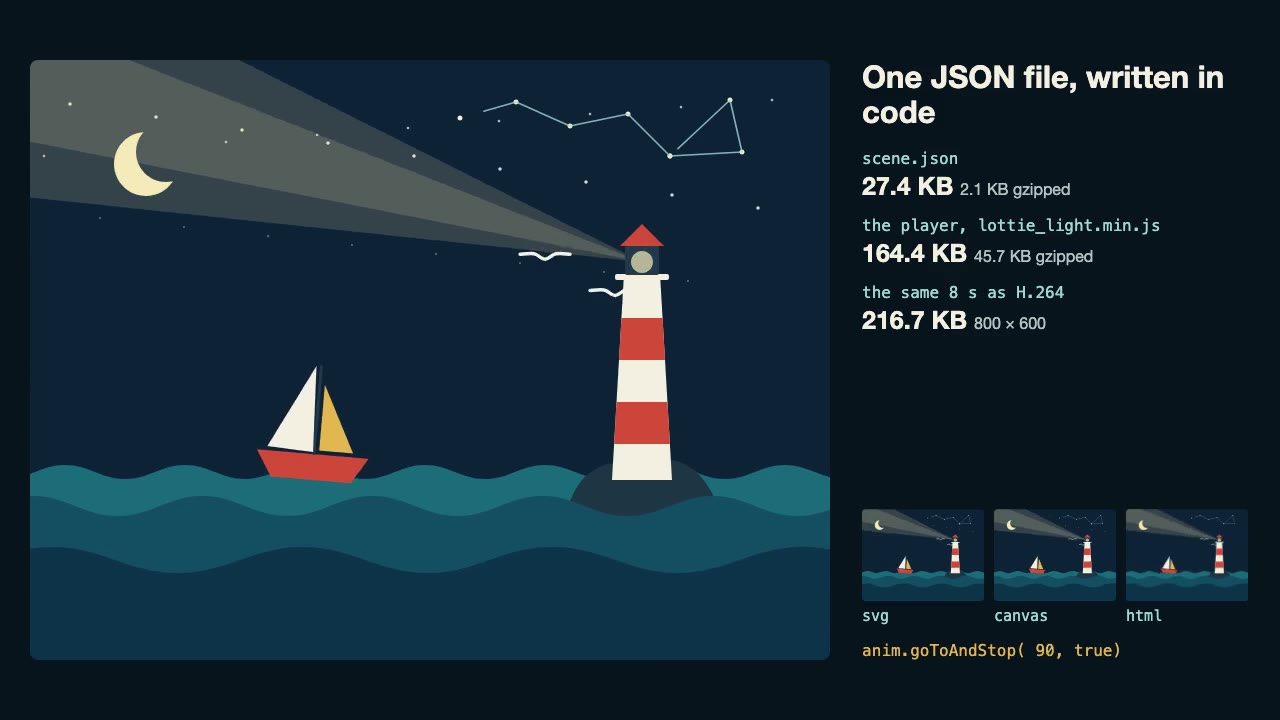
Lottie Animation
Write an original Lottie animation as JSON from a script, check that it's safe, and play it with lottie-web, with no After Effects.
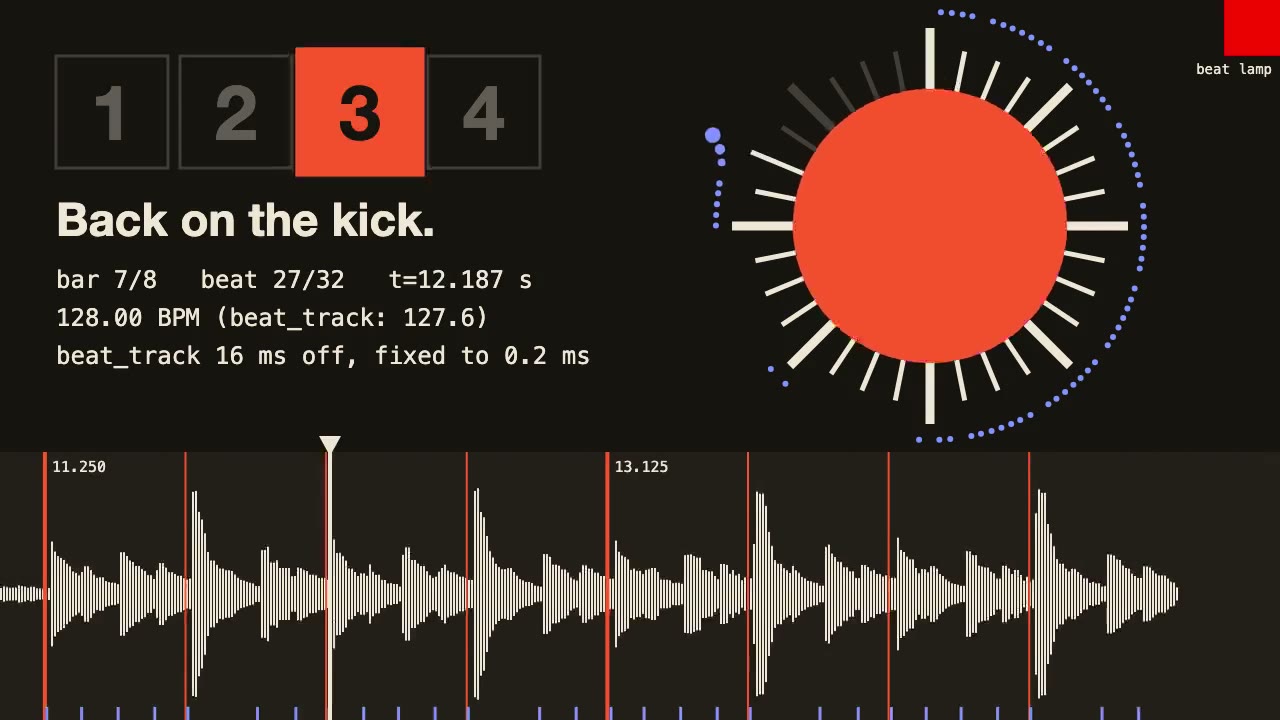
librosa Beat Sync
Measure a track's beats with librosa, drive an animation from the JSON it writes, and prove the sync by measuring the video.
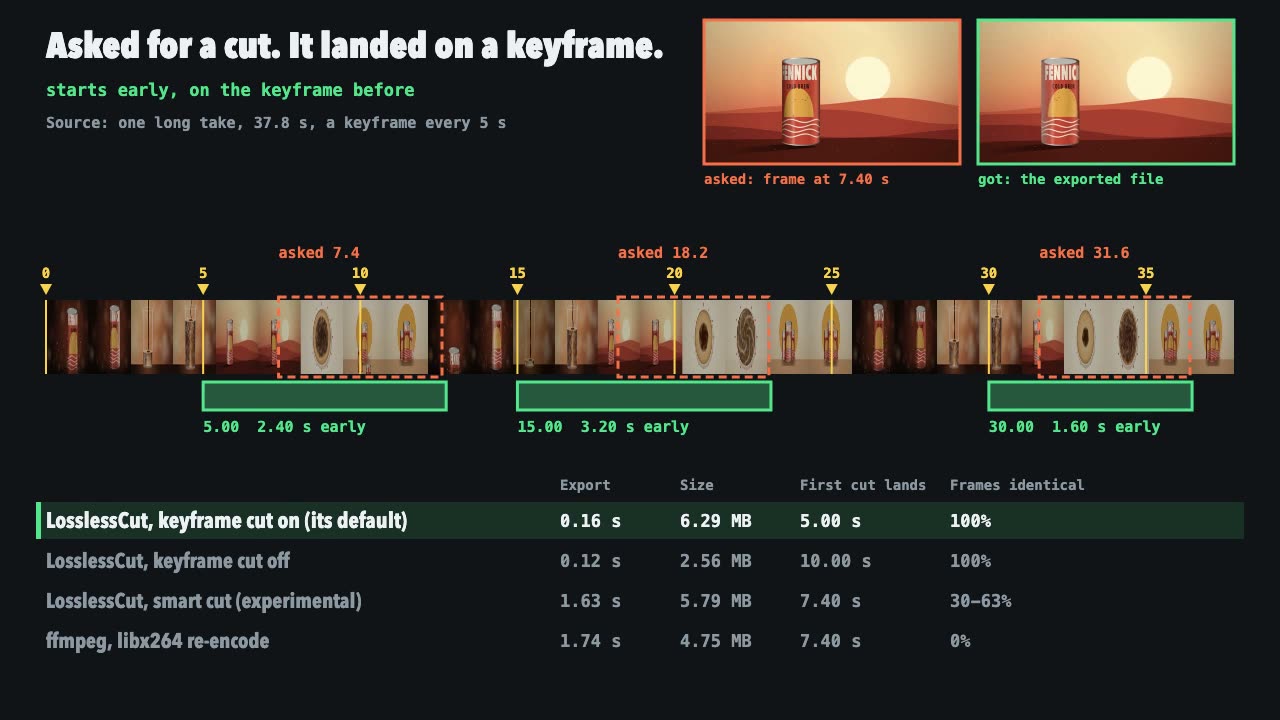
LosslessCut Trims
Cut long recordings fast without re-encoding, and measure where each cut really landed.

Three.js Path Tracing
Render a three.js scene with real path tracing, so glass, chrome and soft light come out physically right.
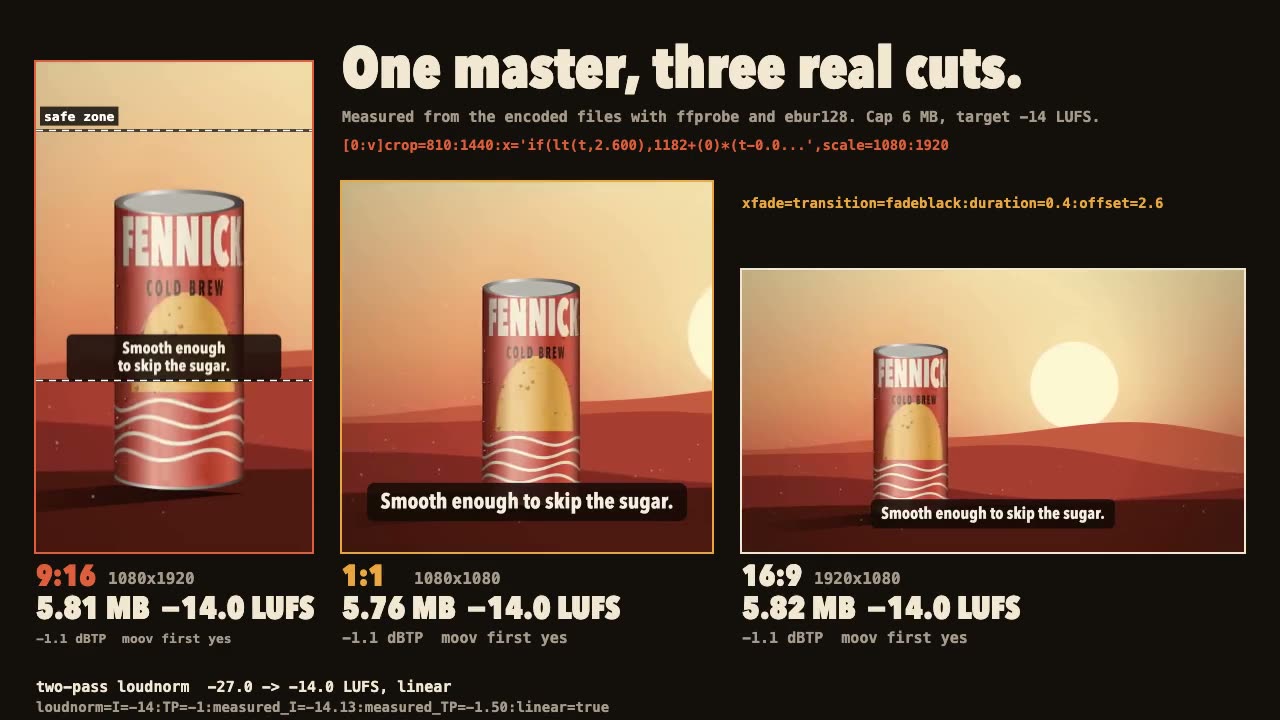
FFmpeg Finishing
Turn one master into 9:16, 1:1 and 16:9 files with safe-zone captions, measured loudness and a size cap.
Three.js Postprocessing
Give a flat three.js shot HDR bloom, depth of field, tone mapping and a color grade, in the right order.
Motion UI Animation
Build UI animation with springs, layout transitions and gestures from one written motion language, with a linter that catches drift.