
About this skill
A loop background is one fragment shader whose only clock is a phase from 0 to 1. When every moving part completes a whole number of cycles, the last frame leads straight back into the first. This skill teaches that rule and ships six styles built on it: mesh gradient, grain gradient, ordered dither, halftone, polar swirl and liquid chrome. One script exports a style as a React component and an HTML snippet that pause off-screen, cap the pixel ratio and hold a still for reduced motion. Another renders it frame by frame in headless Chrome to an MP4 for behind a video ad, or to a still. A checker measures the step from the last frame back to the first, on any video.
You say
Using this skill, make a calm mesh-gradient background in our brand colours #0f172a, #6366f1, #f472b6 and #fde68a. Give me a React component for the landing page hero and an 18-second vertical MP4 to sit behind our product ad, and check that the video loops.
How it works
- Tell your agent where the background goes, the look, your four colours and how long one loop should take.
- It picks one of the six styles, or writes a new one, and checks that the last frame leads back into the first.
- For a website, it exports a React component and an HTML snippet with the shader inlined.
- For an ad, it renders a seamless MP4 at the ad's size, runs the seam checker, and exports a still for the poster.
Getting a good result
- Set the speed with the period, never inside the shader. Any period keeps the loop seamless.
- Keep the area behind text or a product within one or two inks, and check it at four points in the loop.
- Grain hides banding in dark gradients, but it makes files larger. Lower the grain before raising the CRF.
What you get
- Six looping shader styles with editable palettes, and a guide to writing more
- An exporter that writes a React component and a plain HTML snippet, with no dependency besides React
- A renderer that captures exact frames in headless Chrome and encodes a seamless MP4 or a still
- A seam checker that fails a jump or a repeated frame at the loop point
- References on closing a loop, web performance and ad sizes
Good fit
- The top of a landing page, a pricing or sign-up page, or a title slide
- Looping backgrounds behind product shots, avatars or captions in video ads
- Checking that any looping clip, from any tool, has no seam
Not for
- 3D subjects or cinematic one-off shots, which procedural-shader-film covers
- Backgrounds that react to the cursor or to scrolling
- Pages that must animate in browsers without WebGL2, where visitors see only a static gradient
How to install it
- Download the ZIP and unzip it.
- Move the folder holding
SKILL.mdinto your agent's skills folder, such as~/.claude/skills/for Claude Code. - Start a new session and ask for what you want to make.
Needs: An agent that reads skills, Node.js 20 or later, Playwright with Chromium, or Chrome, ffmpeg, for the MP4 and the seam check.
Popular on X
Posts showing demand for this kind of video. Unless a post names this tool, it wasn't made with it.
- A list of five UI and UX sites, including a shader-background library 98,508 views on X, measured 8 November 2026
FAQ
What does it cost?
$2.99 once for this skill, or $99 once for every skill in the library. It also comes with every paid AdAnt plan, from $15 a month. It runs on your own computer and uses no AdAnt credits.
Can I use it in commercial work?
Yes. The skill's code is MIT licensed: use it and what it makes in your own commercial work, including for clients, and keep the license file with any copy you pass on.
How is this different from Procedural Shader Film?
Procedural Shader Film raymarches a 3D subject and renders one cinematic shot slowly offline. This skill makes flat 2D backgrounds that run live in a browser and loop forever. It renders the same shader to video so you can also put it in an ad, an editor or a slide deck.
Why does the loop never jump?
The shader reads time only as a phase from 0 to 1, and only through helpers that take whole numbers: whole turns for motion, and noise whose time axis wraps after a whole number of cells. The picture at phase 1 is the picture at phase 0. The renderer draws frame n of N at phase n / N, so no frame repeats at the join.
What does it cost a visitor's phone or laptop?
Nothing while it is out of view: drawing stops until it scrolls back in, and in background tabs. On screen it renders at no more than 1.5 times the CSS size, even on a 3x phone screen, and you can lower a scale setting for the heavier styles. Visitors who ask for reduced motion get one fixed frame.
Can I use the MP4 in my AdAnt ads?
Yes. Render it at 1080x1920 for vertical ads and put it under the product shot, the avatar or the captions. Keep the middle of the frame calm so the background doesn't compete with them.
Did the site or the post's author write this skill?
No. AdAnt studied how a shader-background site linked on this page builds and packages its loops, then wrote this skill, its shaders and its scripts from scratch. Nothing from the site is copied, and neither the site nor the author of the post wrote or reviewed it. The clip on this page was rendered by AdAnt with this skill.
Related skills

Procedural Shader Film
Write a cinematic macro shot as a single fragment shader, then render it offline to a small, clean video file.
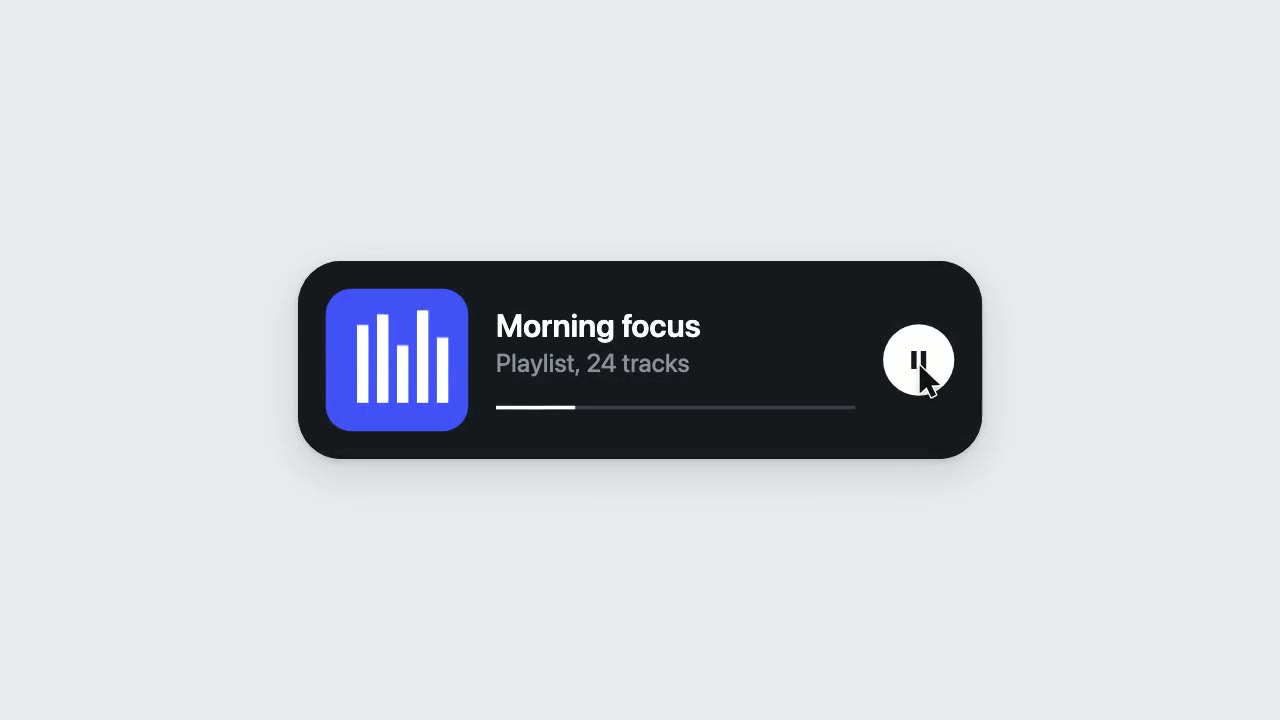
UI Morph Loop
Have your agent make a looping clip where one element turns into a button, toggle, slider, search field, notification and player, with a cursor that clicks and drags to cause each change.
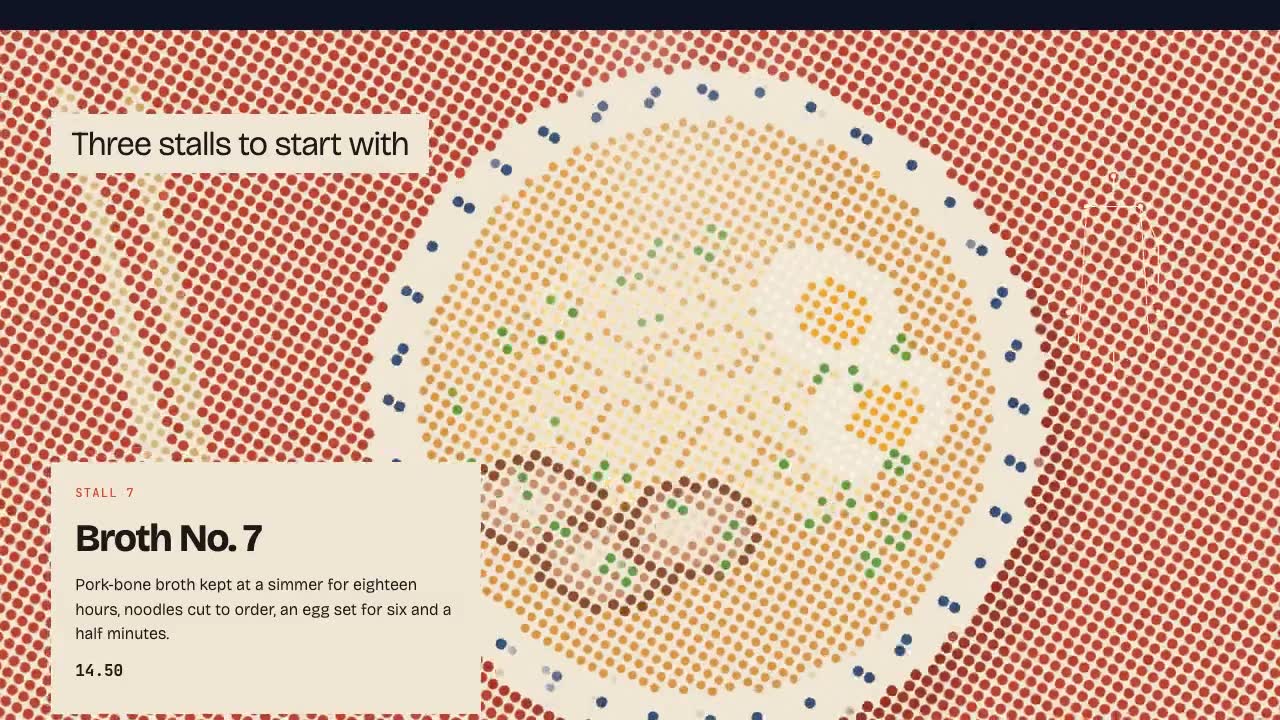
Shader Reveal Site
Have your agent build a page where the pointer or the scroll uncovers a second picture through a shader, then measure the trail, the GPU and every fallback in Chrome.

Footage Landing Page
Have your agent build a full landing page under a looping footage hero, every word in one content file, then check it in Chrome.
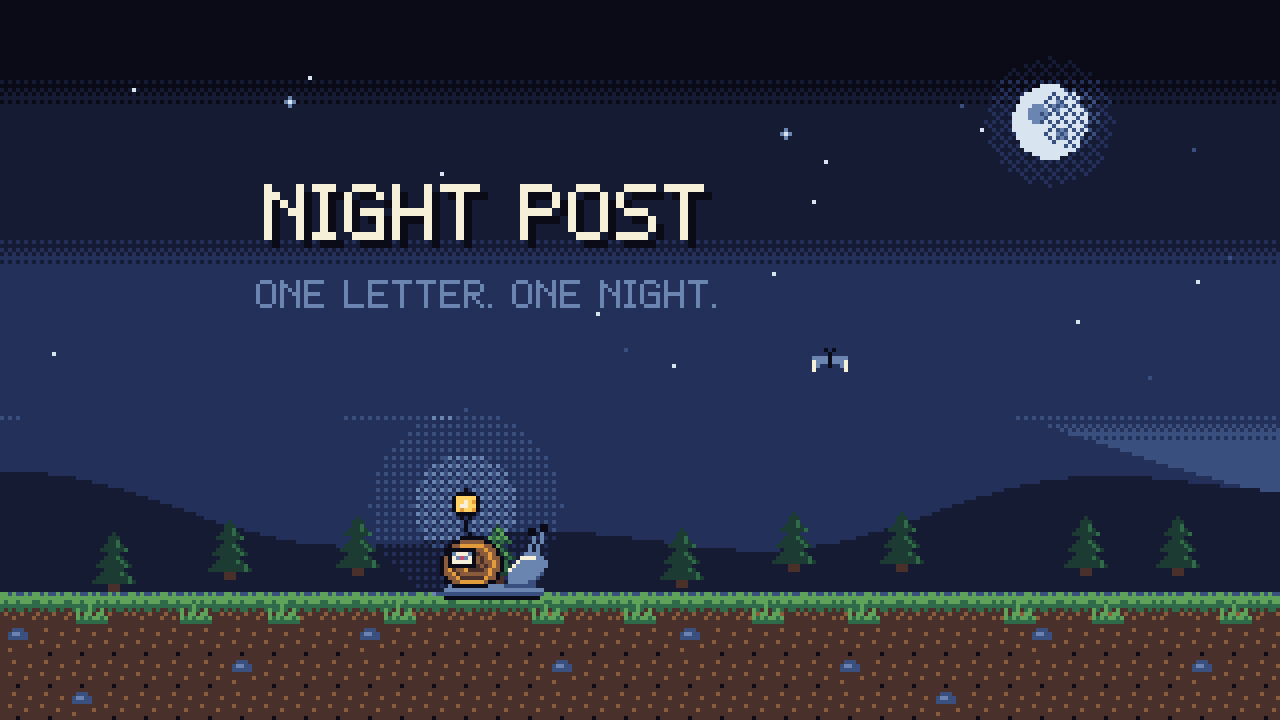
Pixel-Art Sprite Film
Have your agent make a 15 to 40 second pixel-art scene in code, with sprites, parallax and a chiptune score, rendered to an MP4 whose pixels stay crisp.
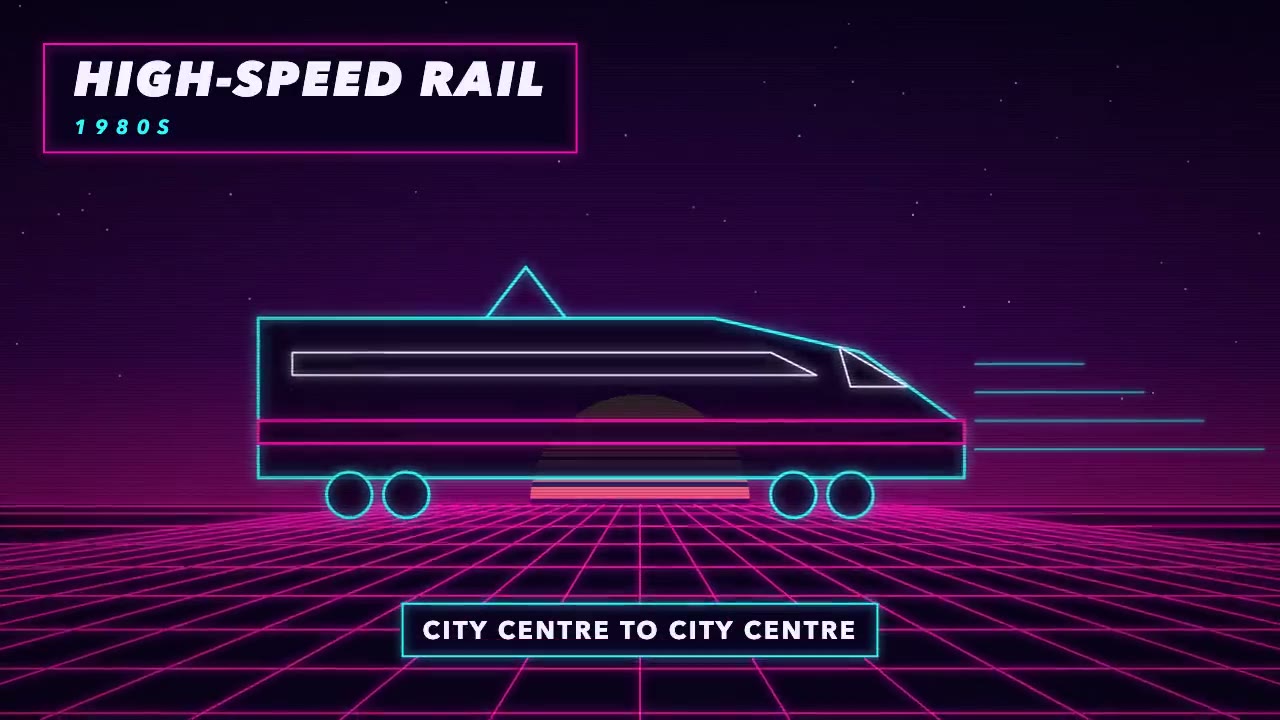
Era-Style Montage
Have your agent make a 30 to 60 second montage through time in which every era is drawn in its own period's look and scored with its own instruments.
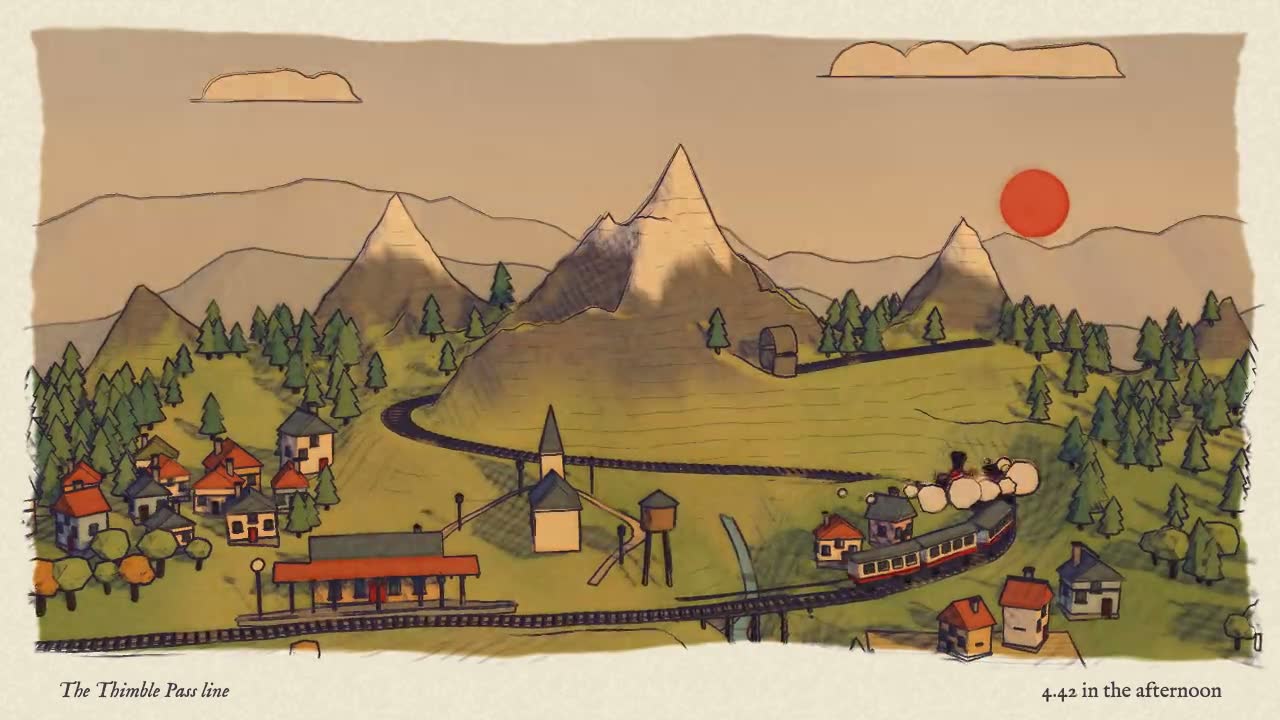
Blender to Web World
Have your agent build a stylized 3D world in Blender Python, then render it in Three.js with one hand-drawn look.

Remotion Video
Make video as React components, where every frame comes from the frame number, and render one template for any data.
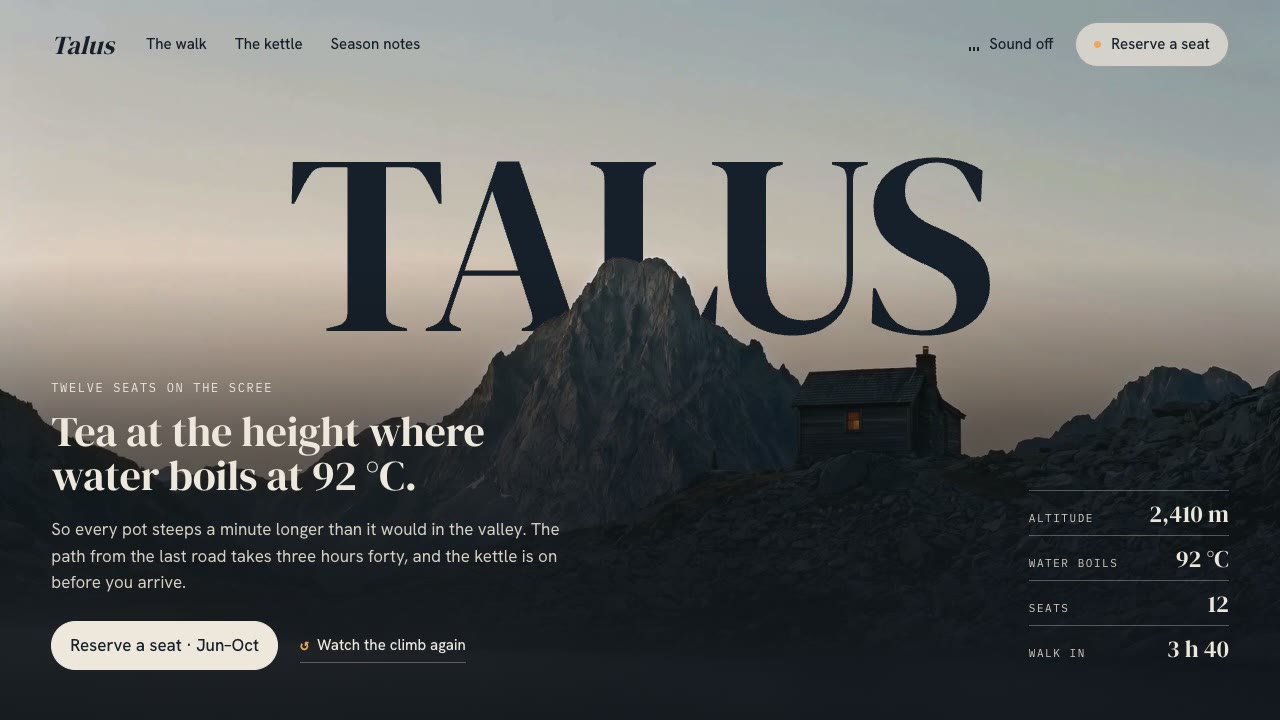
Cinematic Video Hero
Have your agent build a one-screen hero from footage and type, with a freeze frame, text behind the subject and a loop, then measure it in a real browser.
HyperFrames: HTML to Video
Have Claude write launch films, explainers and title cards as HTML, then render them to MP4.
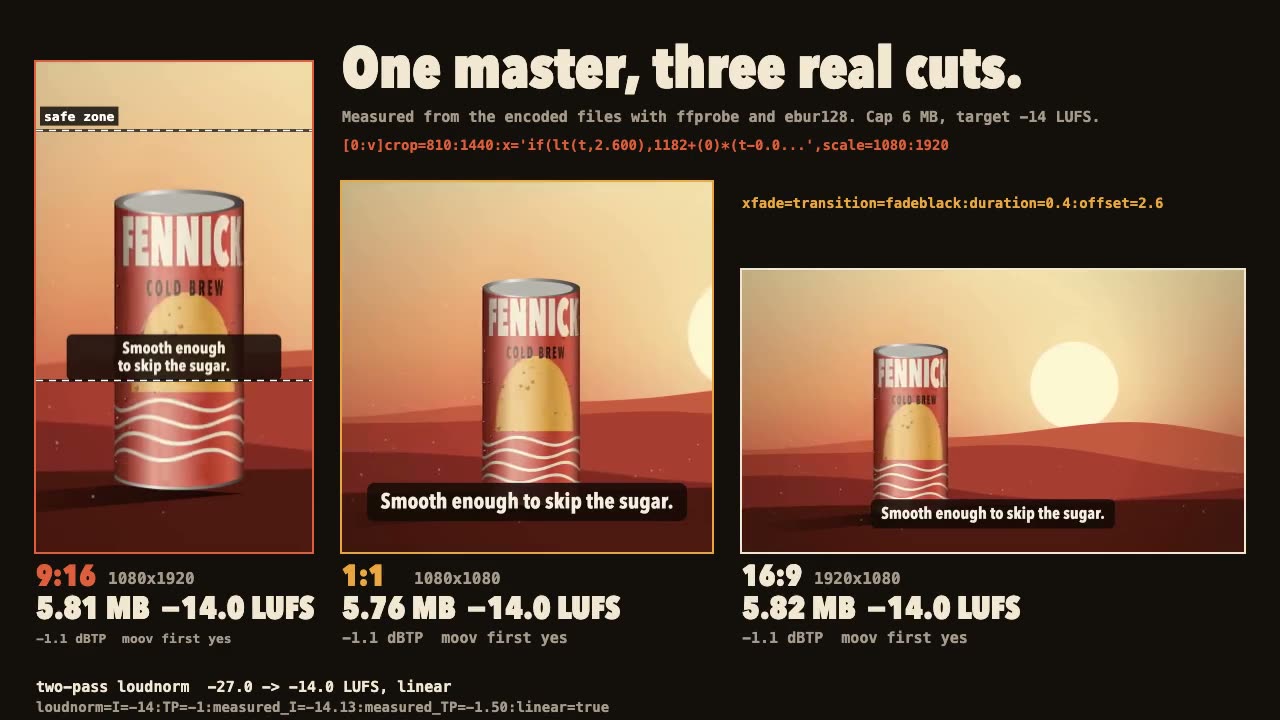
FFmpeg Finishing
Turn one master into 9:16, 1:1 and 16:9 files with safe-zone captions, measured loudness and a size cap.
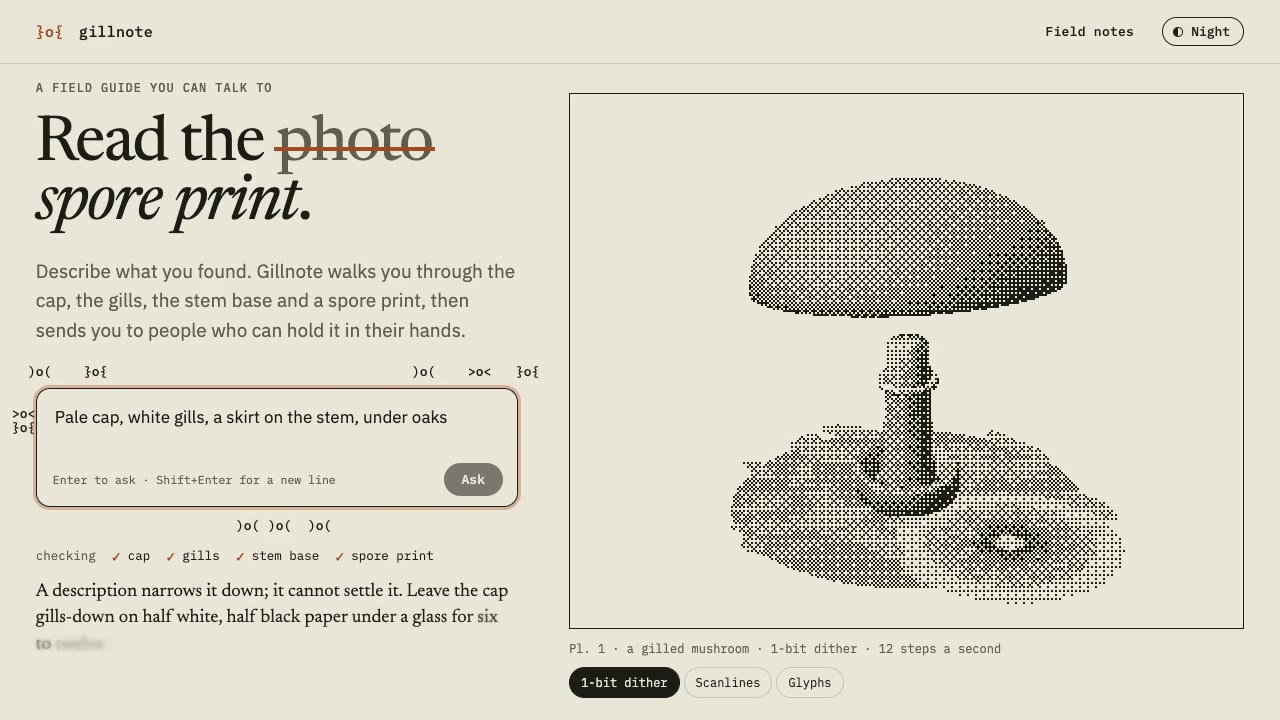
Dither & Glyph Hero
Have your agent build a hero that draws a live 3D scene in two inks, as dither, scanlines or glyphs, around an AI prompt, then check it in Chrome.