
About this skill
The last step before a video ships. An agent joins shots with xfade, normalizes the mix in two passes using the values it measured, re-cuts the master for each shape with its subject in frame, burns captions inside safe zones, and encodes each file to a size cap with faststart. Then it reads the finished files with ffprobe and ebur128, and fails if a number is off. The skill's own script made the three files in the clip on this page.
You say
Finish this cut for TikTok, Instagram and YouTube: 9:16, 1:1 and 16:9, captions inside the safe zones, -14 LUFS, each file under 8 MB. Show me the measured numbers.
How it works
- A JSON file describes the cut: shots, where the subject is, transitions, captions, formats and the loudness target.
- The script joins the shots with xfade, then measures the mix and applies a fixed gain.
- Each format gets a moving crop, then captions rendered at its own size, inside its safe zones.
- A two-pass encode hits the size cap, and faststart moves the index to the front.
- It reads every finished file again, writes a report, and fails if a number is off.
Getting a good result
- Keep text out of the master, and add it per format.
- Make the master larger than you deliver: a 9:16 crop of 1080p is only 608 pixels wide.
- Read normalization_type in loudnorm's output. It can say dynamic even when you asked for linear.
- Look at a contact sheet of each file. A report can't see a caption over the product.
What you get
- A finishing script that runs every step from one JSON cut file
- Filtergraphs for xfade, moving crops and burned captions that work on a build without libass
- Two-pass loudnorm that stops if FFmpeg falls back from linear to dynamic
- A bitrate calculation for a size cap, with two-pass encoding and faststart
- A report from the finished files: size, loudness, true peak, duration and MP4 box order
- The made-up ad, music and demo page behind the clip, so you can run it all again
Good fit
- One finished cut that has to go to several platforms
- Footage with its text kept out of the master
- Anyone who needs loudness and size numbers from the delivered files
Not for
- Choosing the edit. It finishes a cut, and doesn't judge one
- A master with text placed for one shape, which no crop can fix
- Mastering a mix: it sets level and peaks, and doesn't improve the sound
How to install it
- Download the ZIP and unzip it.
- Move the folder holding
SKILL.mdinto your agent's skills folder, such as~/.claude/skills/for Claude Code. - Start a new session and ask for what you want to make.
Needs: An agent that reads skills, FFmpeg 7.0 or later, tested on 8.1.2, Node.js 22 or later, for the scripts, Chrome, for captions on builds without libass.
FAQ
Is it really free?
Yes. Create a free AdAnt account to download the ZIP. There is no card and no trial timer, and FFmpeg itself is free. Running it uses no AdAnt credits or paid API.
What does setup download and run?
If FFmpeg is already installed, nothing is downloaded. If it isn't, your agent asks first, and then either uses a package manager or builds the n8.1.2 tag from FFmpeg's source. The scripts run ffmpeg, ffprobe, Node and headless Chrome on your machine, and install no npm packages. Your video isn't uploaded anywhere, and no API key is needed.
Can I use FFmpeg commercially?
FFmpeg is LGPL-2.1 or later, unless it was built with GPL parts, and then the GPL covers all of it. libx264 and libx265 are GPL, so a build that includes them is a GPL build. Running FFmpeg as a separate program doesn't put your project under the GPL, and shipping FFmpeg inside a product brings its obligations with it. Software licenses don't settle codec patents, and FFmpeg's legal page says H.264 and similar formats may be subject to patent rights and that it can't advise on them. Ask a lawyer about your own case.
What did AdAnt run, and what not?
We ran the skill's whole pipeline on FFmpeg 8.1.2 from Homebrew on an Apple Silicon Mac, from generated shots and music to the clip on this page. All three files came out at -14.0 LUFS and -1.1 dBTP, under a 6 MB cap, from a mix at -27.0 LUFS. We did not run the libass subtitles path, because that build doesn't have it. We did not build FFmpeg from source, try Linux or Windows, or upload the files to any platform.
Are the safe zones official?
No. The 9:16 numbers are Meta's Reels figures as third-party guides report them, widened on the sides to the width reported from TikTok's template. The 1:1 and 16:9 margins are this skill's own. Platforms change these and they differ by placement, so check the current ad specs before a paid launch.
Why not just use loudnorm once?
One pass adjusts the level as the video plays, so it can pump. Two passes with linear=true apply one fixed gain, but FFmpeg silently switches to dynamic if that gain would pass the peak limit. That happened on our mix, so the script limits the peaks first and stops if the result isn't linear.
Related skills
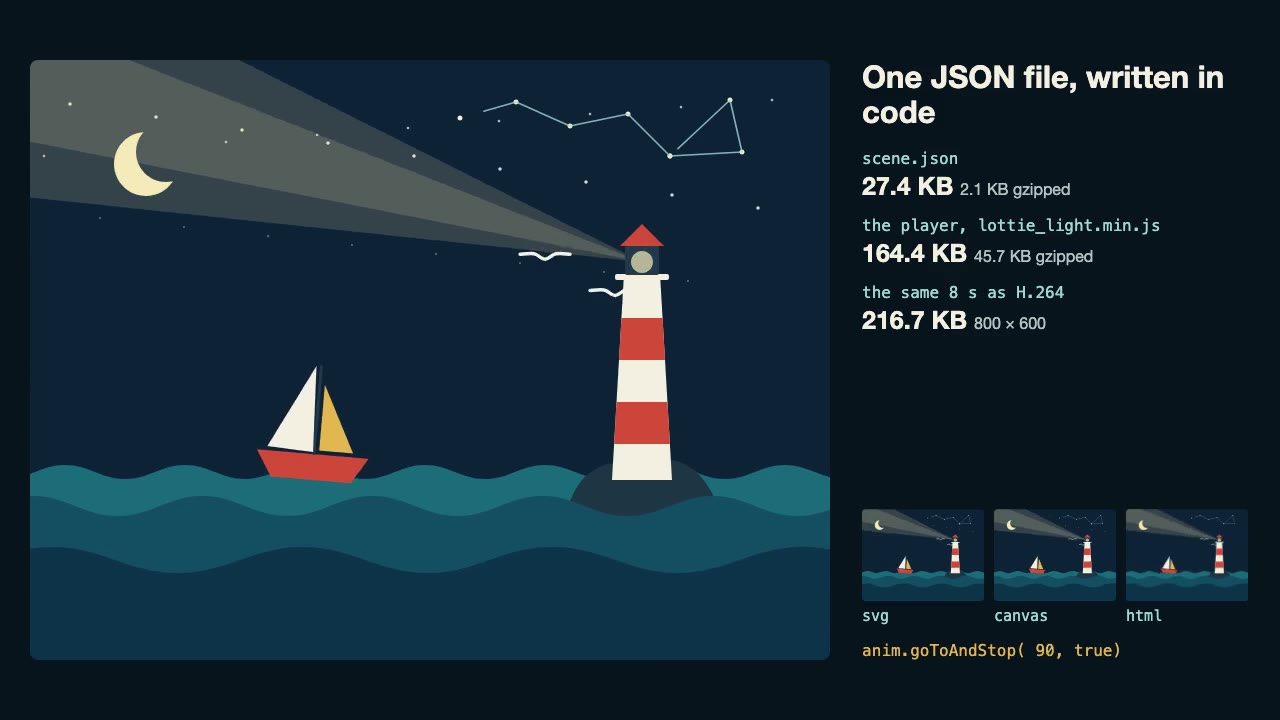
Lottie Animation
Write an original Lottie animation as JSON from a script, check that it's safe, and play it with lottie-web, with no After Effects.
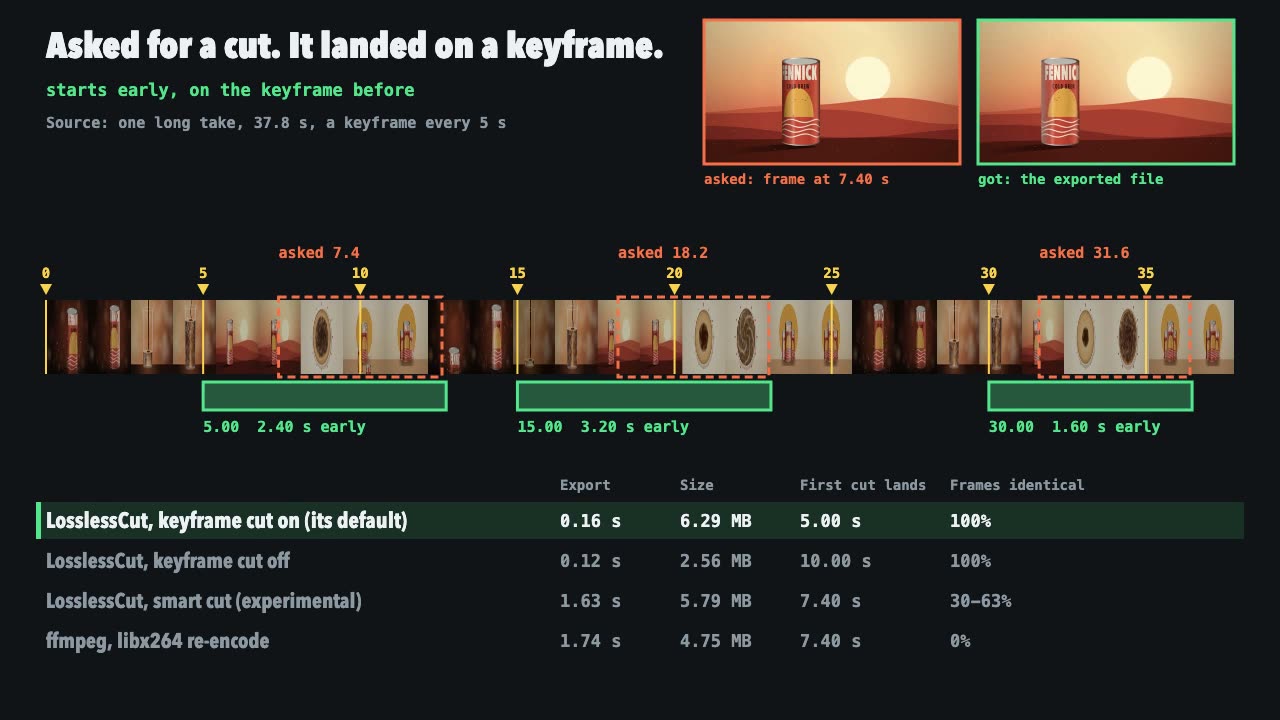
LosslessCut Trims
Cut long recordings fast without re-encoding, and measure where each cut really landed.
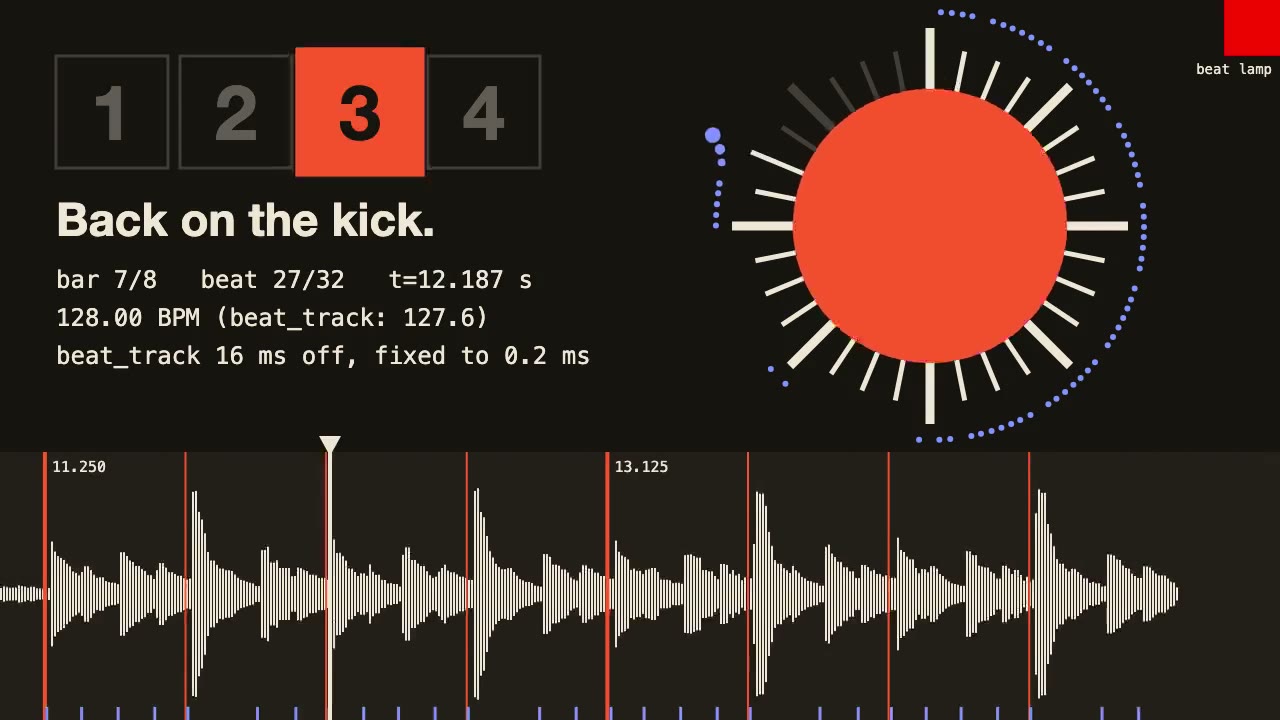
librosa Beat Sync
Measure a track's beats with librosa, drive an animation from the JSON it writes, and prove the sync by measuring the video.
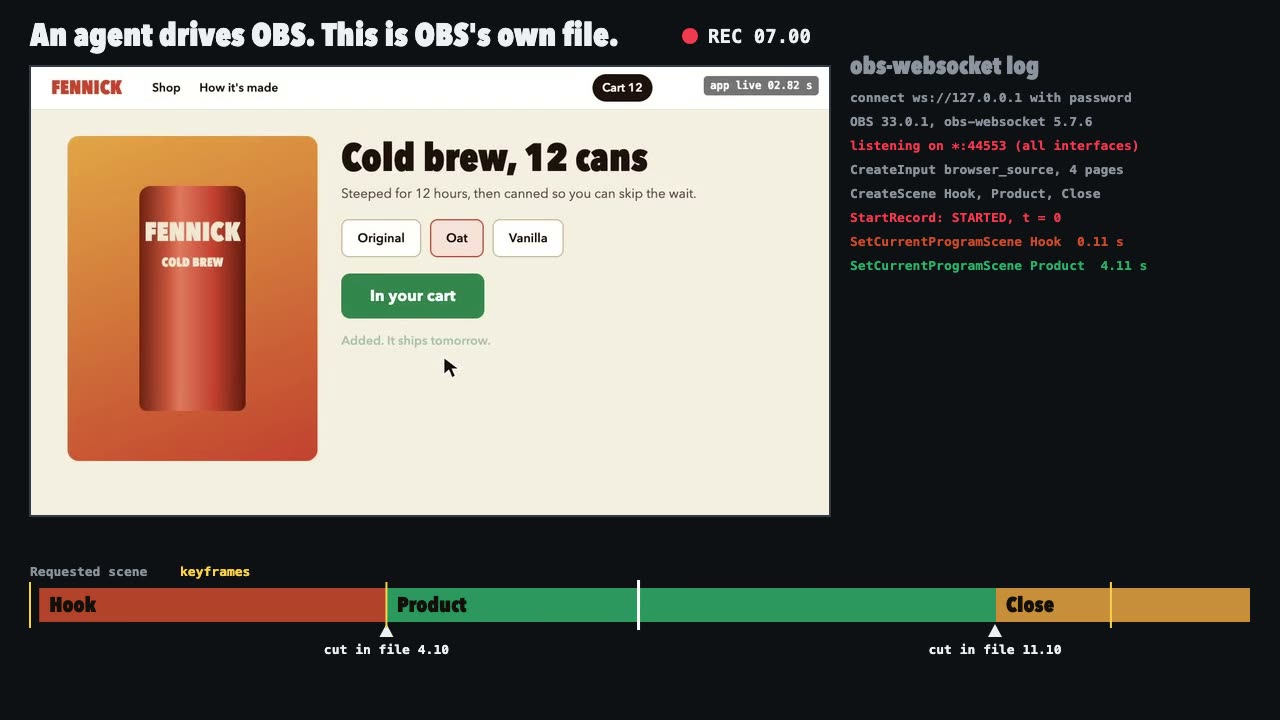
OBS Recording
Script a real OBS recording of a page with timed scene switches, then check the file it wrote.
Tweakpane Live Tuning
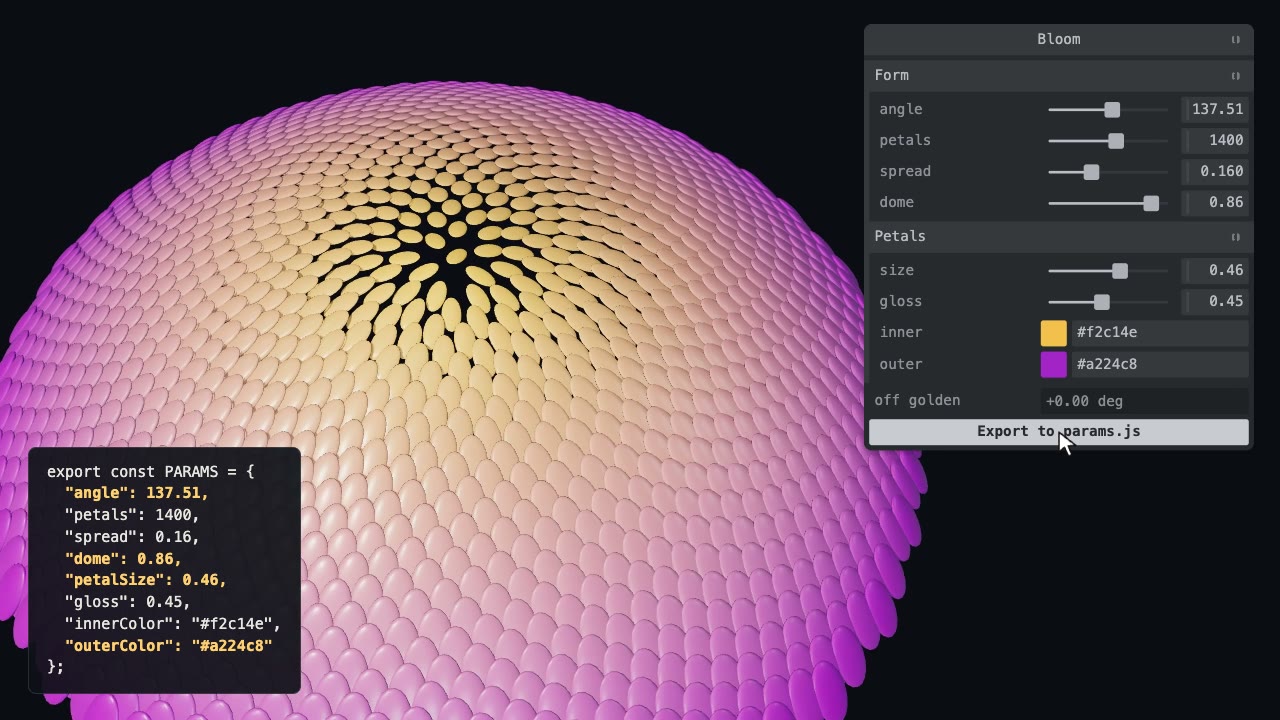
Add a live panel to an animation so you can tune it by hand, then write the values you chose back to the code.

three.quarks VFX
Make trails, sparks, shockwaves and fireworks in three.js, on a seeded clock, so a frame renders the same again on the same machine.
WhisperX Word Captions
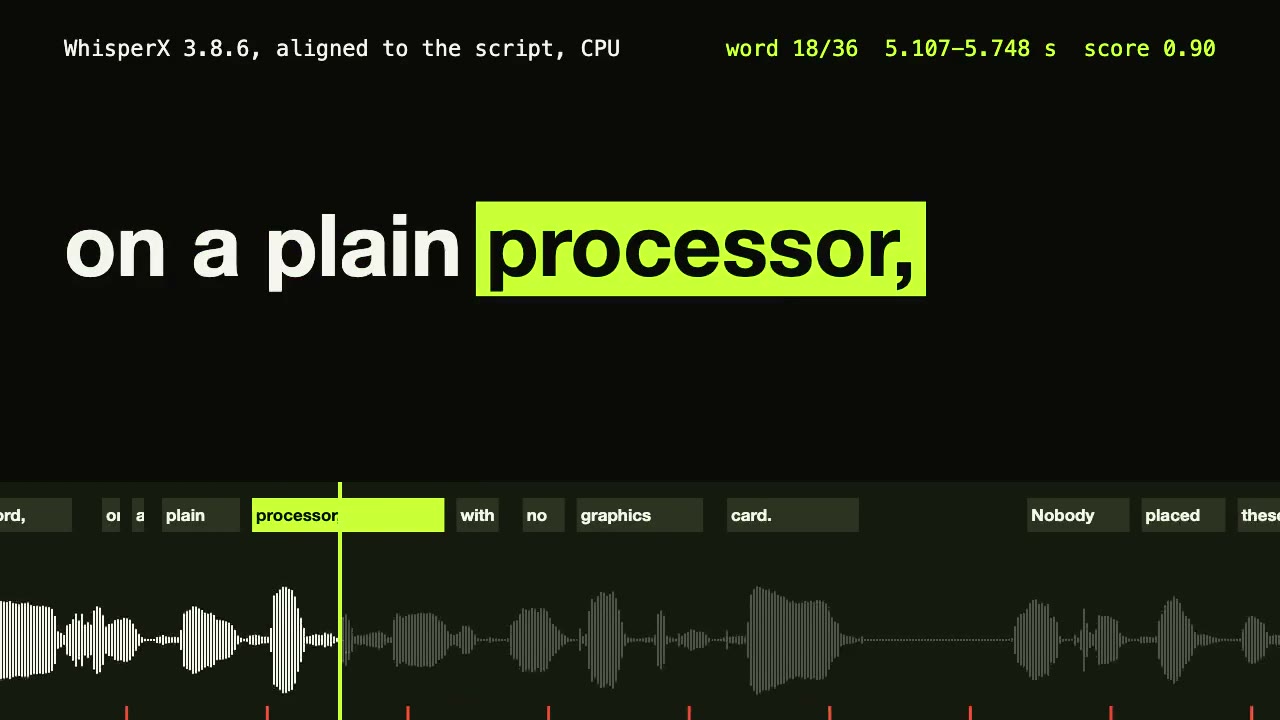
Get a timestamp for every spoken word on a plain CPU, export SRT and VTT, and drive word-highlighted captions from the JSON.

Three.js Postprocessing
Give a flat three.js shot HDR bloom, depth of field, tone mapping and a color grade, in the right order.

Blender Scenes through MCP
Have your agent build a Blender scene one step at a time, look at each result, and render the finished shot.
Three.js Path Tracing
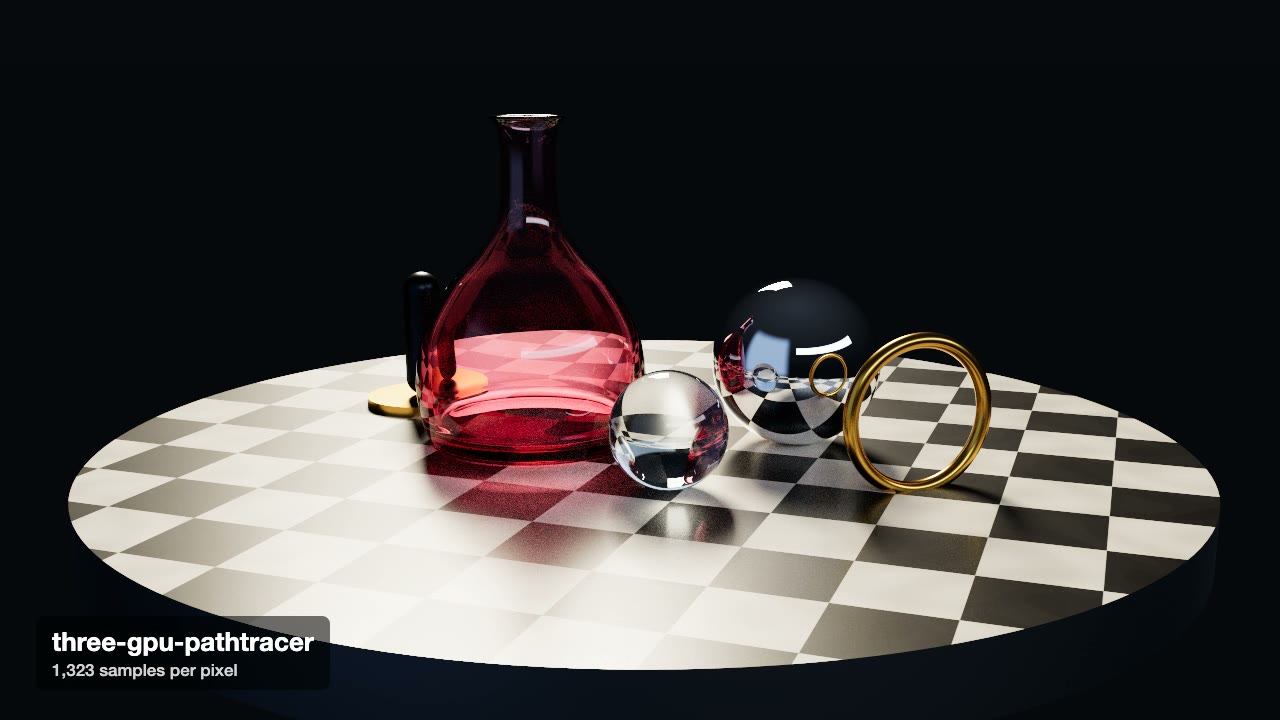
Render a three.js scene with real path tracing, so glass, chrome and soft light come out physically right.
Jolt Physics Simulation
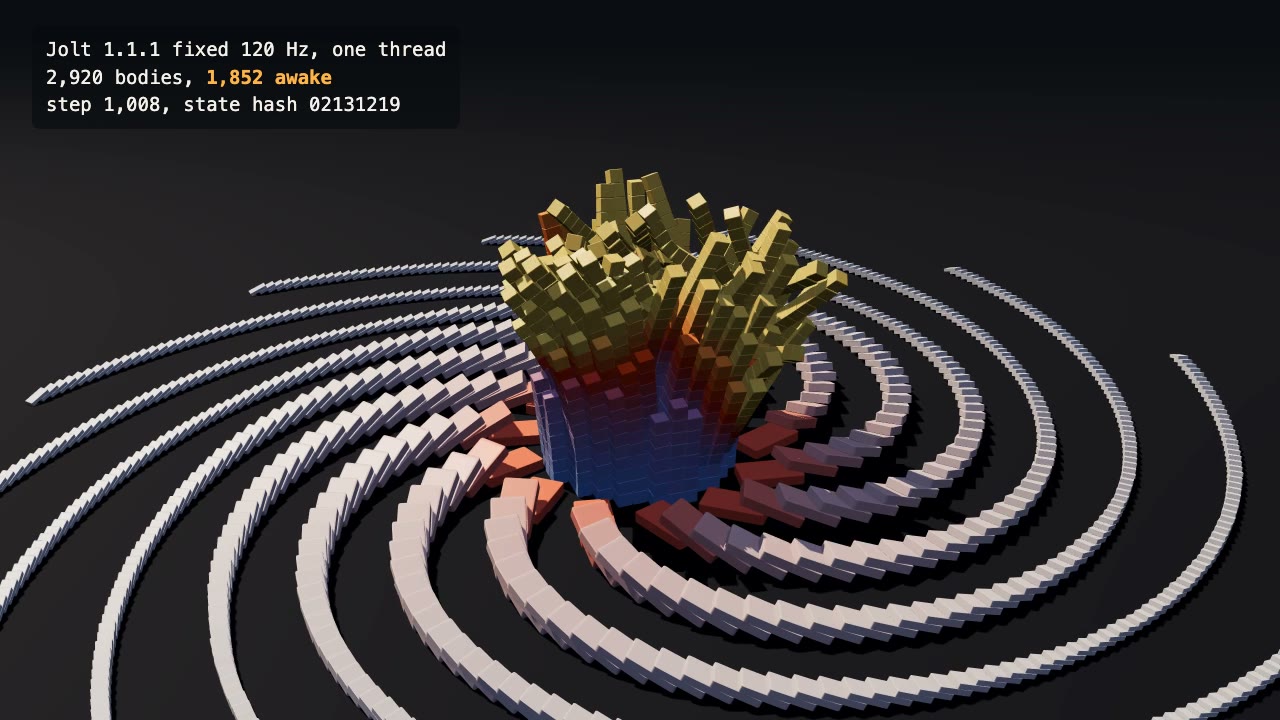
Simulate thousands of rigid bodies with Jolt and render the collapse, repeatably, frame by frame.

Remotion Video
Make video as React components, where every frame comes from the frame number, and render one template for any data.