
About this skill
A UI morph loop is one rounded shape that keeps changing what it is: a button becomes a loader, a check, a toggle, a slider, a search field, a notification, a player and a chat bubble, then the button again. A cursor clicks, drags and types to cause each change, and every change starts on a beat. Nothing is cut, so the last frame runs straight into the first and the clip loops on a feed. You write the states in a short JSON sheet. The engine computes every frame from its frame number with springs that stay smooth across the loop point, renders it in headless Chrome with motion blur, and encodes MP4, GIF and WebM. A checker refuses a sheet whose states can't be read in time or whose changes nothing causes, and another measures the rendered file's seam and beat timing.
You say
Using this skill, make a 14-second square loop for our note-taking app: a New note button, a loader, a check, a dark-mode toggle, a search field that types 'meeting notes', a reminder notification and a chat bubble, then back to the button. Our colours are #0E0E10, #FAFAF7, #F4F1EA and #FF6B3D. Show me the beat plan first.
How it works
- Tell your agent the 8–12 states, your colours, the size and the tempo, and it shows you a beat plan before writing anything.
- It writes the states into a JSON sheet and checks it: whole beats, a click behind every change, enough time to read each state, a cursor that never jumps.
- It renders a proof tile of every state, then a draft, then the final MP4 with motion blur, and a GIF or WebM if you want one.
- A checker measures the finished file: the step back to the first frame, the length in whole loops, and every change against its beat.
Getting a good result
- Change one or two things at a time between states, such as the size and the fill, so the eye can follow the shape.
- Give anything with words four beats, and keep it to a few words.
- Start the video a beat into the first state, so the first frame and the poster show a settled state.
What you get
- A JSON state sheet format, with a ten-state example made from invented UI
- A morph engine: one shape springs between sizes, radii, fills and zoom, while each state's content fades and blurs across inside it
- Eleven content kinds and a cursor that clicks, drags and types, with a guide to adding your own
- A renderer to MP4 with optional motion blur, plus GIF and WebM
- A sheet checker and a video checker for the loop seam, beat timing, reading time and cursor speed
Good fit
- Short looping posts for X, Instagram and LinkedIn that show off interaction design
- A product's core actions in 15 seconds, without screenshots
- Designers who want UI motion made from data rather than keyframes
Not for
- Promos built on a product's real numbers and screens, which cut between scenes
- Animating the UI inside a live app, which Motion UI Animation covers
- Clips longer than about 20 seconds or with more than 12 states
How to install it
- Download the ZIP and unzip it.
- Move the folder holding
SKILL.mdinto your agent's skills folder, such as~/.claude/skills/for Claude Code. - Start a new session and ask for what you want to make.
Needs: An agent that reads skills, Node.js 20 or later, Playwright with Chromium, or Chrome, ffmpeg.
Popular on X
Posts showing demand for this kind of video. Unless a post names this tool, it wasn't made with it.
- A looping UI motion clip made with Opus 5.5 1,188,147 views on X, measured 11 November 2026
- A colourful version of the same kind of loop 31,309 views on X, measured 11 November 2026
- A product told through one morphing shape 18,320 views on X, measured 11 November 2026
FAQ
What does it cost?
$2.99 once for this skill, or $99 once for every skill in the library. It also comes with every paid AdAnt plan, from $15 a month. It runs on your own computer and uses no AdAnt credits.
Can I use it in commercial work?
Yes. The skill's code is MIT licensed: use it and what it makes in your own commercial work, including for clients, and keep the license file with any copy you pass on.
How is this different from Motion UI Animation?
Motion UI Animation adds animation to the real UI of a React app, for people using that app. This skill makes a video: one invented element turns from one UI state into the next, a cursor clicks and drags to cause each change, and the clip loops on a feed. Use Motion UI Animation to ship interactions and this skill to show them off.
Why doesn't the loop jump when it restarts?
Each value is a spring that follows the whole repeating series of targets, written in closed form, so its value one loop later is exactly the same and it never jumps at a change. The renderer draws frame n at a time that wraps with the loop, and the video checker compares the step from the last frame to the first with the steps around it.
Can I use my own font, colours and states?
Yes. Colours are a named palette, the font can be a file next to the sheet, and you choose the states and what each one says. Use UI you designed: the skill tells your agent not to copy another app's screens, icons or logos.
Can it sync to music?
Yes, if you know the track's tempo and when its first downbeat is. Set the sheet's tempo to the track's and pass the track and the downbeat time to the renderer; every change then starts on a beat of the music.
Did the creators of the posts write this skill?
No. The idea comes from popular posts linked on this page, in which agents made looping UI motion. Their prompts carry no license, so AdAnt wrote this skill, its engine and its scripts from scratch, and the creators did not write or review it. The clip on this page was rendered by AdAnt with this skill.
Related skills
Shader Loop Backgrounds
Have your agent write animated WebGL backgrounds that loop with no seam, then ship each as a React component, an MP4 for your ads and a still.

Footage Landing Page
Have your agent build a full landing page under a looping footage hero, every word in one content file, then check it in Chrome.
Pixel-Art Sprite Film
Have your agent make a 15 to 40 second pixel-art scene in code, with sprites, parallax and a chiptune score, rendered to an MP4 whose pixels stay crisp.
Scroll-Driven Site
Have your agent build a landing page where scrolling pins, scrubs and reveals each scene, then measure it in a real browser.
Narrated Explainer Video
Have your agent research a topic, write a script with a source for every figure, voice it, and animate scenes that land on the words that name them.
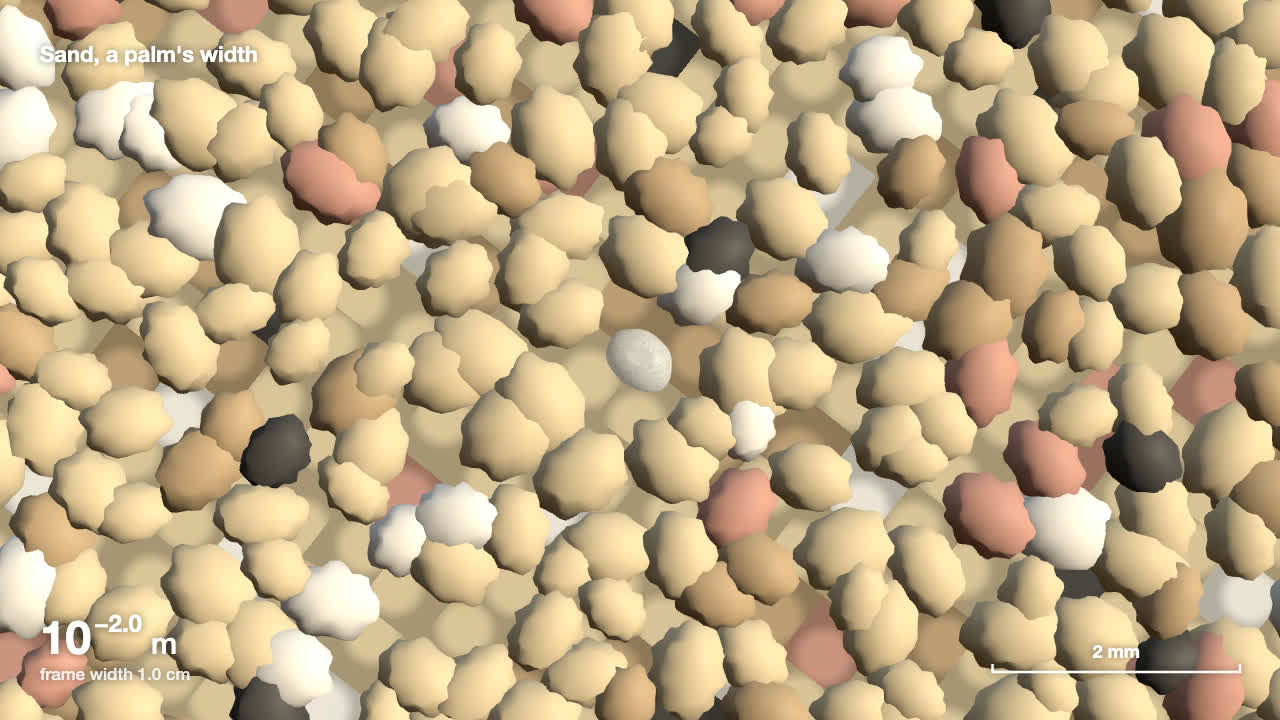
Scale Zoom One-Take
Make one continuous three.js zoom across many orders of magnitude, from a planet to an atom or out to a galaxy, with a scale readout that is right on every frame.
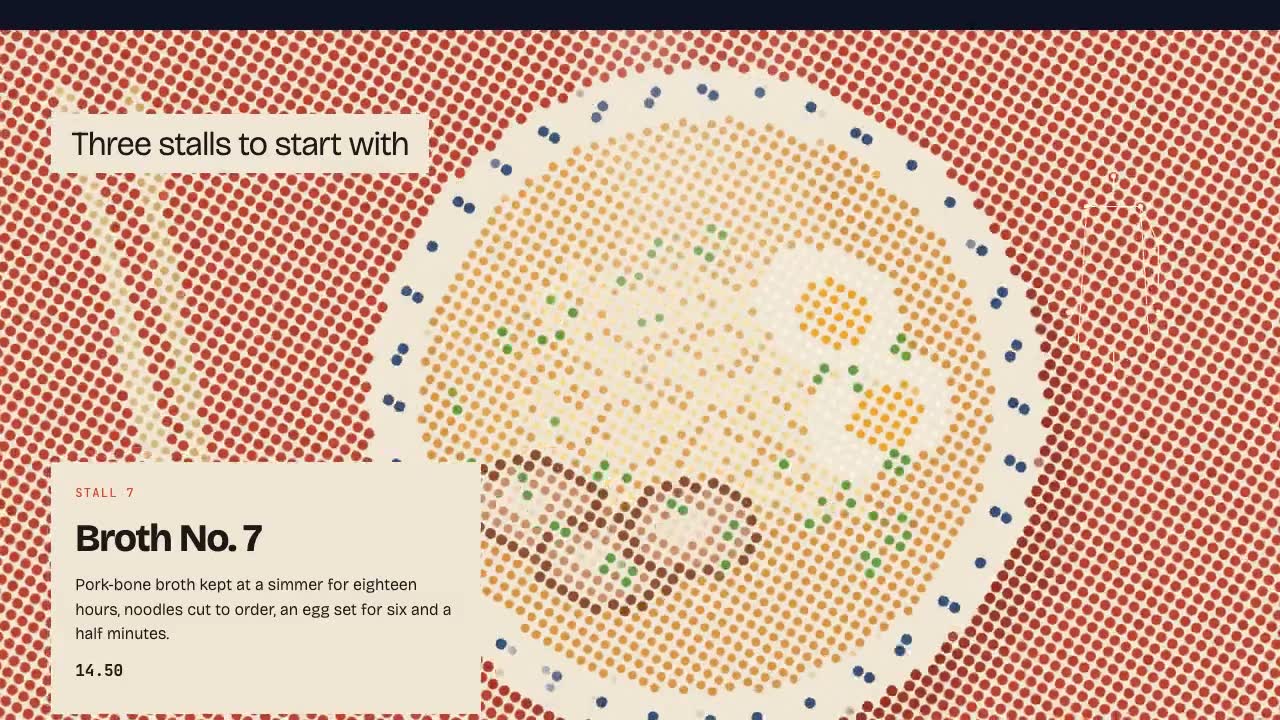
Shader Reveal Site
Have your agent build a page where the pointer or the scroll uncovers a second picture through a shader, then measure the trail, the GPU and every fallback in Chrome.
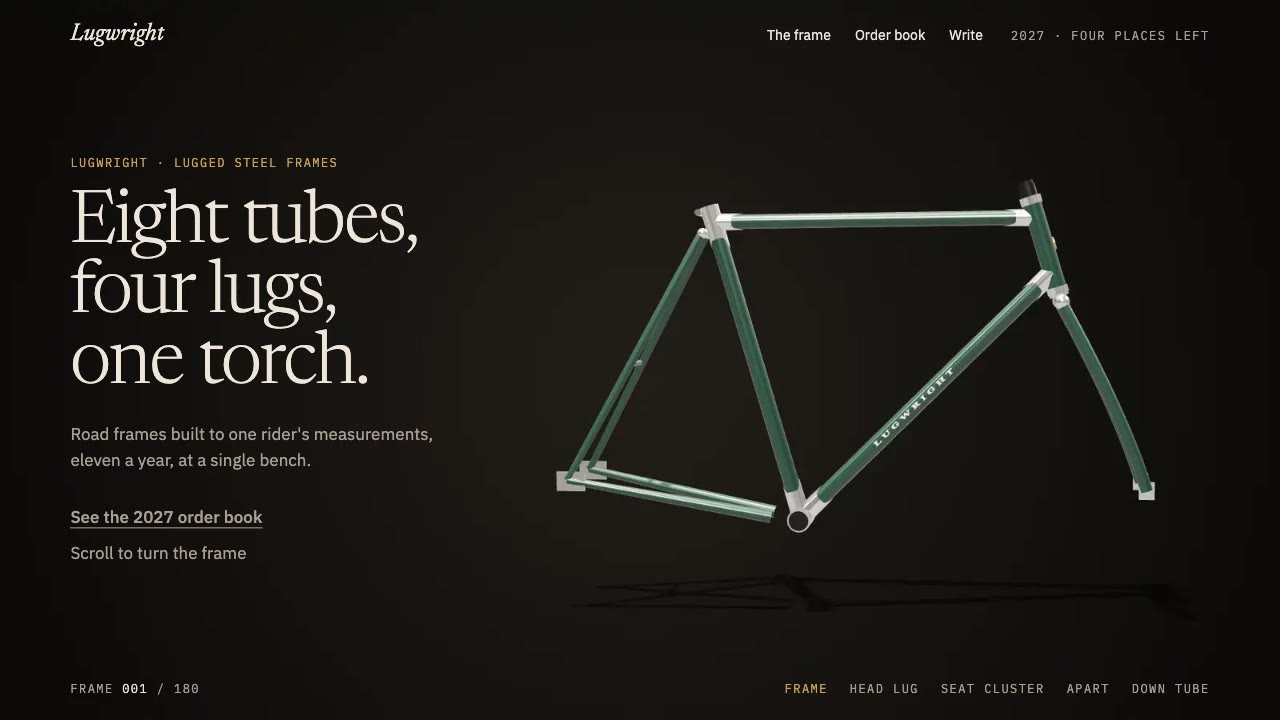
Scroll-Scrubbed Film Site
Have your agent build a landing page where scrolling plays a film frame by frame, with chapters, callouts and a preloader, then check it in Chrome.
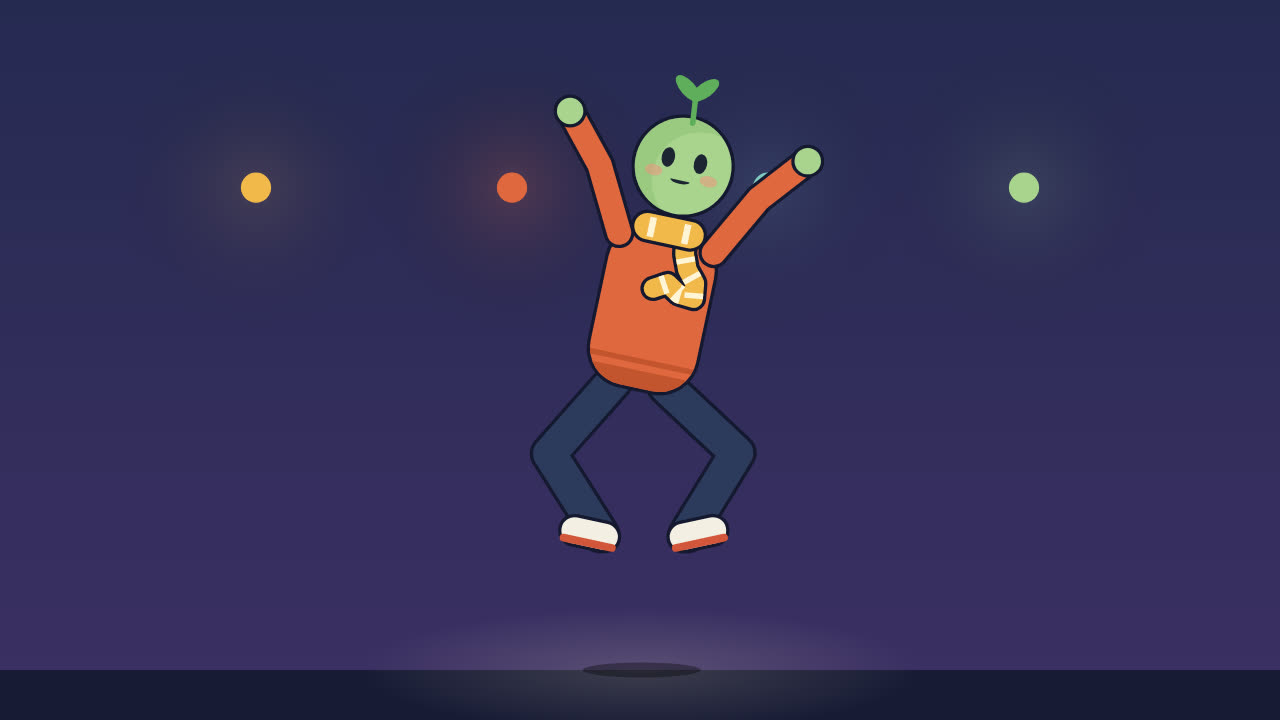
Procedural Character Performance
Animate an original character dancing, walking or trotting to a beat entirely in code, with feet that never slide and every hit on the beat.
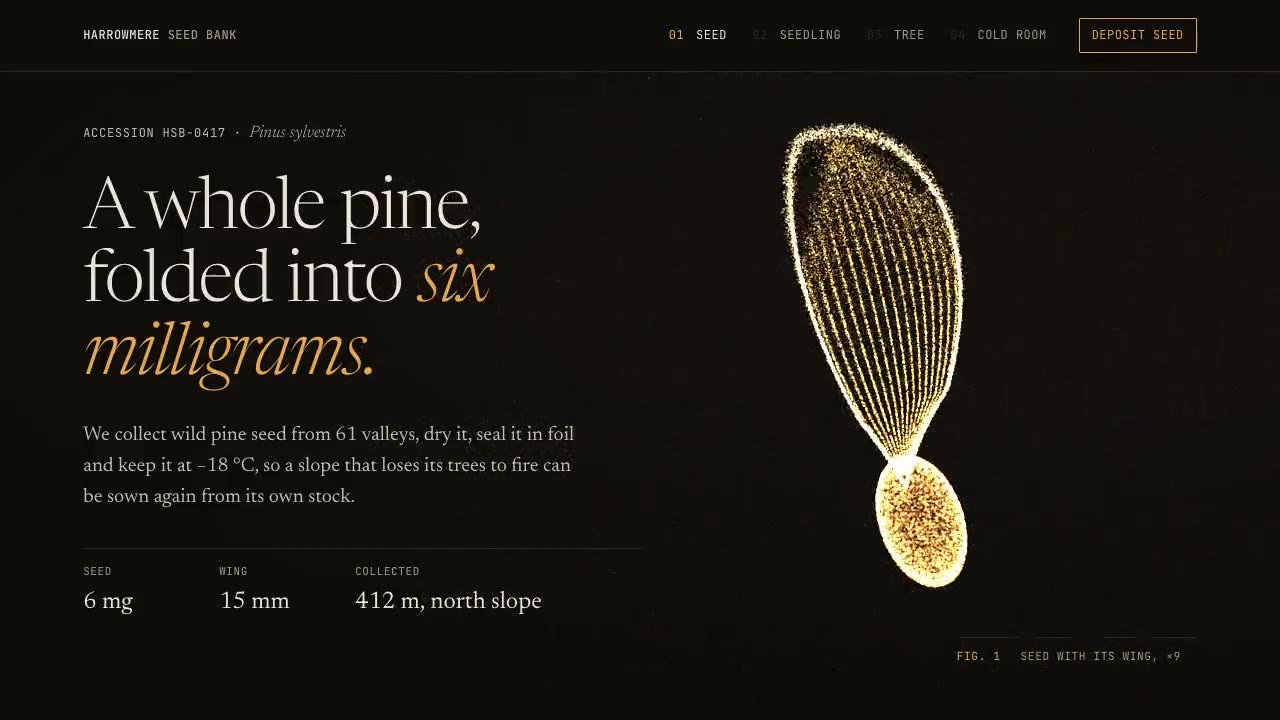
Particle Form Hero
Have your agent build a hero where GPU particles settle into your shape, morph to the next as the page scrolls, and part around the pointer.
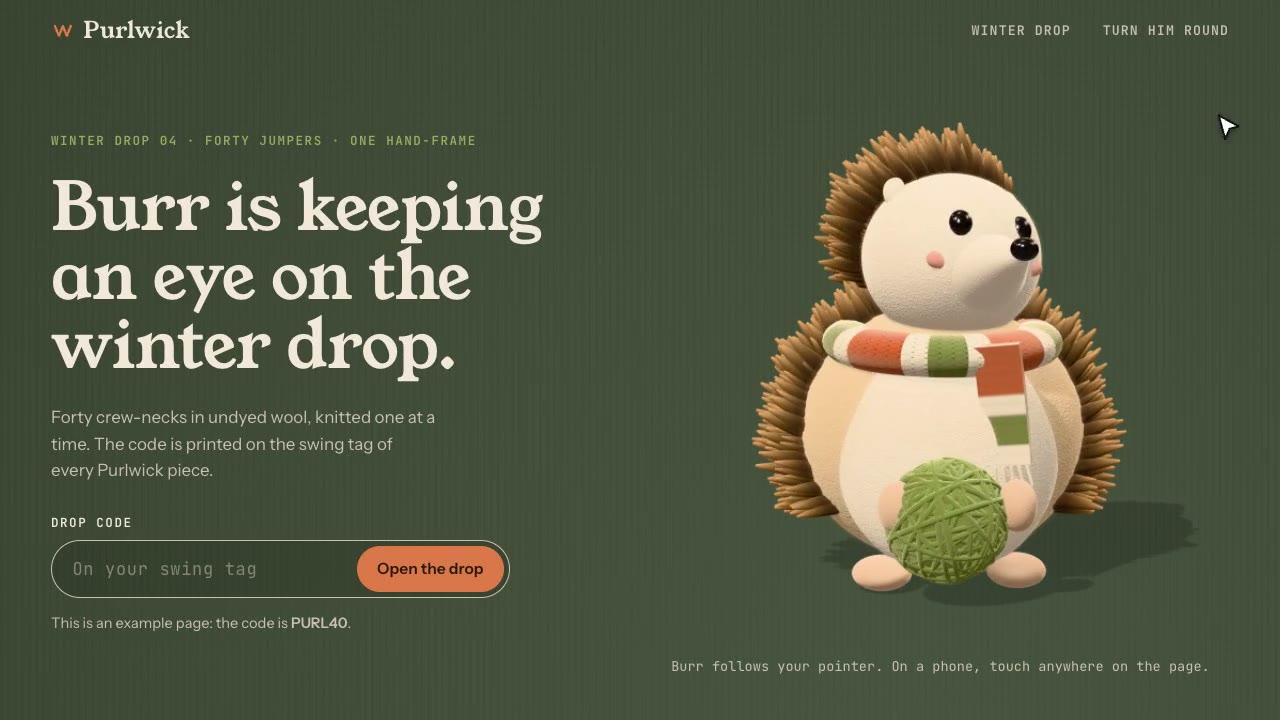
Cursor-Gaze Character
Have your agent build a landing page whose character turns its head to follow the pointer, from frames it renders once, then measure it in Chrome.
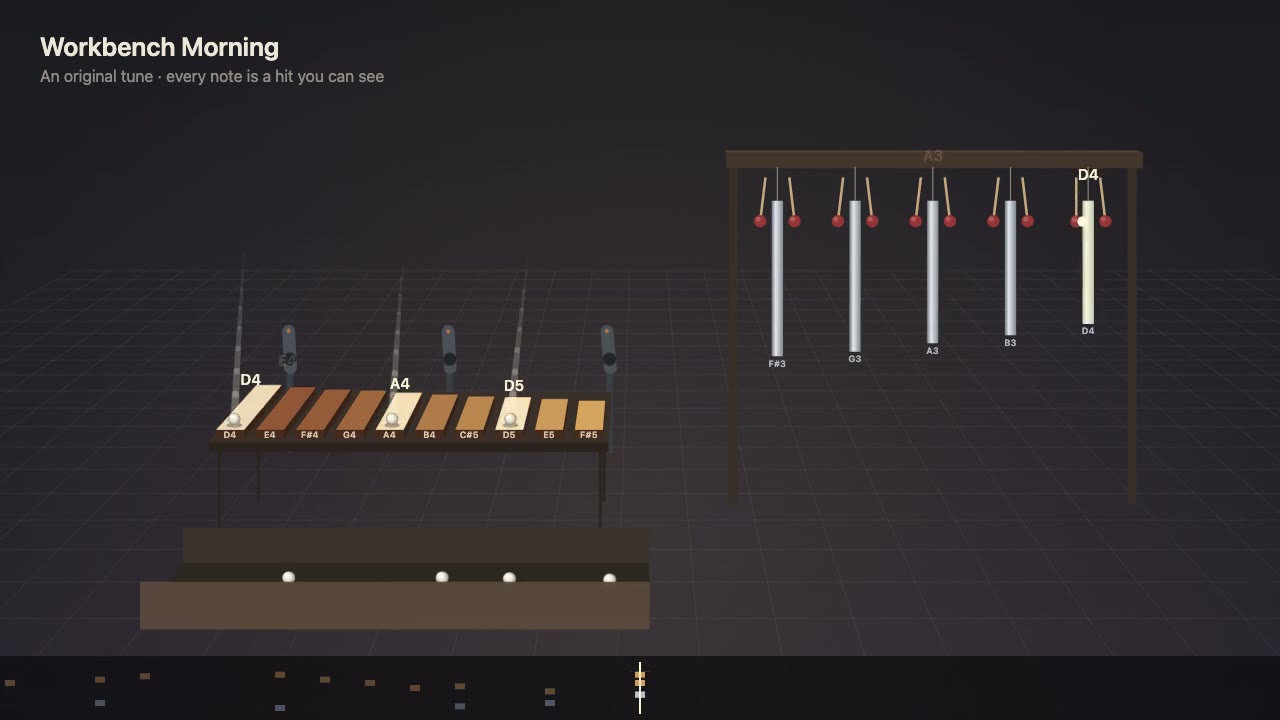
Visible Music Machine
Write a tune as notes first, then have your agent build a machine that plays it, where every note is a ball or mallet hit you can see, with sound on the exact frame.