
About this skill
The subject is rendered in greys and drawn back in exactly two colours: an ordered dither, rules as thick as each row is dark, or a grid of characters picked by brightness, updated 12 times a second like a sampled signal. Around it sits an assistant's prompt: each thinking step moves the object to a new pose and breaks it into dashes and letters on the way, and the answer streams in word by word out of a blur while each finished sentence goes to a live region for screen readers. Creatures drawn in type can circle the prompt, closing in as the visitor types and scattering when they send, and a switch can swap day for night in a circle. The skill starts from a brief and a recipe for each of five kinds of hero, and its Playwright check counts the colours on screen at pixel ratios 1, 2 and 3, checks the canvas against the device-pixel grid, times the steps, and reloads the page with reduced motion, without JavaScript and on a phone.
You say
Using this skill, ask me the brief's questions for my bike-repair assistant's hero, then build it as a 1-bit dither of a three.js derailleur that changes pose with each thinking step, with my two brand inks. Run the glyph check and show me the screenshots at all three pixel ratios.
How it works
- Your agent asks the brief's questions: the kind of hero, the subject and its light, the two inks, the filter and its cells, the step rate, and the prompt's steps and answer.
- It builds the static page and its still picture first, then the two-ink filter on a still scene, and runs the check before anything moves.
- It adds the stepped clock, the thinking steps and the streamed answer, then the creatures or the night swap the kind needs, and a reduced-motion version.
- It runs the check in Chrome, reads the colour counts and screenshots, fixes what failed, and records a preview clip.
Getting a good result
- Light the subject for shape. The filter keeps only brightness, so a flat-lit object turns into an even grey patch of dots.
- Keep cells at 2 CSS px or more. Below that a dither reads as grey on a phone.
- Name each thinking step after what the picture does in it. A step that changes nothing on screen is a spinner with extra words.
What you get
- A brief format with a field for every choice the model would otherwise guess, and a filled example
- Five recipes: the thinking-step oracle, the dissolving figure, the choppy clip, the glyph pond and the orbiting school
- A working example site: a three.js mushroom in dither, scanlines and glyphs, a prompt with four thinking steps, moths in type and a night swap
- Recipes for Bayer and error-diffusion dither, a thresholded glyph atlas, exact colours, the device-pixel grid, a video source, and React and Next.js
- A Playwright check for colour count, pixel alignment, step rate, typing reactions, the live region, reduced motion, no JavaScript and phone overflow, and a recorder for a preview clip
Good fit
- AI products, developer tools and indie apps that want a hero with a printed, low-fi character
- Agents that write front-end code and can run Node and a browser
- Teams that want a stylised hero to stay accessible and measured, not just look right on one screen
Not for
- Photographic product heroes, where the product's real colour is the point
- Scroll stories with pinned scenes; use the Scroll-Driven Site skill
- Flat looping backgrounds with no subject; use the Shader Loop Backgrounds skill
How to install it
- Download the ZIP and unzip it.
- Move the folder holding
SKILL.mdinto your agent's skills folder, such as~/.claude/skills/for Claude Code. - Start a new session and ask for what you want to make.
Needs: An agent that reads skills, Node 20 or later and Playwright with Chrome, for the check and the recorder, ffmpeg, only to record the preview clip.
Popular on X
Posts showing demand for this kind of video. Unless a post names this tool, it wasn't made with it.
- A post listing five UI and UX sites for builders, this library among them 98,508 views on X, measured 8 November 2026
FAQ
What does it cost?
$2.99 once for this skill, or $99 once for every skill in the library. It also comes with every paid AdAnt plan, from $15 a month. It runs on your own computer and uses no AdAnt credits.
Can I use it in commercial work?
Yes. The skill's code is MIT licensed: use it and what it makes in your own commercial work, including for clients, and keep the license file with any copy you pass on.
Will it stay exactly two colours on every screen?
That is what the check measures. On the example it screenshots the canvas at device scale in each of the three modes at pixel ratios 1, 2 and 3, and found exactly two colours, the page's own two hex values, every time. It also checks that the canvas starts on a device pixel, that its backing store is one-to-one with the screen and that it holds whole cells, because a canvas nudged half a pixel can still show two colours in Chrome and then blur elsewhere.
How steady is the 12 fps look?
In headless Chrome on an Apple M-series laptop the example drew 36 pictures in 3 seconds, 12 a second with a median gap of about 83 ms, and over four runs no gap was longer than 1.04 steps. A copy set to 30 fps failed the check when given the brief's rate of 12. The picture changes only when the step number changes, so it holds still between steps on a 60 or 120 Hz screen.
Is the streaming answer accessible?
Yes. The words on screen are for sighted readers; each finished sentence also goes to a polite live region, so a screen reader hears sentences rather than a word every 70 ms. In the check every word of the example's answer reached the live region. With reduced motion there is no blur, no loop and no shards, and both canvases drew nothing while idle; without JavaScript the hero shows its picture as text.
Can I use a video instead of a 3D scene?
Yes. One recipe feeds a muted, looping video into the same filter instead of a rendered scene, and uploads its frames only on steps. Use your own footage or footage you have the rights to.
Does it work with Next.js?
Yes. The renderer is a plain module with a dispose method; the recipes wrap it in a client component loaded without server rendering, show the still picture as its loading state, and keep the step clock out of React state. The example site is plain HTML so it runs from any static server without a build.
Is this the site that inspired it?
No. The idea comes from a library of scroll-driven website prompts, linked on this page, whose prompts are only for its members. AdAnt wrote this skill, its brief format, recipes, scripts and example site without them, and the library's makers did not write or review it. The clip on this page is AdAnt's example site, recorded with this skill's script.
Can I use what it makes commercially?
Yes. The pages you build are yours. The scripts and the example site are MIT, and the license text is in the ZIP.
Related skills
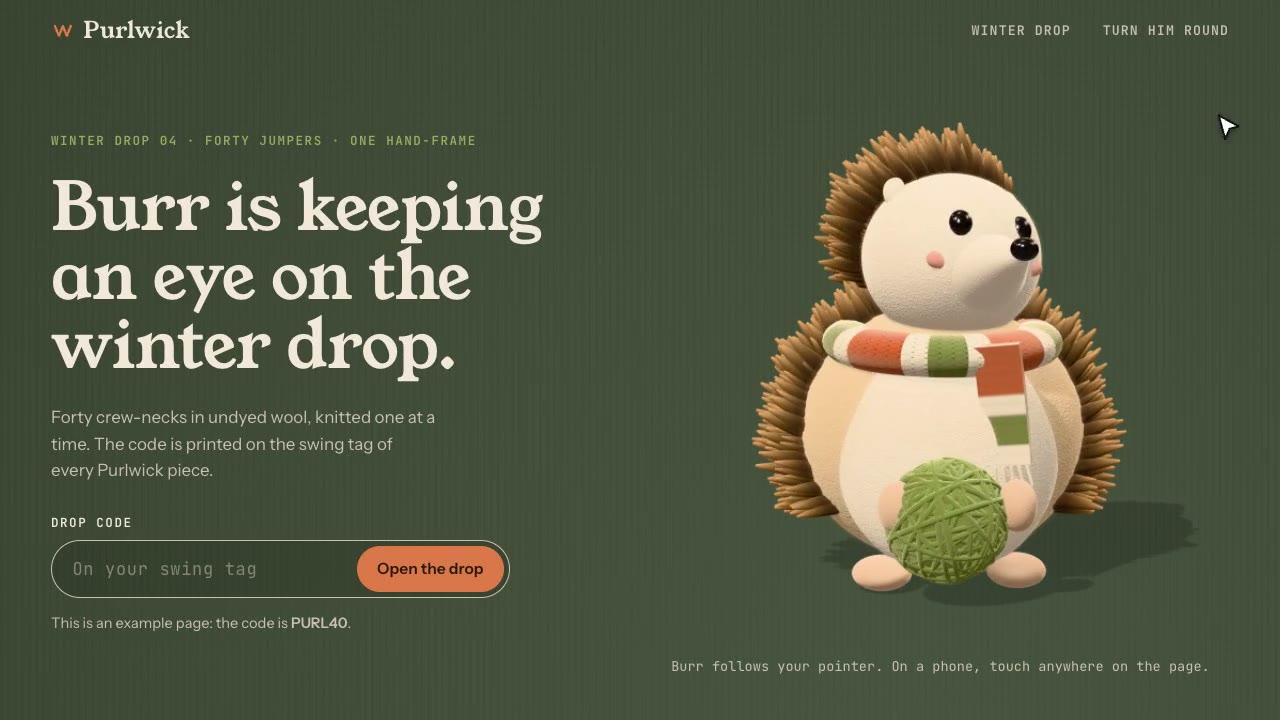
Cursor-Gaze Character
Have your agent build a landing page whose character turns its head to follow the pointer, from frames it renders once, then measure it in Chrome.
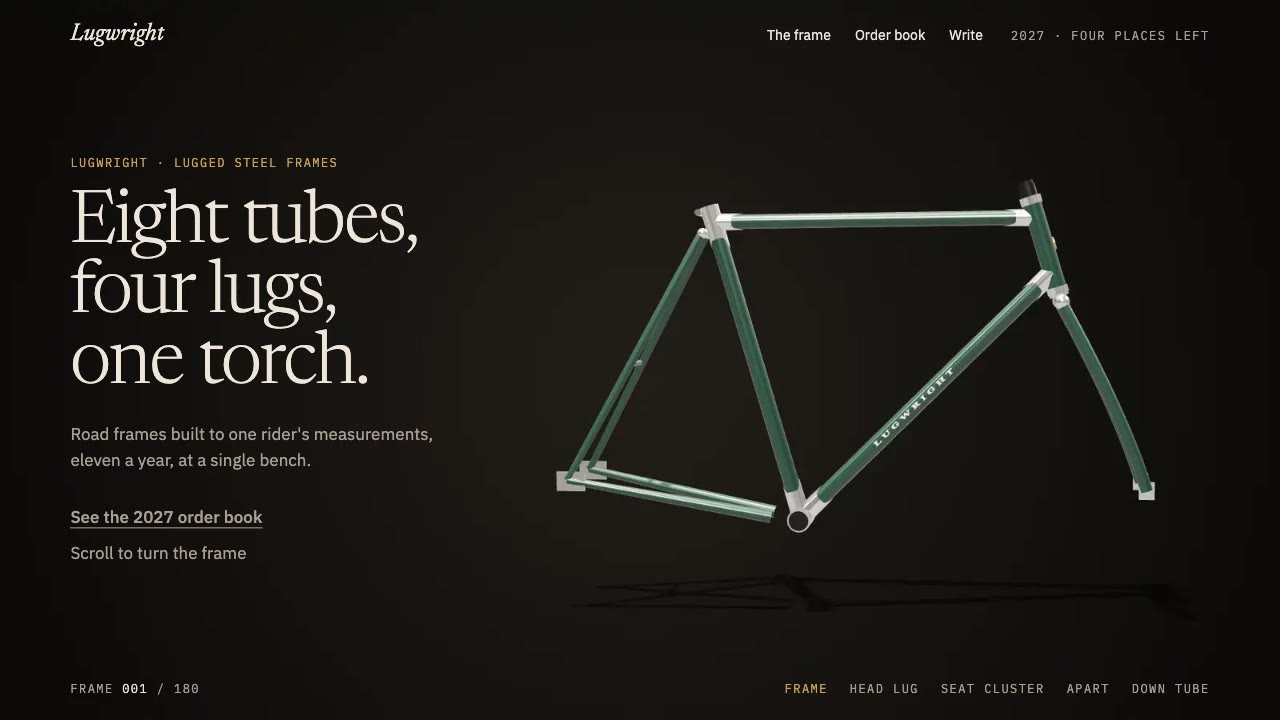
Scroll-Scrubbed Film Site
Have your agent build a landing page where scrolling plays a film frame by frame, with chapters, callouts and a preloader, then check it in Chrome.
Scroll-Driven Site
Have your agent build a landing page where scrolling pins, scrubs and reveals each scene, then measure it in a real browser.
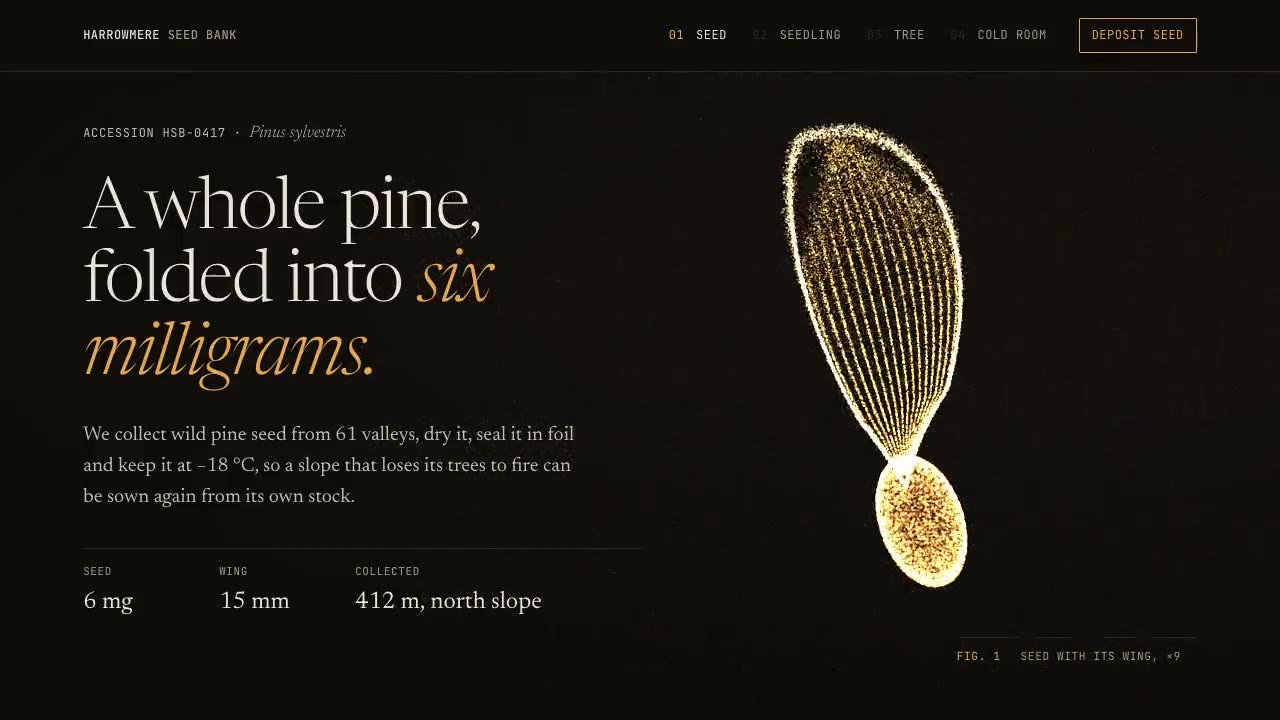
Particle Form Hero
Have your agent build a hero where GPU particles settle into your shape, morph to the next as the page scrolls, and part around the pointer.
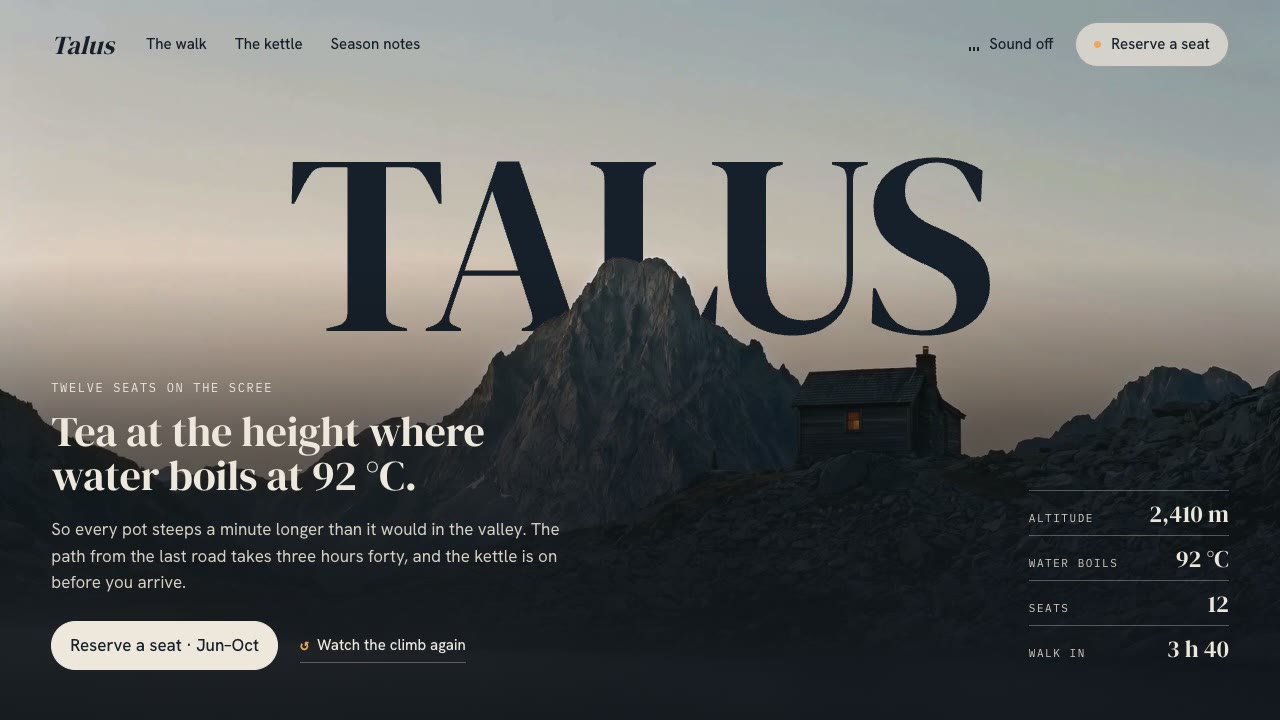
Cinematic Video Hero
Have your agent build a one-screen hero from footage and type, with a freeze frame, text behind the subject and a loop, then measure it in a real browser.
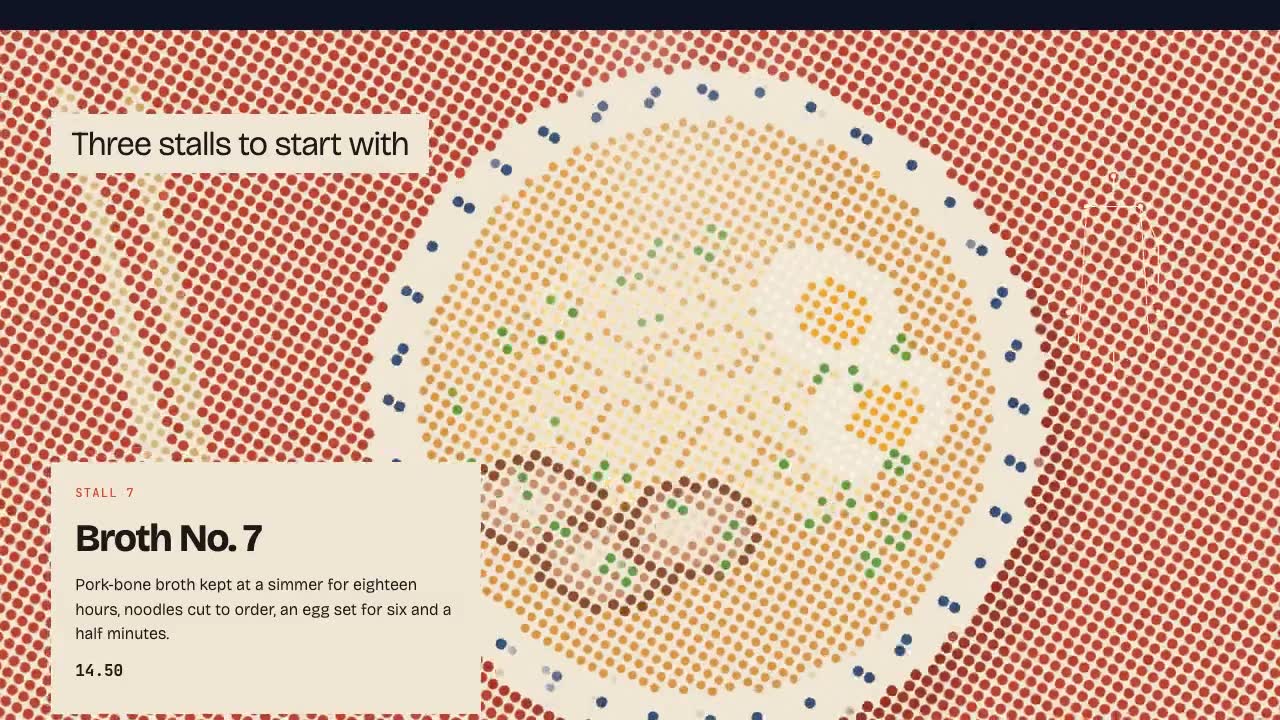
Shader Reveal Site
Have your agent build a page where the pointer or the scroll uncovers a second picture through a shader, then measure the trail, the GPU and every fallback in Chrome.
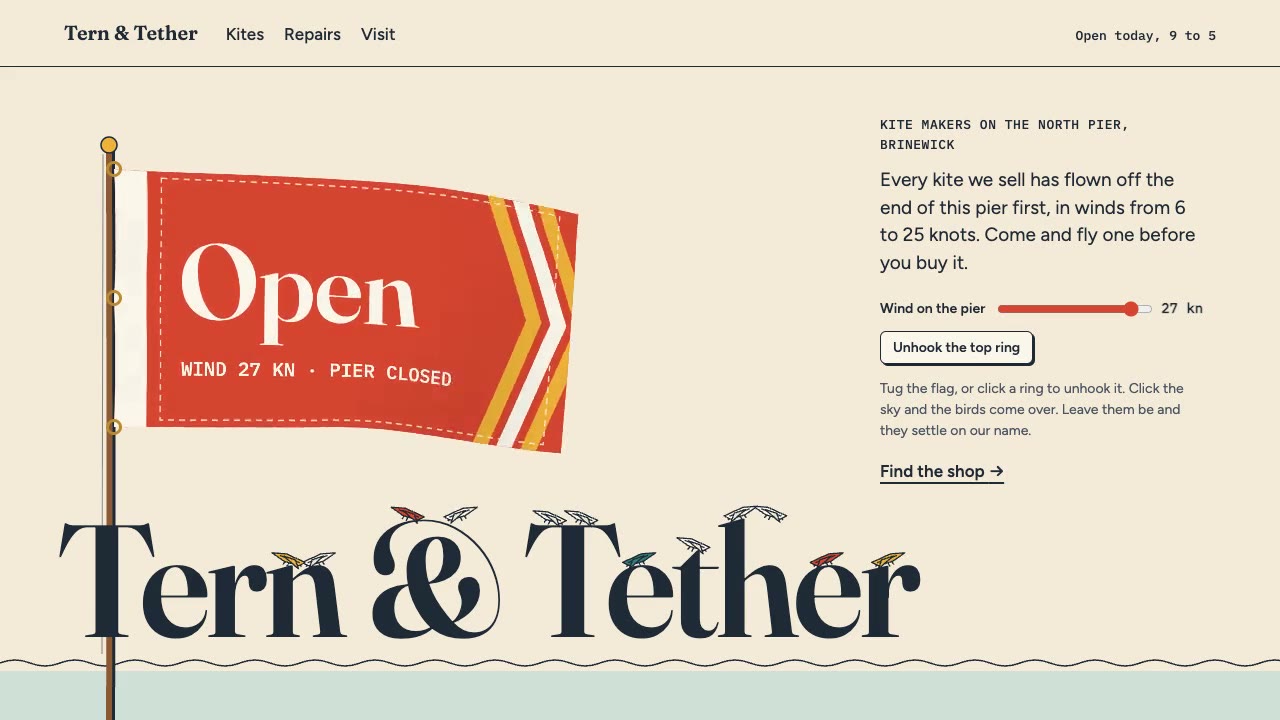
Cursor Playground Hero
Have your agent build a hero section visitors play with, on small simulations that behave the same on every screen and never blow up.
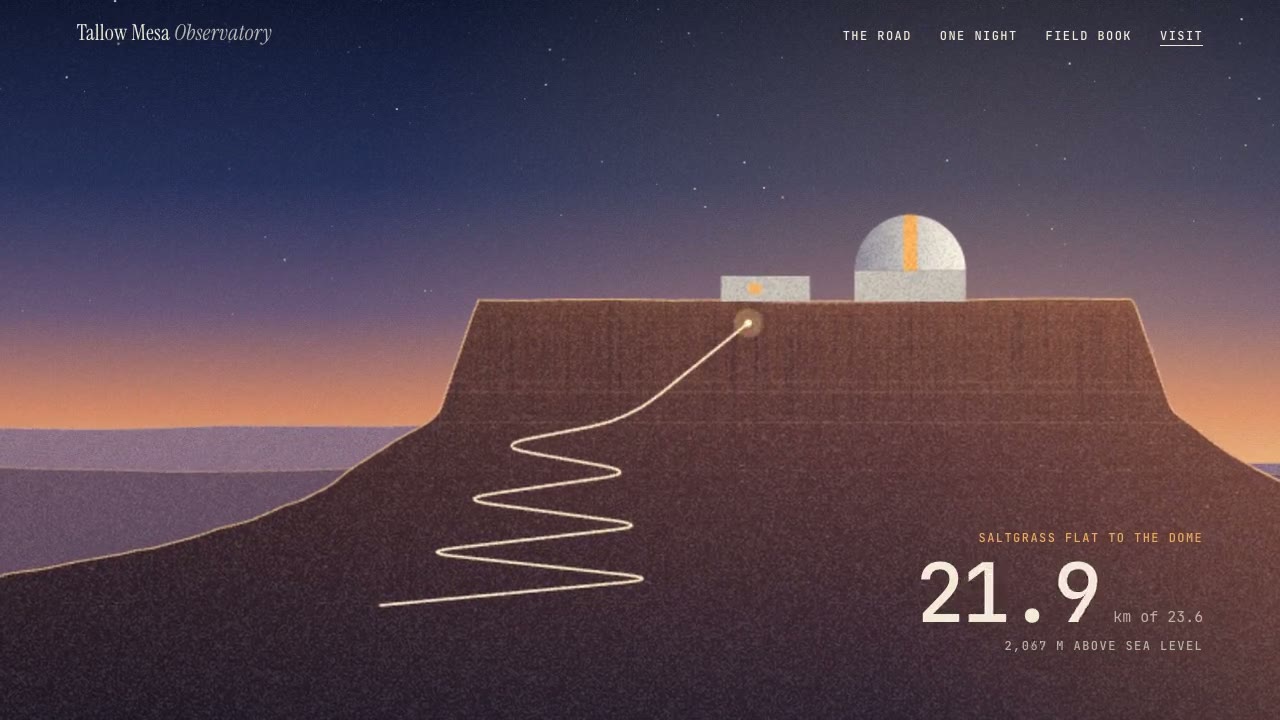
Parallax Plates Site
Have your agent split one picture into depth plates and build a page that flies through them on scroll, then prove in Chrome that no plate edge ever shows.
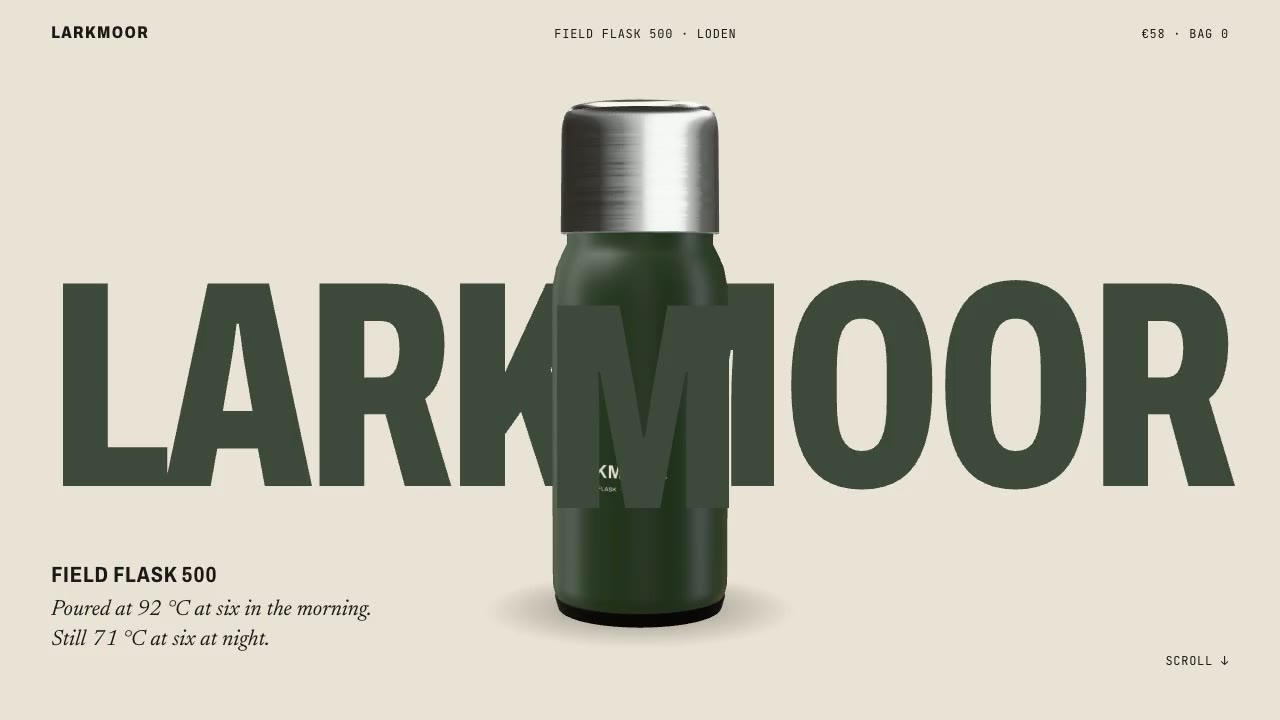
Scroll-Posed 3D Product
Have your agent build a page where one 3D product holds the centre while the scroll poses it, section by section, until it docks into the buy box.

Footage Landing Page
Have your agent build a full landing page under a looping footage hero, every word in one content file, then check it in Chrome.
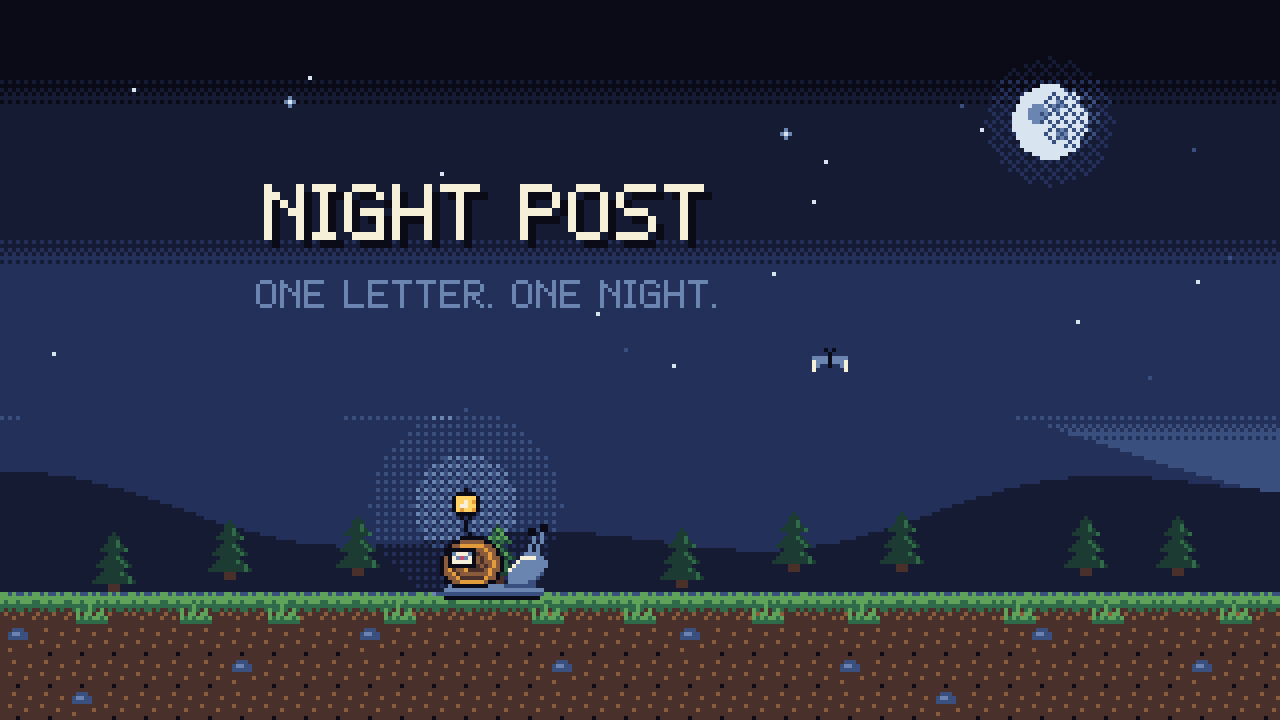
Pixel-Art Sprite Film
Have your agent make a 15 to 40 second pixel-art scene in code, with sprites, parallax and a chiptune score, rendered to an MP4 whose pixels stay crisp.
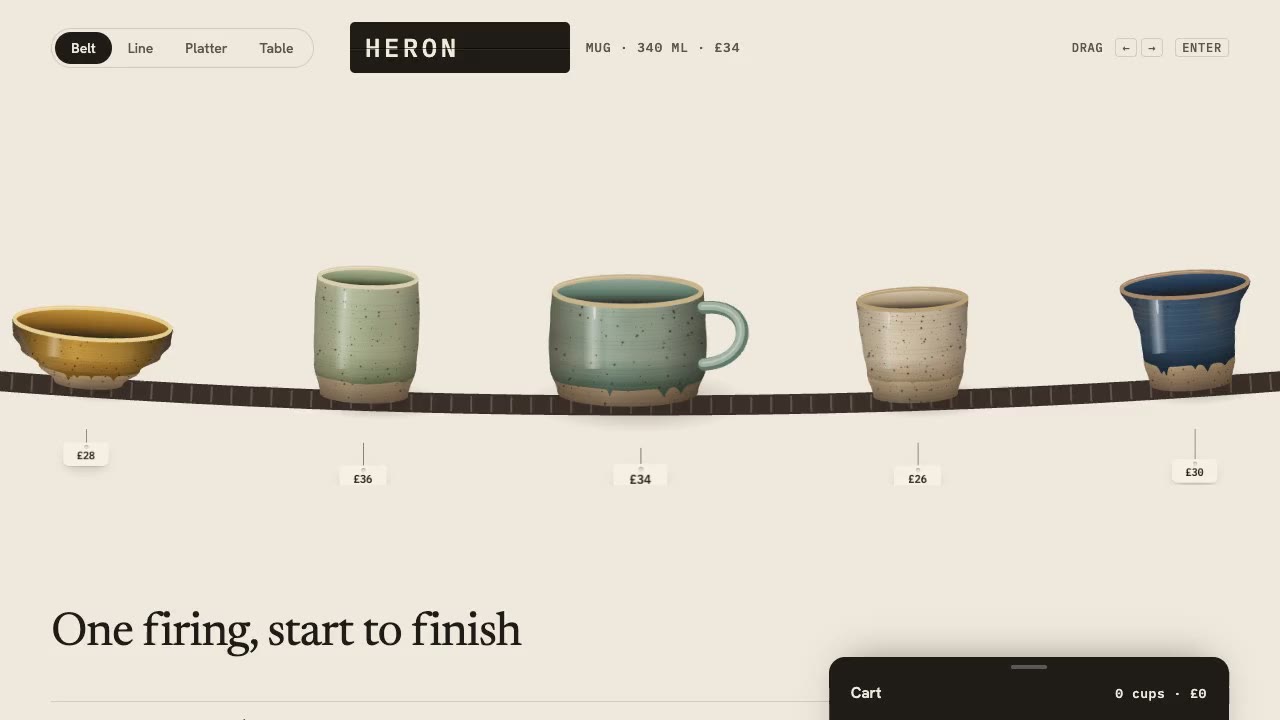
Drag Gallery Storefront
Have your agent build a shop you browse by dragging, with inertia, a seamless loop, a product sheet and a cart, then check it in Chrome.