
About this skill
Two pictures share one frame, and the reader decides which one shows. Moving the pointer leaves a trail that uncovers the second picture through a feathered, liquid, burning, grass or moss edge, and the trail fades back within a second; scrolling dissolves one scene into the next through a halftone screen or ink brush strokes; a silk sheet can tear away as the page loads. All of it runs on one small WebGL2 engine with no dependencies, which draws only while something changes and caps its pixel ratio. The agent starts from a brief: the two layers and the one way they differ, the edge style with its radius, fade and colours, the scroll transitions, and the static version that readers without WebGL2, without JavaScript or with reduced motion see instead. A Playwright script reads the trail back from the GPU to time its fade, times the draw of every edge style, scrolls the page, blocks WebGL, turns on reduced motion, turns off JavaScript and drags a finger across a phone, then saves screenshots of each.
You say
Using this skill, ask me the brief's questions for my coffee roaster's site, then build a hero where green beans burn through to roasted ones under the cursor, and a halftone scroll through three origins. Run the reveal check and show me the phone and no-WebGL screenshots.
How it works
- Your agent asks the brief's questions: the two pictures and how they differ, the edge style with its radius, fade and colours, the scroll transitions and the static version.
- It builds the static page first, with both pictures visible, then adds the pointer reveal, the scroll stages and the preloader on the engine.
- It runs the check in Chrome, which reads the trail back from the GPU, times every edge style, scrolls the page and reloads it without WebGL, with reduced motion, without JavaScript and as a phone.
- It reads the report and the screenshots, fixes what failed, and records a preview clip.
Getting a good result
- Make both pictures from one source, such as one drawing with two palettes or one camera rendered twice. The reveal shows the difference, so any other difference shows as a seam.
- Pick the edge from the subject: burn for food and fire, liquid for drinks and glass, grass or moss for gardens and outdoor brands, a soft edge for anything else.
- Keep the fade near one second. Longer smears the picture; under half a second reads as flicker.
What you get
- A dependency-free WebGL2 engine with a pointer driver (five edge styles, a shape mask and a silk-tear preloader) and a scroll driver (halftone and ink), over images or video loops
- A brief format, a filled example, and a table of the kinds of reveal page with the brief values for each
- A working example site, a fictional night market, whose pictures are drawn in code by a script in the ZIP
- Notes on the trail's decay, the pixel-ratio cap, idle drawing, fallbacks, and React and Next.js
- A Playwright check for trail fade (on float and 8-bit GPUs), GPU draw time, pixel ratio, video frames, no-WebGL, reduced motion, no JavaScript, touch and scrolling, and a recorder for a preview clip
Good fit
- Launch pages, menus, portfolios and product stories with a before and after worth uncovering
- Agents that write front-end code and can run Node and a browser
- Teams that want the effect measured and its fallbacks shown, not just approved by eye
Not for
- Pictures that are not framed identically; the reveal shows a seam instead of a change
- Pages where the picture under the reveal carries information readers must not miss; it is hidden until someone moves over it
- Backgrounds that should move by themselves without a reader; see Shader Loop Backgrounds
How to install it
- Download the ZIP and unzip it.
- Move the folder holding
SKILL.mdinto your agent's skills folder, such as~/.claude/skills/for Claude Code. - Start a new session and ask for what you want to make.
Needs: An agent that reads skills, Node 20 or later and Playwright with Chrome, for the check and the recorder, ffmpeg, only to record the preview clip.
Popular on X
Posts showing demand for this kind of video. Unless a post names this tool, it wasn't made with it.
- A post listing five UI and UX sites for builders, this library among them 98,508 views on X, measured 8 November 2026
FAQ
What does it cost?
$2.99 once for this skill, or $99 once for every skill in the library. It also comes with every paid AdAnt plan, from $15 a month. It runs on your own computer and uses no AdAnt credits.
Can I use it in commercial work?
Yes. The skill's code is MIT licensed: use it and what it makes in your own commercial work, including for clients, and keep the license file with any copy you pass on.
Does the trail really fade in a second?
Yes, and the check measures it. The trail loses the same amount for every millisecond that passes, so a pixel at full strength reaches zero exactly when its fade time is up instead of lingering as a faint ghost. On the example, set to 1000 ms, the mask read back from the GPU was zero between 1013 and 1024 ms after the pointer last drew, over three runs, and between 1005 and 1028 ms on the 8-bit trail that GPUs without float targets get.
How heavy is it?
The engine is about 44 KB of plain JavaScript, 14 KB gzipped, with no libraries. On an Apple M4 Pro laptop in headless Chrome, at a 3x screen's capped 1.5x ratio on a 1440 by 900 window, every edge style drew in 2.1 ms or less at the 95th percentile over three runs, and a scroll through the whole example page had a 95th-percentile frame time of 16.9 to 17.4 ms with no long tasks. It draws nothing while nothing changes and stops when the canvas is off screen.
What happens without WebGL, or with reduced motion?
The page shows its static version: both pictures of the hero under a split, and every scroll scene as a picture with its text. The check blocks WebGL2 and confirms every picture is visible and no text is hidden, turns on reduced motion and confirms the pointer leaves no trail, and turns off JavaScript and confirms no text is hidden. On a 390 px phone a finger drag left a trail and the page did not scroll sideways.
Does it work with React and Next.js?
Yes. The notes put the engine in a client component that creates the view in an effect and destroys it on unmount, render the static pictures on the server, and check reduced motion before anything starts. The example site is plain HTML so it runs from any static server without a build.
Is this the site that inspired it?
No. The idea comes from a library of scroll-driven website prompts, linked on this page, whose prompts are only for its members. AdAnt wrote this skill, its engine, brief format, scripts and example site without them, and the library's makers did not write or review it. The clip on this page is AdAnt's example site, recorded with this skill's script.
Can I use what it makes commercially?
Yes. The pages you build are yours. The engine, the scripts and the example site with its pictures are MIT, and the license text is in the ZIP.
Related skills
Scroll-Driven Site
Have your agent build a landing page where scrolling pins, scrubs and reveals each scene, then measure it in a real browser.
Parallax Plates Site
Have your agent split one picture into depth plates and build a page that flies through them on scroll, then prove in Chrome that no plate edge ever shows.
Scroll-Posed 3D Product
Have your agent build a page where one 3D product holds the centre while the scroll poses it, section by section, until it docks into the buy box.

Cinematic Video Hero
Have your agent build a one-screen hero from footage and type, with a freeze frame, text behind the subject and a loop, then measure it in a real browser.
Scroll-Scrubbed Film Site
Have your agent build a landing page where scrolling plays a film frame by frame, with chapters, callouts and a preloader, then check it in Chrome.
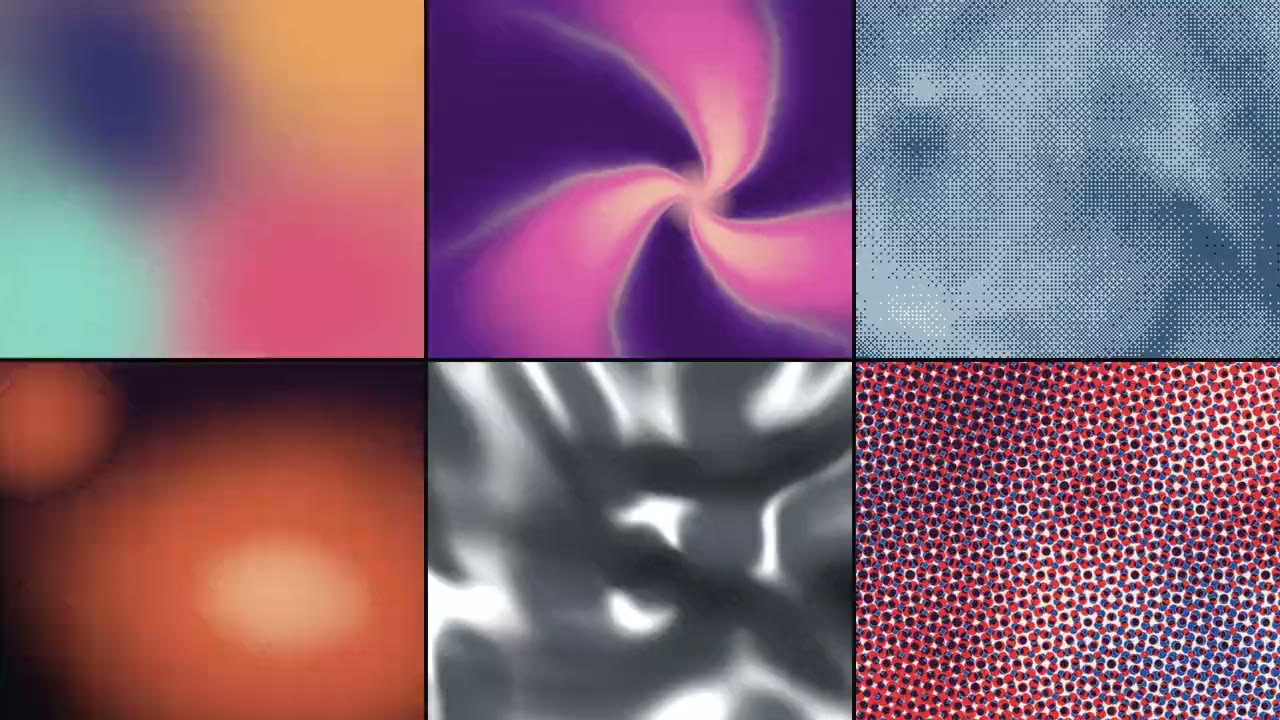
Shader Loop Backgrounds
Have your agent write animated WebGL backgrounds that loop with no seam, then ship each as a React component, an MP4 for your ads and a still.
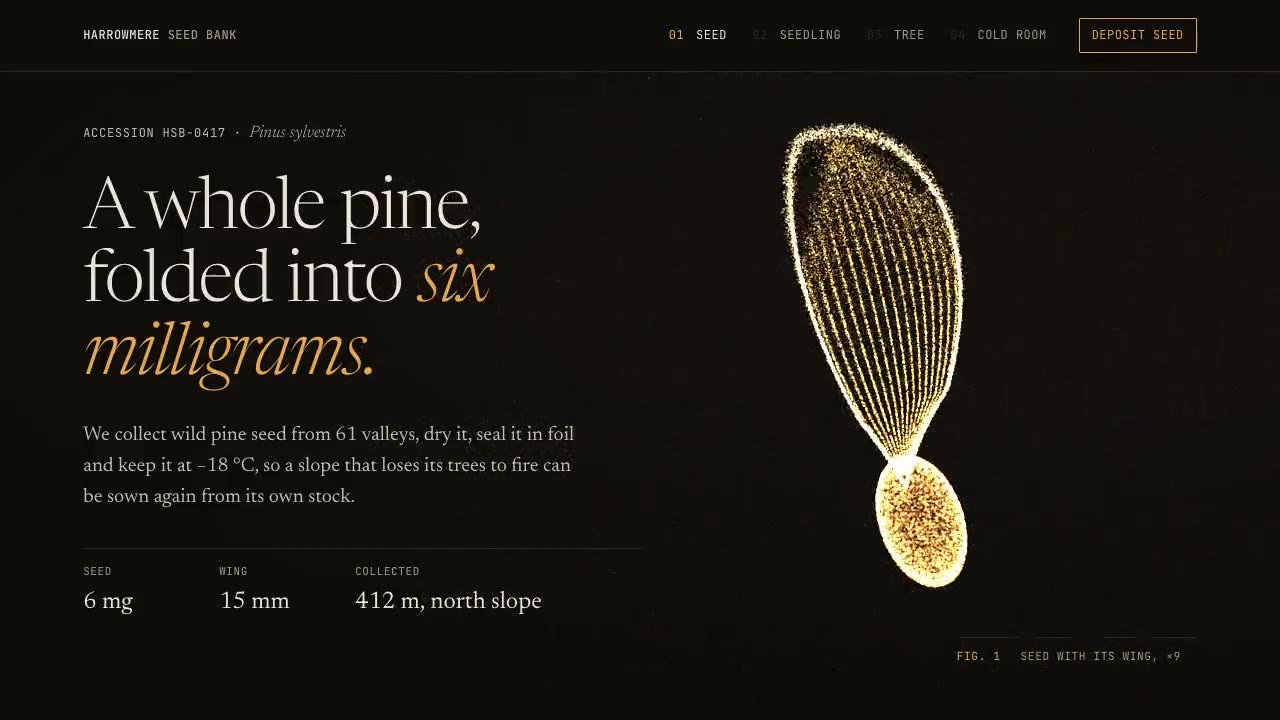
Particle Form Hero
Have your agent build a hero where GPU particles settle into your shape, morph to the next as the page scrolls, and part around the pointer.
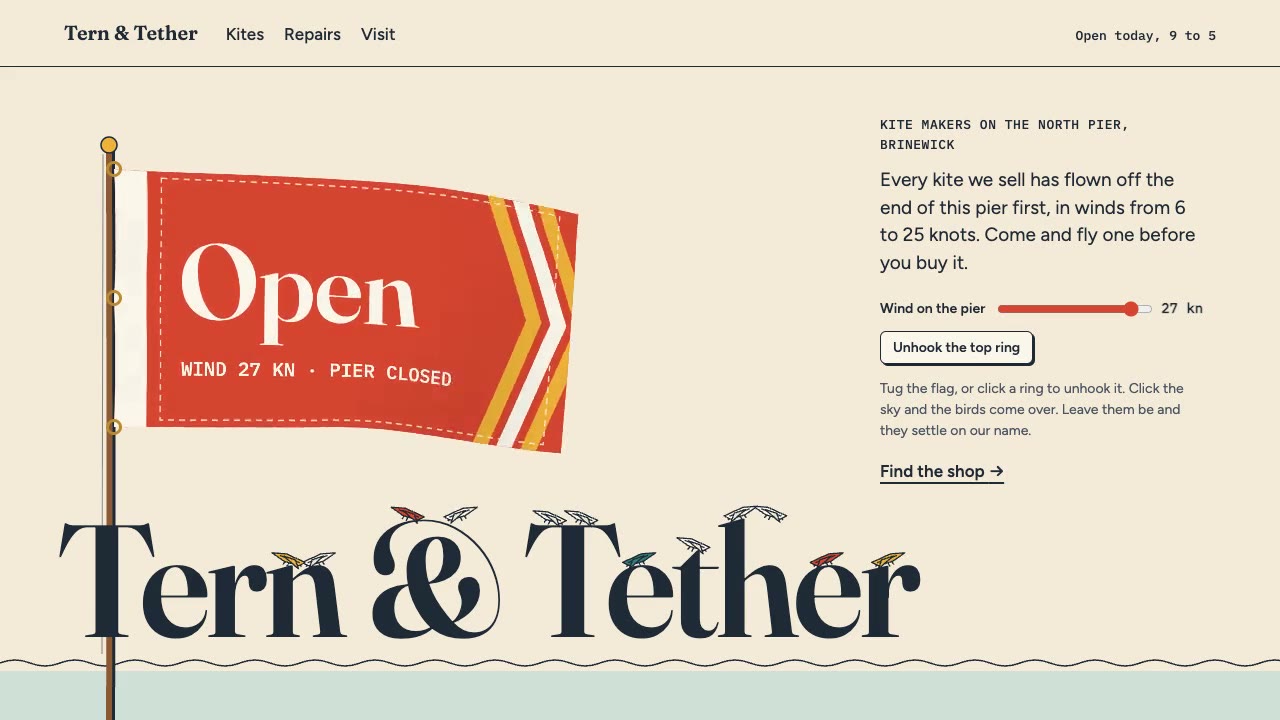
Cursor Playground Hero
Have your agent build a hero section visitors play with, on small simulations that behave the same on every screen and never blow up.
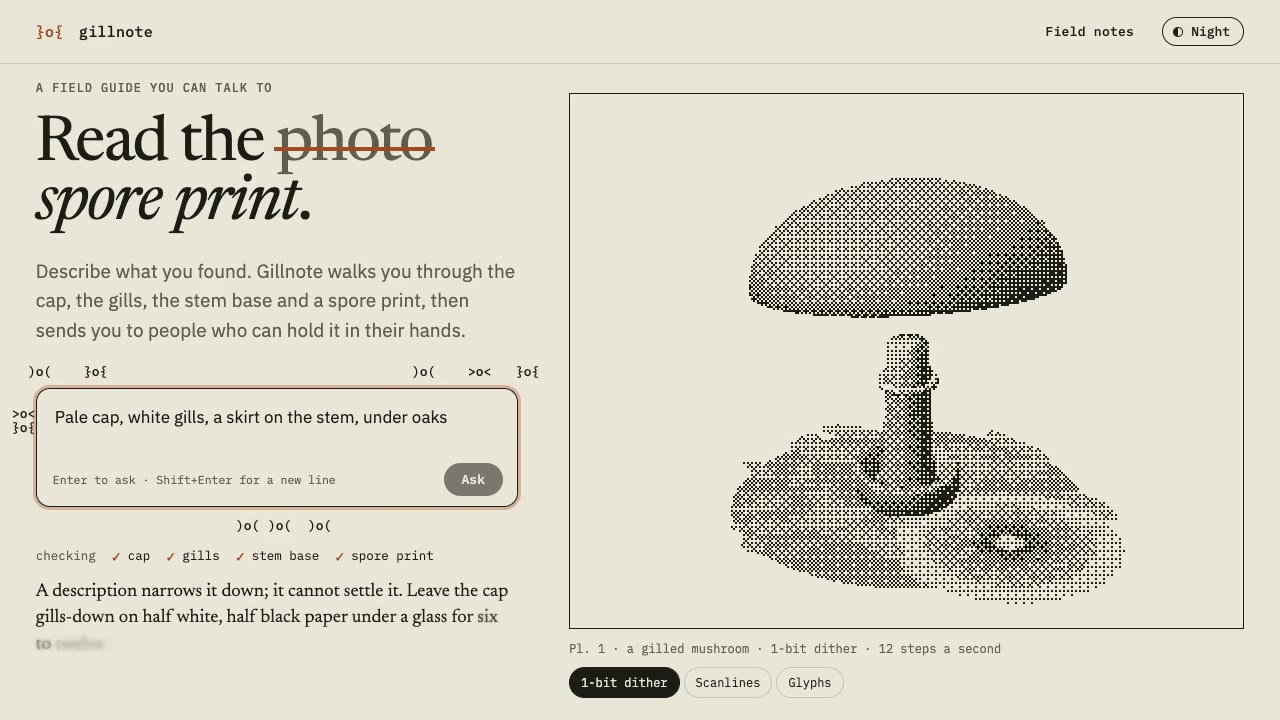
Dither & Glyph Hero
Have your agent build a hero that draws a live 3D scene in two inks, as dither, scanlines or glyphs, around an AI prompt, then check it in Chrome.
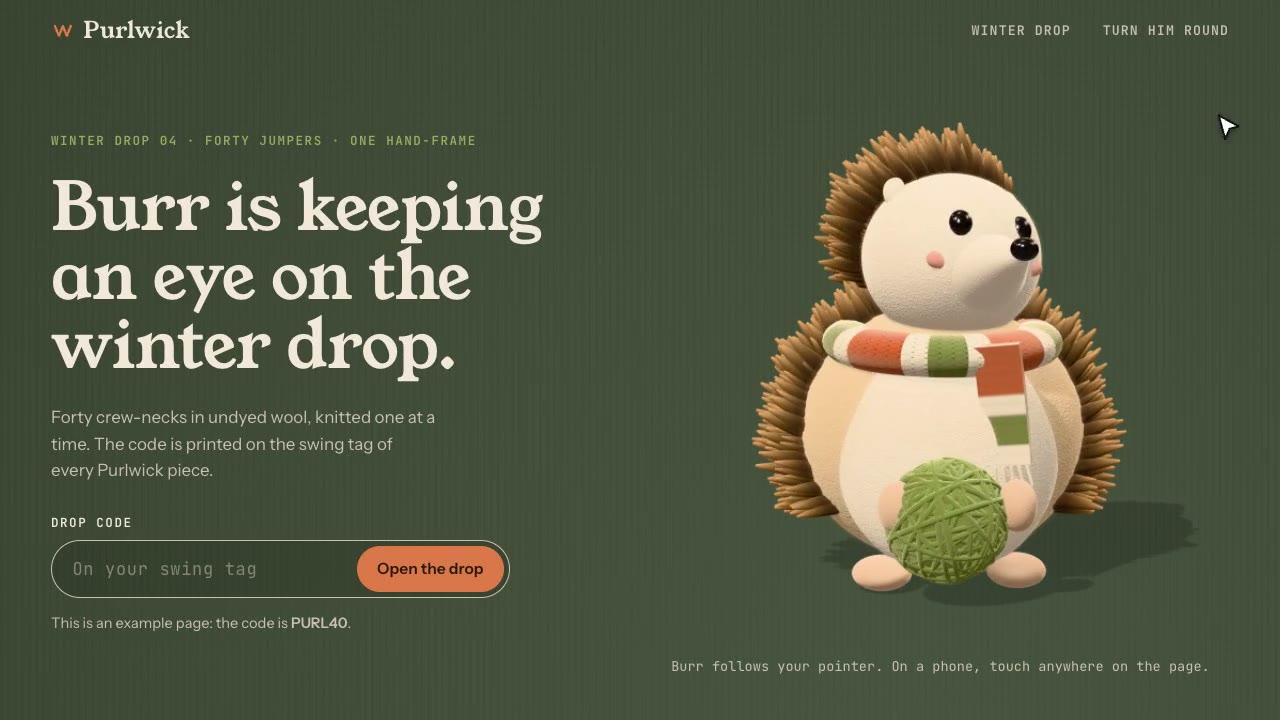
Cursor-Gaze Character
Have your agent build a landing page whose character turns its head to follow the pointer, from frames it renders once, then measure it in Chrome.
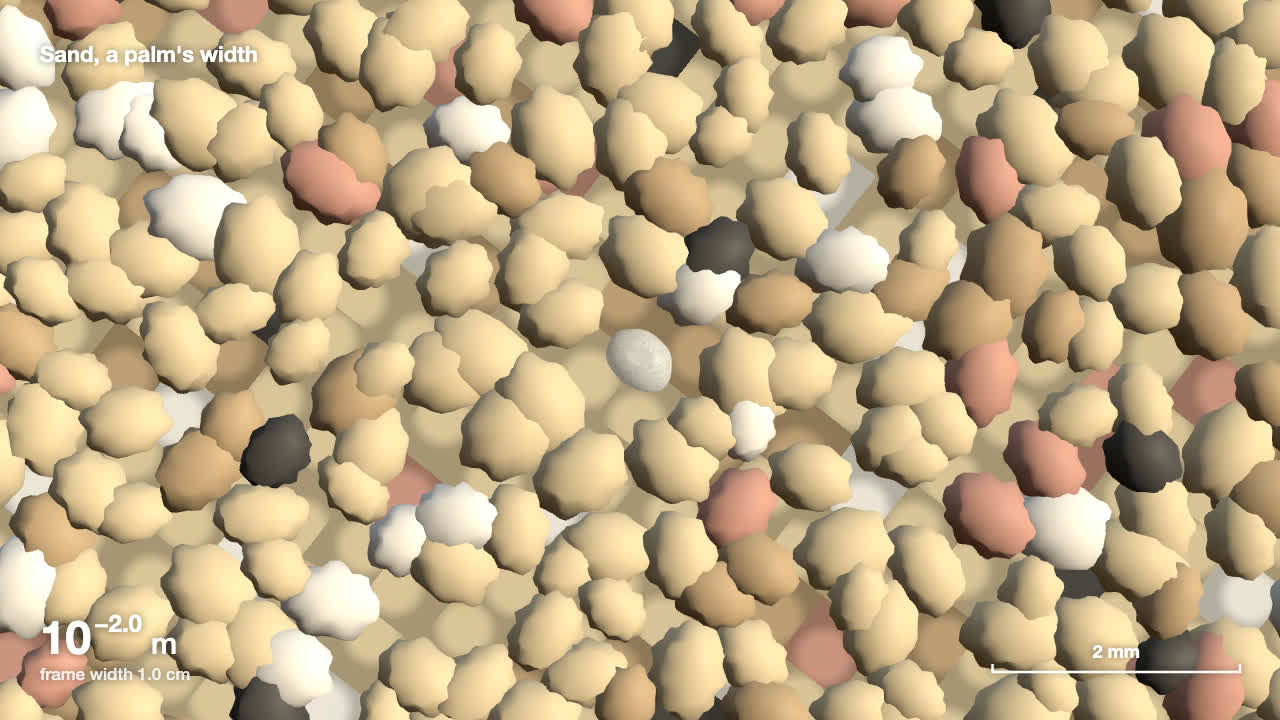
Scale Zoom One-Take
Make one continuous three.js zoom across many orders of magnitude, from a planet to an atom or out to a galaxy, with a scale readout that is right on every frame.
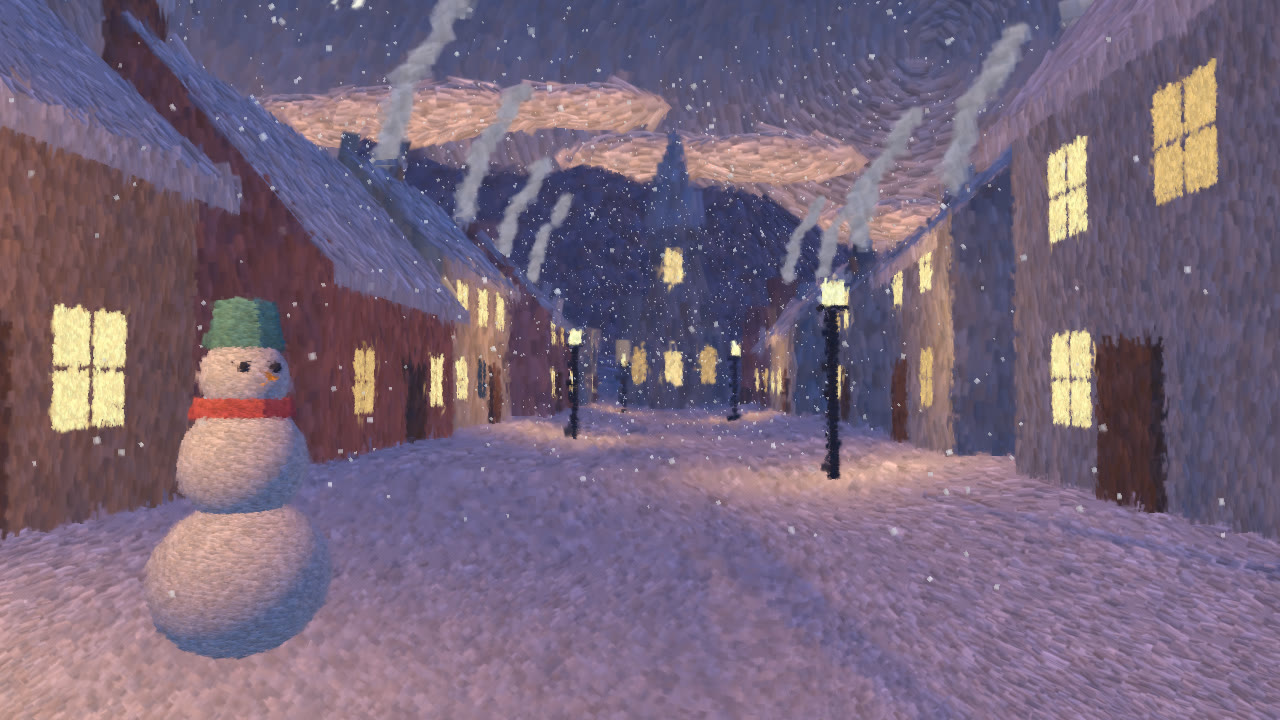
Hand-Painted Brushstroke 3D
Have your agent repaint a live three.js scene as brush strokes that stay on their surfaces when the camera moves, then measure it and record it.