
About this skill
An era-style montage tells a story through time and changes everything at each era: the age of sail as a woodcut over a harpsichord, the 1930s as a deco poster over muted brass, the 1980s as glowing vectors over a synth arpeggio. This skill builds one from a single era sheet. It ships eight original style modules drawn from generic period traits, from relief print to 2010s flat vector, each with its palette, lettering, print or screen texture, way of moving and music voice. Ten transitions join one look to the next, and every change of era lands on a bar line, where the synthesized score changes instruments over one shared chord progression. A headless-Chrome renderer encodes the MP4, and a checker fails captions shown for less than their reading time, transitions off the bar line, and lettering under readable contrast, measured on the rendered frames.
You say
Using this skill, make a 45-second vertical montage of how people listened to music, one era each for sheet music, the gramophone, radio, vinyl, the cassette, the CD, MP3 players and streaming, each in its own period's look and sound. No brands. Check it and render it.
How it works
- Tell your agent the subject, the eras and how long the film should run.
- It writes an era sheet, picks a period style and a transition for each era, and draws a simple motif for each.
- The checker fails any caption too short to read, any change of era off the bar line, and lettering under readable contrast.
- It reviews a contact sheet, measures the text contrast on the frames, then renders the MP4 with its score.
Getting a good result
- Six to ten eras fit 30 to 60 seconds. Give each era one or two facts of up to five words.
- Match each era to the nearest period style, and write a new style for eras the eight don't cover.
- The dates are labels. If the film states facts, check them against a source before you render.
What you get
- Eight style modules: relief print, deco poster, halftone print, psychedelic poster, neon vector, pixel desktop, glossy web and flat vector
- An era sheet format, with a 56-second example about how people travelled
- Ten transitions, from ink bleed and halftone to pixelate and scan, each landing on a bar line
- A synthesized score with a voice per period that changes instruments on the bar line
- A frame-exact renderer to MP4, stills and contact sheets, and a checker for reading time, bar-line landings and text contrast
Good fit
- The history of a product category, a craft or an everyday object, decade by decade
- Brand anniversaries and 'then and now' social videos
- Explainers where the change of look is itself the point
Not for
- Dated chronologies whose every date must be checked against a source: that needs a timeline skill with a date checker
- A whole film in one look, which lemo-opuscar covers
- Imitating a named artist, studio, brand or franchise
How to install it
- Download the ZIP and unzip it.
- Move the folder holding
SKILL.mdinto your agent's skills folder, such as~/.claude/skills/for Claude Code. - Start a new session and ask for what you want to make.
Needs: An agent that reads skills, Node.js 20 or later, Playwright with Chromium, or Chrome, ffmpeg and ffprobe.
Popular on X
Posts showing demand for this kind of video. Unless a post names this tool, it wasn't made with it.
- An agent-made art history montage that changes look with each period 242,811 views on X, measured 11 November 2026
- An agent-made montage of internet years, a new look and score for each year 42,455 views on X, measured 11 November 2026
FAQ
What does it cost?
$2.99 once for this skill, or $99 once for every skill in the library. It also comes with every paid AdAnt plan, from $15 a month. It runs on your own computer and uses no AdAnt credits.
Can I use it in commercial work?
Yes. The skill's code is MIT licensed: use it and what it makes in your own commercial work, including for clients, and keep the license file with any copy you pass on.
How is this different from History Timeline Film?
History Timeline Film makes a dated chronology: a camera travels along a time axis, a year counter rolls, and every date is checked against a source. This skill changes the whole look and sound at each era and does not check dates. If your montage states facts, check them with History Timeline Film's event table or against your own sources.
Are the styles copies of real artists or brands?
No. Each style is built from traits many works of a period share, such as hatching on cream paper or dot screens on newsprint, and none imitates a named artist, studio, brand, font or character. The skill tells your agent to keep any new style it writes the same way.
How does the music change with each era?
Each style names a voice, such as a harpsichord, a swung brass band or a synth arpeggio. The score plays one chord progression across the whole film, and each era's bars are played by its voice, so the instruments change on the bar line where the picture's transition lands while the harmony carries on.
What does the checker catch?
Captions and titles on screen for less than their reading time, beats that are not whole frames, transitions that miss the bar line or eat more than half an era, films outside 30 to 60 seconds, unknown styles or motifs, and lettering under 4.5:1 contrast for captions or 3:1 for titles. It checks the declared colours and measures the rendered frames, so grain, a bright patch or a busy background under the words also fails.
Did the creators of the montages on X write this skill?
No. AdAnt saw that montages like these are popular, then wrote this skill, its styles, score and scripts from scratch. Nothing from the posts is copied, and their authors did not write or review it. The clip on this page was rendered by AdAnt with this skill.
Related skills
Cinematic Video Hero
Have your agent build a one-screen hero from footage and type, with a freeze frame, text behind the subject and a loop, then measure it in a real browser.
Shader Loop Backgrounds
Have your agent write animated WebGL backgrounds that loop with no seam, then ship each as a React component, an MP4 for your ads and a still.
Shader Reveal Site
Have your agent build a page where the pointer or the scroll uncovers a second picture through a shader, then measure the trail, the GPU and every fallback in Chrome.
Narrated Explainer Video
Have your agent research a topic, write a script with a source for every figure, voice it, and animate scenes that land on the words that name them.
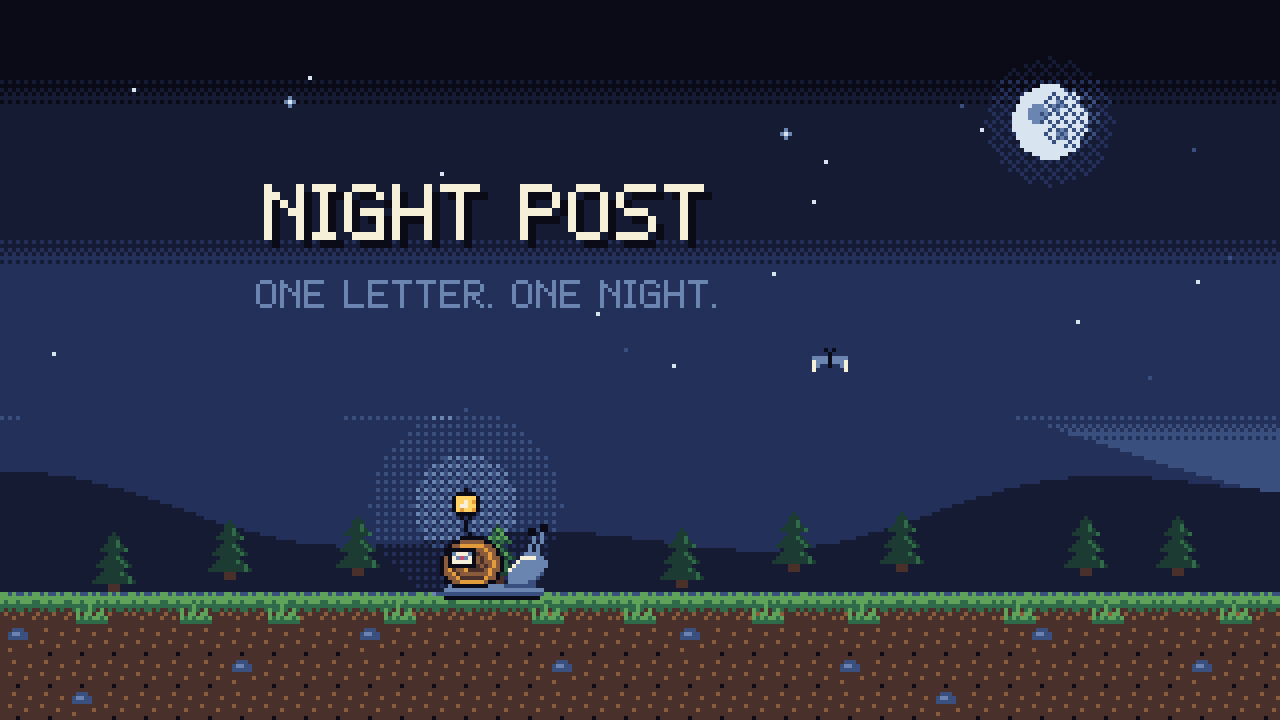
Pixel-Art Sprite Film
Have your agent make a 15 to 40 second pixel-art scene in code, with sprites, parallax and a chiptune score, rendered to an MP4 whose pixels stay crisp.
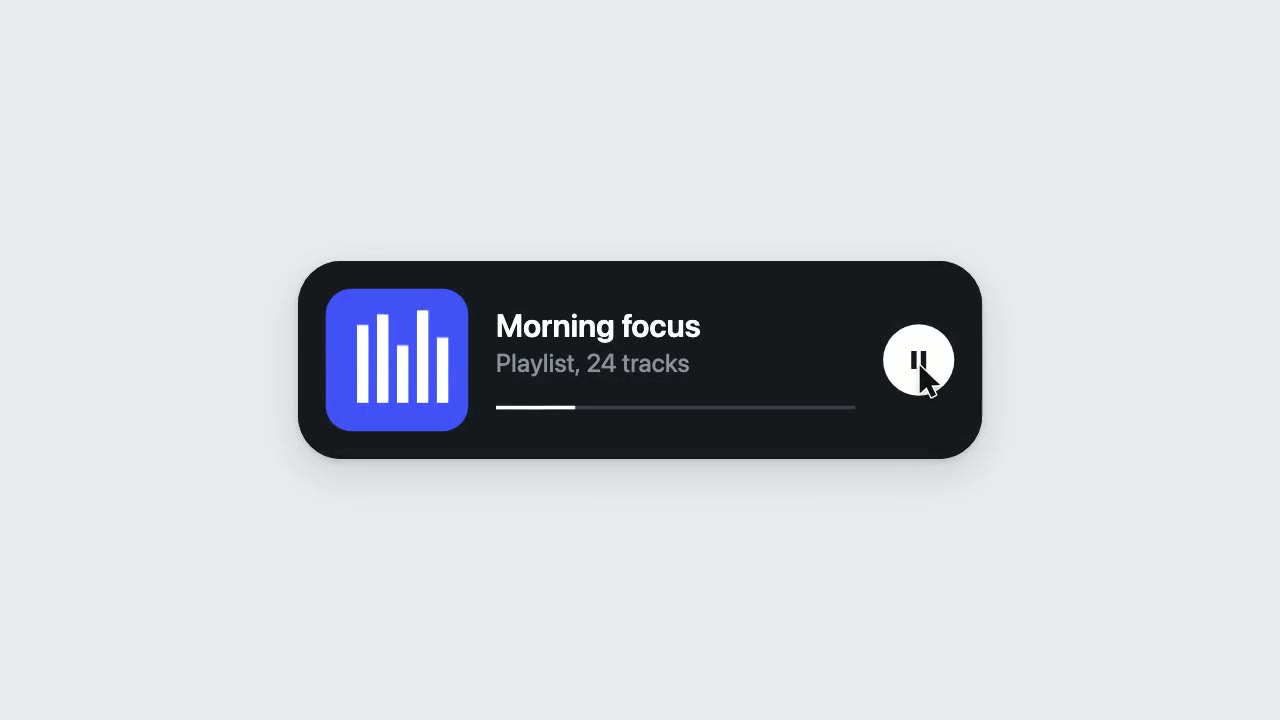
UI Morph Loop
Have your agent make a looping clip where one element turns into a button, toggle, slider, search field, notification and player, with a cursor that clicks and drags to cause each change.
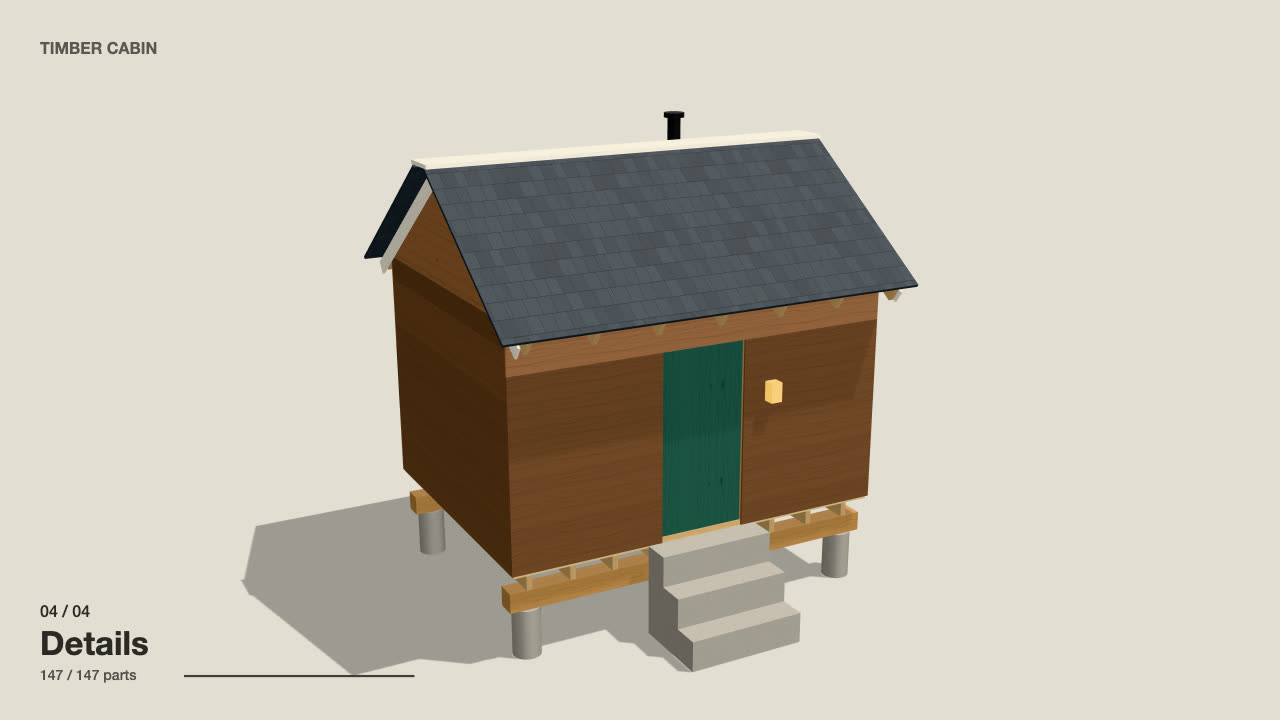
Self-Building 3D Construction
Have your agent make a 15 to 40 second three.js film in which a building or an object puts itself together in a believable order, then circles the finished piece.
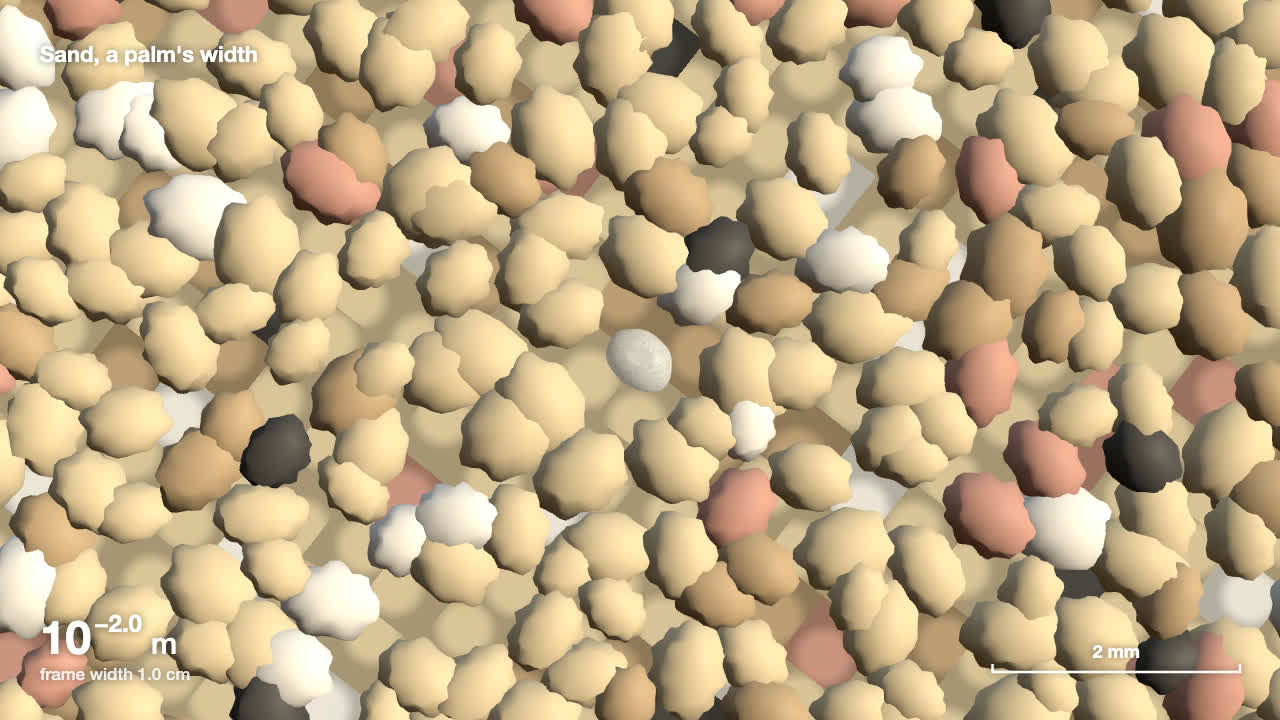
Scale Zoom One-Take
Make one continuous three.js zoom across many orders of magnitude, from a planet to an atom or out to a galaxy, with a scale readout that is right on every frame.

Code-Rendered 3D Animated Short
Have your agent write a tiny wordless story, build its characters and set in three.js, shoot it from a shot list, score it and render a frame-exact MP4.

Footage Landing Page
Have your agent build a full landing page under a looping footage hero, every word in one content file, then check it in Chrome.
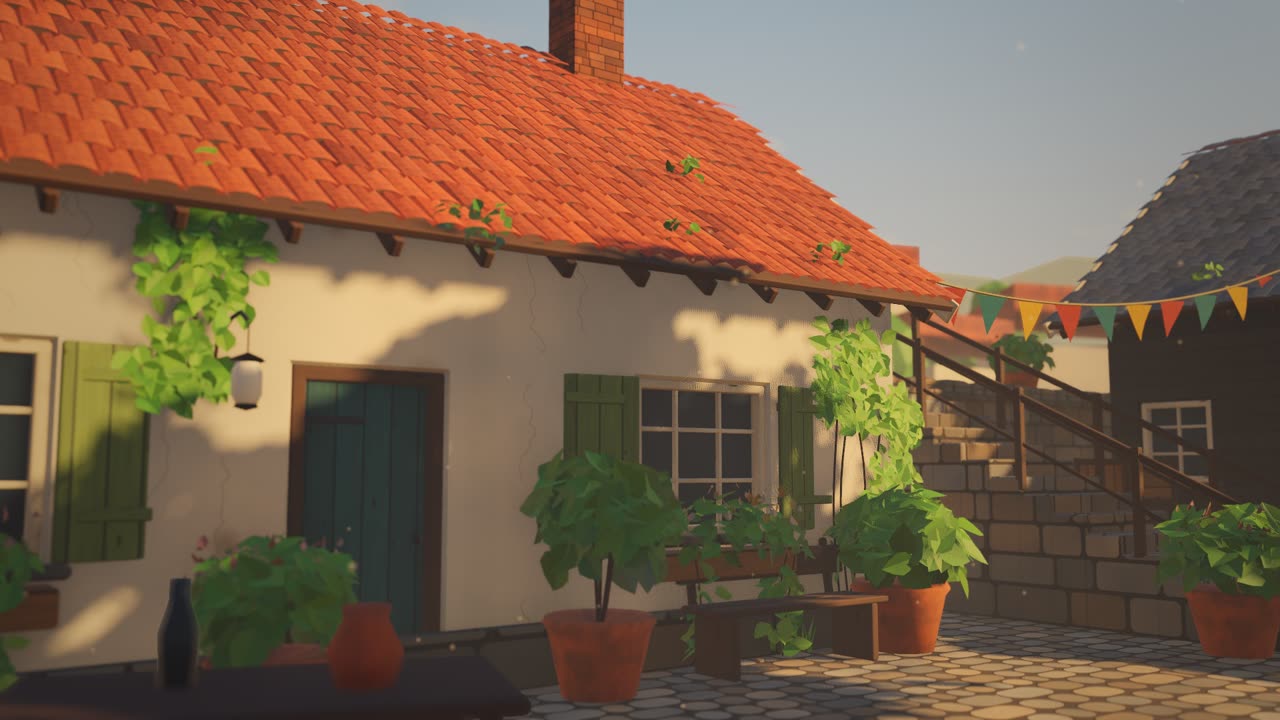
Sketch to Styled 3D Scene
Have your agent read a hand sketch of a place into a measured layout, build it in three.js, and show the same scene in sunlit, painted and night looks.
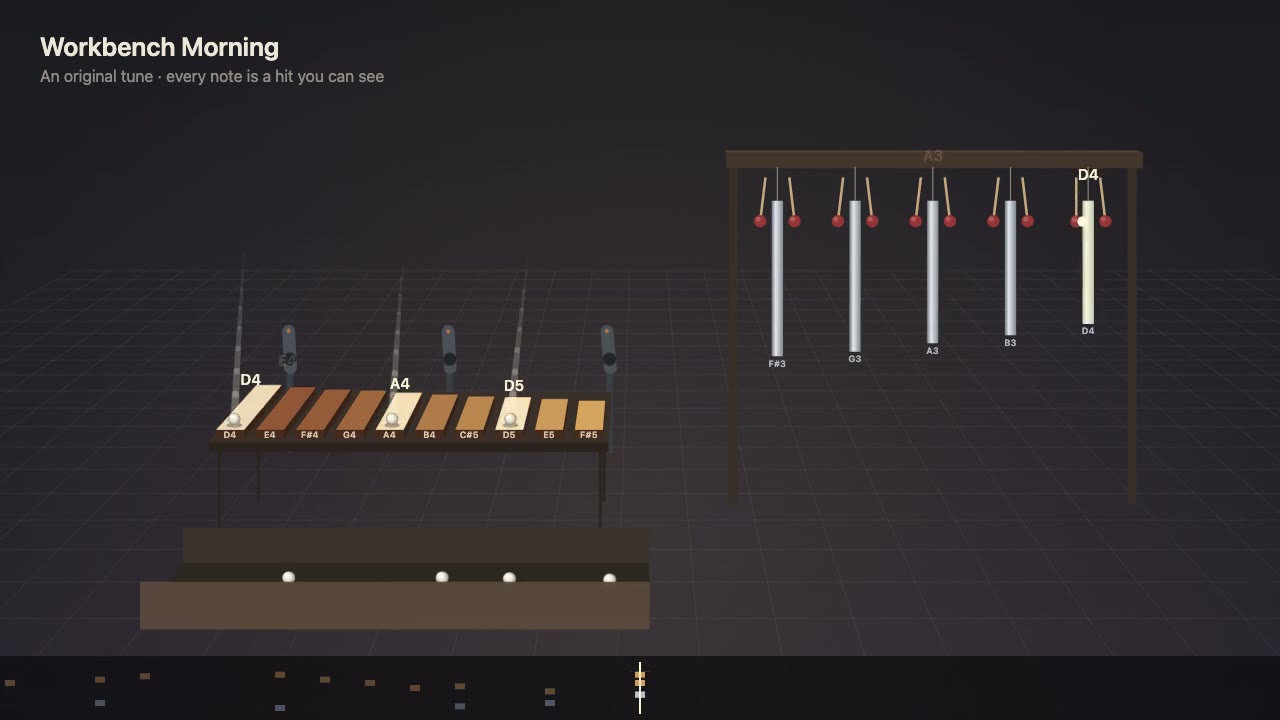
Visible Music Machine
Write a tune as notes first, then have your agent build a machine that plays it, where every note is a ball or mallet hit you can see, with sound on the exact frame.