
About this skill
Found footage scares on a schedule: walk somewhere ordinary, build slowly, let the viewer relax, show one thing that should not be there, then cut to black. This skill writes that schedule as a beat sheet with a tension curve and builds the whole film from it in code. A three.js handheld camera walks one of four original places (a corridor, a stairwell, an office, a forest path) with breathing, footsteps, shake that grows with fear, stumbles and a whip turn. A VHS and CRT stack of separate passes adds tracking errors, head switching, chroma bleed, noise, dropouts and a camcorder REC display. WebAudio renders room tone, hiss, a drone, footsteps and one stinger. A checker then measures the rendered film for flashes, big brightness jumps and a stinger that is too loud, and confirms the reveal and the cut land on their beats.
You say
Using this skill, make a 35-second found-footage short in the forest location: someone walks a trail at night with a flashlight, hears knocking, stops to look at a trail marker, and turns to find a figure standing between the trees. Date the tape NOV 03 1996, make the tape fairly worn, render it at 1280x720 and run the safety check.
How it works
- Tell your agent the place, the length, what the viewer should find, and the date on the tape.
- It writes a beat sheet: a slow build, a false calm, one reveal and a cut to black, and lints the tension curve.
- It renders stills at the key moments to check the look and that the figure is hidden until the reveal.
- It renders the film with sound, places the stinger on the frame the figure is first seen, and runs the safety and pacing check.
Getting a good result
- The false calm does the work. Give it at least three seconds of quiet before the reveal.
- Keep the reveal to one thing, held for two or three seconds, then cut. Don't fade.
- Raise tape damage with tension rather than all the way through, so the glitches mean something.
- Run the check on the file you post. Flickering lights and glitch bursts are where flashes creep in.
What you get
- A beat-sheet format with a tension curve, and a linter that enforces slow build, false calm, one reveal and a cut to black
- A handheld camera rig with walking, breathing, fear-driven shake, stumbles, a whip turn and a camcorder push-in
- A VHS and CRT stack of nine passes you can reorder, tune per beat or extend
- Four original locations built from code, and a guide to writing more
- A WebAudio sound kit of room tone, hiss, drone, footsteps, cues and a stinger synced to the reveal
- A renderer to MP4 with sound, and a checker for flashes, brightness jumps, loudness and pacing
Good fit
- Short horror films, Halloween posts and teasers for horror games or escape rooms
- Liminal-space clips and analog-horror experiments without a video model
- Checking any glitchy or flickering video for photosensitive flashes before posting it
Not for
- Gore, real places or people, or fan films of an existing horror franchise
- Photoreal footage: the places are simple 3D under a heavy tape look
- Films with dialogue or several characters
How to install it
- Download the ZIP and unzip it.
- Move the folder holding
SKILL.mdinto your agent's skills folder, such as~/.claude/skills/for Claude Code. - Start a new session and ask for what you want to make.
Needs: An agent that reads skills, Node.js 20 or later, three.js and Playwright with Chromium, installed with npm, ffmpeg.
Popular on X
Posts showing demand for this kind of video. Unless a post names this tool, it wasn't made with it.
- A short horror film in three.js made by Claude Opus 5.5 from one request 13,540 views on X, measured 11 November 2026
- A short horror film made with Fable 5.5 1,067 views on X, measured 11 November 2026
- A short horror scene on a station platform, directed with Opus 5.5 in Claude Code 880 views on X, measured 11 November 2026
FAQ
What does it cost?
$2.99 once for this skill, or $99 once for every skill in the library. It also comes with every paid AdAnt plan, from $15 a month. It runs on your own computer and uses no AdAnt credits.
Can I use it in commercial work?
Yes. The skill's code is MIT licensed: use it and what it makes in your own commercial work, including for clients, and keep the license file with any copy you pass on.
Does it use an AI video or voice model?
No. The places, the camera, the tape damage and the sound are all code: three.js for the picture, WebAudio for the sound, headless Chrome to draw each frame and ffmpeg to encode. The same beat sheet gives the same film every time.
Is the flash check enough to post the film?
It screens every decoded frame, in linear light, against the WCAG 2.3.1 thresholds: no more than three general or red flashes in any second over more than a quarter of any 10-degree field of view. It also fails big frame-to-frame brightness jumps, any jump to a near-white screen, a true peak above -1 dBTP, and a stinger more than 10 LU louder than the build. It does not test striped patterns and is not a certified test. For broadcast or paid placement, use a certified analysis such as a Harding test.
How is this different from Lemo-Opuscar or AI Genre Video Prompts?
Lemo-Opuscar installs film looks and AI Genre Video Prompts writes prompts for AI video models. This skill builds a horror film in code and paces it: a tension curve, a timed reveal, sound synced to the picture, and a check that the reveal and the cut land on their beats.
Can I use it to promote something?
Yes, for a horror game, an escape room or a Halloween campaign, for example. Keep the found footage itself free of logos and real places, and put your title or product card after the black hold. Say in the post that it is a short film.
Did the post's author write this skill?
No. AdAnt wrote this skill, its scripts, its places and its sound from the idea in the post linked on this page, which shares no code. The post's author did not write or review it. The clip on this page was rendered by AdAnt with this skill.
Related skills
Pixel-Art Sprite Film
Have your agent make a 15 to 40 second pixel-art scene in code, with sprites, parallax and a chiptune score, rendered to an MP4 whose pixels stay crisp.
Dreamlike Voyage Browser Game
Have your agent build a calm ride through several invented worlds in three.js that plays in a browser tab and on a phone, check it, and record a clip of it.
Browser Game Trailer
Have your agent build a small game that plays in a browser tab, then play it with scripted inputs and cut a 15 to 30 second gameplay trailer from its best moments.

Procedural Character Performance
Animate an original character dancing, walking or trotting to a beat entirely in code, with feet that never slide and every hit on the beat.
Sketch to Styled 3D Scene
Have your agent read a hand sketch of a place into a measured layout, build it in three.js, and show the same scene in sunlit, painted and night looks.
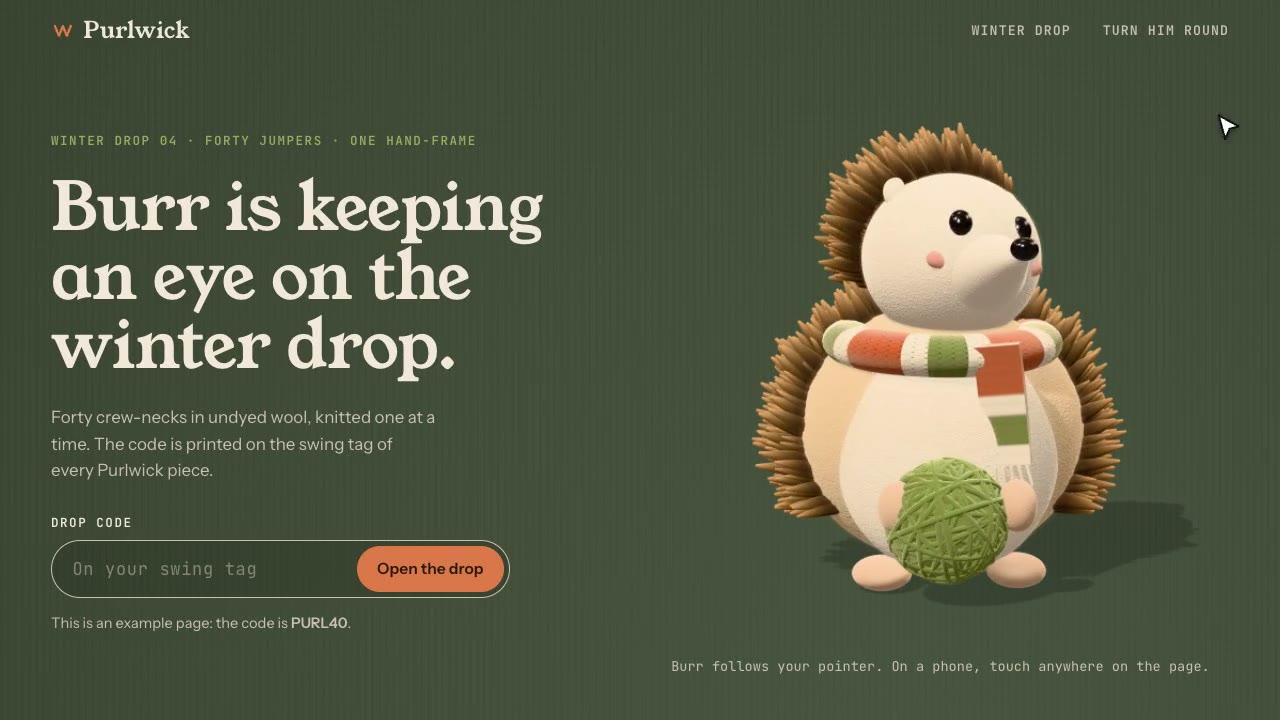
Cursor-Gaze Character
Have your agent build a landing page whose character turns its head to follow the pointer, from frames it renders once, then measure it in Chrome.
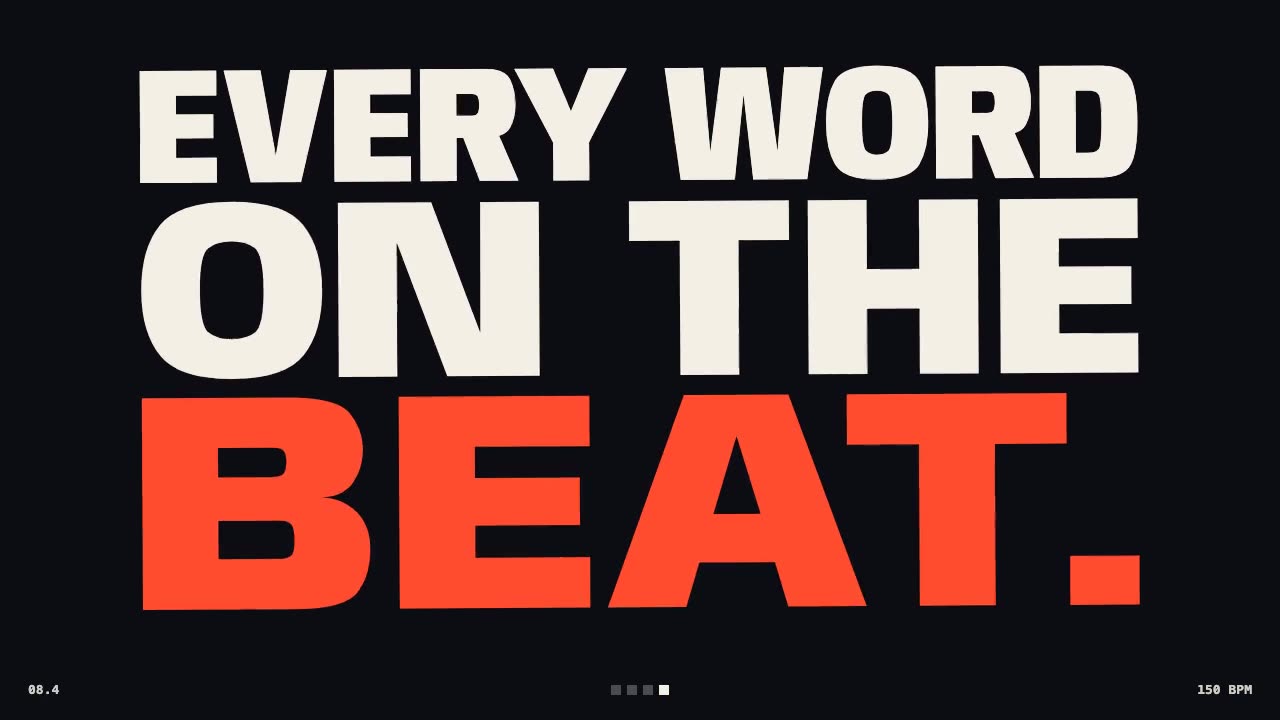
Kinetic Type Film
Make a launch film of big words cut to the beat, with real motion blur, synthesized music and measured sync.

Procedural Dragon Film
Have your agent build a long-bodied creature in three.js from numbers alone, fly it through a storm-lit landscape and render a frame-exact film with sound.
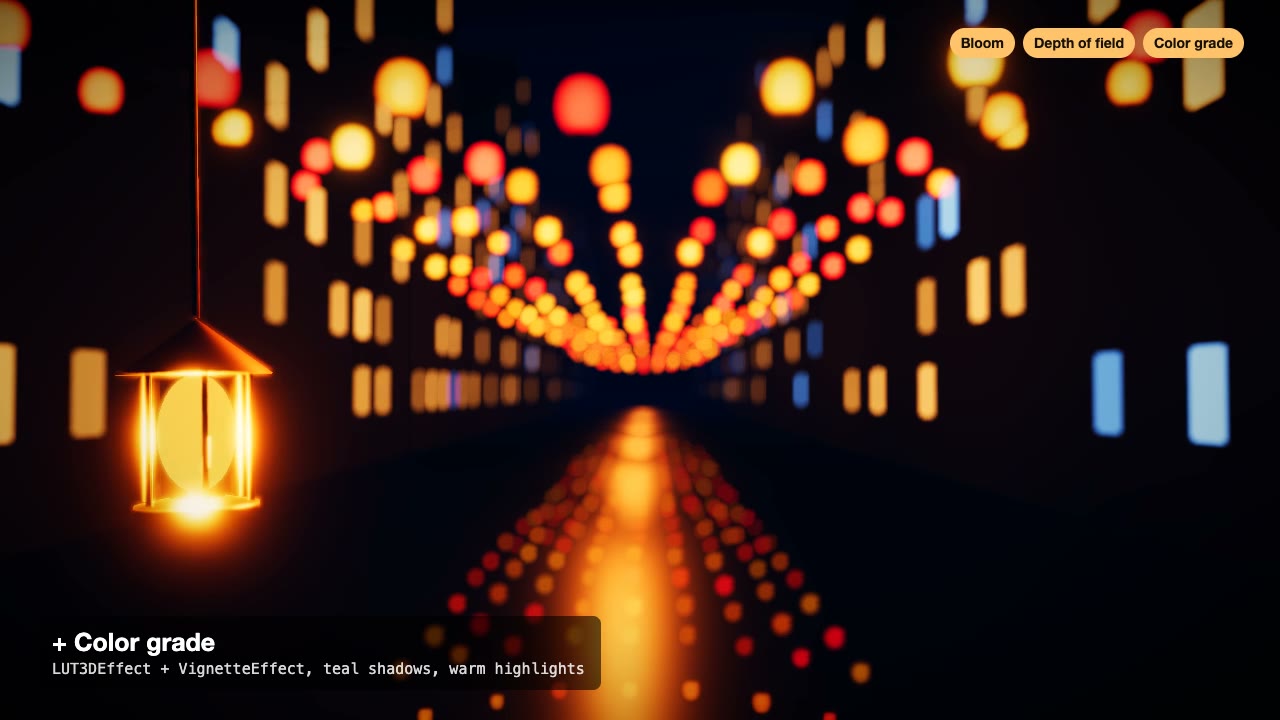
Three.js Postprocessing
Give a flat three.js shot HDR bloom, depth of field, tone mapping and a color grade, in the right order.

Code-Rendered 3D Animated Short
Have your agent write a tiny wordless story, build its characters and set in three.js, shoot it from a shot list, score it and render a frame-exact MP4.
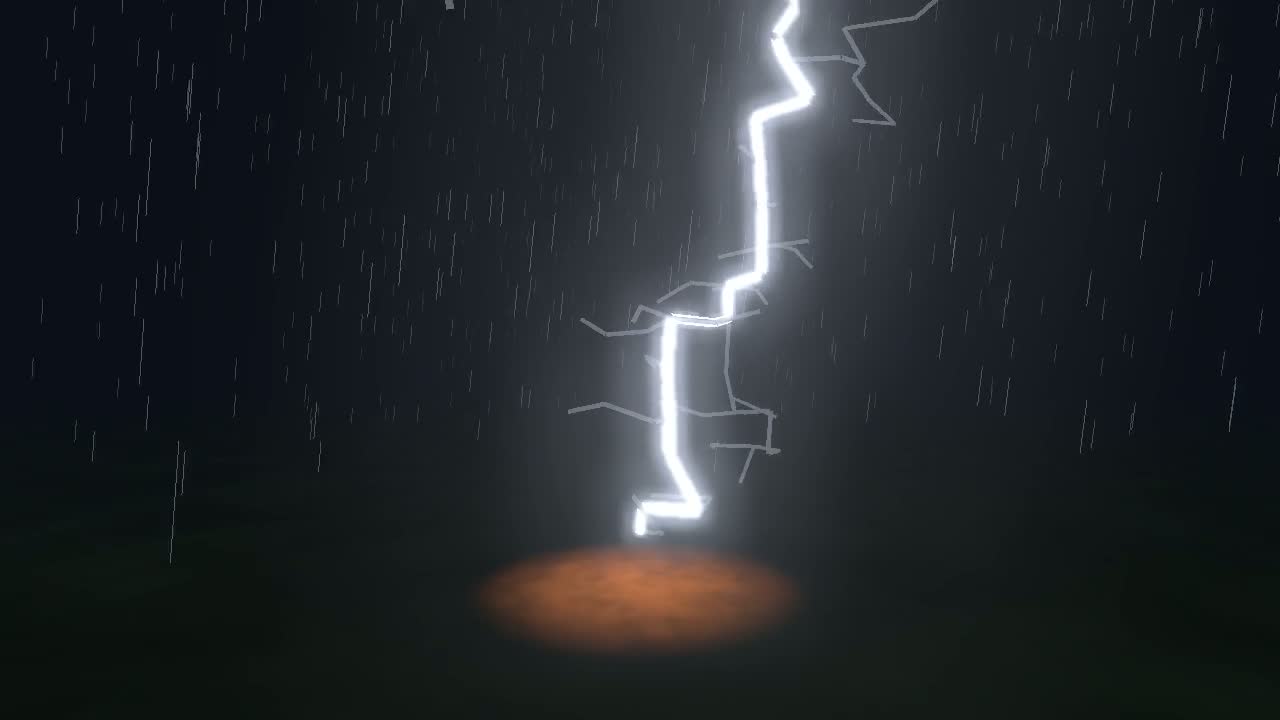
Physics Simulation One-Take Film
Simulate lightning, a crack or a fire front, then ride it in one unbroken camera shot, with sound from the simulation and a flash safety check.
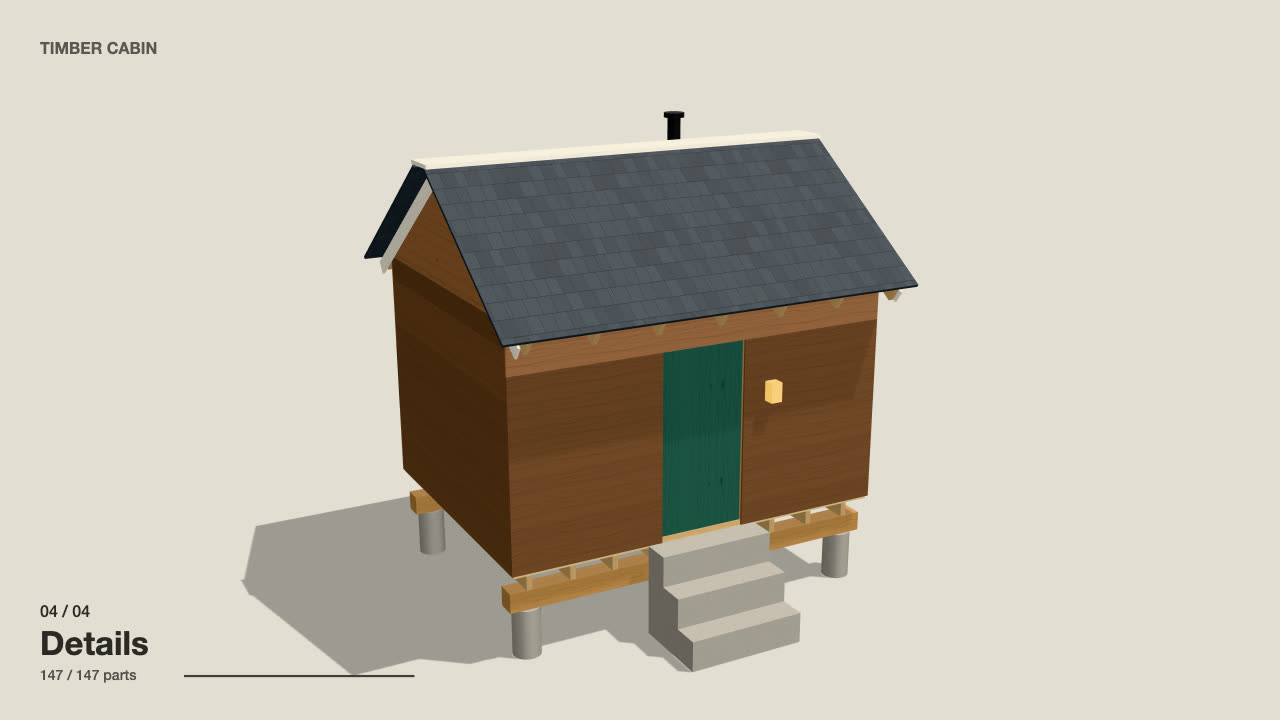
Self-Building 3D Construction
Have your agent make a 15 to 40 second three.js film in which a building or an object puts itself together in a believable order, then circles the finished piece.