
About this skill
A drawing of a place holds where things stand, how big they are and which way is north. This skill has the agent read those into one layout file, then draws every footprint back over the sketch and scores each outline against the pencil lines, so a misplaced building is caught before anything is built. The kit then builds the place in code: walls cut for doors and windows, timber frames, roofs of thousands of separate tiles, stairs, arches, balconies, plants made of real leaves, boats, crates and lanterns. Each look is data: a palette, a sun, lamps, haze, a lens, an ink line and a grade. The scene can change look through a brush, swirl or bleed transition, and a recorder writes the camera path to MP4. The checker also measures each look's contrast, brightness and warm light.
You say
Using this skill, turn my sketch (attached photo) of our market square into a three.js scene. The scale bar is 10 metres and north is up. Build it, show me the overlay of your layout on my sketch, then give it a late-afternoon look, a painted look with ink and a lantern-lit night, and record a 20-second film that starts on the sketch.
How it works
- Give your agent the sketch, one real length in it and which way is north.
- It writes the layout, draws it back over your sketch, and fixes it until every outline sits on its pencil line.
- It builds the place from the kit and dresses it, then sets up the looks and measures each one.
- It lays a camera path, checks it clears every wall, reviews stills, and records the MP4.
Getting a good result
- Write heights on the sketch: 'eaves 3 m' beside a building or '+2.4' on a raised patch saves a guess.
- Ask for the overlay picture before any styling. It is the quickest way to see what the agent misread.
- Start a transition while the camera looks at a light, plain wall, where the edge of the change reads best.
What you get
- A layout format for ground levels, water, buildings, stairs, walls, towers, strung lines and props, with a scale and a north arrow
- A checker that draws the layout over the sketch and scores each outline, and fails overlaps, low doors, steep stairs and props inside walls
- A procedural kit: cut walls, timber frames, instanced roof tiles, balconies, windows with shutters and planted boxes, leafy plants and 17 props
- Looks as data, with soft shadows, sky fill, haze, depth of field, bloom, a brush filter and ink, plus three transitions between looks
- A camera-path recorder to MP4, stills and a poster, and measured contrast, brightness, warm light and frame time for every look
- A worked example: a harbour yard with its sketch, layout, four looks and a 23-second film
Good fit
- Showing a planned courtyard, street corner, stall or small site from a rough plan
- Opening shots and backdrops for brand films and game pitches, in a look you choose
- Day, painted and night versions of one place for a campaign
Not for
- Generating a 3D world from a text prompt or a photo with a world model
- Curved or sculpted buildings, sloping terrain, people and animals: the kit is boxes, turned shapes and leaves
- Measured construction drawings; the layout is as accurate as the sketch
How to install it
- Download the ZIP and unzip it.
- Move the folder holding
SKILL.mdinto your agent's skills folder, such as~/.claude/skills/for Claude Code. - Start a new session and ask for what you want to make.
Needs: An agent that reads skills and can see images, Node.js 20 or later, three.js and Playwright with Chromium, or Chrome, on a machine with a GPU, ffmpeg.
Popular on X
Posts showing demand for this kind of video. Unless a post names this tool, it wasn't made with it.
- A hand sketch turned into a 3D scene with three looks 200,764 views on X, measured 13 November 2026
FAQ
What does it cost?
$2.99 once for this skill, or $99 once for every skill in the library. It also comes with every paid AdAnt plan, from $15 a month. It runs on your own computer and uses no AdAnt credits.
Can I use it in commercial work?
Yes. The skill's code is MIT licensed: use it and what it makes in your own commercial work, including for clients, and keep the license file with any copy you pass on.
What kind of sketch does it need?
A plan, seen from above: a photo of a drawing on paper or a digital drawing. It needs one known length (a scale bar, a dimension, or something of known size such as a door) and a north arrow. If either is missing the skill tells the agent to ask you. For a perspective drawing, the agent first redraws it as a plan and asks you to agree it.
How does it check the layout against my sketch?
It finds the ink in your image, draws every footprint at the sketch's scale, and measures how much of each outline lies within 0.45 m of a drawn line. An element under its limit is named with its percentage, and an overlay picture shows the layout in red over your drawing. In the example, 99% of all outlines lie on drawn lines.
How is this different from Self-Building 3D Construction?
That skill films one building putting itself together in build order. This one starts from a drawing of a whole place, builds every building and prop in it, and shows the finished scene in several looks with transitions between them.
Can I add my own look?
Yes. A look is one block of data in the scene file. The reference lists every field and gives the steps: decide the light, the three main colours and the accent, whether there is a line, and what the look must measure, then run the checker and compare.
Does it use a world model or an image generator?
No. Every wall, tile and leaf is built in code with three.js, so the scene is exact, editable and the same on every run. It will not look like a generated world, and it needs nothing but three.js to run.
Did the people whose posts are linked write this skill?
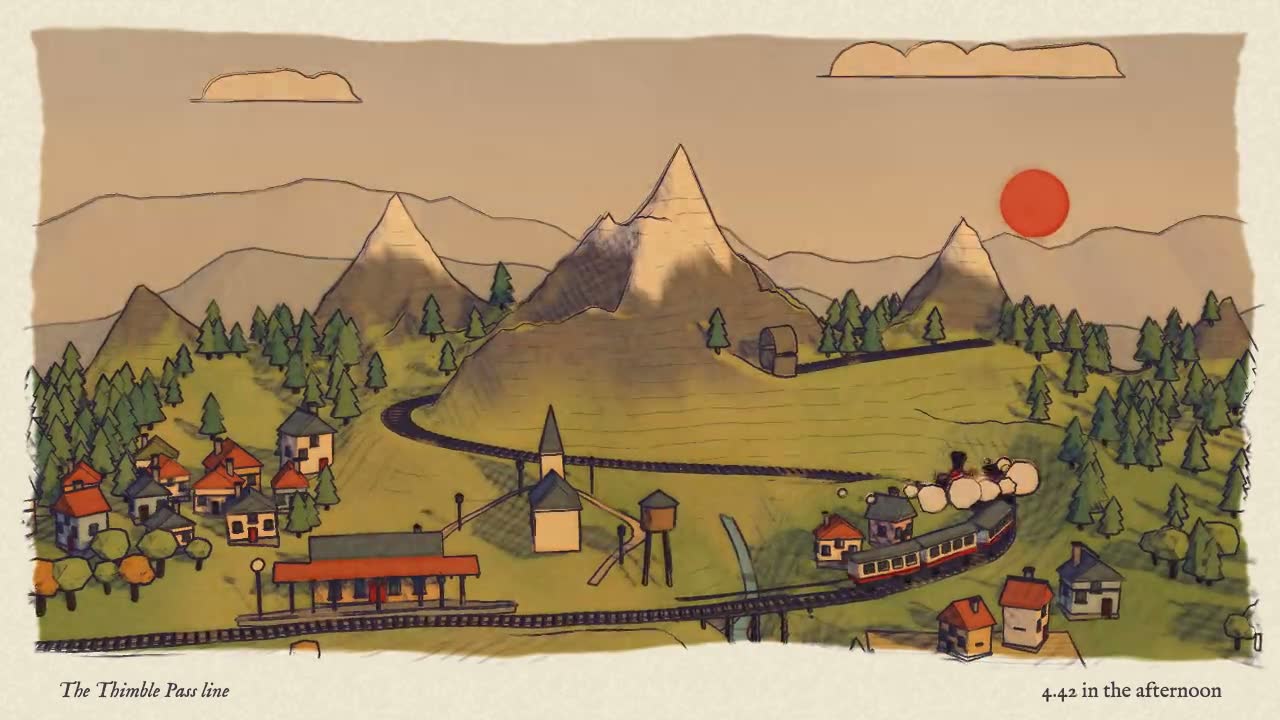
No. AdAnt saw a post in which a hand sketch became a 3D scene with several looks, made with Claude Fable 5.2 and other tools, then wrote this skill, its kit, its scripts and its example from scratch. Nothing from the post is copied, and its author did not write or review it. The film on this page was built by Claude Fable 5.2 with this skill.
Related skills
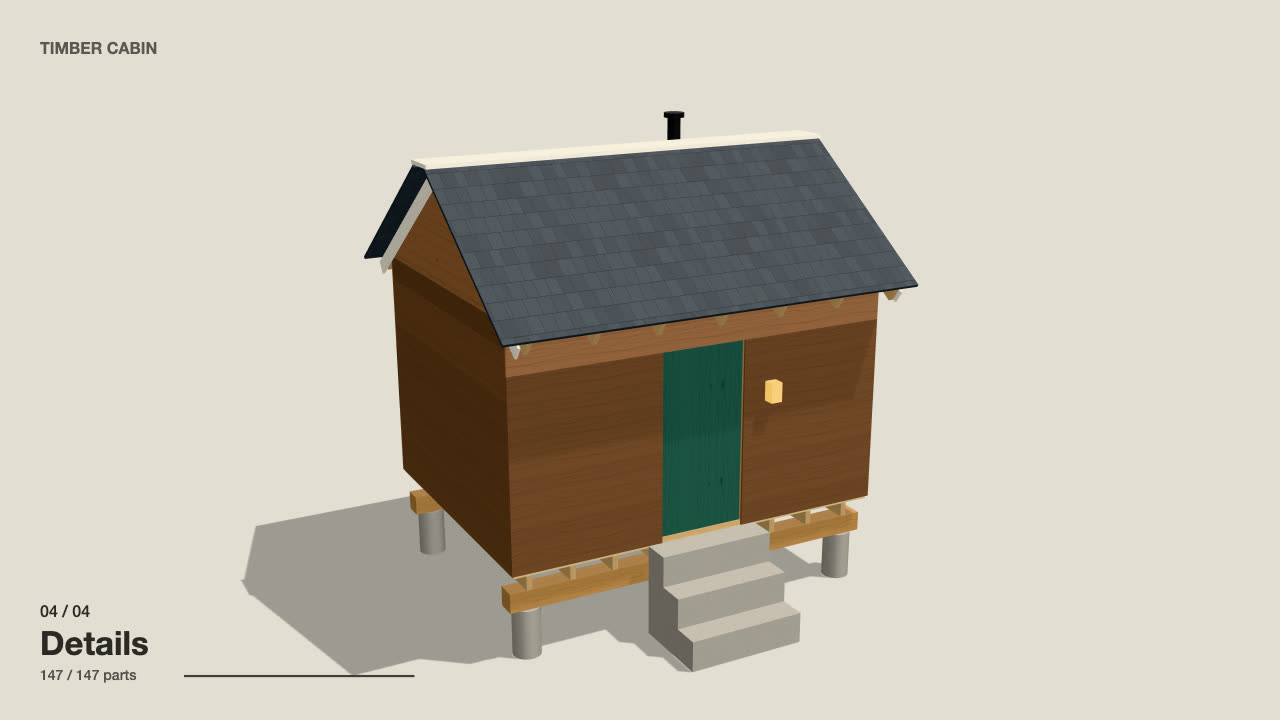
Self-Building 3D Construction
Have your agent make a 15 to 40 second three.js film in which a building or an object puts itself together in a believable order, then circles the finished piece.

Storybook Feature-Film Look
Have your agent give a three.js film the look of a finished animated feature, then sample random frames and fix them until every one passes a written reject list.

Code-Rendered 3D Animated Short
Have your agent write a tiny wordless story, build its characters and set in three.js, shoot it from a shot list, score it and render a frame-exact MP4.
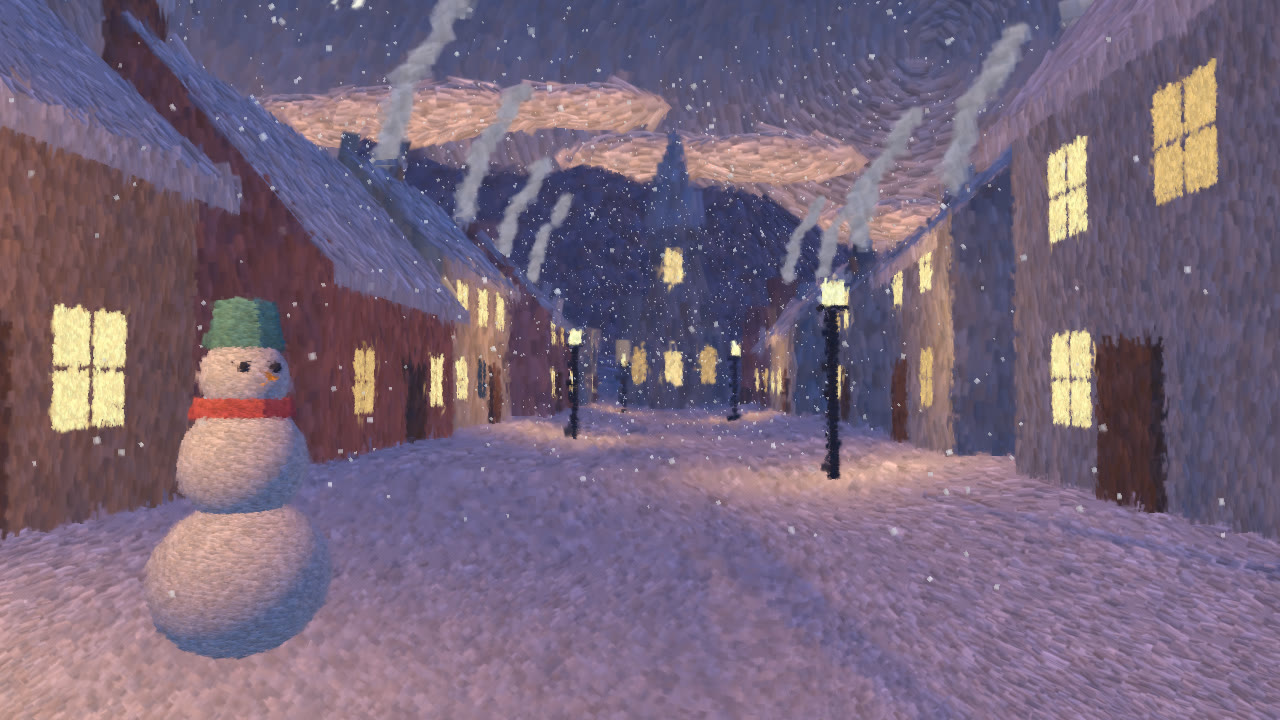
Hand-Painted Brushstroke 3D
Have your agent repaint a live three.js scene as brush strokes that stay on their surfaces when the camera moves, then measure it and record it.
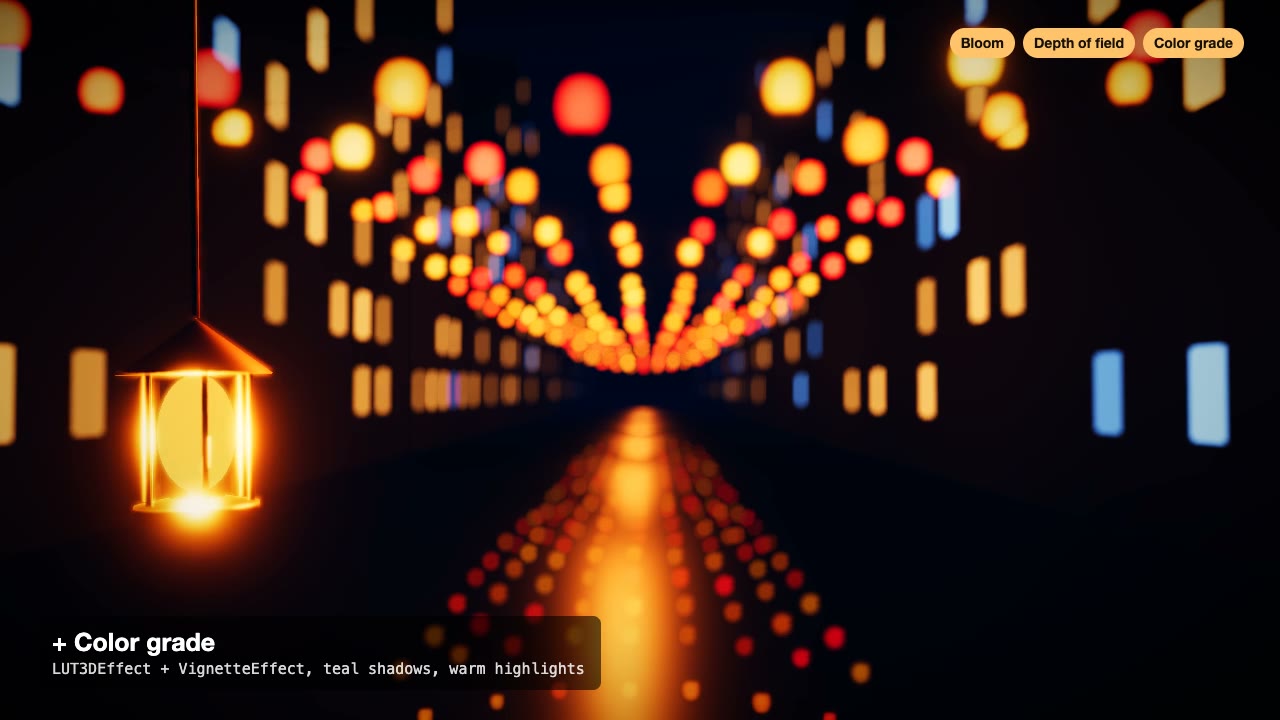
Three.js Postprocessing
Give a flat three.js shot HDR bloom, depth of field, tone mapping and a color grade, in the right order.
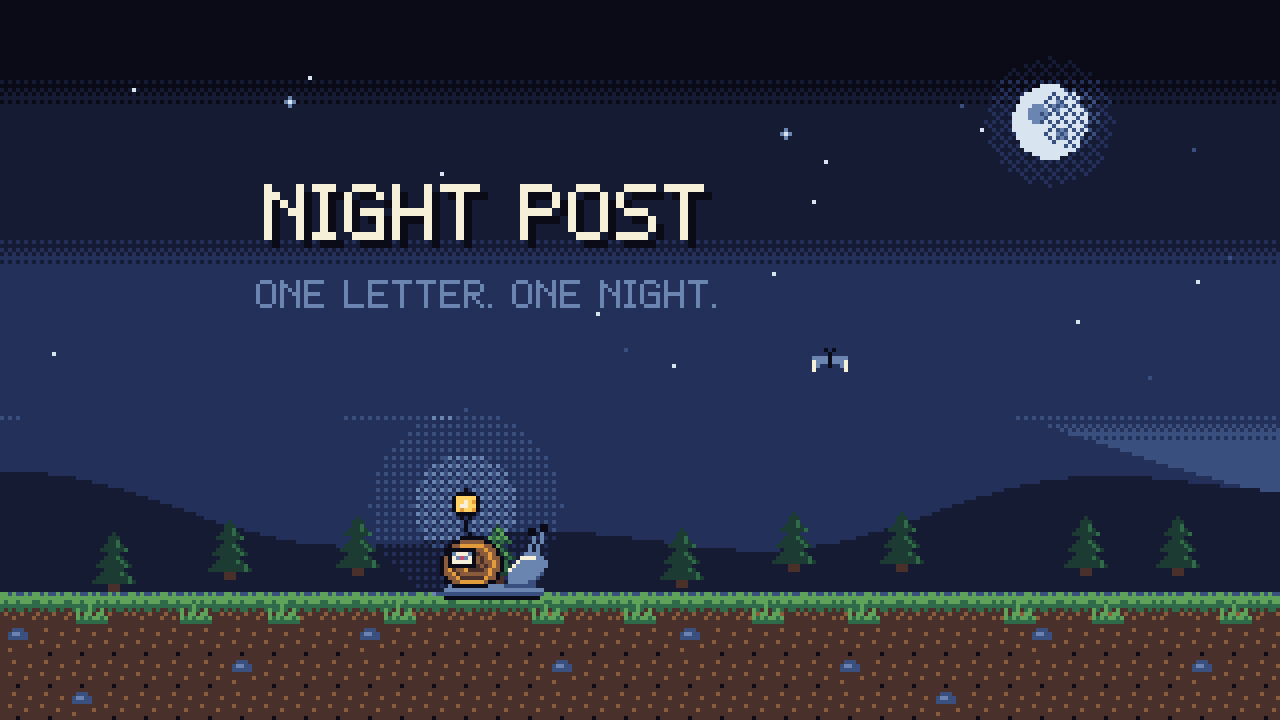
Pixel-Art Sprite Film
Have your agent make a 15 to 40 second pixel-art scene in code, with sprites, parallax and a chiptune score, rendered to an MP4 whose pixels stay crisp.
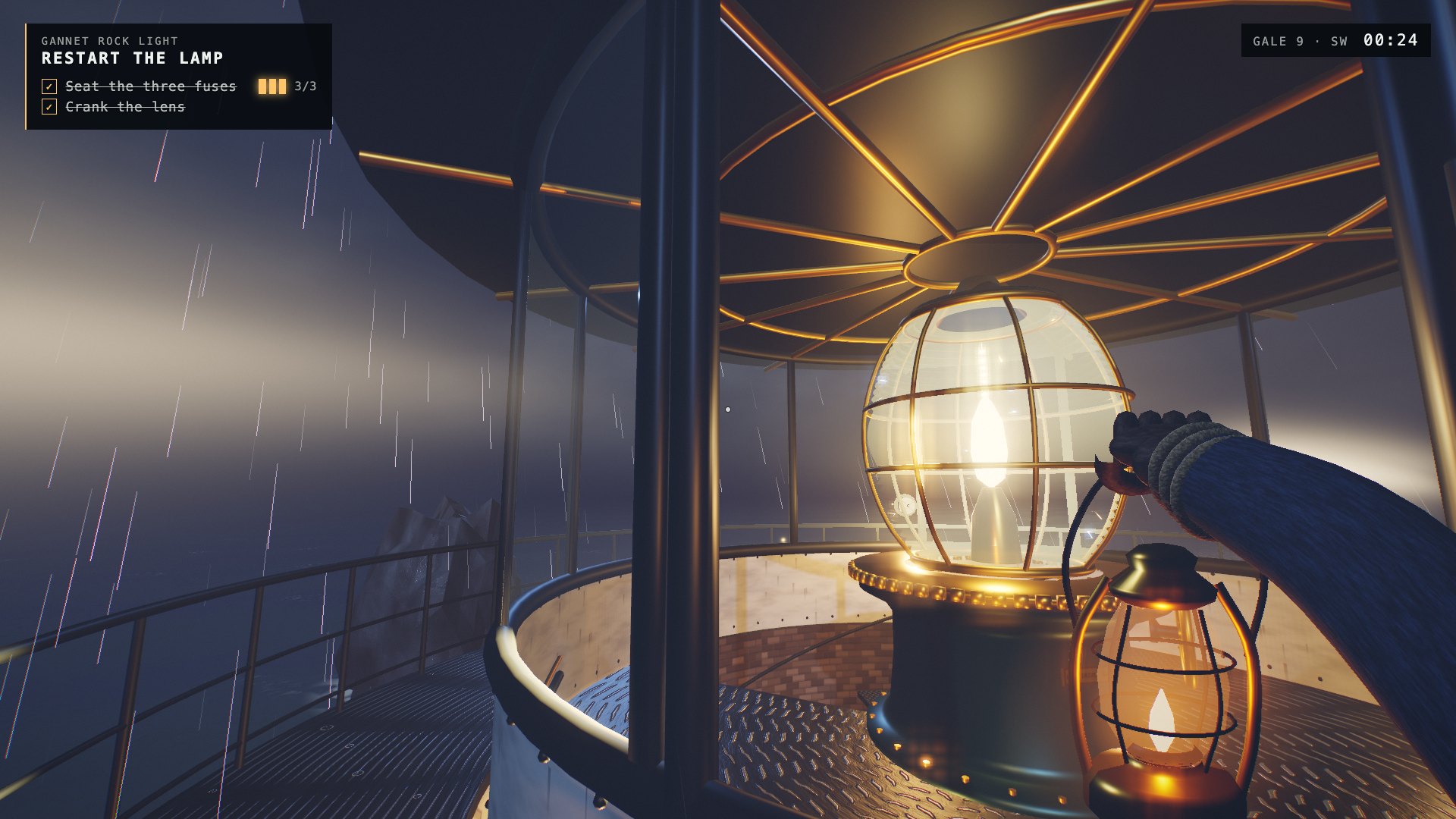
One-Shot First-Person Browser Game
Have your agent build a complete first-person 3D browser game in one long unattended run, with every mesh, texture and sound made in code, and record its gameplay.
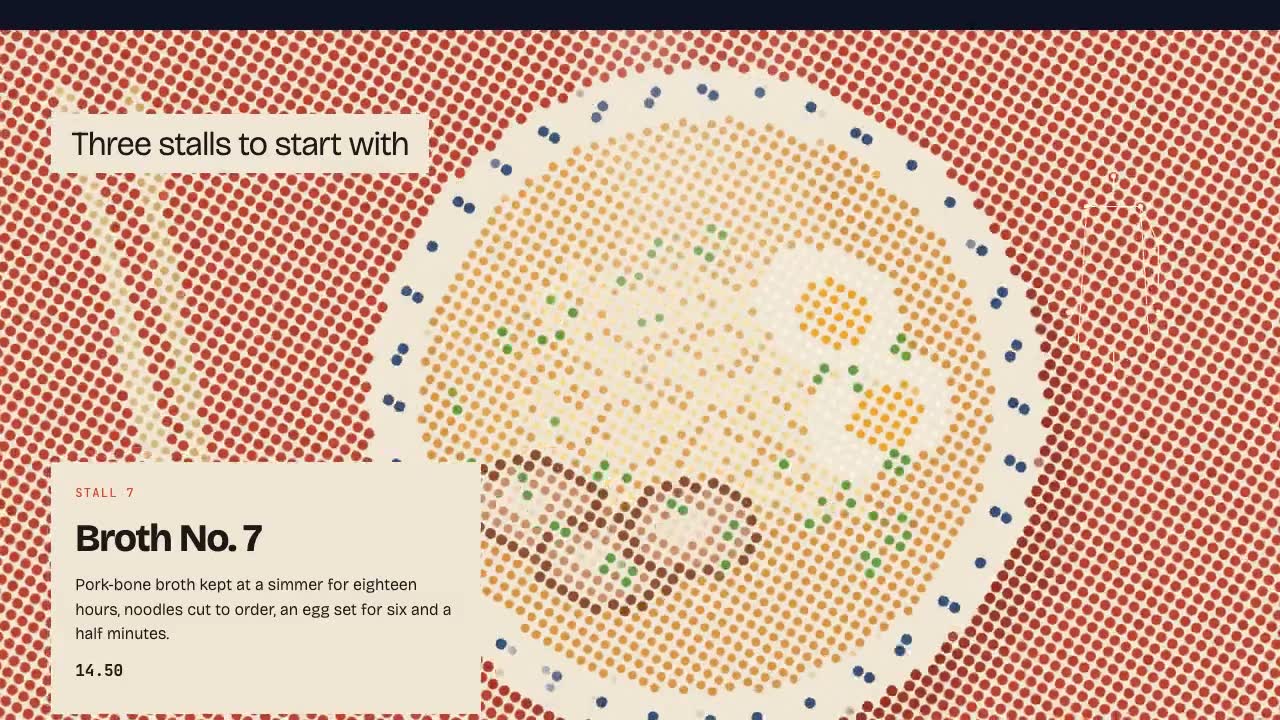
Shader Reveal Site
Have your agent build a page where the pointer or the scroll uncovers a second picture through a shader, then measure the trail, the GPU and every fallback in Chrome.
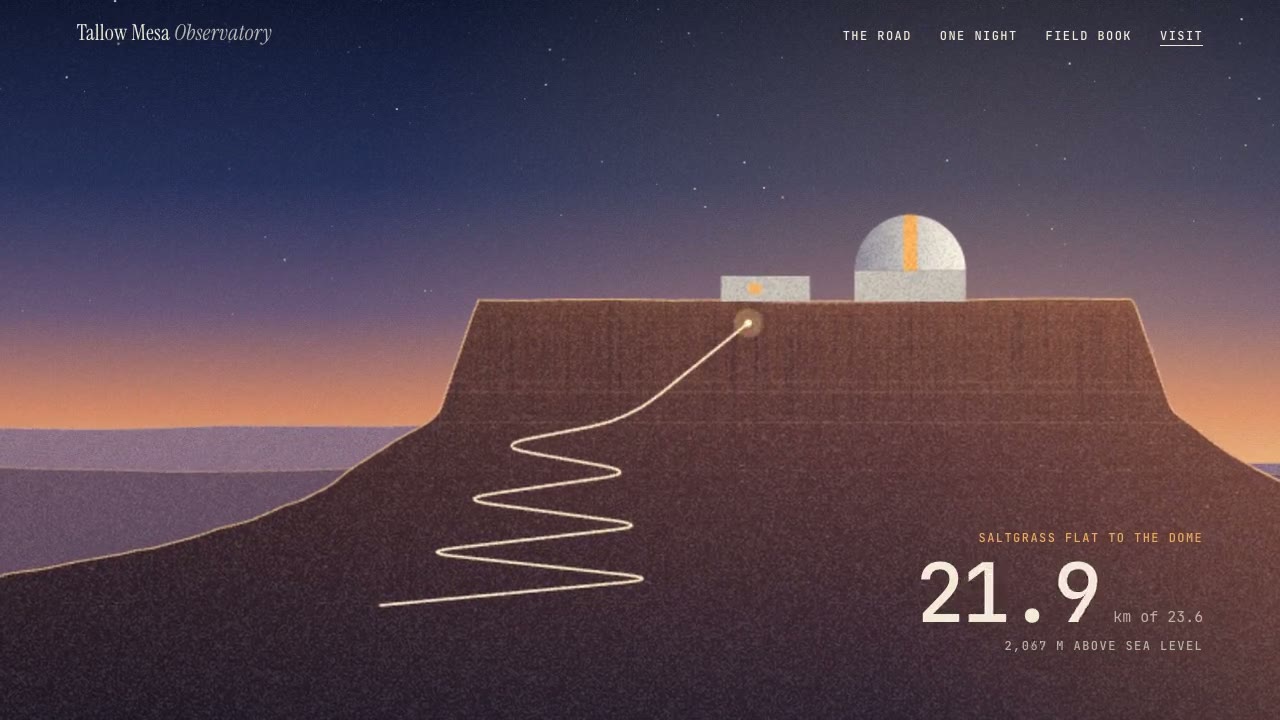
Parallax Plates Site
Have your agent split one picture into depth plates and build a page that flies through them on scroll, then prove in Chrome that no plate edge ever shows.
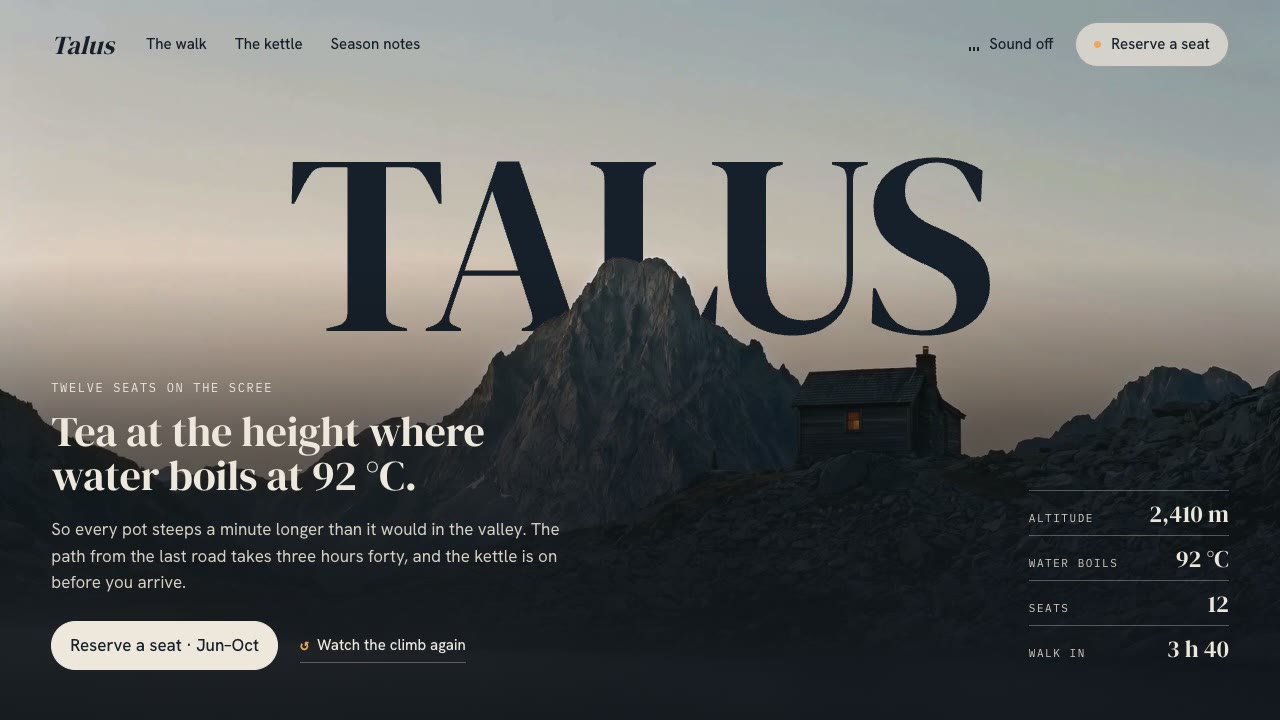
Cinematic Video Hero
Have your agent build a one-screen hero from footage and type, with a freeze frame, text behind the subject and a loop, then measure it in a real browser.
Blender to Web World
Have your agent build a stylized 3D world in Blender Python, then render it in Three.js with one hand-drawn look.

Remotion Video
Make video as React components, where every frame comes from the frame number, and render one template for any data.