
About this skill
postprocessing, from pmndrs, is the effects library for three.js that merges effects into fewer fullscreen passes. This skill gives an agent the working order: depth of field, then bloom, then tone mapping, then a grade, with the reason for each step. Its LUT is written in code, so there is no file to license. To compare fairly, the same frame runs through a tone-mapped chain and the full chain, with a wipe between them.
You say
This three.js scene looks flat. Add HDR bloom, a focus rack and a warm-and-teal grade with no LUT files, and show me a before and after wipe on the same frame.
How it works
- Your agent asks first, then installs pinned packages into the project.
- It turns the renderer's own tone mapping off, and renders into a half-float buffer that keeps values above white.
- It adds depth of field, bloom, tone mapping and a grade written in code, setting each from the frame's time.
- It renders the same frame through a plain chain and the full one, and you judge the wipe.
Getting a good result
- Make lights brighter than 1 and keep surfaces below it. Then a threshold of 0.9 finds only the lights.
- If the picture goes flat and grey, check for tone mapping applied twice.
- Encode before you judge. Bloom and dark gradients are the first things to band at low bitrates.
What you get
- A chain in the right order, with the reason for each step
- HDR settings that let only real lights bloom
- A LUT written in about 15 lines of code, with no file to license
- A fair before and after, on the same frame through two chains
- The complete lantern-street example on this page
Good fit
- Any rasterized three.js shot that looks clean and lifeless
- Scenes with lights you can push brighter than white
- Film renders, where the cost per frame doesn't limit you
Not for
- Path-traced shots, which already have real focus and light
- Work that has to be physically correct: these are choices of taste
How to install it
- Download the ZIP and unzip it.
- Move the folder holding
SKILL.mdinto your agent's skills folder, such as~/.claude/skills/for Claude Code. - Start a new session and ask for what you want to make.
Needs: An agent that reads skills, Node.js 22 or later, Google Chrome, ffmpeg.
FAQ
What does it cost?
$2.99 once for this skill, or $99 once for every skill in the library. It also comes with every paid AdAnt plan, from $15 a month. It runs on your own computer and uses no AdAnt credits. The postprocessing library is free and is not in the ZIP.
Can I use it in commercial work?
Yes. You can use the skill and what it makes in your own commercial work, including for clients. You can't resell the skill.
What does setup download and run?
With your approval, npm installs postprocessing 6.39.6, three 0.187.0 and playwright-core 1.65.0 into your project. Playwright's core package downloads no browser, and drives your installed Chrome on a small server bound to 127.0.0.1.
Can I use it commercially?
Yes. postprocessing is under the Zlib license, which allows commercial use. Don't claim you wrote the library, mark any changed source as changed, and keep its notice in copies of the source. three is MIT. The LUT and every texture in the example are made in code, so nothing else needs clearing.
Why does the before look different from a plain render?
It is tone mapped, because HDR values can't be shown without that. That is the only thing it does. The scene, camera and lights are the same for both sides, so the wipe shows what the effects add and doesn't flatter the result by darkening the before.
How is this different from threejs-animation and exploded-3d-story?
threejs-animation makes the motion and adds no finish. exploded-3d-story writes its own finish in post.js: focus and motion blur from averaging many renders, then a hand-made glow and grade, which suits an offline film. This skill uses a maintained library whose screen-space effects run in a few passes, so the same chain also works live in a page. Its depth of field is an approximation, not averaged lens samples.
What did AdAnt run, and what not?
We ran postprocessing 6.39.6 on three.js 0.187.0 through WebGL in headless Chrome on an Apple M4, and the clip is that output. The labels are page text placed over the render. We did not run SSAO, god rays or the library's other effects, or the React wrapper.
Related skills

Three.js Path Tracing
Render a three.js scene with real path tracing, so glass, chrome and soft light come out physically right.
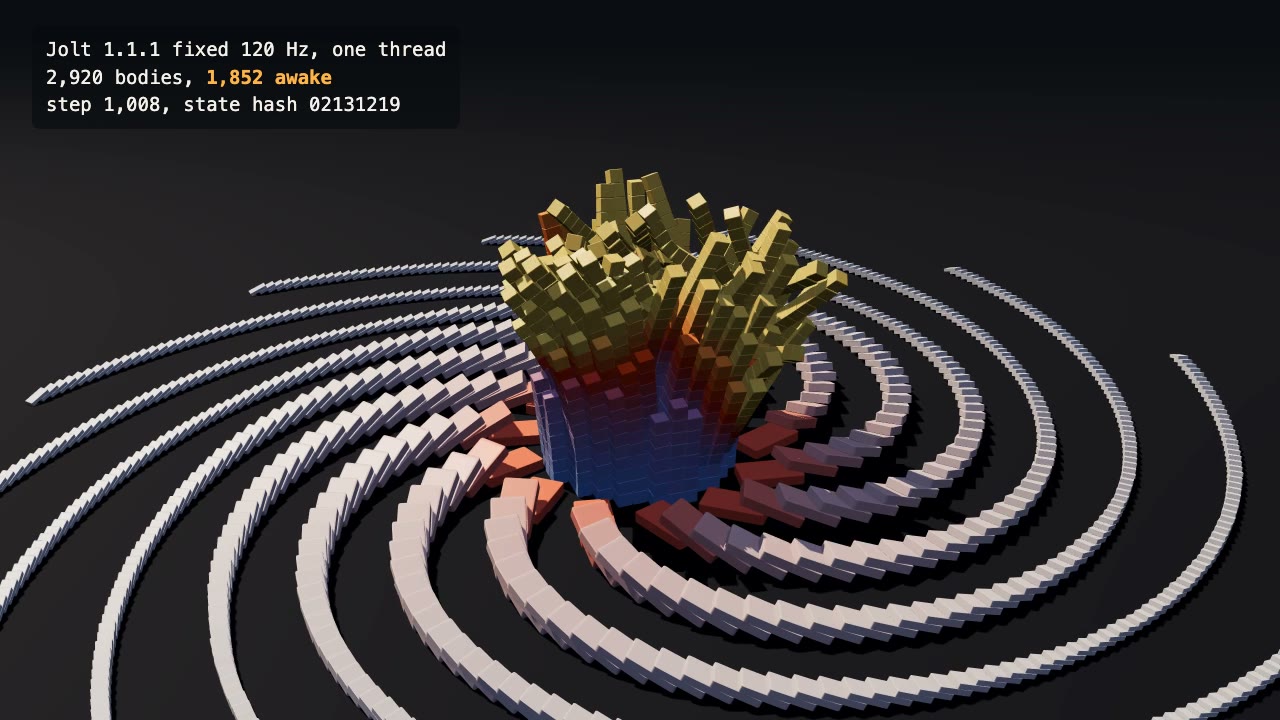
Jolt Physics Simulation
Simulate thousands of rigid bodies with Jolt and render the collapse, repeatably, frame by frame.
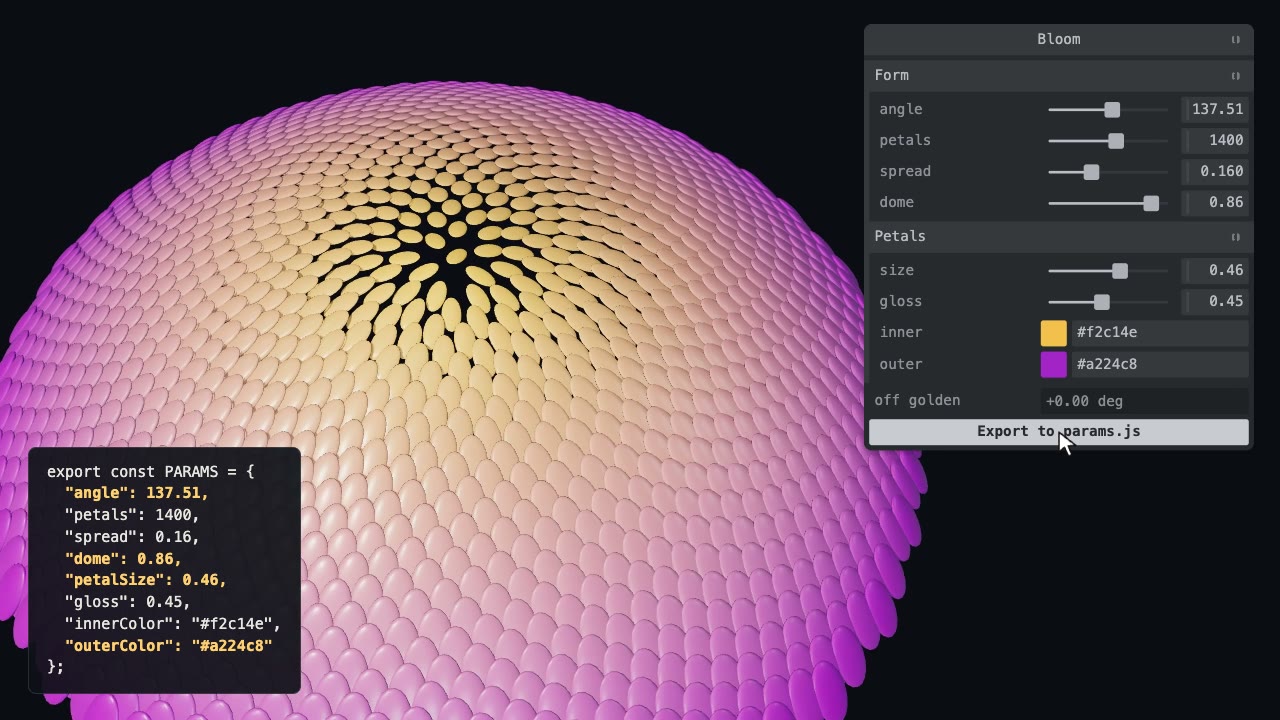
Tweakpane Live Tuning
Add a live panel to an animation so you can tune it by hand, then write the values you chose back to the code.
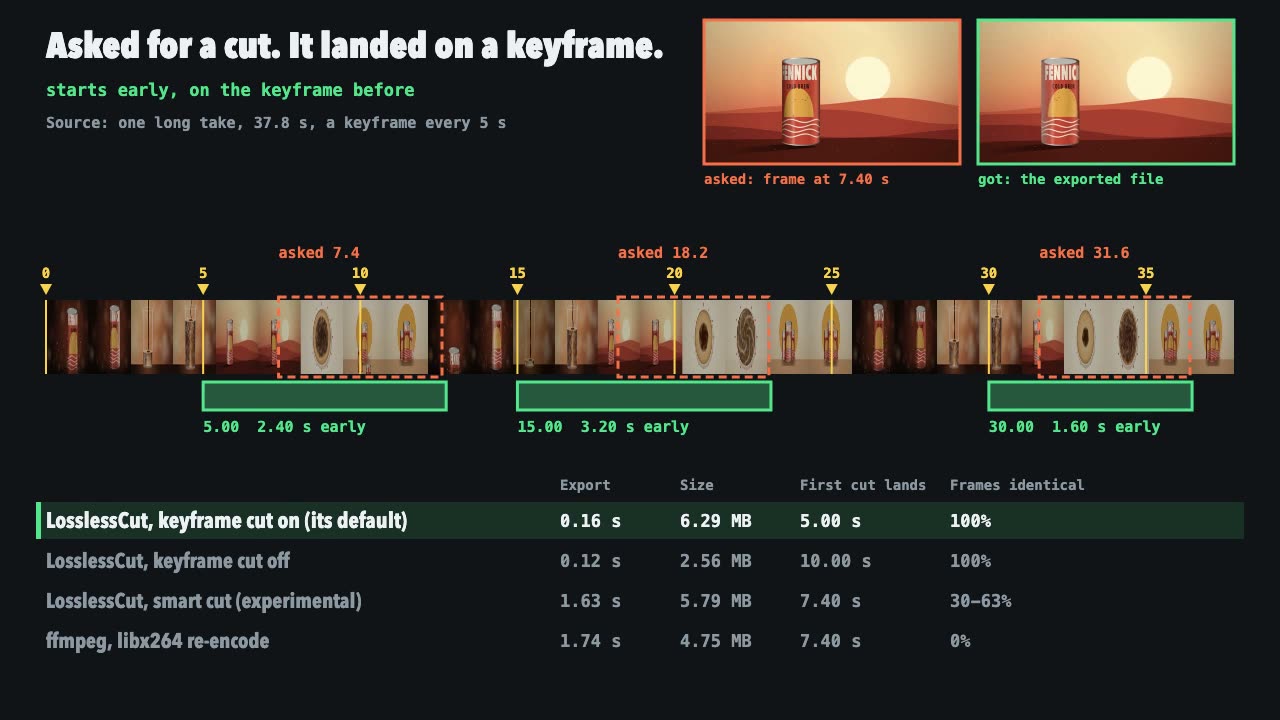
LosslessCut Trims
Cut long recordings fast without re-encoding, and measure where each cut really landed.
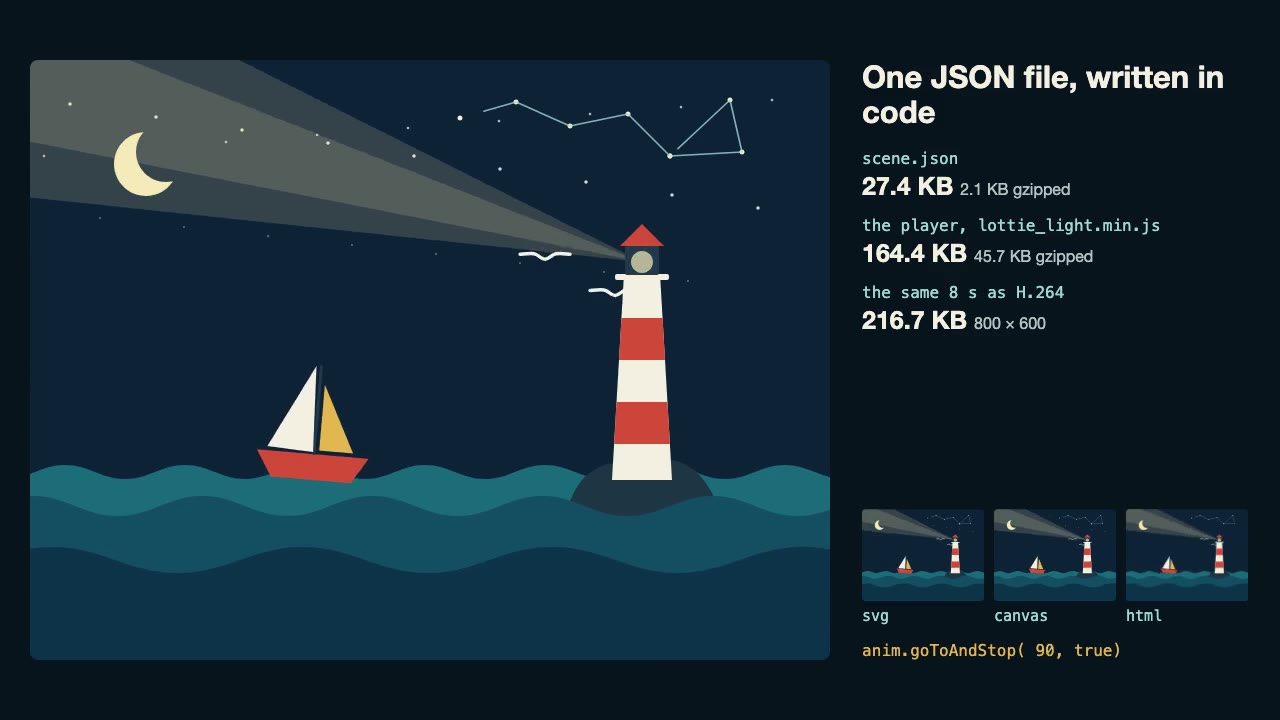
Lottie Animation
Write an original Lottie animation as JSON from a script, check that it's safe, and play it with lottie-web, with no After Effects.

three.quarks VFX
Make trails, sparks, shockwaves and fireworks in three.js, on a seeded clock, so a frame renders the same again on the same machine.
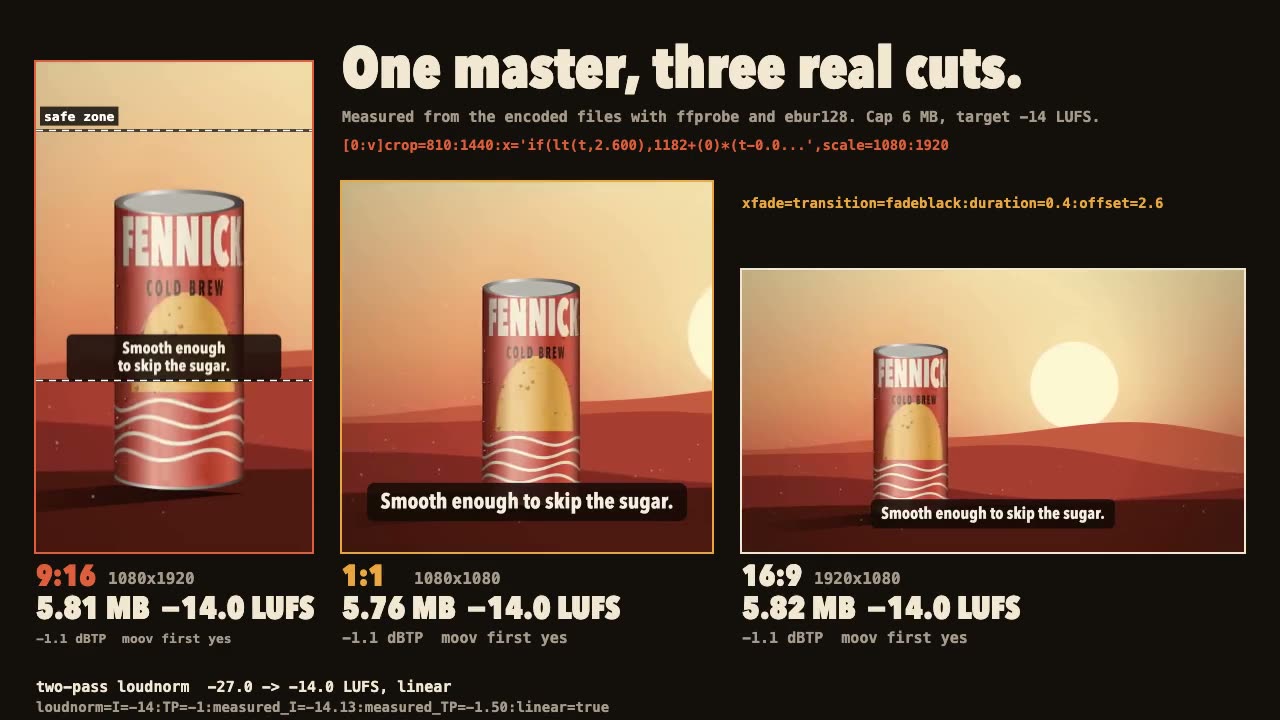
FFmpeg Finishing
Turn one master into 9:16, 1:1 and 16:9 files with safe-zone captions, measured loudness and a size cap.
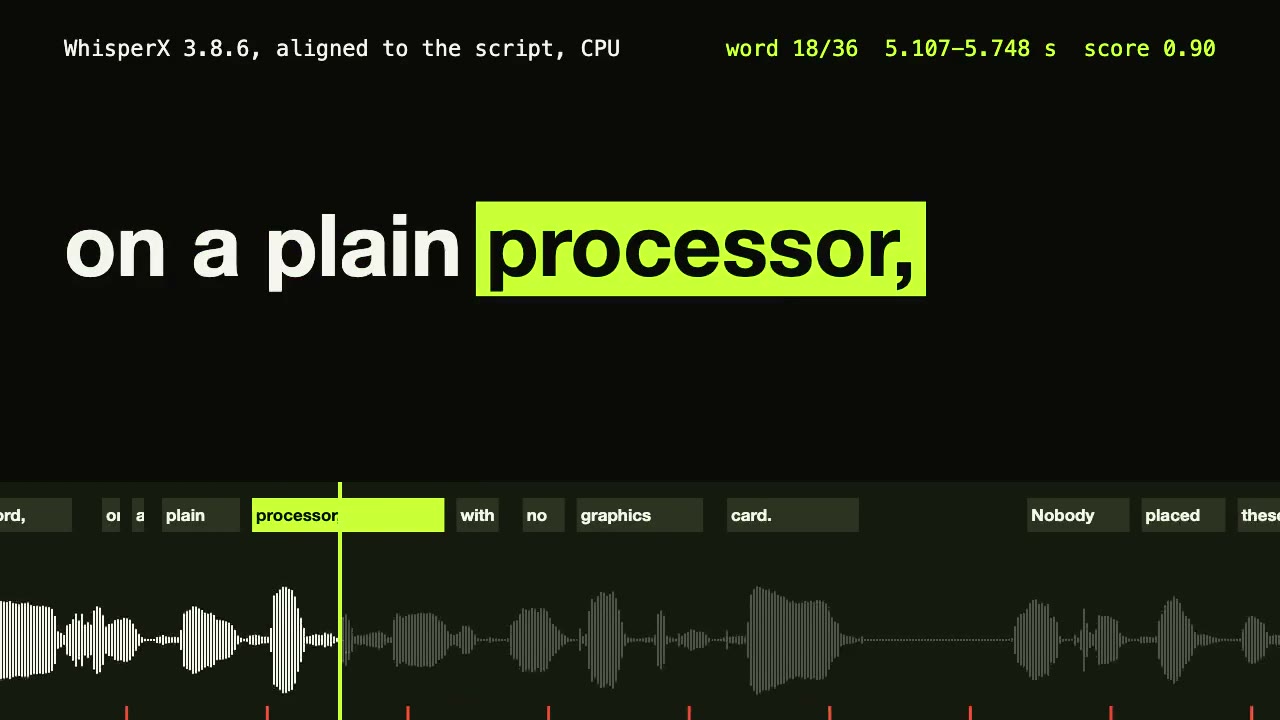
WhisperX Word Captions
Get a timestamp for every spoken word on a plain CPU, export SRT and VTT, and drive word-highlighted captions from the JSON.
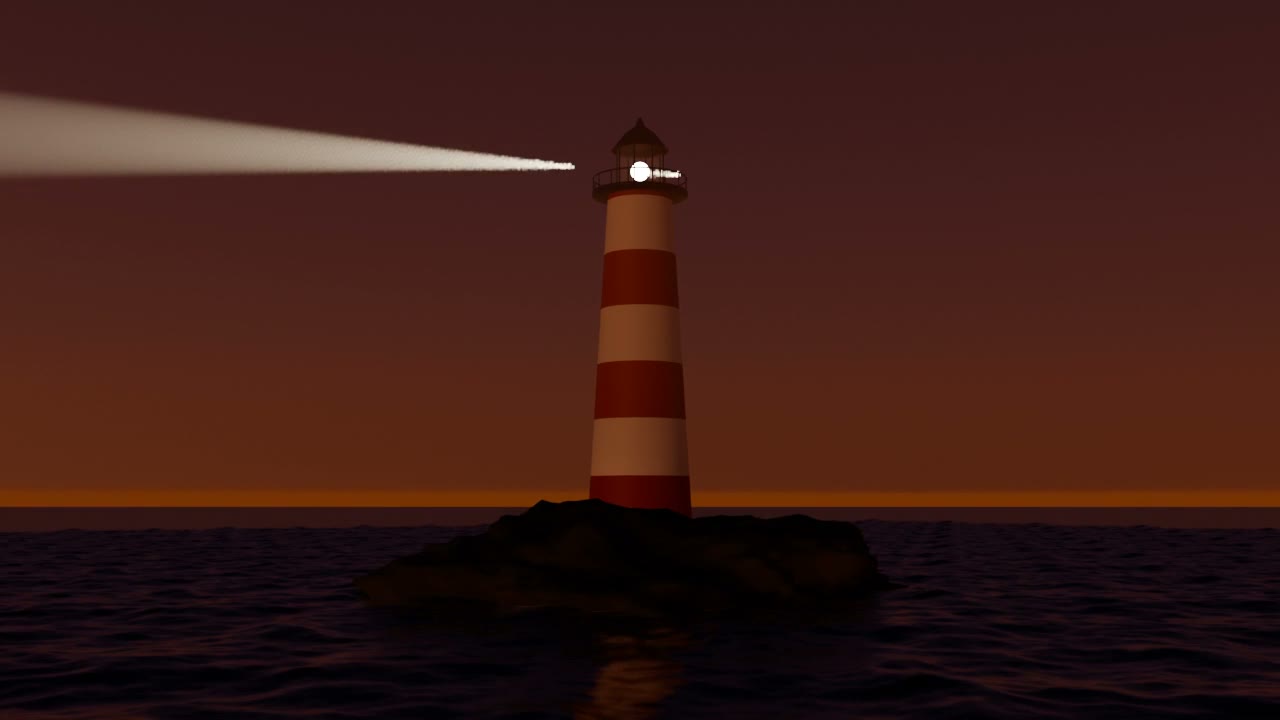
Blender Scenes through MCP
Have your agent build a Blender scene one step at a time, look at each result, and render the finished shot.
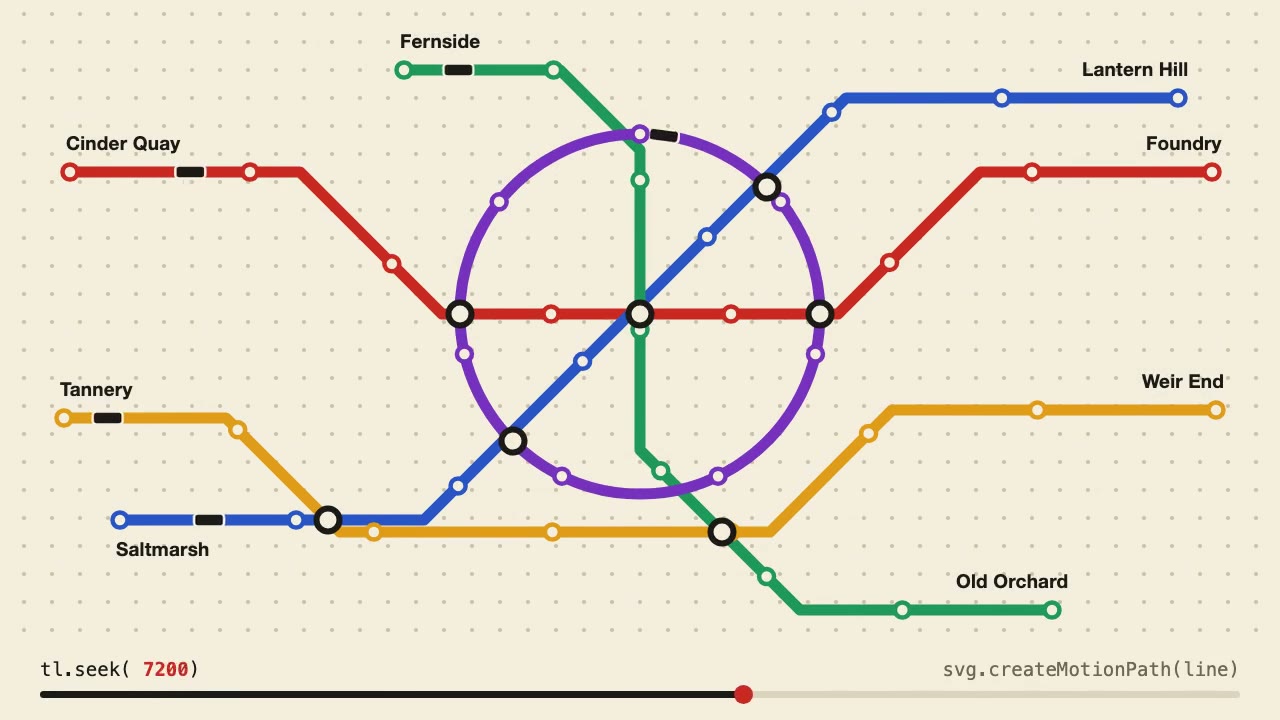
Anime.js Timelines
Choreograph grid staggers, self-drawing SVG lines and things that follow a path on one Anime.js timeline you can seek.

Remotion Video
Make video as React components, where every frame comes from the frame number, and render one template for any data.
librosa Beat Sync
Measure a track's beats with librosa, drive an animation from the JSON it writes, and prove the sync by measuring the video.