
About this skill
Readers who reach the bottom of a landing page have read the whole case, so the last screen is the second-best place to ask for the click. It is also where three equal buttons, pale grey links and a cookie bar over the legal row tend to pile up. This skill treats the closing band and the footer as one screen. The agent picks a layout from a catalog of six closing bands and eight footers, writes the headline, button and reassurance line to a tested formula, and builds from four working HTML and CSS examples or a React component. A bundled checker then loads the page at desktop and phone sizes and reports competing primary buttons, WCAG contrast, tap targets, footer link columns, links a phone cannot reach, and controls with no visible focus.
You say
Using this skill, redo the bottom of our landing page at localhost:3000. Keep one action, Start free, write the closing headline and reassurance line, rebuild the footer links into groups, then run the checker and fix every fail.
How it works
- Tell your agent the one action you want, the objection that stops people, and any real proof you have.
- It picks a closing band and a footer from the catalog and shows you the choice in one line.
- It writes the headline, button and reassurance line, and regroups the footer links by what readers look for.
- It builds from the nearest example, runs the checker at desktop and phone sizes, and fixes every fail before showing you.
Getting a good result
- Use the hero's action again at the bottom. A reader who scrolled this far is answering the hero's question.
- Put one real number or quote beside the button. Leave proof out rather than invent it.
- Check the footer on a phone with the cookie bar open. That is where links most often end up covered.
What you get
- A catalog of six closing-band layouts and eight footer layouts, with when to use each and what to watch for
- Rules for one primary action, headline and button copy, proof, contrast, tap targets, footer links, phones and focus, each with its reason
- Four working HTML and CSS closing screens and a typed React component
- A Playwright checker that loads any page or URL and reports pass, warn and fail for each rule
Good fit
- Landing pages whose bottom section gets read but not clicked
- Footers that grew one link at a time and need regrouping
- Accessibility passes on the end of a page before launch
- Writing a video ad's end card to match the page it links to
Not for
- The hero and the rest of the page above the closing band
- Copying a particular company's footer: the skill teaches patterns, not anyone's design
- A full accessibility audit: the checker covers the closing screen only
How to install it
- Download the ZIP and unzip it.
- Move the folder holding
SKILL.mdinto your agent's skills folder, such as~/.claude/skills/for Claude Code. - Start a new session and ask for what you want to make.
Needs: An agent that reads skills, Node.js 20 or newer and Playwright with Chromium, for the checker.
Popular on X
Posts showing demand for this kind of video. Unless a post names this tool, it wasn't made with it.
- Five sites for UI and UX designers, a footer gallery and a CTA gallery among them 98,508 views on X, measured 8 November 2026
FAQ
What does it cost?
$2.99 once for this skill, or $99 once for every skill in the library. It also comes with every paid AdAnt plan, from $15 a month. It runs on your own computer and uses no AdAnt credits.
Can I use it in commercial work?
Yes. The skill's code is MIT licensed: use it and what it makes in your own commercial work, including for clients, and keep the license file with any copy you pass on.
What does the checker measure?
It finds the footer and the last section with a heading and a button above it, then counts filled buttons in that section, measures WCAG contrast of button and link text (and flags text over a picture for a check by eye), sizes every link and button at phone width against the 24-pixel minimum, groups footer links into columns, checks that nothing covers a footer link on a phone and that the page does not scroll sideways, and presses Tab through the page to find controls with no visible focus. It exits with 1 when something fails, so it can run in CI.
Does it work with my framework?
The checker loads any URL or HTML file, so it works with whatever built the page. The examples are plain HTML and CSS plus one React component; for another framework the agent ports the markup and keeps the class names.
Where do the patterns come from?
From reviewing about a hundred published footers and call-to-action sections in two public galleries, which are linked on this page and whose authors did not write or review this skill. Only the recurring patterns are taken. The names, wording, example product and code are AdAnt's own, and no gallery text or screenshot is in the download.
How does this relate to video ads?
A short video ad ends on its own closing screen, the end card. The same rules apply: one action said with a verb, a reassurance line, real proof and readable contrast. The skill has a short section on matching the end card to the landing page's closing band.
Related skills
UI Card Promo
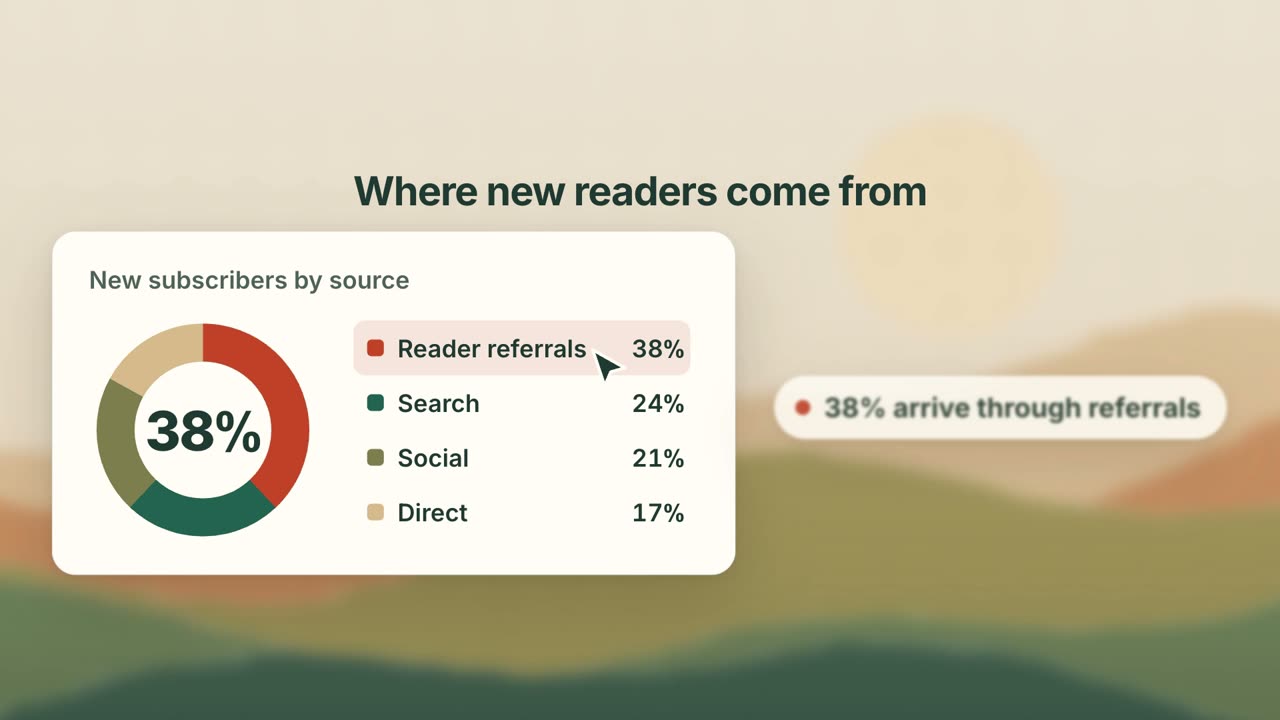
Have your agent turn your product's key screens into a 25-second promo of animated cards, where every number on screen is one you approved.
Launch Clips from a Frame Brief
Have your agent turn one product action into a short launch clip from real screenshots, with every frame decided in one brief and checked before and after the render.
Launch Film Motion Graphics
Build a narrated launch film with the method and real source behind AdAnt's own, which you can watch here.
Brag: Launch Video From Your Code
Turn the project you are building into a short launch video with music and share copy.
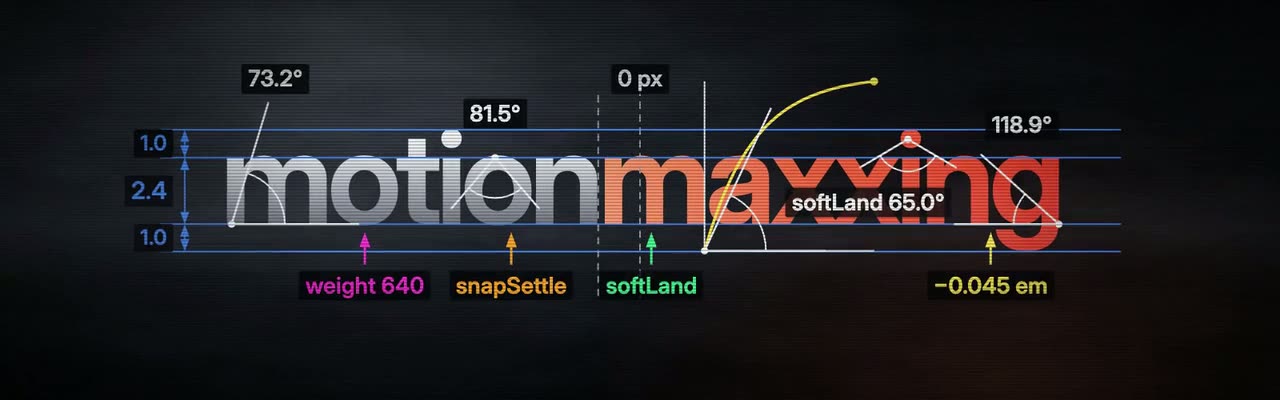
Motionmaxxing: Launch Films With Self-Review
Have your agent direct a launch film, build it on measured timing, and check its own render with scripts.
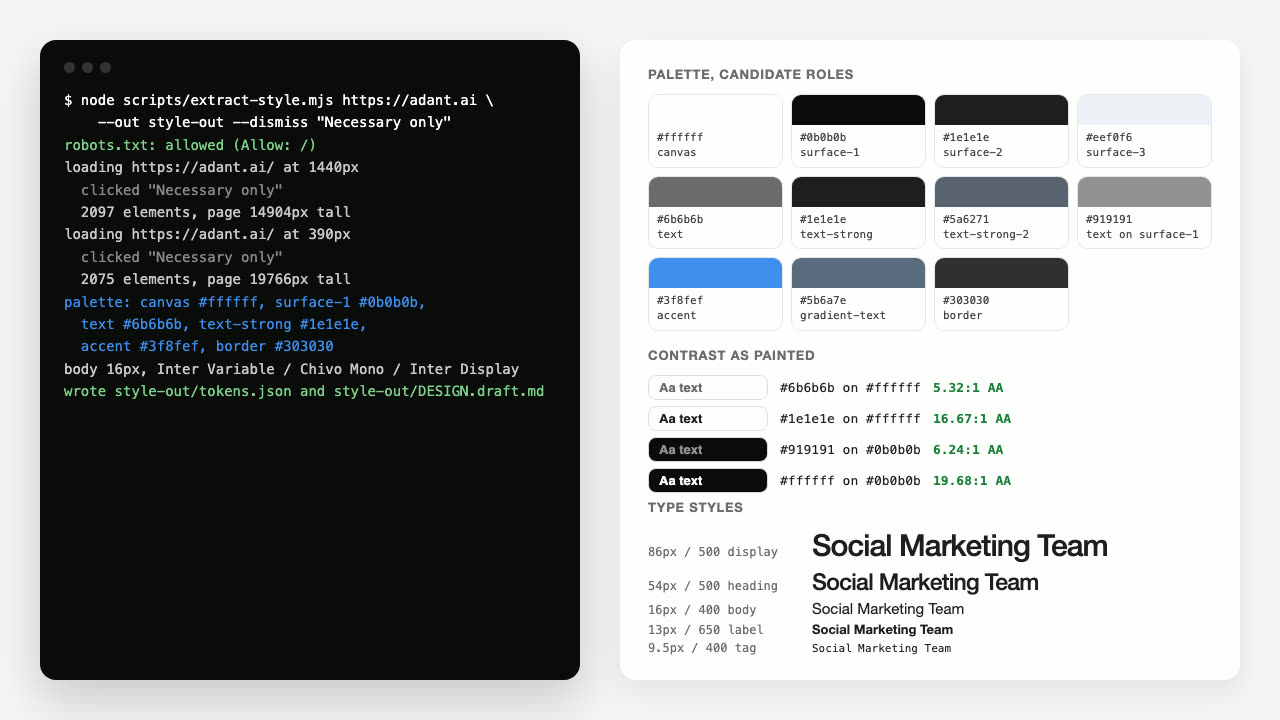
DESIGN.md from a URL
Have your agent measure any public web page and write a DESIGN.md that other agents can build screens and ads from.

Footage Landing Page
Have your agent build a full landing page under a looping footage hero, every word in one content file, then check it in Chrome.

Shader Loop Backgrounds
Have your agent write animated WebGL backgrounds that loop with no seam, then ship each as a React component, an MP4 for your ads and a still.
Vertical Ad Motion Graphics
Direct and build a 9:16 motion graphics ad that works on mute, with no footage.
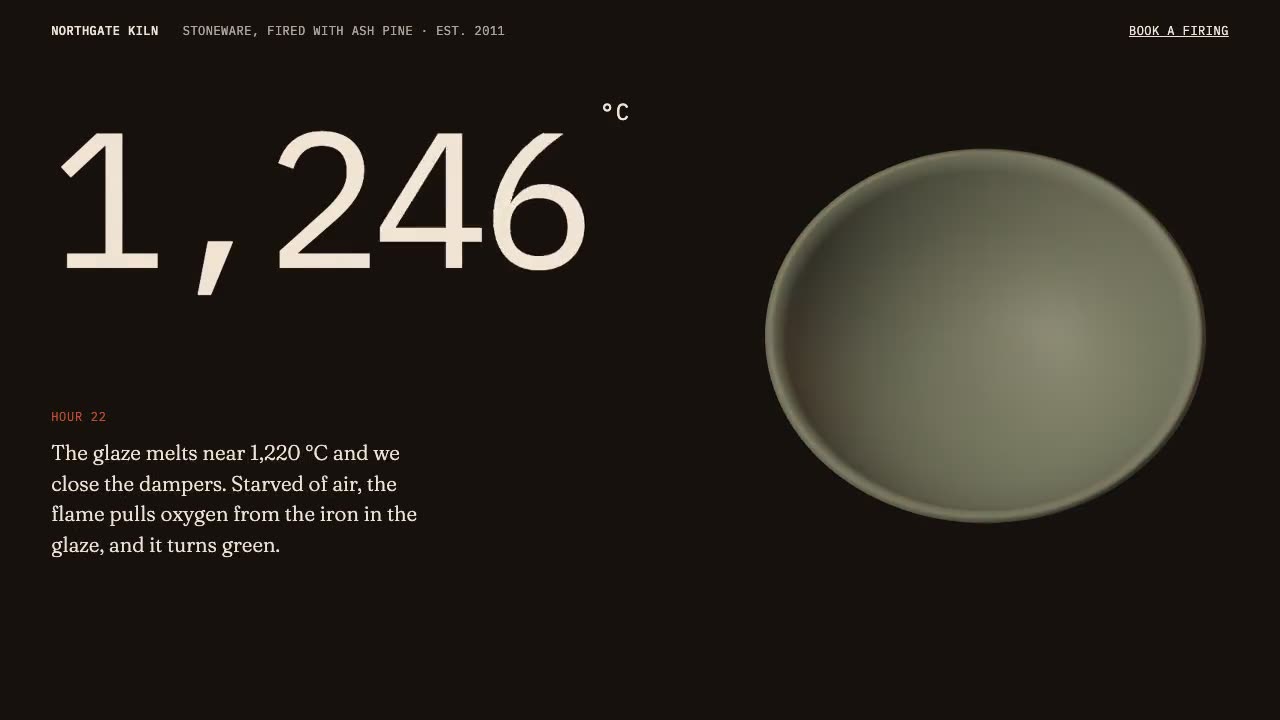
Scroll-Driven Site
Have your agent build a landing page where scrolling pins, scrubs and reveals each scene, then measure it in a real browser.
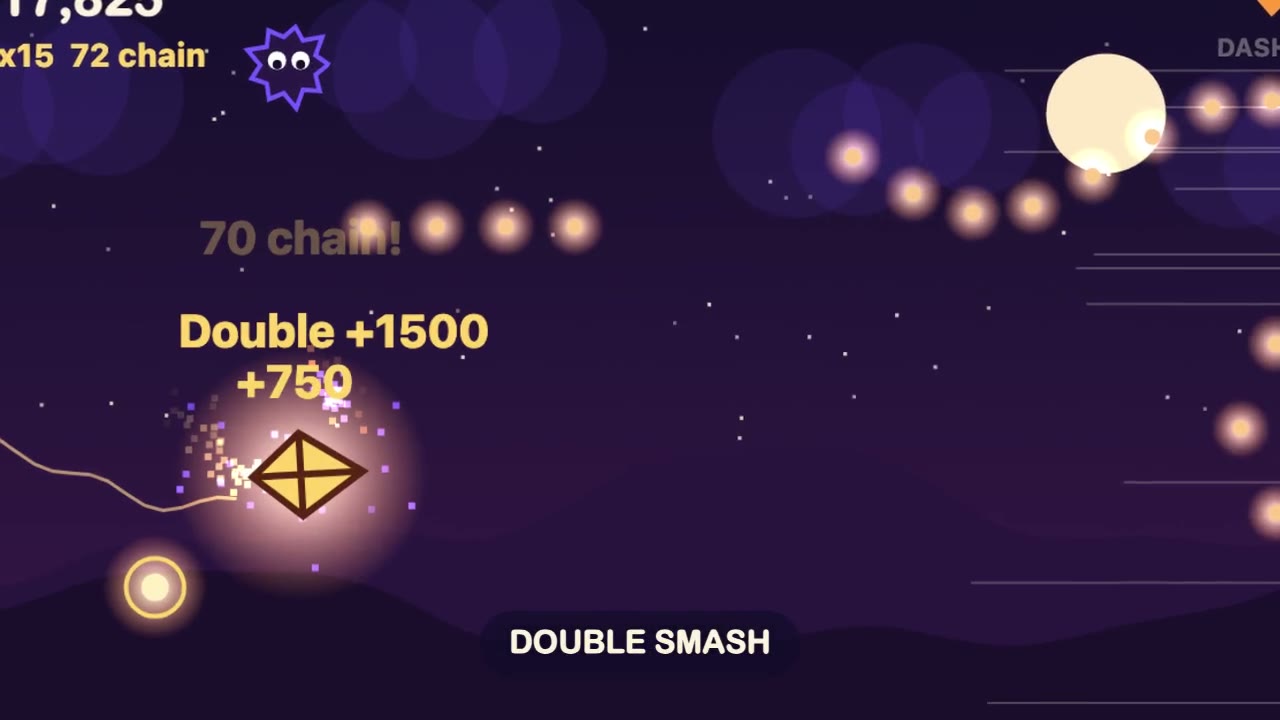
Browser Game Trailer
Have your agent build a small game that plays in a browser tab, then play it with scripted inputs and cut a 15 to 30 second gameplay trailer from its best moments.
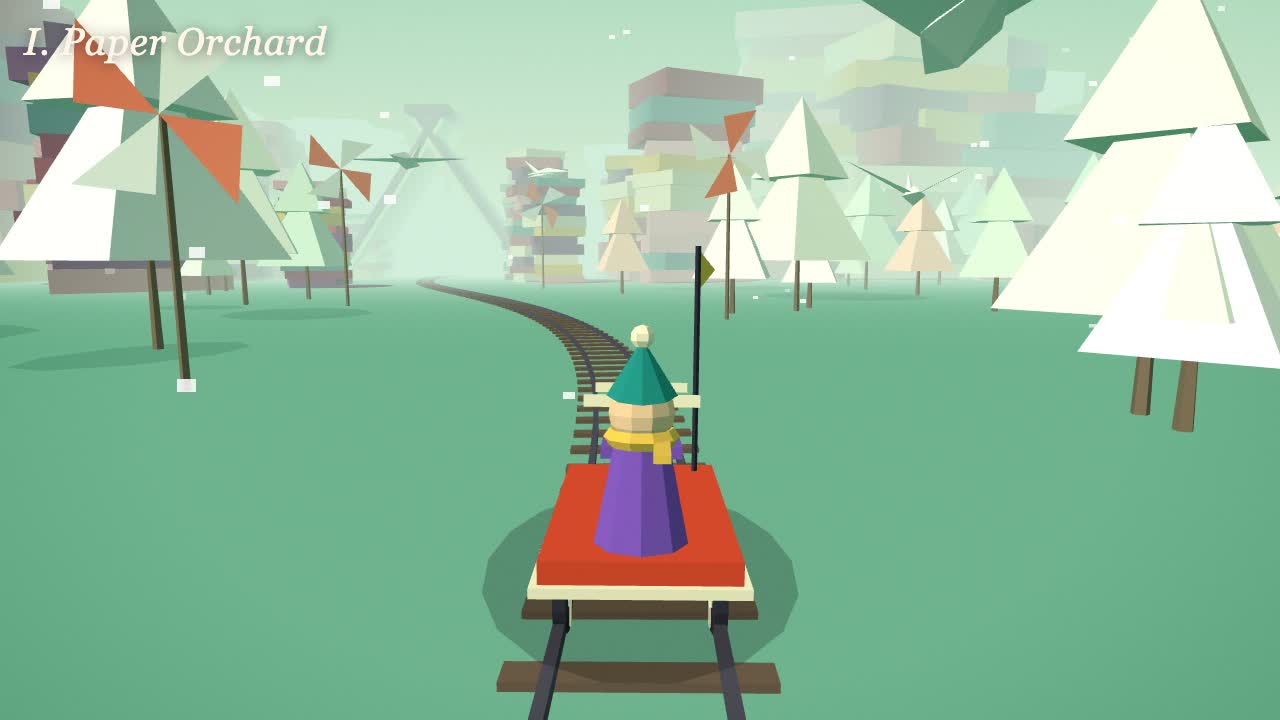
Dreamlike Voyage Browser Game
Have your agent build a calm ride through several invented worlds in three.js that plays in a browser tab and on a phone, check it, and record a clip of it.