
About this skill
A feature launch often needs one thing on video: the screen before, the cursor on the control, the press, the result, and a closing card. This skill keeps every decision about that clip in one brief.json: scenes, events, motions, reading holds, the camera, the cursor's path and press, sound cues and the review frames. A linter checks the brief before anything renders, a Remotion project builds the clip from the same file, and a delivery check holds the exported MP4 to it, down to where each sound lands. Anchors come from the screenshots themselves, measured by colour, and a reference clip can be measured into numbers before anyone describes it. It also covers making these clips for clients: scope, revisions and rights.
You say
Using this skill, make a 20-second clip of the Export button in my app from these two screenshots. Ask me for the words first, show me the brief's frame sheet, then the three review stills before you render.
How it works
- Your agent asks for the action, the before and after screenshots, the words, the colours and any sounds, and invents none of them.
- It writes brief.json, measures the control and the result text in the screenshots, and runs the linter until it passes.
- It builds the Remotion composition from the brief and shows you three labelled stills (opening, result, closing) before the full render.
- It turns your notes into corrections tied to frames, renders, and checks the file against the brief, sound timing included.
Getting a good result
- Give it screenshots at twice the size they will appear. Text inside a capture is what fails on a phone first.
- Keep the headline to eight words or fewer. Every extra word adds about a third of a second of hold.
- Point at a frame when something looks wrong. A note with a frame number becomes a correction; a feeling becomes a guess.
What you get
- A brief format where every number lives, read by both the linter and the Remotion composition
- A linter for frame math, scene coverage, one lead motion at a time, reading holds, phone-size text after the camera, margins, the cursor's press and sound cues
- A script that finds a control's box in a screenshot by colour, and one that measures a reference clip into frame sheets and a REFERENCE.md
- A review-stills helper and a delivery check that times each sound in the exported file
- A working Remotion example built from an invented product's screens, and the seven corrections it took
- Notes on doing this for clients: what one job covers, revisions, usage rights, and pricing from your own measured times
Good fit
- Developers and small teams announcing a single feature
- Freelancers who want a repeatable, checkable way to make product clips
- Agents that write code and can run Node, ffmpeg and Remotion
Not for
- Product tours that show many features; this is one action per clip
- Live-action or AI-generated footage; the picture is built from screenshots
- Clips with a voice-over script to time, which needs a different plan
How to install it
- Download the ZIP and unzip it.
- Move the folder holding
SKILL.mdinto your agent's skills folder, such as~/.claude/skills/for Claude Code. - Start a new session and ask for what you want to make.
Needs: An agent that reads skills, Node 20 or later, and ffmpeg with ffprobe, Remotion for the example project, free for individuals and companies of up to three people.
Popular on X
Posts showing demand for this kind of video. Unless a post names this tool, it wasn't made with it.
- Beam's post of an article on building launch videos with Claude Opus 5.5 937,628 views on X, measured 10 November 2026
FAQ
What does it cost?
$2.99 once for this skill, or $99 once for every skill in the library. It also comes with every paid AdAnt plan, from $15 a month. It runs on your own computer and uses no AdAnt credits. Remotion has its own license: free for individuals, companies of up to three people and non-profits, and paid for larger companies.
Can I use it in commercial work?
Yes. You can use the skill and what it makes in your own commercial work, including for clients. You can't resell the skill.
Why keep everything in one brief?
Because a clip drifts when its numbers live in two places. Here the linter and the composition read the same brief.json and do the same sums, and a test holds them to it. A revision is a change to the brief, which the linter checks before anything renders, and the delivery check then compares the exported file with the same brief.
What does the linter catch?
Frames that belong to no scene, two lead motions at once, text that is not held long enough to read, text smaller than 9 px on a 390 px phone once the screenshot is fitted and the camera has zoomed, boxes over the safe margin, a camera that moves outside a camera motion or crops the text it is pushing in on, a cursor that presses before it has stopped or passes close to text, a sound whose hit cannot reach its event, and review stills that land mid-motion.
Can I sell clips made with it?
Yes. The clips you make are yours or your client's, and the skill's notes cover agreeing the scope, revision rounds and usage rights before you start. It sets no prices: it asks you to time whole jobs first and price from that. Check Remotion's license for your own situation; a freelancer working alone is an individual under it.
Where does the idea come from?
From an X article by Beam on directing launch videos with a coding agent frame by frame, linked on this page. It states no license, so AdAnt took only the ideas. The brief format, the scripts, the example product and its clip are AdAnt's own, and the article's author did not write or review this skill.
Can I use what it makes commercially?
Yes. The clips are yours. The scripts and the example project are MIT, and the license text is in the ZIP.
Related skills
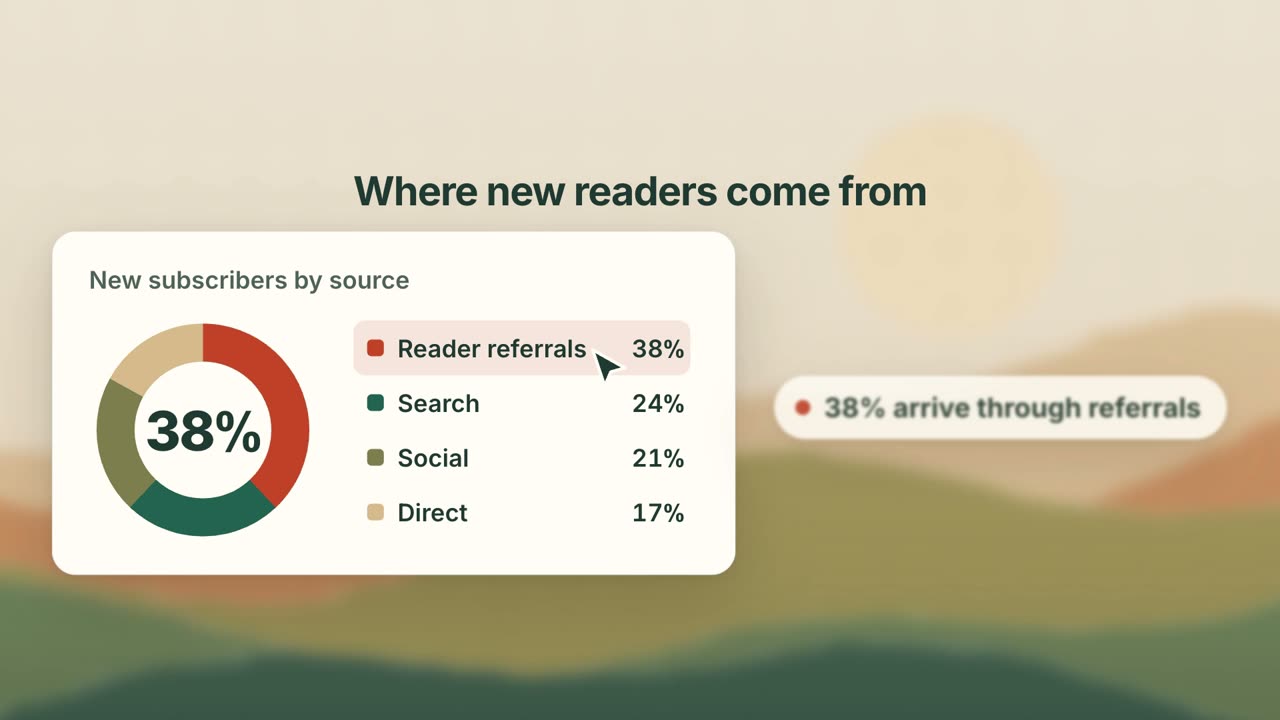
UI Card Promo
Have your agent turn your product's key screens into a 25-second promo of animated cards, where every number on screen is one you approved.

Launch Film Motion Graphics
Build a narrated launch film with the method and real source behind AdAnt's own, which you can watch here.
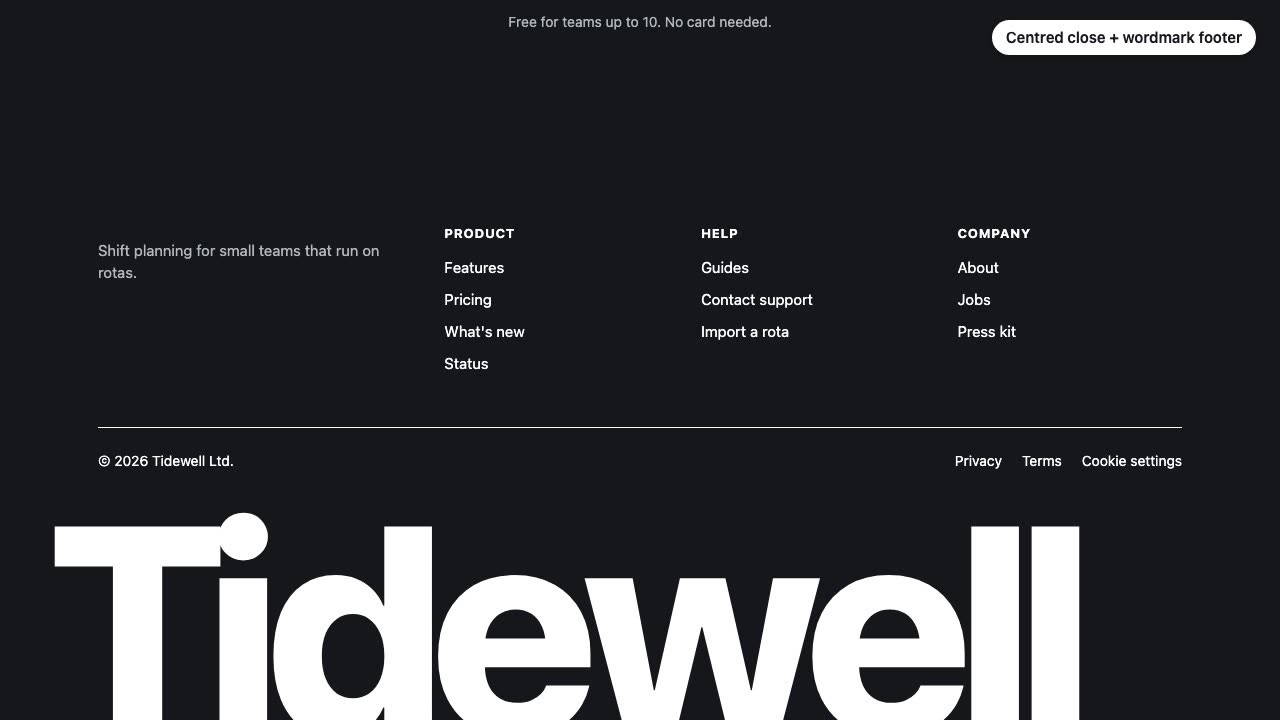
Closing CTA and Footer
Have your agent design, build and check the last screen of your landing page: the final call to action and the footer.
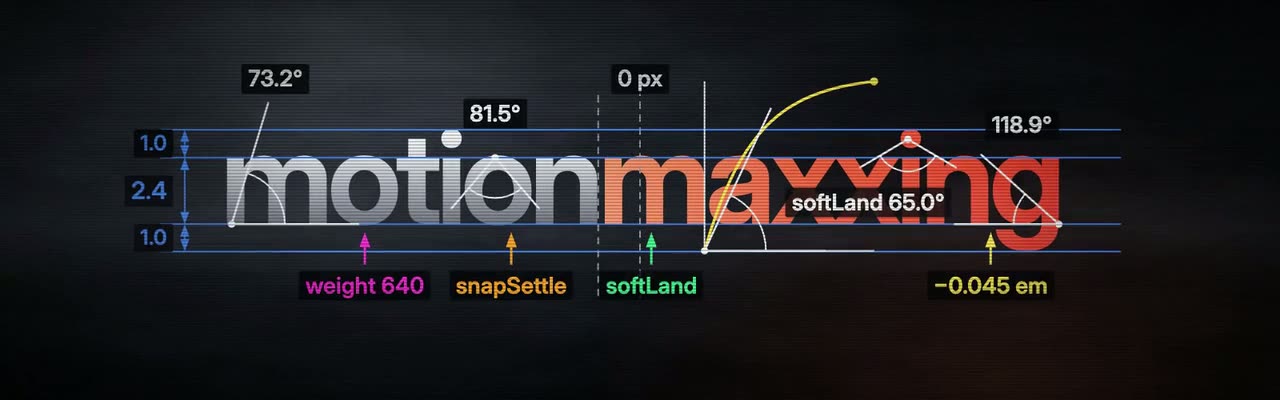
Motionmaxxing: Launch Films With Self-Review
Have your agent direct a launch film, build it on measured timing, and check its own render with scripts.
Brag: Launch Video From Your Code
Turn the project you are building into a short launch video with music and share copy.
Motion UI Animation
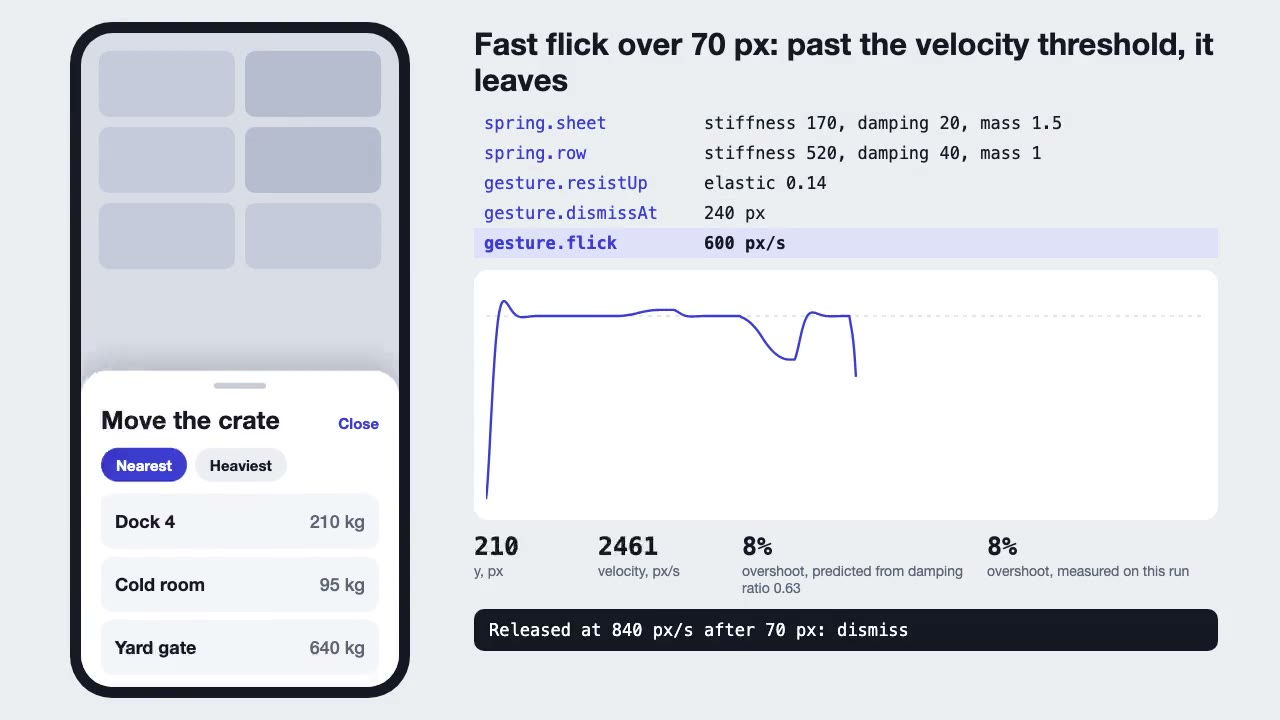
Build UI animation with springs, layout transitions and gestures from one written motion language, with a linter that catches drift.

Footage Landing Page
Have your agent build a full landing page under a looping footage hero, every word in one content file, then check it in Chrome.
HyperFrames: HTML to Video
Have Claude write launch films, explainers and title cards as HTML, then render them to MP4.

Remotion Video
Make video as React components, where every frame comes from the frame number, and render one template for any data.
UI Morph Loop
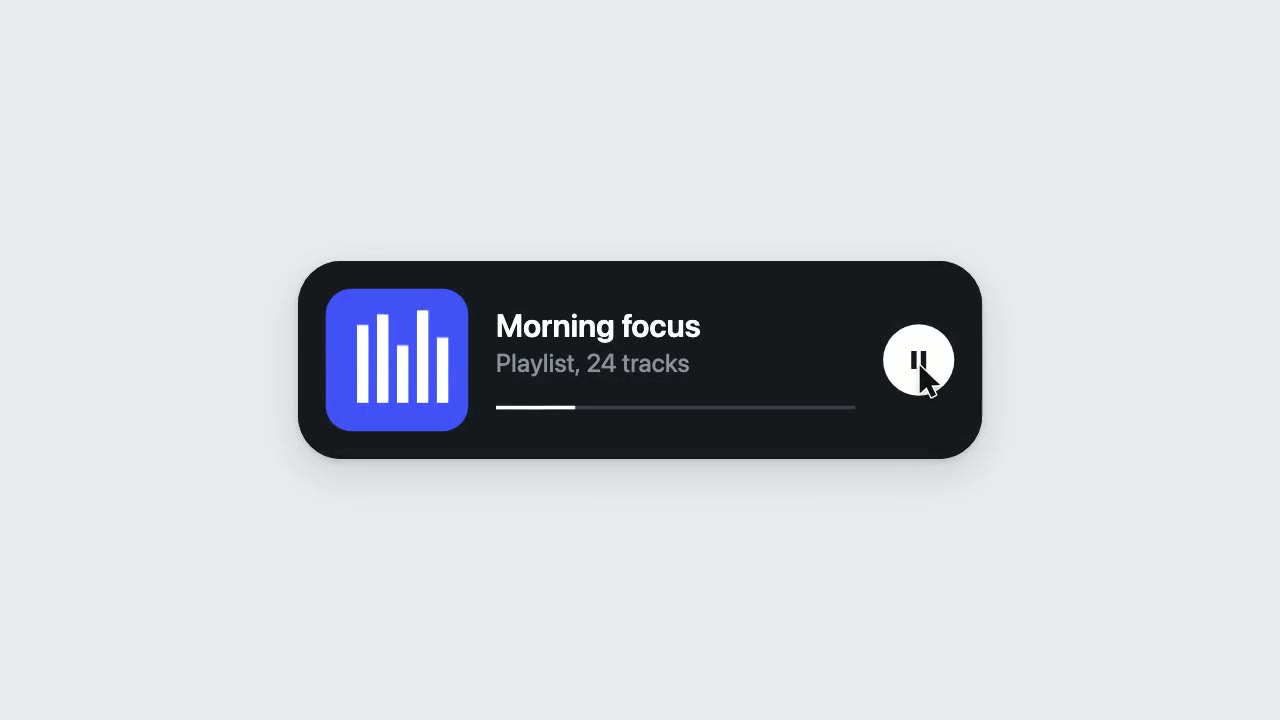
Have your agent make a looping clip where one element turns into a button, toggle, slider, search field, notification and player, with a cursor that clicks and drags to cause each change.

Motion Review Loop
Build a film in code so any frame can be inspected, then repair it from measurements, one changed line at a time.

Shader Loop Backgrounds
Have your agent write animated WebGL backgrounds that loop with no seam, then ship each as a React component, an MP4 for your ads and a still.