
About this skill
Product promos often show screenshots that are too small to read on a phone, with numbers nobody checked. This skill has the agent rebuild three of the product's screens as clean cards in HTML and SVG, such as a growth line, a donut of sources and a column chart, and fill every word and number from one data file. The owner approves that file first: a script prints every value as the screen will show it, recomputes each total, gain and peak from the raw numbers, and refuses to pass without a source and an approval date. The film follows eight beats: a hook number, a question typed into a search bar, the logo, three cards, a summary graph around the logo and an end card, over a backdrop drawn in code that blurs behind the cards. Before rendering, an audit in the page fails text that isn't bound to the data, text too small for a phone, anything clipped and anything out of frame. HyperFrames renders a 1920x1080 film and a 1080x1350 cut.
You say
Using this skill, ask me for my three most important dashboard screens and their numbers, show me the approval sheet, then make a 25-second promo with a search-bar question and an end card that says Start free. Render both sizes and show me the snapshots.
How it works
- Your agent asks which three screens you would show a new customer, and for screenshots or exports of them.
- It copies every word and number into one data file, recomputes each total and peak, and prints an approval sheet for you to sign off.
- It rebuilds each screen as a card, writes the eight beats and draws the backdrop, then audits the page for unbound, small, clipped and out-of-frame text.
- It checks and renders the 1920x1080 film and the 1080x1350 cut, and shows you frames from both.
Getting a good result
- Pick screens where one thing stands out: a line that jumps, one slice bigger than the rest, one tall column.
- Write each card's title as the point, not the feature name. The chip under it says the number in words.
- Change a number in the data file, never in the page. Every card, chip and summary that shows it follows.
What you get
- A beat sheet for a 20 to 30 second promo, with timing for every entrance, hold and exit
- A complete example promo for an invented product: line, donut and column cards, a summary graph and a drawn backdrop
- A data file format where every word and number lives, with checks that recompute totals, gains and peaks
- A data check that prints the approval sheet and fails on unapproved, unsupported or unbound values
- An in-page audit for unbound, small, clipped and out-of-frame text, and a script that makes the 1080x1350 cut
Good fit
- SaaS and app launches where the product's numbers are the story
- Founders who want a promo for X or LinkedIn today, without a motion designer
- Teams that need every figure in a video signed off before it goes out
Not for
- Promos made from real screen recordings or screenshots shown as they are
- Products with nothing to chart, such as a game or a physical product
- Films with people, voiceover or generated video
How to install it
- Download the ZIP and unzip it.
- Move the folder holding
SKILL.mdinto your agent's skills folder, such as~/.claude/skills/for Claude Code. - Start a new session and ask for what you want to make.
Needs: An agent that reads skills, Node 22 or later and ffmpeg, HyperFrames 0.9.20, which the example pins and installs with npm.
Popular on X
Posts showing demand for this kind of video. Unless a post names this tool, it wasn't made with it.
- A product promo made with a coding agent in one session, posted on X 219,780 views on X, measured 10 November 2026
FAQ
What does it cost?
$2.99 once for this skill, or $99 once for every skill in the library. It also comes with every paid AdAnt plan, from $15 a month. It runs on your own computer and uses no AdAnt credits. HyperFrames, which renders the promo, is free and is not in the ZIP.
What does it install?
HyperFrames, HeyGen's open-source HTML-to-video renderer, at version 0.9.20 from npm, under the Apache-2.0 license. Its first check or render downloads a headless Chrome and the fonts it bundles into a cache folder. HyperFrames has usage telemetry, which one command turns off. The example also loads GSAP 3.15.0 from a CDN; GSAP is free for commercial use under its own license. The skill asks before installing anything.
Where do the numbers come from?
From your own product's screens. The skill asks for screenshots or exports from an account you own or may show, copies each number into one data file with a note of where it came from, and prints an approval sheet for you to sign off. If the numbers come from a demo workspace or are invented, the film must say so on screen, and the check fails until it does. The example on this page is an invented newsletter tool, Quorrel, with invented numbers, and its end card says so.
What did you run, and what didn't you?
We followed the skill to make the example: the data check passed 72 values and 9 checks, HyperFrames' check passed both cuts with 22 of 22 text elements meeting WCAG AA contrast, and both cuts rendered in under a minute on an Apple M4 Pro laptop. Copies broken on purpose failed for the right reasons: a word typed straight into the page, text under the size floor, a label clipped by its box and a card pushed out of frame. We did not test it on Windows or Linux, or with a real product's data.
How is this different from the other launch video skills?
Most launch film skills animate words, footage or screenshots. This one rebuilds the product's screens as cards from a data file, so every number is approved and checked against its source numbers, the cards stay sharp on a phone, and a change to one number updates every card, chip and summary that shows it.
Is this the video that inspired it?
No. The idea comes from a product promo posted on X, linked on this page. AdAnt wrote this skill, its scripts and its example without the post's files or words, and its author did not write or review it. The clip on this page is AdAnt's example, rendered by following the skill.
Can I use it in commercial work?
Yes. The skill's code is MIT licensed: use it and what it makes in your own commercial work, including for clients, and keep the license file with any copy you pass on.
Related skills
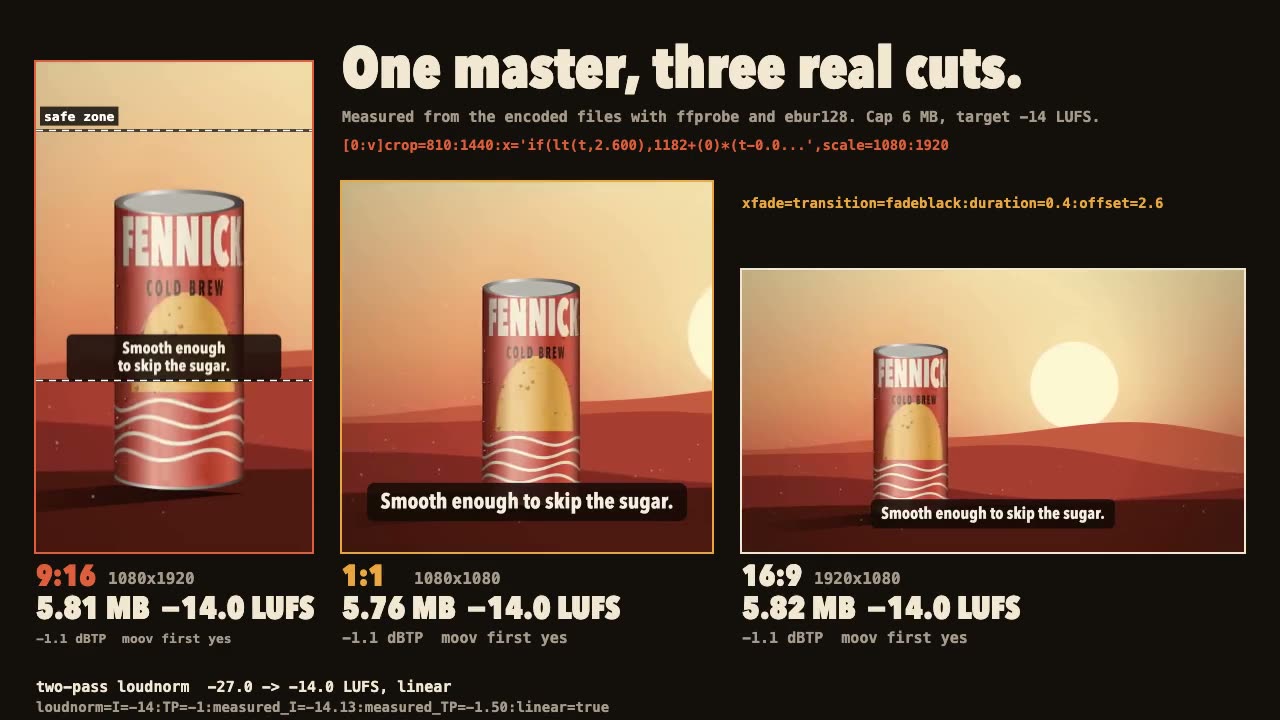
FFmpeg Finishing
Turn one master into 9:16, 1:1 and 16:9 files with safe-zone captions, measured loudness and a size cap.
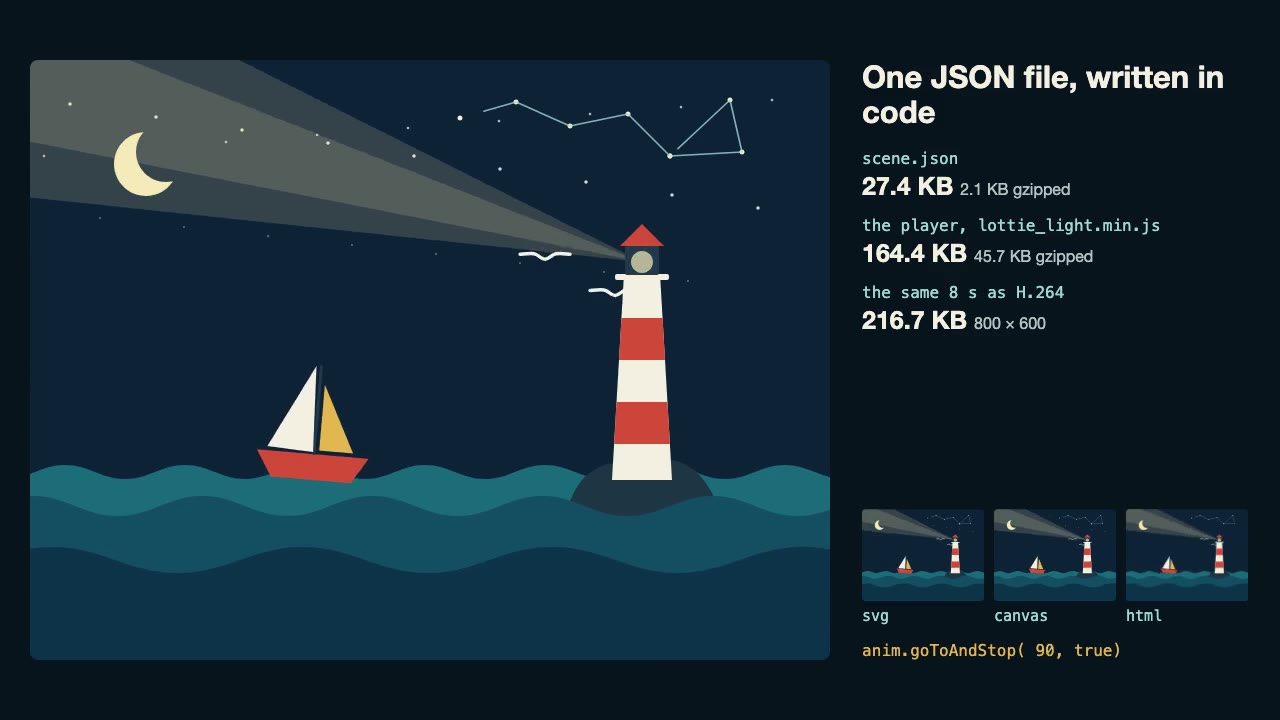
Lottie Animation
Write an original Lottie animation as JSON from a script, check that it's safe, and play it with lottie-web, with no After Effects.
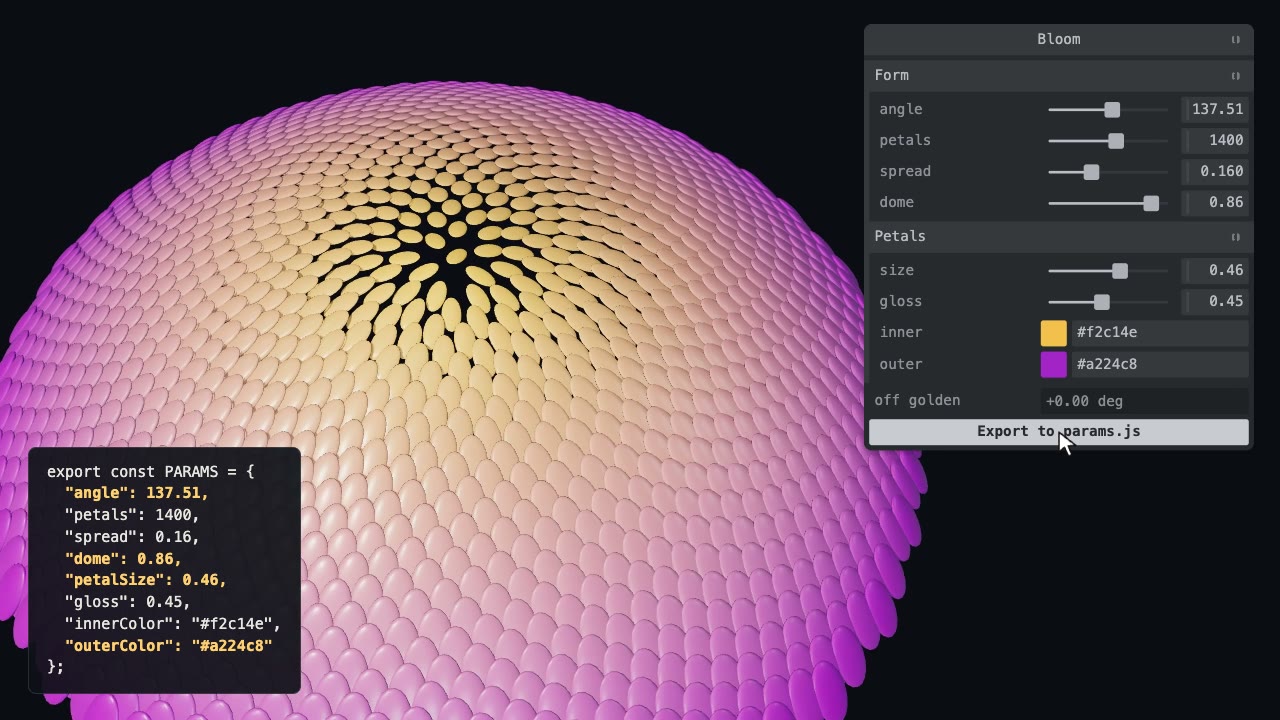
Tweakpane Live Tuning
Add a live panel to an animation so you can tune it by hand, then write the values you chose back to the code.
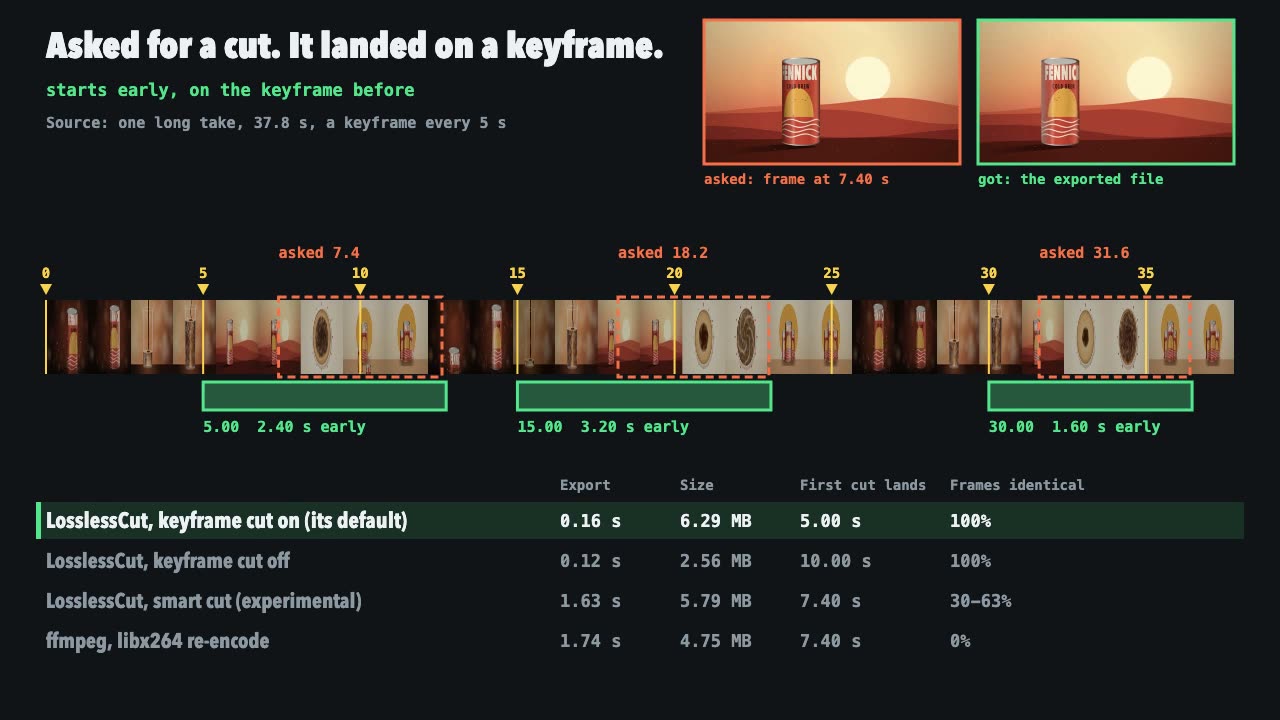
LosslessCut Trims
Cut long recordings fast without re-encoding, and measure where each cut really landed.

Remotion Video
Make video as React components, where every frame comes from the frame number, and render one template for any data.
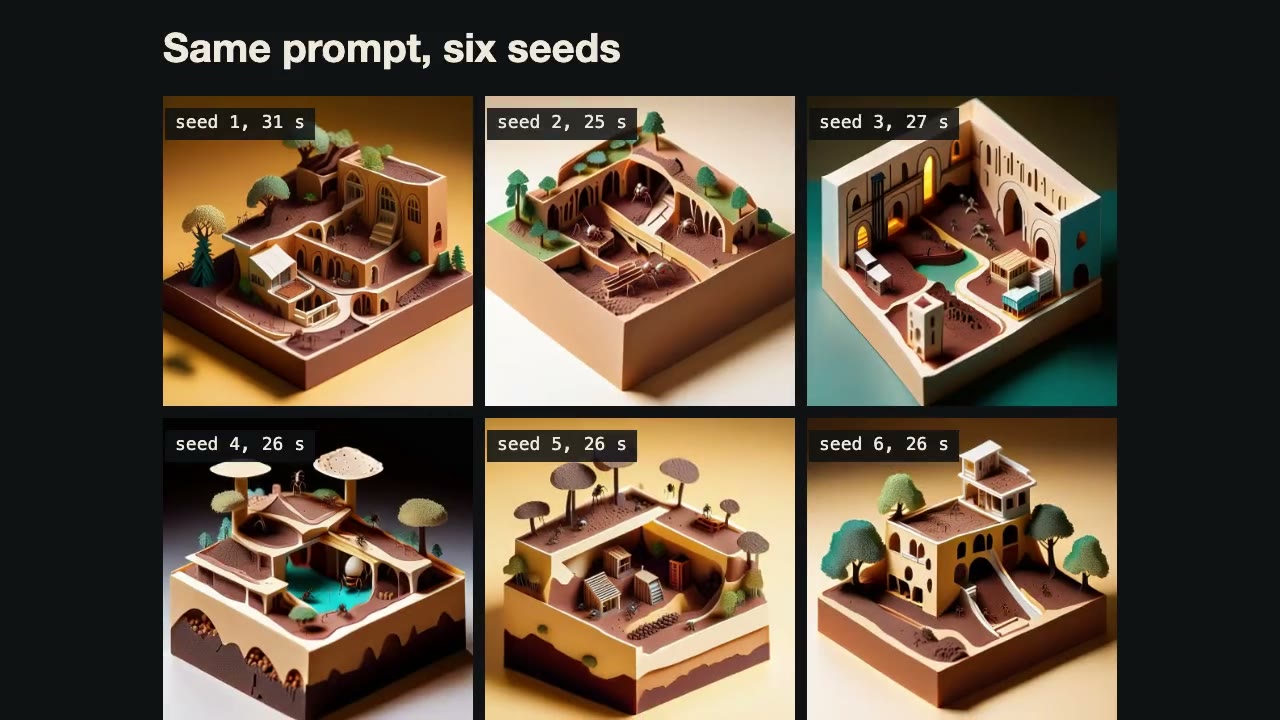
ComfyUI Workflows by API
Have your agent write ComfyUI workflows as JSON, run them on a local server, and fetch the images, with seed and prompt sweeps.
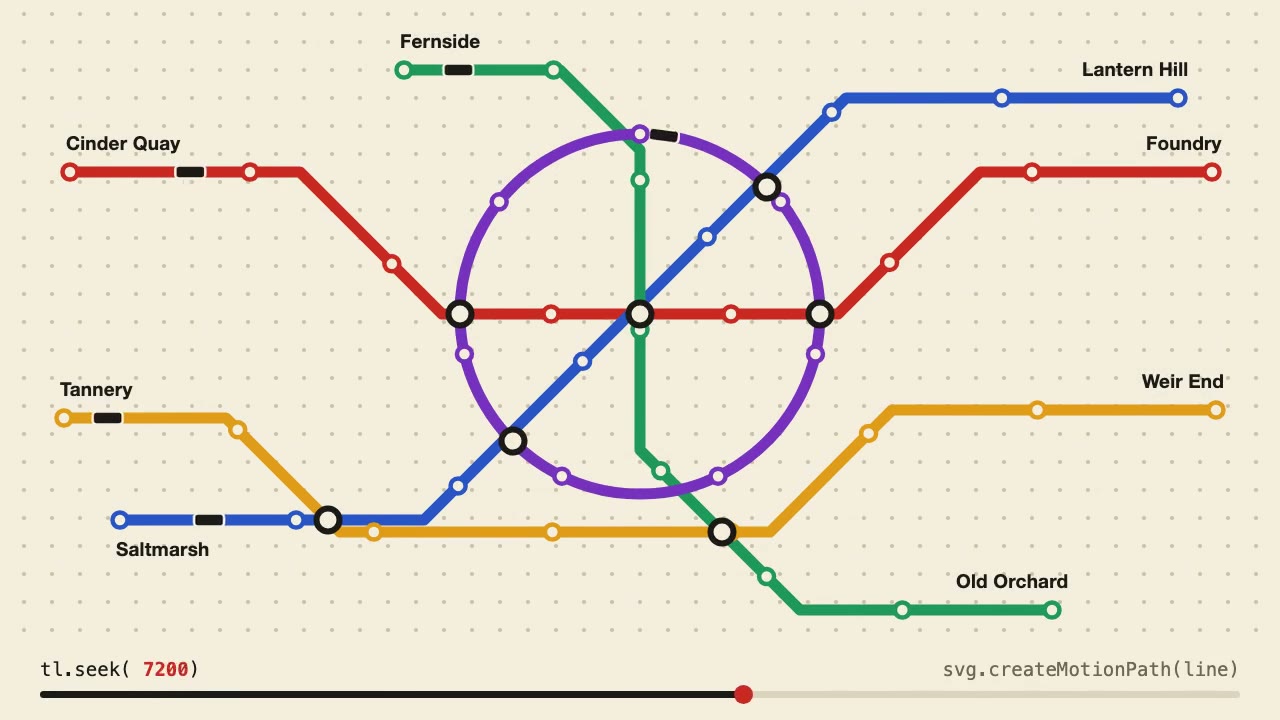
Anime.js Timelines
Choreograph grid staggers, self-drawing SVG lines and things that follow a path on one Anime.js timeline you can seek.
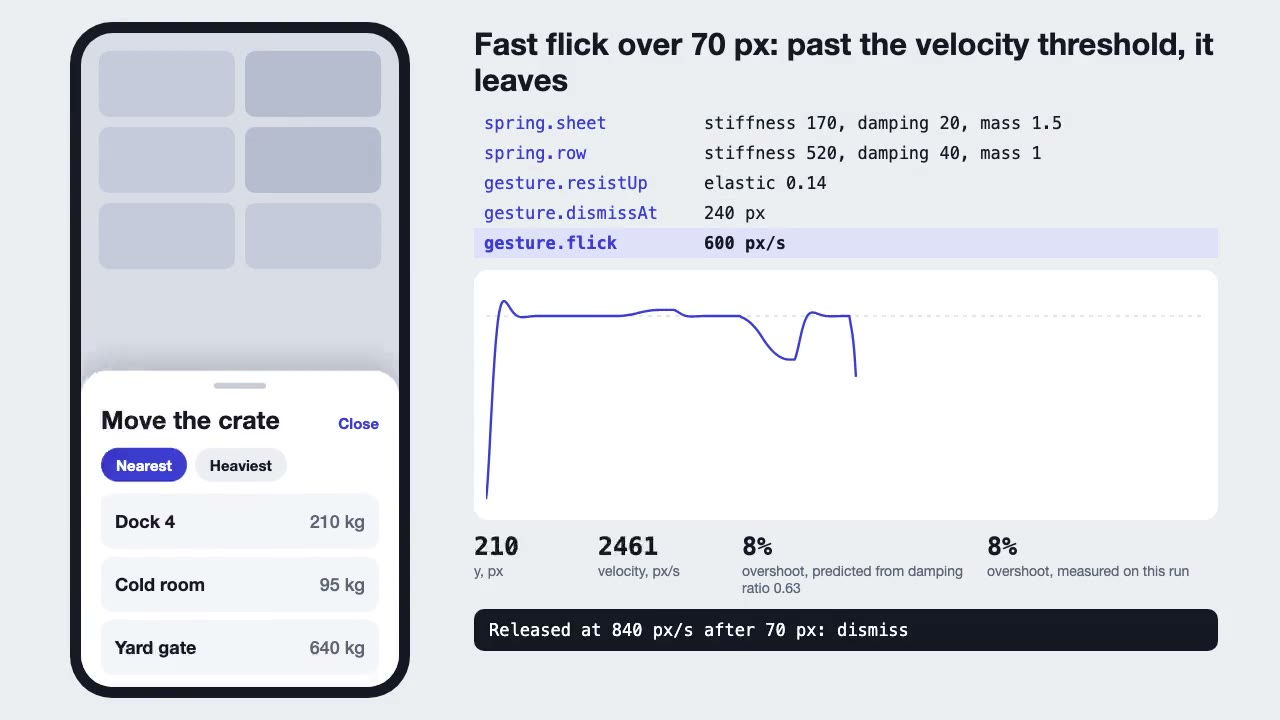
Motion UI Animation
Build UI animation with springs, layout transitions and gestures from one written motion language, with a linter that catches drift.
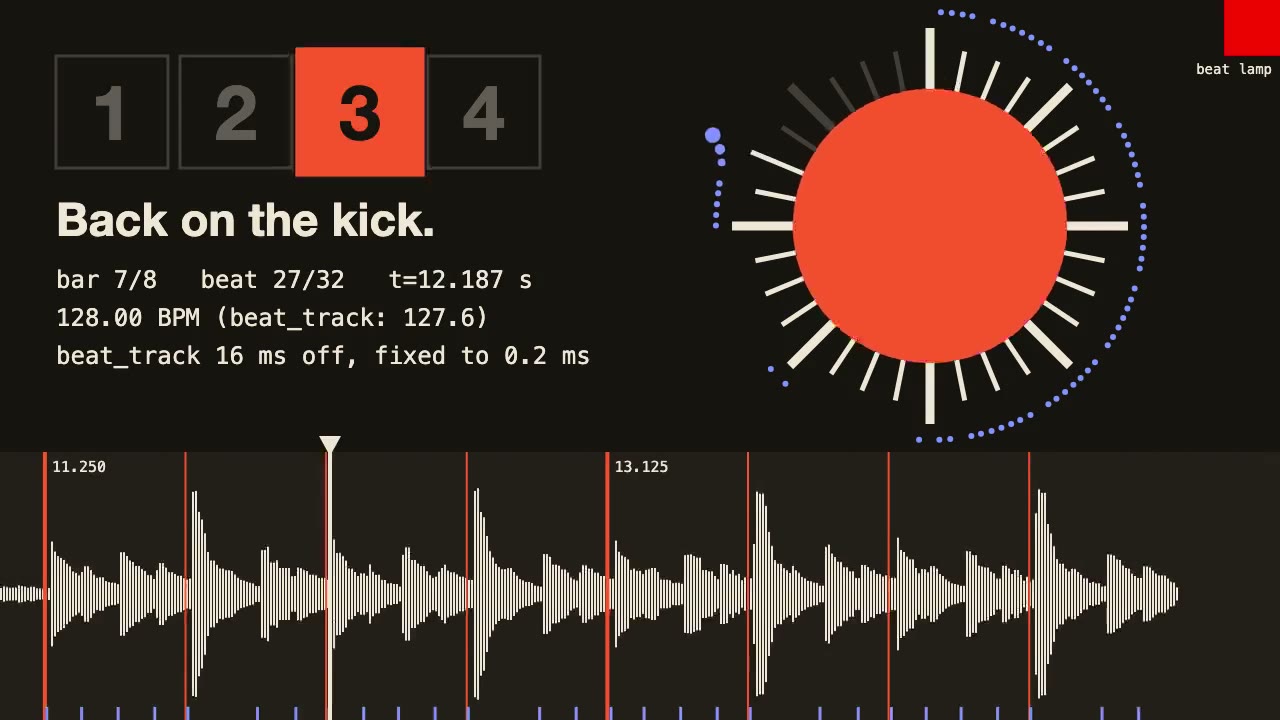
librosa Beat Sync
Measure a track's beats with librosa, drive an animation from the JSON it writes, and prove the sync by measuring the video.
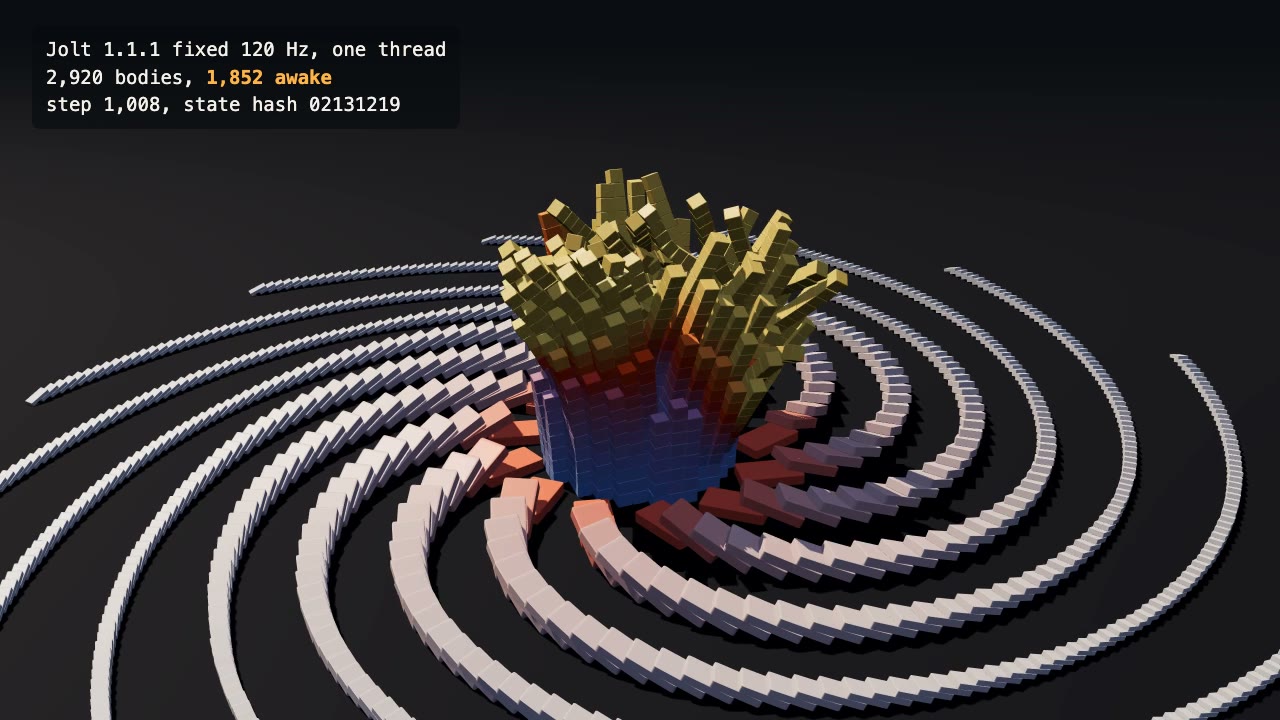
Jolt Physics Simulation
Simulate thousands of rigid bodies with Jolt and render the collapse, repeatably, frame by frame.

Three.js Postprocessing
Give a flat three.js shot HDR bloom, depth of field, tone mapping and a color grade, in the right order.
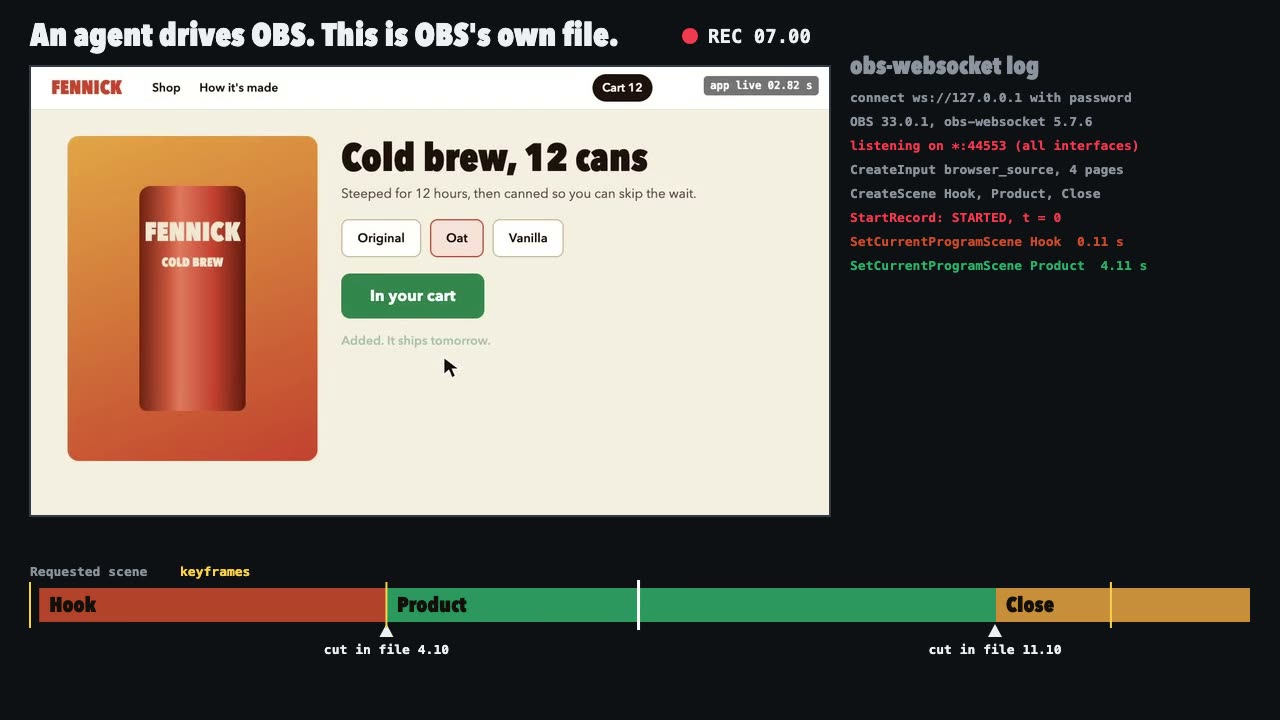
OBS Recording
Script a real OBS recording of a page with timed scene switches, then check the file it wrote.