
About this skill
A Playwright script loads one public page at a desktop and a phone width and reads computed styles from the rendered DOM. It groups what it finds into tokens: colours with candidate roles and measured contrast ratios, type styles with their font stacks, spacing values, radii, shadows, motion and the most common button and card looks. It takes screenshots and writes tokens.json and a DESIGN.md draft. Your agent then checks the screenshots, names the tokens, confirms the roles, and writes the rules a measurement cannot give, such as which button is primary or what the pictures look like. Measured values and judgment stay apart in the file. The same DESIGN.md keeps generated ads on brand, with caption colours that pass contrast and an end-card style.
You say
Using this skill, measure https://our-site.com and write a DESIGN.md for the project. Decline the cookie banner, check every colour role against the screenshots, and list any text colours that fail contrast.
How it works
- Give your agent a public URL, what the DESIGN.md is for, and the cookie banner's most private button if there is one.
- It runs the extractor, which checks robots.txt, loads the page at 1440 and 390 pixels wide, screenshots it and writes tokens and a draft.
- It reads the draft against the screenshots: confirms each colour role, names the tokens, and notes any text that fails contrast.
- It writes the DESIGN.md from the template, with measured values in tables, rules tied to those values, and a section for ads and video.
Getting a good result
- Decline the cookie banner with --dismiss, or its colours and buttons are measured as part of the design.
- Rebuild tokens from the saved raw files with tokens.mjs instead of loading the site again.
- If the sizes follow no single ratio, list them. A made-up type scale is worse than none.
- Check text over photos and gradients by eye: the contrast is measured against the colour underneath, not the picture.
What you get
- An extractor that checks robots.txt, loads the page once per width, screenshots it and writes tokens.json and a DESIGN.md draft
- Colour clustering that keeps real painted colours, text roles chosen from what sits on the canvas, and WCAG ratios for the most-used text and background pairs
- A DESIGN.md template with a section for ads and video, and a guide to what can be measured and what must be judged
- A worked example on adant.ai: the raw draft beside the edited DESIGN.md
Good fit
- Giving a coding agent your own site's style before it builds new pages
- Comparing a reference site's palette and type when choosing a direction
- Keeping captions, overlays and end cards in generated ads on brand
- Checking which text colours on a page fail contrast
Not for
- Copying another company's design as your own: use a reference to choose a direction
- Pages behind a login, or crawling a whole site: it reads one public page per run
- Hover, focus and dark-mode states, which it does not measure
How to install it
- Download the ZIP and unzip it.
- Move the folder holding
SKILL.mdinto your agent's skills folder, such as~/.claude/skills/for Claude Code. - Start a new session and ask for what you want to make.
Needs: An agent that reads skills, Node 20 or later, Playwright with Chromium or Chrome (npm i -D playwright).
Popular on X
Posts showing demand for this kind of video. Unless a post names this tool, it wasn't made with it.
- A list of UI and UX sites that includes a DESIGN.md style library 98,508 views on X, measured 8 November 2026
FAQ
What does it cost?
$2.99 once for this skill, or $99 once for every skill in the library. It also comes with every paid AdAnt plan, from $15 a month. It runs on your own computer and uses no AdAnt credits.
Can I use it in commercial work?
Yes. You can use the skill and what it makes in your own commercial work, including for clients. You can't resell the skill.
What does the script measure, and what does the agent decide?
The script measures colours, fonts, sizes, weights, line heights, letter spacing, padding, margins, gaps, radii, shadows, transitions and the colour behind every piece of text. The agent decides what those values mean: which colour is the accent, which button is primary, how dense the layout is, and what the pictures and copy are like. The DESIGN.md marks which is which.
How does it pick colour roles?
Colours within a small perceptual distance are grouped, and each group keeps a colour the page really painted. The largest painted area is the candidate canvas. Body text is chosen from text that sits on the canvas, so a dark band full of grey copy does not decide it. Colours used on buttons and links are candidate accents. The agent confirms each role against the screenshots.
Can I run it on someone else's website?
On a public page, yes, to study a style and pick a direction. The script reads robots.txt first and stops if the page is disallowed, loads the page once per width, and never signs in or crawls. Shipping another company's exact palette, type, logo or copy as your own is not what it is for.
How does it help with ads?
The DESIGN.md has a section for ads and video: text and background pairs that pass 4.5:1 for captions and overlays, and the background, headline style and accent for end cards. AdAnt's agents, or any other tool that makes ads, can follow it so the ads look like the brand.
Did the library that inspired it write this skill?
No. The idea comes from a library of website styles with DESIGN.md files, linked on this page along with the post that shared it. AdAnt wrote this skill, its scripts, template and example, and neither the library's makers nor the post's author wrote or reviewed it. Nothing from the library is in the download.
Related skills
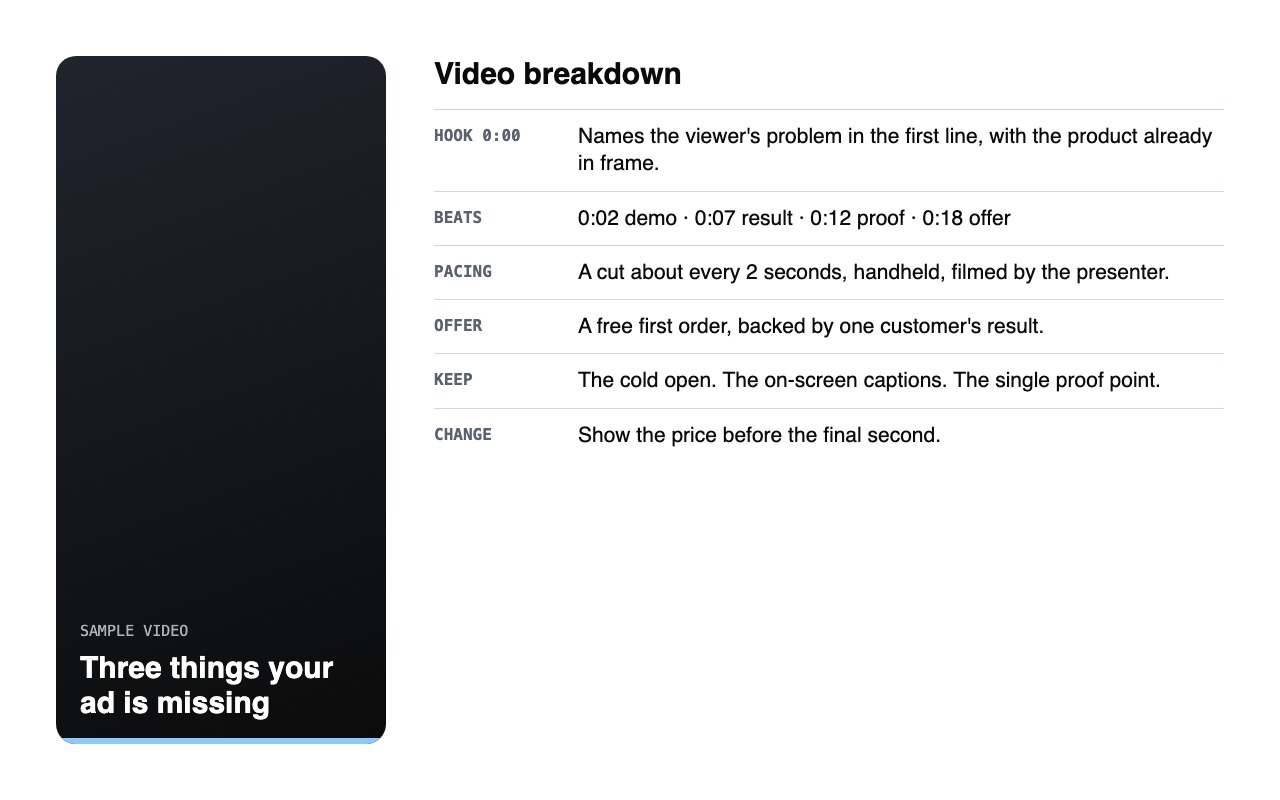
Video Ad Analysis
Break down any public short-form video into its hook, structure, pacing and offer.
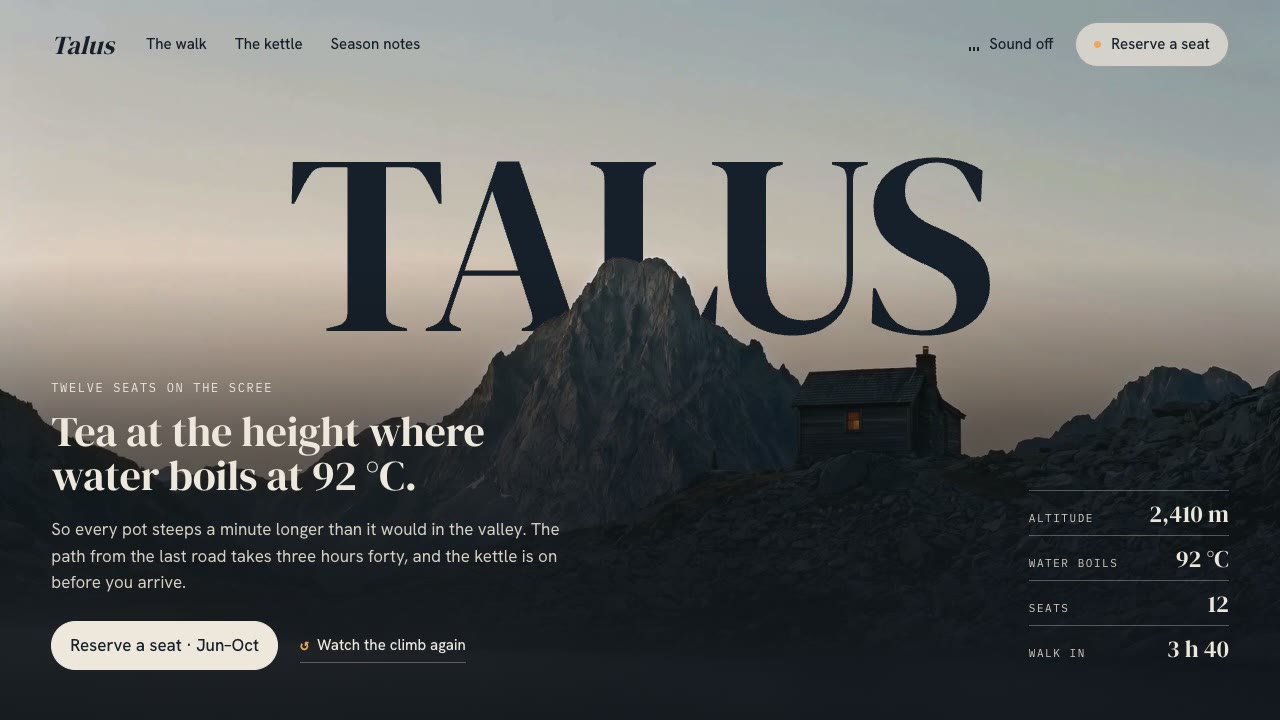
Cinematic Video Hero
Have your agent build a one-screen hero from footage and type, with a freeze frame, text behind the subject and a loop, then measure it in a real browser.
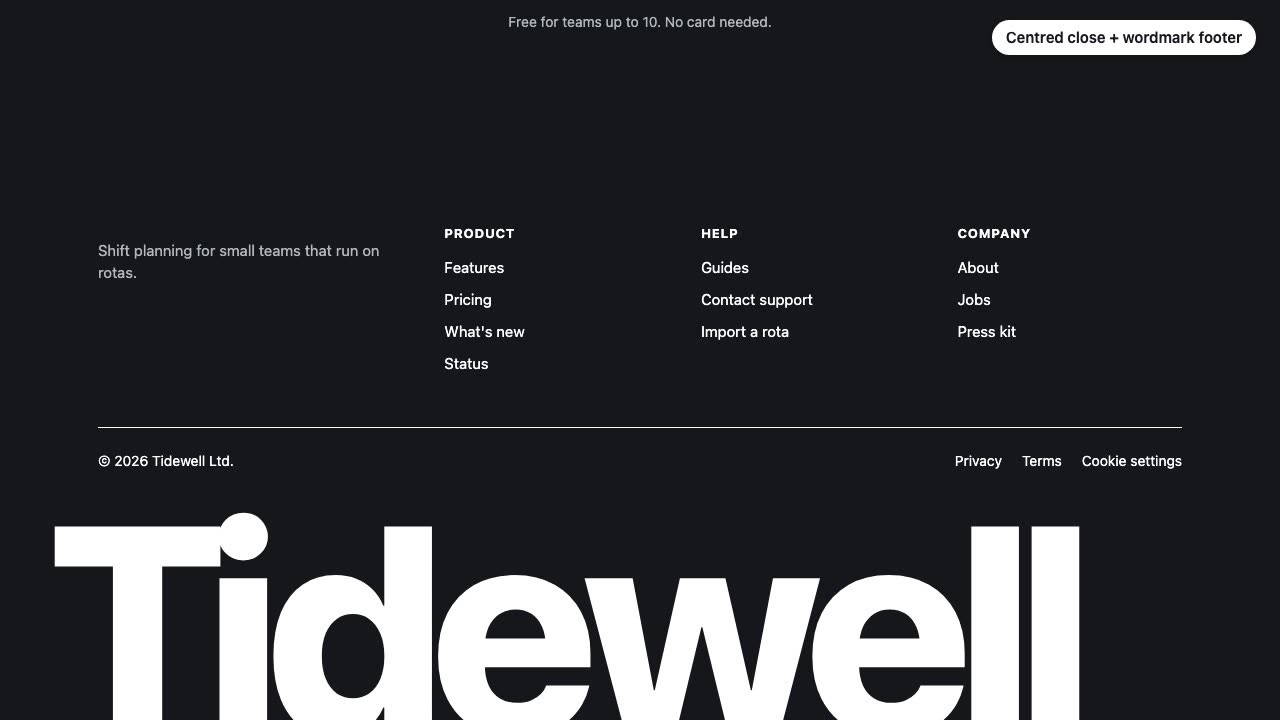
Closing CTA and Footer
Have your agent design, build and check the last screen of your landing page: the final call to action and the footer.
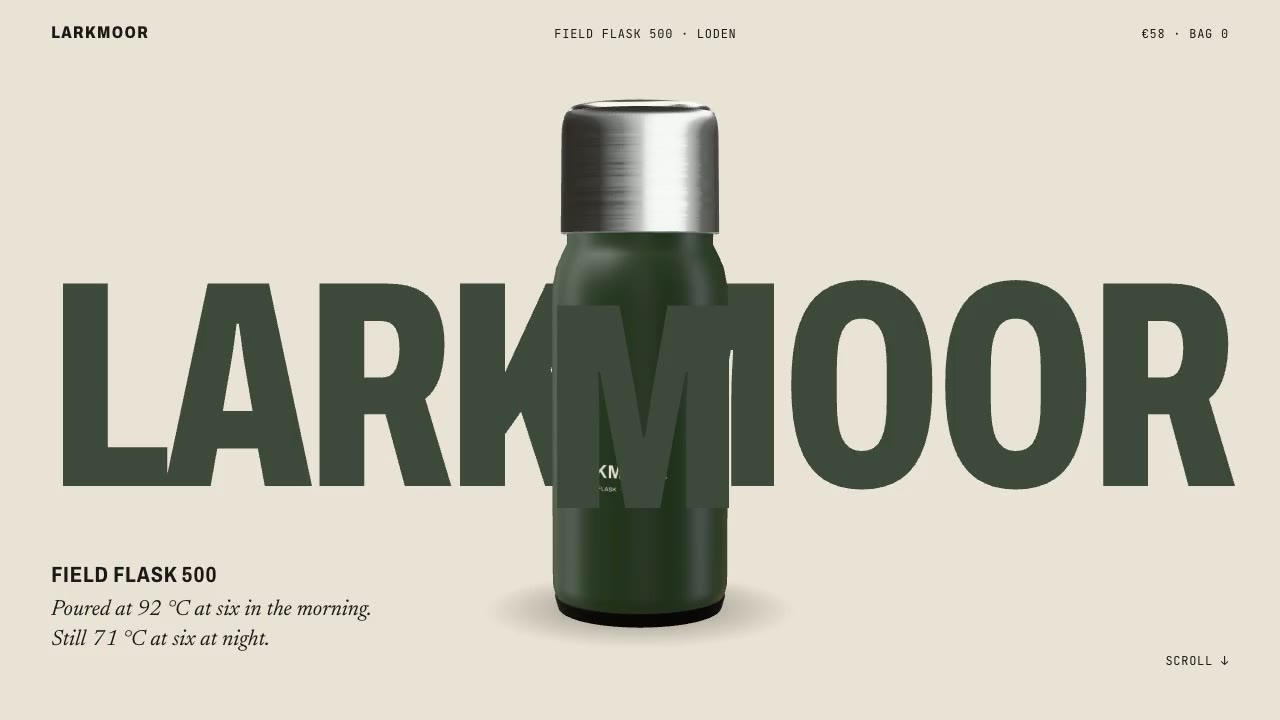
Scroll-Posed 3D Product
Have your agent build a page where one 3D product holds the centre while the scroll poses it, section by section, until it docks into the buy box.

Shader Loop Backgrounds
Have your agent write animated WebGL backgrounds that loop with no seam, then ship each as a React component, an MP4 for your ads and a still.

Hand-Painted Brushstroke 3D
Have your agent repaint a live three.js scene as brush strokes that stay on their surfaces when the camera moves, then measure it and record it.

Lemo-Opuscar: 66 Film Styles Your Agent Directs in Code
Have your agent direct, draw, score and mix a short film about your own topic in one of 66 styles, from Ukiyo-e to Swiss motion graphics.
WhisperX Word Captions
Get a timestamp for every spoken word on a plain CPU, export SRT and VTT, and drive word-highlighted captions from the JSON.
Scroll-Scrubbed Film Site
Have your agent build a landing page where scrolling plays a film frame by frame, with chapters, callouts and a preloader, then check it in Chrome.
UI Morph Loop
Have your agent make a looping clip where one element turns into a button, toggle, slider, search field, notification and player, with a cursor that clicks and drags to cause each change.
Scroll-Driven Site
Have your agent build a landing page where scrolling pins, scrubs and reveals each scene, then measure it in a real browser.
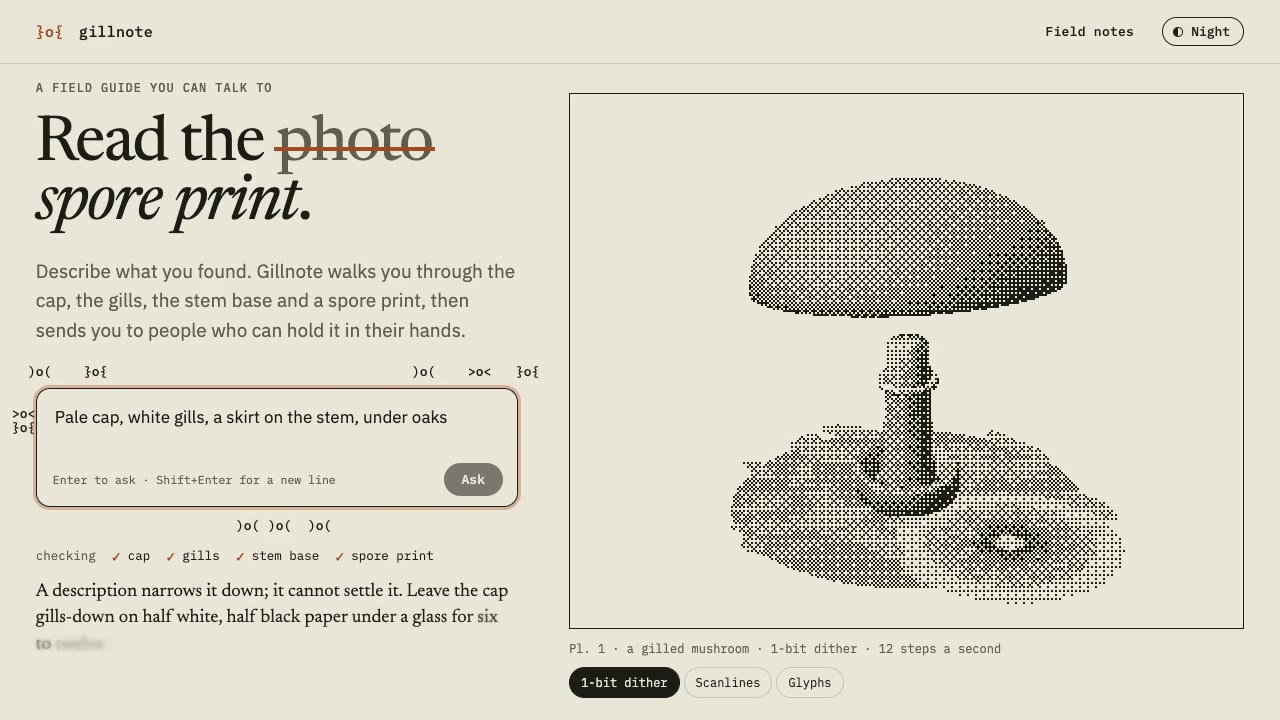
Dither & Glyph Hero
Have your agent build a hero that draws a live 3D scene in two inks, as dither, scanlines or glyphs, around an AI prompt, then check it in Chrome.